
Explore projected capacitive touch panels for TFT LCD, OLED and equipment interfaces. DisplayMan helps match the sensor structure, cover glass, controller, connection and bonding method to your product.
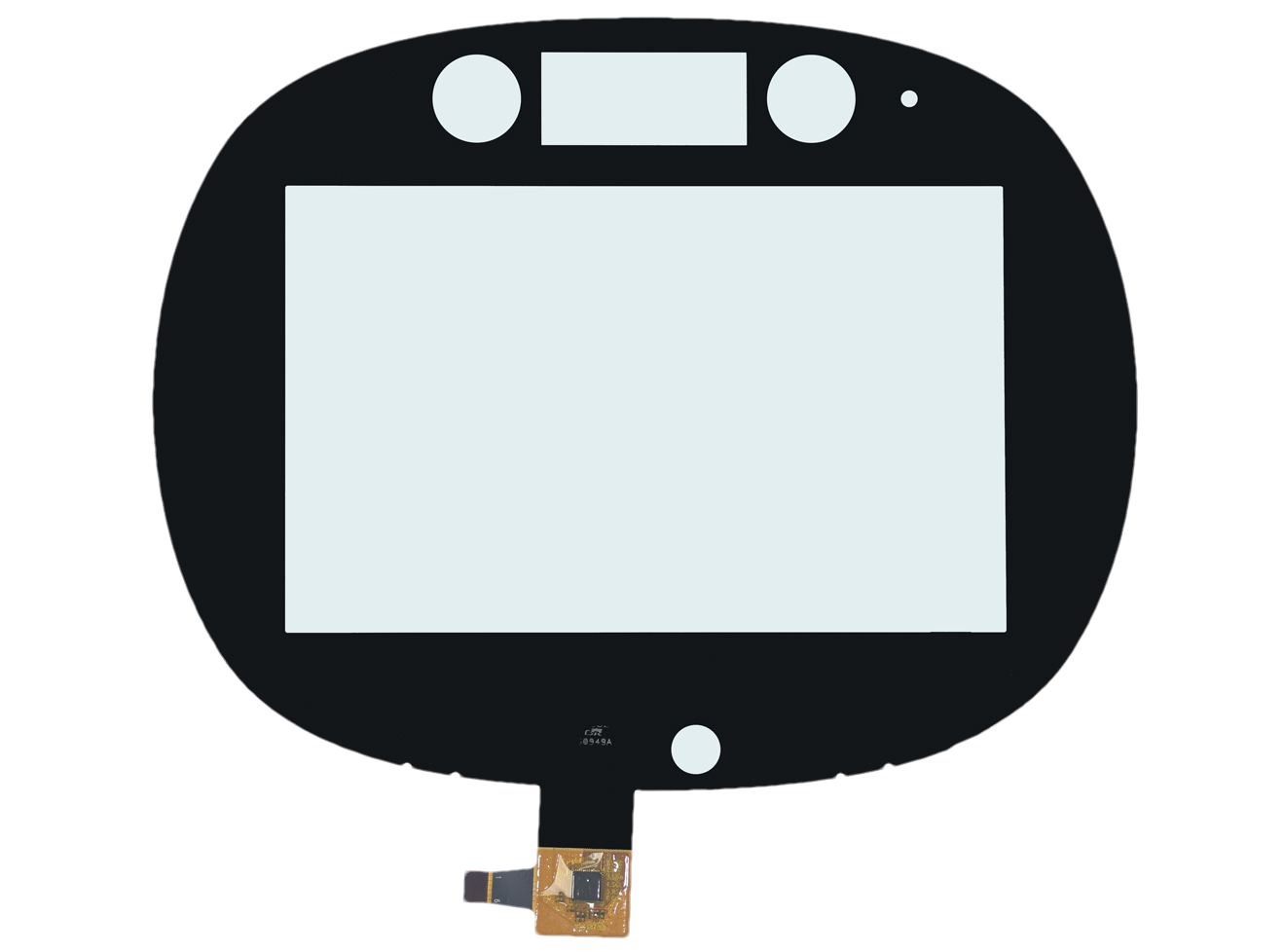
Explore representative G+G and P+G touch panels for industrial controls, access systems, POS, vehicle navigation and other OEM interfaces. Images show example constructions; final dimensions, sensor, FPC and controller are reviewed against your project.
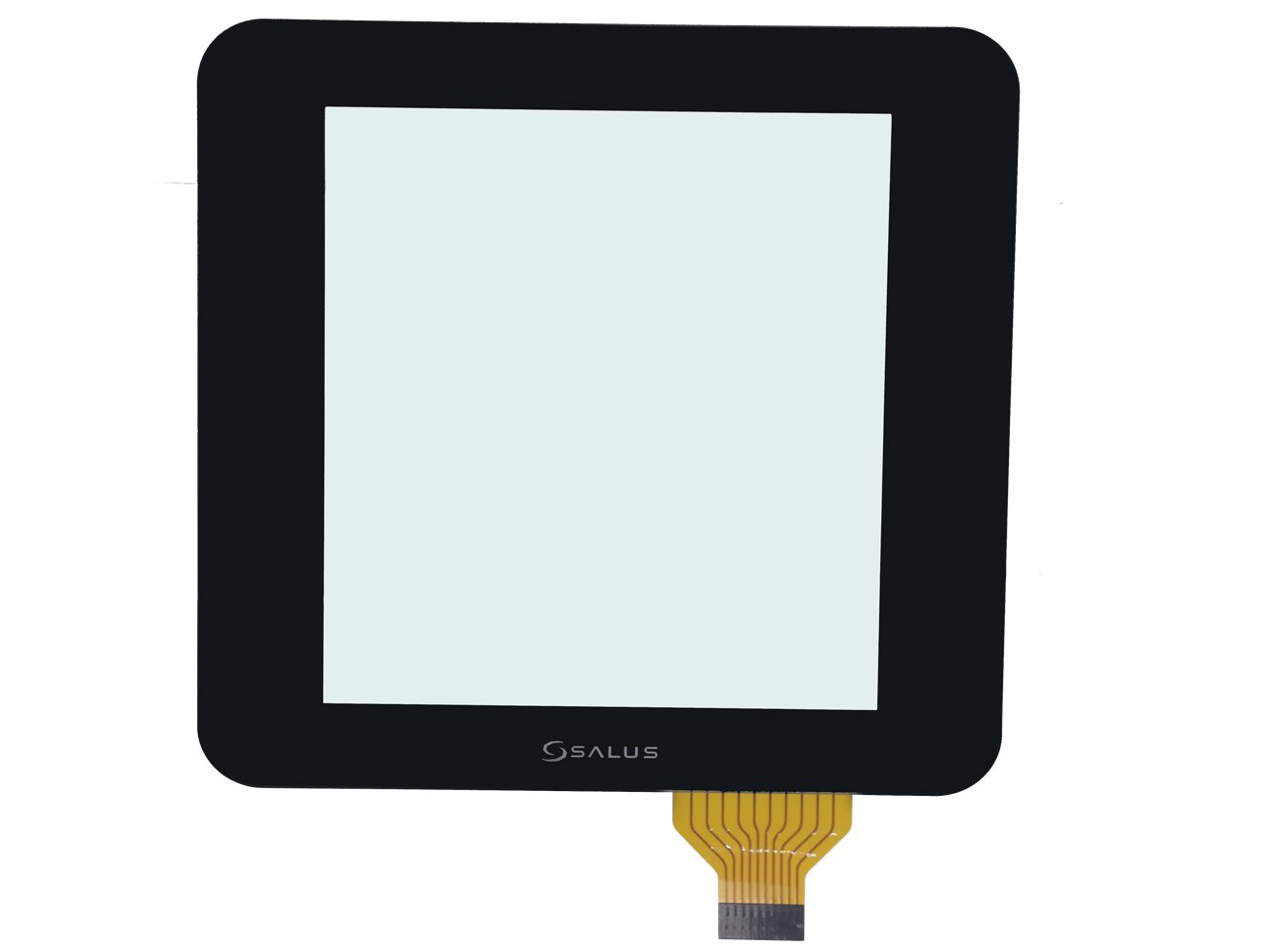
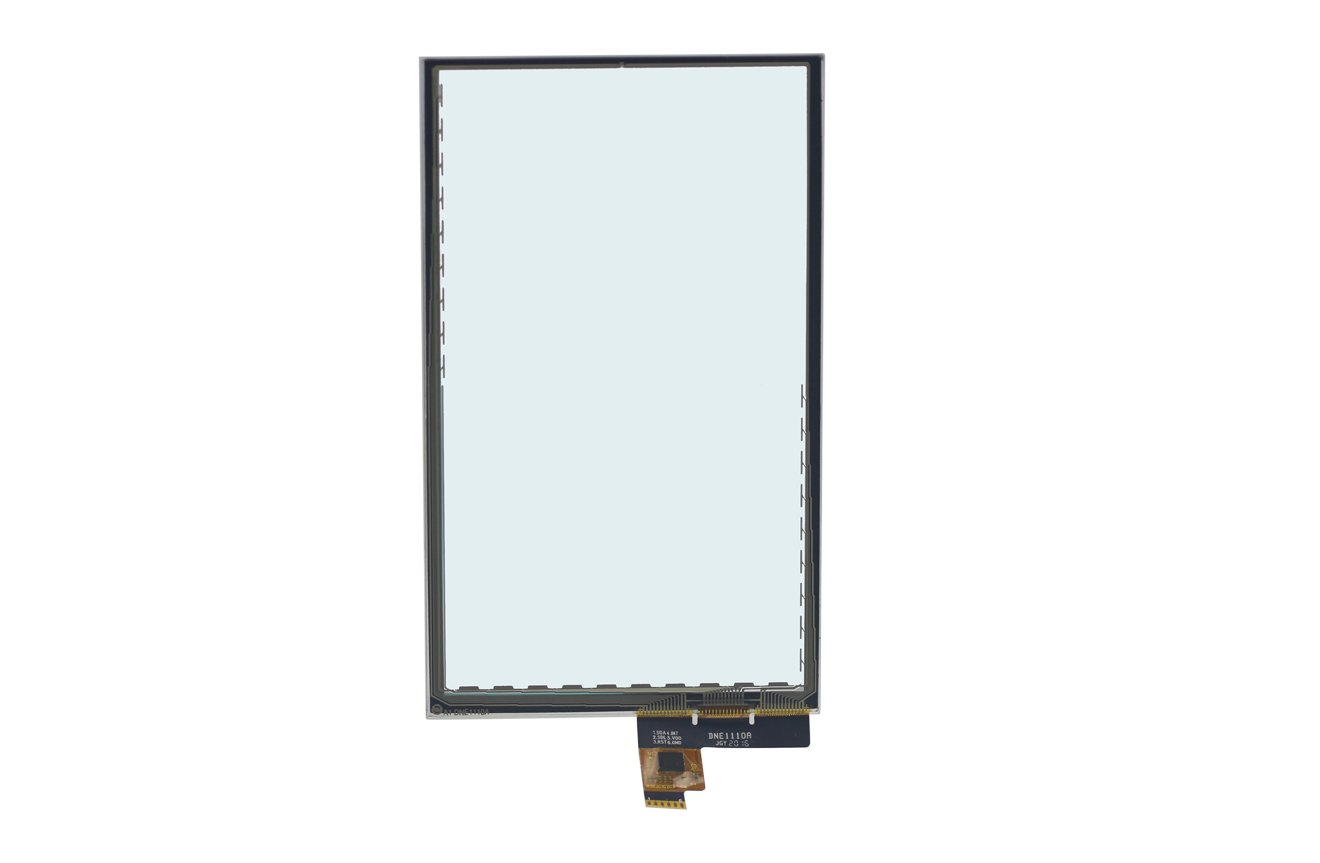
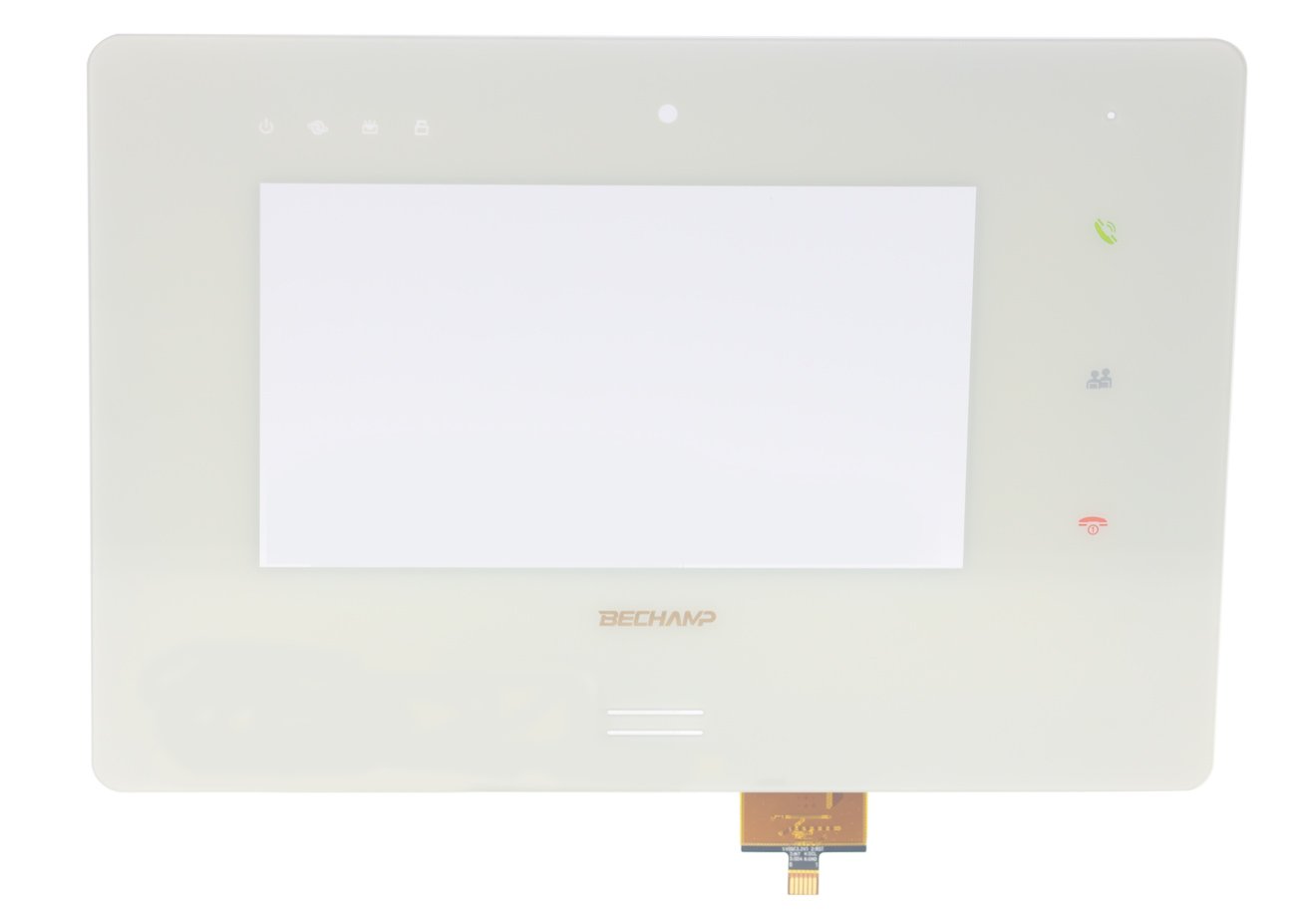
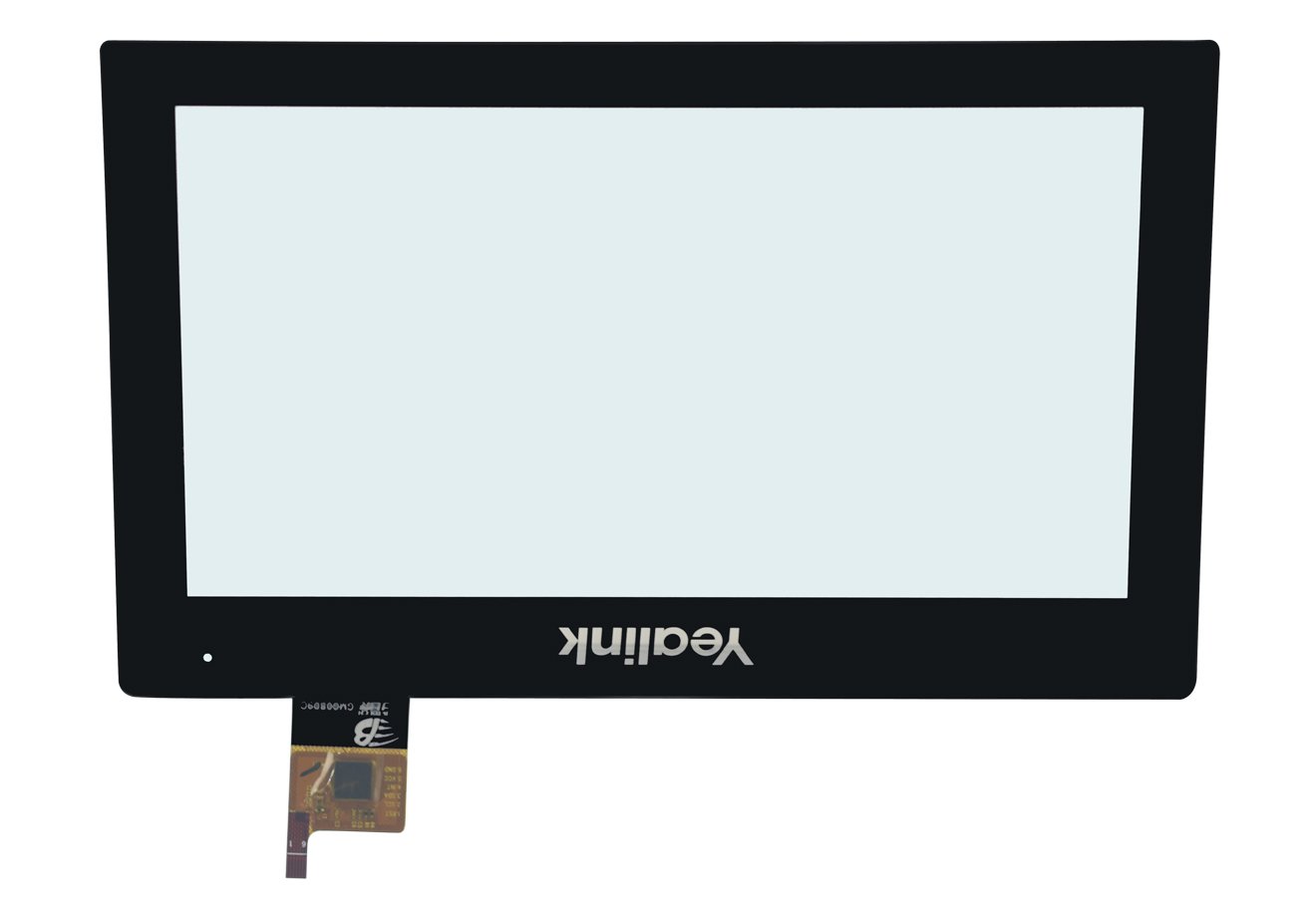
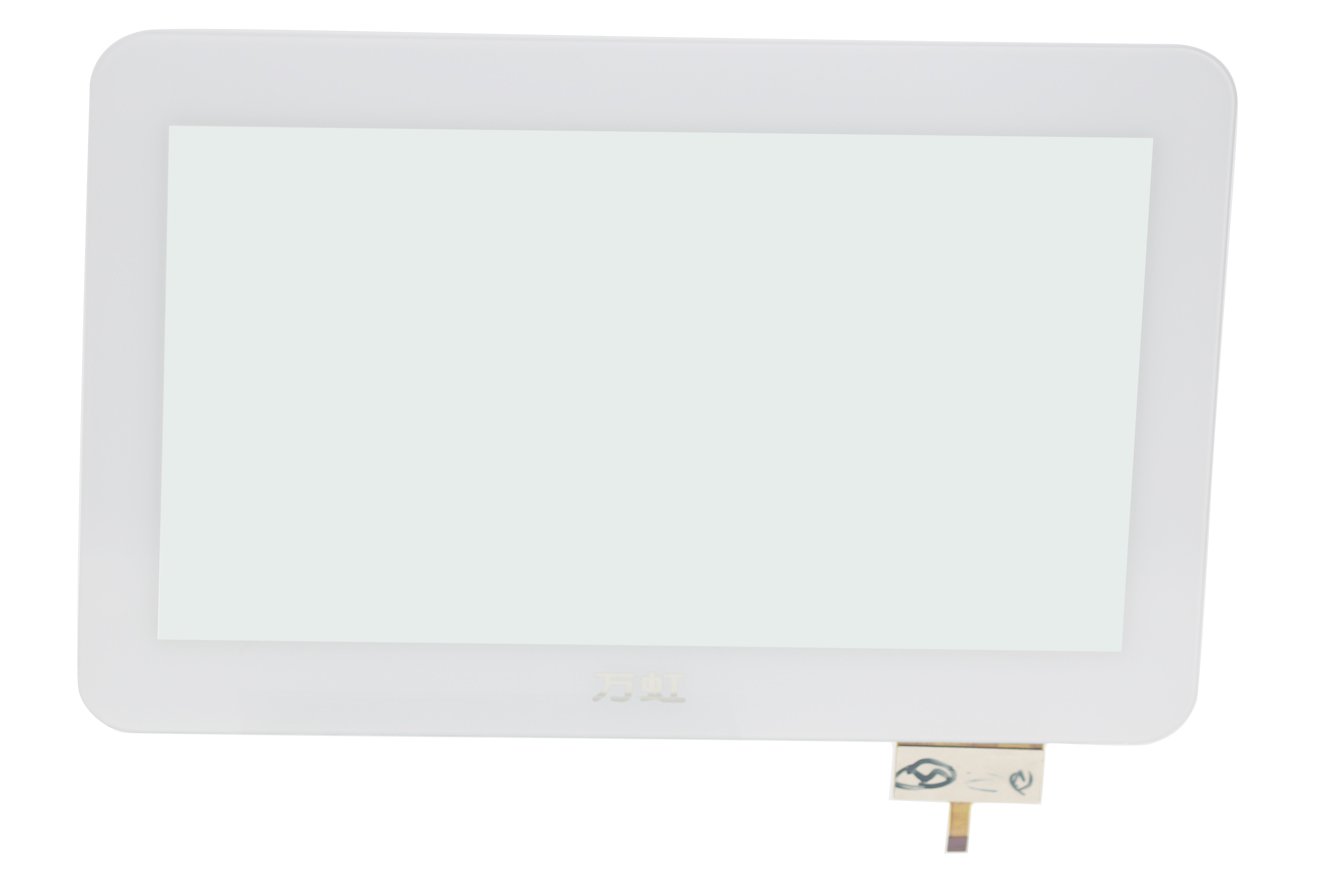
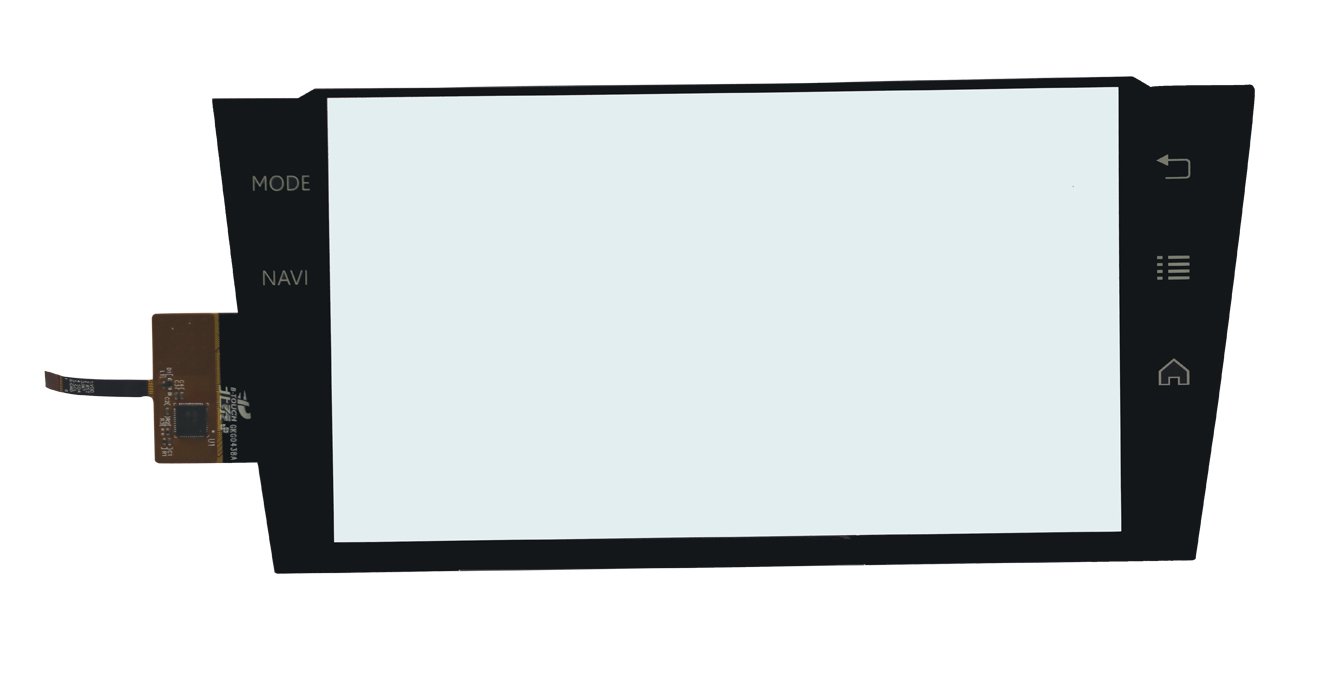
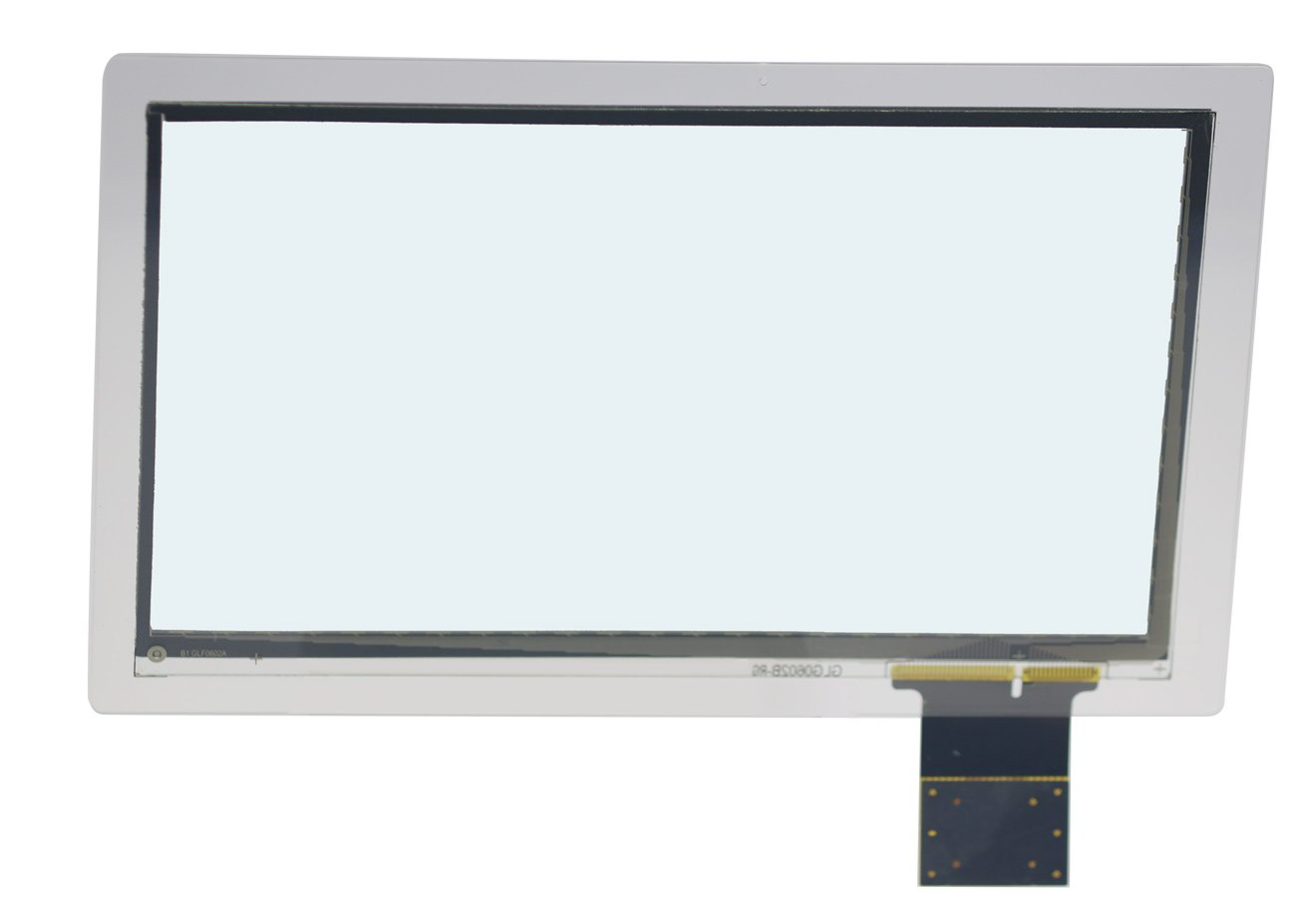
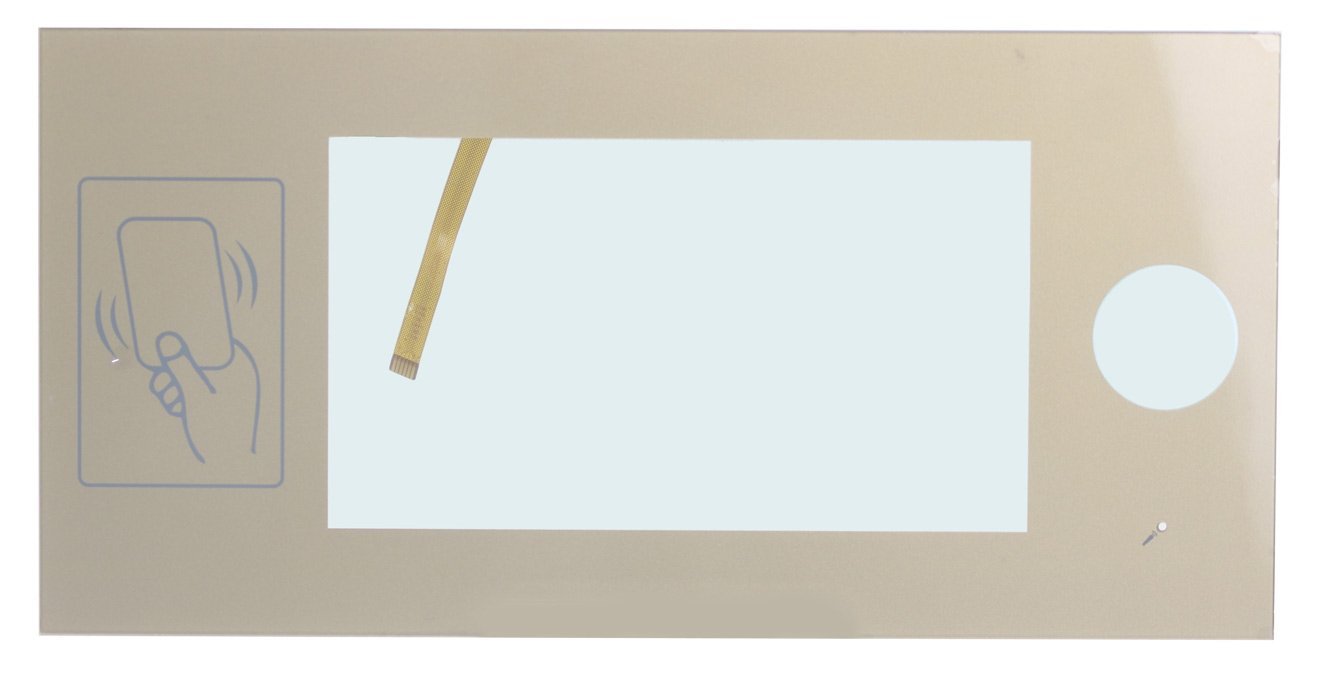
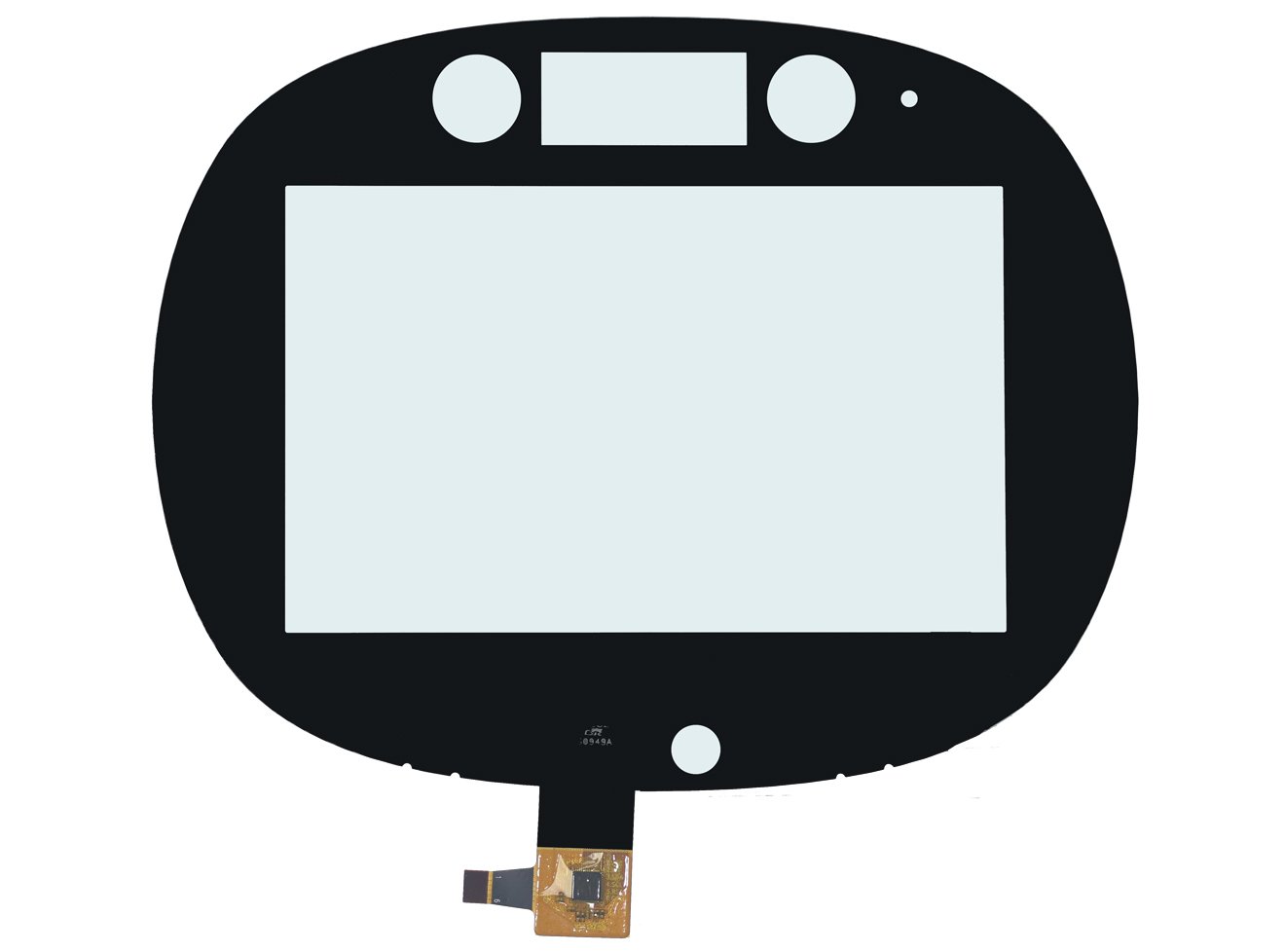
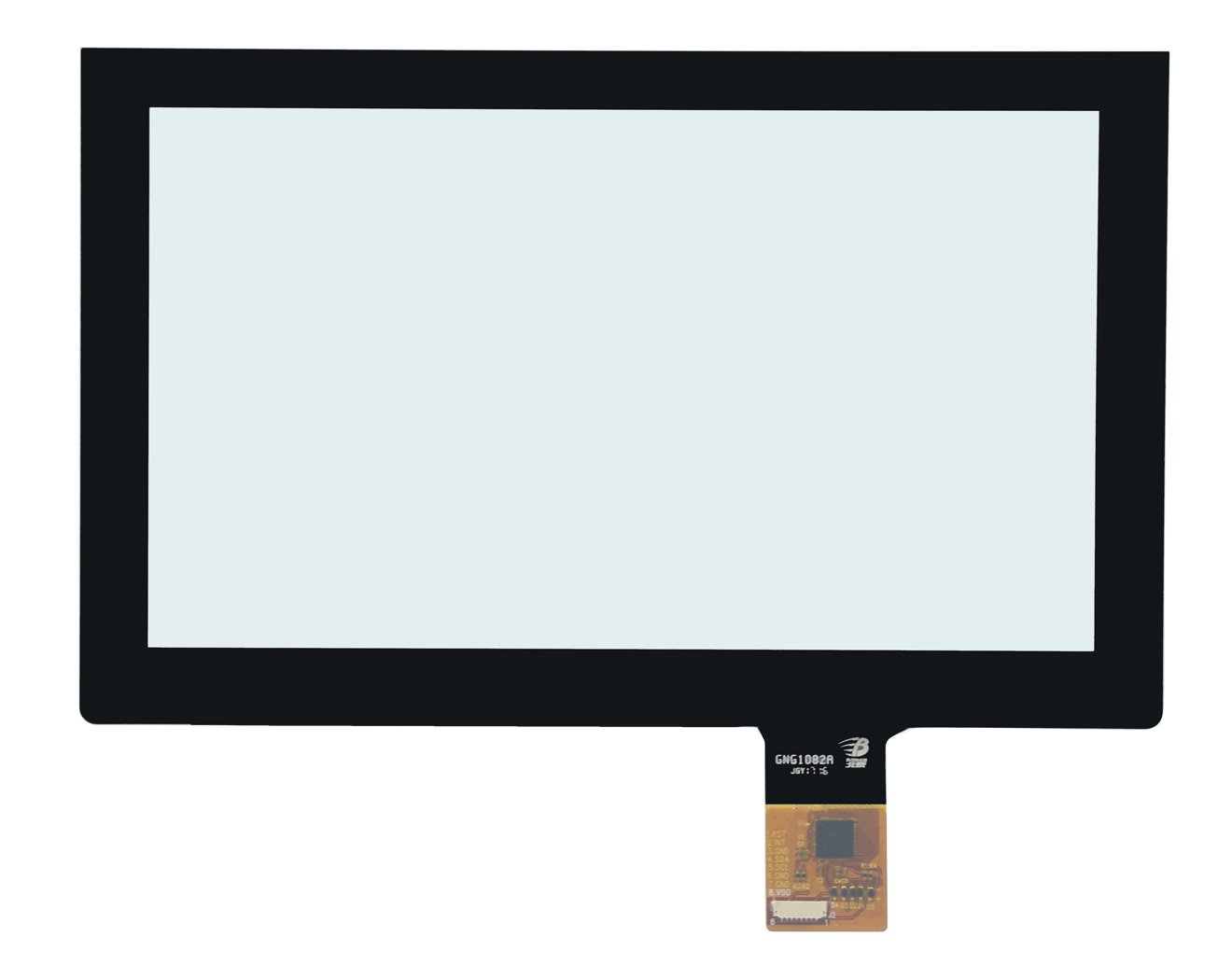
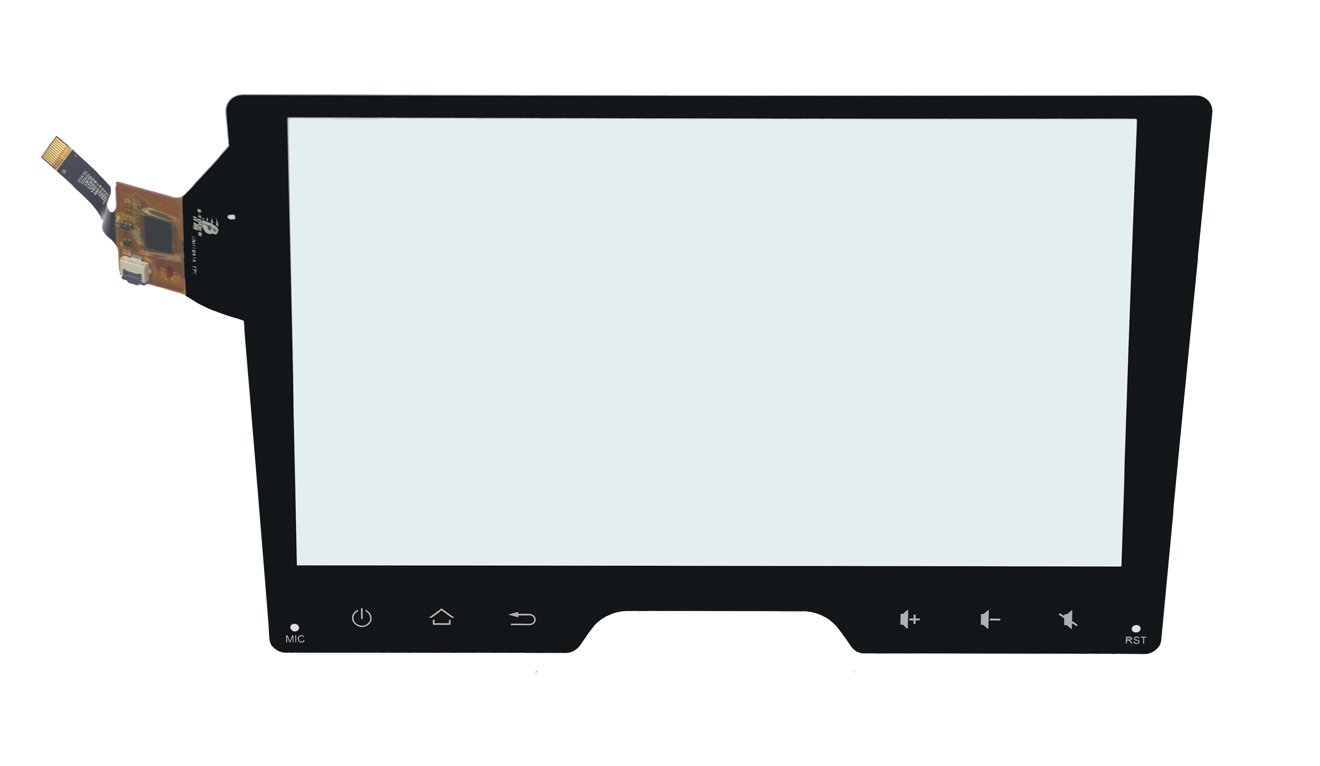
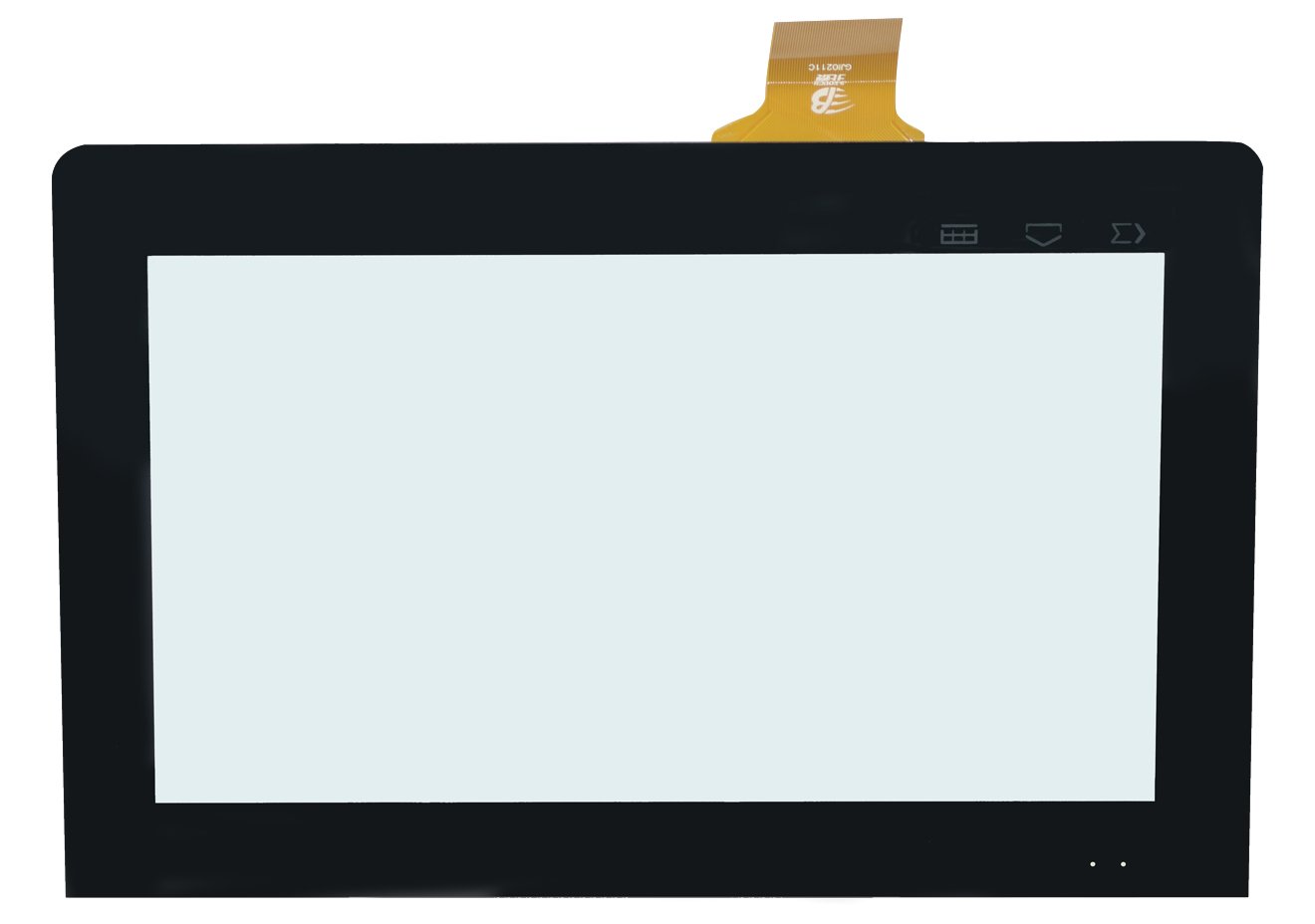
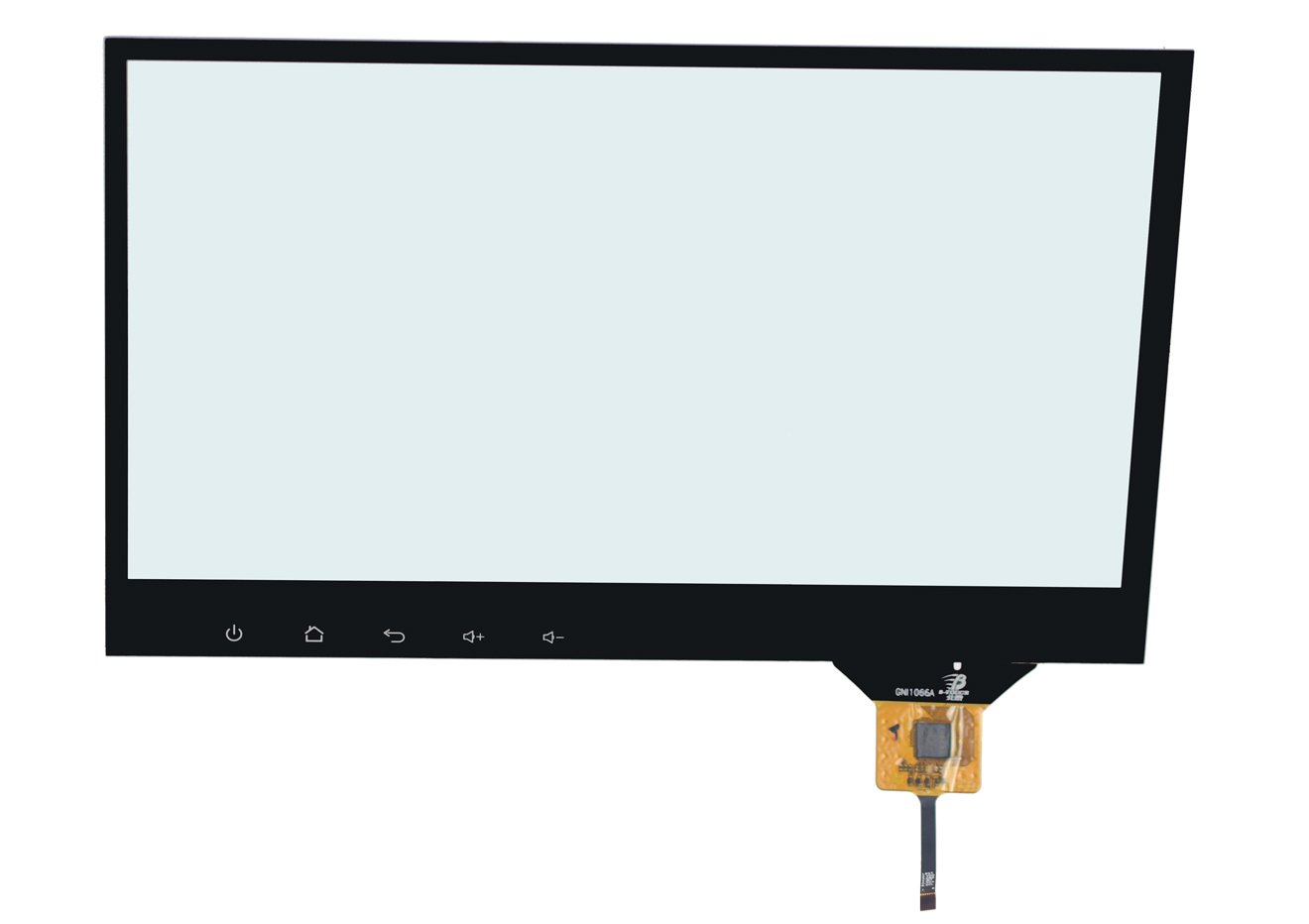
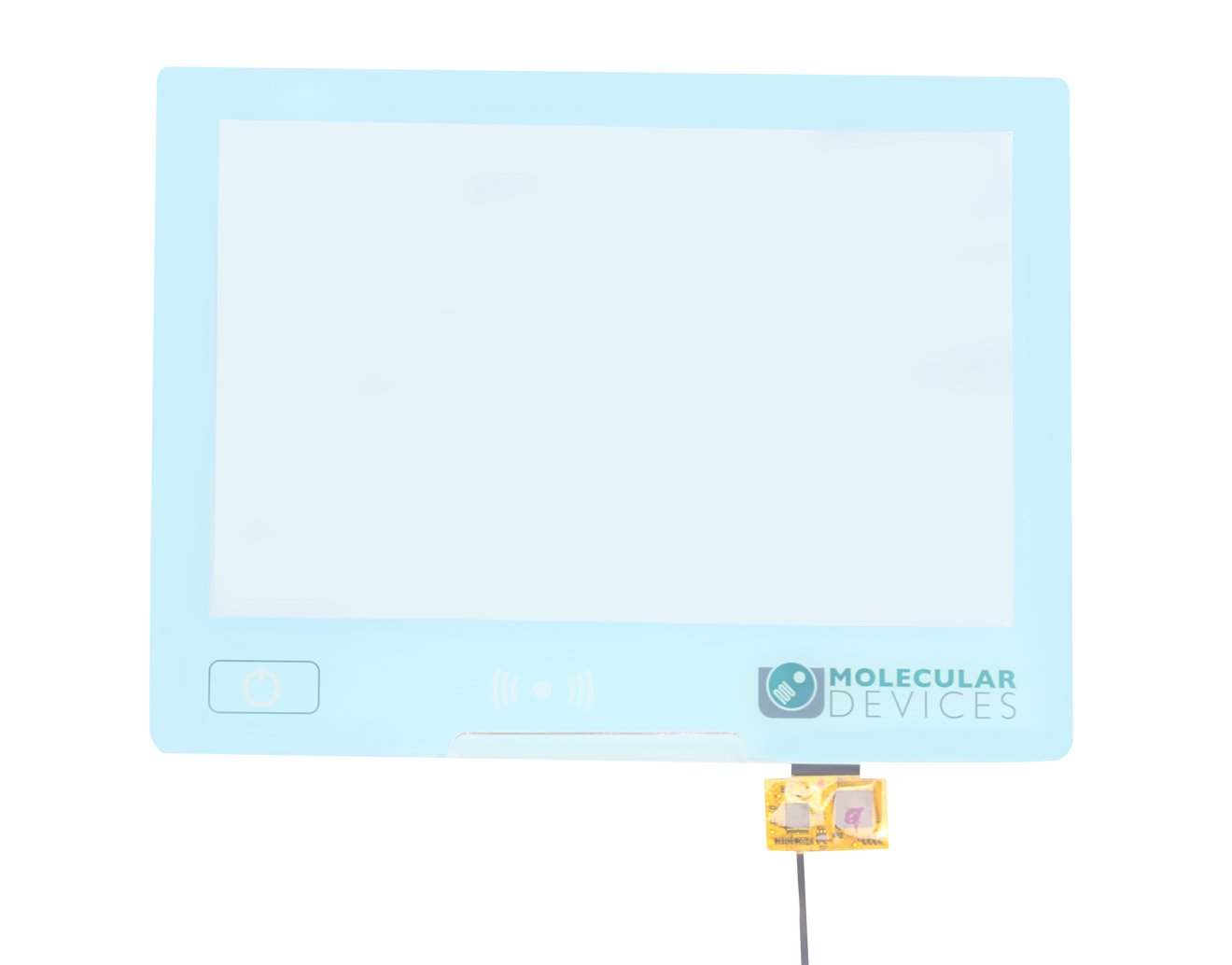
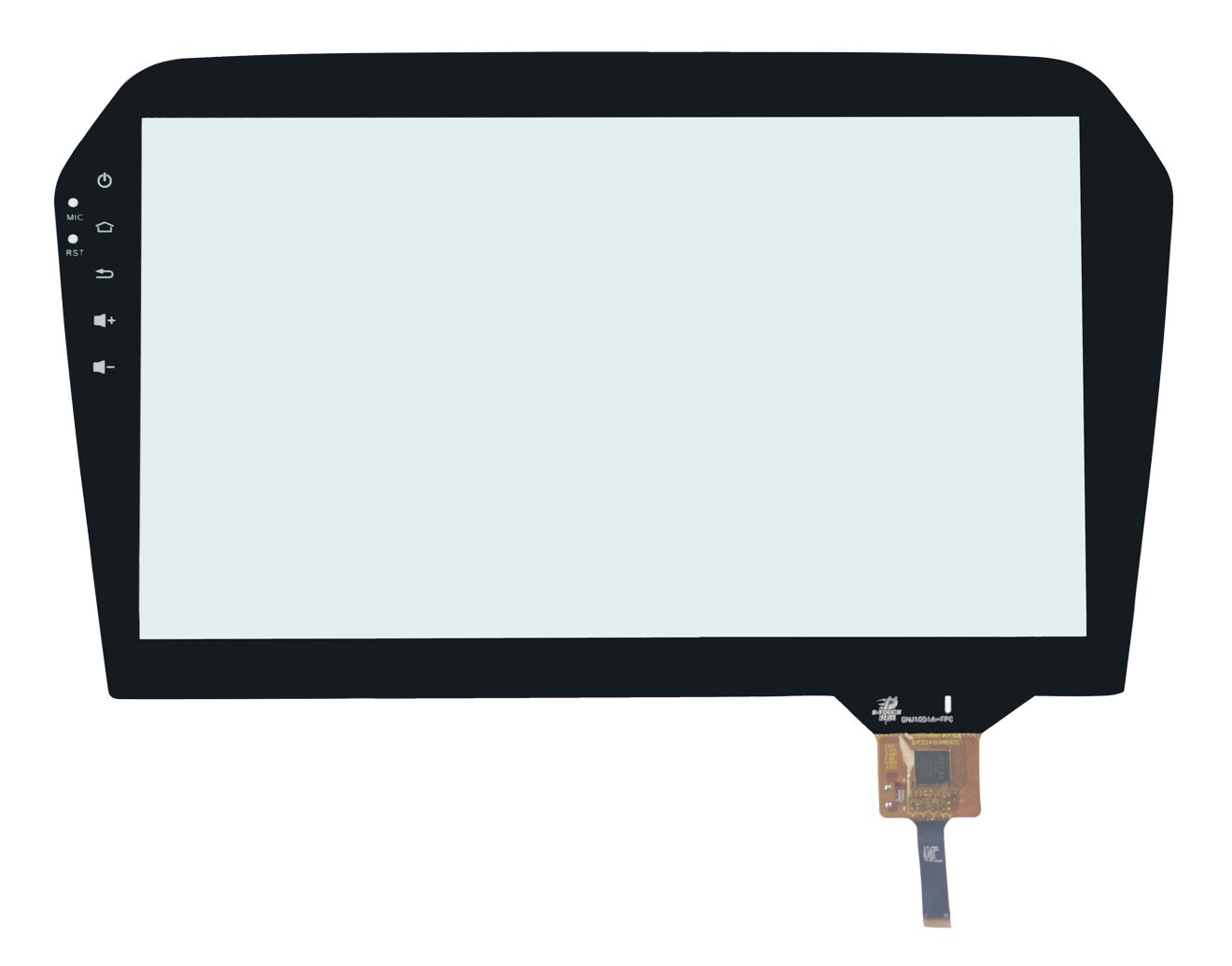
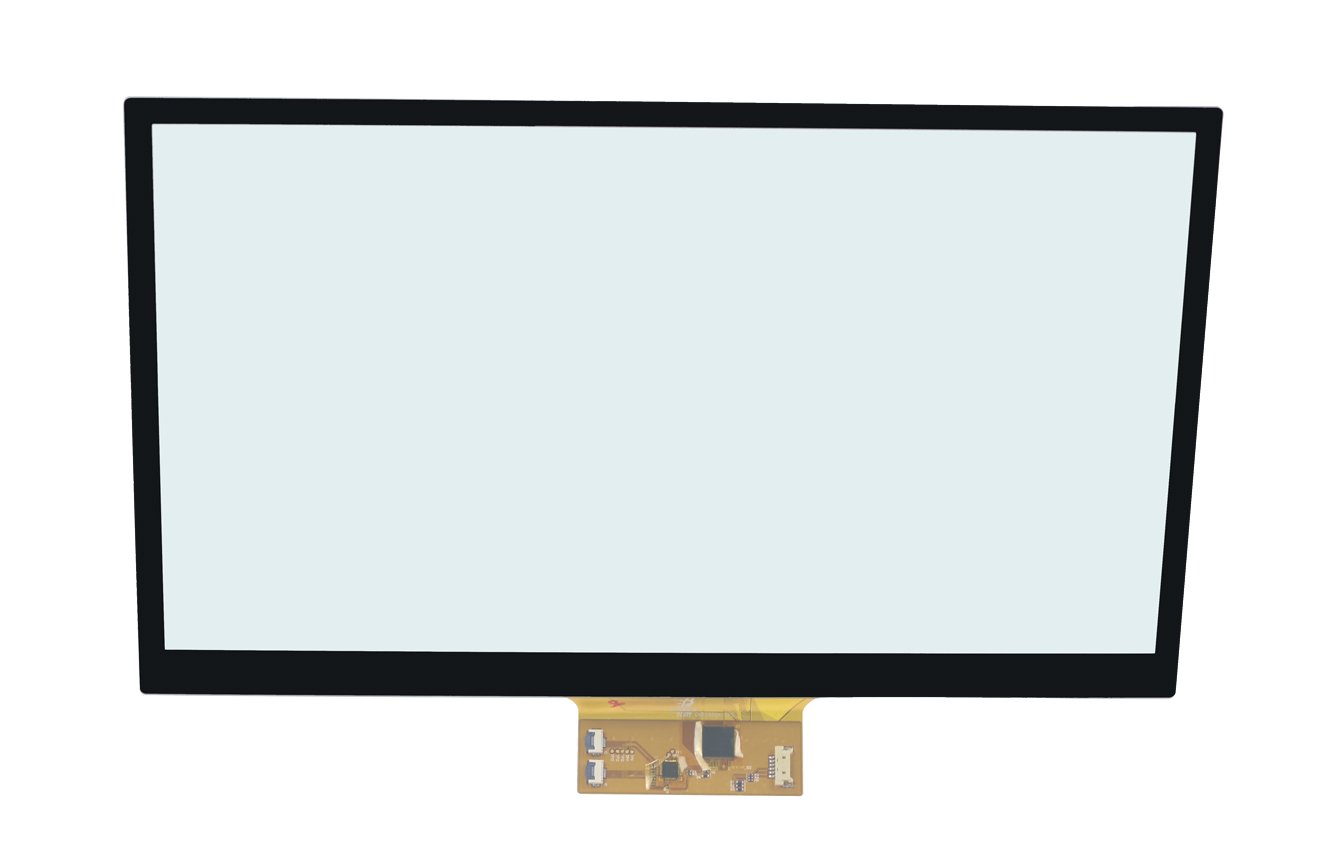
DisplayMan supplies custom Capacitive Touch Panels for OEM displays, industrial equipment, medical devices, commercial terminals, handheld products, automotive displays, POS systems and embedded electronics.
Projected capacitive touch is selected when a product needs smooth finger operation, multi-touch, high sensitivity and a clean glass-front interface.
Customization can include cover glass, sensor structure, FPC, connector, controller IC, interface, AG / AR / AF treatment, bonding and mechanical matching with TFT LCD or OLED modules.
Choose a Capacitive Touch Panel when the product needs a custom touch-sensor component with a modern glass-front interface, multi-touch capability and mechanical matching with the display and enclosure.
Capacitive Touch Panels can be customized according to size, sensor structure, touch performance, cover-glass design, controller IC, interface, display module and application environment.
| Product Direction | Best For | Selection Logic |
|---|---|---|
| Custom PCAP Touch Panels | Industrial equipment, medical devices, commercial terminals and OEM displays | Project-specific size, FPC, controller IC, cover glass, interface and tuning |
| Touch Panel with Cover Glass | Smart devices, control panels and glass-front products | Touch sensor and front-cover design are integrated as one assembly |
| Touch Panel with AG Cover Glass | Bright-light, outdoor-facing and industrial environments | Selected when glare reduction is important |
| Touch Panel with AR Cover Glass | Premium displays and high-clarity optical applications | Selected when lower reflection and better clarity are required |
| Touch Panel with AF Coating | Frequent-touch products and public interfaces | Selected when fingerprint resistance and easier cleaning are required |
| Industrial Capacitive Touch Panels | HMI, control systems, medical equipment and rugged devices | Selected when stability, anti-interference and long-term use matter |
| Capacitive Touch Panel for TFT LCD | TFT LCD touch-screen integration | Touch size, active area, viewing area and bonding structure must match the LCD |
| Capacitive Touch Panel for OLED | OLED touch and cover-lens integration | Touch, cover glass, OLED structure, FPC and bonding are reviewed together |
This page focuses on capacitive touch-panel components. For a TFT LCD with touch already integrated, review Touch Screen TFT LCD Displays. For cover glass without a touch sensor, review Custom Touch Panels & Cover Glass.
The controller detects changes in the sensor field and calculates the touch coordinates.
PCAP is widely used for multi-touch, cover-glass integration and modern industrial interfaces.
The panel must be matched with the display, host interface, operating system and enclosure.
| Factor | Mutual-Capacitive Touch | Self-Capacitive Touch |
|---|---|---|
| Multi-Touch | Real multi-touch support | Limited multi-touch; ghost points may occur |
| Touch Speed | Usually faster | Usually slower |
| Circuit Complexity | More complex | Simpler |
| Data Processing | Higher data volume | Lower data volume |
| Anti-Interference | Usually better | More application-dependent |
| Sensor Consistency | Project-based review | Higher consistency may be required |
| Size Direction | Suitable for a wider size range | More suitable for selected small sizes |
| Cost Direction | Higher | Lower |
| Best For | Industrial, commercial and multi-touch applications | Simple and selected small-size touch applications |
Mutual-capacitive touch is normally preferred for modern multi-touch, medium-size and industrial projects. Self-capacitive touch can be reviewed for simpler and smaller applications.
There is no single best structure for every project. GFF, GF, GG and OGS should be selected according to size, thickness, reliability, touch sensitivity, environment and cost.
| Structure | General Description | Typical Use |
|---|---|---|
| GFF | Cover glass plus two film-sensor layers | Common custom PCAP structure with flexible design options |
| GF | Cover glass plus a single film-sensor layer | Selected cost-sensitive small-size applications |
| GG SITO | Cover glass plus glass sensor with single-sided ITO | Projects requiring glass-sensor stability and stronger structure |
| GG DITO | Cover glass plus glass sensor with double-sided ITO | Projects requiring glass-sensor performance or larger-size support |
| OGS | Touch sensor integrated on the cover glass | Thin structures and selected consumer-style applications |
Final selection depends on display size, cover-glass thickness, touch sensitivity, ESD, anti-interference, reliability, cost target and project quantity.
| Cover Glass Thickness | Typical Direction | Engineering Note |
|---|---|---|
| 0.55 mm | Small-size touch panels, commonly below 6 inches | Thin structure and project-based strength review |
| 0.7 mm | Small and medium-size panels, commonly below 10.1 inches | Common compact-device direction |
| 1.0 mm | Project-based review | Balance thickness, strength and sensitivity |
| 1.1 mm / 1.8 mm | Many industrial and commercial touch panels | Common general-purpose direction |
| 2.0 mm | Project-based review | Sensor and IC tuning must be checked |
| 3.0 mm | Rugged or front-panel applications | Touch sensitivity requires review |
| 4.0 mm / 5.0 mm | Special thick-glass projects | Requires suitable sensor design and controller IC tuning |
| Treatment | Full Name | Main Purpose | Typical Use |
|---|---|---|---|
| AG | Anti-Glare | Reduces glare and diffuses surface reflection | Industrial panels, outdoor-facing displays and bright environments |
| AR | Anti-Reflective | Reduces reflection and improves optical clarity | Premium displays and high-clarity applications |
| AF | Anti-Fingerprint | Reduces fingerprints and improves cleanability | Public terminals, handheld devices and frequent-touch interfaces |
Increasing cover-glass thickness can improve mechanical strength but may reduce touch sensitivity. Thick-glass projects must be reviewed together with the sensor pattern and controller IC.
Selected when dimensional stability, stronger structure or higher reliability is important.
Selected for thinner, lighter or more flexible structure requirements.
| Bonding Direction | Description | Review Factors |
|---|---|---|
| Air Bonding | Touch assembly and display are mechanically combined with an air gap | Cost, structure, reflection, dust sealing and rework |
| Optical Bonding | Touch assembly is bonded directly to the display with optical material | Optical performance, bubbles, yield, edge sealing and rework |
| Solid OCA | Film-type optical adhesive | Size, lamination process, bubbles and optical requirement |
| Liquid Optical Adhesive | Liquid bonding material cured during assembly | Process control, overflow, curing, sealing and repairability |
| UV-Type Solid OCA | Project-based optical adhesive direction | Material compatibility and production-process review |
Cover glass, touch sensor, adhesive, TFT LCD or OLED module, bezel, enclosure and environmental sealing must be checked together.
Selection should consider panel size, TX/RX channels, sensor structure, cover-glass thickness, interface, operating system, EMC/ESD requirement, noise environment and special functions.
Cover-glass thickness, sensor structure, controller IC, interface, touch functions and bonding method cannot be combined freely. Final feasibility depends on the complete product stack and project quantity.
Control panels, automation equipment and embedded machinery interfaces.
Diagnostic equipment, treatment devices and clean glass-front controls.
POS systems, access control, vending machines and public interfaces.
Compact OEM terminals and embedded smart products.
Vehicle displays, charging interfaces and control panels.
AG cover glass, glove, water and environmental tuning review.
Custom touch, cover glass and bonding matched to the LCD module.
Touch, cover lens, FPC and optical structure reviewed with the OLED.
Outline, active area, FPC, connector, IC and assembly matching.
| Requirement | Capacitive Touch Panel | Resistive Touch Panel |
|---|---|---|
| Touch Method | Finger or conductive touch | Pressure touch |
| Multi-Touch | Supported in PCAP designs | Usually limited |
| Front Surface | Glass-front design possible | Flexible top layer |
| Appearance | Cleaner and more modern | More traditional |
| Durability | Good with suitable cover glass | Top film can wear over time |
| Glove Use | Requires controller and tuning review | Pressure operation is usually easier with gloves |
| Water Interference | Requires IC and tuning review | Can be less affected in selected conditions |
| Best For | Modern industrial, commercial and smart devices | Legacy equipment, pressure operation and conventional stylus use |
| Requirement | Capacitive Touch Panel | Infrared Touch Frame |
|---|---|---|
| Product Type | Touch sensor with FPC and controller IC | Touch frame installed around the display area |
| Typical Size Direction | Small and medium-size LCD or OLED integration | Medium and large-format display systems |
| DisplayMan Transparent Cabinet Direction | 15.6-inch, 21.5-inch and 27-inch standard models normally use G+G PCAP | 32-inch and larger standard models normally use infrared touch |
| Appearance | Cleaner glass-front design | Frame may be visible around the display area |
| Large-Format Cost Direction | Large PCAP can be reviewed but cost and structure increase | Often more practical for large commercial displays |
| Best For | Custom modules, medical devices, industrial equipment and control panels | Large cabinets, signage, interactive monitors and kiosks |
| Item | Capacitive Touch Panel | Touch Screen Display |
|---|---|---|
| Product Scope | Touch-sensor component | Display module with touch integrated |
| Main Parts | Cover glass, sensor, FPC, IC and connector | LCD or OLED plus touch, bonding and optional frame or board |
| Display Function | No image-display function by itself | Provides both image display and touch input |
| Engineering Focus | Sensor, cover glass, IC, FPC and interface | Complete optical, electrical and mechanical integration |
| Best For | Customers integrating touch with their own display | Customers requiring a ready-to-integrate touch-display module |
Display model, active touch area, cover-glass outline and enclosure opening.
GFF, GF, GG, OGS, glass sensor or film sensor according to size and reliability.
Thickness, shape, strengthening, printing, AG, AR, AF and mechanical fit.
Controller IC, TX/RX channels, connector, USB, I2C, SPI or host requirement.
Multi-touch, glove, water, stylus, ESD, air bonding or optical bonding.
Test noise, grounding, touch tuning, operating system, environment and mechanical assembly.
The correct product route depends on whether the project needs only the touch component, only cover glass, a touch-integrated LCD module, a large-format touch frame or a complete terminal.
| Project Requirement | Recommended Product Direction |
|---|---|
| Custom PCAP sensor with cover glass, FPC and IC | Capacitive Touch Panels |
| Cover glass or lens without touch sensor | Custom Touch Panels & Cover Glass |
| TFT LCD module with touch integrated | Touch Screen TFT LCD Displays |
| Custom optical bonding | Optical Bonding Display Solution |
| Large-format commercial touch structure | Infrared Touch Frames |
| Pressure-touch or legacy replacement | Resistive Touch Panels |
| Complete industrial touch computer | Industrial Panel PCs & Rugged Terminals |
Please provide clear front and back photos, FPC, connector, IC marking, outline drawing, display model and product assembly structure. The old touch-panel sample is strongly preferred.
A Capacitive Touch Panel is a touch-sensor component that detects touch position through changes in capacitance. It is commonly used for modern finger-touch and multi-touch interfaces.
PCAP means projected capacitive touch. It is the main capacitive touch direction used in modern industrial, commercial, medical and smart display products.
Yes. Projected capacitive touch panels can support multi-touch according to the sensor pattern, TX/RX channels, controller IC and firmware tuning.
Self-capacitive touch uses a simpler sensing structure and is more suitable for selected small or simple applications. Mutual-capacitive touch supports real multi-touch, faster response and stronger anti-interference performance for many modern PCAP projects.
They are different capacitive touch-panel structures. The correct structure depends on size, thickness, sensor material, cover-glass design, reliability, optical performance, cost and application environment.
Yes. Cover glass can be customized for size, thickness, shape, corner radius, holes, notches, edge treatment, black-border printing, logo printing, windows, strengthening and AG, AR or AF surface treatment.
Thick-cover-glass operation can be reviewed, but sensor design and controller IC tuning become more important as the glass becomes thicker. Final feasibility depends on size, thickness, touch function and environment.
AG is anti-glare treatment, AR is anti-reflective treatment and AF is anti-fingerprint treatment. They serve different optical and surface-maintenance purposes and should be selected according to the application.
A glass sensor is normally selected for dimensional stability, structural strength and reliability. A film sensor can support thinner or more flexible structures. Final selection depends on size, thickness, reliability, touch sensitivity and cost.
USB, I2C, SPI and UART can be reviewed. RS232 may be available through selected controller-board solutions. The interface must match the host system and controller IC.
Glove touch can be reviewed according to glove type, cover-glass thickness, sensor design, controller IC, tuning and operating environment.
Water-touch or water-resistance performance can be reviewed with suitable sensor design, controller IC and tuning. It must be tested under the actual product conditions.
Passive-stylus or active-stylus support can be reviewed according to controller IC, sensor design, cover glass and required accuracy.
Yes. Capacitive touch panels can be air bonded or optically bonded with TFT LCD modules according to optical, mechanical, environmental and cost requirements.
Selected OLED modules can be reviewed with capacitive touch and cover-glass integration. Module structure, cover lens, sensor, FPC, bonding and mechanical dimensions must be checked together.
Yes. Please provide the old touch-panel sample, front and back photos, outline drawing, FPC details, connector, IC marking, interface, display model and product assembly structure.
A Capacitive Touch Panel is the touch-sensor component. A Touch Screen Display is a complete display assembly that combines a display module with touch, and may also include bonding, controller board, frame or other mechanical parts.
Infrared touch frames are often more practical for medium and large-format display structures. For DisplayMan standard transparent display cabinets, 15.6-inch, 21.5-inch and 27-inch models normally use G+G capacitive touch, while 32-inch and larger standard models normally use infrared touch frames.
Choose a Resistive Touch Panel when pressure operation, conventional stylus use, glove operation or legacy-equipment replacement is more important than multi-touch and a glass-front interface.
Please provide touch-panel size, active area, cover-glass drawing and thickness, display model, structure preference, interface, controller IC preference, FPC direction, connector, touch points, coating, printing, glove, water and stylus requirements, temperature, ESD or EMC requirement, bonding method, application, quantity and available samples.
Send us the touch size, active area, cover-glass drawing, display model, FPC, connector, controller IC, interface, coating, special touch functions, bonding requirement, application and quantity.
DisplayMan will review whether a custom PCAP touch panel is suitable or whether a resistive touch panel, infrared touch frame, touch-integrated TFT module or complete terminal is the more practical direction.
Capacitive touch customization requires engineering review and real-product validation. Final feasibility depends on the complete sensor, cover glass, controller IC, host system, display, bonding, grounding, enclosure and environmental structure.