
Explore transparent digital signage alongside wall-mounted displays, stretched bar signage, outdoor display references and interactive slide screens. Build your project around the right panel, optional touch, computing platform, content system and installation.
DisplayMan focuses on transparent displays, custom display engineering, high brightness displays and touchscreen all-in-one terminals. For demanding sunlight applications or see-through exhibition effects, explore our specialist display ranges.

A digital signage display combines a commercial screen, finished housing and a playback or computing platform for advertising, menus, information and interactive content. Touch is optional: some installations show information, while others let visitors explore it.
Wall-mounted and stretched bar displays suit menus, promotions and public information. Choose a finished terminal or an external-player monitor configuration.
Window-facing and outdoor projects need brightness, reflection and thermal design matched to the installation. This is a key DisplayMan product direction.
When visitors must see physical objects behind digital content, review transparent OLED, LCD or LED solutions. Transparent OLED can also be integrated into a sliding-rail exhibit.
Images illustrate product forms and application concepts; they are not records of DisplayMan completed installations. Catalogue specifications below are reference configurations. The selected panel, controller, enclosure and approved project specification determine the delivered product.
Digital signage describes how a display is used: to communicate information, promote products or tell a visual story. Transparent OLED, LCD and LED can serve that purpose while keeping objects or spaces behind the screen visible. Choose the technology around the installation and viewing conditions.
Transparent displays are a core DisplayMan product direction. Explore these options when the physical product, shop interior or exhibit needs to remain part of the experience.
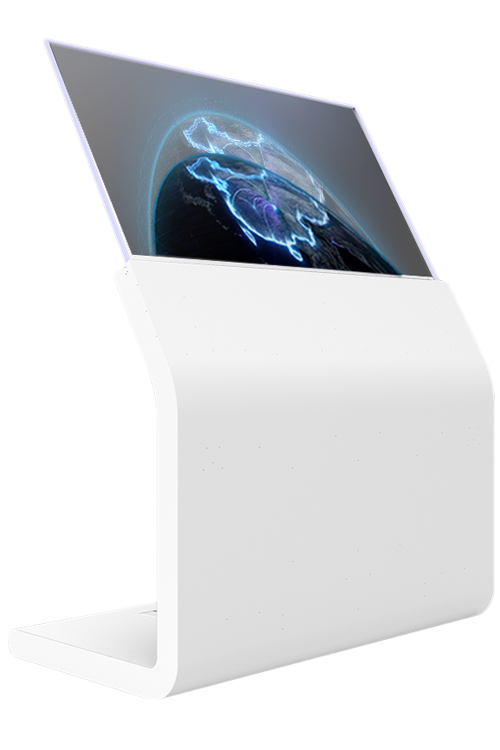
A self-emissive display for digital content with a visible background. Existing product formats include desktop, hanging, floor-standing, kiosk and motorized lift-up structures. Touch and computing can be reviewed for interactive content; ambient lighting and the background affect the final effect.
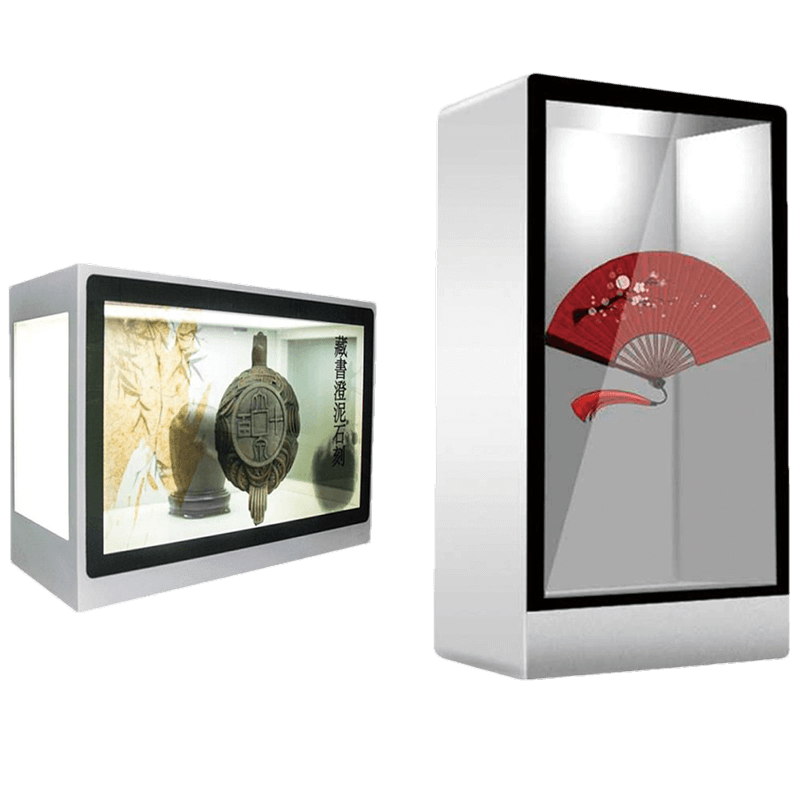
Combine a real product inside a showcase with digital explanations on the front screen. This format suits retail and museum product presentation. The transparent LCD, internal lighting, cabinet, controller and optional touch need to be designed together.
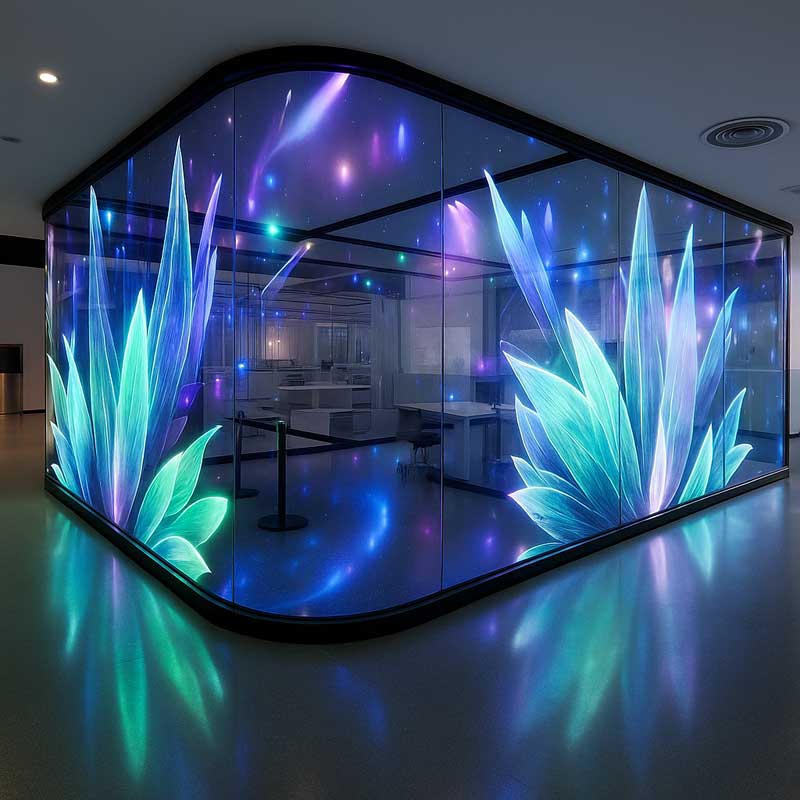
Film, glass, indoor and outdoor mesh formats support different installations. For promotional graphics on a shop window or a larger display surface, select pixel pitch, brightness, transparency and structure around viewing distance and the site.
| Project Goal | Display Route | Selection Focus |
|---|---|---|
| Digital information with a visible interior or exhibit | Transparent OLED Signage | Screen format, ambient light, background contrast, optional touch and installation |
| Explain a real product inside a display cabinet | Transparent LCD Display Cabinet | Object size, cabinet design, internal lighting, content and optional touch |
| Large promotional graphics on glass or an open structure | Transparent LED Displays | Viewing distance, pixel pitch, brightness, transparency, mounting and service access |
| Sunlight-readable advertising or outdoor information | High Brightness Displays | Brightness, reflections, heat, enclosure protection and site exposure |
| Indoor menus, advertising or information on an opaque screen | Wall-Mounted Signage / Stretched Bar Signage | Size, pixel canvas, player, content management, optional touch and mounting |
Transparent displays preserve a view through the screen. High brightness LCD signage addresses readability in strong ambient light. Share the installation, lighting and desired visual effect so we can recommend the appropriate display technology.

Slim commercial displays for retail promotions, restaurant menus and indoor information — with optional touch, computing and OEM appearance.
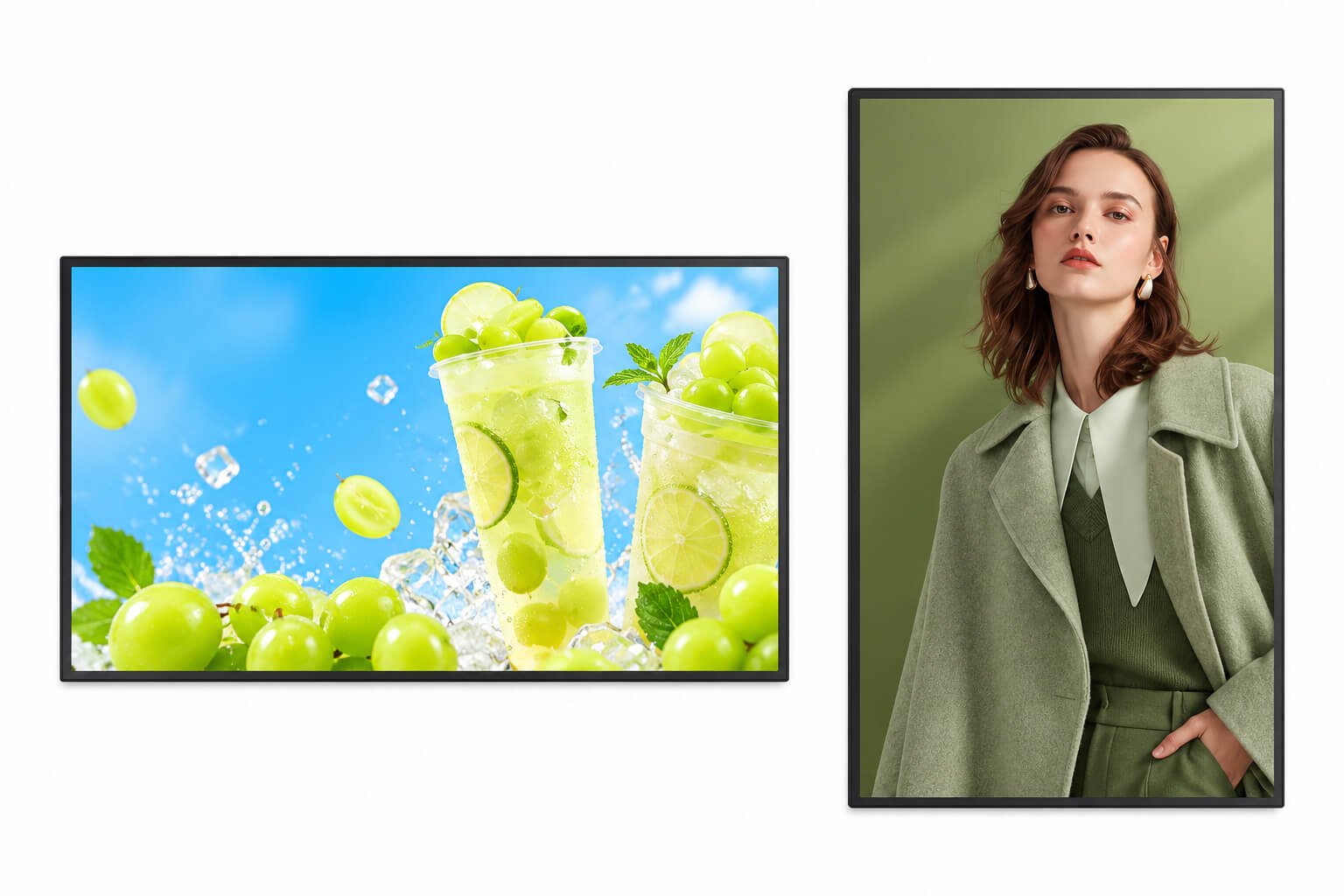
Use landscape screens for menu boards, product comparisons and wide video content. Portrait screens suit fashion promotions, entrance information and product storytelling. A networked player can distribute schedules to multiple locations; a standalone player supports local content where a CMS is unnecessary.
| Parameter | 32-inch | 43-inch | 49-inch | 55-inch | 65-inch |
|---|---|---|---|---|---|
| Reference model | LCSJ-32A | LCSJ-43A | LCSJ-49A | LCSJ-55A | LCSJ-65A |
| Diagonal size | 32" | 43" | 49" | 55" | 65" |
| Resolution | 1920 × 1080 | 3840 × 2160 | 3840 × 2160 | 3840 × 2160 | 3840 × 2160 |
| Brightness | 300 cd/m² | 350 cd/m² | 350 cd/m² | 350 cd/m² | 350 cd/m² |
| Reference dimensions (mm) | 749.2 × 442.7 × 28 | 991.9 × 580.2 × 28 | 1124.6 × 654.8 × 28 | 1260.4 × 731.2 × 28 | 1479.2 × 854.3 × 30 |
| Net weight | 13 kg | 22 kg | 24 kg | 34 kg | 44 kg |
| Backlight | Edge LED | Edge LED | Edge LED | Edge LED | Edge LED |
| Parameter | Configuration / selection |
|---|---|
| Display format | 16:9; landscape or portrait content and mounting to be confirmed |
| Additional catalogue sizes | 21.5 / 32 / 43 / 50 / 55 / 65 / 75 / 86 / 100 / 110 inches on a separate enclosure series. 100- and 110-inch options require individual feasibility review; the five-model table above is a different series. |
| Housing & finish | Tempered-glass front, aluminum side profiles and cold-rolled steel body on the separate enclosure series; black housing or custom finish; champagne-gold, silver or brushed frame finishes subject to production review |
| Mounting | Wall-mounted or suspended; bracket pattern, load rating, cable exit and rear service access selected per model |
| Playback / computing | Standalone player, Android network player or x86 computer; selected Windows and other operating systems subject to motherboard and software validation |
| Touch | Non-touch, infrared or projected capacitive touch; touch glass and controller selected to match size and software |
| Memory options | 4 / 8 / 16 / 32 GB on compatible platforms; not every capacity is available with every OS or board |
| Storage options | 32 / 64 / 128 / 256 / 512 GB, 1 / 2 TB on compatible platforms; eMMC or SSD depends on the board |
| Deployment | Split-screen layouts, playlists, logo and scrolling messages, scheduled on/off, remote updates and device groups subject to the chosen player/CMS |

| Parameter | Configuration / selection |
|---|---|
| Panel reference | 1920 × 1080 or 3840 × 2160; 60 Hz; listed contrast 4500:1; response time 5 ms; 16.7 million colors; viewing angle 178°. Confirm the actual panel datasheet. |
| Power input | AC 100–240 V, 50/60 Hz on the listed enclosure series |
| Consumption | Catalogue lists <150 W operating and <3 W standby for its reference configuration. Actual consumption must be specified per screen size, backlight and CPU; these are not universal limits. |
| Environment | 0–40°C operating temperature listed for the indoor series. Operating humidity, storage limits and condensation conditions require confirmation. |
| Legacy Android board | RK3188 Cortex-A9 quad-core 1.6 GHz; ARM Mali-400 MP4 GPU; 2 GB DDR3, 64-bit; 8 GB eMMC. This is a legacy catalogue reference; select a current compatible platform for a new project. |
| Legacy board output | HDMI 1.4 / LVDS listed; up to 1080p output, with dual-output support subject to firmware. A 4K LCD does not imply that this legacy player outputs 4K. |
| Media formats | Catalogue references include MP4, AVI, MKV, MOV, TS, VOB, WMV, RM/RMVB; MP3, WMA, WAV, APE, FLAC; JPG/JPEG, PNG, BMP, GIF. Playback depends on codec, bitrate, player and licensing. Validate sample files. |
| CMS / scheduling | Rotation at 90° / 180° / 270°, screen zoning, timed playback, USB password protection and remote publishing are player-specific features. Legacy web/document/Flash functions require separate compatibility review. |
| Optional modules | Camera, Bluetooth, card reader and printer listed as integration options; enclosure space, drivers, power and intended workflow must be reviewed. |
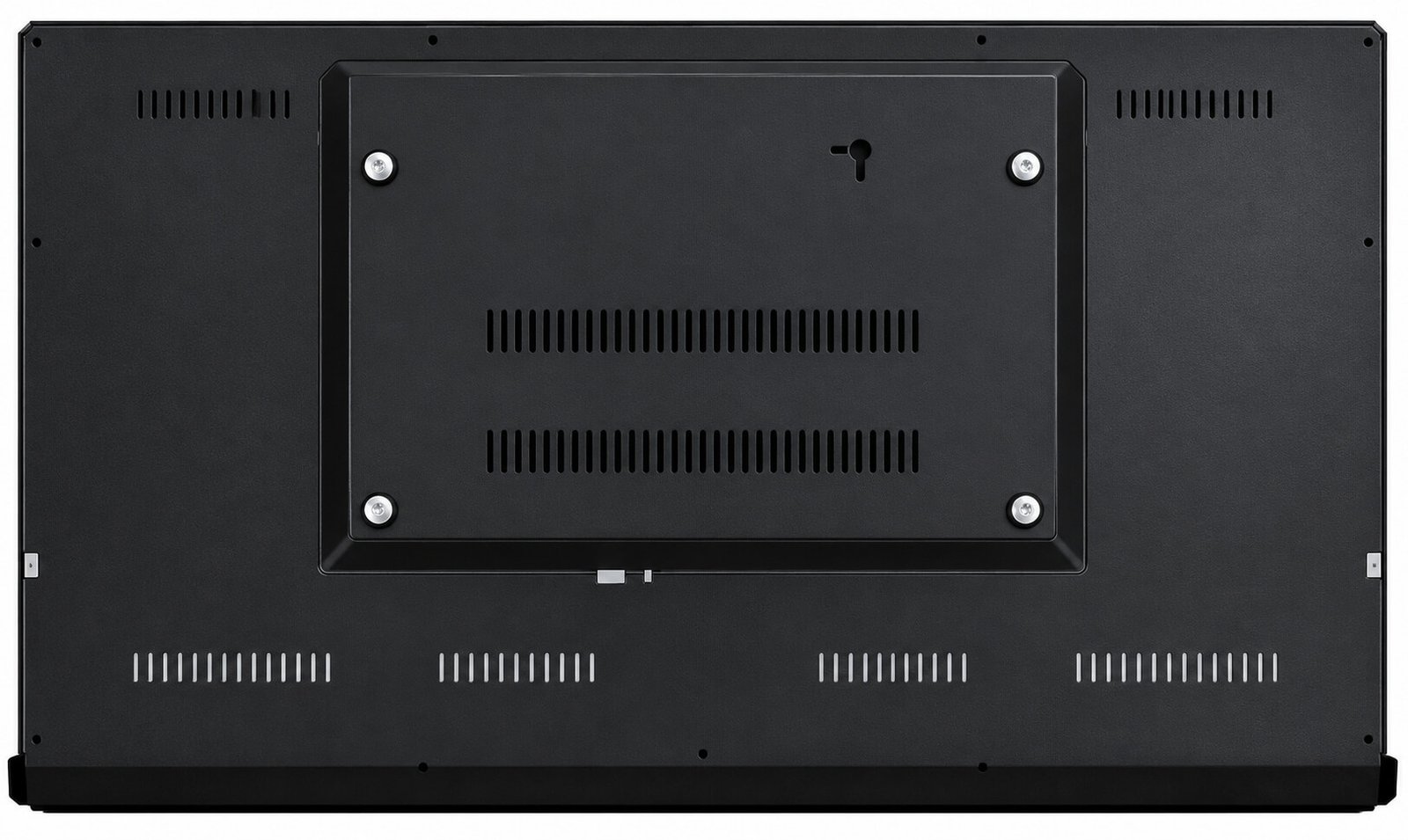
Confirm screen orientation, mounting height, rear connector access, wall load, heat escape and service space. For an enterprise application centered on a touch workflow, see Wall-Mounted Touch Terminals. For a sunlight-facing shop window, use High Brightness Displays.
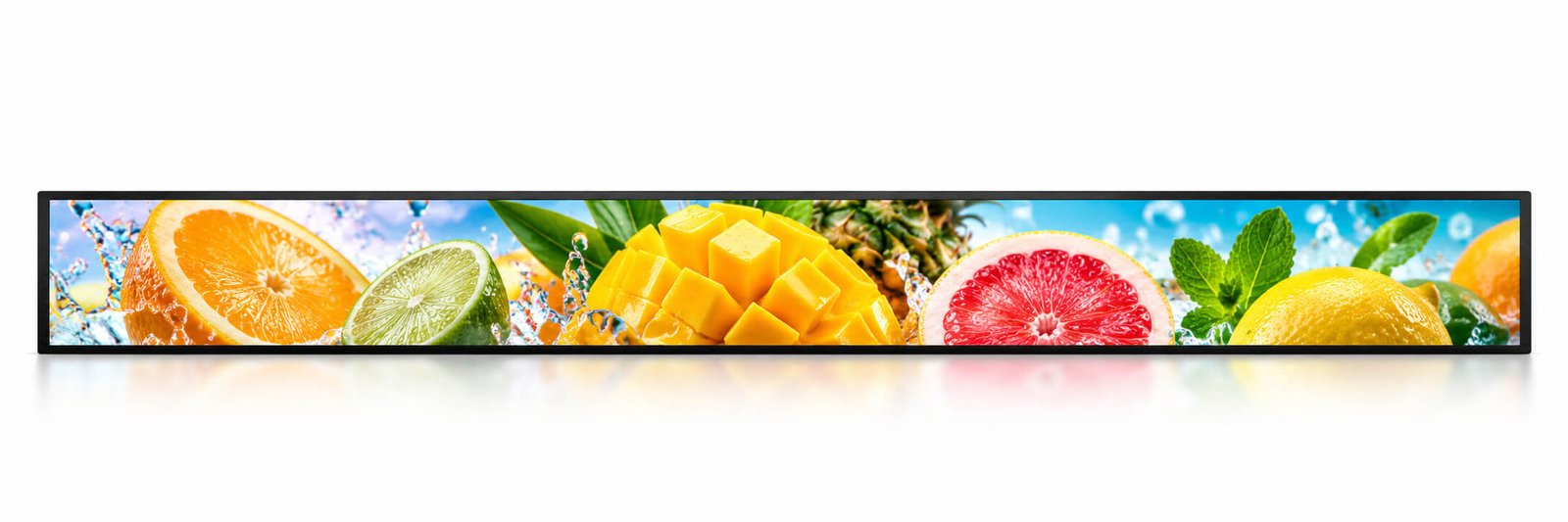
A wide, narrow LCD format for shelf headers, transport information and constrained commercial spaces.
Explore our High Brightness Bar-Type LCD Modules range, available as modules, open frame monitors, enclosed monitors and complete stretched bar digital signage.
Explore Stretched Bar Digital Signage →Stretched bar signage fits shelf headers, transport information, narrow architectural spaces and retail feature walls. Design the artwork for the native pixel canvas so text and product graphics remain readable without cropping or distortion.
| Parameter | Configuration / selection |
|---|---|
| Catalogue diagonal sizes | 16.3 / 18.9 / 20.6 / 23.7 / 27.5 / 28 / 28.6 / 29.1 / 34 / 36 / 37 / 38.4 / 40.1 / 46.6 / 49.3 / 56.6 / 69.4 / 77.8 / 88 inches; exact panel availability subject to review |
| Panel technology / colors | LCD; 16.7 million colors listed |
| Reference brightness | 500 cd/m²; high brightness requirements reviewed separately |
| Reference contrast | 1200:1; confirm the selected panel |
| Resolution / aspect ratio | Panel-specific; the catalogue does not provide a per-size pixel matrix. Native resolution and aspect ratio must be agreed before artwork or software development. |
| Dimensions / weight | Model-specific; supply the installation opening or drawing to confirm active area, bezel, enclosure depth, fixing positions and load |
| Configuration | Standalone playback, network player or computer platform; protective tempered-glass configuration subject to enclosure design |
| OS / computing | Android or compatible x86 Windows configuration; other platforms evaluated against the application |
| Memory / storage | 4 / 8 / 16 / 32 GB memory; 32 / 64 / 128 / 256 / 512 GB or 1 / 2 TB storage on compatible platforms |
| Touch options | Non-touch, infrared or capacitive touch subject to panel shape, controller and cover-glass feasibility |
| Network / audio | Wi-Fi and integrated speakers are catalogue features; Ethernet and other interfaces depend on the selected controller |
| Content features | Split-screen video, images and text; playlist loop, scheduled on/off and remote publishing through compatible software |
| Power / environment | Voltage, maximum consumption, operating temperature, humidity and service clearances to be specified with the selected model |
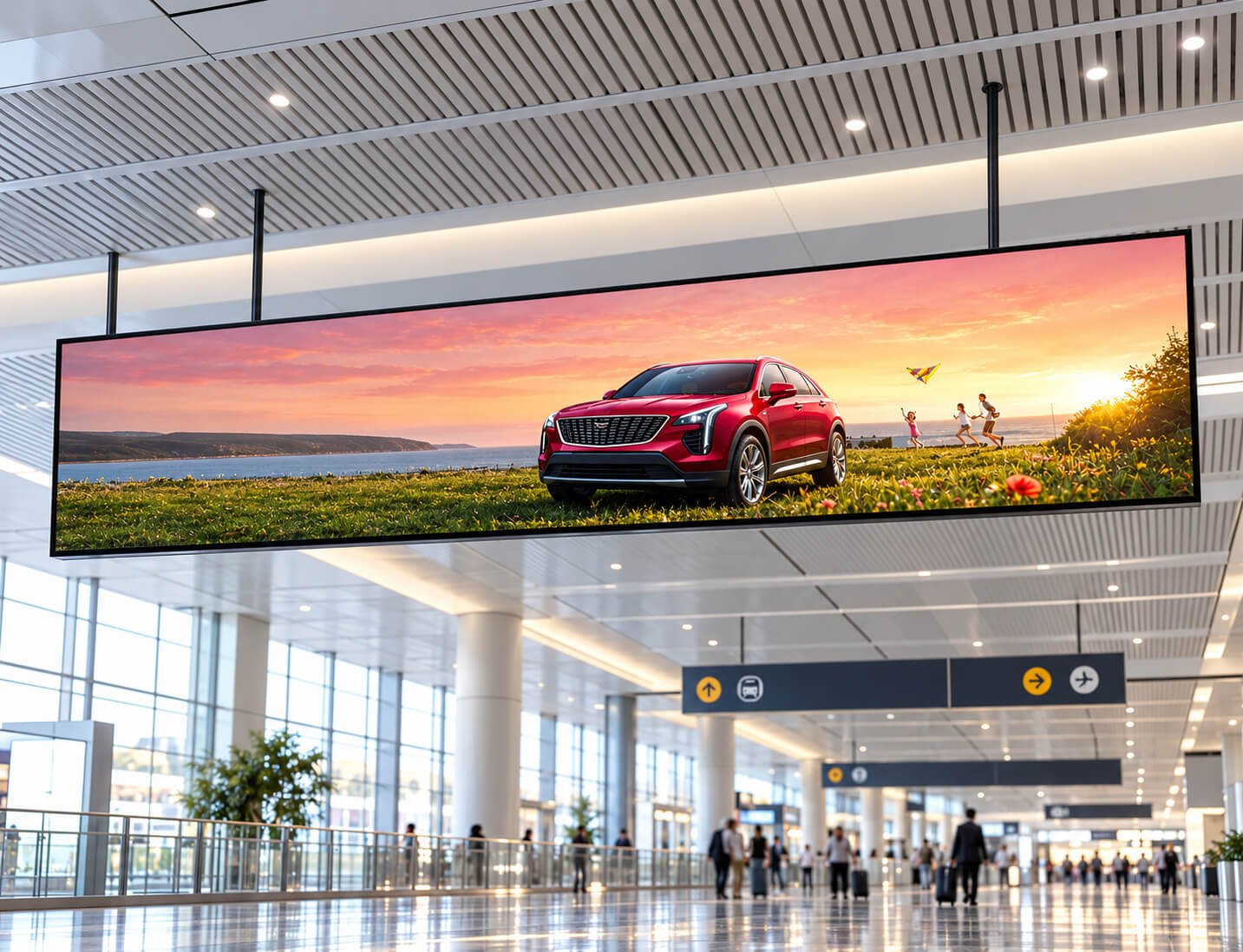
Send the available width, height and depth, viewing distance, desired orientation and example content. A diagonal alone does not define a bar display. For a custom bare module rather than a complete signage terminal, discuss the LCD, backlight, driver and touch assembly as an OEM display project.
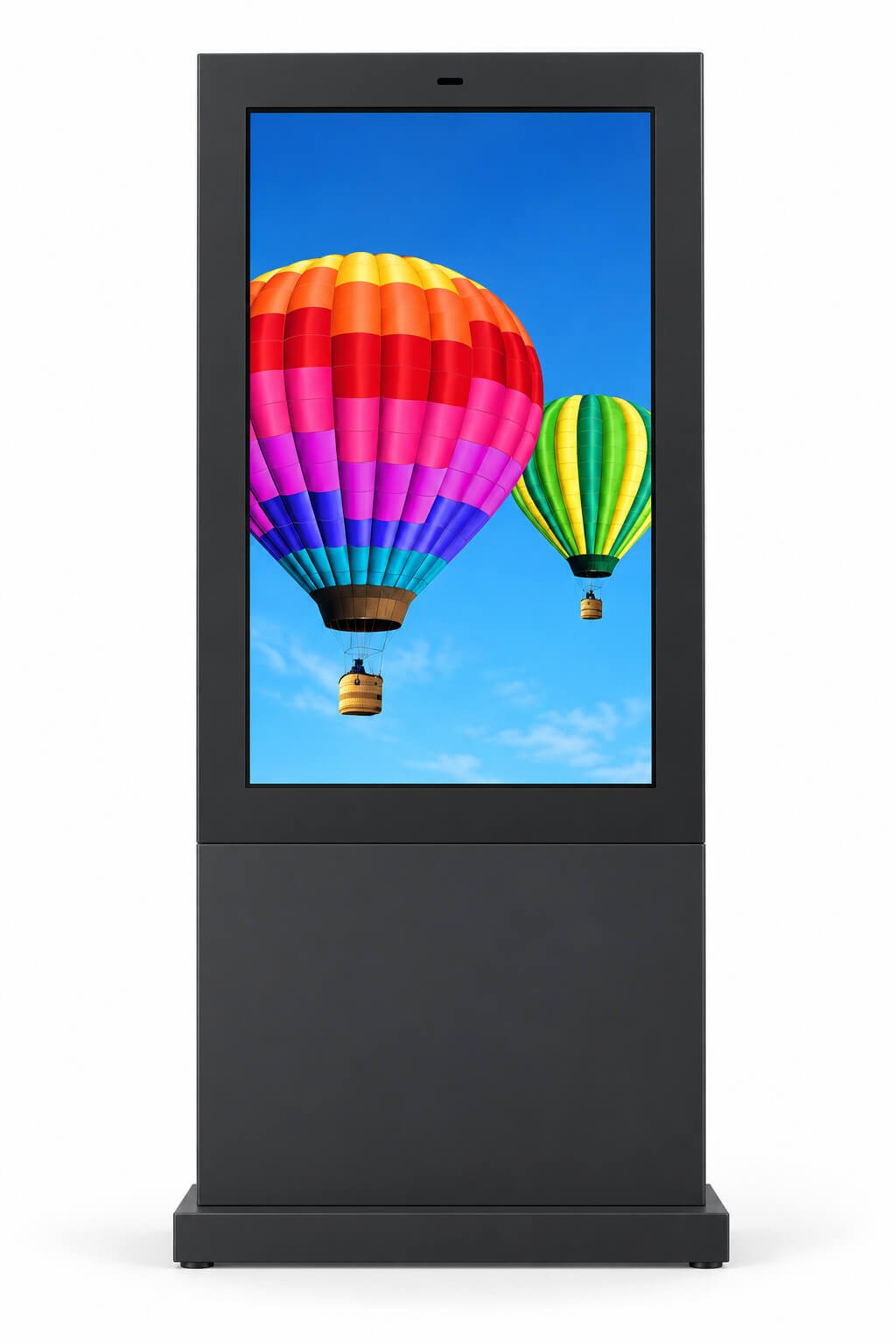
Compare outdoor enclosure references, then review your installation through our dedicated high brightness display range.
Outdoor signage and window-facing displays experience different heat, glare, rain and installation conditions. The outdoor catalogue illustrates freestanding and public-information enclosures; it does not establish that an indoor signage screen is suitable for these environments.
For storefront windows, direct-sunlight signage and outdoor touch installations, start with our high brightness product range. We review panel brightness, optical treatment, cover glass, thermal management, touch and the complete enclosure together.
| Parameter | 43-inch | 49-inch | 55-inch | 65-inch | 75-inch | 85-inch |
|---|---|---|---|---|---|---|
| Reference model | LCSJ-43A | LCSJ-49A | LCSJ-55A | LCSJ-65A | LCSJ-75A | LCSJ-85A |
| Diagonal | 43" | 49" | 55" | 65" | 75" | 85" |
| Resolution reference | 1920 × 1080 | 1920 × 1080 | 4K entry — confirm exact matrix | 1920 × 1080 | 1920 × 1080 | 1920 × 1080 |
| Brightness | 2000 cd/m² | 2000 cd/m² | 2000 cd/m² | 2000 cd/m² | 2000 cd/m² | 2000 cd/m² |
| Reference dimensions (mm) | 1850 × 650 × 125 | 1915 × 800 × 200 | 1930 × 870 × 200 | 2150 × 990 × 200 | 2250 × 1120 × 200 | 2300 × 1300 × 200 |
| Contrast | 1500:1 | 1500:1 | 1500:1 | 1500:1 | 1500:1 | 1500:1 |
| Parameter | Configuration / selection |
|---|---|
| Brightness selection | Catalogue describes a 1000–3500 cd/m² project range and lists 2000 cd/m² in this table. Final target, dimming method and sustained performance depend on the panel and thermal design. |
| Panel / content | LED-backlit LCD; landscape or portrait content selected for the enclosure and application |
| System / touch | Standalone, network or computer configurations; Android or compatible Windows platform; non-touch, infrared or capacitive touch subject to environmental validation |
| Memory / storage | 4 / 8 / 16 / 32 GB memory; 32 / 64 / 128 / 256 / 512 GB or 1 / 2 TB storage on compatible platforms |
| Thermal management | Catalogue references air cooling or air conditioning and temperature control; method sized for the solar load, ambient range and maintenance plan |
| Weather protection | Water, dust, corrosion, drainage, condensation and cable-entry protection must be defined. No specific IP rating is supplied in this catalogue table. |
| Optical / touch engineering | Review reflections, protective glass, optional AR treatment or optical bonding and touch behavior in the target environment |
| Power / operating limits | Input voltage, peak power, standby power, temperature range, humidity, enclosure weight and environmental ratings to be confirmed per project |
| Content management | Remote content updates, multi-zone content and scheduling on a compatible network player/CMS |
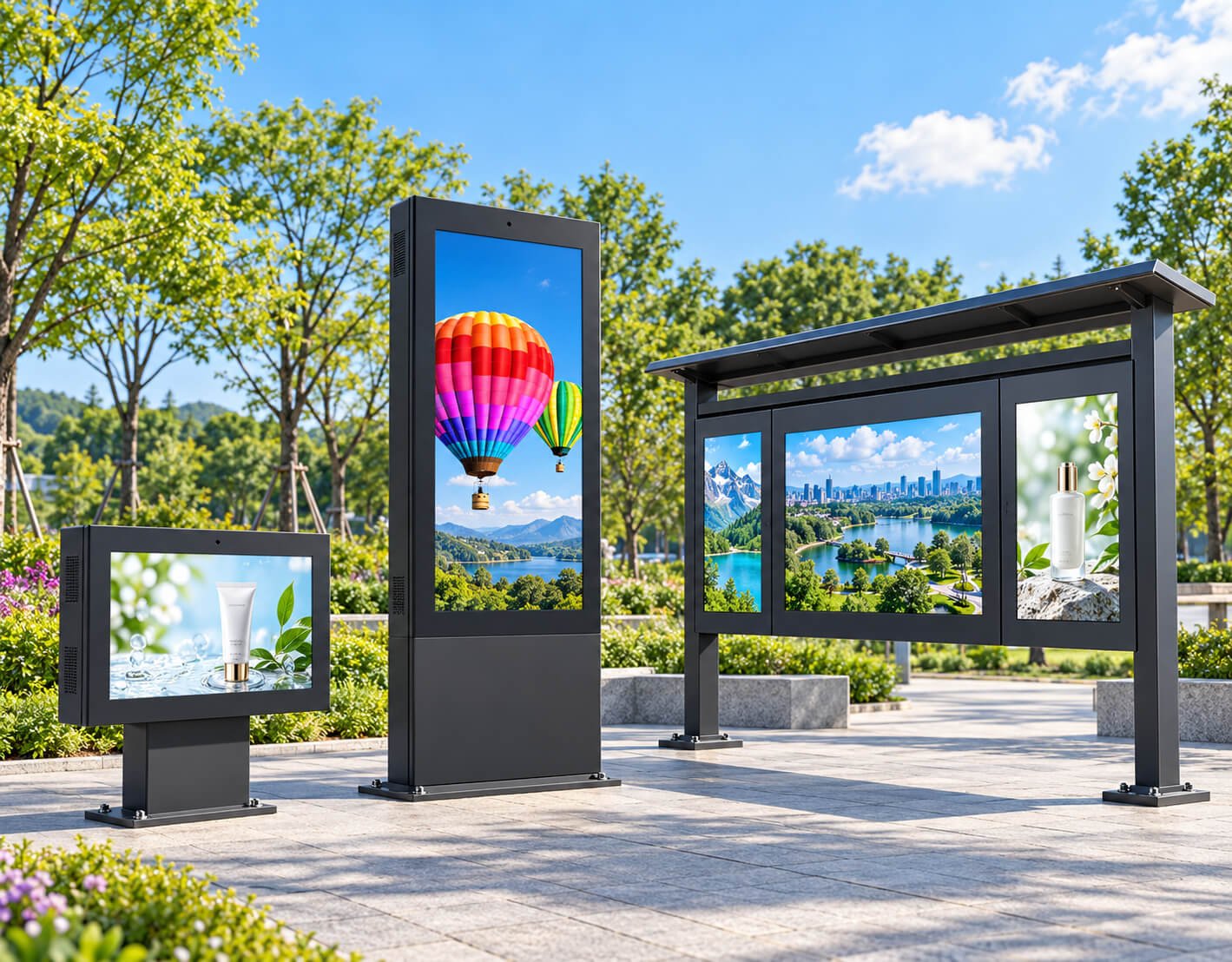
For quotation: provide the installation city, exposure to direct sun, indoor-window or outdoor position, mounting arrangement, enclosure requirements, operating hours, ambient temperatures, touch use, quantity and destination.
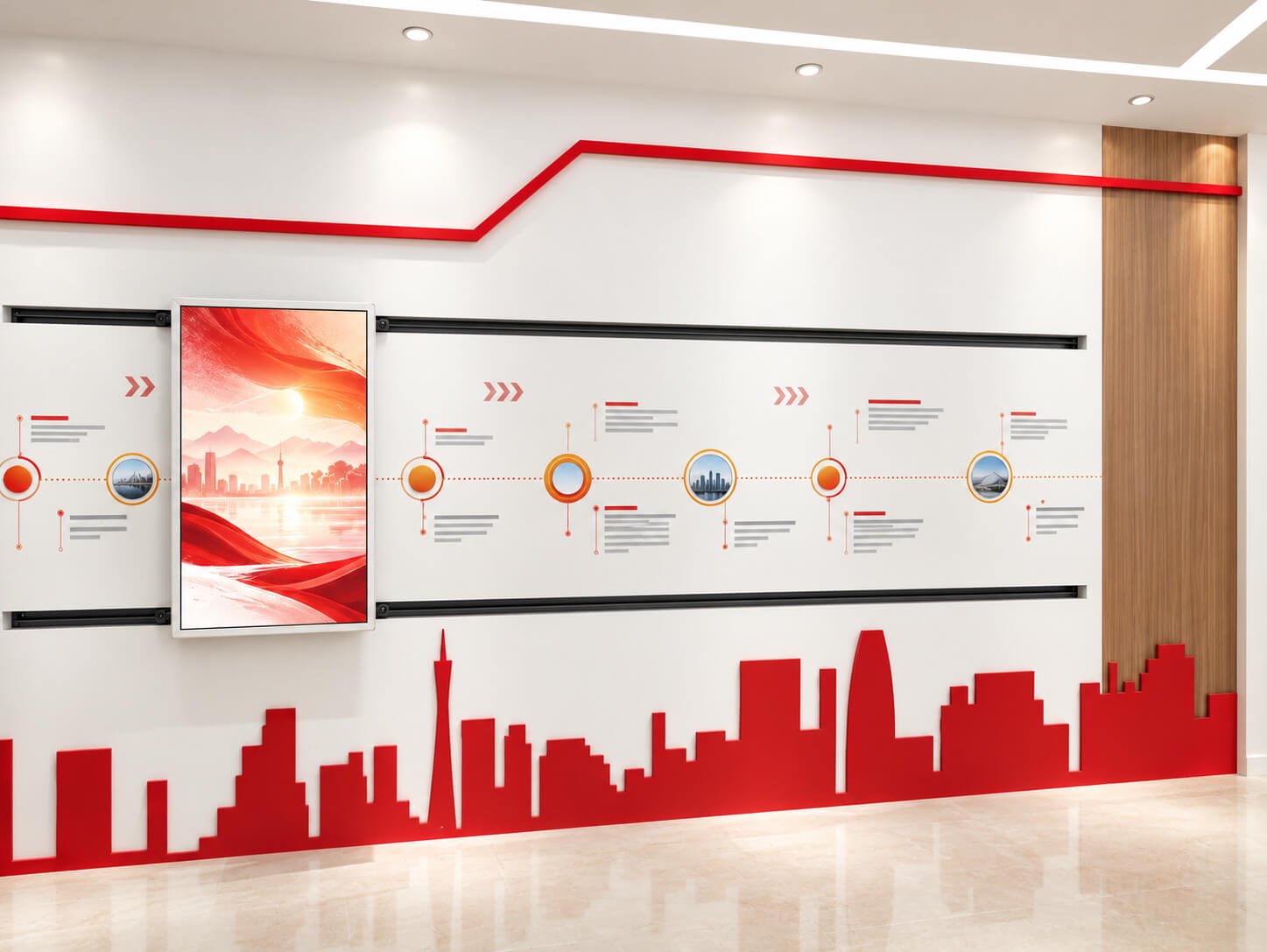
Combine a moving display, position-linked content and custom rail integration for museums, showrooms and exhibition storytelling.
An interactive slide screen travels along a rail and presents content associated with defined positions. Museums and corporate showrooms can connect a moving display to a wall timeline, machine demonstration or product exhibit. The system combines display hardware, rail mechanics, sensing, controls and application content.
Define content nodes along the rail. A compatible sensing and control system selects the relevant media as the screen reaches each position; the interaction can be initiated through touch or another agreed control method.
The catalogue describes automatic cruising, dynamic idle screens and touch gestures such as zooming and rotating content. These functions require the corresponding control system and application software.
| Parameter | Configuration / selection |
|---|---|
| Display technology | LCD, LED or transparent OLED project directions are listed; select the technology for viewing distance, exhibit visibility and mechanical loading |
| Screen size / pixels / brightness | Selected with the actual display module; no numerical slide-screen specification is supplied in the catalogue |
| Rail geometry | Straight, curved, linked multiple rails or opening/closing arrangements; exact feasibility depends on the structure and display |
| Rail length / travel | Custom project requirement; confirm usable travel, overall rail length, stop positions, service clearance and cable route |
| Installation | Recessed wall mounting, surface wall mounting, freestanding or suspended configurations subject to structural review |
| Interaction | Position-linked content, touch-selected movement, automatic tour and dynamic idle content with the appropriate sensors, control and software |
| Drive / motion control | Manual or motorized arrangement to be agreed; speed, acceleration, payload, positioning accuracy and duty cycle require a project specification |
| Safety / service | Define end stops, motion limits, pinch-point protection, emergency-stop requirements, maintenance access and structural load with the installation team |
| Content system | Screen player/computer, position sensing, rail controller, media-node mapping and application content integrated as one system |
| Touch / computing | Touch technology, OS, CPU, memory, storage and interfaces selected with the content application and display |
| Power / cable management | Display and motion power requirements, grounding, moving cable chain or other routing method specified after the travel and payload are confirmed |
| Environment | Indoor exhibition reference applications; temperature, humidity, lighting and visitor-access conditions defined for each project |


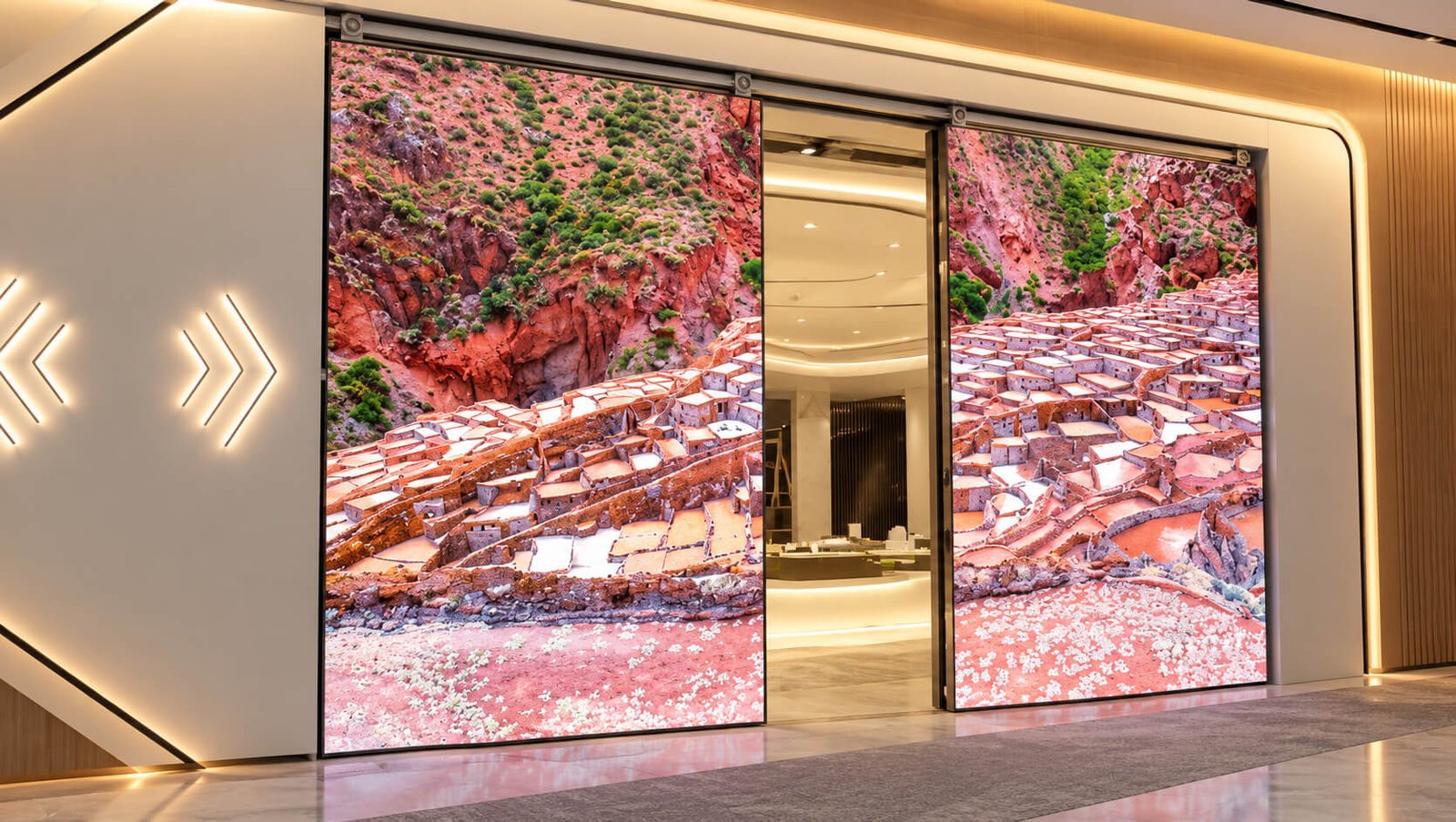
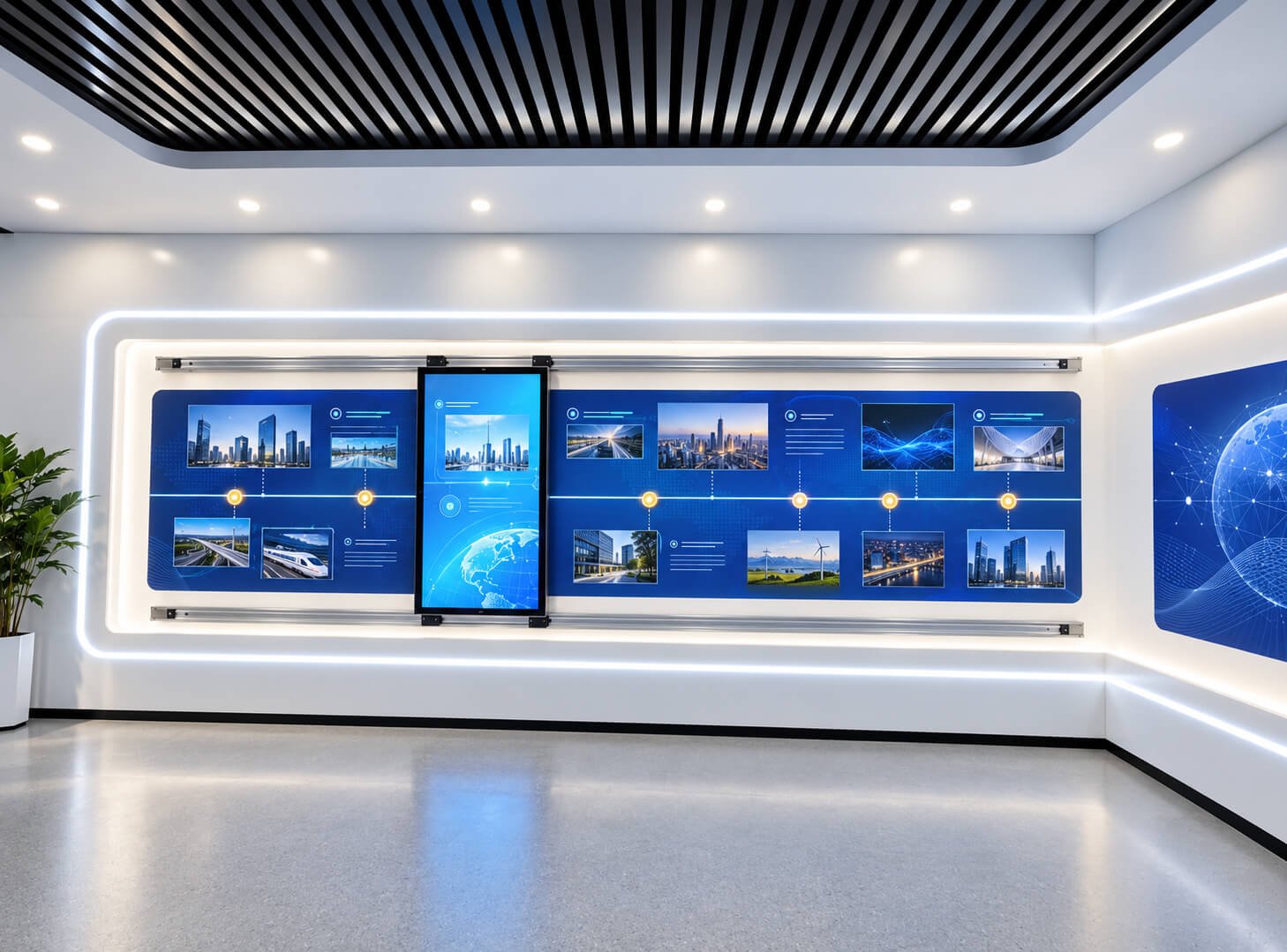
A transparent OLED sliding-rail display can overlay digital explanations while preserving the view of a physical exhibit behind the screen. Discuss panel transparency, ambient light, content contrast, protective structure and rail integration as a dedicated transparent-display project.
The LCD exhibition images above illustrate rail applications; they do not show the transparency of a transparent OLED panel.
For quotation: send the exhibit layout, available wall or floor area, screen requirement, rail shape and length, number of content nodes, motion sequence, manual or motorized preference, interaction method and installation location.
| Function | Typical Use | Important Confirmation |
|---|---|---|
| Local Playback | USB, SD or internal-storage content loops | File format, autoplay, loop order and update access |
| CMS Application | Scheduled content, remote updates and multi-location control | Server, licensing, player compatibility, offline behavior and support responsibility |
| Wi-Fi | Cloud CMS, app updates and flexible indoor deployment | Frequency band, antenna position and signal environment |
| Ethernet | Stable wired network for fixed commercial locations | Port position, network policy and cable route |
| PoE | Selected compact wall-mounted displays | PoE standard, cable length, power budget and display consumption |
| 4G | Remote sites without local wired or Wi-Fi networks | Frequency bands, SIM access, antenna and local approval |
| USB | Local content, service and selected accessories | Host or OTG mode, quantity and connector access |
| RS232 / RS485 | Selected smart-signage control or peripheral projects | Voltage, protocol, isolation, connector and software driver |
| Camera / NFC | Selected smart-signage extensions | When recognition or access becomes central, use the specialized terminal category |
| Speaker / Microphone | Media, prompts and selected voice functions | Acoustic openings, volume, privacy and software control |
Digital Signage is still primarily a content and information display. I/O and smart functions should be selected only when they directly support the signage application.
| Stage | Main Work | Output |
|---|---|---|
| 1. Requirement Review | Application, size, orientation, touch, OS, CMS, network, I/O and quantity | Recommended product and platform direction |
| 2. System Architecture | LCD, touch, motherboard, memory, storage, network, interfaces and power | Confirmed hardware configuration |
| 3. Mechanical Review | Housing, mounting, cover glass, connectors, cable route, ventilation and service access | Drawing and appearance direction |
| 4. Software Integration | CMS, APK, browser, Linux or Windows application, startup, permissions and updates | Working software image or integration plan |
| 5. Sample Validation | Playback, touch, network, I/O, mounting, heat, power and user workflow | Approved sample and change list |
| 6. Batch Production | BOM control, software loading, assembly, aging, inspection and packaging | Consistent commercial batch products |
DisplayMan can provide the display, computing platform, interfaces and agreed system support. CMS operation, cloud services, customer business software, third-party subscriptions and long-term content management must be assigned clearly.
| Related Page | When to Visit |
|---|---|
| Touchscreen All-in-One Terminals | Parent product group covering Consumer, Enterprise and Industrial terminal products |
| Enterprise & Industrial Terminals | Overview of signage, kiosks, touch terminals, video walls and industrial terminals |
| Floor-Standing Kiosks | Complete 32"–98" standing terminals with base, enclosure and optional peripherals |
| Open Frame Digital Signage | 10.1"–43" display assemblies for customer-equipment integration |
| Wall-Mounted Touch Terminals | Fixed enterprise applications where touch workflow is the core function |
| Interactive Flat Panels | Large collaborative meeting and education displays |
| AI Recognition & Smart Access Terminals | Face recognition, access control, attendance and identity terminals |
| Horizontal Interactive Desks | Table-style interaction and multi-user presentation |
| Commercial LCD Video Walls | Large synchronized multi-panel commercial display surfaces |
| Industrial Panel PCs & Rugged Waterproof Terminals | Industrial control, rugged computing and sealed terminal applications |
| All-in-One Touch Display PC Solution | Integrated display, touch and computing architecture |
| Custom Touch Glass Solution | Custom cover glass, touch sensor and controller integration |
| OEM/ODM Display Engineering & Prototyping | Customized product definition, samples and batch production |
| High Brightness Displays | Window-facing, sunlight-readable and outdoor signage projects where standard indoor brightness is not sufficient |
| Touch vs Non-Touch Display | Confirm whether the signage project really needs interaction |
| Corporate & Office Environments | Reception, meeting-room signage and workplace communication |
| Exhibition, Events & Showrooms | Product presentation, visitor information and promotional content |
| Smart Vending & Unattended Retail | Commercial equipment and unattended retail applications |
| Transparent OLED Signage | Desktop, hanging, floor-standing, kiosk and motorized formats for transparent digital content |
| Transparent LCD Display Cabinet | Product visibility and digital explanations inside an illuminated showcase |
| Transparent LED Displays | Glass-mounted and larger transparent promotional display systems |
| Transparent OLED Sliding-Rail Display | A moving transparent display for physical exhibits and position-linked storytelling |
Yes. Transparent OLED signage can display digital content with a visible background. Transparent LCD cabinets combine product presentation with digital explanation, while transparent LED supports glass-mounted and larger promotional displays. Select the technology for the installation, lighting and viewing distance.
Wall-mounted digital signage, stretched bar signage, outdoor and high brightness references, and interactive slide screens. Each section includes its own selection information and reference parameters.
No. Non-touch signage is suitable for passive advertising and menus. Infrared or capacitive touch can be evaluated where visitors need to interact with the content.
Indoor brightness and enclosure design may be insufficient. Use High Brightness Displays to review sunlight, reflections, heat, touch and environmental protection.
A Transparent OLED Sliding-Rail Display can be reviewed for exhibits where physical objects must remain visible behind digital content. Panel selection, lighting, rail mechanics and software need to be defined together.
No. The tables describe separate catalogue configurations. Brightness, pixels, power, interfaces, touch, operating limits and enclosure dimensions must be confirmed in the selected project specification.
No. The LCD panel, player output, video decoding and content all need to support the required resolution. The legacy RK3188 reference player is listed with up to 1080p output.
CMS licensing, cloud services, content production, software integration and support responsibilities must be agreed with the selected configuration. Third-party software is subject to compatibility validation.
Send the product format, size or display opening, target brightness, indoor or outdoor conditions, touch requirement, OS/software, mounting drawing, quantity, destination and schedule. For a slide-screen project, add rail length, motion sequence and content-node information.
Send us the screen size, orientation, touch requirement, operating system, CMS or software, network method, interfaces, installation structure, housing, branding, quantity, destination, certifications and target schedule.
We will review the display, touch, computing and installation requirements, then recommend a commercial signage terminal, high brightness configuration or transparent display solution for your application.
The correct Digital Signage Display must match screen size, viewing distance, content, system, touch, network, mounting and commercial deployment—not only the diagonal size.