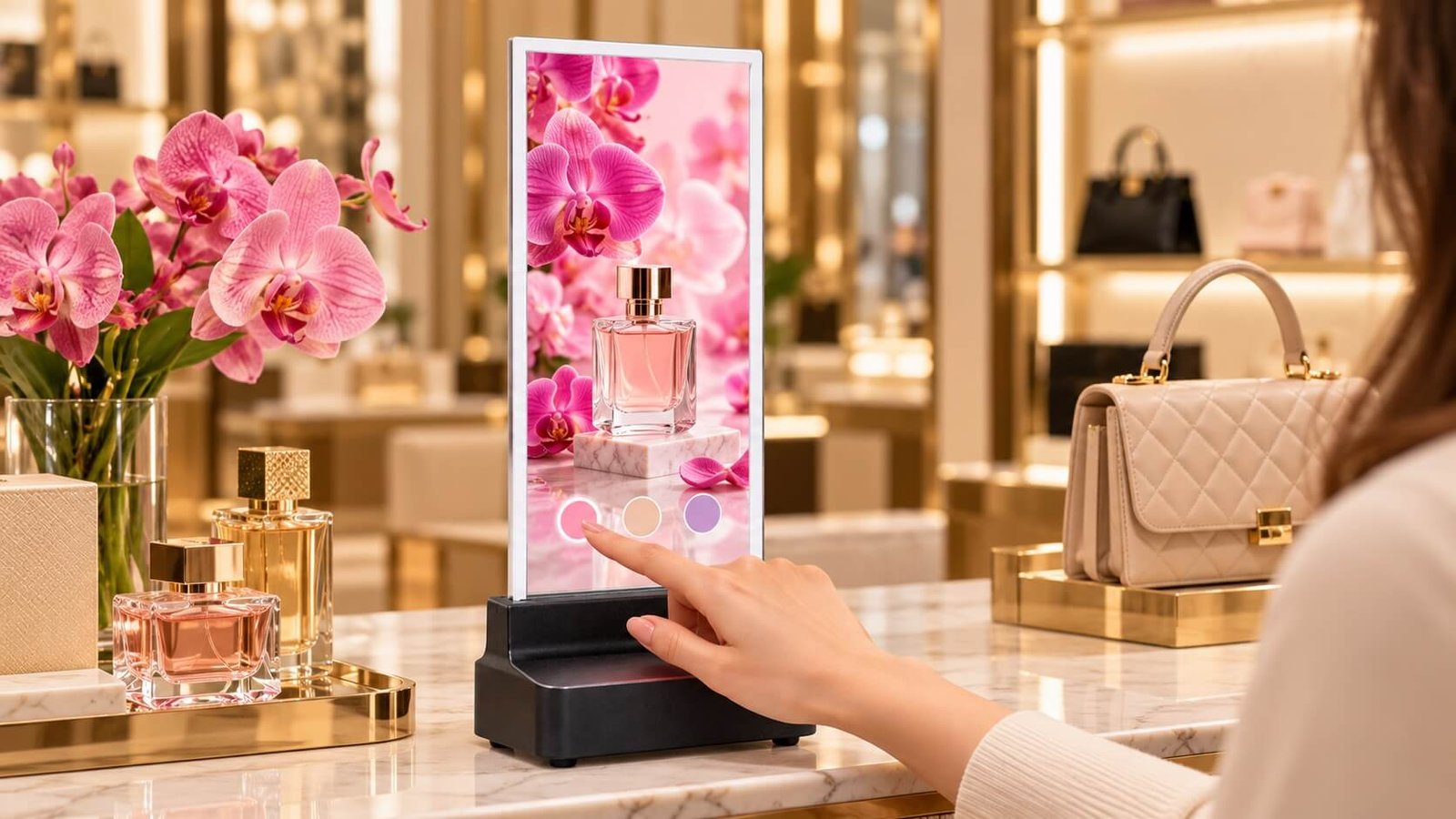
Retail Product Presentations
Show product animations, colors and campaign imagery on counters and display fixtures. Add touch for customer-led browsing.
Explore Retail Solutions
DisplayMan’s 16.1-inch transparent Micro LED display combines full-color, self-emissive imagery with a view through unused image regions. Build compact retail presentations, interactive exhibits, desktop demonstrations and entrance display integrations.
Choose a touch or non-touch configuration and plan the glass, control housing and mounting together. Optional touchscreen available at an additional cost.
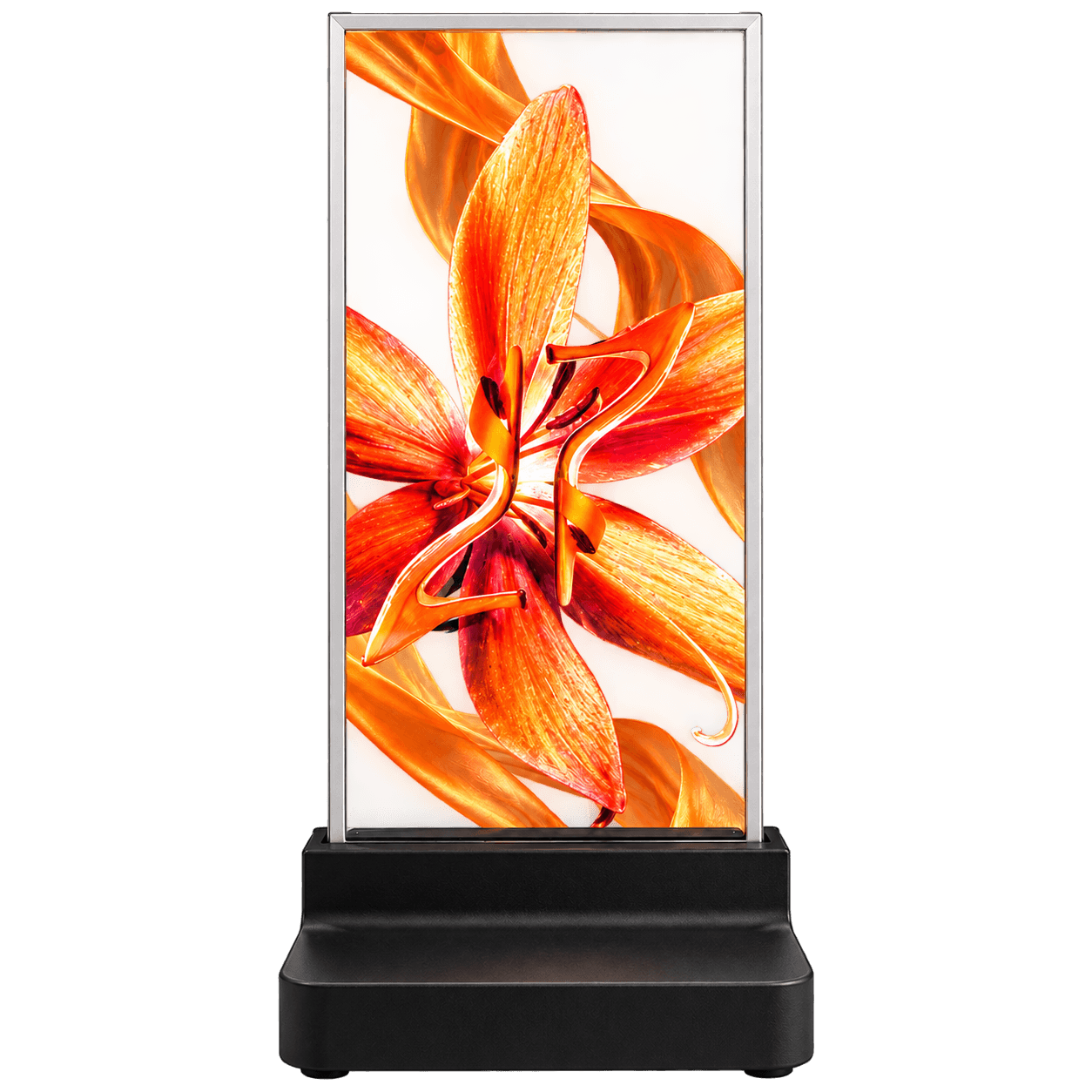
A small-format transparent display for digital imagery that shares the scene with physical objects and surroundings.
The panel uses an active-matrix LTPS-TFT glass backplane with RGB Micro LED flip-chip emitters. It produces its own image without an LCD backlight. Colored content remains visible on the glass while unused image regions allow the background to remain part of the presentation.
Use clear silhouettes, readable graphics and a deliberate content layout for the native 240 × 540 pixel canvas. This format is suited to compact viewing distances and visual demonstrations; assess text size and detail on the actual sample.
All DisplayMan transparent Micro LED models can be supplied with an optional touchscreen at an additional cost. Confirm the touch assembly, host connection and application software with your quotation.
Choose the configuration around how visitors will use the display. Touch hardware is an added option; content playback alone does not require it.

The white perimeter frame identifies the touch-equipped sample shown here. The black base houses the display electronics.
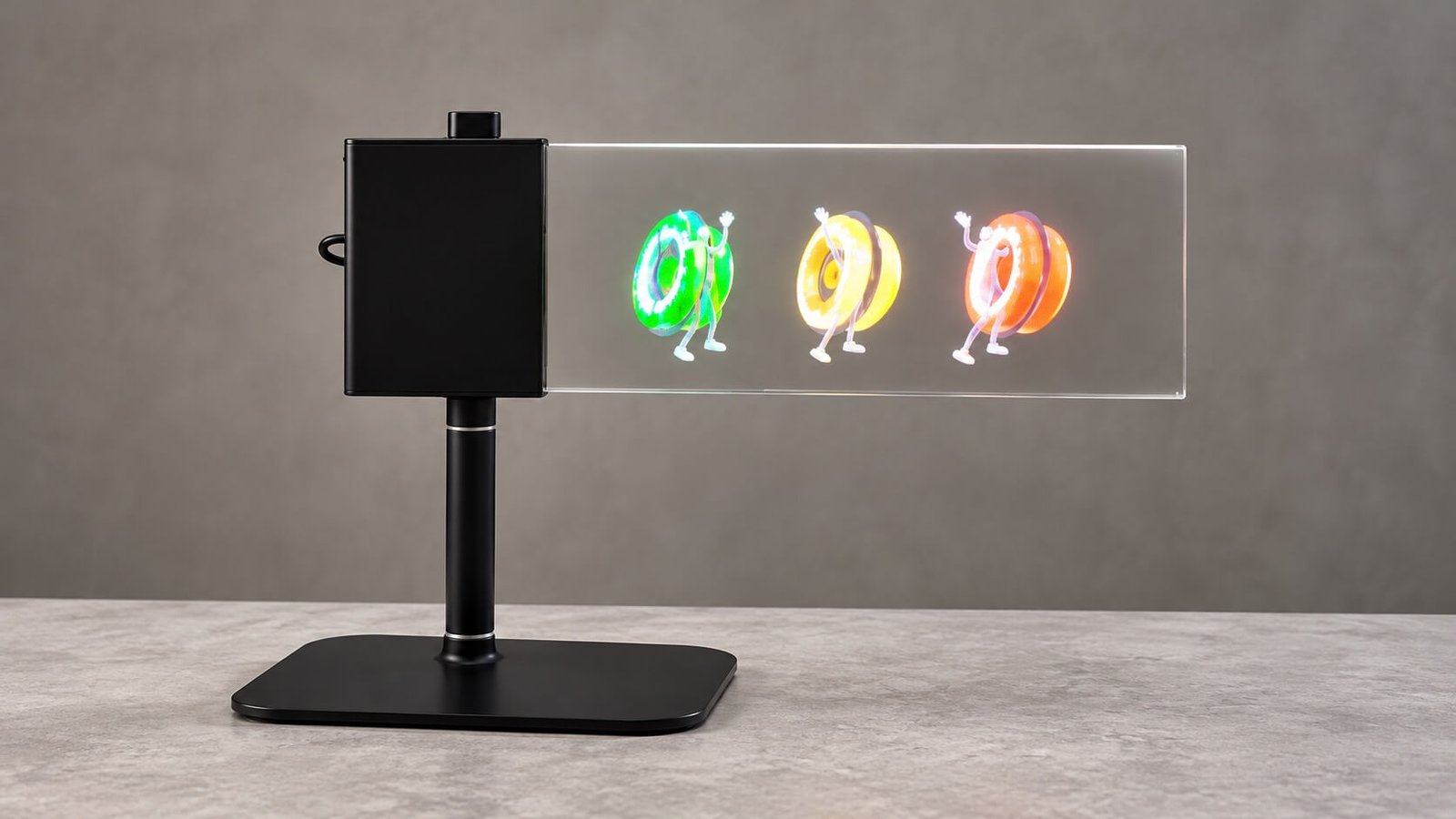
This sample uses a left-side black control housing connected to the glass, supported by a desktop pole and foot.
| Configuration | Best suited to | Project considerations |
|---|---|---|
| Non-touch | Looping advertisements, product animation, information and entrance signage | Playback source, mounting, control housing and content orientation |
| Optional touch | Interactive catalogs, exhibit selection and product information interfaces | Additional cost; touch assembly and host/software integration confirmed separately |
The 60% transparency reference applies without touch. The touch-equipped assembly must be assessed separately.
The controller housing connects to the side of the glass. The illustrated stand supports the housing rather than leaving the glass unsupported.
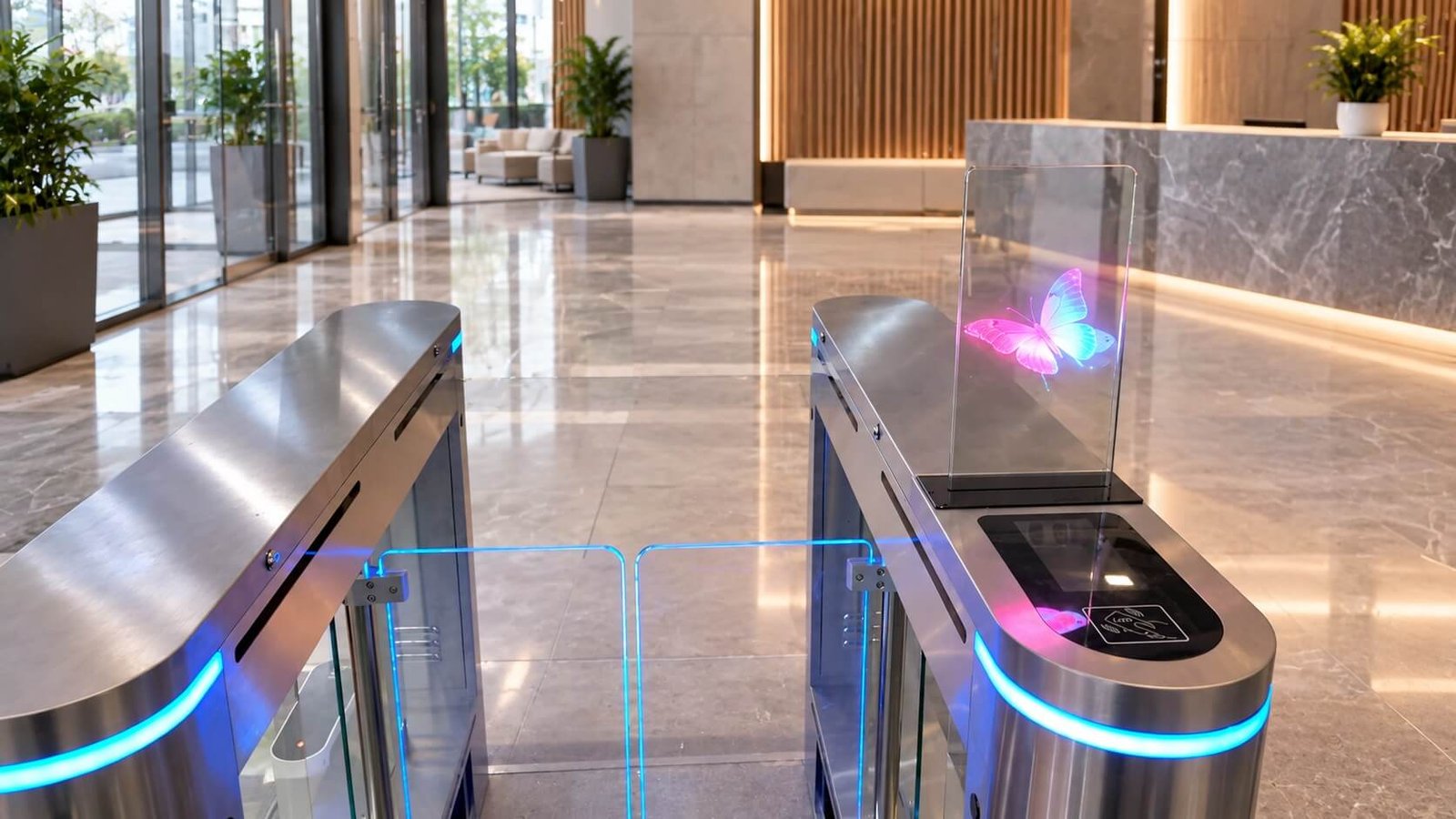
The illustrated non-touch screen connects directly to its lower control housing on top of a turnstile cabinet. Confirm clearances, cable routing and mounting with the equipment supplier.
Installation visualizations are reconstructed from supplied sample photographs. The display does not itself provide access authorization, credential reading or gate control.
Reference values from the supplied 16.1-inch specification. Confirm the approved configuration and drawing before fixture design or procurement.
| Parameter | Reference specification |
|---|---|
| Display size | 16.1-inch reference format |
| Panel technology | Active-matrix LTPS-TFT glass; RGB Micro LED flip chip |
| Native resolution | 240 × 540 pixels; content orientation follows installation |
| Pixel pitch | 0.692 mm |
| Transparency | 60% without touch |
| Brightness | 600 nits maximum full white / 1,200 nits peak |
| Color gamut | NTSC 120%; DCI-P3 98%; Rec.2020 86%; Rec.709 150% |
| Viewing angle | 178° horizontal / 178° vertical |
| Contrast ratio | 1,000,000:1 reference |
| Refresh rate / response | 120 Hz / less than 1 ms |
| Panel power, full white | 64 W reference; confirm complete system consumption separately |
| Power input | 100–240 Vac, 50/60 Hz, via selected power assembly |
| Protective glass | Front 2 mm / rear 1.1 mm; glass stack less than 5 mm, excluding housing and optional touch assembly |
| Surface treatment | Anti-reflection / hard coating, 7H reference |
| Signal input | HDMI / DisplayPort; daisy-chain configuration subject to system confirmation |
| Operating environment | 0–40°C; 10–80% humidity reference |
| LED lifetime | 100,000 hours reference; not a system warranty period |
| Optional touchscreen | Available at additional cost; assembly and host integration confirmed by project |
The supplied drawing marks a 373.68 × 166.08 mm display area, a 508.6 mm assembly width including the side housing, a 199 mm outline height and a 179.1 mm cover-glass height. These describe the illustrated configuration and exclude a desktop stand or optional touch frame. Use the approved configuration-specific drawing for mounting.
Six ways to use compact transparent imagery, with touch available when the experience needs interaction.
Images are product and installation visualizations reconstructed from supplied photographs, not documented customer deployments.
Show product animations, colors and campaign imagery on counters and display fixtures. Add touch for customer-led browsing.
Explore Retail Solutions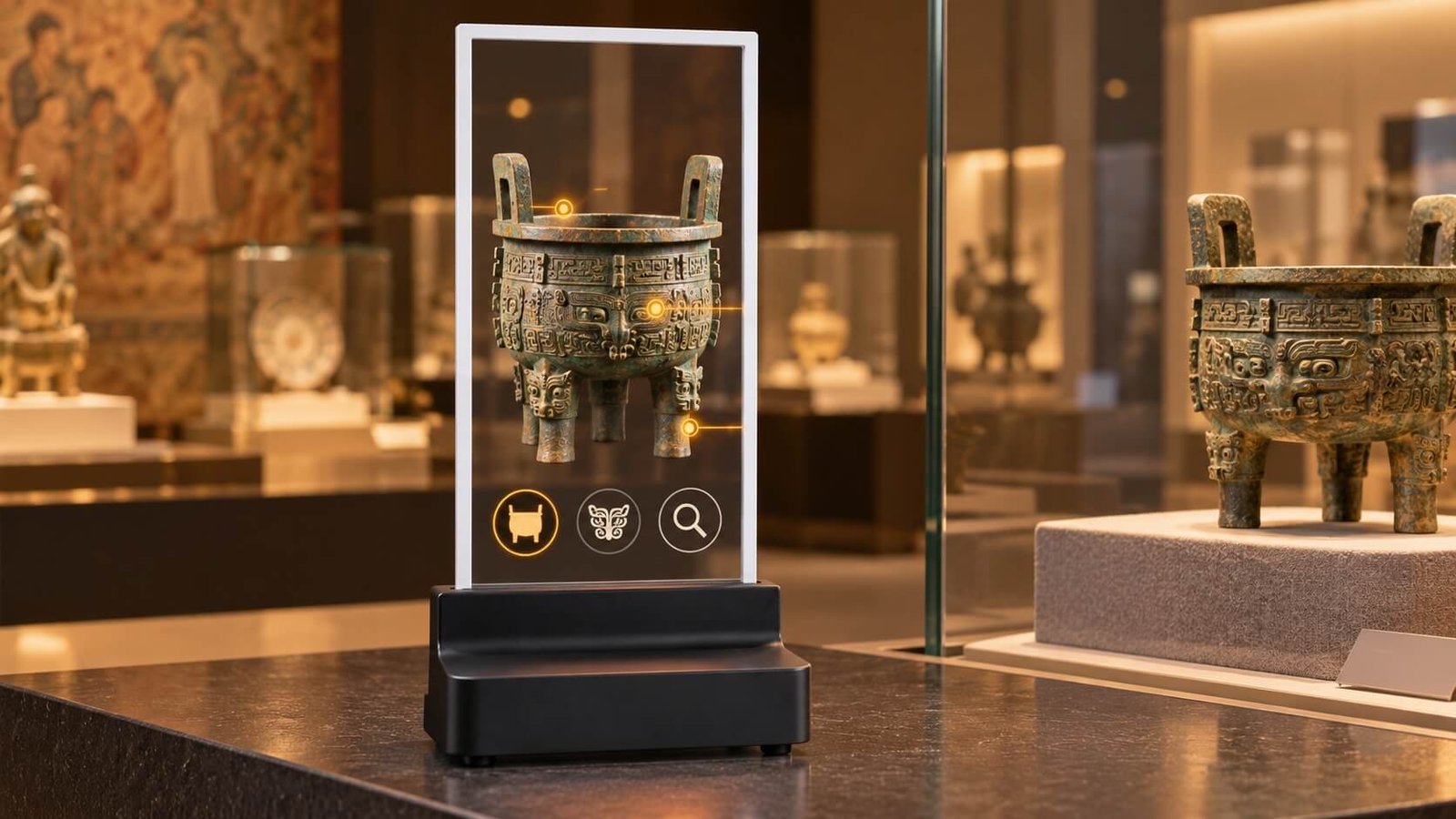
Present digital artifacts and cultural content, with optional touch to select stories and viewing sequences.
Explore Exhibition Solutions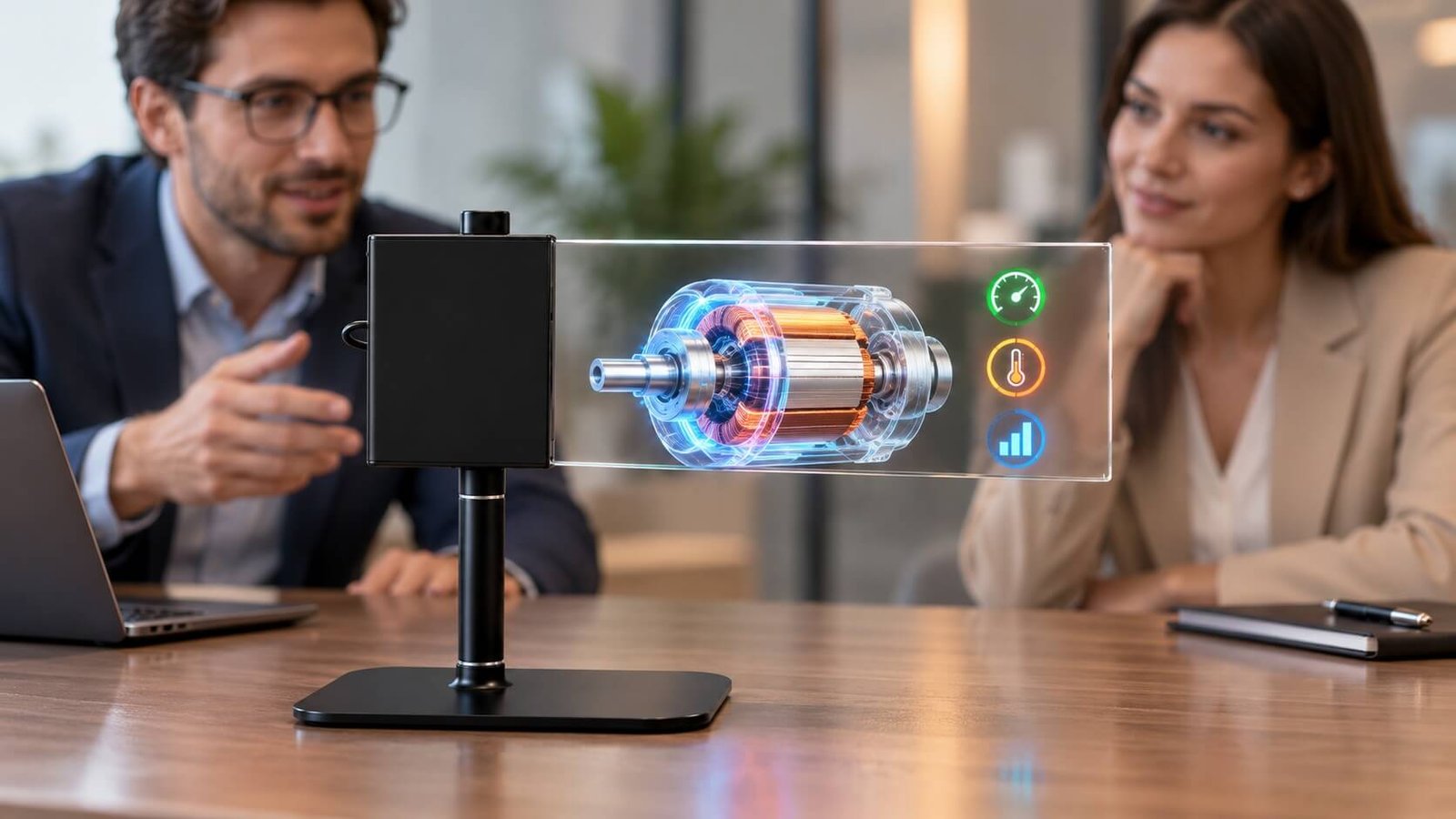
Create a compact visitor-facing demo station with landscape content and a supported side-mounted electronics housing.
Explore Corporate ApplicationsAdd visual messaging to an entrance cabinet while keeping the walkway visible. The illustrated configuration is non-touch.
Discuss Access Terminal Integration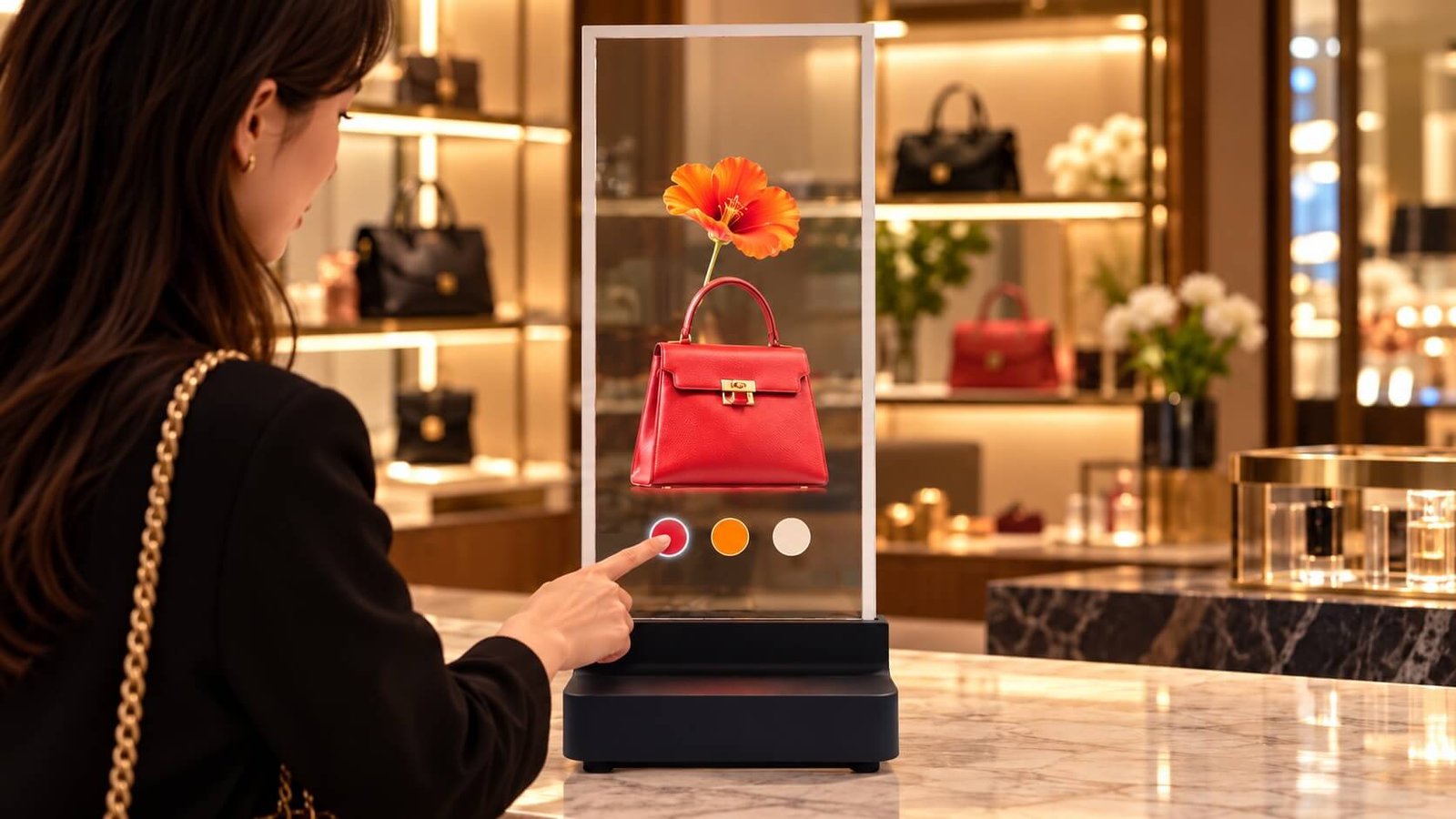
Combine fashion, product and promotional content with an optional touch interface and separately configured host software.
Explore Transparent Touch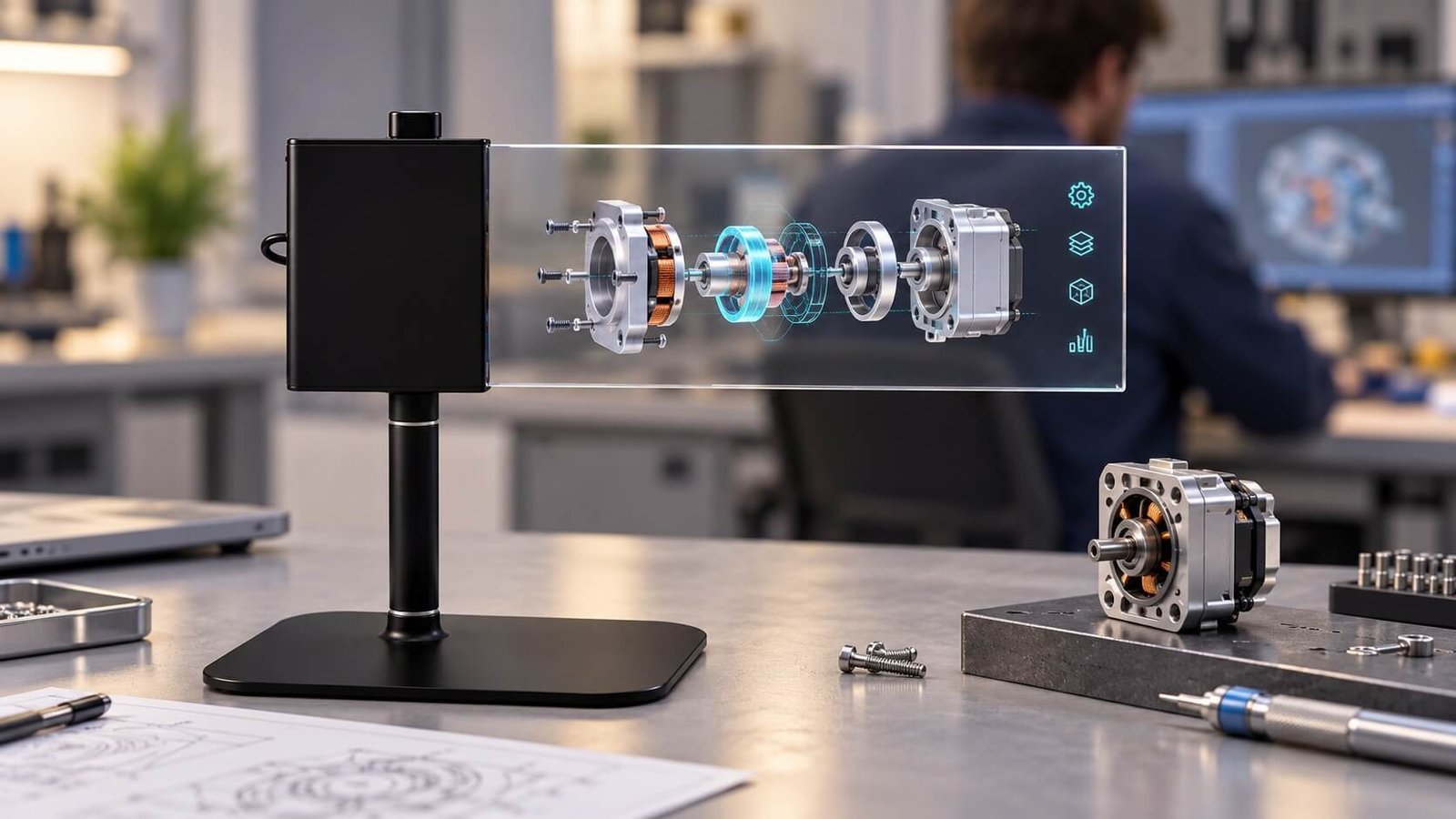
Integrate transparent imagery into a custom fixture with the glass support, controller position, power and cables planned together.
Explore OEM Engineering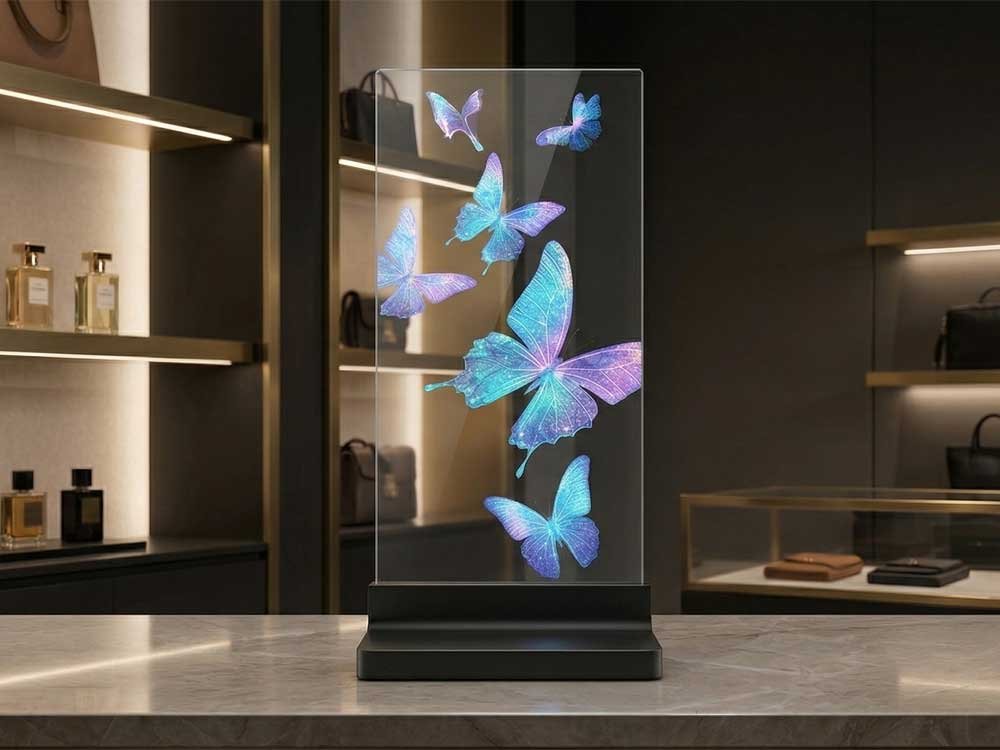
A portrait transparent display adds animated product storytelling to a perfume, cosmetics or accessories counter while keeping the surrounding retail space visible through the glass.
Explore Transparent Retail DisplaysExplore the touch-equipped sample with different playback content. Click an image to open the full view.
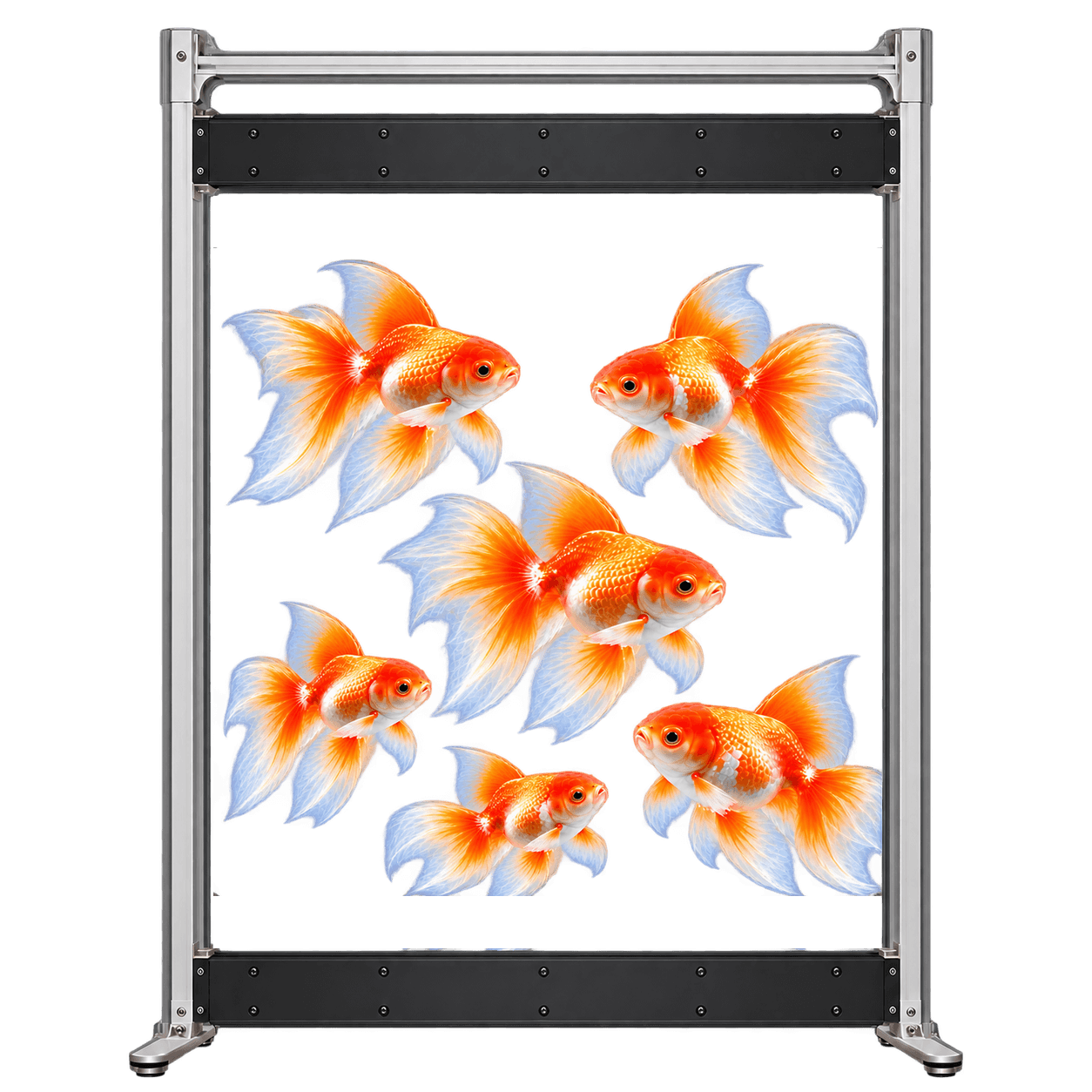
Reconstructed product visualizations based on supplied sample photographs. The white perimeter frame identifies the illustrated touch-equipped version.

Touch-equipped sample visualization with a white perimeter touch frame and integrated black electronics base.

Touch-equipped sample visualization with a white perimeter touch frame and integrated black electronics base.
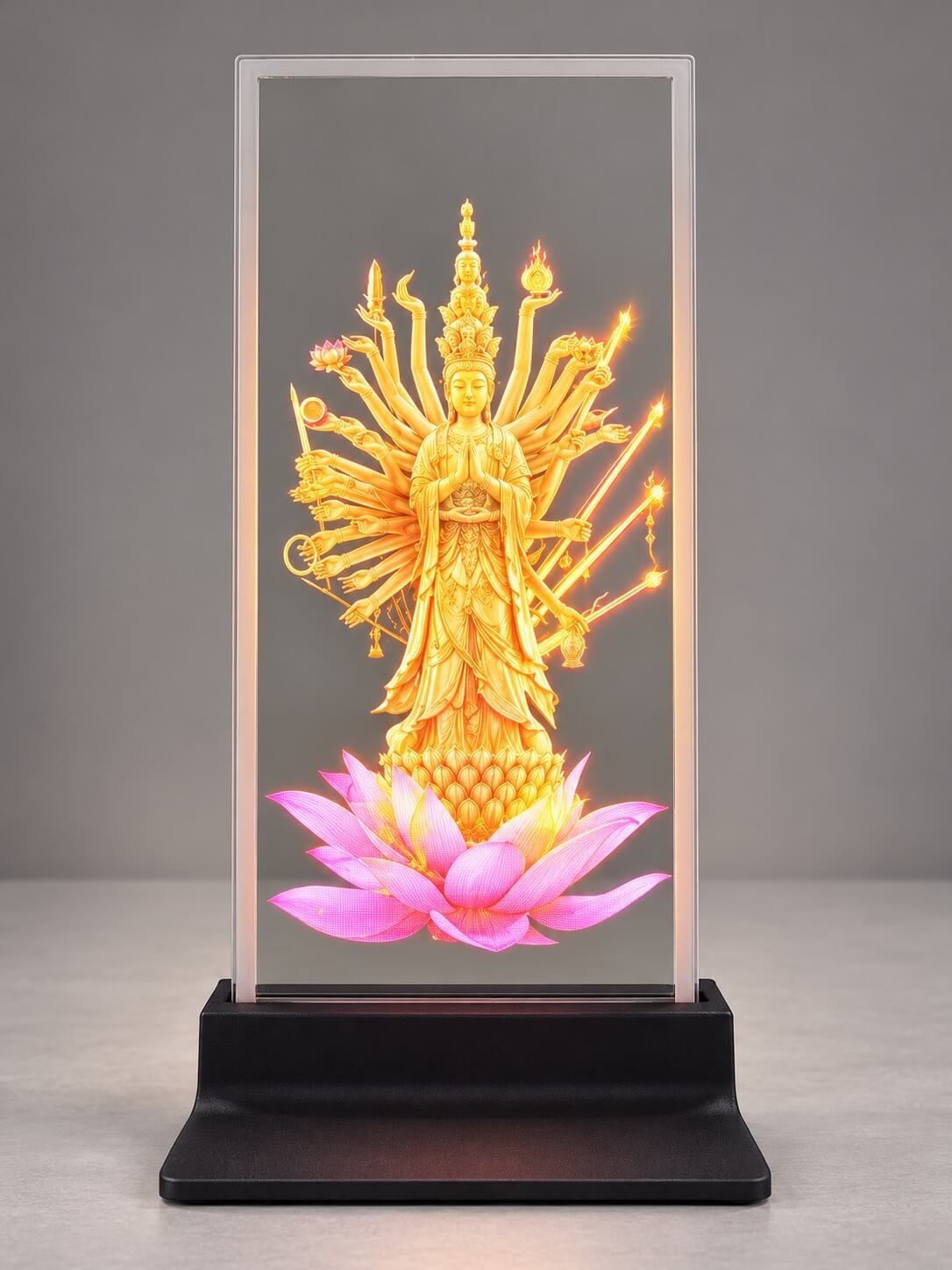
Touch-equipped sample visualization with a white perimeter touch frame and integrated black electronics base.

Touch-equipped sample visualization with a white perimeter touch frame and integrated black electronics base.

Touch-equipped sample visualization with a white perimeter touch frame and integrated black electronics base.
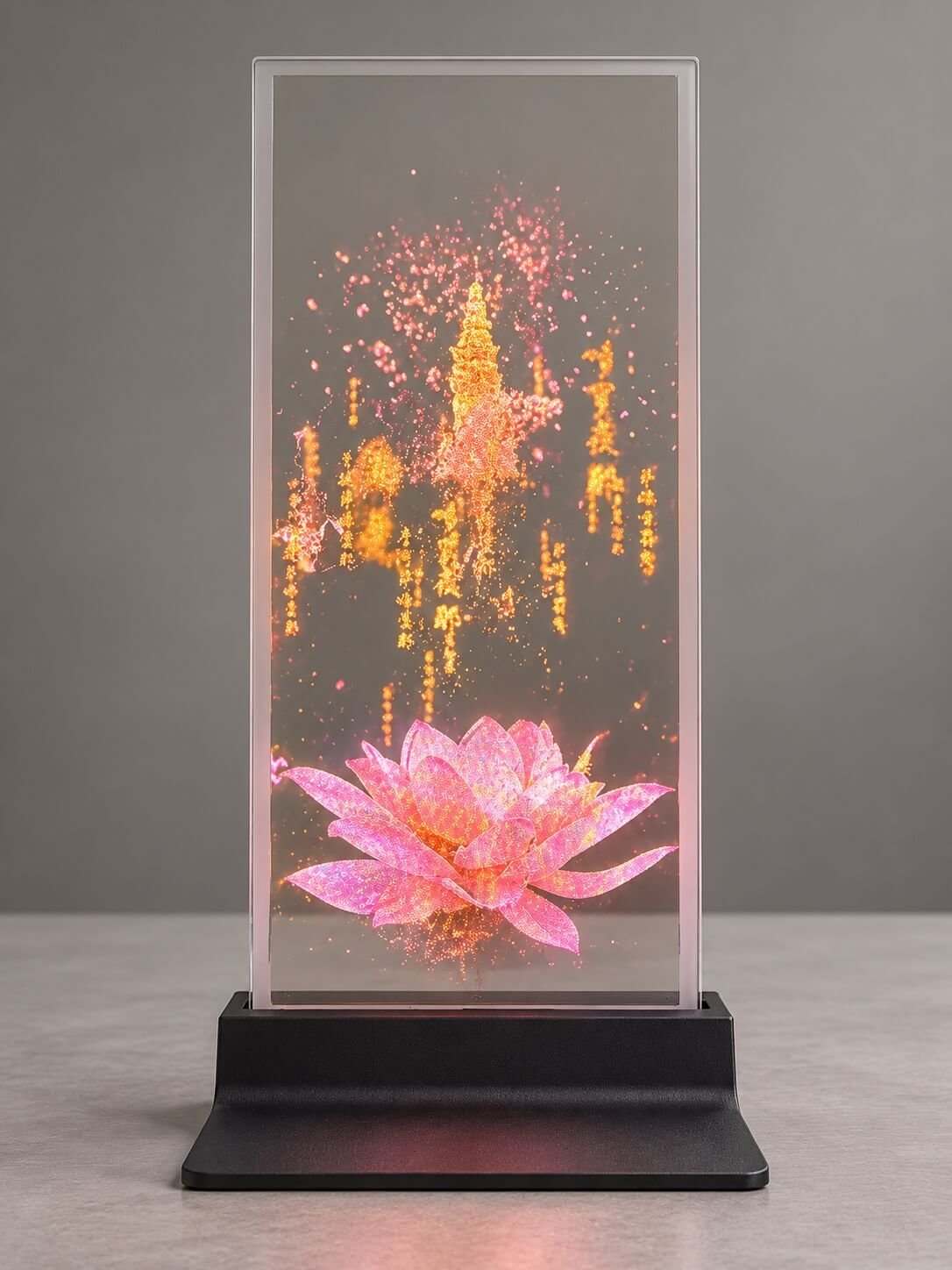
Touch-equipped sample visualization with a white perimeter touch frame and integrated black electronics base.
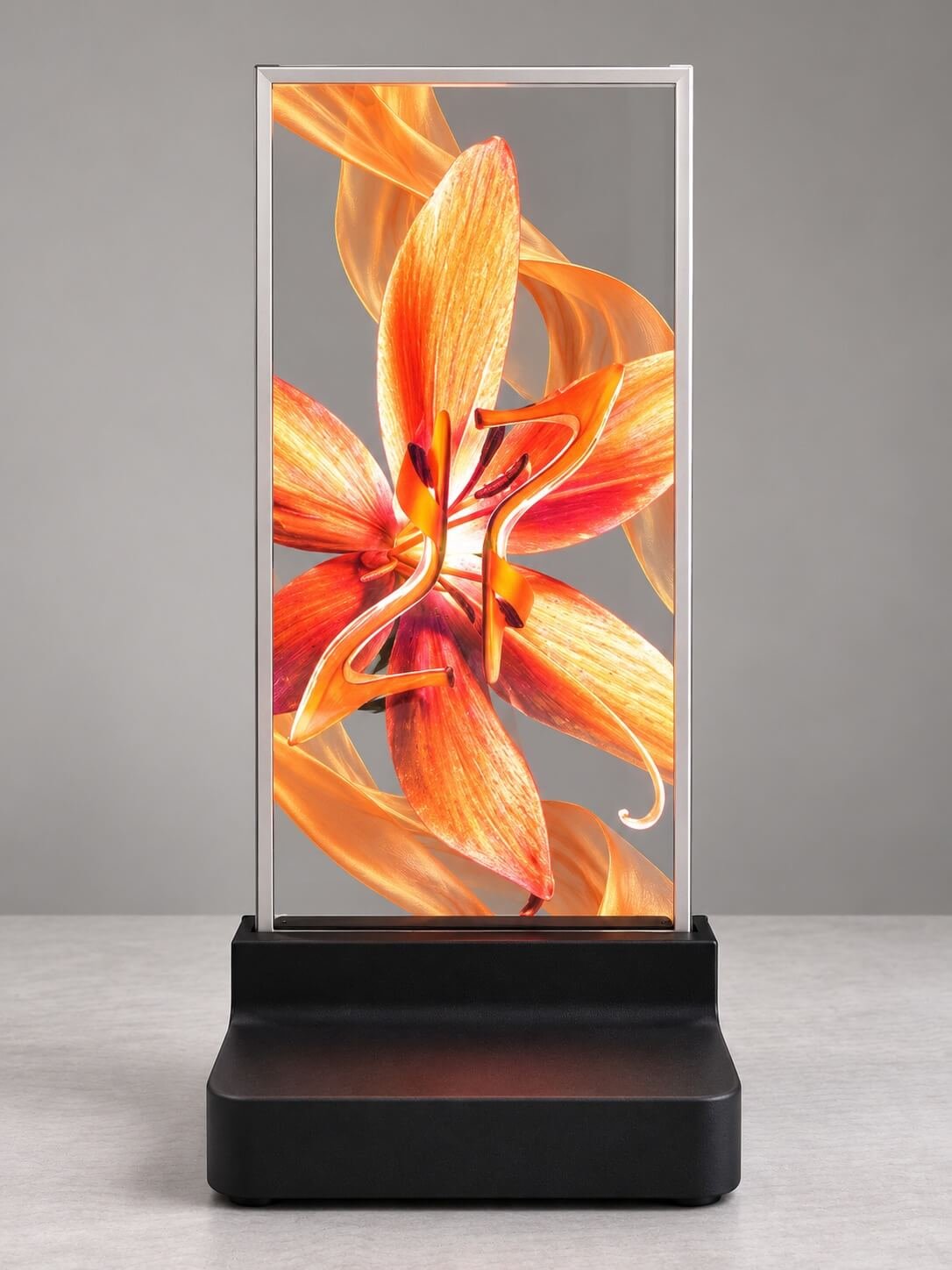
Touch-equipped sample visualization with a white perimeter touch frame and integrated black electronics base.
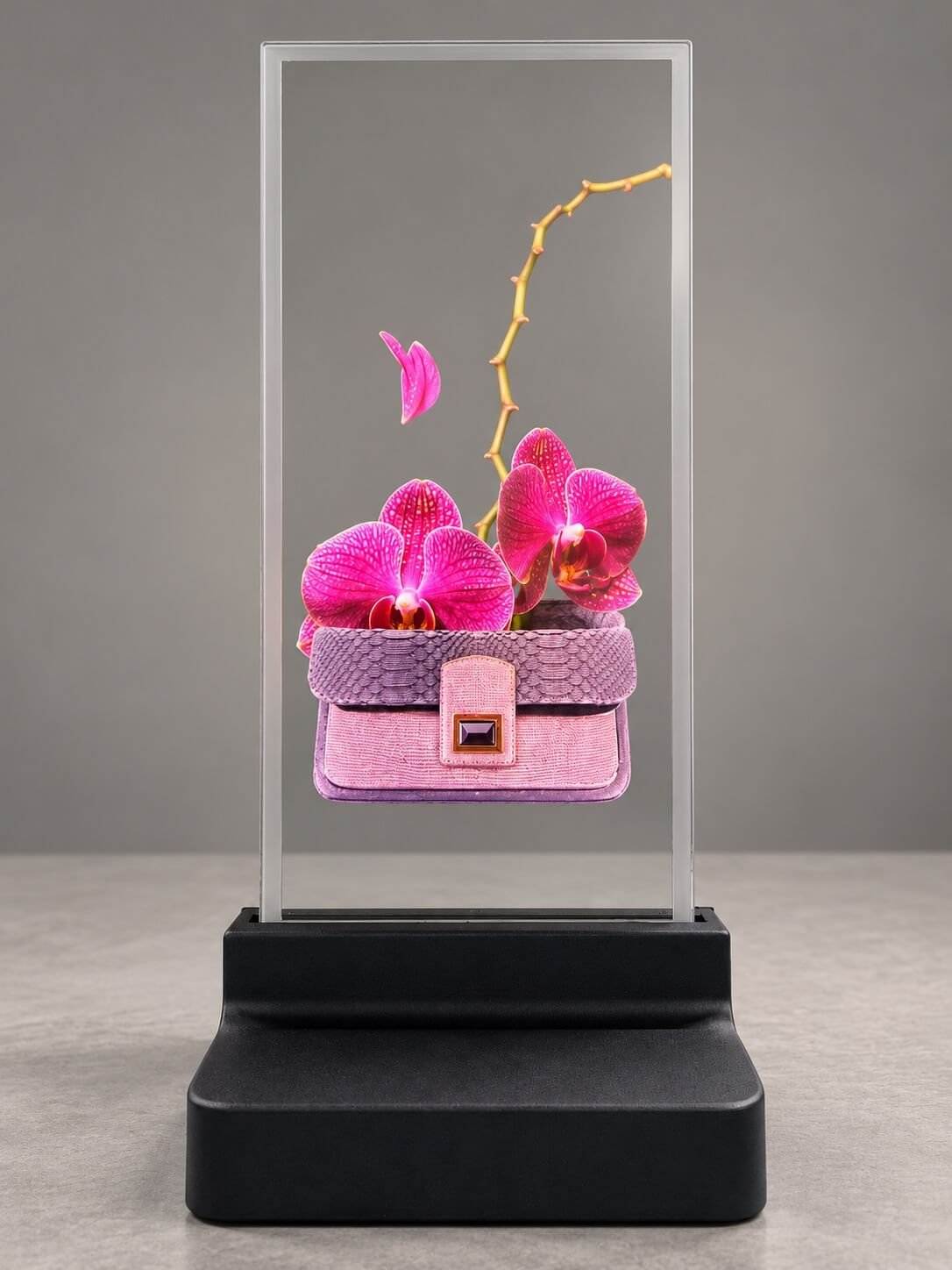
Touch-equipped sample visualization with a white perimeter touch frame and integrated black electronics base.

Touch-equipped sample visualization with a white perimeter touch frame and integrated black electronics base.

Touch-equipped sample visualization with a white perimeter touch frame and integrated black electronics base.
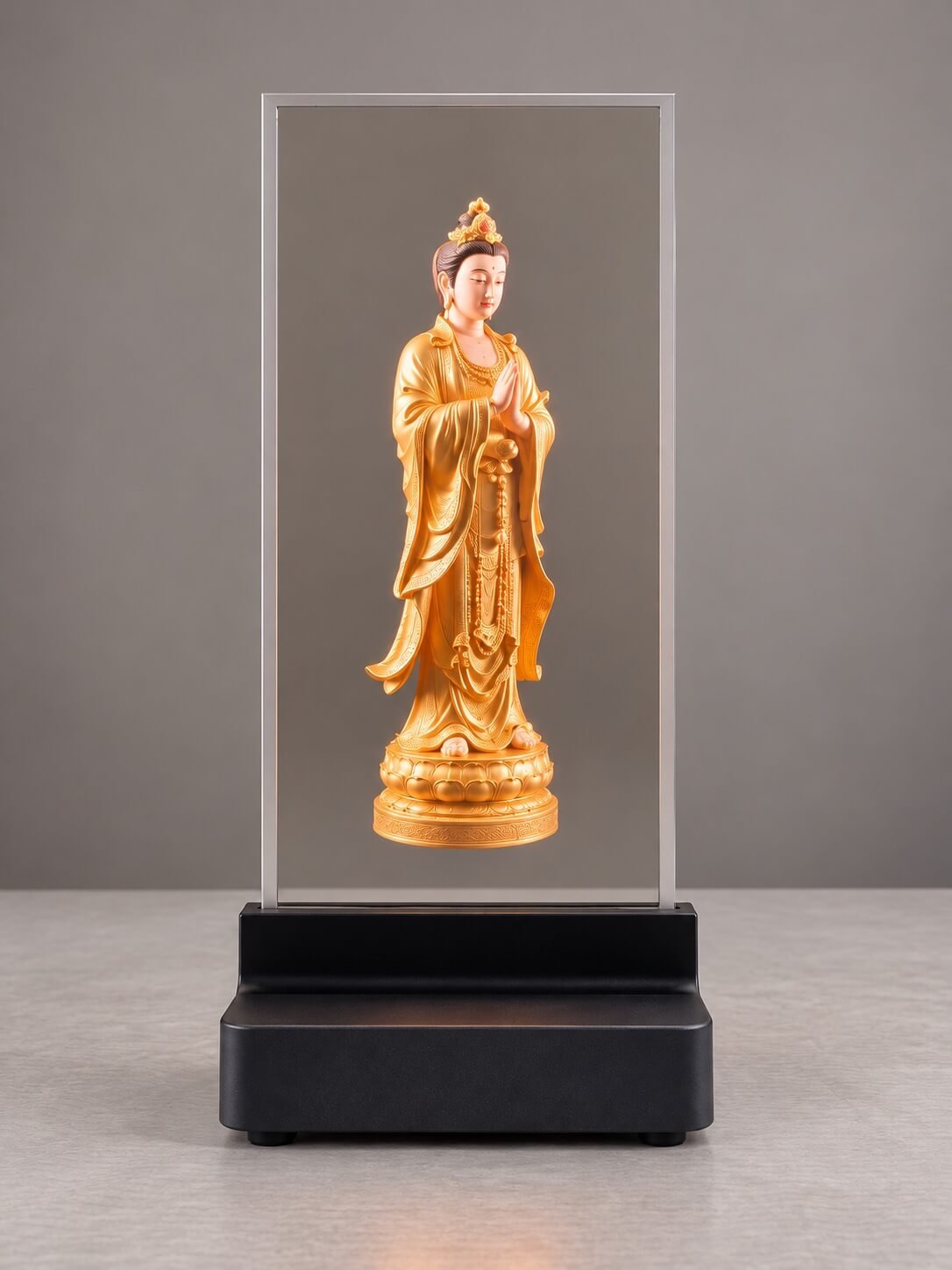
Touch-equipped sample visualization with a white perimeter touch frame and integrated black electronics base.

Touch-equipped sample visualization with a white perimeter touch frame and integrated black electronics base.
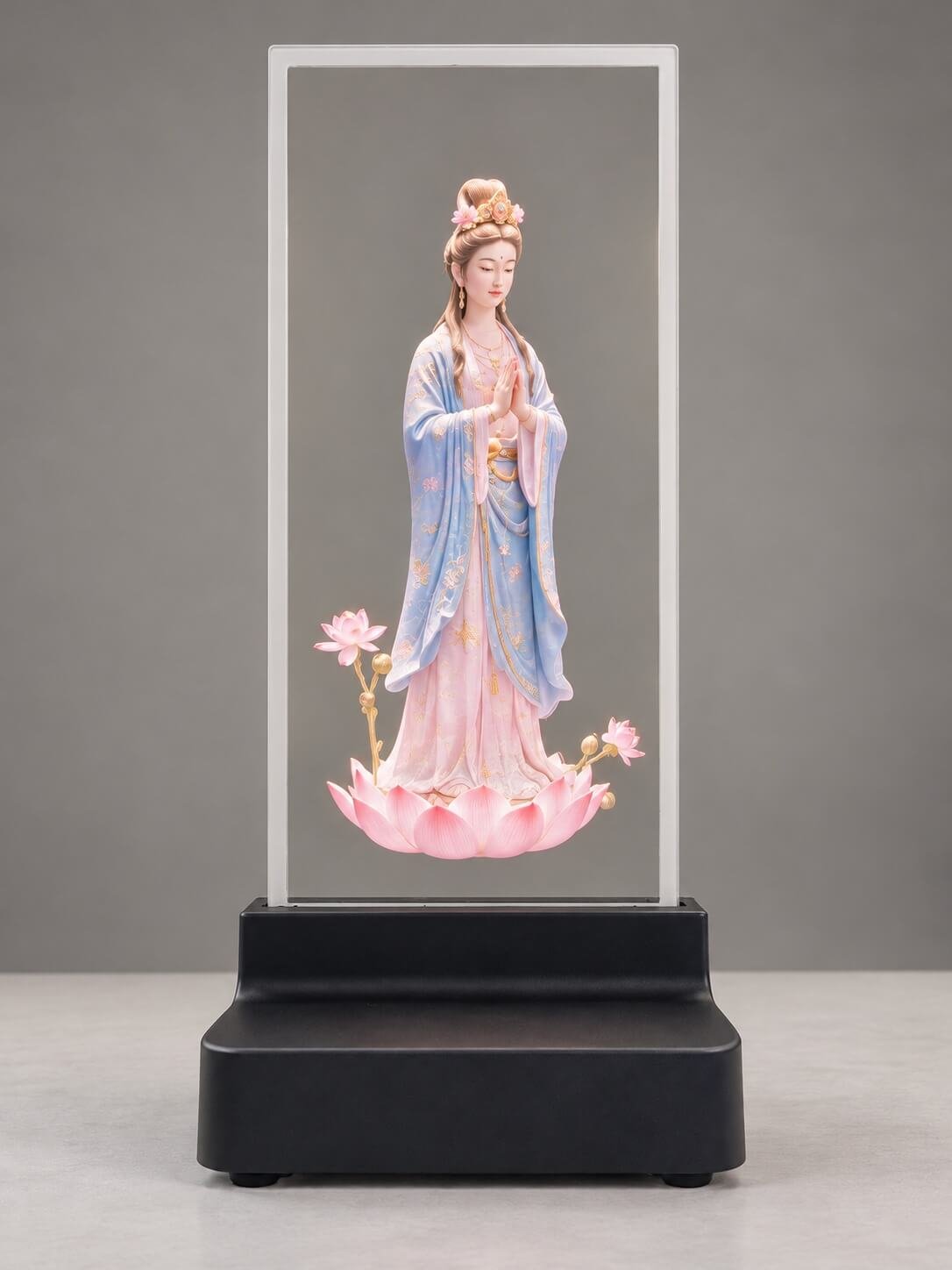
Touch-equipped sample visualization with a white perimeter touch frame and integrated black electronics base.
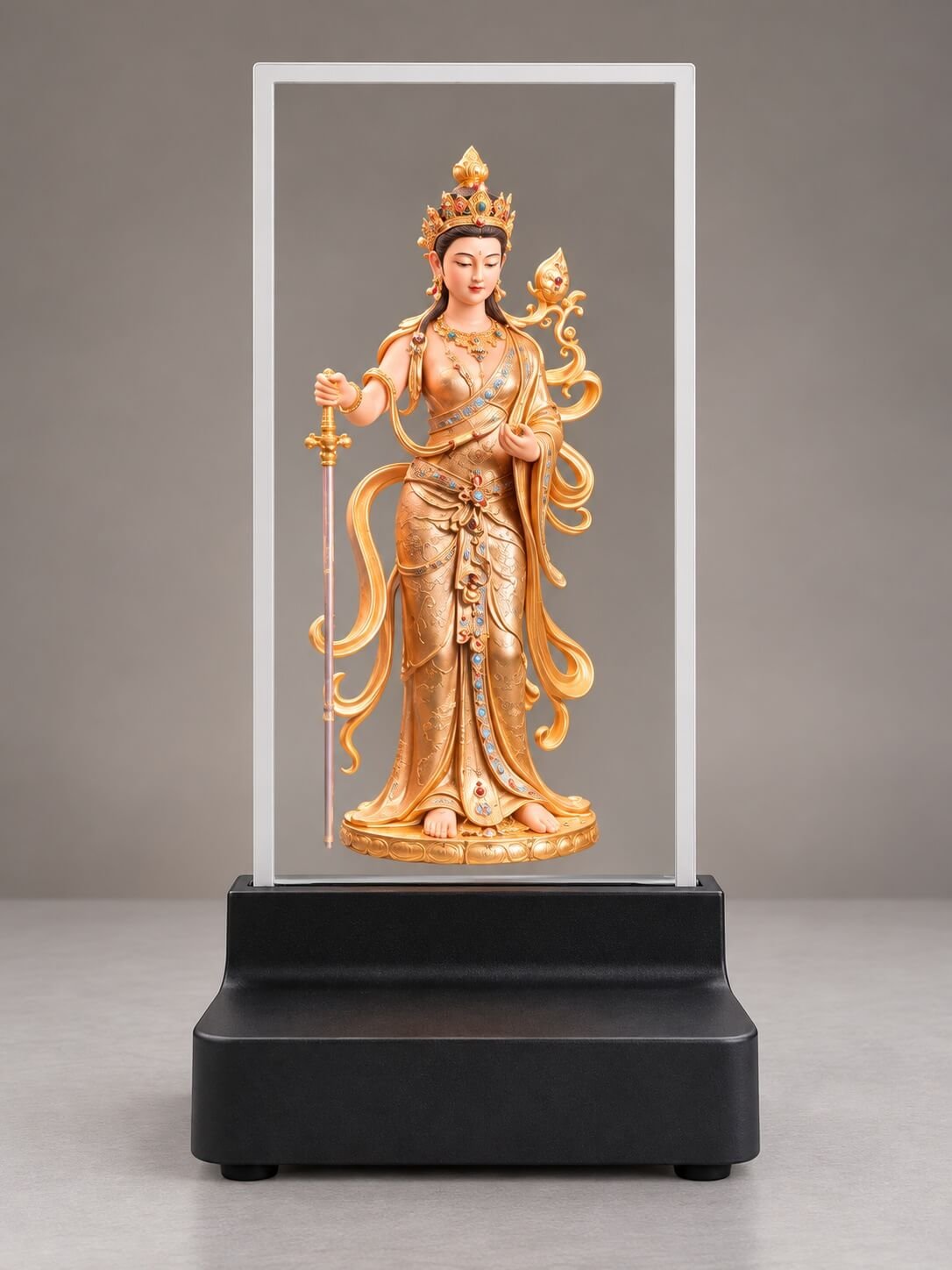
Touch-equipped sample visualization with a white perimeter touch frame and integrated black electronics base.
Touch-equipped sample visualization with a white perimeter touch frame and integrated black electronics base.

Touch-equipped sample visualization with a white perimeter touch frame and integrated black electronics base.
Confirm portrait or landscape orientation, the controller edge, touch frame, support method and available installation envelope.
Confirm playback source, signal timing, native pixel canvas, touch connection and host software. Keep essential text readable on the actual panel.
Share your application, quantity, destination and schedule. Review a sample before finalizing enclosure design and production scope.
TRANSPARENT MICRO LED FAMILY
Explore the complete family or open a dedicated product page.
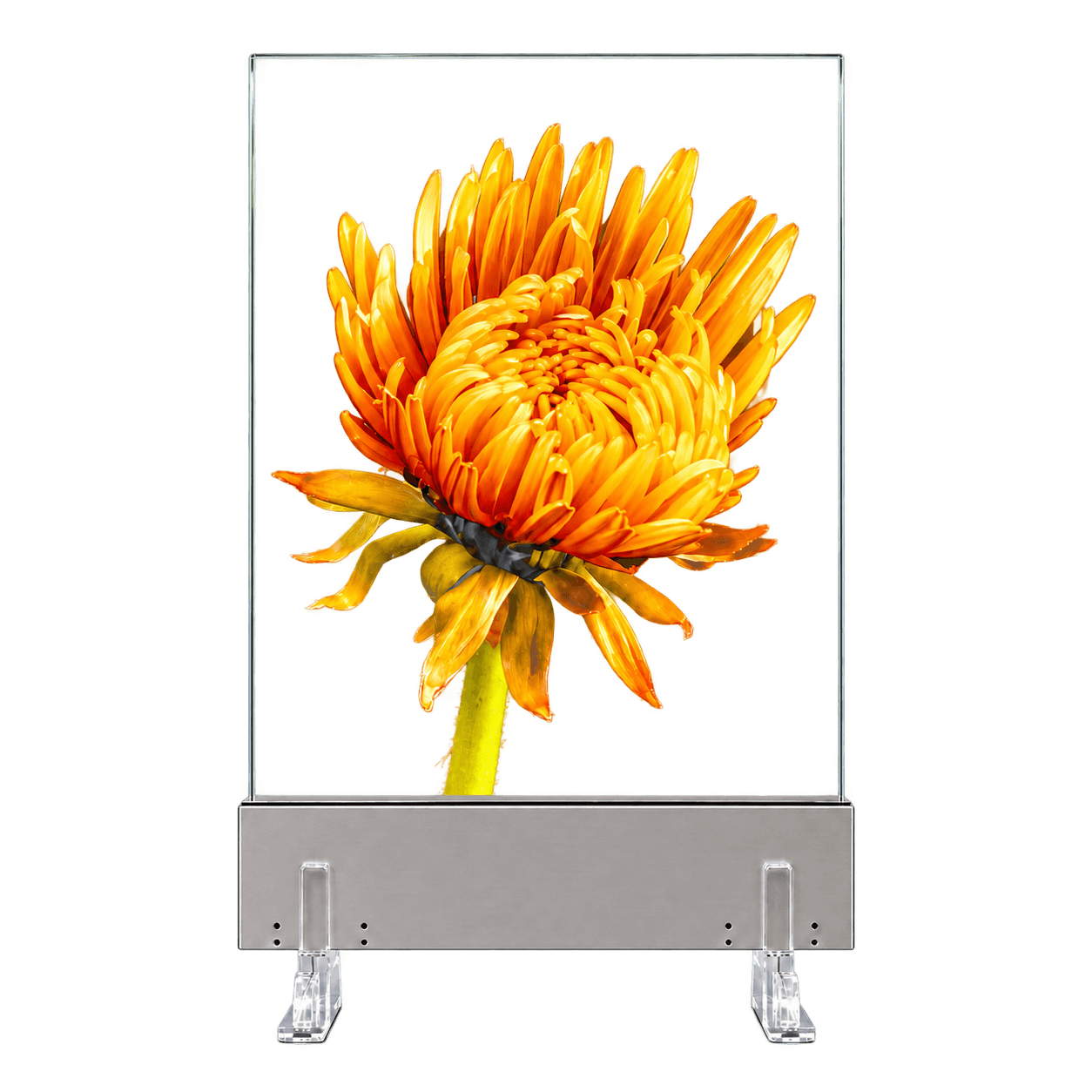 All Transparent Micro LED Displays →
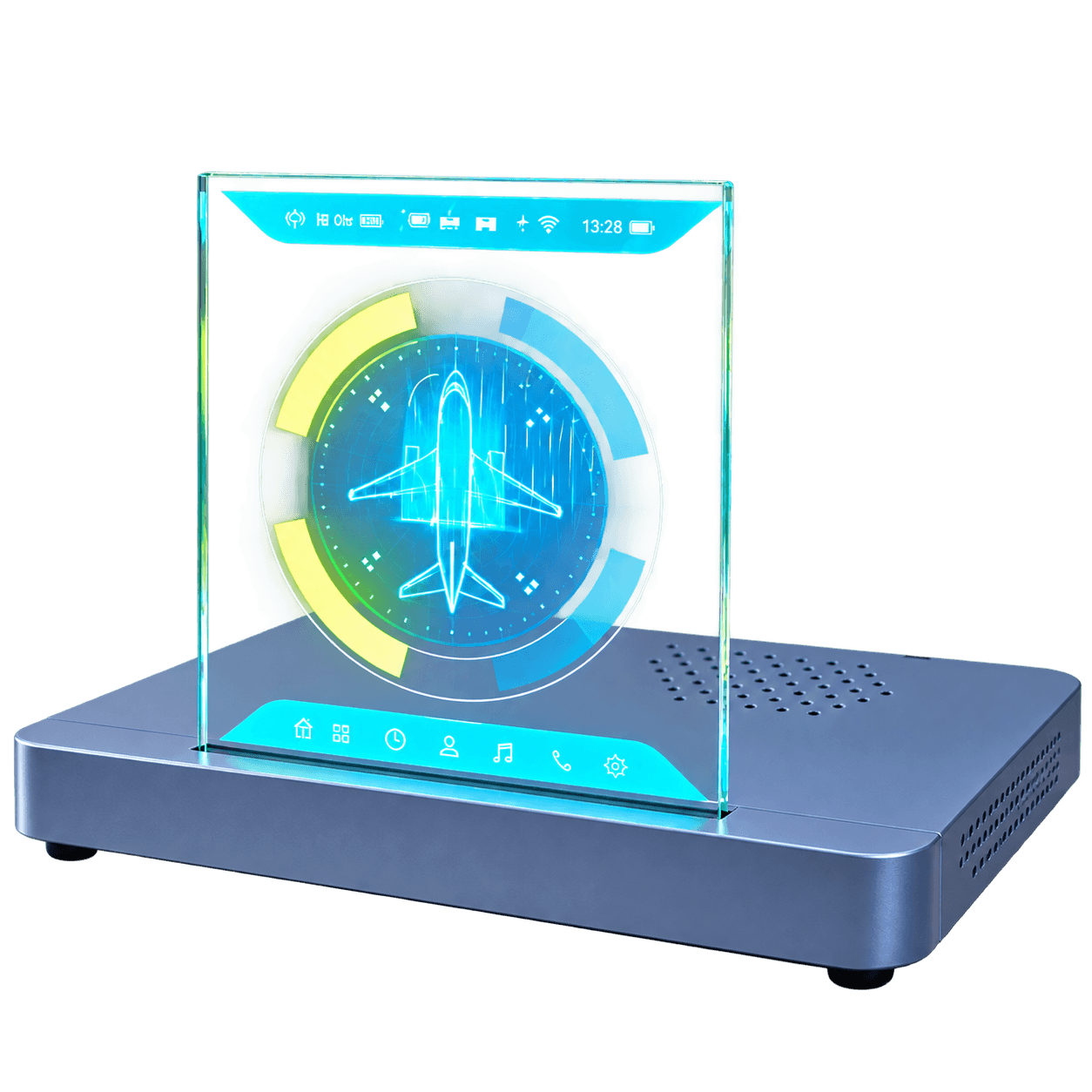 9.4-Inch Transparent Micro LED →Current Page16.1-Inch Transparent Micro LEDBack to Top ↑
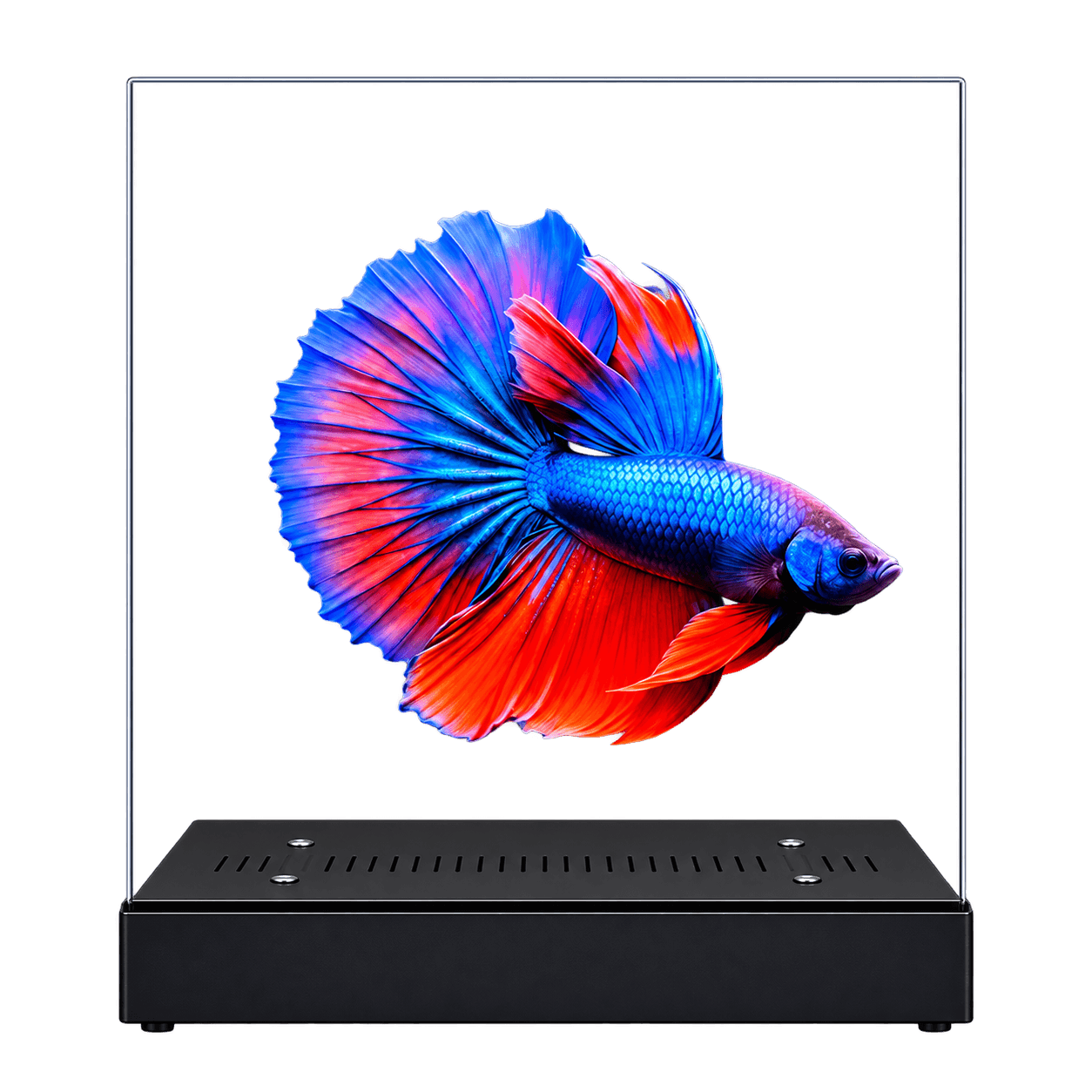 20-Inch Transparent Micro LED →
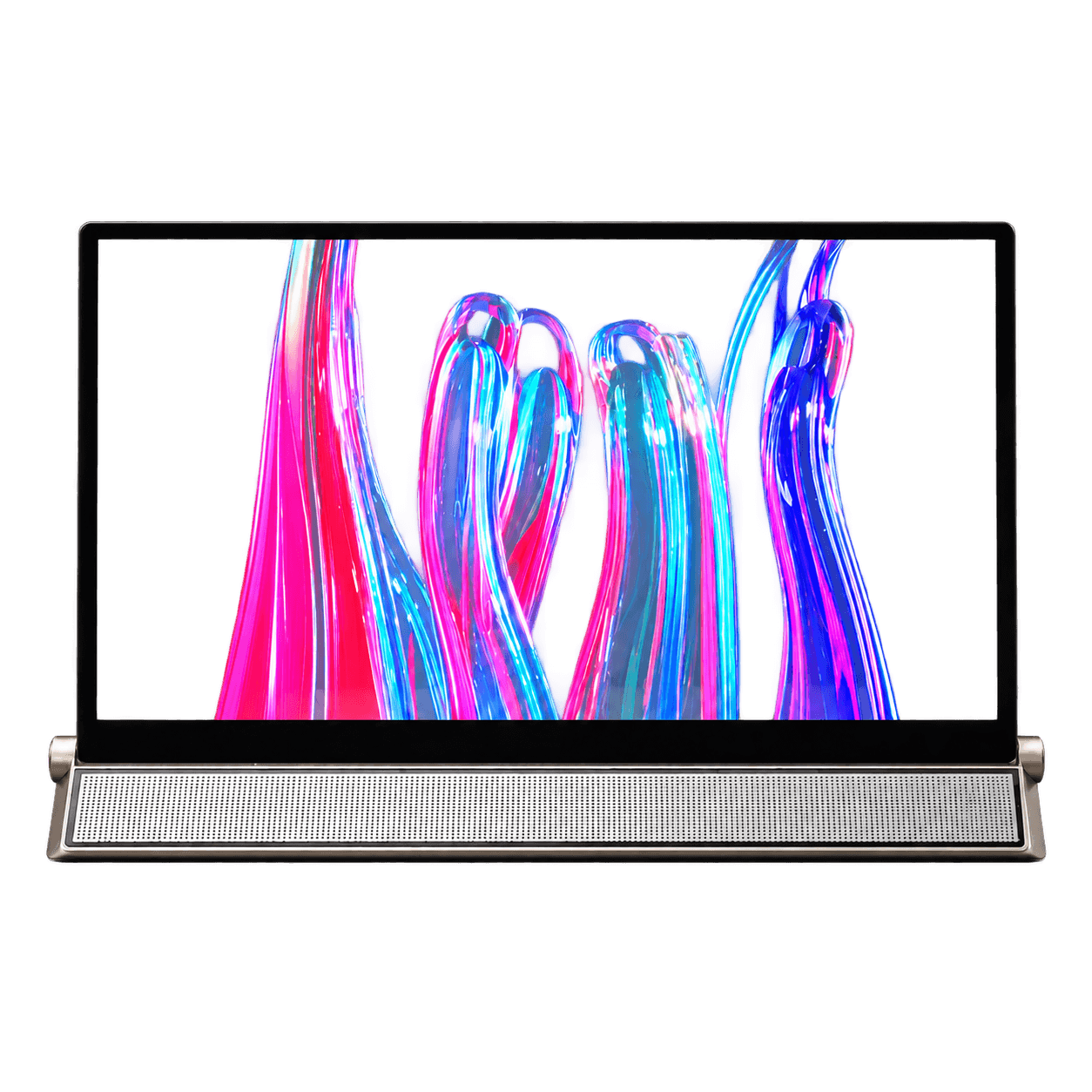 30-Inch Transparent Micro LED →
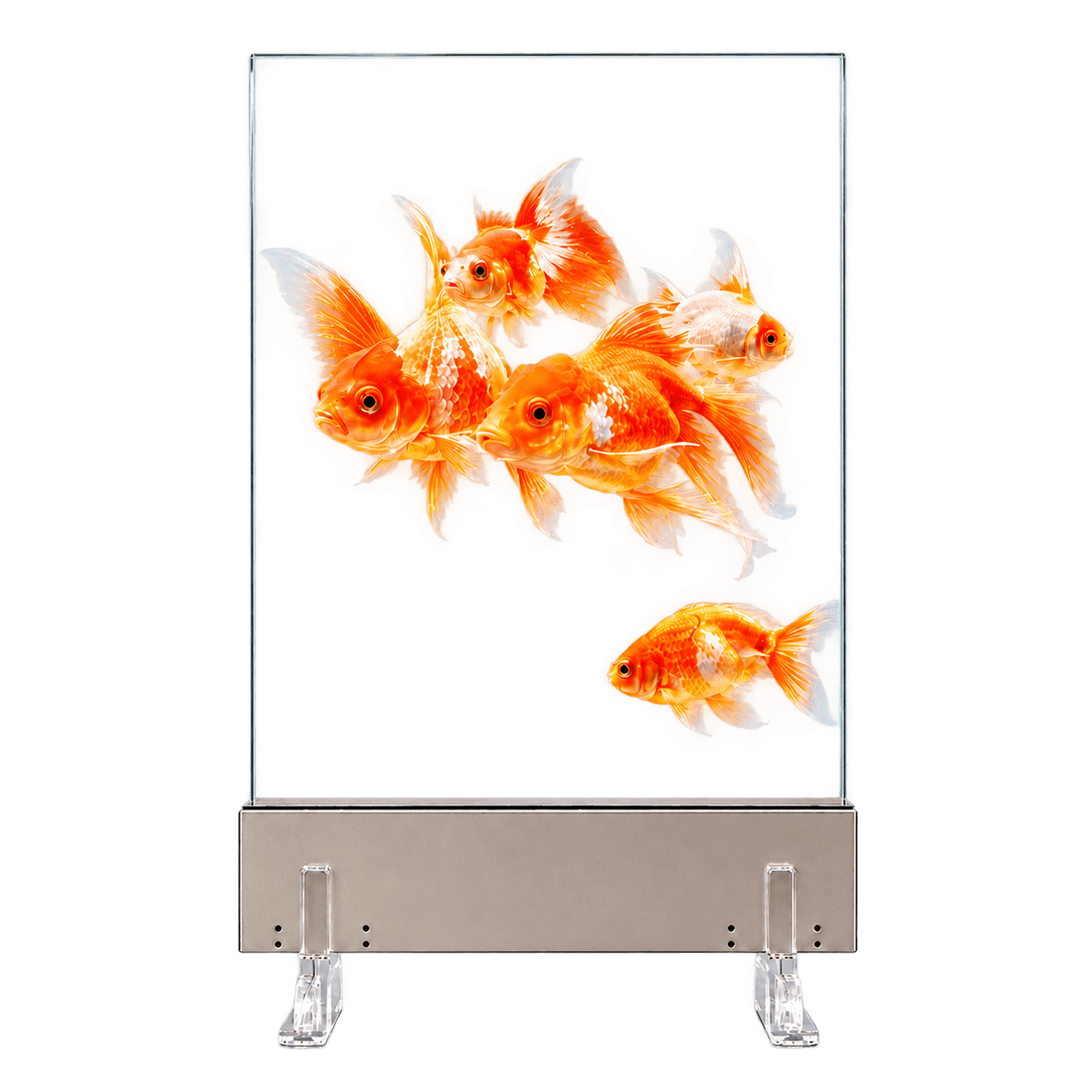 42-Inch Transparent Micro LED →
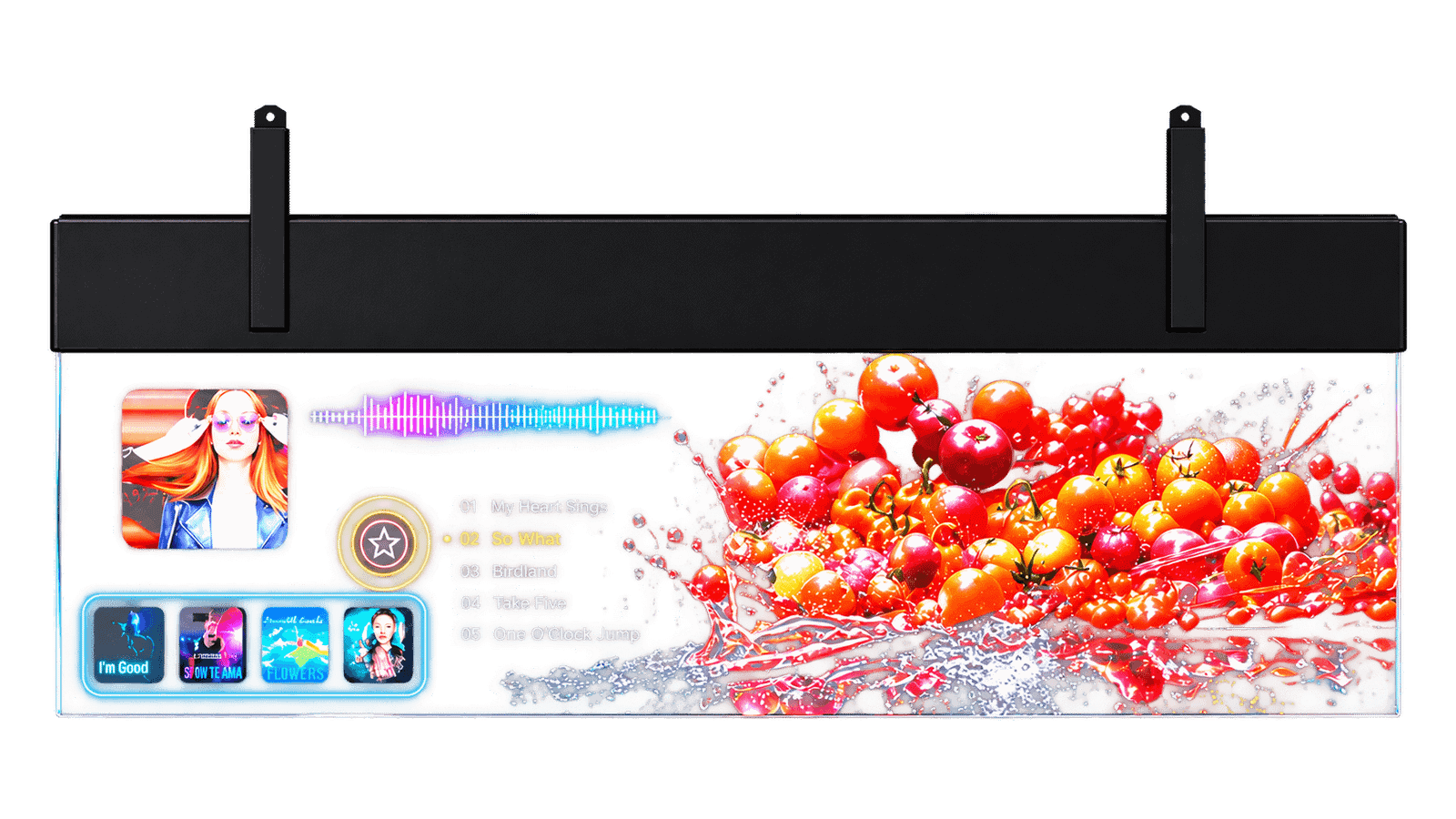 54-Inch Transparent Micro LED →
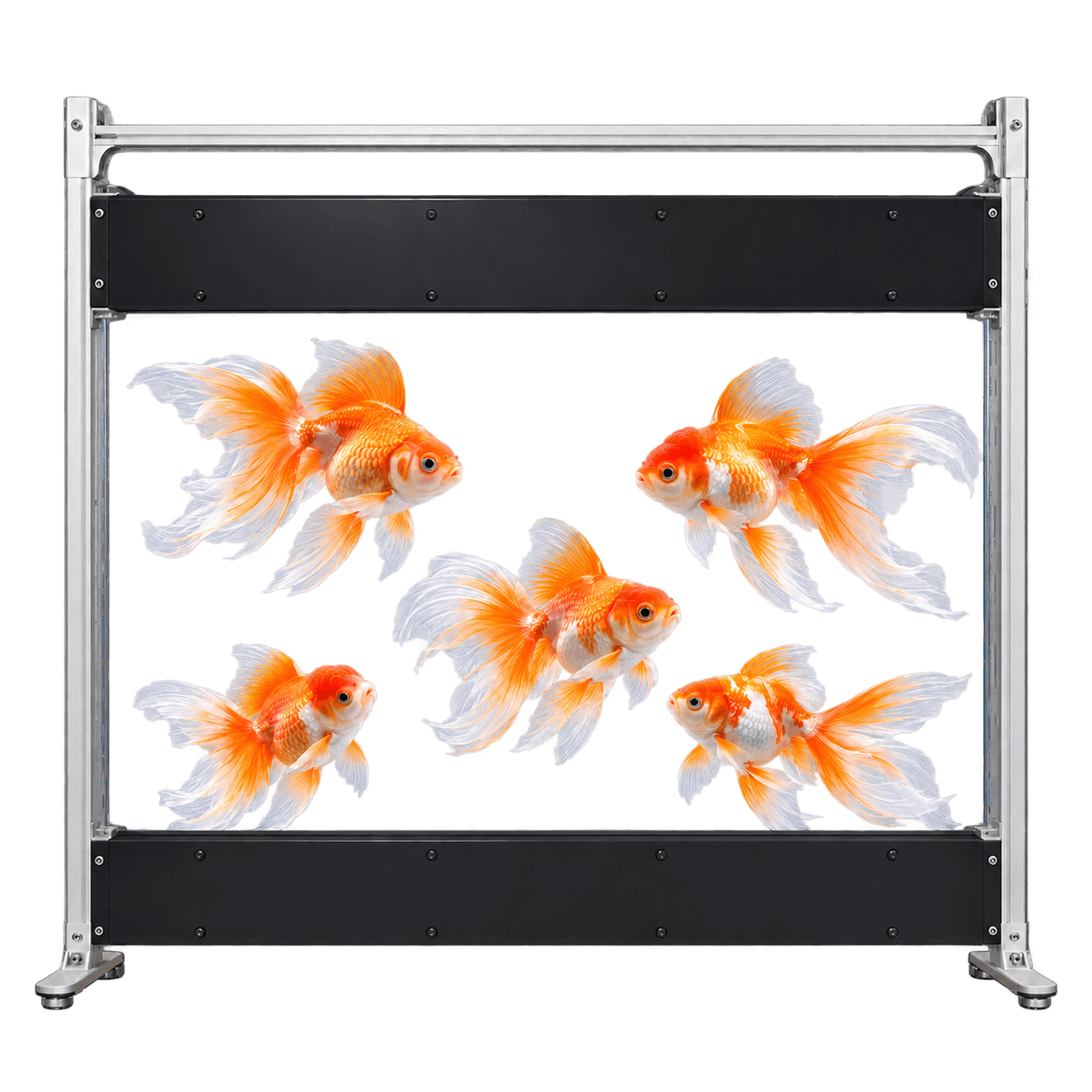 60-Inch Transparent Micro LED →
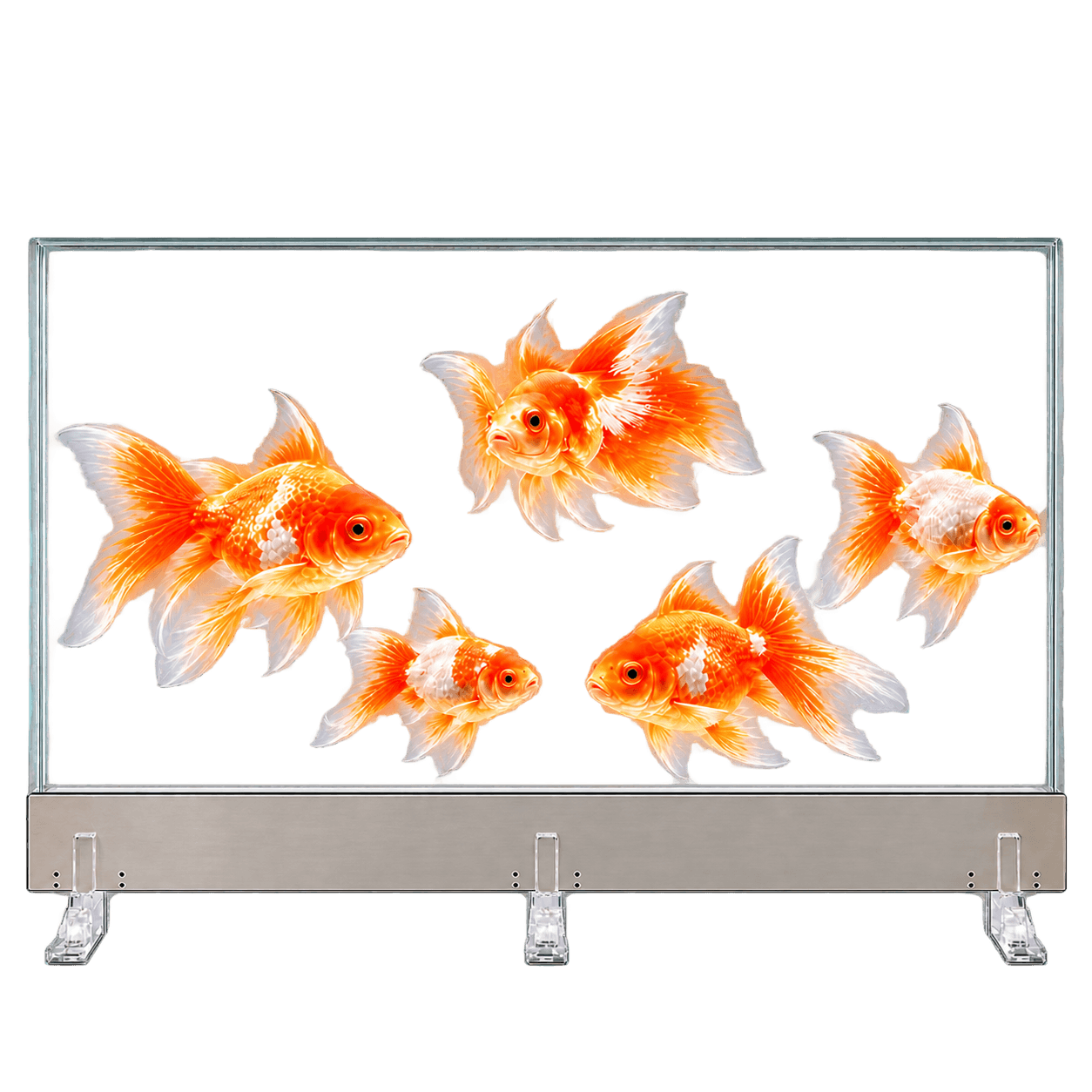 64-Inch Transparent Micro LED →
 83-Inch Transparent Micro LED →
Yes. All DisplayMan transparent Micro LED models can be supplied with an optional touchscreen at an additional cost. Confirm the touch assembly and host software with your quotation.
The portrait samples with a white perimeter frame are touch-equipped. The landscape stand and turnstile samples shown on this page are non-touch configurations.
Yes. Landscape and portrait installations are available. Controller housing position and structural support depend on the selected assembly and must follow the approved drawing.
No. The supplied specification states 60% transparency without touch. Review the optical performance of the complete touch-equipped assembly separately.
No. The reference lists 600 nits maximum full white and 1,200 nits peak. The two values describe different image conditions.
The illustrated screen is a display integration. Gate operation, credential reading and access control require separate equipment and system integration.
The product and installation images on this page are reconstructed visualizations based on real sample photographs. Confirm the final assembly and playback performance on the actual sample.
Provide the application, touch or non-touch requirement, orientation, available mounting space, controller and host requirements, sample and production quantities, destination and project schedule.
Tell DisplayMan how the screen will be installed, what it needs to show and whether visitors need touch interaction.