30″ Compact Display
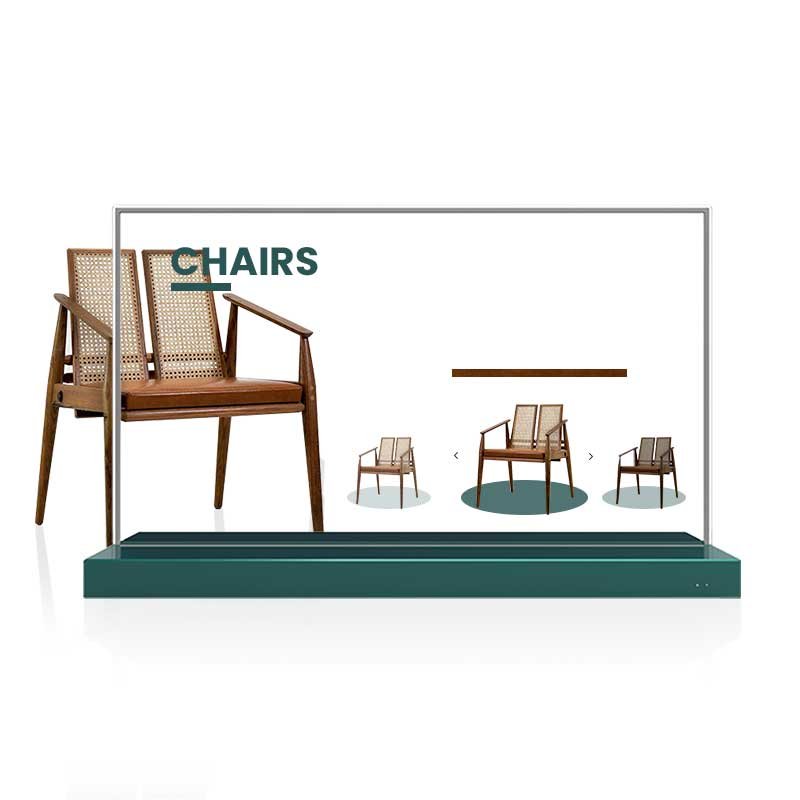
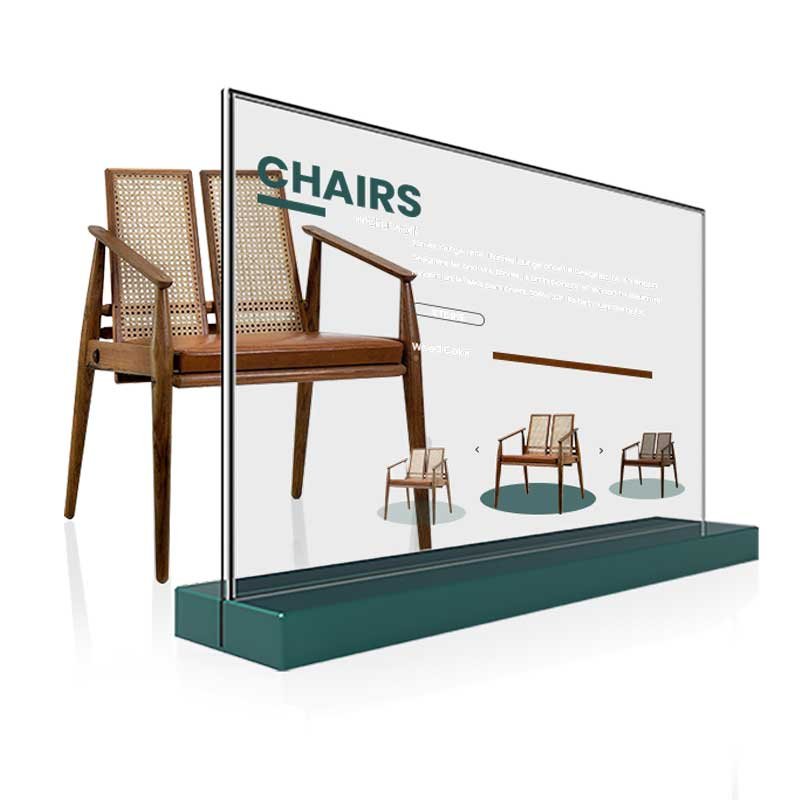
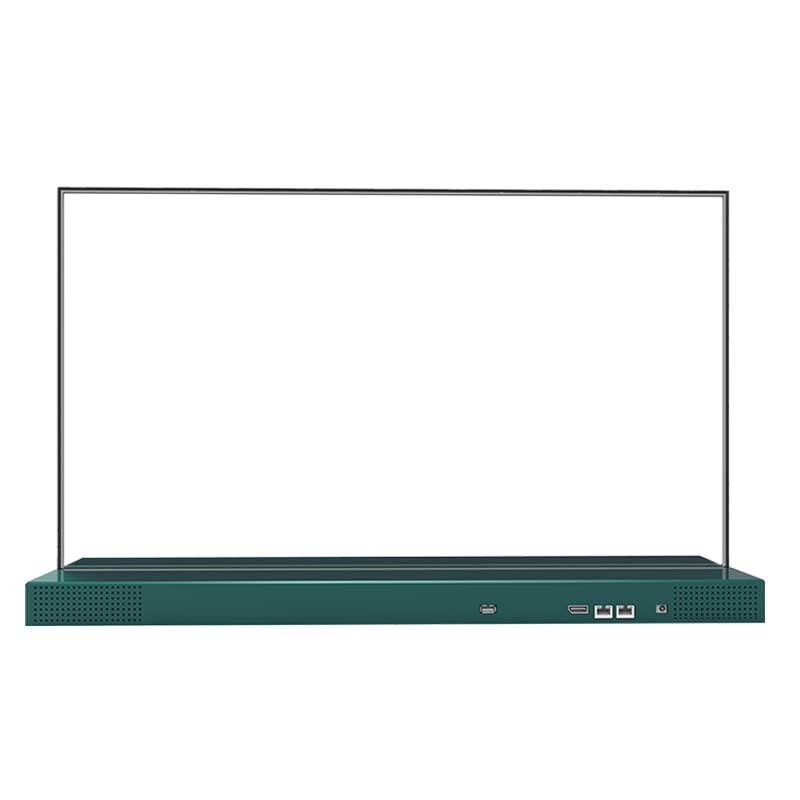
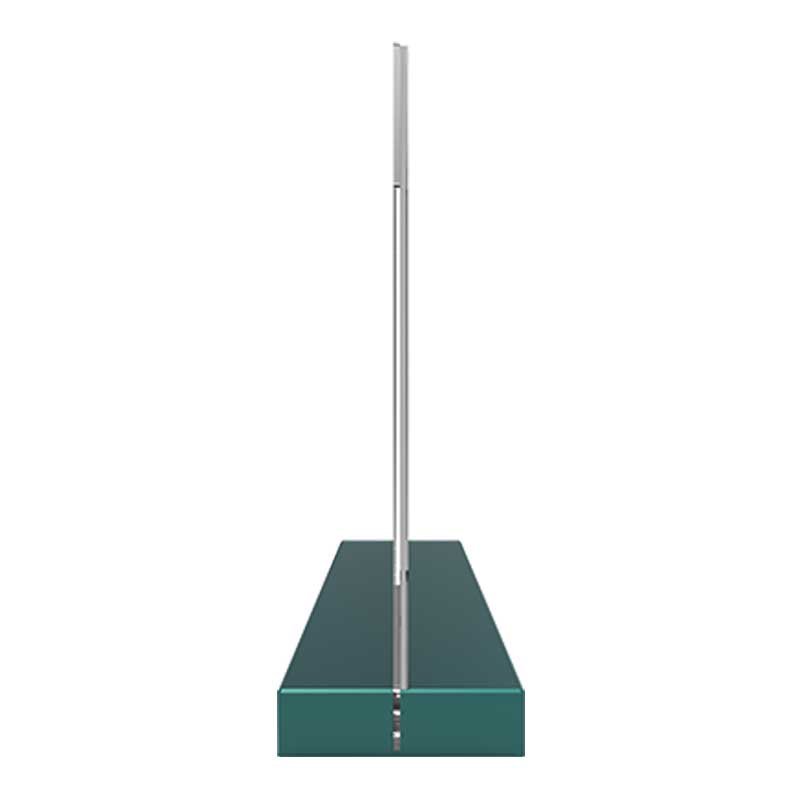
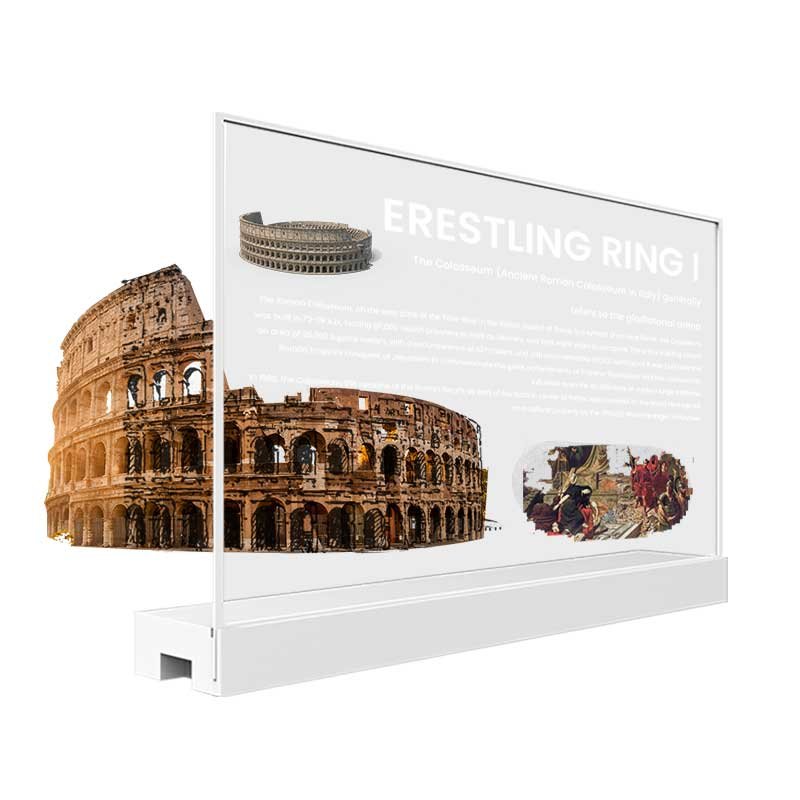
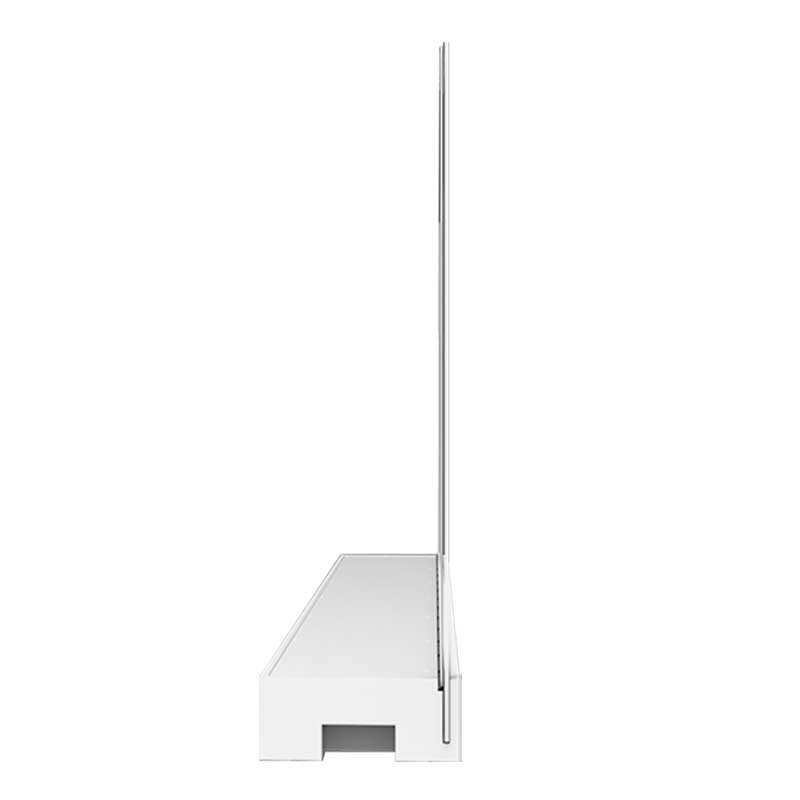
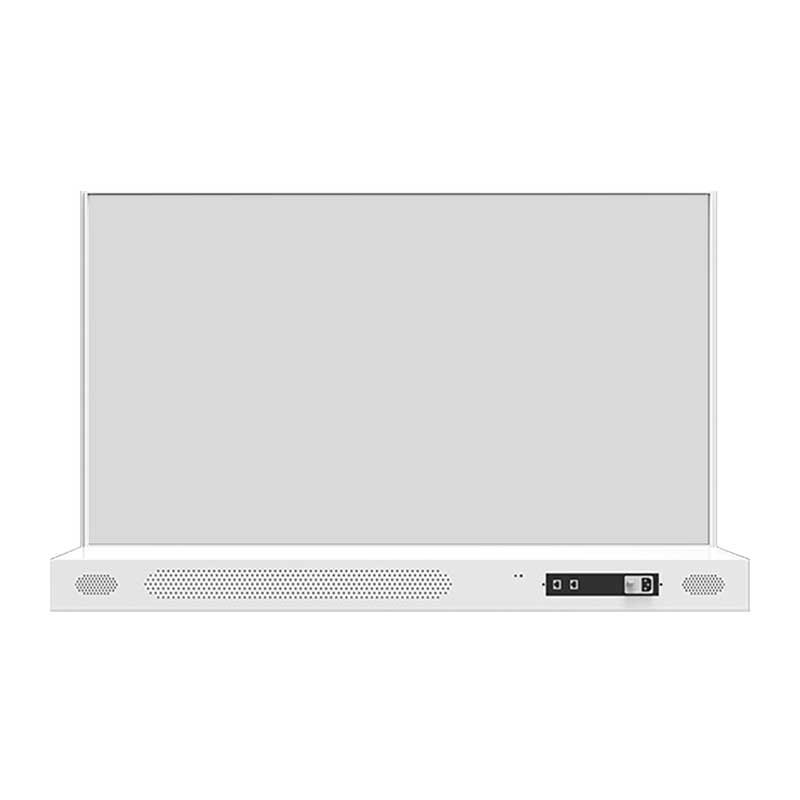
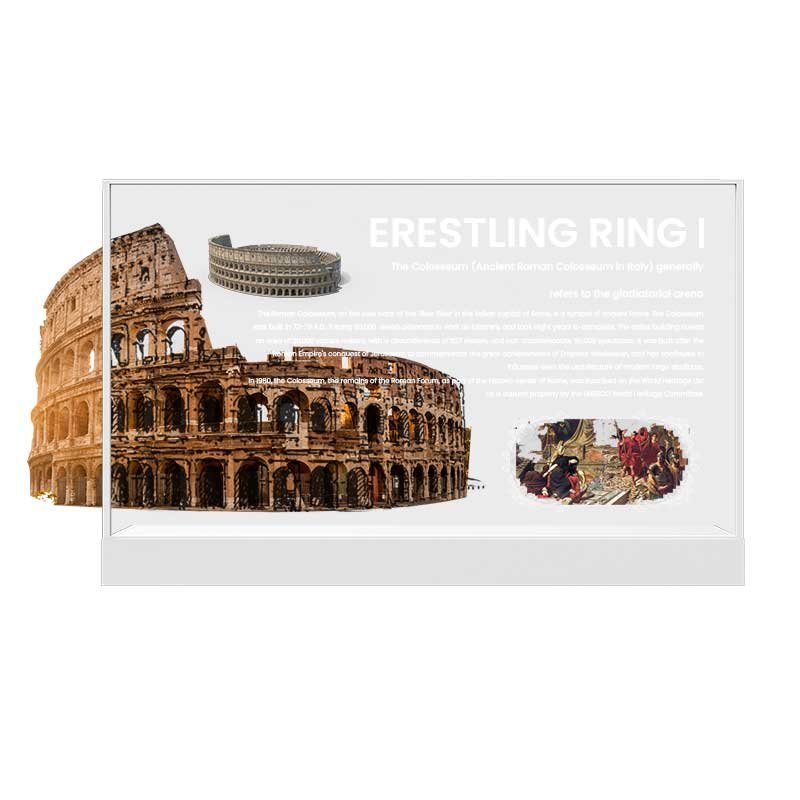
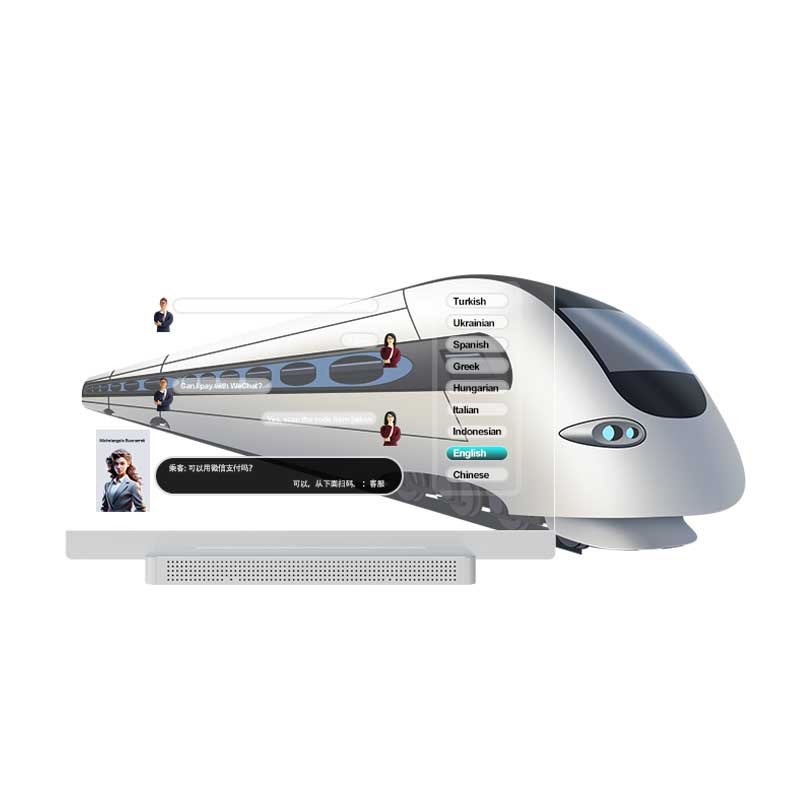
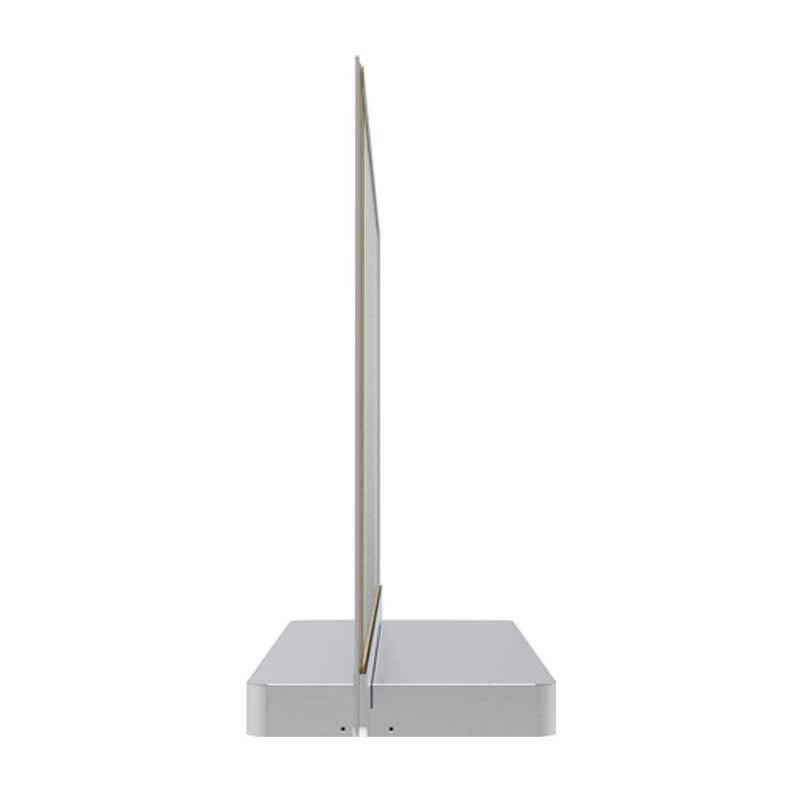
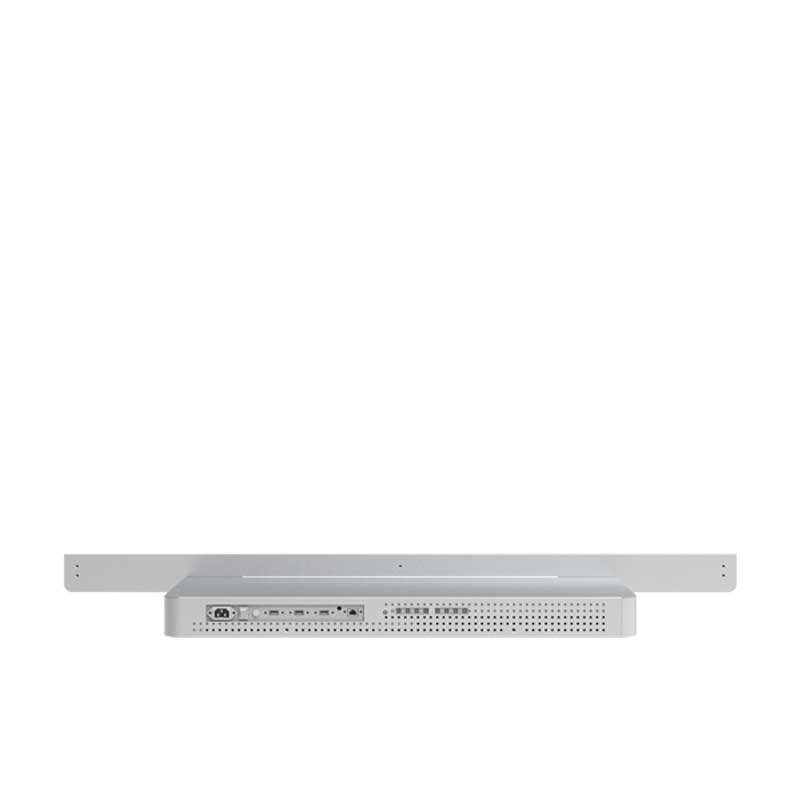
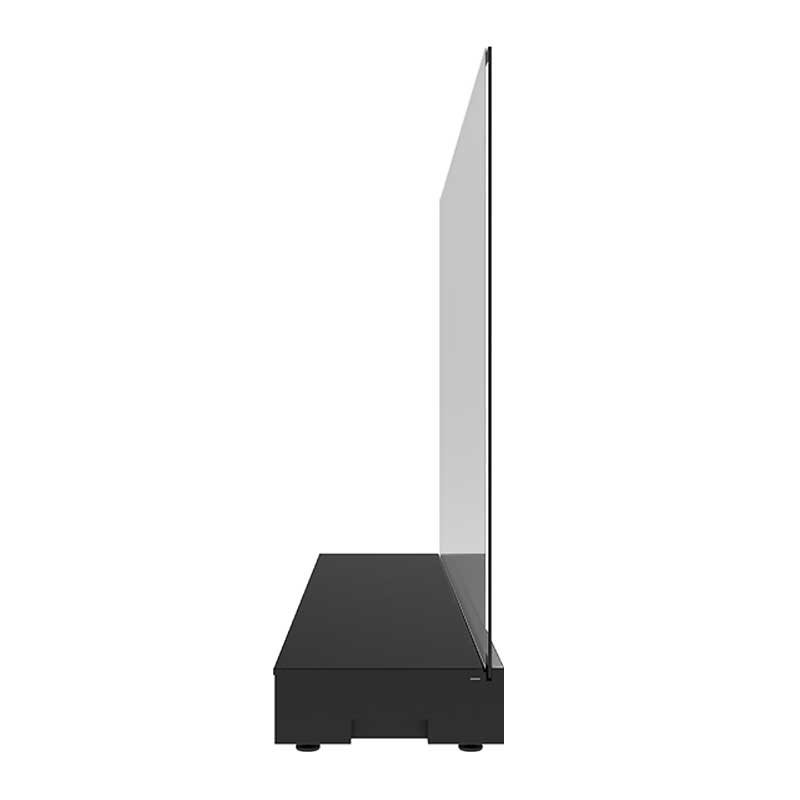
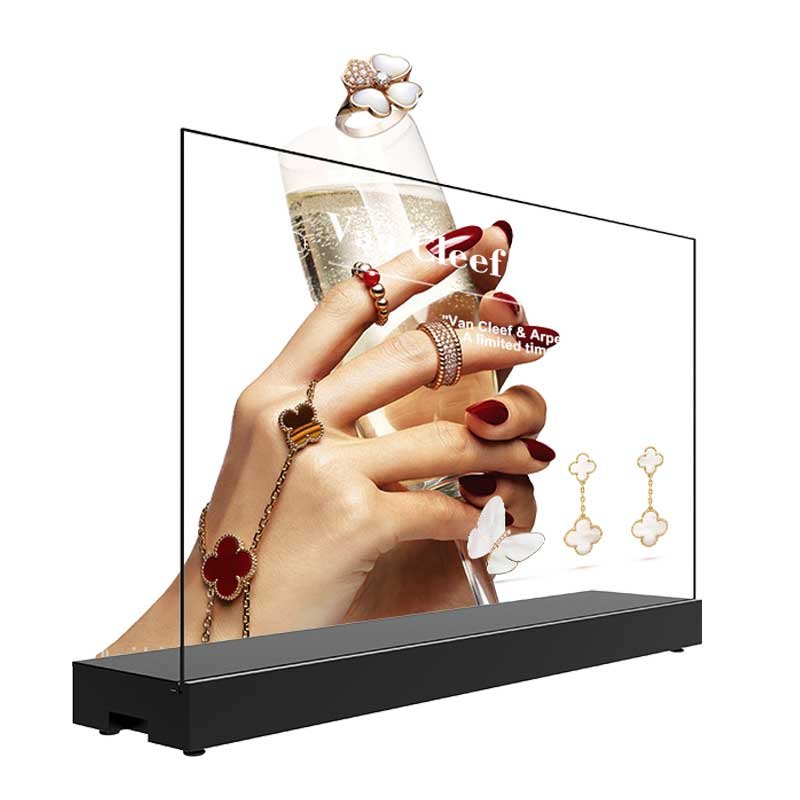
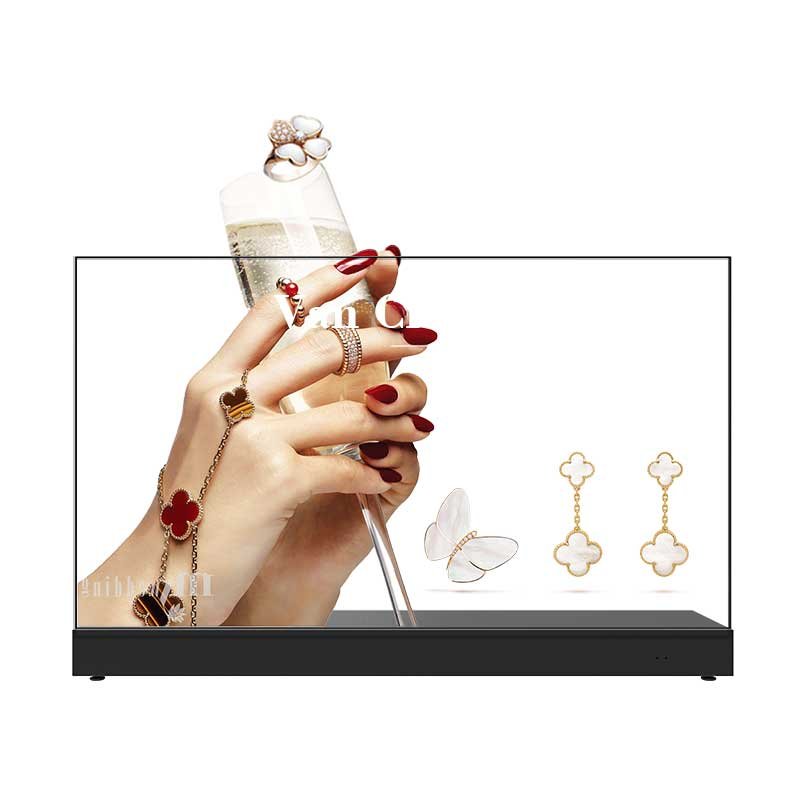
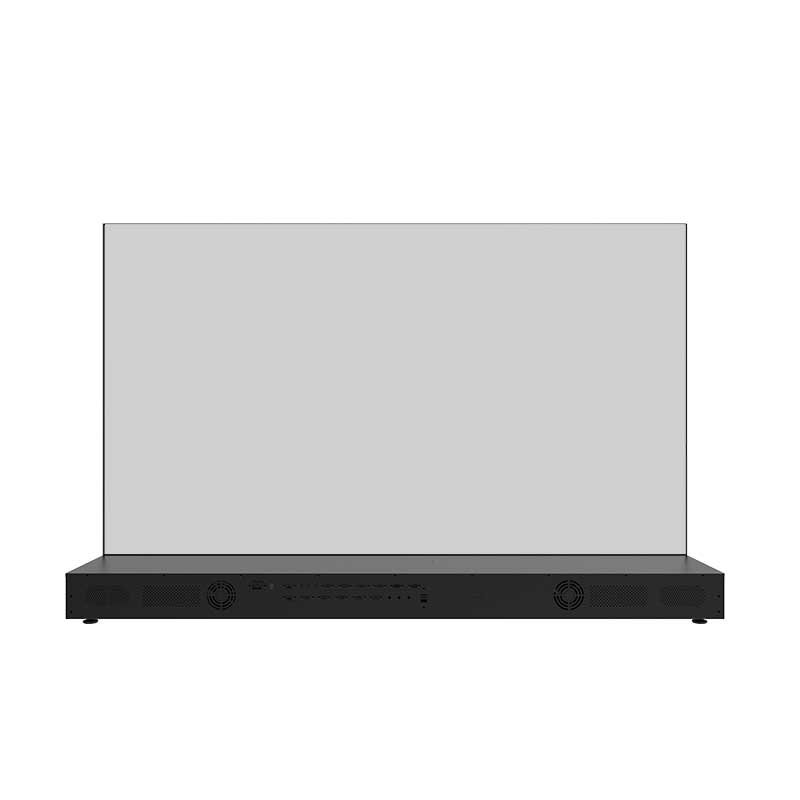
30″ Landscape Desktop Transparent OLED Display — T-Base
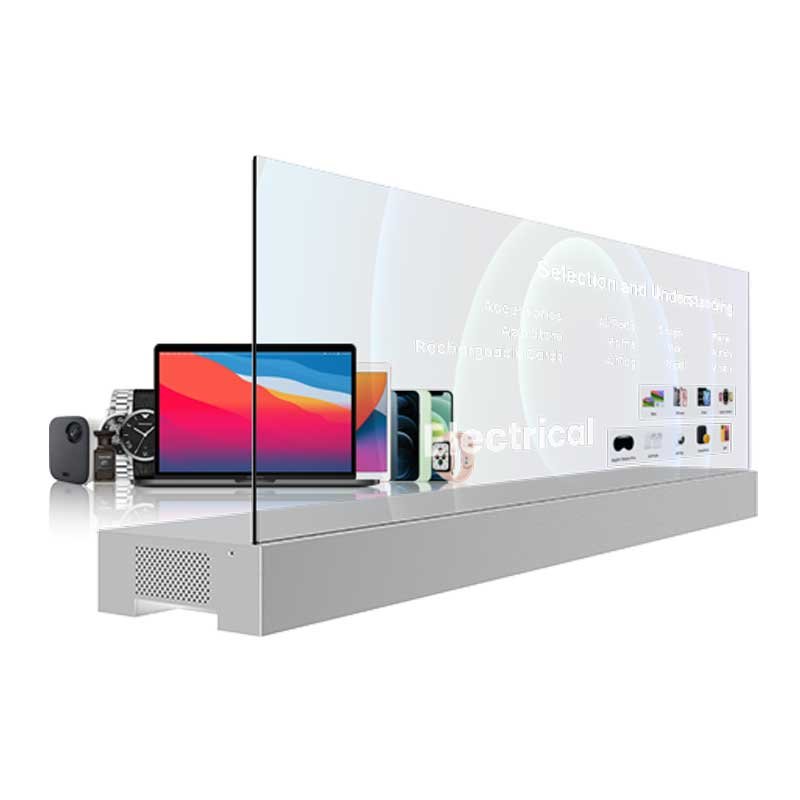
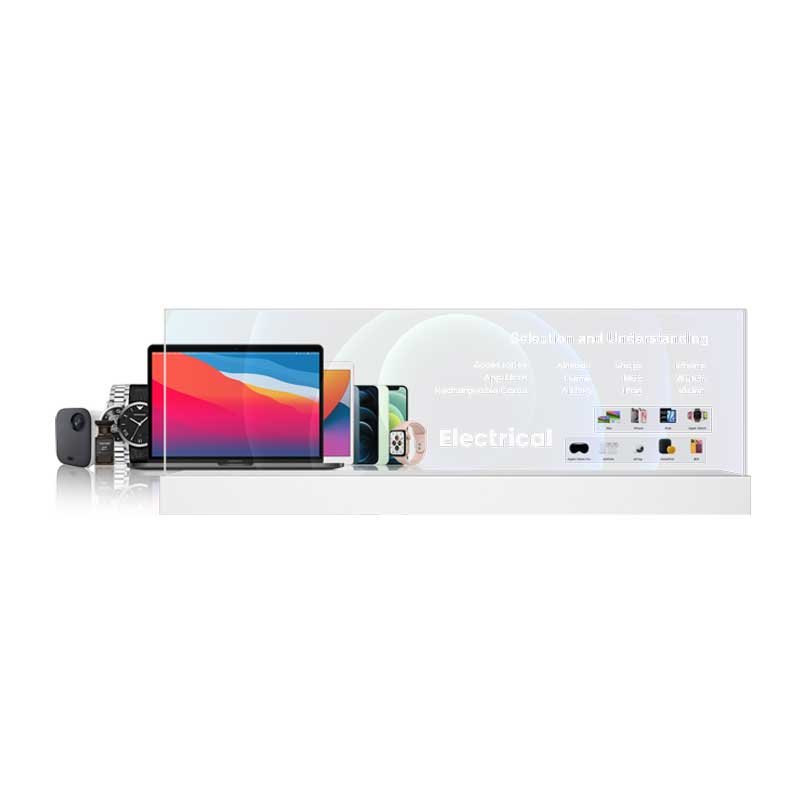
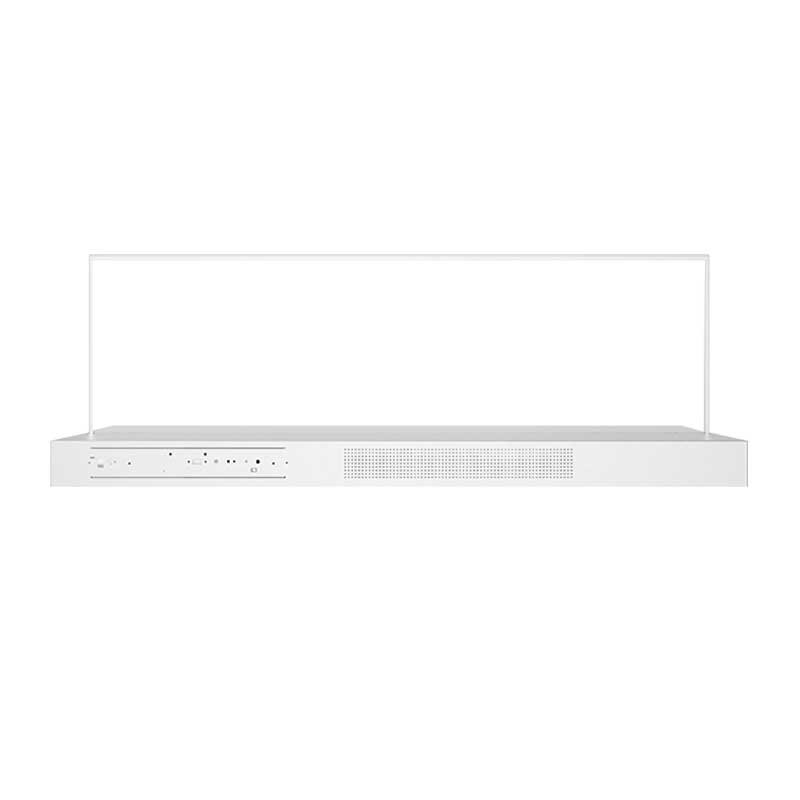
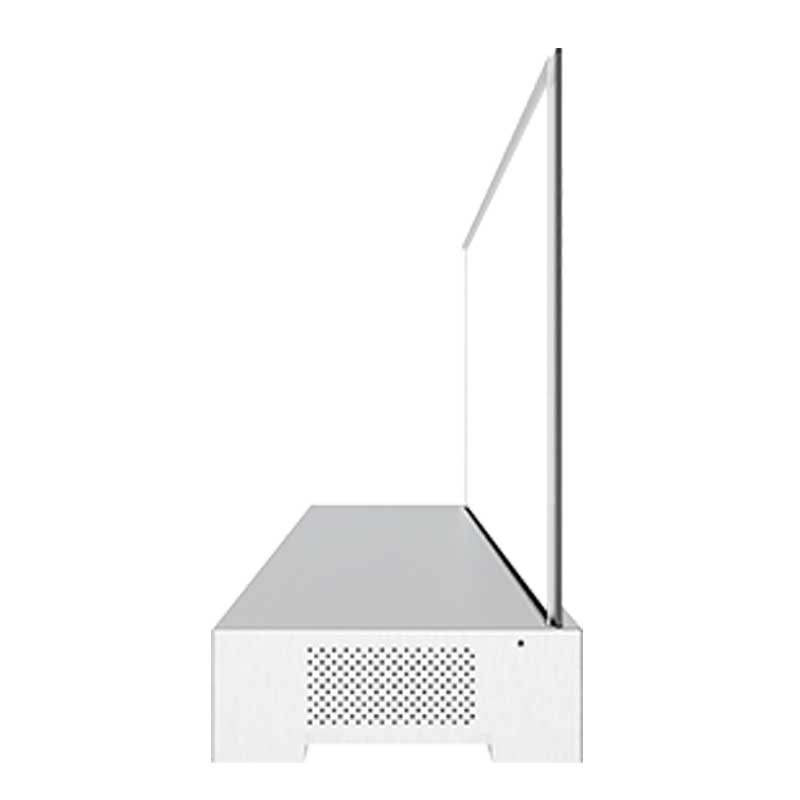
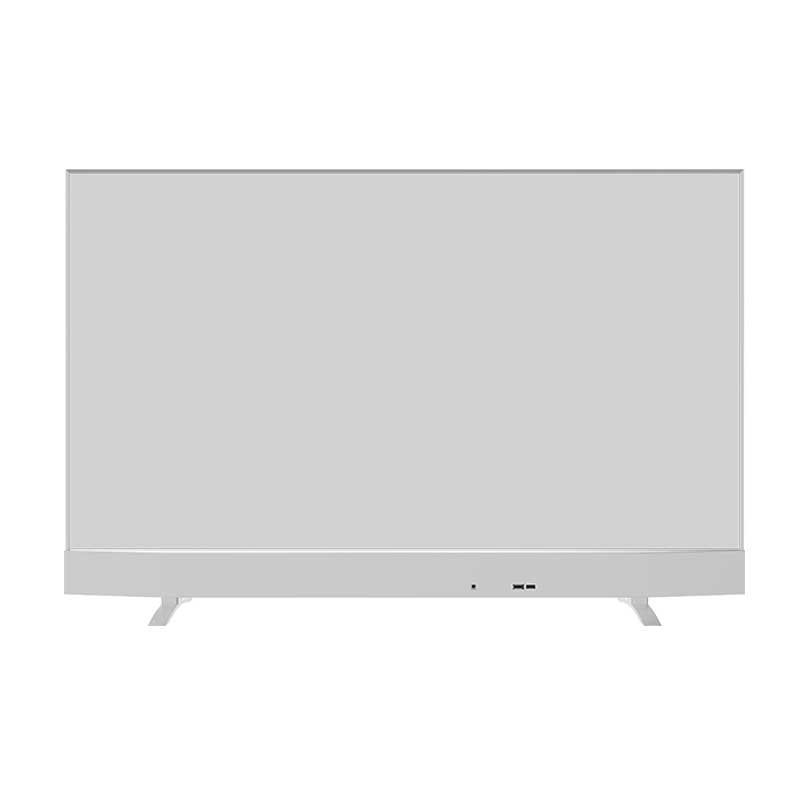
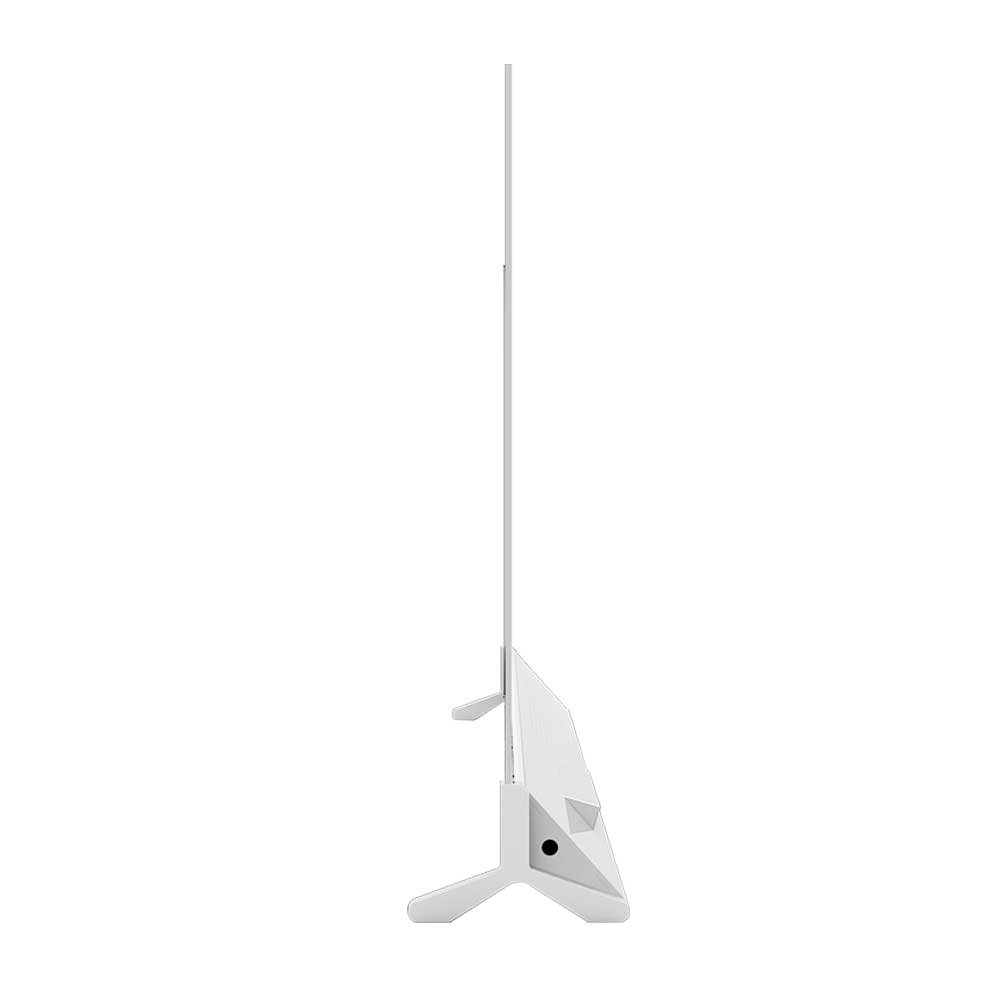
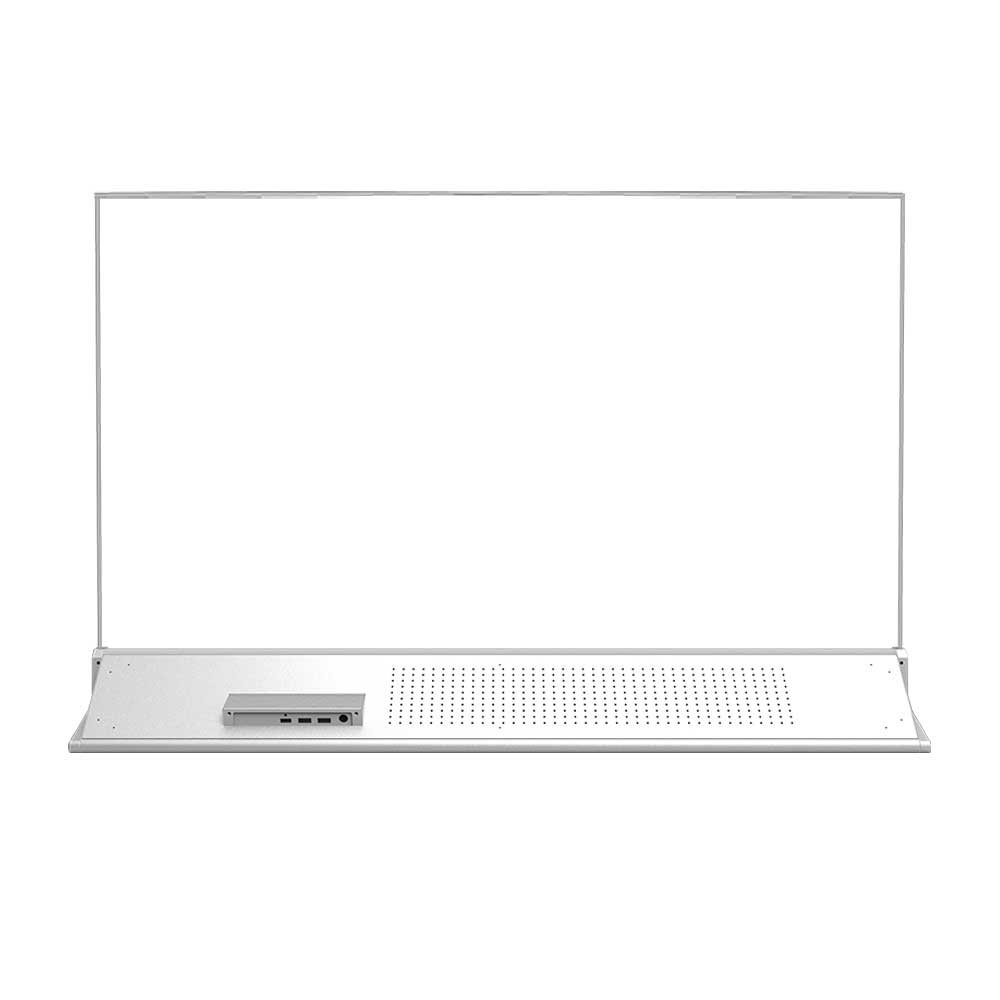
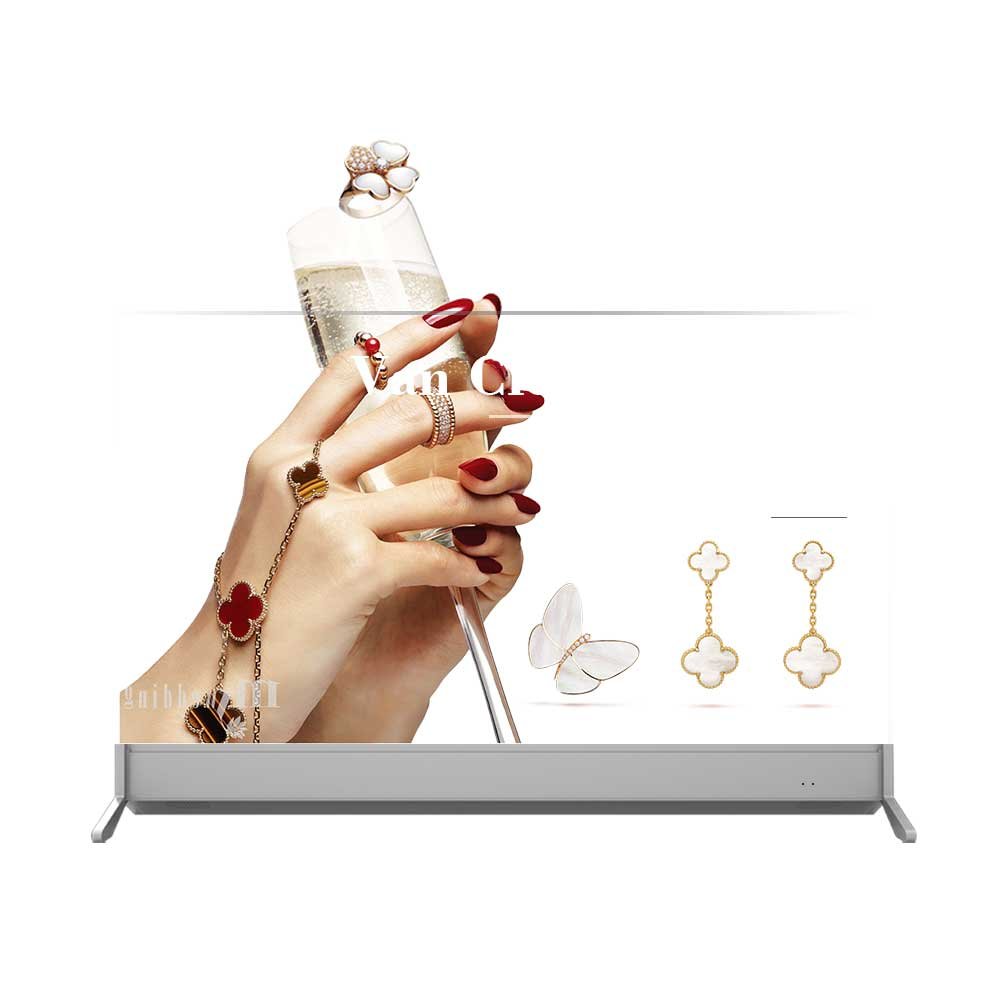
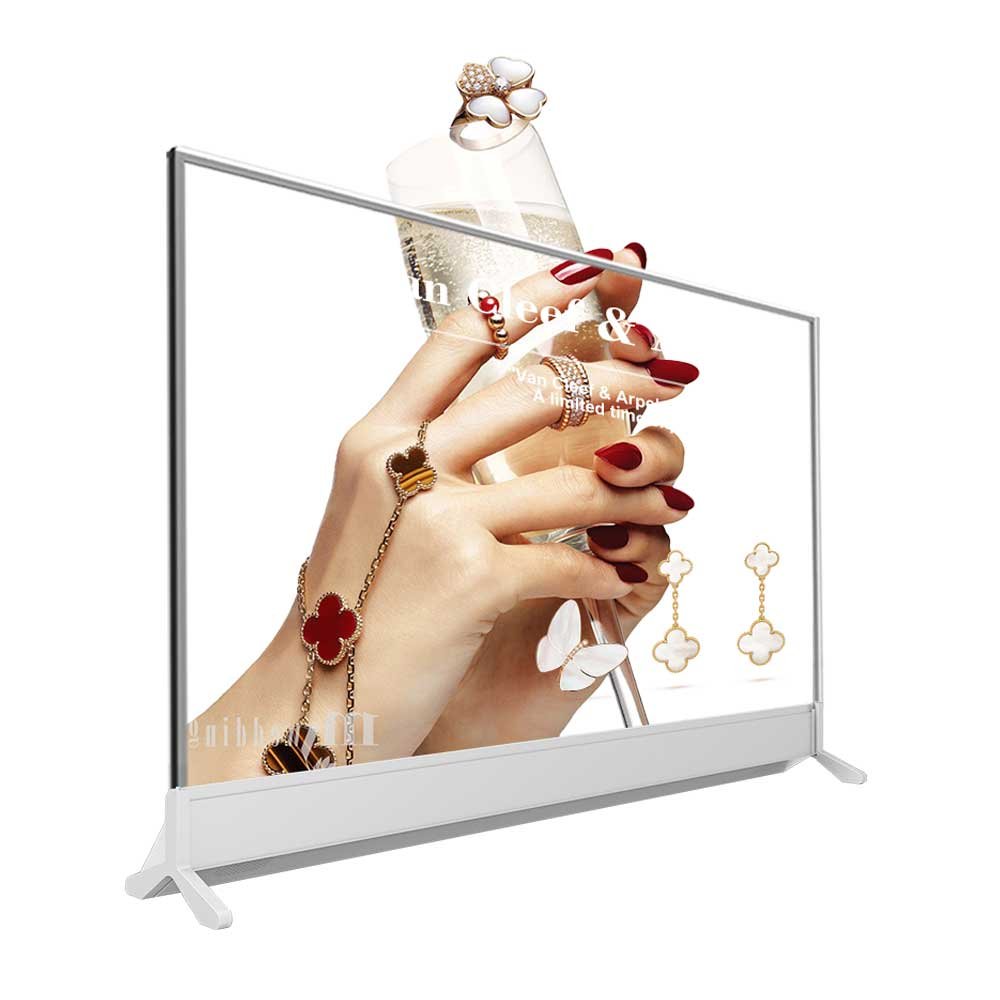
A compact freestanding desktop structure for presentations where a clean, minimal support is preferred.
Size30″
OrientationLandscape
BaseT-Base
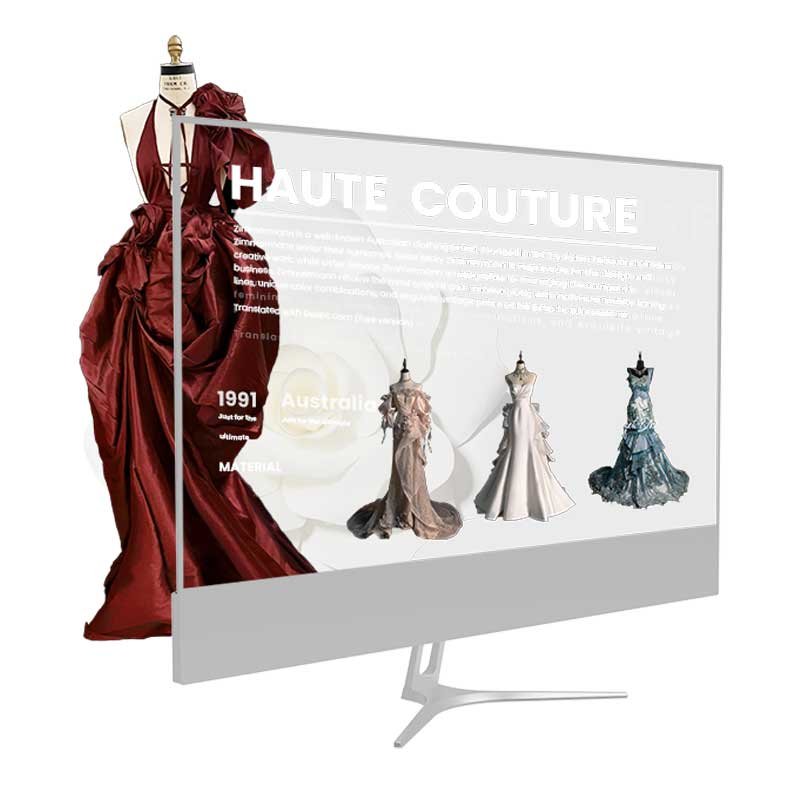
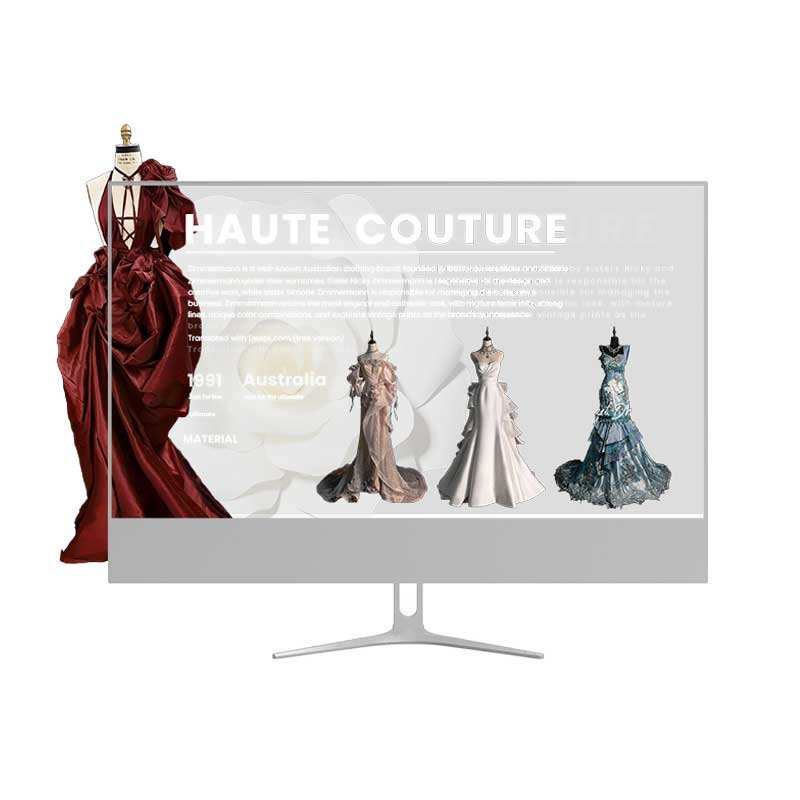
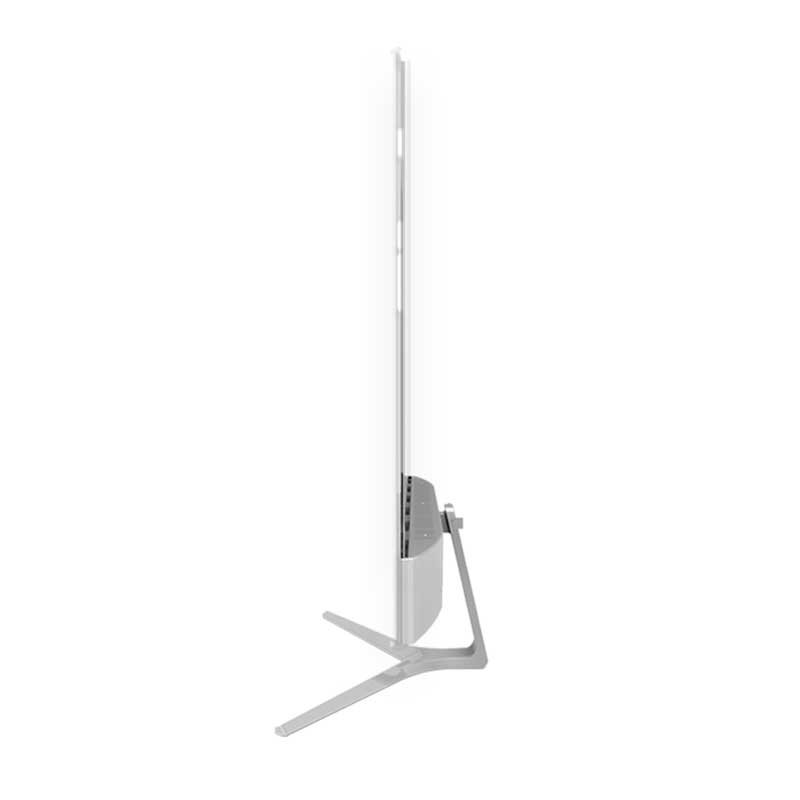
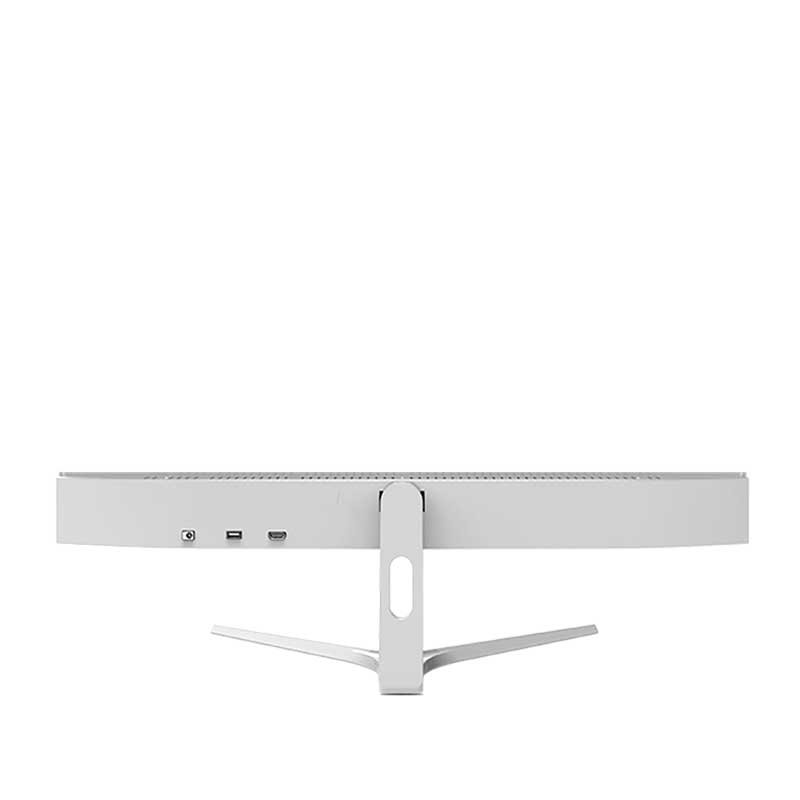

DisplayMan desktop transparent OLED displays combine digital content with physical products at counter, table and showcase height. Choose from compact support bases, integrated control bases and extended product platforms for retail, museums, exhibitions and premium brand presentations.

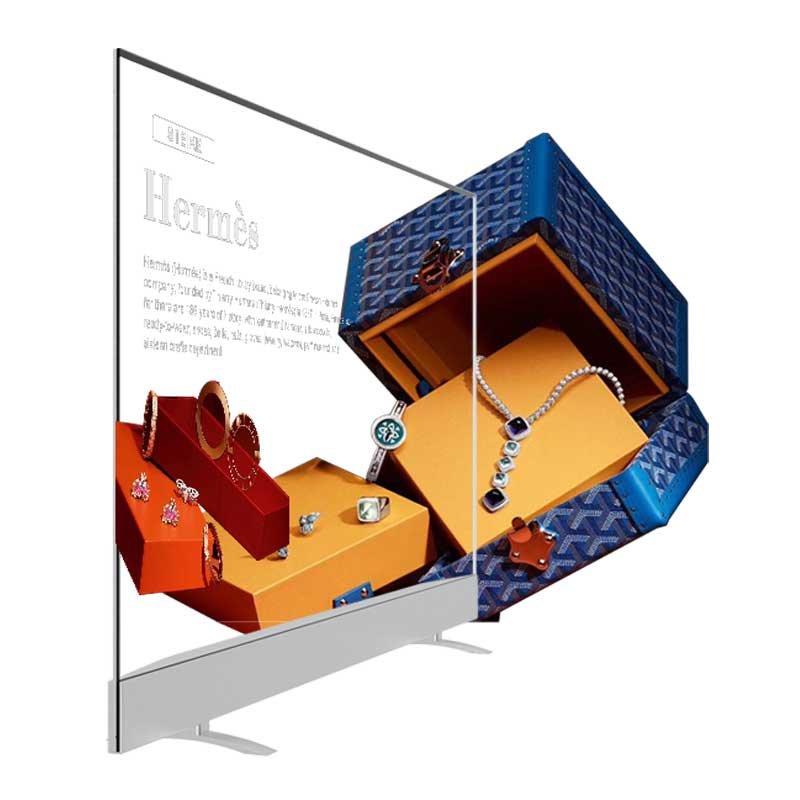
Desktop Transparent OLED Display places digital imagery directly in front of, behind or beside a physical product without the visual weight of a conventional opaque monitor.
The correct product is determined by screen size, viewing distance, object dimensions, base depth, hardware space, touch requirement and the relationship between the content and the displayed object.
Confirm the product width, height and preferred position so the transparent content can align with the real object.
Choose a compact base for a clean display, a control base for integrated electronics or a platform base for physical products.
Each configuration is a separate mechanical direction. Hover over the 500 × 500 product images to inspect the base, screen and product-presentation structure.
A compact freestanding desktop structure for presentations where a clean, minimal support is preferred.
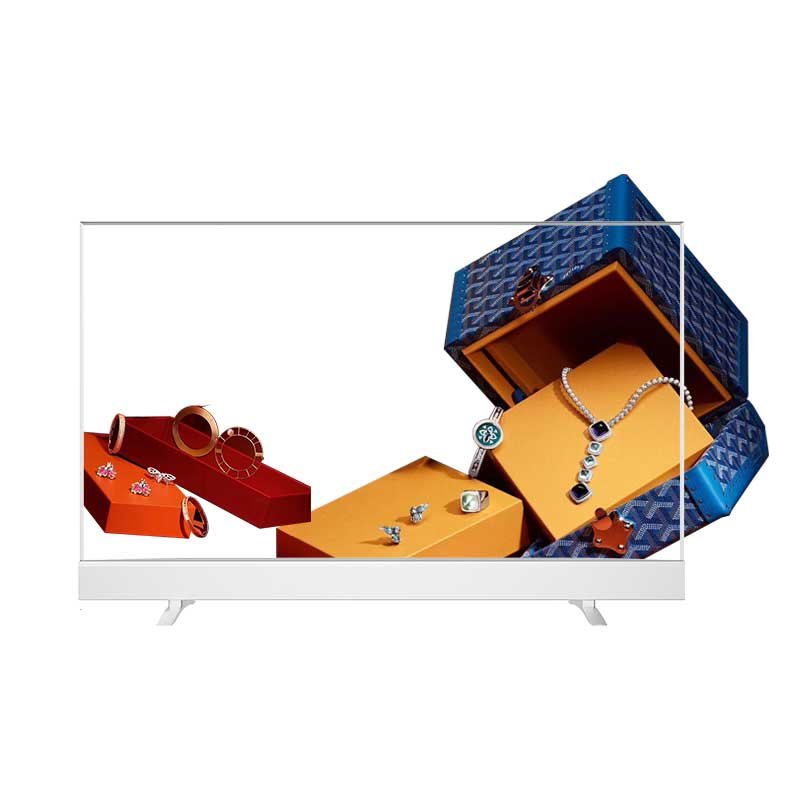
A wider presentation base for combining compact products with transparent digital content.
A long desktop presentation structure for wider products, grouped merchandise and panoramic transparent content.
A visually lightweight structure with two supporting feet for simple desktop and counter installations.
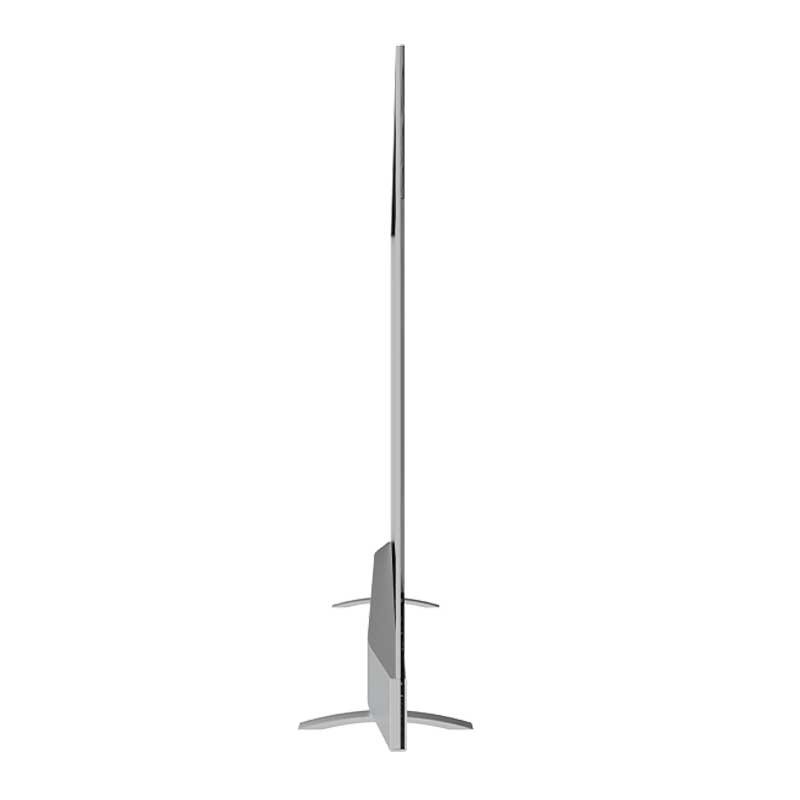
A deeper base direction designed to accommodate interfaces, playback hardware and control components.
A clean horizontal base for projects that prioritize a conventional display footprint and minimal visual mass.
An extended product stage designed for combining real objects with aligned transparent graphics, labels and motion content.
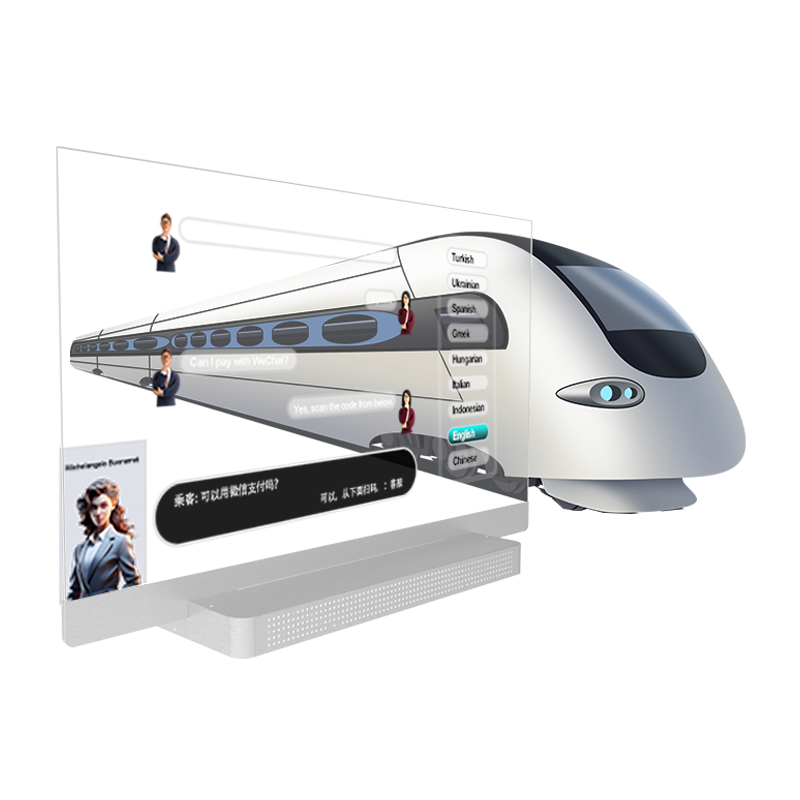
A large-format product stage for major exhibits, wide merchandise arrangements and high-impact premium presentations.
The 30″, 55″ and 77″ values below come from the current desktop product specifications. The 48″ system and all final mechanical details are confirmed against the selected configuration and approved drawing.
| Item | 30″ Reference | 48″ Direction | 55″ Reference | 77″ Reference |
|---|---|---|---|---|
| Resolution | 1366 × 768 | Confirm by configuration | 1920 × 1080 FHD | 3840 × 2160 4K |
| Active display area | 664.29 × 373.48 mm | Confirm by configuration | 1206.53 × 678.67 mm | 1697.28 × 954.72 mm |
| Listed outline size | 682 × 458 × 9.4 mm | Confirm by base design | 1263 × 678.7 × 7.9 mm | 1713.3 × 1106.5 × 20.5 mm |
| Brightness | 200–600 cd/m², automatic adjustment | Confirm by selected panel | 200–600 cd/m², automatic adjustment | 200–600 cd/m² |
| Transparency | 43% typical, subject to confirmation | Confirm by selected panel | 45% typical, subject to confirmation | Confirm by selected panel |
| Viewing angle | 178° horizontal / 178° vertical | Confirm by selected panel | 178° horizontal / 178° vertical | 178° horizontal / 178° vertical |
| Refresh rate | 120 Hz | Confirm by selected panel | 120 Hz | Confirm by selected panel |
| Touch | Capacitive touch reference configuration | Project option | Capacitive touch reference configuration | Confirm by configuration |
| Reference net weight | 7 kg | Confirm by base design | 22.5 kg | Confirm by complete structure |
| Power input | 100–240 V AC, 50/60 Hz | Confirm by configuration | 100–240 V AC, 50/60 Hz | 100–240 V AC, 50/60 Hz |
| Power consumption | Confirm by configuration | Confirm by configuration | Confirm by configuration | <400 W operating; <3 W standby |
| Reference PC | Intel Core i5, 8 GB + 128 GB, Windows 10 | Project option | Intel Core i5, 8 GB + 128 GB, Windows 10 | Intel Core i5, 8 GB + 128 GB, Windows 10 |
| Reference connections | USB × 4, microphone, DC input, Ethernet and COM | Project option | USB × 4, microphone, DC input, Ethernet and COM | USB × 4, microphone, DC input, Ethernet and COM |
| Network | Ethernet, Wi-Fi and Bluetooth | Project option | Ethernet, Wi-Fi and Bluetooth | Ethernet, Wi-Fi and Bluetooth |
| Configuration | Best For | Main Advantage | Choose It When |
|---|---|---|---|
| 30″ T-Base | Compact counters and close-range presentations | Minimal footprint and clean support | The transparent screen is the main visual element |
| 30″ Platform Base | Jewelry, accessories and small products | Space for a physical object | Content must align with a compact product |
| 48″ Platform Base | Wider merchandise and grouped products | Long panoramic presentation area | A 30″ platform is too narrow |
| 55″ Twin-Foot Base | Simple display installations | Lightweight visual structure | Integrated product staging is unnecessary |
| 55″ Control Base | Interactive and self-contained systems | More internal hardware space | Player, interfaces or control electronics must be integrated |
| 55″ Slim Bar Base | Showrooms and premium counters | Clean horizontal appearance | A slim conventional footprint is preferred |
| 55″ Product Platform | Retail products and museum objects | Balanced size and product space | Transparent content and a real object work together |
| 77″ Product Platform | Large exhibits and flagship presentations | Maximum visual impact | The venue and object require a large-format stage |
Configure the display around the physical product, visitor interaction and installation environment. Final feasibility depends on the selected OLED panel, base structure, quantity and project review.
Select the suitable available panel size and confirm landscape presentation, viewing height and distance.
Customize base width, depth, product stage, object position and available hardware space.
Review housing color, sheet-metal finish, trim, logo, labels and customer visual identity.
Add product holders, positioning features or controlled illumination where required.
Evaluate touch, camera, microphone, speakers, proximity sensors or triggered content.
Configure Windows, Android where available, an external player, customer software or CMS.
Confirm video input, USB, network connection, power entry and concealed cable path.
Review assembled or separated delivery, export packaging, labeling and installation support.
Best when customers view a physical product and transparent content at counter or table height.
Choose a kiosk when visitor interaction and a full-height terminal are central.
Choose lift-up when concealed storage and an automatic reveal are required.
Review all five structures when the installation method is still open.
| Comparison | Desktop Transparent OLED | Desktop Transparent LCD |
|---|---|---|
| Image principle | Self-emissive transparent pixels | Requires controlled rear illumination |
| Structure | Cleaner and slimmer premium presentation | Usually requires more depth for lighting |
| Black content | Pixels can switch off for strong dark areas | Black appearance depends on LCD and lighting structure |
| Product lighting | External product lighting can be designed independently | Rear lighting is part of the transparent display system |
| Size flexibility | Based on available transparent OLED panels | Wider panel and mechanical customization may be possible |
| Best fit | Luxury goods, museums and premium close-range displays | Cost-sensitive product boxes and illuminated showcases |
Overlay product stories, craftsmanship details and animated highlights around premium objects.
Present specifications and feature animations while the real device remains visible.
Add interpretation to artifacts and models without replacing the physical exhibit.
Create a reusable premium product stage for launches, demonstrations and brand events.
Send the object dimensions, weight, images, presentation goal and viewing distance.
Choose the OLED size and base structure around the product and available counter space.
Confirm fixture, touch, player, interfaces, branding, lighting and cable routing.
Approve the configuration and drawings before prototype or production.
It is a transparent OLED display integrated with a desktop, counter or product-platform base for close-range product presentation and interactive content.
The current product directions include 30-inch, 48-inch, 55-inch and 77-inch landscape configurations. Final panel and system availability should be confirmed for each project.
Twin-foot and T-base structures minimize the footprint, integrated control bases provide more hardware space, and platform bases create an area for physical products.
The platform dimensions, object position and fixture can be reviewed around your product size, weight and presentation concept.
Touch can be evaluated according to the selected panel, mechanical rigidity, viewing distance and intended user interaction.
Yes. Housing color, finish, trim, logos, labels and exterior branding can be reviewed for OEM and project orders.
Yes. The system can be configured around a suitable player, PC, operating system, video input or customer content platform.
Please provide the application, product dimensions and weight, preferred display size, available base area, touch and player requirements, quantity, delivery country and schedule.
Send the object dimensions, preferred OLED size, base footprint, content source and interaction requirements. DisplayMan will review the suitable desktop transparent OLED configuration.