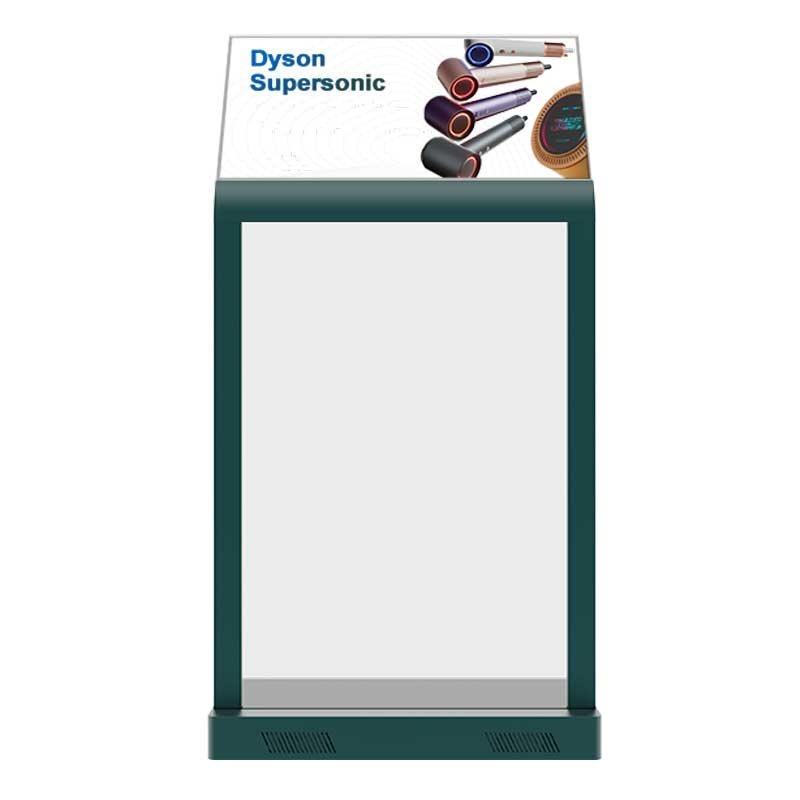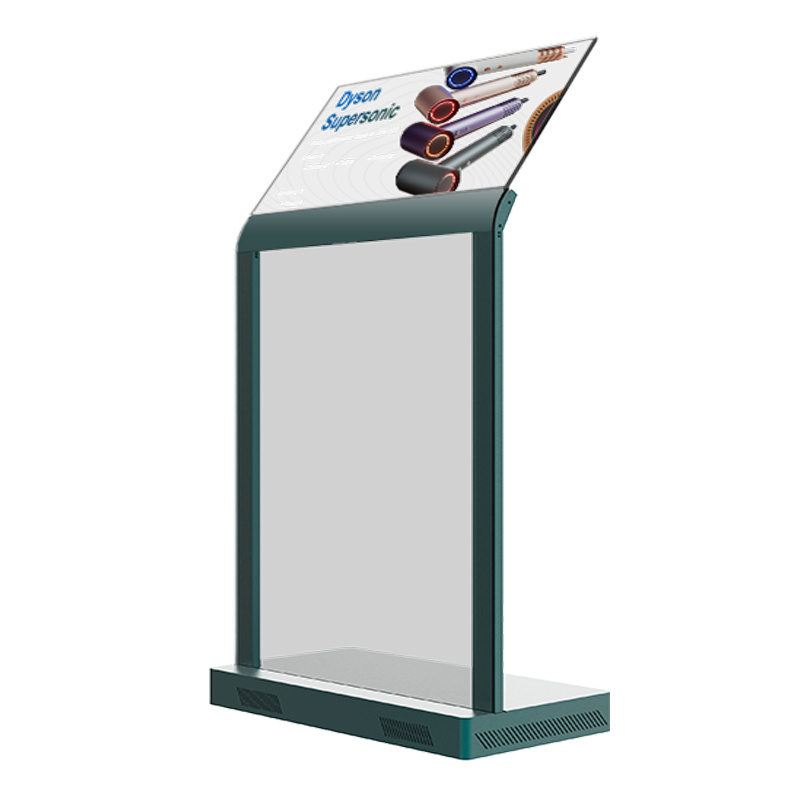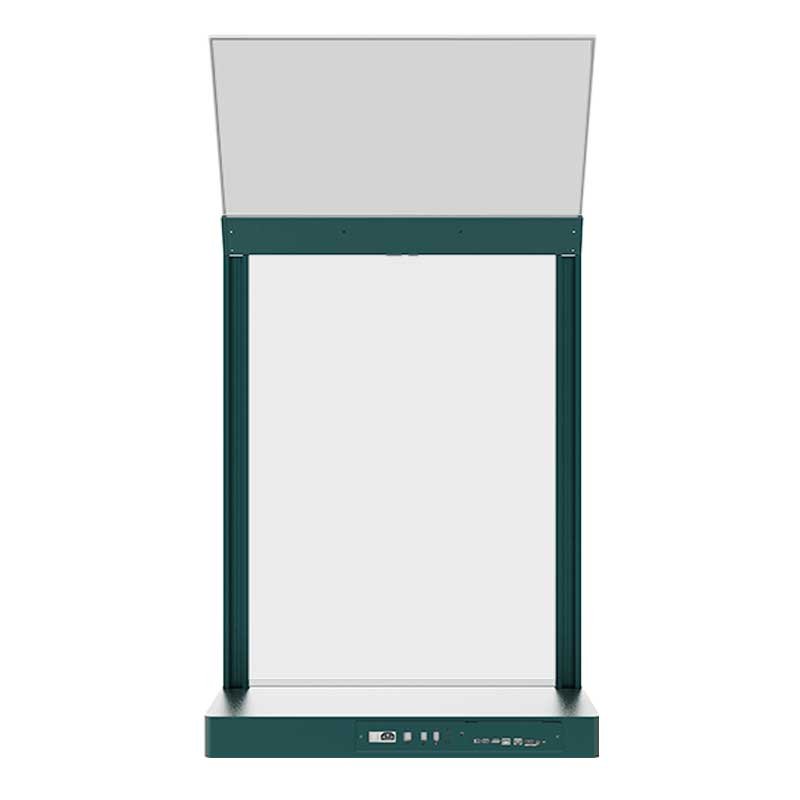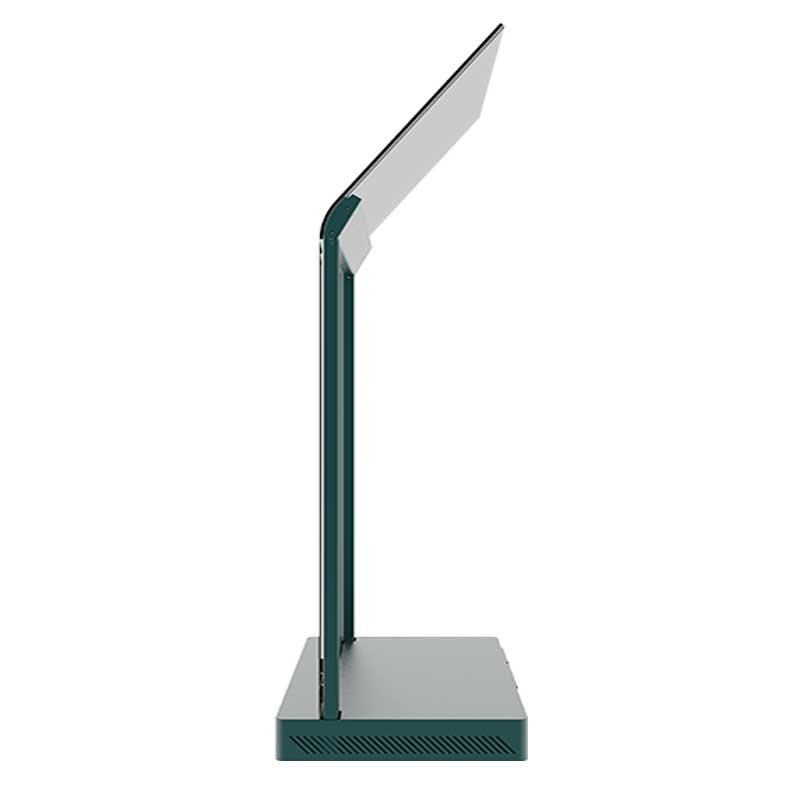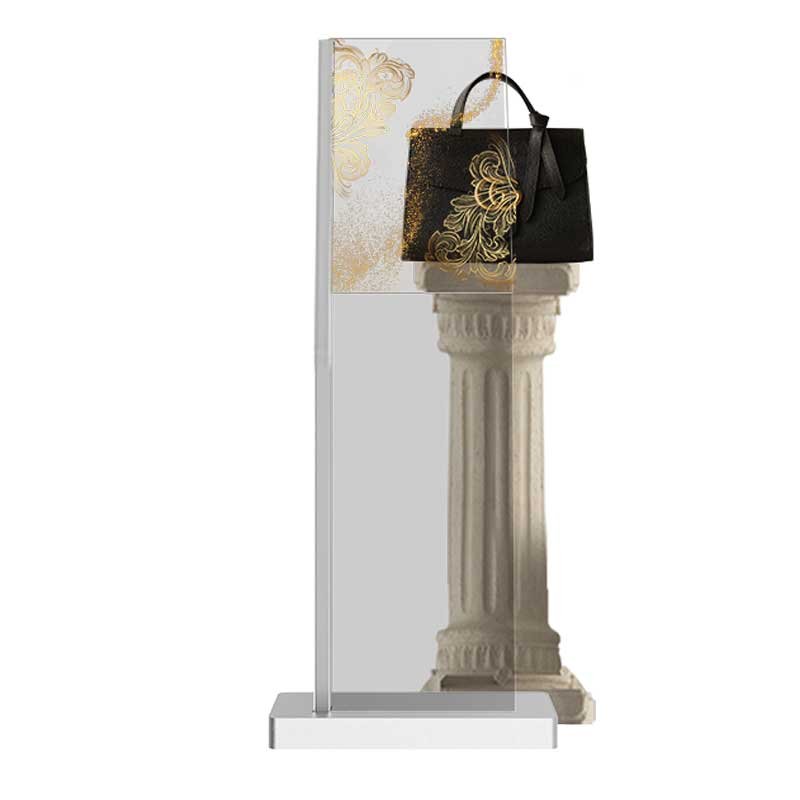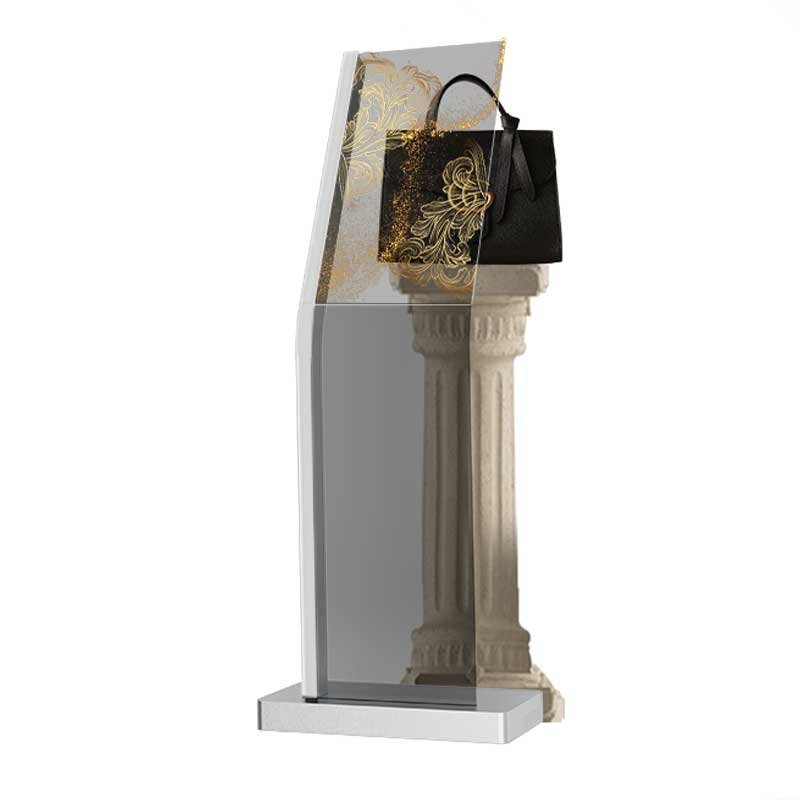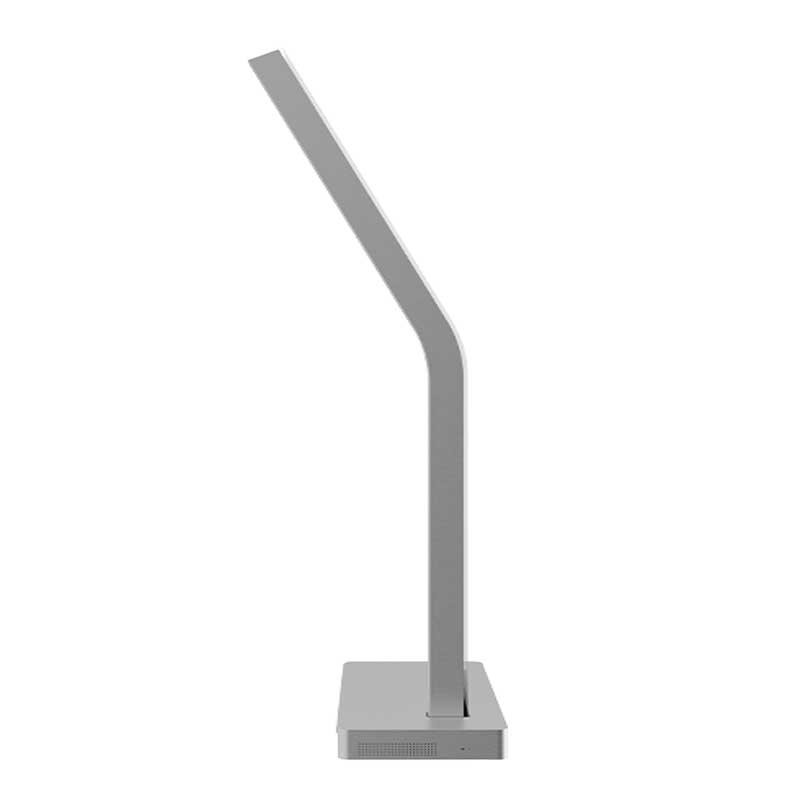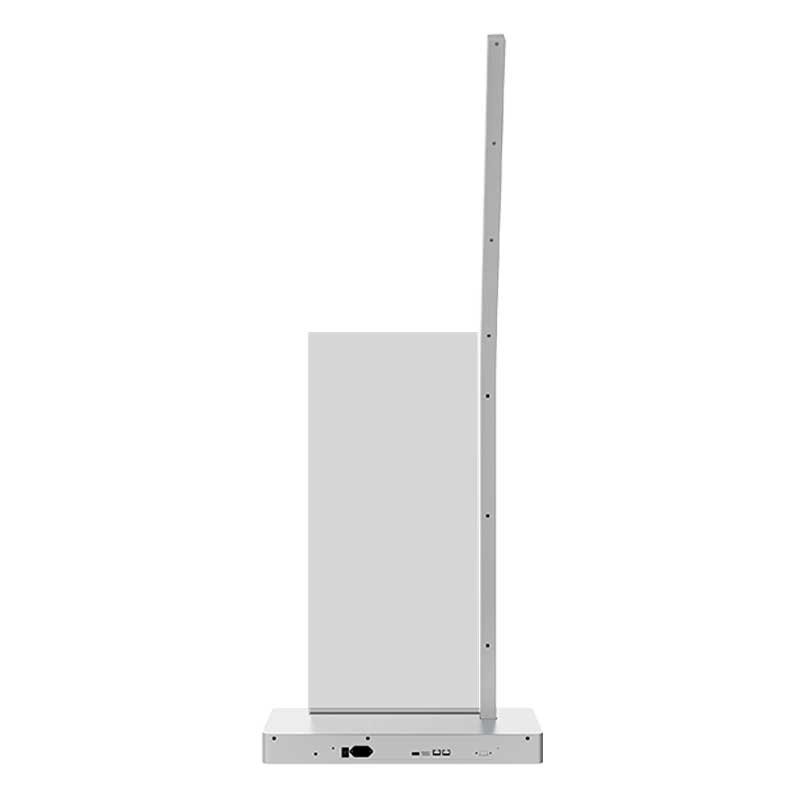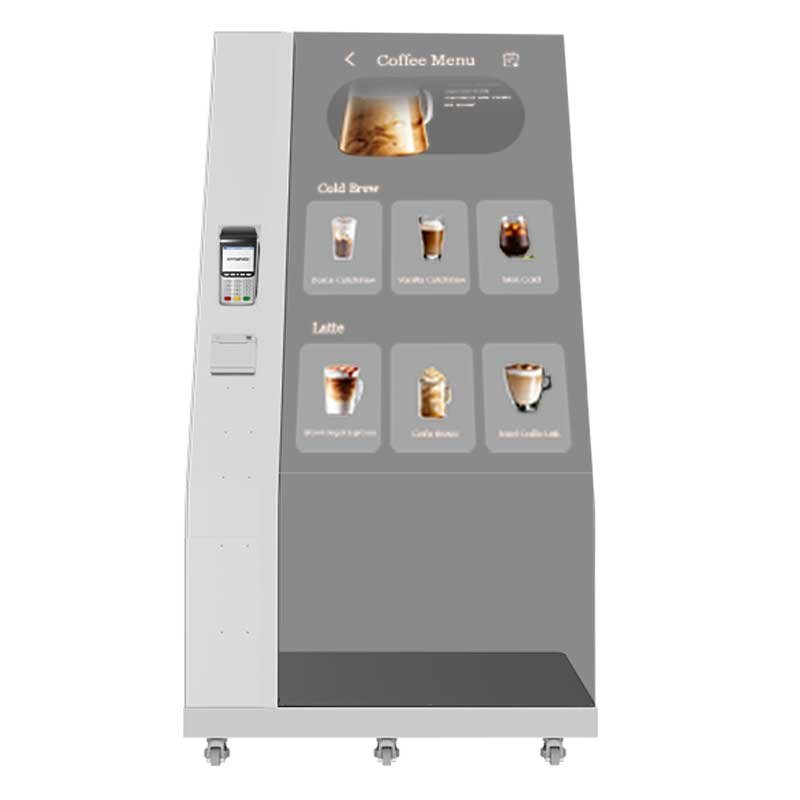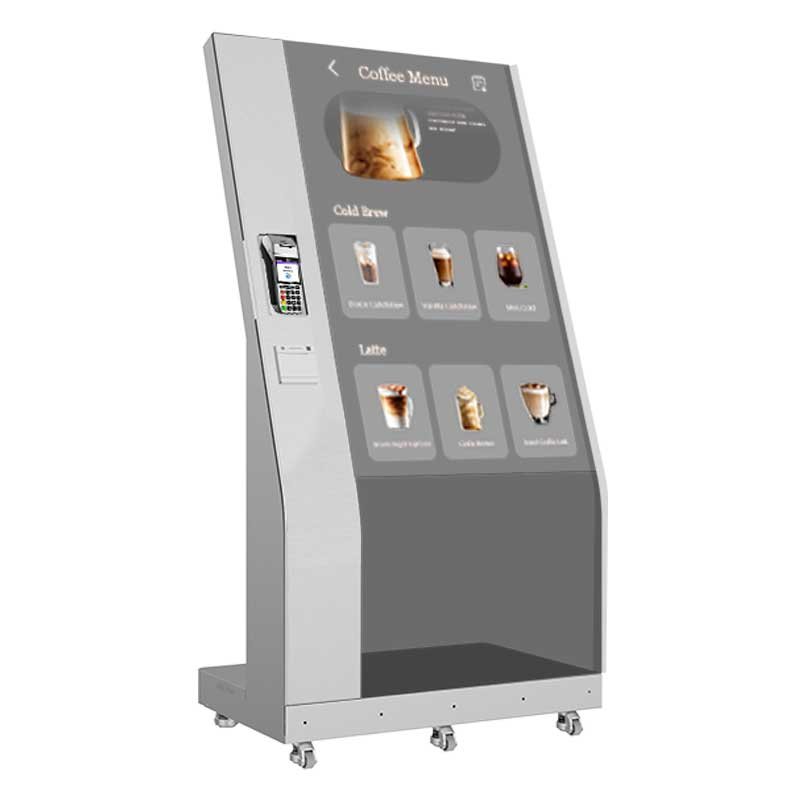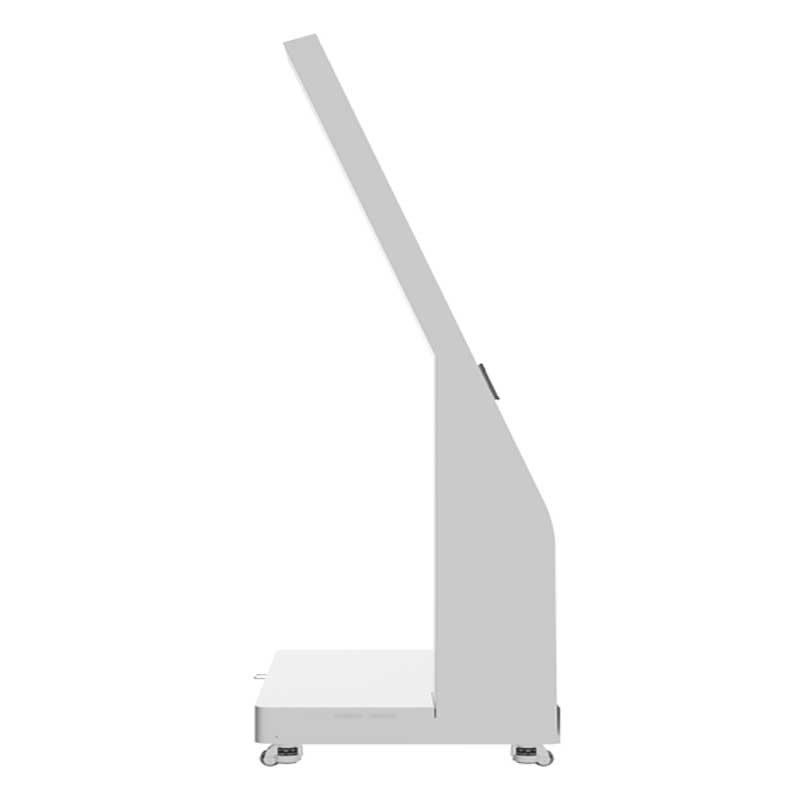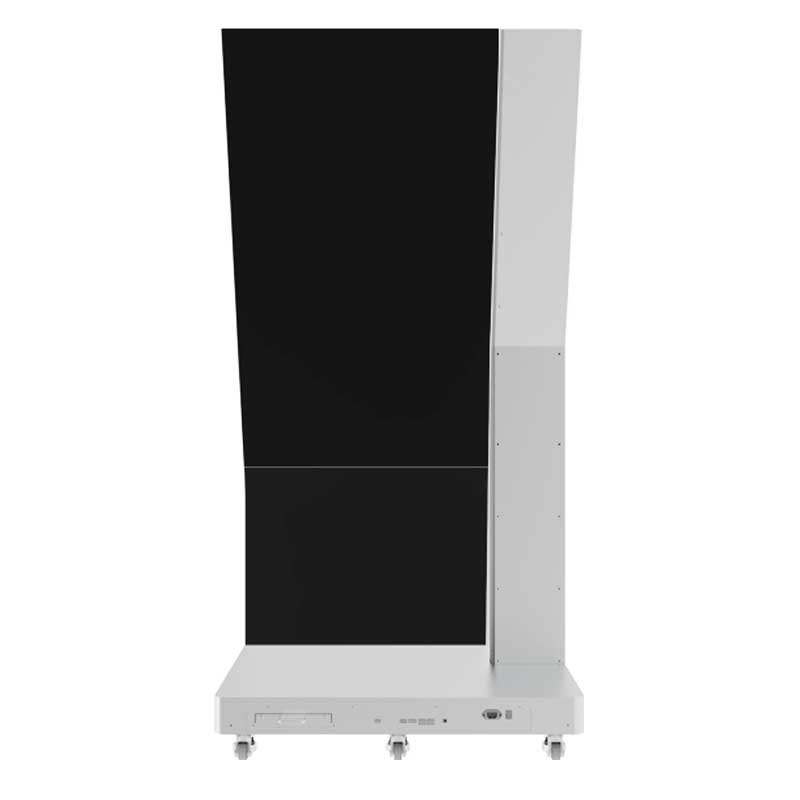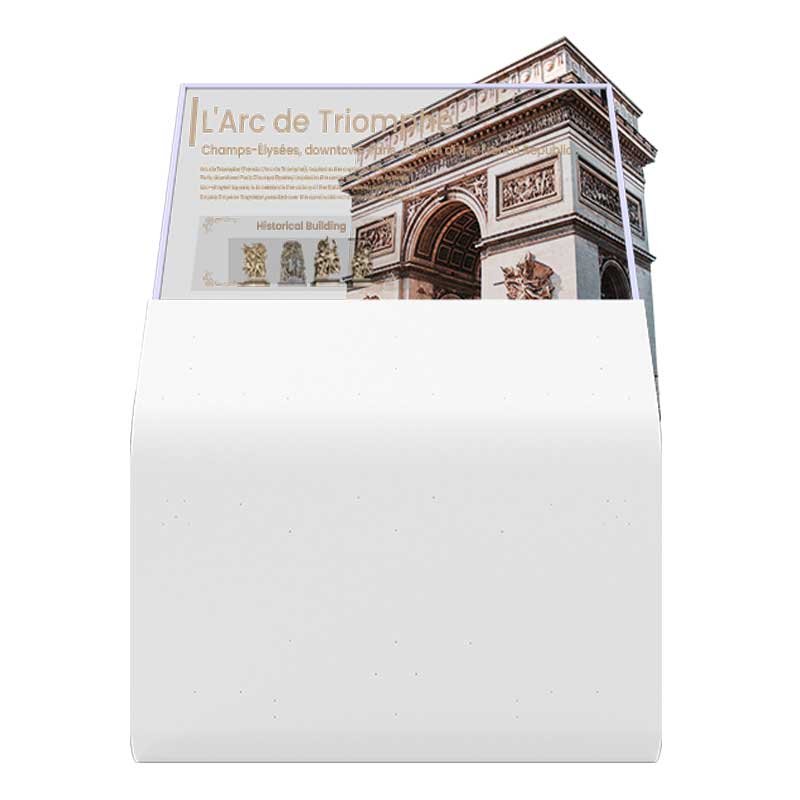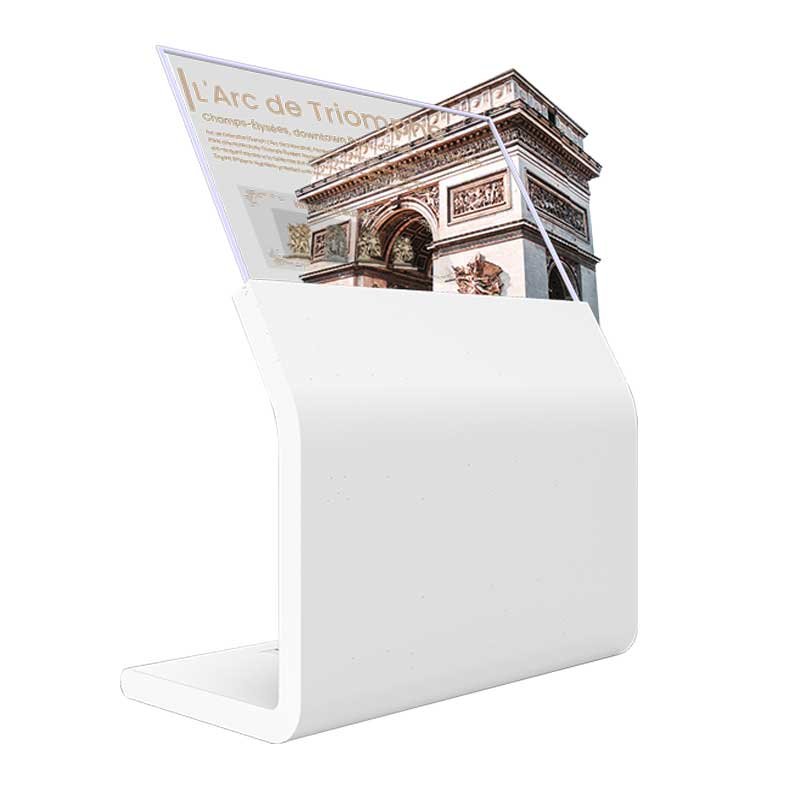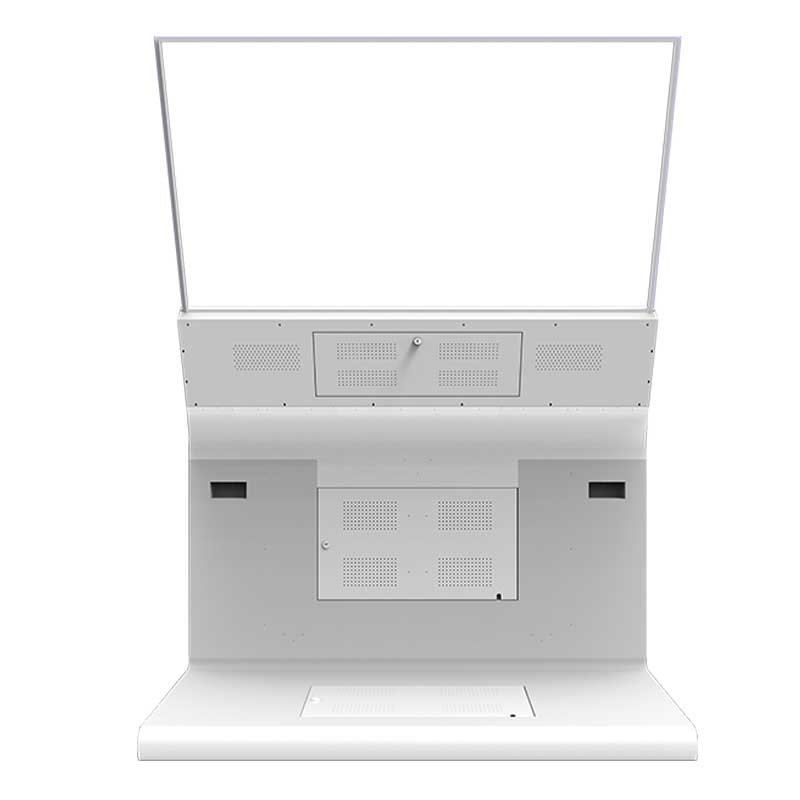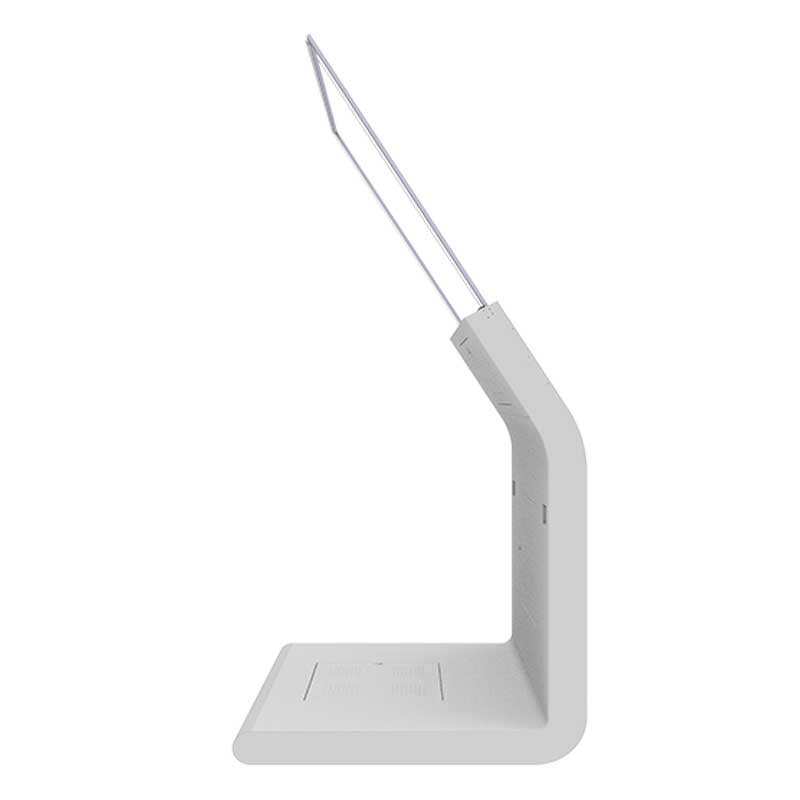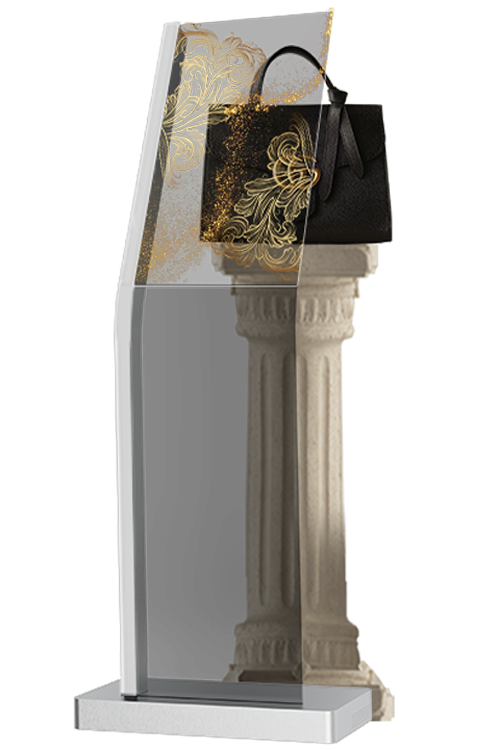
30″ Portrait Transparent OLED Kiosk
A tall, compact kiosk direction for welcome points, guided product discovery, exhibitions, museum information and close-range interactive content.


DisplayMan supplies transparent OLED kiosk structures that combine see-through OLED imagery with a purpose-built enclosure, player, interface and optional interaction system. Choose the screen orientation and mechanical format around the visitor journey—not around a generic signage cabinet.
A transparent OLED kiosk is more than a transparent panel mounted on a stand. Screen orientation, viewing height, enclosure geometry, touch method, player location, cable routing and service access must be designed as one complete product.
The current product directions cover 30-inch and 55-inch kiosks in portrait and landscape formats. These are separate mechanical configurations—not merely photographs of the same kiosk from different angles.
Portrait formats suit vertical storytelling and guided interfaces. Landscape formats suit wider content, maps, product comparison and media presentation.
OLED panel, touch option, operating system, media player, speakers, camera, payment hardware and housing details are confirmed by project.
All sixteen product images are shown below. Hover over any image to inspect the structure more closely.
A tall, compact kiosk direction for welcome points, guided product discovery, exhibitions, museum information and close-range interactive content.


A lower, wider kiosk for counters, interactive exhibits, product comparison, maps and media experiences that benefit from horizontal composition.


A high-impact vertical kiosk for retail entrances, premium brand storytelling, museum interpretation, self-service interfaces and exhibition displays.


A wide large-format kiosk designed for architectural media, branded experiences, navigation, exhibitions and premium interactive presentation.


Select the structure from content orientation, visitor distance, interaction method and available floor space. Final electrical and mechanical details are confirmed after project review.
| Product Direction | Best Starting Point | Main Advantage | Review First |
|---|---|---|---|
| 30″ Portrait | Compact information and guided interaction | Small footprint with vertical content | Viewing height, interface and touch requirement |
| 30″ Landscape | Counters, exhibits, maps and wider media | Comfortable close-range horizontal viewing | Viewing angle, counter position and user reach |
| 55″ Portrait | Retail entrances, museums and premium self-service | High visual impact with vertical storytelling | Stability, anti-tip design, player and service access |
| 55″ Landscape | Brand experiences, wide content and exhibitions | Large horizontal presentation area | Overall width, delivery path and installation space |
Choose a kiosk when visitors need to approach the display, interact with content or use an integrated terminal. If the project is mainly visual signage or compact product presentation, another installation format may be more suitable.
Best when touch, self-service, information search, camera, audio or other integrated electronics are required.
Choose this when the main goal is premium visual communication without a complex user terminal.
Choose this for close-range product presentation on a counter, desk or compact exhibit.
Review the complete Transparent OLED Signage family when the installation method is not yet decided.
Both technologies can be integrated with touch, media players and custom housings, but they create different visual effects and suit different commercial priorities.
| Comparison | Transparent OLED Kiosk | Transparent LCD Kiosk |
|---|---|---|
| Image principle | Self-emissive pixels; no conventional rear lightbox is required | Requires controlled illumination behind the transparent LCD |
| Visual character | Premium, high-contrast and visually light structure | Practical transparent display effect with a more equipment-oriented structure |
| Black content | True black pixels switch off and visually disappear | Black content blocks the backlight but usually appears less absolute |
| Physical depth | Can support slimmer, more open kiosk designs | Usually needs additional depth for illumination and background control |
| Size flexibility | Based on a more limited range of commercially available OLED panels | Wider panel and mechanical customization options are often available |
| Cost direction | Higher investment for premium presentation | More suitable for cost-controlled OEM and larger-volume projects |
| Best fit | Luxury retail, museums, showrooms, exhibitions and high-end interactive experiences | Product display boxes, vending, equipment integration and budget-sensitive interactive terminals |
Use OLED when the kiosk itself is part of the premium brand experience and the clean, self-emissive transparent image justifies the higher investment.
Use LCD when cost, size choice, illuminated product presentation or deeper mechanical customization is more important than the thinnest premium appearance.
Configure the kiosk around your venue, visitor journey, content system and brand. Available options depend on the selected OLED panel, kiosk structure, project quantity and final engineering review.
Choose 30-inch or 55-inch, portrait or landscape orientation, viewing height, screen angle and overall kiosk proportions.
Customize the support frame, body and base color, surface finish, decorative panels and visible metalwork.
Select a fixed base, wider anti-tip base, adjustable feet, floor fixing holes or concealed lockable caster wheels.
Add a touch screen, camera, microphone, speakers, proximity sensor, NFC reader or QR code scanner as required.
Configure Android, Windows, an external media player, customer software or a content management system.
Review HDMI, USB, Ethernet, Wi-Fi, Bluetooth, audio and other project-specific connections.
Add a printed or illuminated logo, startup screen, branded interface, project labels and custom exterior graphics.
Confirm the destination plug, voltage, user guide, labeling, export carton or wooden crate and assembly method.
Combine product visibility, brand media and optional interaction without creating a conventional opaque screen wall.
Overlay interpretation, animation or supporting information while maintaining visual connection to the exhibit.
Create a distinctive welcome point, product introduction station or interactive brand presentation.
Support reception, showroom, innovation center and visitor communication in premium interiors.
Tell us the venue, content, viewing distance, interaction method and required quantity.
Choose 30-inch or 55-inch and confirm portrait or landscape orientation.
Confirm touch, player, OS, interfaces, audio, branding, access and packaging.
Approve the project configuration before production and final shipment planning.
It is a complete kiosk structure that integrates a transparent OLED display with the required enclosure, control electronics, interfaces and optional interaction functions.
No. They are different mechanical configurations. The enclosure proportions, viewing height, support structure and internal layout are designed around the screen orientation.
Use 30-inch for compact spaces and close interaction. Use 55-inch when visual presence, viewing distance and large-format storytelling are more important. Final availability and configuration should be confirmed by project.
Touch and other interactive functions can be reviewed, but the method must match the selected panel, front structure, operating system and application.
Housing color, branding, base, access panels, hardware position, player mounting and cable routing can be reviewed for OEM projects.
A kiosk is designed as an approachable terminal with integrated controls and optional interaction hardware. Hanging, floor-standing, motorized lift-up and desktop displays prioritize different installation methods and presentation styles.
Choose Transparent OLED for a slimmer, self-emissive and more premium presentation. Choose Transparent LCD when cost control, wider size flexibility, internal product illumination or deeper OEM customization is the priority.
Please provide the application, preferred size, portrait or landscape direction, touch requirement, required interfaces or operating system, quantity, delivery country and project schedule.
Send your application, preferred screen direction, interaction requirements and quantity. DisplayMan will help review the suitable kiosk direction and integration scope.