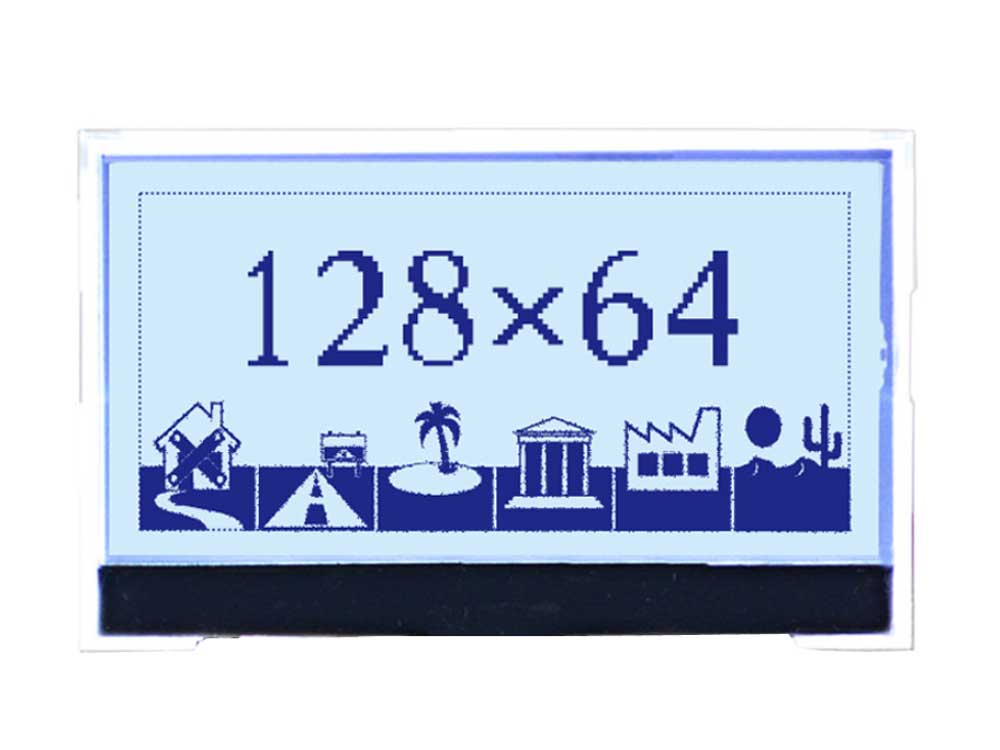
128 × 64 FSTN Positive Dot Matrix LCD
| Display Type | FSTN / Dot Matrix |
|---|---|
| Display Size | Customized |
| Display Mode | Positive / Transmissive |
| Display Effect | Grey Background and Blue Letters |
| Display Content | 128 × 64 Graphic |
| Backlight | White |

Explore standard and custom dot matrix LCD modules for pixel-based text, icons, menus and diagrams. DisplayMan supports COB and COG structures, backlight options, FPC and mechanical integration for instruments, control panels and OEM equipment.
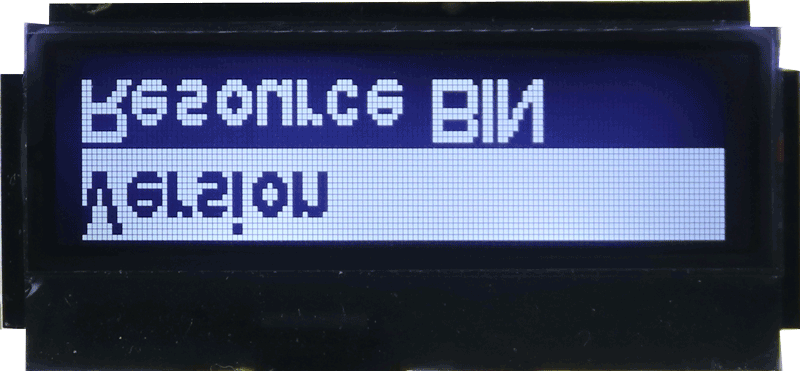
DisplayMan supplies Dot Matrix LCD Displays for instruments, meters, industrial controllers, medical devices, handheld products, laboratory equipment and embedded electronic systems.
Dot Matrix LCD modules use rows and columns of pixels to display text, icons, symbols, menus, curves and simple graphics. They provide more flexibility than Character LCD or Segment LCD while remaining simpler than full-color TFT LCD for many monochrome products.
Standard modules are preferred when available, while project-based customization can cover LCD technology, display mode, backlight, COB or COG structure, FPC, connector, pin definition and mechanical matching.
Choose Dot Matrix LCD Displays when the product needs software-controlled monochrome text, icons and simple graphics through a pixel matrix.
Explore six selected examples, including five graphic dot matrix displays and one 20 × 2 character display. DisplayMan develops more than 100 new prototypes every month; these examples show only a selection of typical product features.
| Display Type | FSTN / Dot Matrix |
|---|---|
| Display Size | Customized |
| Display Mode | Positive / Transmissive |
| Display Effect | Grey Background and Blue Letters |
| Display Content | 128 × 64 Graphic |
| Backlight | White |
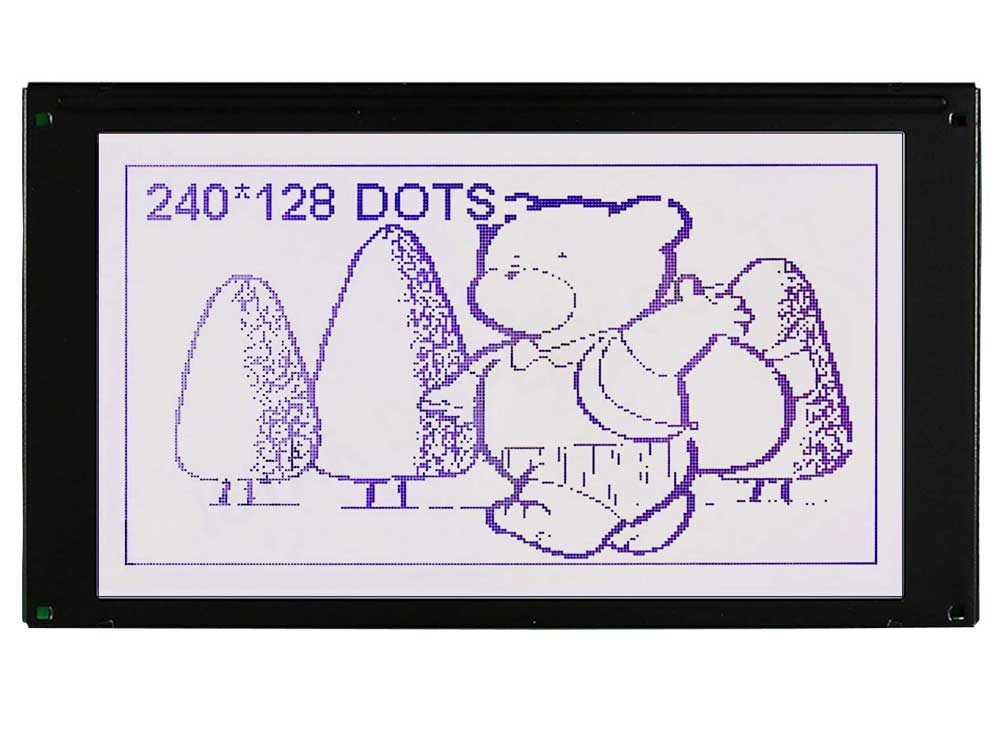
| Display Type | FSTN / Dot Matrix |
|---|---|
| Display Size | Customized |
| Display Mode | Positive / Transmissive |
| Display Effect | Grey Background and Dark Purple Letters |
| Display Content | 240 × 128 Graphic |
| Backlight | White |
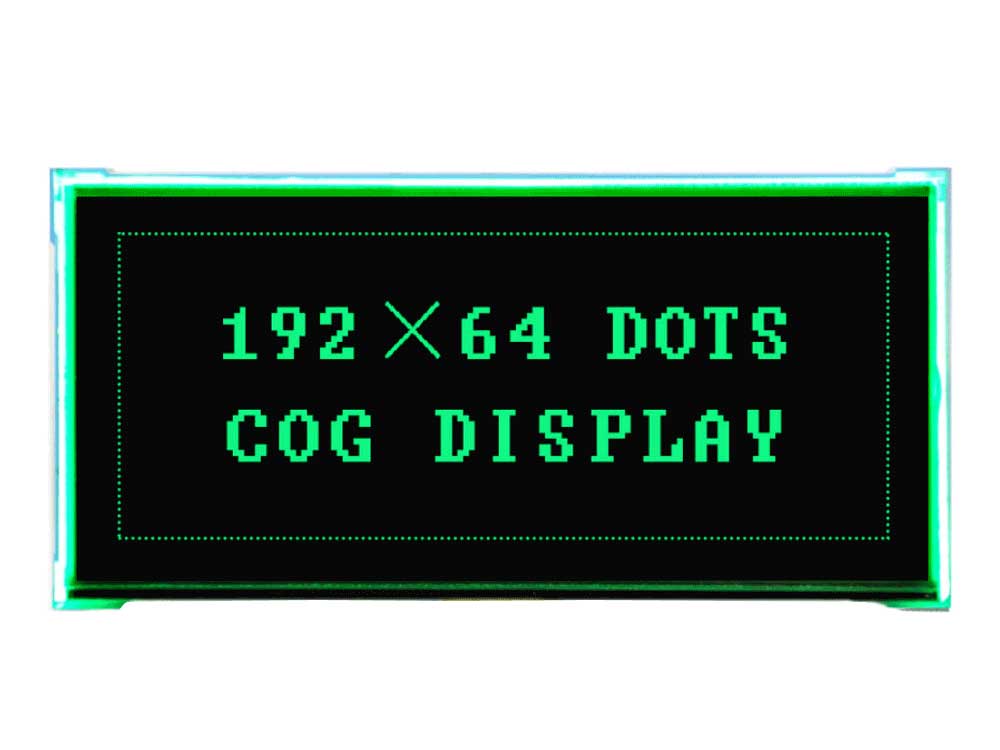
| Display Type | FSTN / Dot Matrix |
|---|---|
| Display Size | Customized |
| Display Mode | Negative / Transmissive |
| Display Effect | Black Background and White Letters |
| Display Content | 192 × 64 Graphic |
| Backlight | Green |
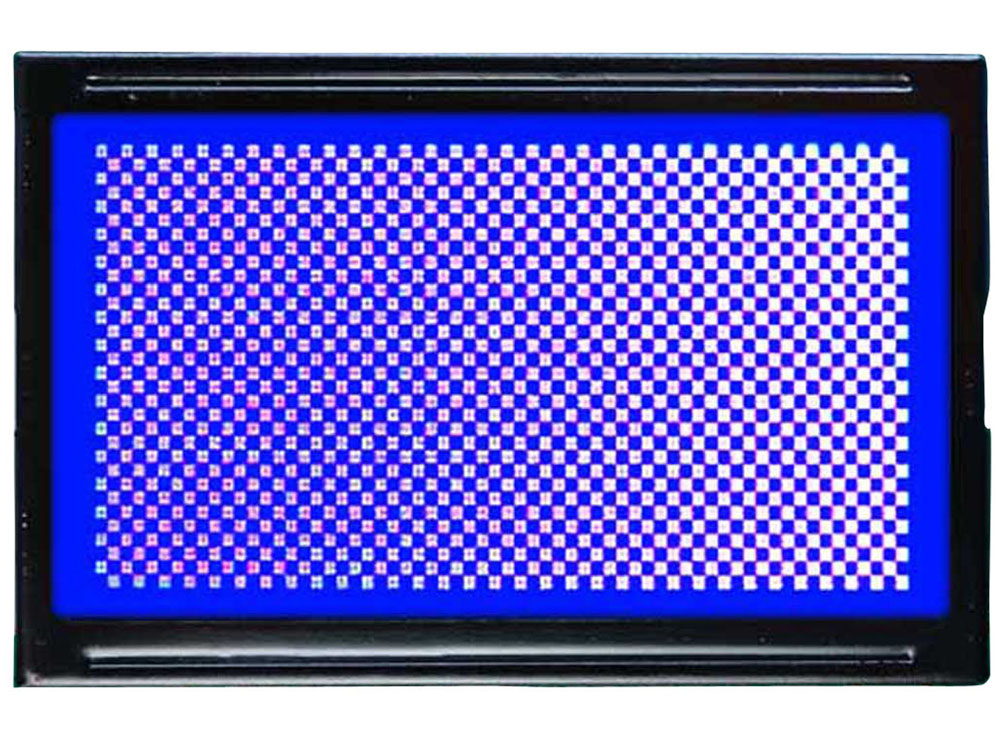
| Display Type | STN / Dot Matrix |
|---|---|
| Display Size | Customized |
| Display Mode | Negative / Transmissive |
| Display Effect | Blue Background and White Letters |
| Display Content | 128 × 64 Graphic |
| Backlight | White |
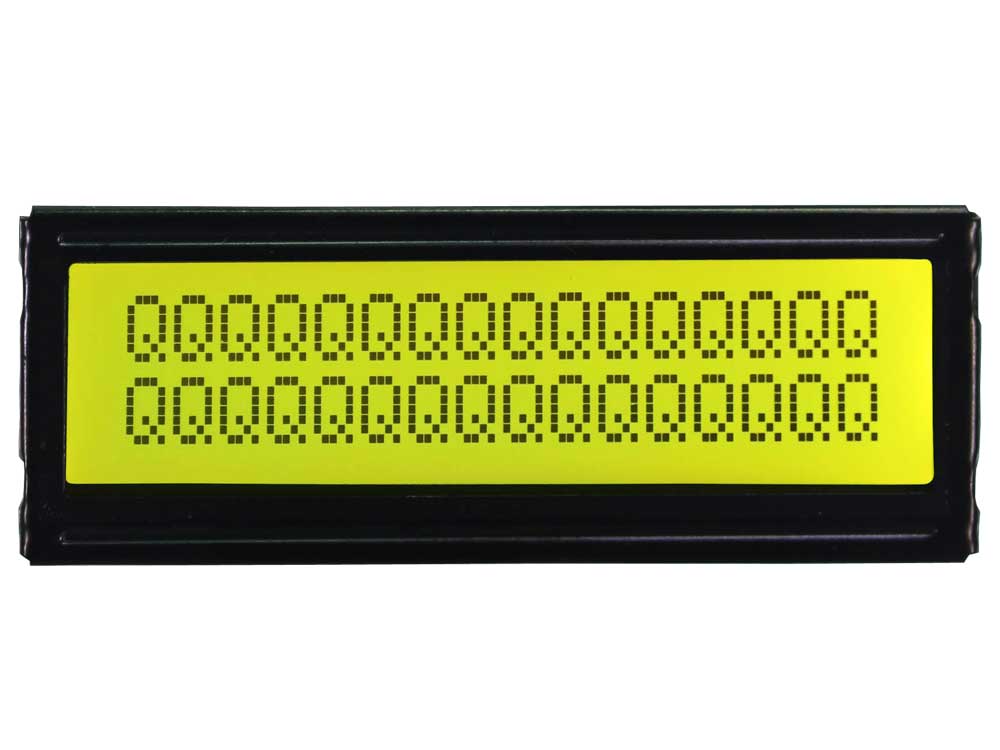
| Display Type | STN / Dot Matrix |
|---|---|
| Display Size | Customized |
| Display Mode | Positive / Transmissive |
| Display Effect | Yellow Background and Black Letters |
| Display Content | 20 × 2 Character |
| Backlight | White |
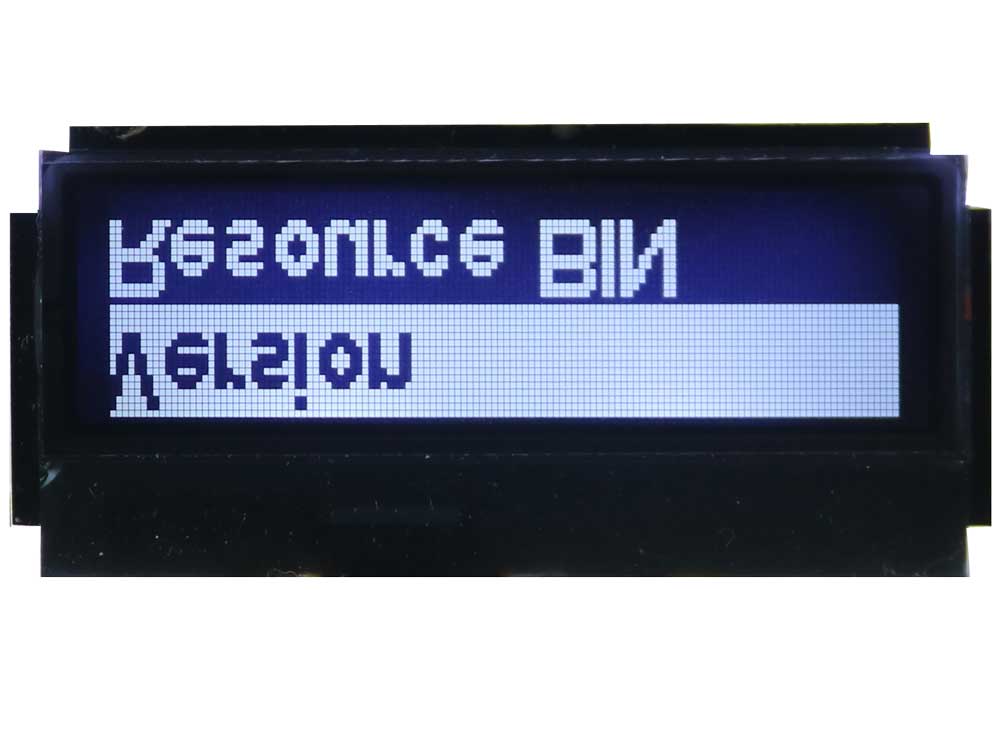
| Display Type | FSTN / Dot Matrix |
|---|---|
| Display Size | Customized |
| Display Mode | Negative / Transmissive |
| Display Effect | Blue Background and White Letters |
| Display Content | 128 × 32 Graphic |
| Backlight | White |
The following formats are reference examples. Final availability and specifications must be confirmed according to active area, controller, interface, structure, backlight, temperature, dimensions and quantity.
| Reference Resolution | Pixel Format | Typical LCD Type | Display Mode | Backlight Option | Typical Use |
|---|---|---|---|---|---|
| 128×32 Dot Matrix LCD | 128 × 32 pixels | FSTN / STN | Negative / transmissive | White | Compact instruments, status displays and small control panels |
| 128×64 Dot Matrix LCD | 128 × 64 pixels | STN / FSTN | Positive or negative | White / blue / green | Meters, handheld devices and embedded products |
| 160×160 Dot Matrix LCD | 160 × 160 pixels | FSTN | Positive / transmissive | White | Square UI, instruments and compact equipment |
| 192×64 Dot Matrix LCD | 192 × 64 pixels | FSTN | Negative / transmissive | Green | Industrial controllers, menu displays and equipment panels |
| 240×64 Dot Matrix LCD | 240 × 64 pixels | STN / FSTN | Positive or negative | Green / white | Audio devices, control panels and status information |
| 240×128 Dot Matrix LCD | 240 × 128 pixels | FSTN | Positive or negative | Green / white | Larger monochrome UI, industrial equipment and test instruments |
| 320×240 Dot Matrix LCD | 320 × 240 pixels | STN / FSTN | Project-based review | Project-based | Larger monochrome display applications |
Two 128×64 or 240×128 modules may use different active areas, controller ICs, interfaces, pinouts, FPC directions, PCB outlines, backlights and mounting structures.
Each dot forms part of a pixel matrix that can be controlled to create text, symbols and simple graphics.
Unlike fixed segments or character cells, content can be changed by software inside the pixel area.
More flexible than Segment or Character LCD, but simpler than full-color TFT LCD.
Dot Matrix LCD and Graphic LCD are closely related terms. In many projects, customers use the names interchangeably because both describe pixel-based monochrome display modules.
| Website Direction | Main Positioning | Typical Requirement |
|---|---|---|
| Graphic LCD Displays | Standard pixel-based Graphic LCD modules | Icons, menus, diagrams and flexible monochrome UI |
| Dot Matrix LCD Displays | Monochrome pixel-matrix projects and dot-based display structures | Text, icons, symbols and simple graphics controlled by pixels |
Dot Matrix LCD and Graphic LCD are very close in practical use. Both are selected when the display content needs pixel control rather than fixed character positions or fixed segments.
Custom fonts, icons, menus and layouts are not limited to fixed character rows.
Content can change by software instead of being fixed after glass tooling.
Many instruments do not need full-color TFT graphics or video.
Dot Matrix LCD technology is widely used in industrial, medical and embedded products.
Structure can be selected according to module size, thickness, connector and assembly needs.
Existing modules can be reviewed when the exact pinout and mechanical details are available.
| Factor | COB Dot Matrix LCD | COG Dot Matrix LCD |
|---|---|---|
| IC Position | Driver IC bonded on PCB | Driver IC bonded directly on LCD glass |
| Main Structure | LCD glass, PCB, IC, zebra or metal frame | LCD glass, IC, FPC or PIN, optional backlight |
| Thickness | Usually thicker | Usually thinner and more compact |
| PCB Flexibility | Higher PCB-level integration flexibility | Reduced module PCB area |
| Connection Direction | Pin header, PCB connector and stronger module assembly | Compact FPC integration |
| Typical Use | Larger modules and industrial assemblies | Compact instruments, meters and handheld devices |
| Selection Logic | Choose when PCB integration and rigidity matter | Choose when compact size and lower thickness matter |
| Selection Factor | Available Direction | Practical Effect |
|---|---|---|
| LCD Technology | TN, STN, FSTN or project-based review | Affects contrast, viewing angle, response and multiplex capability |
| Positive Mode | Dark pixels on a lighter background | Traditional and clear monochrome display effect |
| Negative Mode | Light pixels on a darker background | Modern appearance and usually backlight-dependent |
| Reflective | Uses ambient light | Suitable for lower-power operation without constant backlight |
| Transmissive | Relies on backlight | Suitable for indoor and negative displays |
| Transflective | Uses ambient light and backlight | Suitable for mixed-light conditions |
| Backlight Colors | White, green, blue, yellow-green, orange or project-based review | Changes night visibility and product appearance |
Standard Dot Matrix LCD modules are preferred when available. Customization is most practical for display mode, backlight, connector, FPC, pin layout, COB or COG structure and mechanical matching. A completely new module may require tooling, MOQ and engineering review.
| Requirement | Dot Matrix LCD Display | Character LCD Display |
|---|---|---|
| Display Structure | Pixel matrix | Fixed character positions |
| Display Content | Text, icons, simple graphics and custom layout | Fixed rows of letters and numbers |
| UI Flexibility | Higher | Lower |
| Example Format | 128×64 or 240×128 | 16×2 or 20×4 |
| Best For | Pixel-based monochrome UI | Simple text and status messages |
| Selection Logic | Choose when content needs pixel control | Choose when fixed character rows are enough |
| Requirement | Dot Matrix LCD Display | Segment LCD Display |
|---|---|---|
| Display Structure | Pixel matrix | Fixed custom segments |
| Content Flexibility | Software-controlled pixels | Fixed after LCD glass tooling |
| Custom Icons | Drawn by software | Built into LCD glass |
| Tooling Direction | Standard modules often available | Usually requires custom LCD tooling |
| Power Direction | Moderate | Can be very low power |
| Selection Logic | Choose when content changes by software | Choose when content is fixed and low power matters |
| Requirement | Dot Matrix LCD Display | TFT LCD Display |
|---|---|---|
| Display Type | Monochrome pixel matrix | Full-color pixel display |
| Content | Text, icons and simple graphics | Images, video, animation and rich UI |
| Cost Direction | Practical for simple monochrome UI | Higher but more flexible for full-color UI |
| Power | Usually lower than TFT LCD | Usually higher due to backlight and processing |
| Best For | Instruments, meters and embedded equipment | HMI, terminals, smart devices and touch products |
| Selection Logic | Choose when monochrome pixel content is enough | Choose when full-color UI is required |
Menus, parameters, icons, status graphics and equipment information.
Values, units, curves, menus and diagnostic information.
Simple diagrams, measurements, status icons and professional device UI.
Values, icons, trends, menu settings and status information.
Compact field instruments and portable monochrome interfaces.
Menus, levels, charging status and control information.
Modes, settings, icons, menus and status messages.
Instructions, machine status and simple monochrome graphic content.
Replacement projects requiring exact resolution, interface, pinout, structure and backlight matching.
Text, icons, menus, custom fonts or simple graphics controlled by software.
Content density, text size, viewing distance, module dimensions and enclosure opening.
Positive or negative, reflective, transmissive or transflective, and the required backlight color.
PCB integration and rigidity versus compact size, low thickness and FPC connection.
Controller, interface, connector, FPC, voltage, viewing direction, PCB and mounting.
Operating range, sample testing, quantity, replacement strategy, acceptance criteria and schedule.
Dot Matrix LCD is the correct product when software-controlled monochrome pixels are the main buying reason. Use another product page when fixed text, fixed custom segments, full-color content or module structure matters more.
| Product Page | Choose This When |
|---|---|
| Monochrome LCD Displays | You need the main monochrome LCD product entry and general selection |
| Character LCD Displays | You need fixed rows of letters, numbers or simple text |
| Graphic LCD Displays | You need standard pixel-based Graphic LCD modules |
| Segment LCD Displays | You need custom digits, icons, symbols or low-power fixed content |
| COB LCD Displays | You need a PCB-based monochrome module structure |
| COG LCD Displays | You need a compact IC-on-glass monochrome module |
| TFT LCD Displays | You need full-color graphics, images, animation or video |
Matching only “128×64” or “240×128” is not enough. Send the old model, controller, interface, pinout, PCB or FPC, active area, backlight and mechanical drawing.
MONOCHROME LCD FAMILY
Visit a category page for product images, specifications and integration options.
A Dot Matrix LCD Display is a monochrome LCD module that uses rows and columns of pixels to display text, icons, symbols, menus and simple graphics.
The two terms are very close in practical use. A Graphic LCD is usually a dot matrix LCD module used for pixel-based graphics, icons and flexible text layouts.
DisplayMan uses Graphic LCD Displays for standard pixel-based graphic LCD modules and Dot Matrix LCD Displays for broader monochrome pixel-matrix projects and dot-based display structures.
Common reference resolutions include 128×32, 128×64, 160×160, 192×64, 240×64, 240×128 and 320×240.
Choose a Dot Matrix LCD when the product needs software-controlled monochrome text, icons, menus or simple graphics but does not require full-color TFT content.
Character LCD uses fixed character positions such as 16×2 or 20×4. Dot Matrix LCD uses individually controlled pixels, allowing custom fonts, icons and flexible layouts.
Segment LCD has fixed digits and icons built into the glass. Dot Matrix LCD content can change by software through pixel control.
Dot Matrix LCD is normally monochrome and intended for text, icons and simple graphics. TFT LCD supports full-color images, animation, video and modern graphical UI.
Yes. COB Dot Matrix LCD modules use a PCB with the driver IC bonded on the board and are practical for stronger module assemblies and PCB-level integration.
Yes. COG Dot Matrix LCD modules bond the driver IC directly onto the glass and are useful for thinner, compact modules with FPC connection.
Dot Matrix LCD projects commonly use STN or FSTN, while TN or another monochrome LCD direction may be reviewed for selected requirements.
Positive or negative display modes and reflective, transmissive or transflective optical modes can be reviewed.
Yes. White, green, blue, yellow-green, orange or another project-based backlight color can be reviewed according to the module and quantity.
COB, COG, FPC, PIN, zebra and project-based connector structures can be reviewed according to the module and product design.
Simple frame changes or basic movement may be possible depending on the controller and refresh rate, but Dot Matrix LCD is not intended for smooth full-color animation or video.
Selected modules and custom projects can be reviewed for wider operating temperature. The exact range must be confirmed from the selected module specification.
Yes. Please provide the original model, datasheet, photos, pin definition, interface, connector or FPC, active area, backlight information and sample if available.
Please provide resolution, module size, active area, display mode, backlight color, COB or COG preference, interface, connector or FPC, viewing direction, temperature, quantity, schedule and available drawing or sample.
Send us the resolution, module size, display mode, backlight color, COB or COG structure, interface, connector or FPC, viewing direction, temperature, quantity and schedule.
DisplayMan will review whether a standard Dot Matrix LCD module is suitable or whether a customized module or another monochrome LCD direction better matches the product.
Dot Matrix LCD is intended for software-controlled monochrome text, icons and simple graphics. Standard modules are preferred when they meet the display, interface and mechanical requirements.