Bring Digital Content Above, Around and Into Your Space
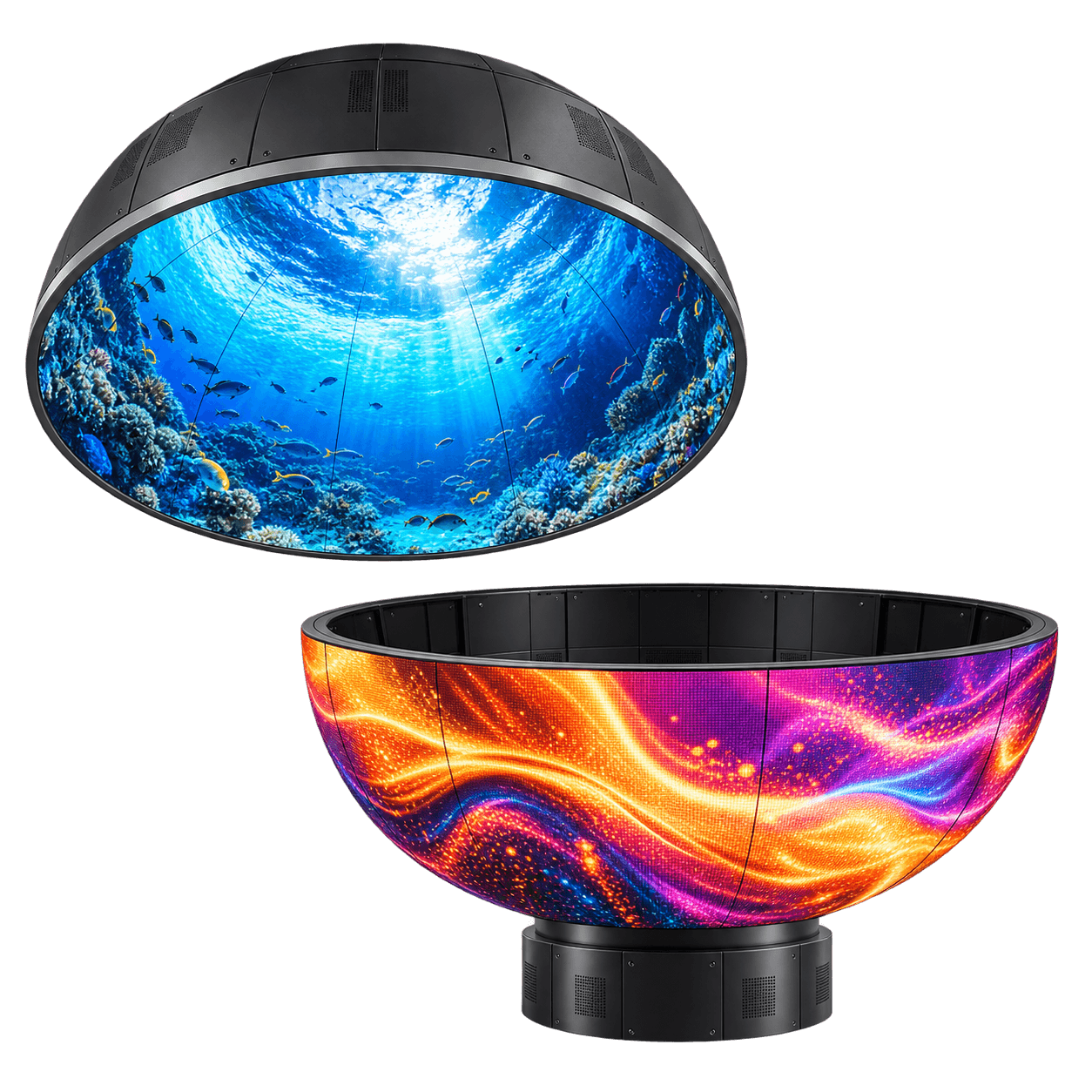
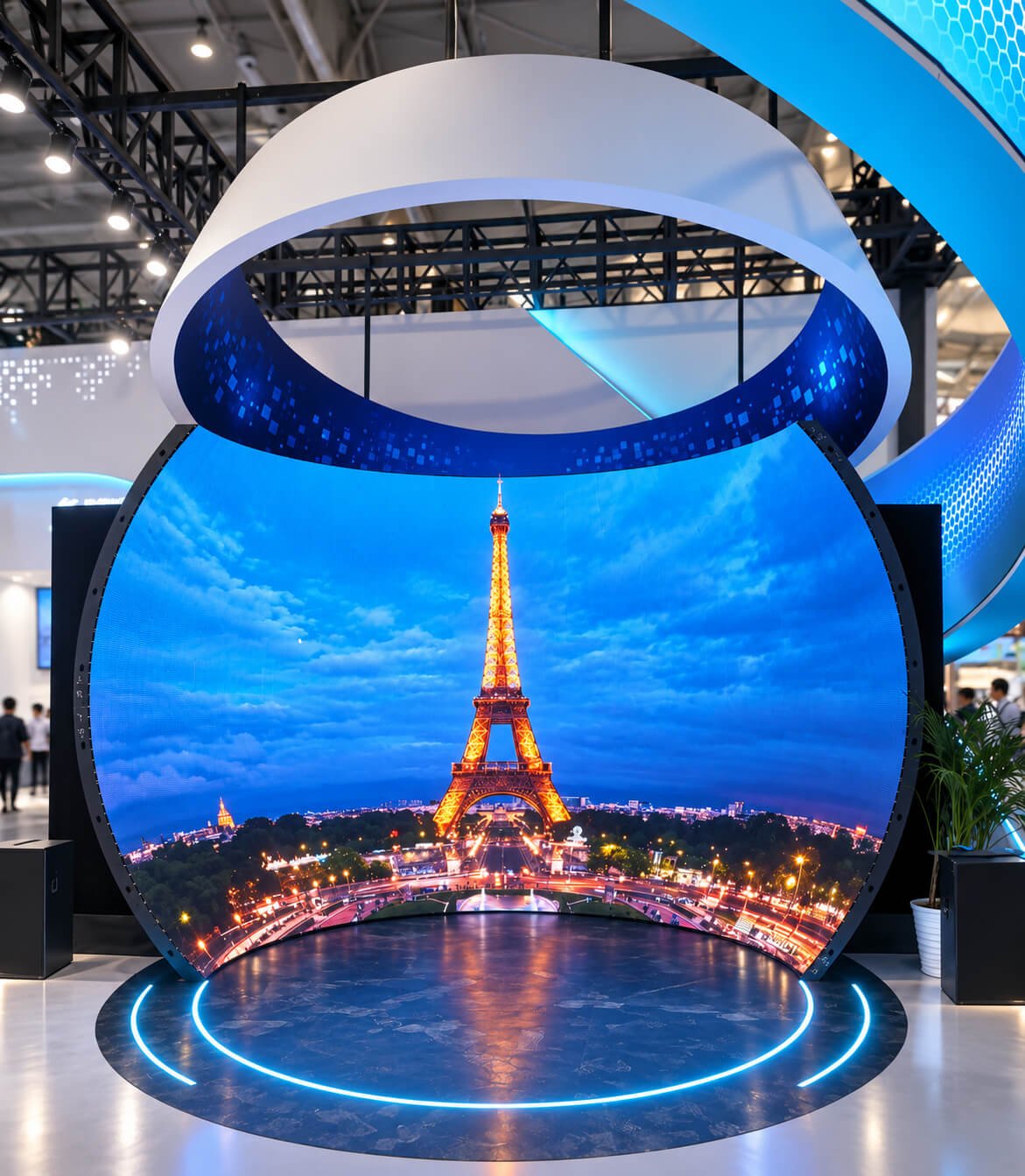
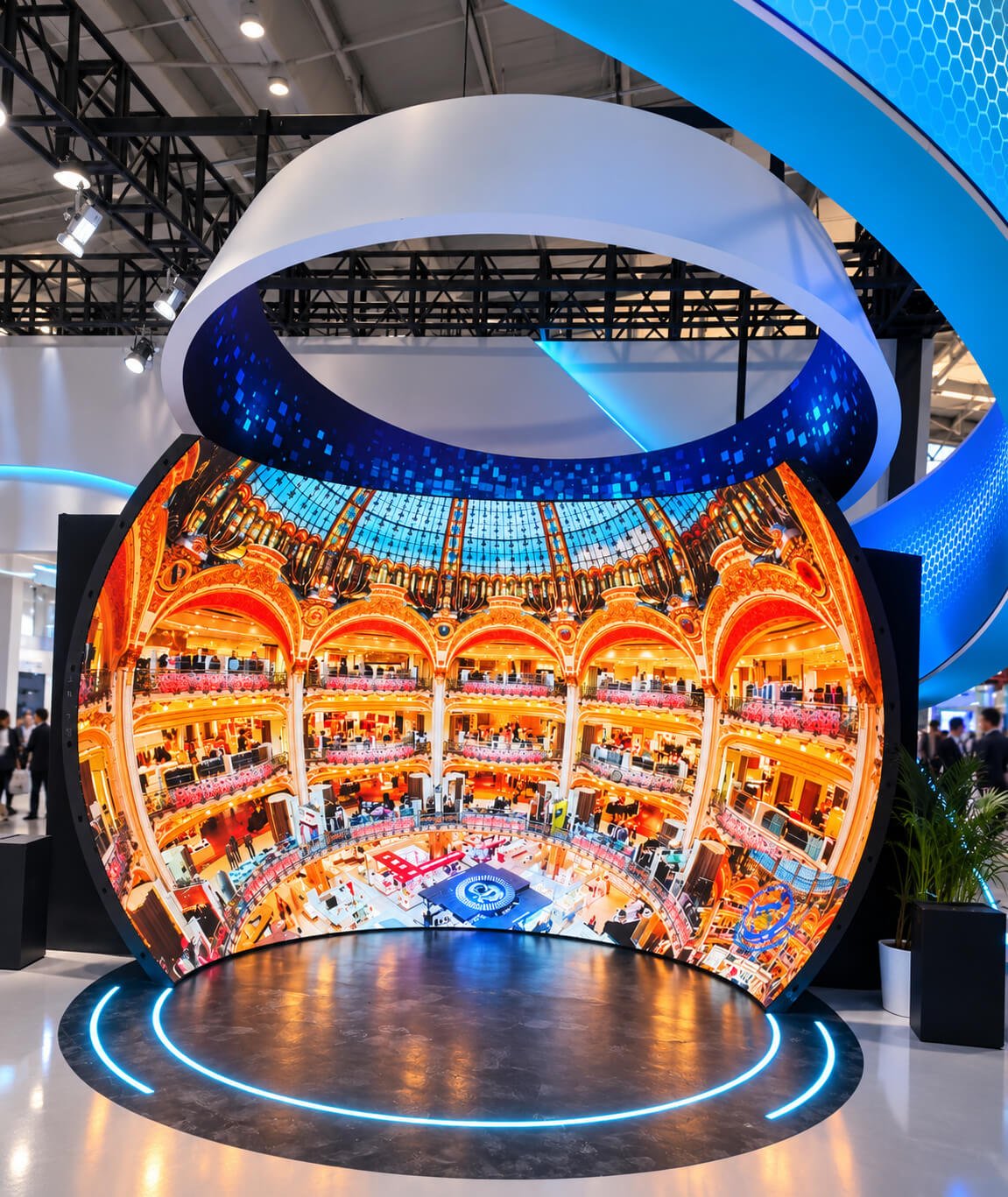
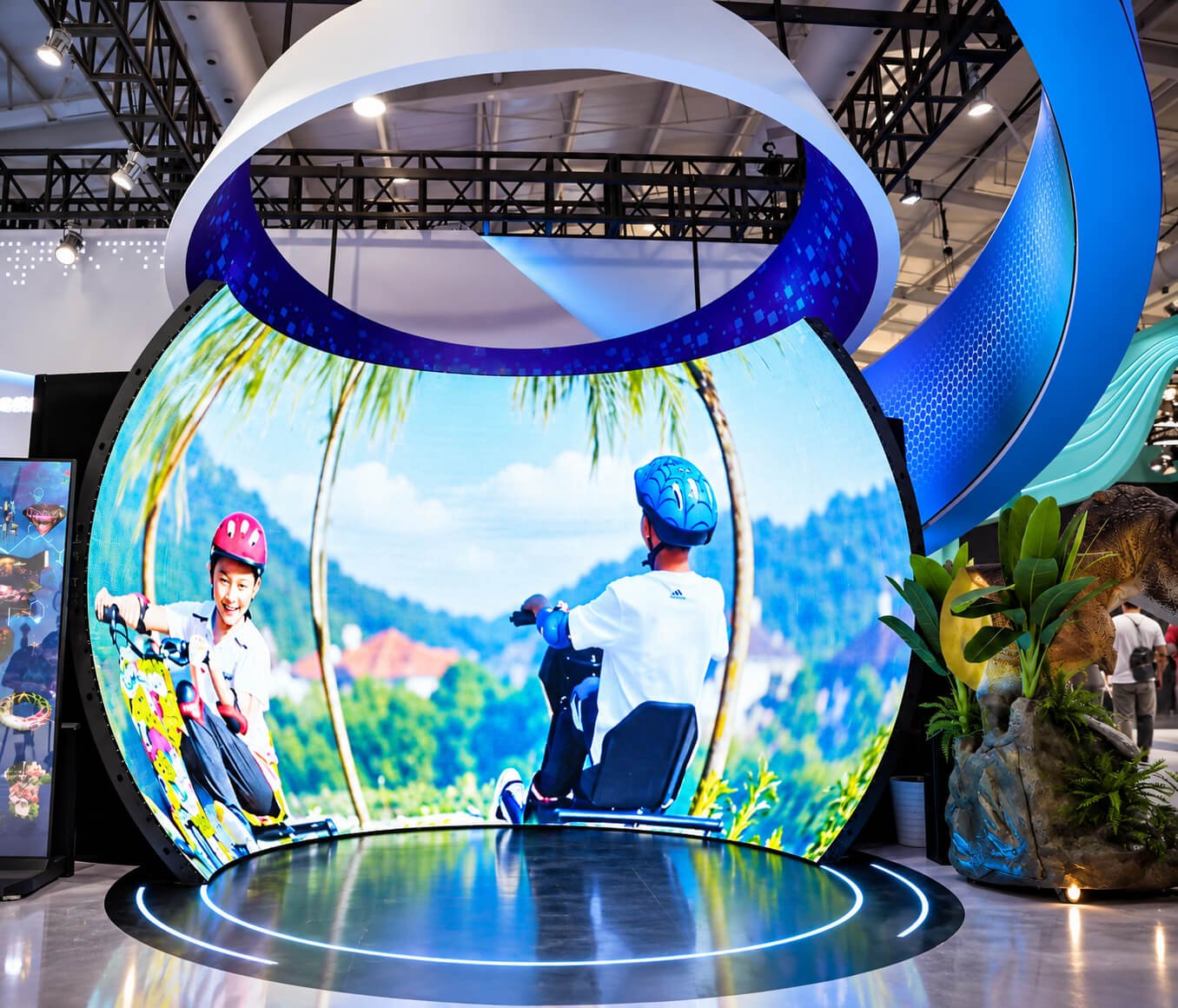
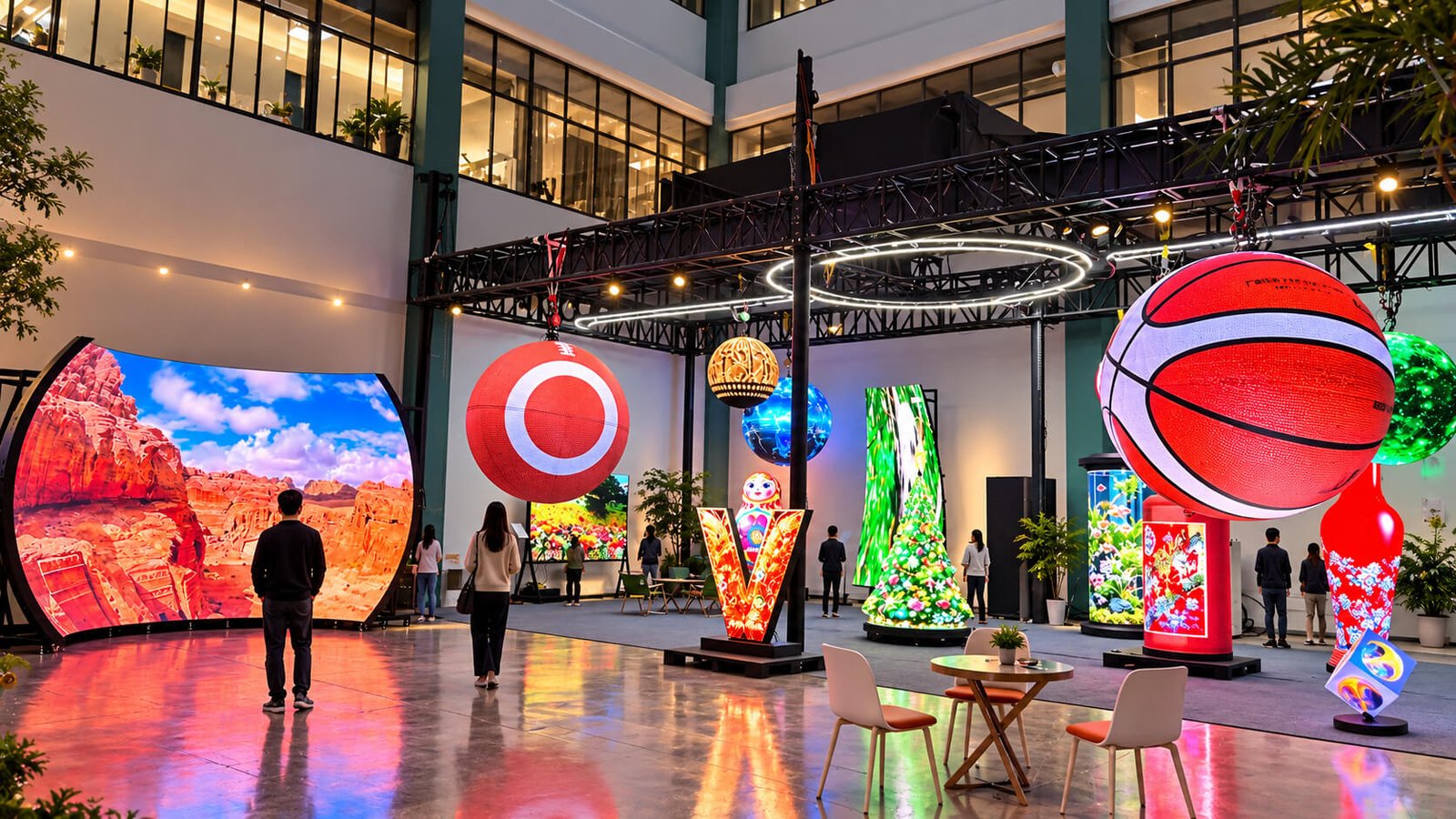
DisplayMan develops dome-shaped and bowl-shaped LED displays for immersive ceilings, exhibition environments, visitor attractions and sculptural installations. Concave interiors surround the viewing area, while convex surfaces turn a suspended cap or freestanding bowl into a distinctive digital object.
Start with the viewing direction, diameter, depth and installation setting. We review the surface geometry, module segmentation, support structure and content mapping together to define a practical project configuration.
A curved surface can be viewed from inside or outside. This distinction determines the display layout, audience experience and installation approach.
Dome LED Displays
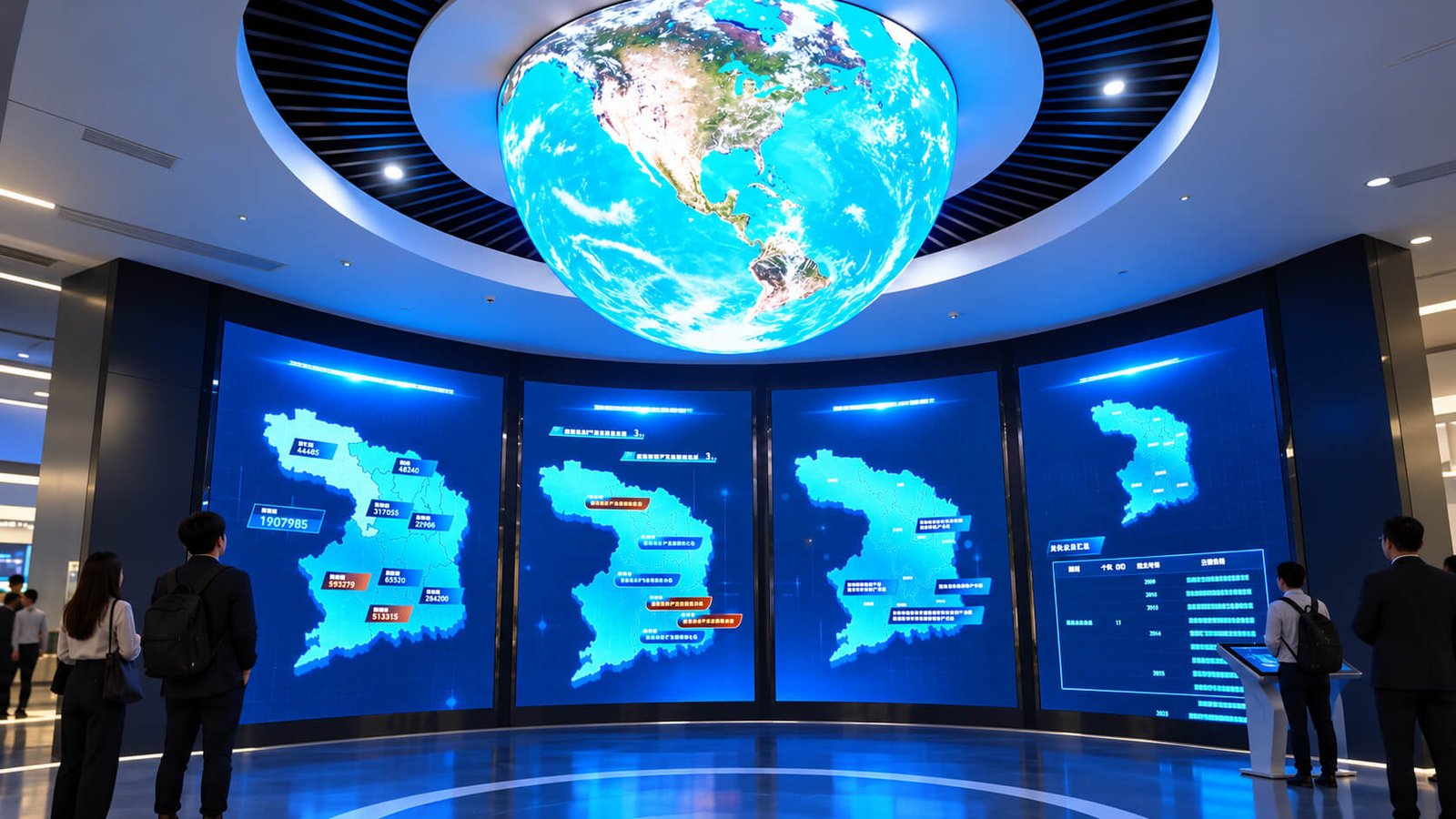
A dome uses a curved cap above or around the viewer. An inward-facing, concave screen can present sky, ocean or panoramic environments across the interior. An outward-facing, convex cap is viewed as a luminous object from outside. Neither configuration needs to be a complete hemisphere: shallower caps, tilted domes and partial surfaces can be reviewed according to the architectural brief.
Bowl-Shaped LED Displays
A bowl has an open upper edge and a curved body. LEDs can cover its outer surface, its interior or selected areas. An exterior LED bowl can serve as a sculptural landmark, while an inward-facing bowl or partial shell can support an immersive viewing area. The word bowl describes the overall shape; it does not establish which surface displays content.
Spherical Caps and Panoramic Shells
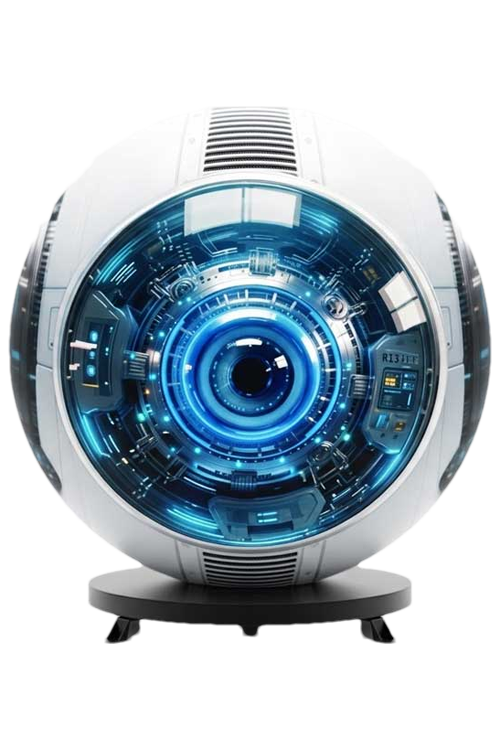
A spherical cap is a portion of a sphere. It may be suspended below a ceiling, integrated into an opening or supported by a base. Panoramic shells can have openings for access or architectural features. These variations belong to the same curved-display family, but their supports, audience positions and active areas need separate definition.
Video Surface and Supporting Architecture
Some installations combine an LED cap with decorative cladding, lighting, surrounding wall screens or a custom pedestal. Mark these components separately in the brief. A circular ceiling feature may also be flat rather than domed. Reference images help establish the desired appearance; section drawings confirm whether the actual LED surface is flat, concave or convex.
Main Dome & Bowl LED Configurations
Select the direction that matches the intended viewing experience before choosing technical details.
Concave Ceiling Domes
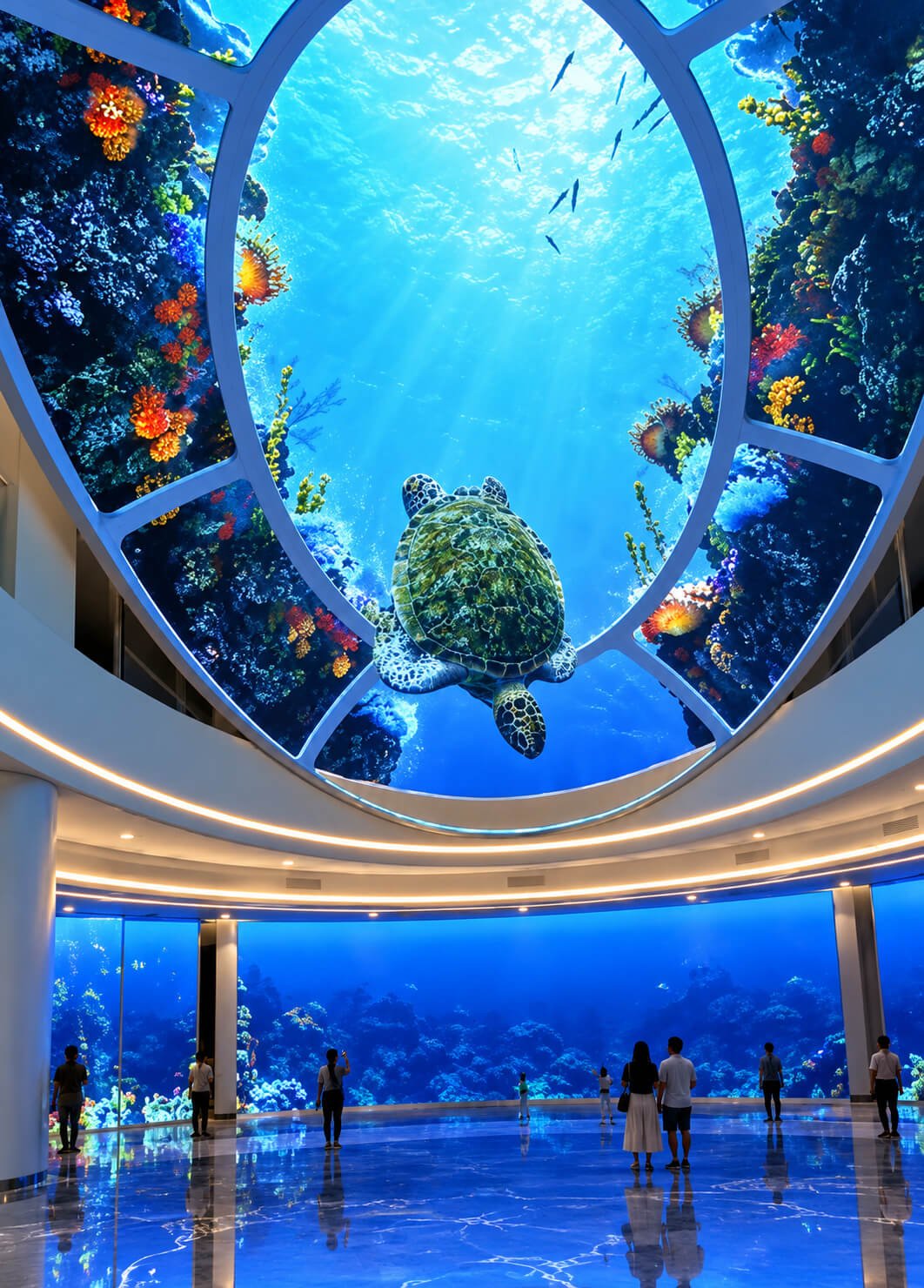
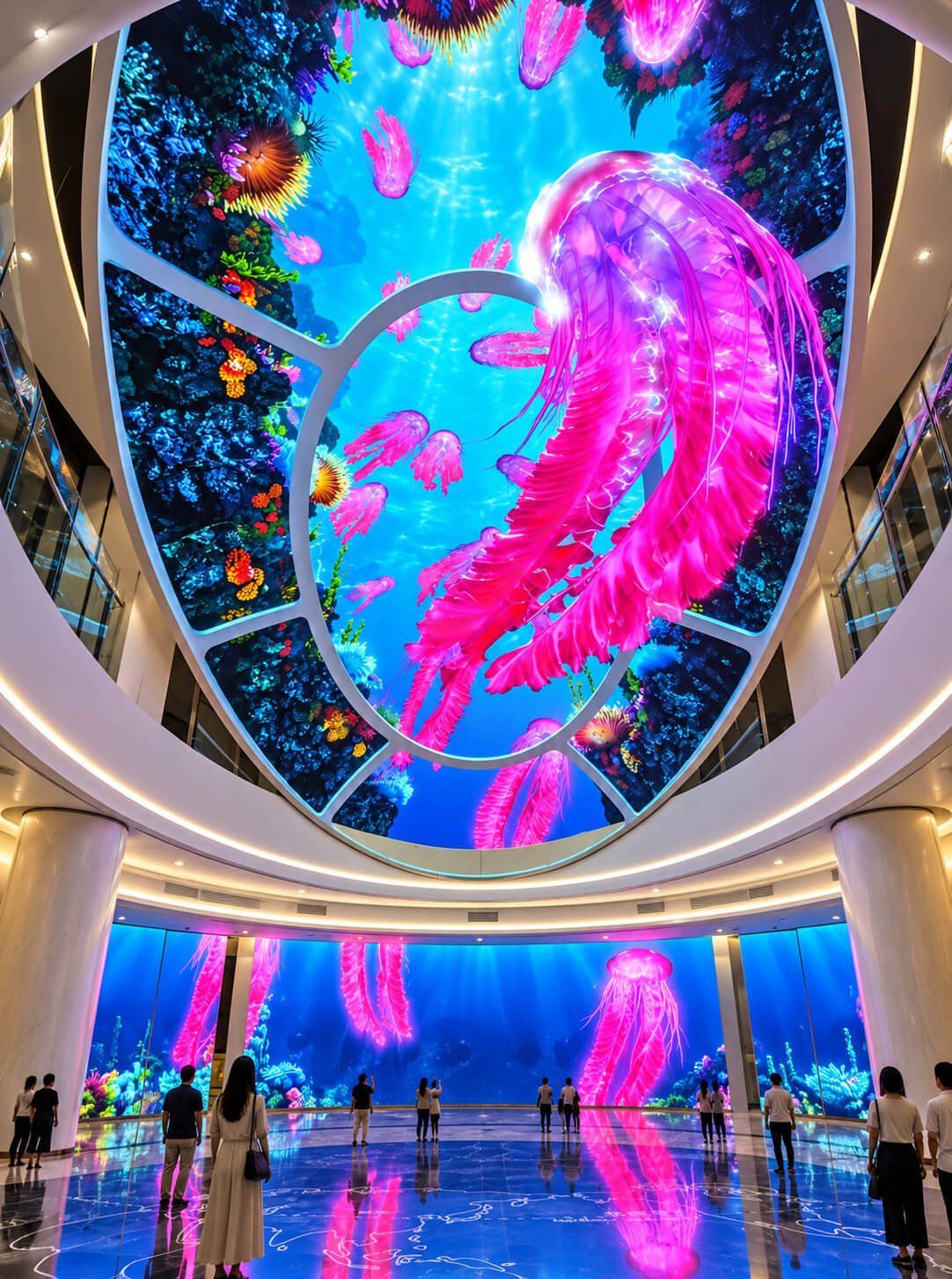
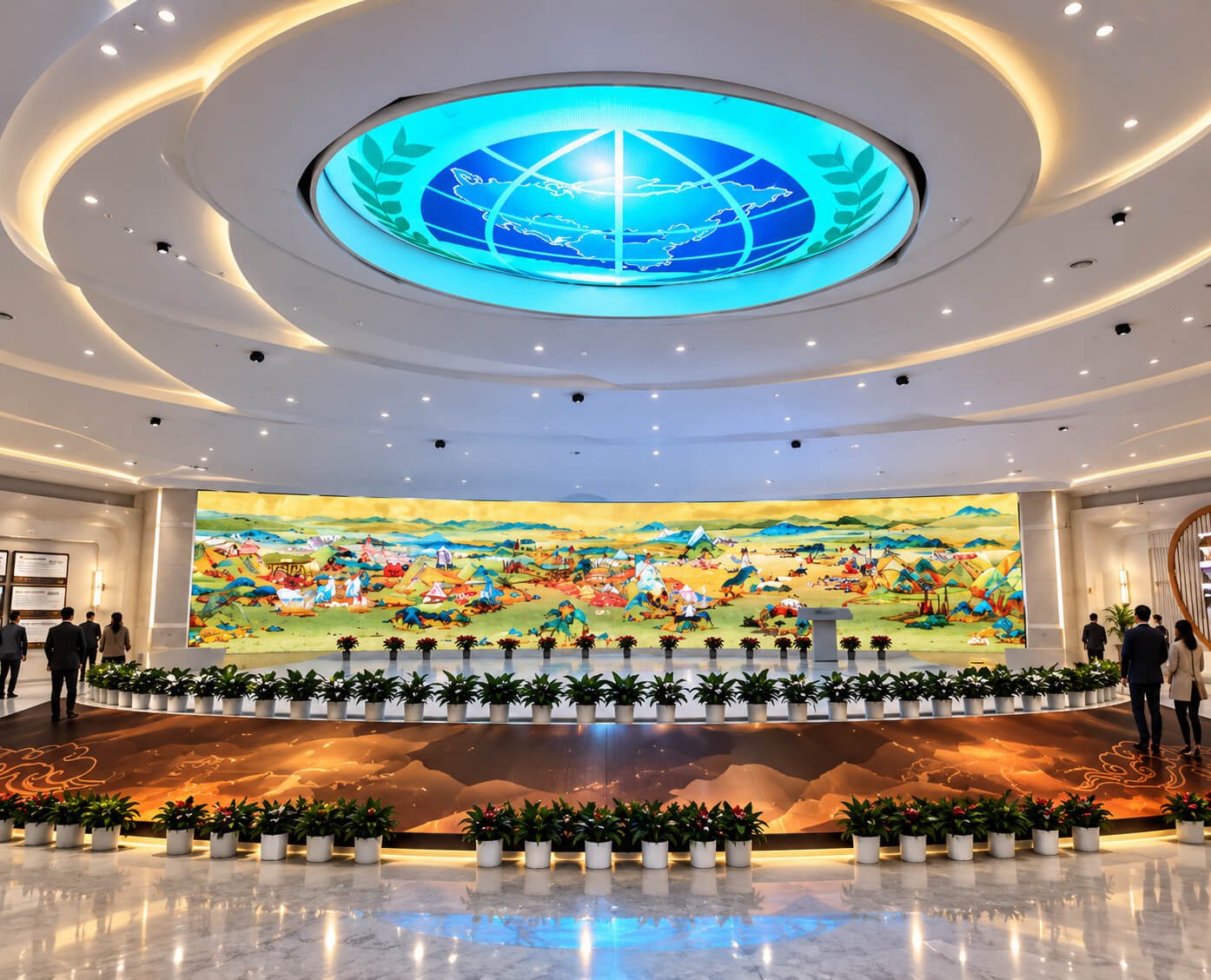
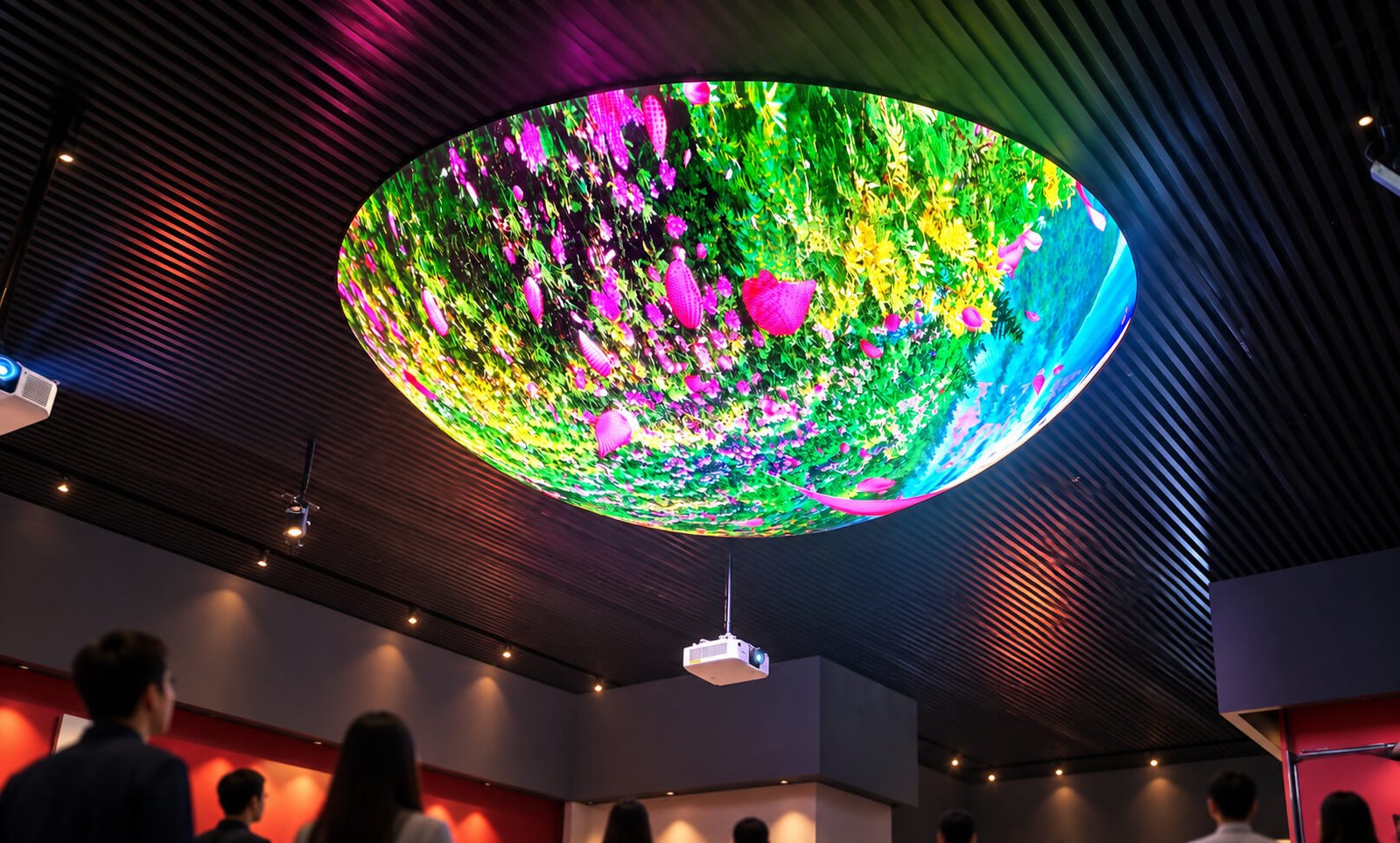
Inward-facing ceiling displays place digital scenery overhead. They can create a visual sky, an underwater view or a themed ceiling within a lobby or exhibition space. Consider how much of the surface is visible from the normal visitor position. A deep dome may look impressive in a rendering while hiding important content near its rim.
Convex Suspended Caps
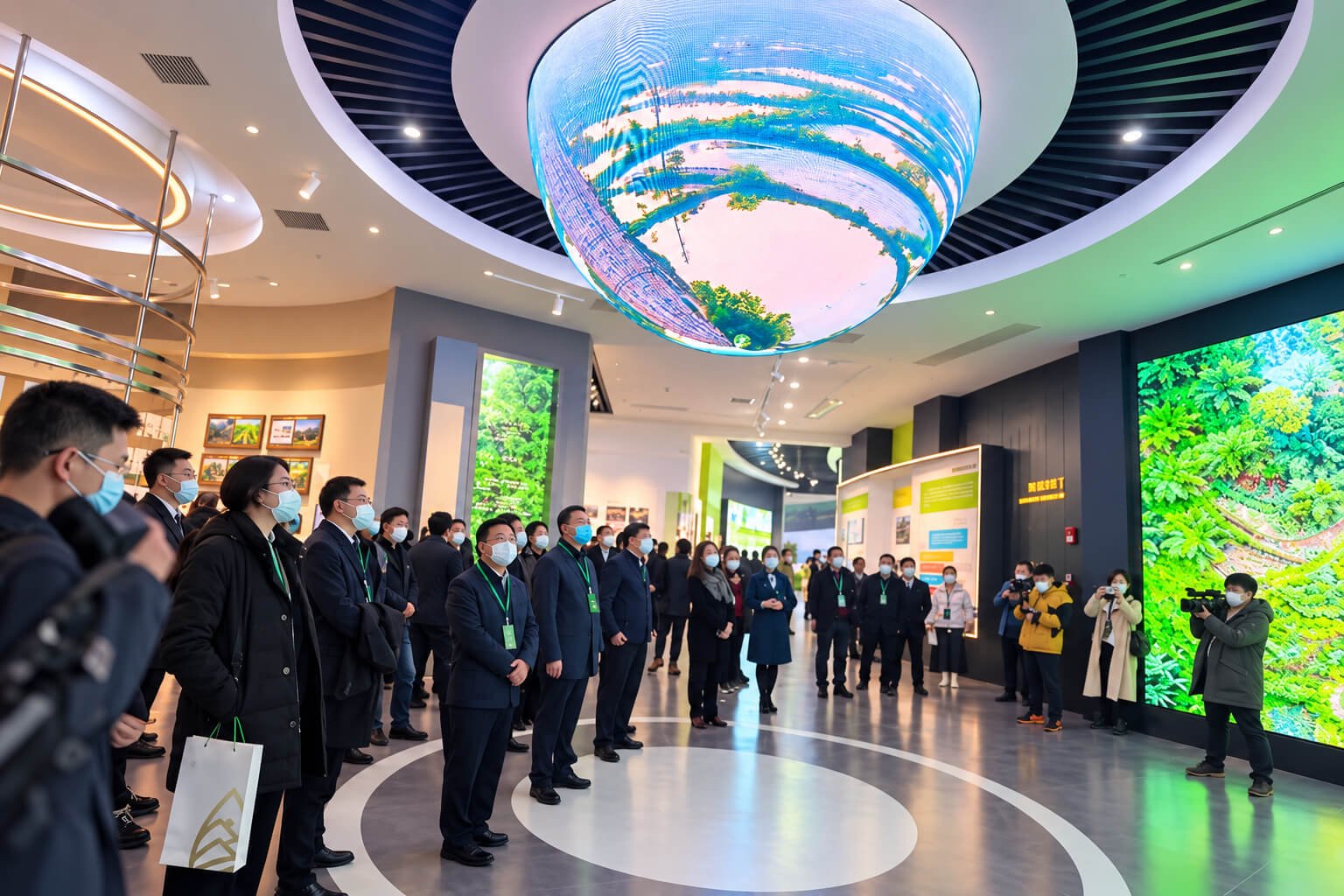
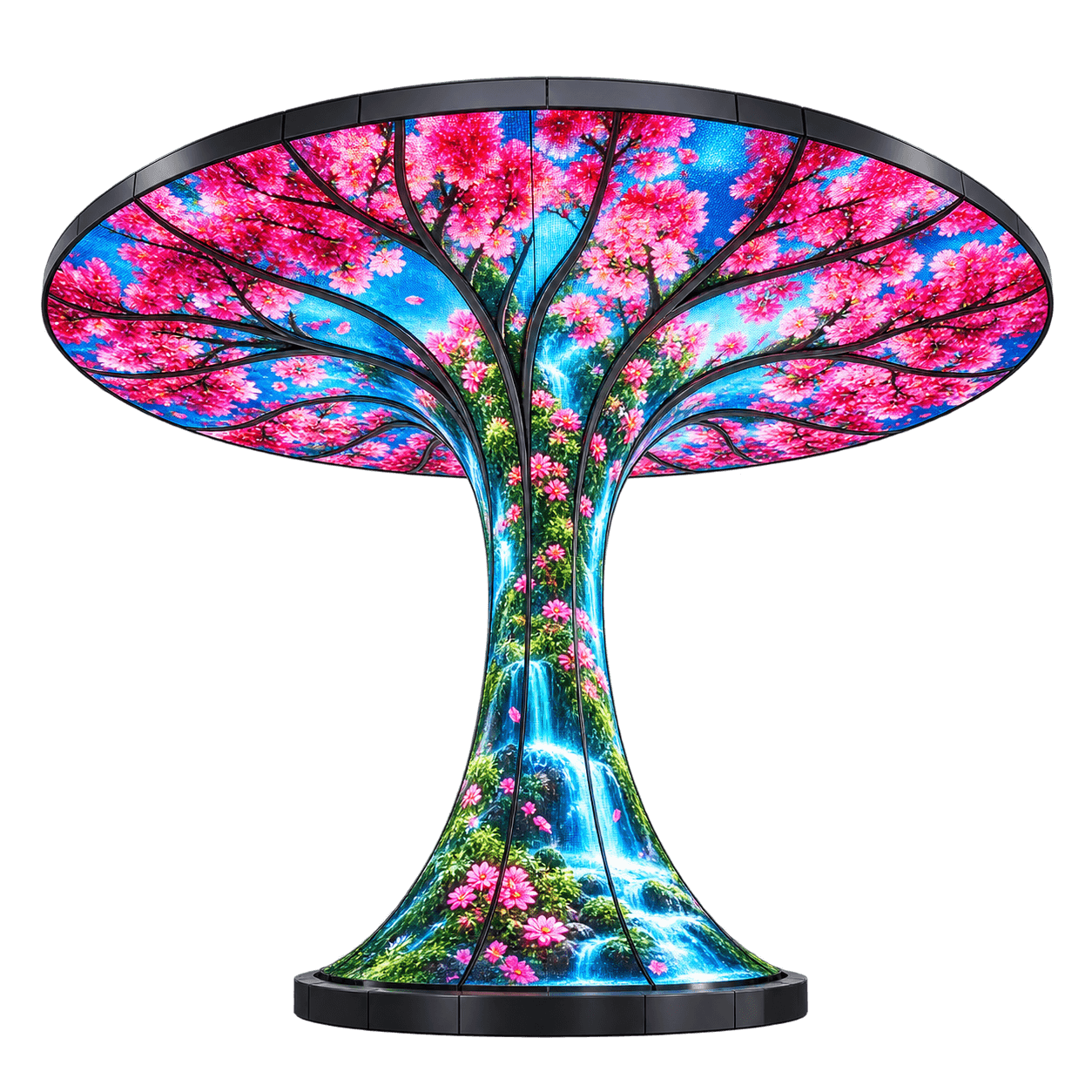
An outward-facing spherical cap presents content on its external underside or curved shell. This configuration emphasizes the object itself and works as a suspended visual focal point. The frame, suspension connections and access panels need to fit inside or behind the visible form. Confirm the active LED boundary and any decorative top cover.
Freestanding Bowl Sculptures
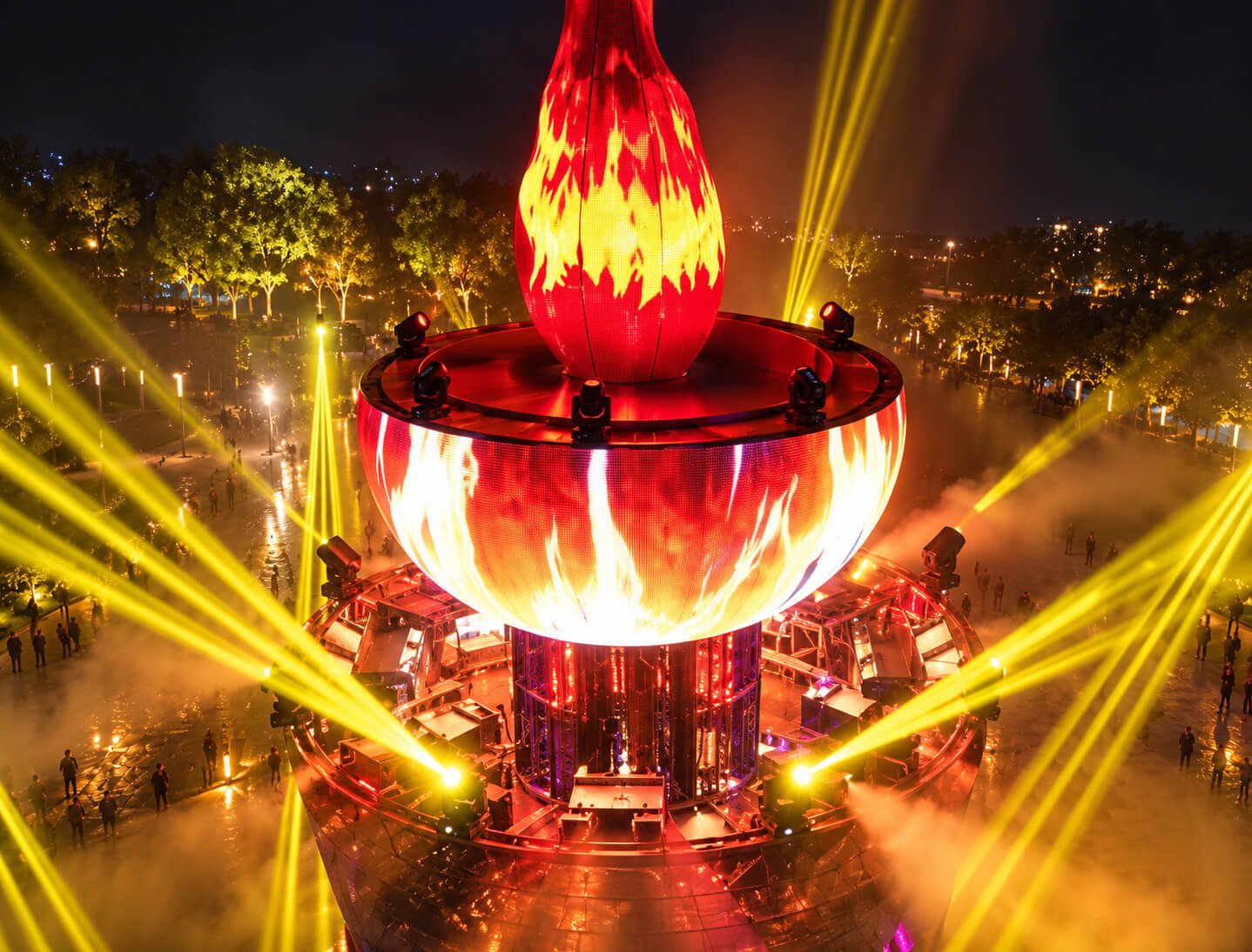
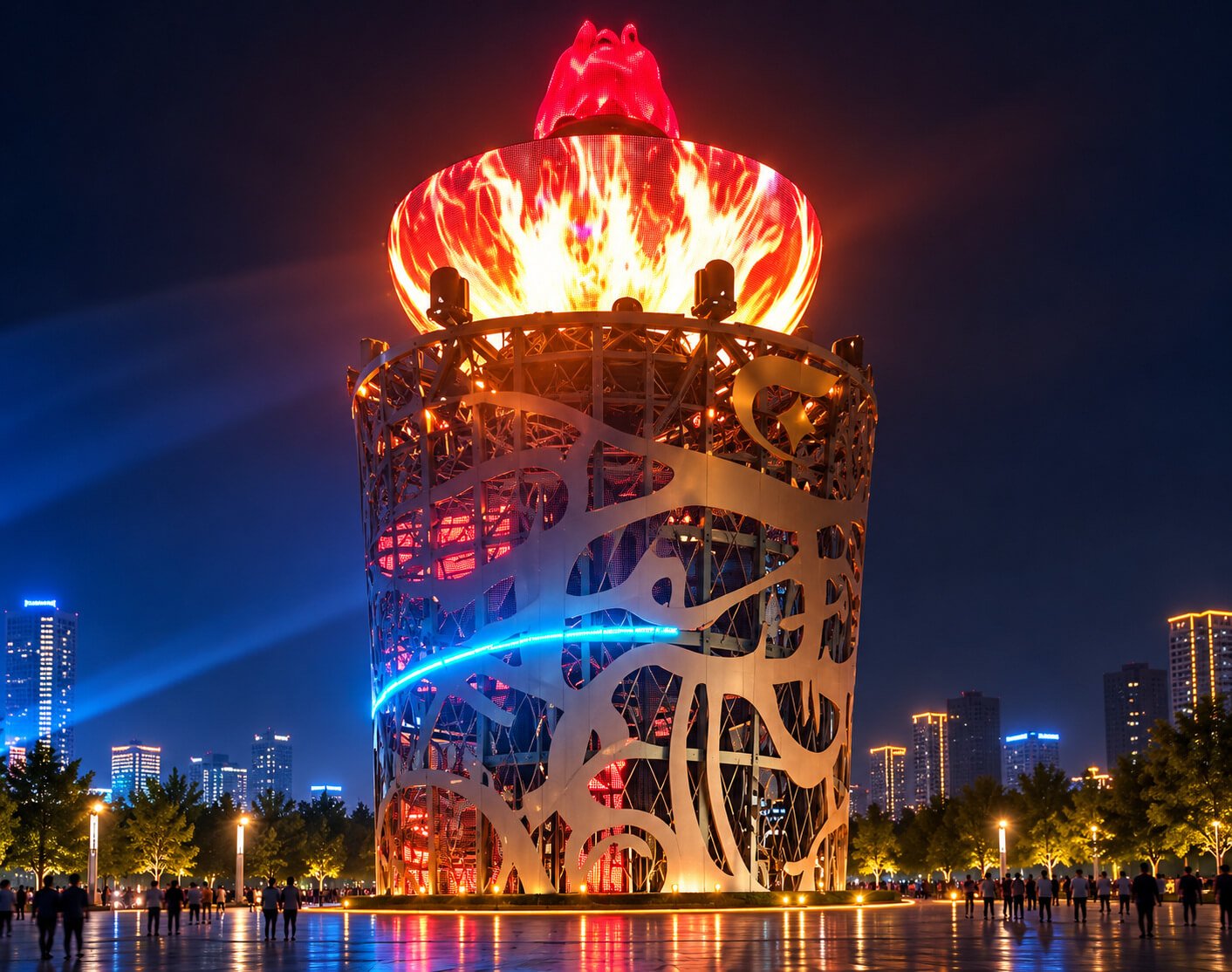
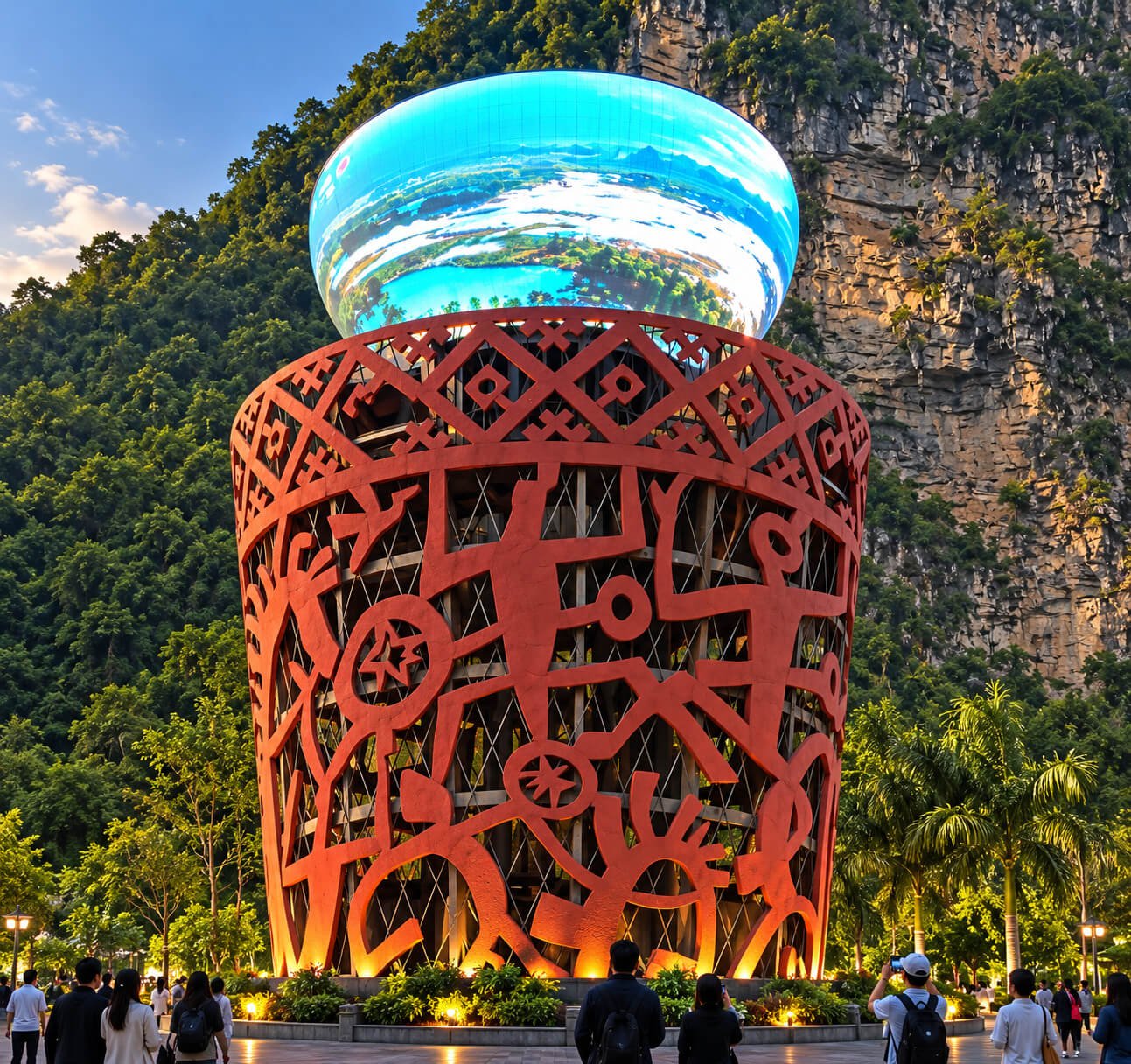
An upright bowl can carry exterior graphics around a recognizable curved silhouette. Pedestal proportions, rim finish and viewing height influence the result. If the interior is visible, decide whether it is decorative, illuminated or an active LED surface. The structure should be reviewed for the actual site and installation orientation.
Immersive Concave Viewing Screens
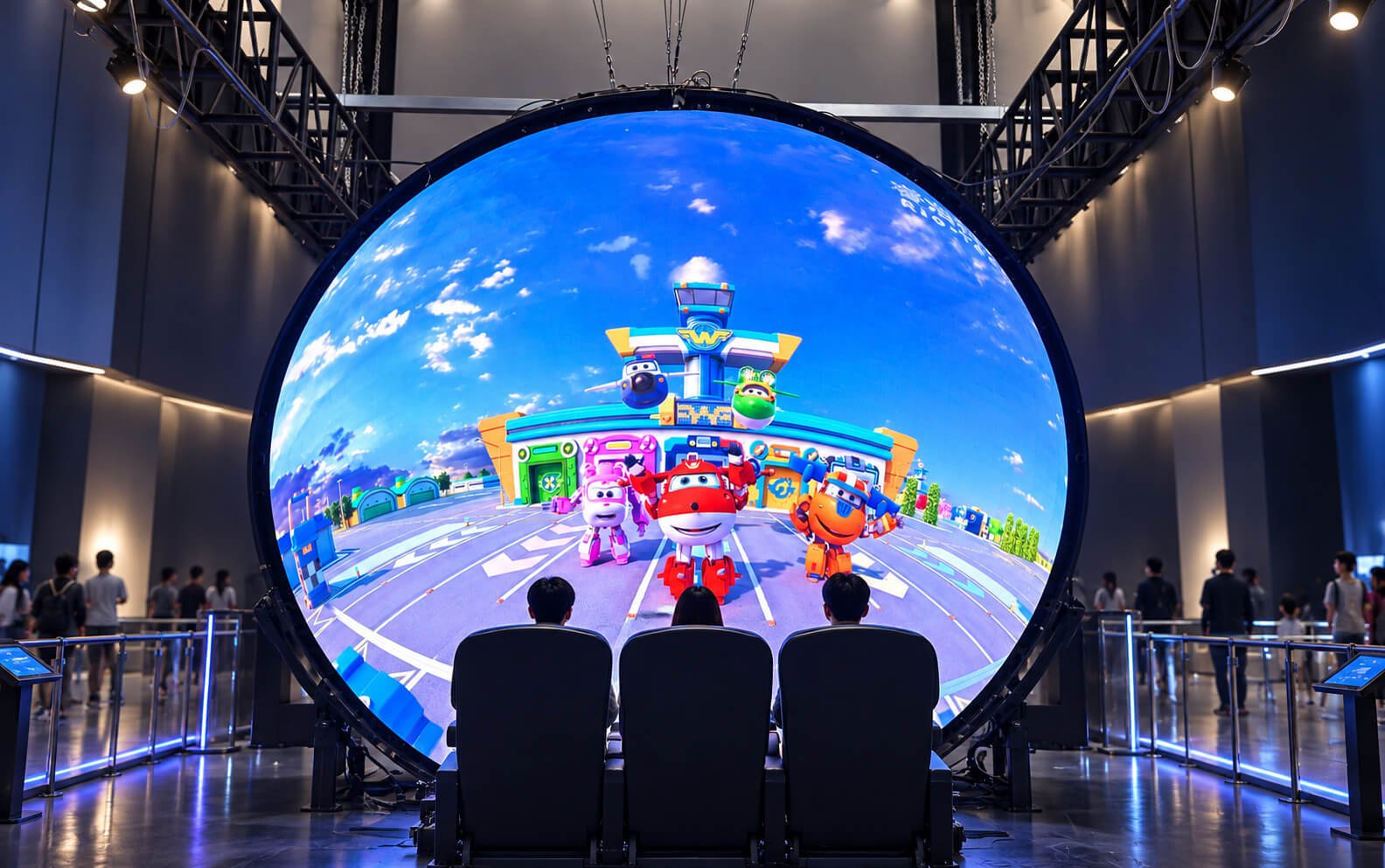
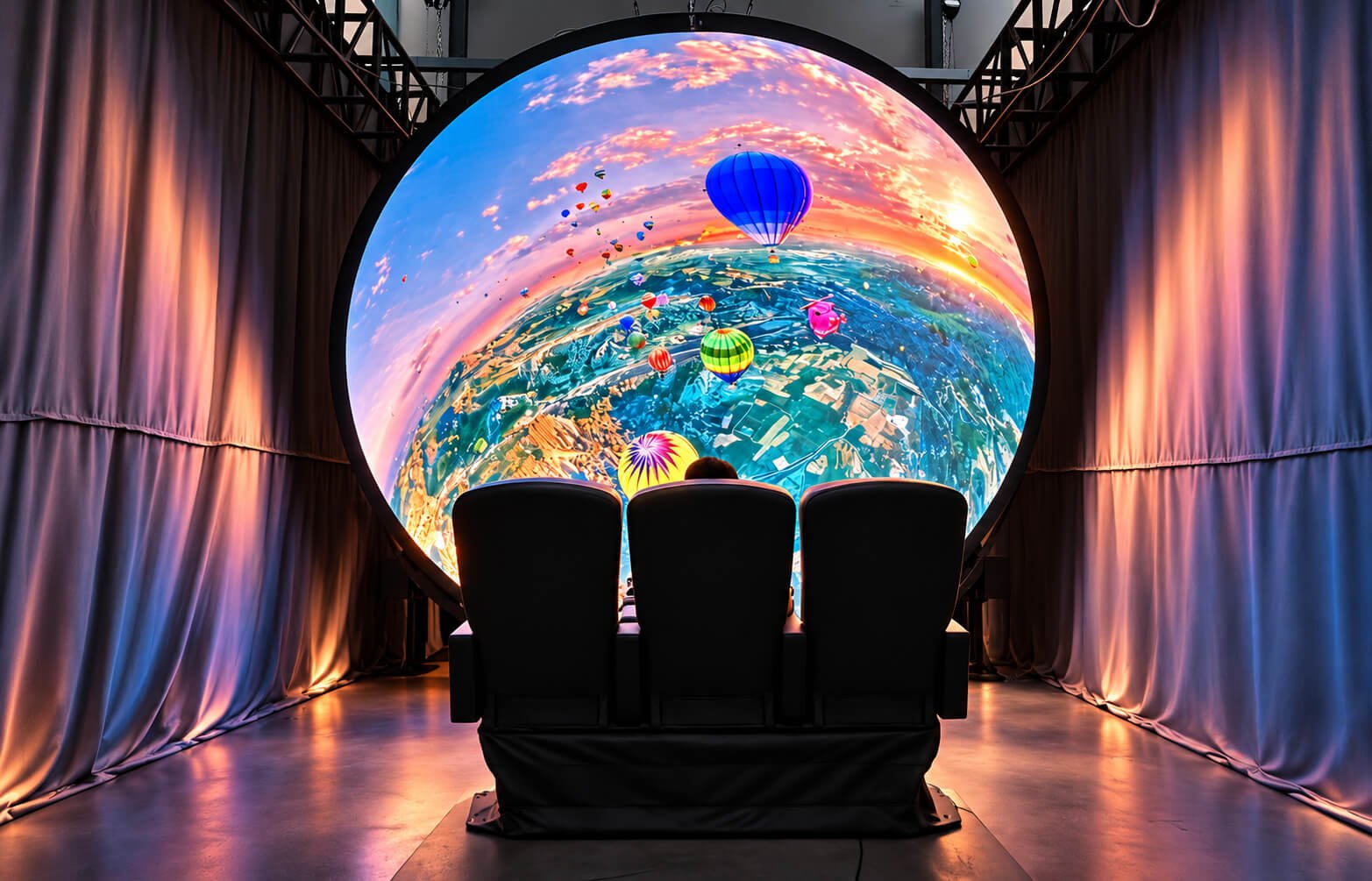
A concave shell positioned in front of visitors can extend content around their field of view. Seating position, screen distance and opening geometry become central design inputs. A curved screen alone does not include motion seating, ride controls or a complete attraction system; those elements require a separately agreed integration scope.
Panoramic Open-Shell Installations
Partial spherical environments can leave an open entrance or central viewing area while presenting content across a curved boundary. Review visitor circulation, sightlines and the relationship between the shell and any floor or wall displays. Content should be designed for the selected audience zone rather than assumed to work equally from every location.
Annular and UFO-Inspired Ceiling Forms
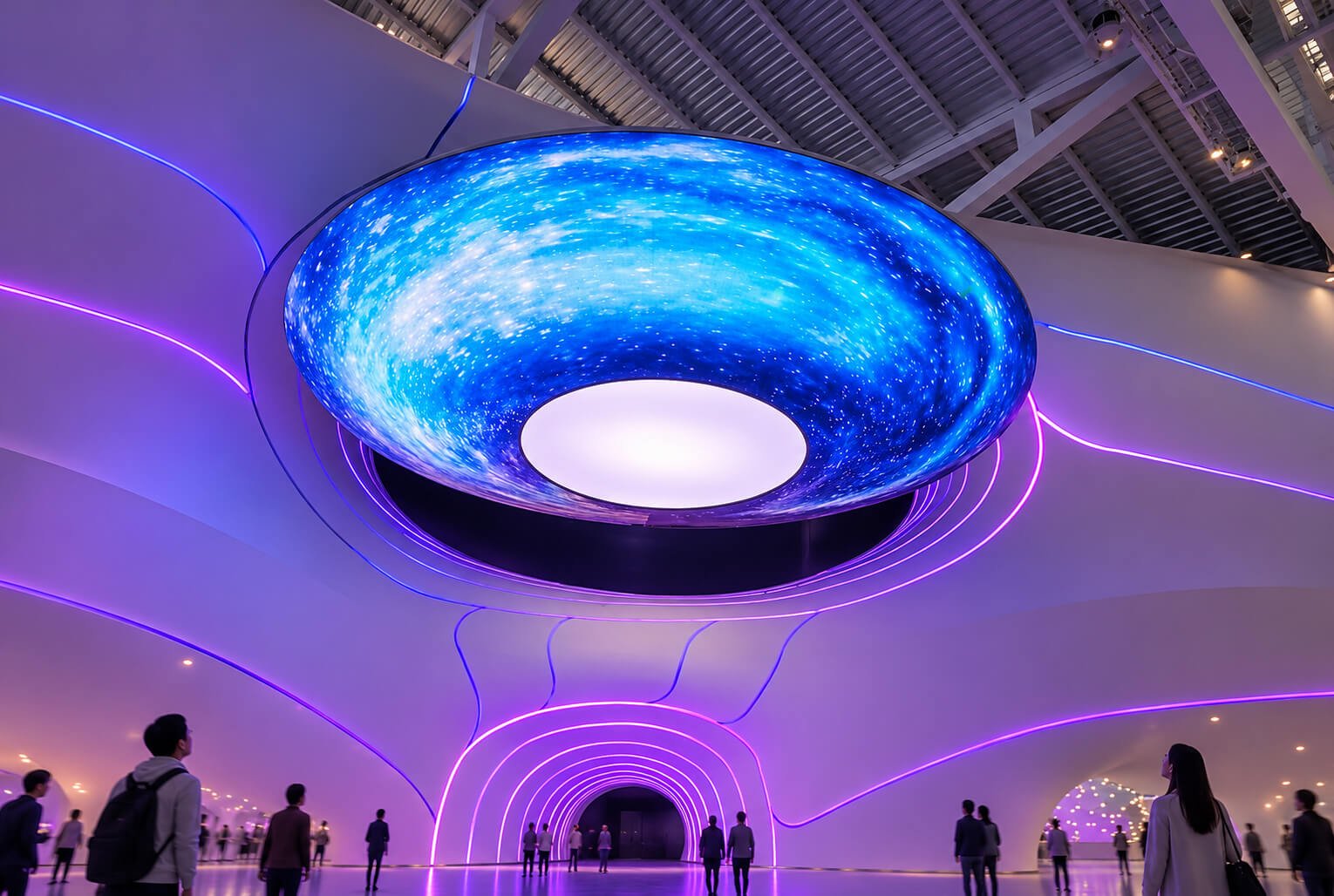
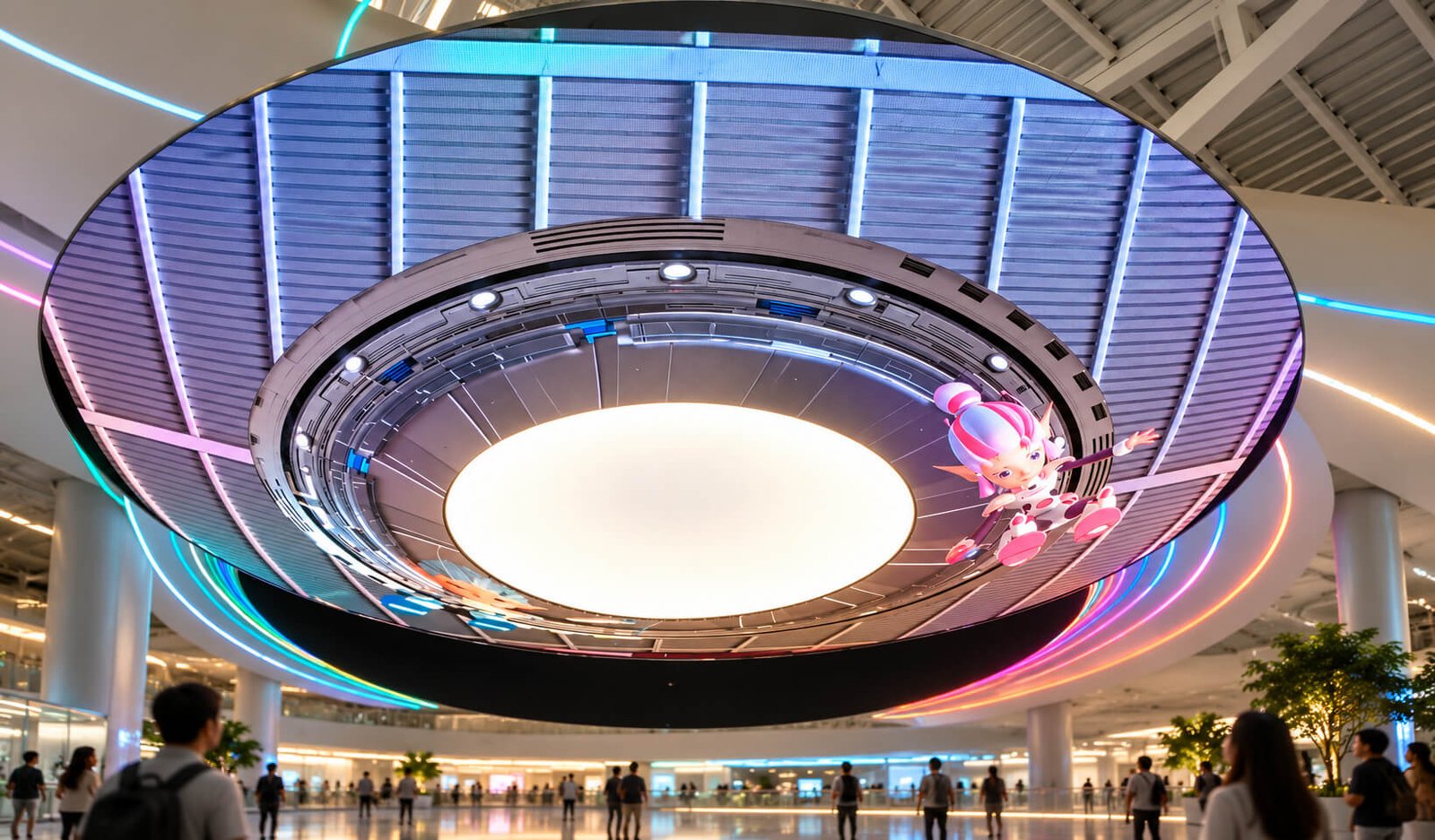
A shallow bowl or saucer-like display may retain an opening at the center for lighting, architecture or another feature. The central opening changes both the available image canvas and the support arrangement. Decide which surfaces are LED and which are decorative before evaluating the structure as a complete system.
Dome & Bowl LED Display: 20 Design References
Explore sculptural bowls, ceiling caps, concave viewing screens and coordinated immersive environments. These redrawn references illustrate design directions; final LED coverage, geometry and equipment scope are defined in the project drawings.
An upward view shows the surrounding framework and central opening of a suspended bowl-like installation.
Diameter, Depth & Pixel Pitch Selection
The same diameter can produce very different displays. A shallow cap and a deep hemisphere have different surface areas, viewing geometry and installation requirements.
Define Diameter and Depth Together
Provide the opening diameter, overall depth, installation height and available envelope. A section drawing is especially helpful because a front view can hide the curvature. Include the support structure and service space. For a bowl, identify the rim height and base position; for a dome, identify the lowest edge and highest point.
Choose the Viewing Side
Specify concave interior, convex exterior or both. These are different LED surfaces with separate module and control requirements. If both sides must be active, confirm how equipment and service access fit between them. Avoid requesting a full dome screen without marking exactly where LED pixels are needed.
Match Pitch to the Closest Audience Position
Select pixel pitch with viewing distance, screen dimensions and the content’s level of detail. Visitors may be much closer to the rim than to the crown of a dome. Review the full seating or standing area instead of relying on one distance measurement. The final module arrangement determines the actual resolution and pixel map.
Evaluate Content Before Adding Resolution
Detailed information, fine text and complex diagrams may not suit an overhead or deeply curved surface. A higher pixel count alone cannot correct an awkward viewing angle. Use immersive imagery on the dome and place essential reading content on a suitably positioned screen when needed. Test representative artwork against the proposed geometry.
Allow for Openings and Edge Details
Central openings, entrances, lighting positions and structural interruptions reduce the active image area. Record these features in the content canvas and mechanical drawings. Edge trims should be considered from the audience’s viewing angle so the transition from screen to architecture appears intentional.
Confirm the Installation Environment
Indoor spaces, sheltered areas and exposed outdoor sites require different configurations. Share ambient light conditions, operating hours, temperature conditions and site photographs. Outdoor-looking imagery does not establish an environmental rating. Any required protection or performance target should be confirmed for the actual equipment configuration.
Curved-Surface Engineering & Complete System Scope
A dome or bowl is a three-dimensional assembly. LED modules, supports, electronics and service access need to be developed together.
Module Segmentation and Double Curvature
A spherical surface curves in more than one direction. Standard rectangular modules may not fit every part without special segmentation or transition details. The practical design can involve shaped modules, custom carriers and different sections near the crown and rim. Review the proposed layout before assuming a flexible module can reproduce any spherical surface.
Supporting Structure and Alignment
The frame defines the final curvature and keeps display sections aligned. Freestanding bowls, ceiling-integrated domes and suspended caps have different load paths and installation interfaces. Coordinate the connection details with the site team. The visual design should leave room for alignment, cabling and access to the supporting structure.
Power Distribution and Cooling
Power supplies and distribution equipment need suitable space and ventilation. A decorative shell can conceal the electronics but should not make them inaccessible or restrict cooling. Confirm cable routing, connection locations and the project’s electrical supply requirements. The selected LED system and operating conditions determine the final electrical design.
Control, Playback and Mapping
The controller must support the full pixel arrangement, including irregular boundaries and separate surfaces. A single dome can be simpler to manage than a coordinated ceiling, wall and floor installation. Define whether content runs locally, receives an external video feed or must synchronize with other equipment. Interfaces and responsibilities should be agreed before delivery.
Service Access and Spare Parts
Specify how modules, power supplies and receiving equipment can be replaced after installation. Overhead structures may require a planned access route or lifting equipment. Maintenance openings should be reviewed before the exterior finish is approved. For shaped modules, an agreed spare-parts plan helps avoid uncertainty during future servicing.
Supply Boundaries for Immersive Projects
A screen package can be part of a larger attraction or exhibition. Seating, motion platforms, audio, lighting, building work and show-control equipment are separate items unless included in the quotation. Define the interfaces between suppliers so a display concept does not become an ambiguous promise of a complete venue system.
Content Mapping for Dome & Bowl LED Screens
Create content for the approved surface and audience position. Curvature changes how images appear and which areas visitors can see.
Concave Dome Content
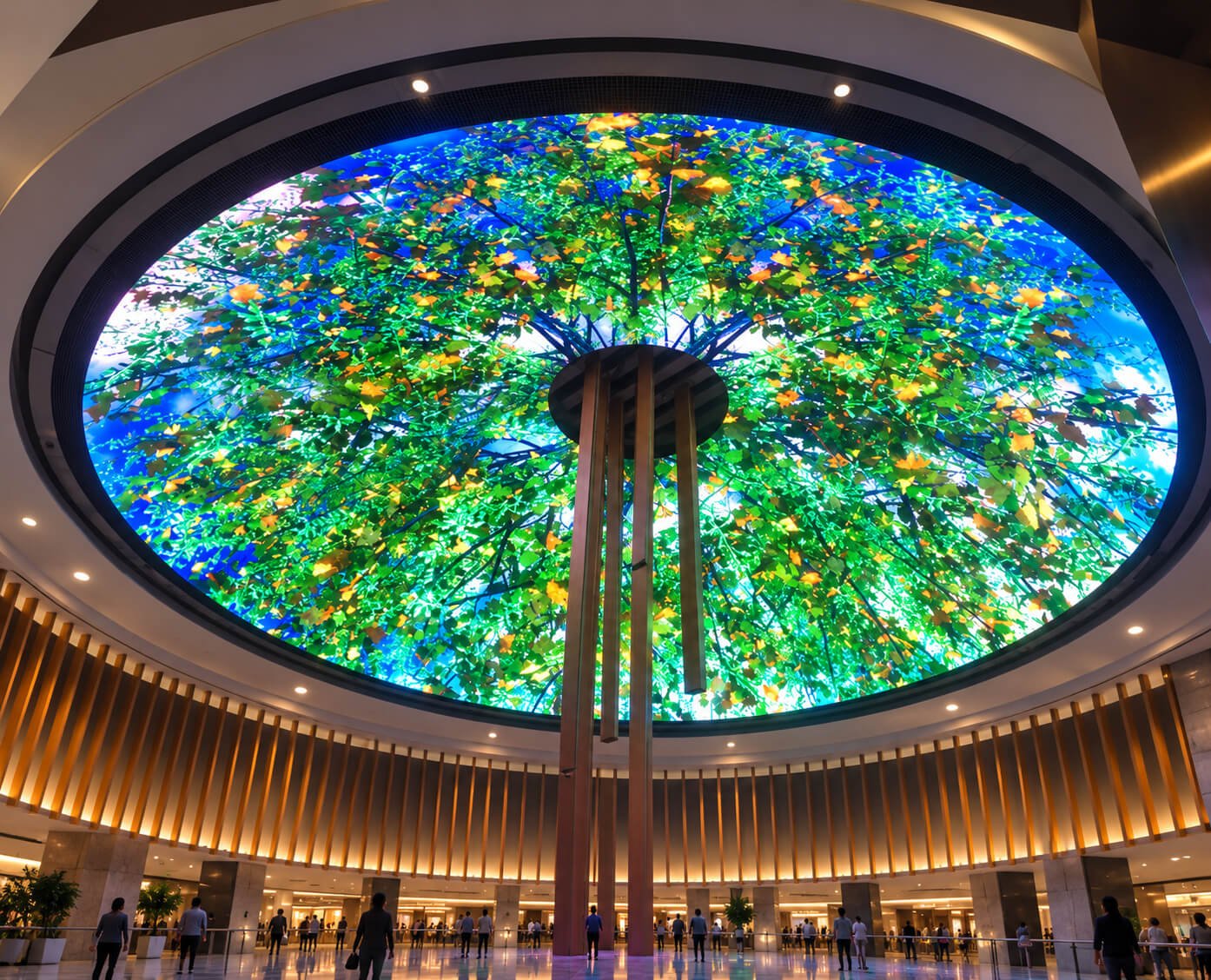
Sky, ocean, landscapes and abstract environments can make effective use of an overhead curved surface. The image should account for the dome geometry and the intended viewing zone. A rectangular video may need remapping or a different composition. Confirm the playback canvas, orientation and delivery format with the selected control workflow.
Convex Bowl and Cap Content
External surfaces work well with flowing textures, color transitions and graphics designed to wrap around the object. Important logos should remain within useful viewing zones. Visitors standing on opposite sides may not see the same portion of the content, so avoid treating the entire circumference as one readable front-facing advertisement.
Audience Position and Perspective
An image that looks correct from one viewpoint can appear stretched from another. Decide whether the installation is optimized for a seated group, a central standing area or people moving through a space. Use a visual preview to review composition, then check representative content on the assembled display before final acceptance.
Seams, Openings and Content Continuity
The pixel map should identify module transitions, entrances and central openings. Keep critical faces, text and logos away from disruptive boundaries where possible. A coordinated loop or panorama also needs carefully matched content at its joining edges. Content planning can make physical segmentation less visually distracting.
Brightness and Color in the Venue
Set the visual treatment for the surrounding environment rather than simply aiming for the brightest possible screen. Dark immersive spaces and bright public interiors need different operating choices. Review reflections and neighboring displays. If filming is important, include representative camera checks in the commissioning plan.
Coordinated Walls and Ceilings
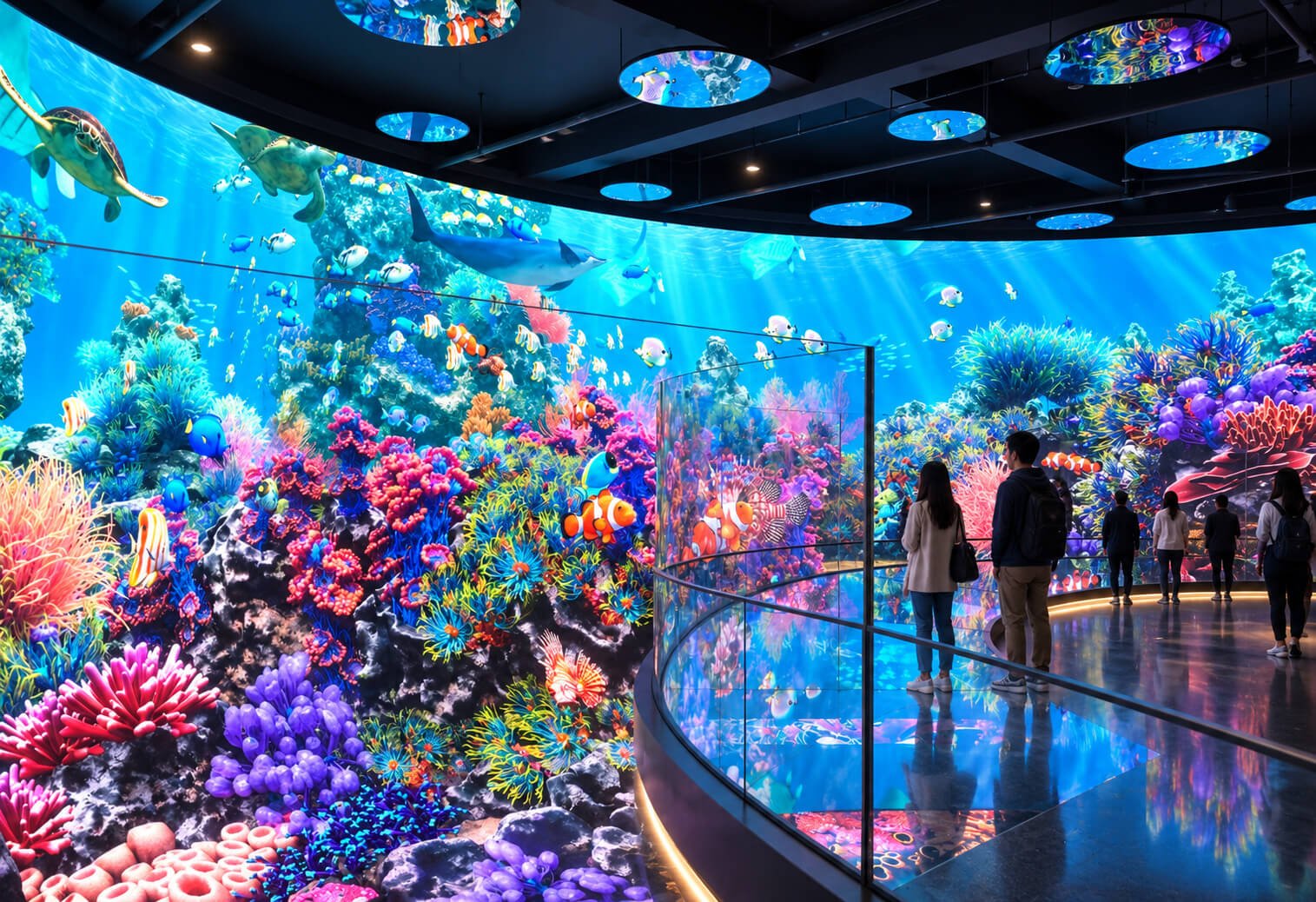
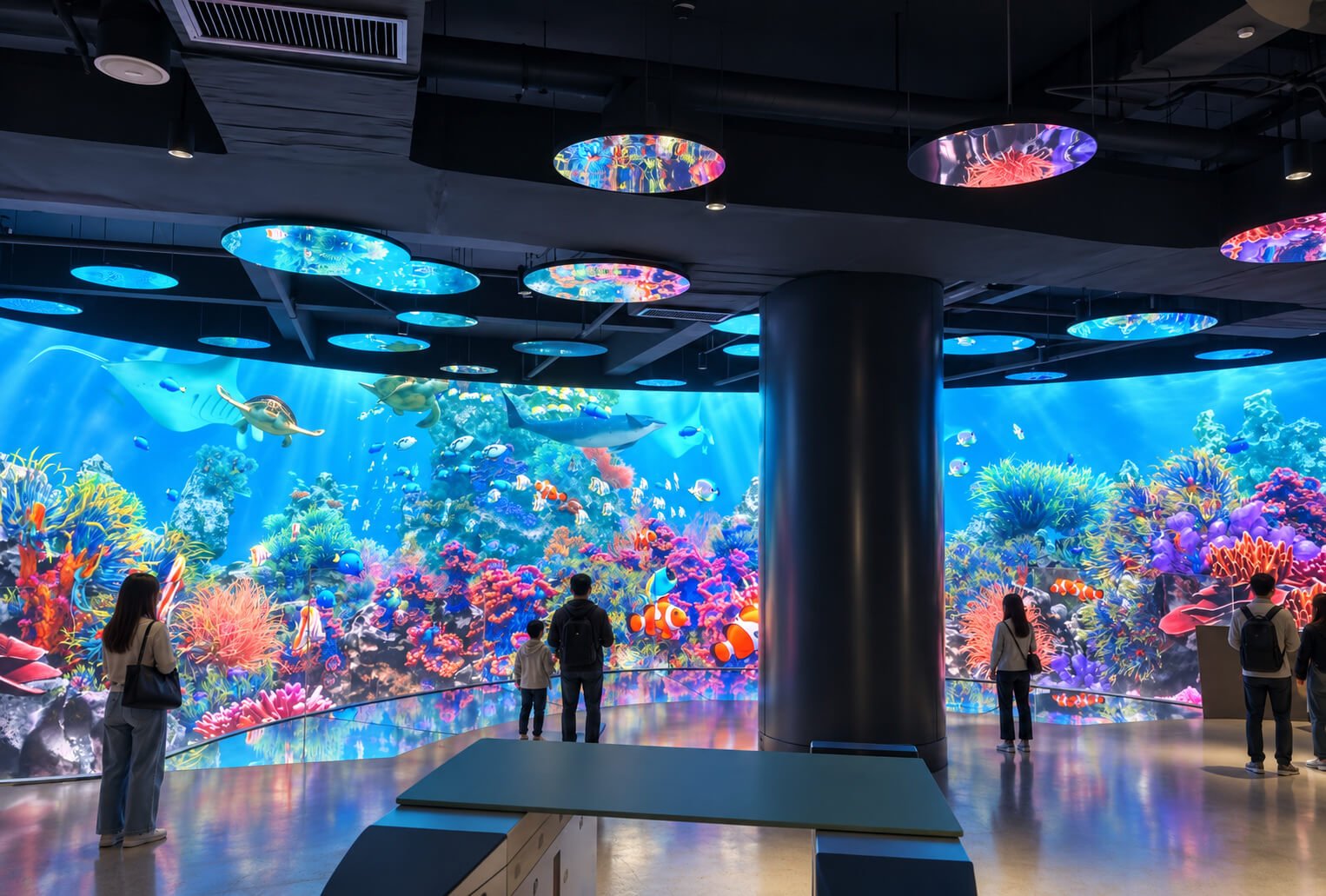
The marine and panoramic examples show how a curved feature can belong to a larger visual environment. Shared content does not automatically mean synchronized playback. Confirm timing, canvas boundaries and control architecture if wall and ceiling imagery must form one continuous scene. Identify who is responsible for creating and updating that content.
Typical Dome & Bowl LED Applications
Match the display geometry to how visitors move, look and interact with the space.
Exhibitions and Product Showrooms
A suspended cap or concave ceiling can create a focal point above a stand or visitor route. Consider neighboring exhibits, permitted installation height and assembly time. Temporary installations also need a transport and repeated-handling plan. A shallower cap can be worth reviewing where available overhead space is limited.
Retail Atriums and Public Interiors
Digital ceilings can introduce changing themes, seasonal visuals and a recognizable feature within a large interior. Coordinate the display with architectural lighting and the normal approach directions. Public circulation should remain clear, and overhead service access should be planned with the building operator.
Museums and Science Experiences
Dome imagery can support underwater, space, nature and other environmental storytelling. Educational detail should be placed where visitors can comfortably read it. For interactive or guided experiences, define the trigger system, content sequence and operator controls separately from the basic LED hardware.
Immersive Viewing and Visitor Attractions
A concave shell can form part of a seated or standing immersive experience. Review seating geometry, screen distance and the intended visual coverage before choosing dimensions. Any movement, ride synchronization or special control function requires a dedicated integration brief. The screen itself does not determine the complete experience.
Corporate Experience Centers
Curved displays can support brand storytelling in reception areas and demonstration spaces. Plan both the visual effect and the everyday operating workflow. Teams should know how to upload content, choose brightness settings and restart the system. Consider the appearance of the shell when the display is switched off.
Outdoor Sculptural Installations
An exterior LED bowl can serve as a landmark within a landscape or architectural setting. The base, anchoring and environmental protection need a site-specific design. Reference images can establish aesthetic direction, but the approved configuration must reflect exposure, service access and the local installation arrangement.
Installation, Transport & Handover
Plan the display’s delivery route and operating life alongside its final appearance.
Transportable Sections
Large domes and bowls may need sectional frames and removable LED assemblies. Confirm packing dimensions, door and lift access, lifting arrangements and the available assembly area. The order of frame assembly, module fitting and cable connection should be practical for the site. A finished diameter alone does not describe the installation space required.
Ceiling and Base Interfaces
Identify who supplies supports, connection hardware and any building modifications. Suspended units need coordinated load and connection information; freestanding bowls need a suitable base and anchoring plan. These interfaces should be resolved before production so the display arrives with the correct installation assumptions.
Commissioning and Acceptance
Review surface alignment, image orientation, content continuity, control functions and brightness using agreed criteria. Use representative playback material rather than only a single test pattern. Check the installation from the intended visitor positions. Record any intentionally inactive areas or decorative surfaces in the final documentation.
Documentation and Daily Operation
Agree the drawings, mapping files, controller settings, operating instructions and spare parts included in the supply. Define who handles content updates and who performs maintenance. A clear handover is especially useful when the screen contractor, venue operator and content studio are separate organizations.
What Affects Dome & Bowl LED Display Cost?
A quotation should describe geometry, active coverage and installation scope clearly enough to compare alternatives.
Active Area and Pixel Configuration
Diameter, depth and active-surface selection determine how much LED area is needed. A deep cap can differ substantially from a shallow one with the same opening diameter. Pixel pitch, module type and any two-sided coverage further affect the configuration. Compare actual proposed surfaces rather than diameter alone.
Custom Engineering and Fabrication
Shaped modules, special carriers, complex edge details and unusual support arrangements can add development work. Clarify which elements reuse established components and which require custom fabrication. For multiple units, distinguish initial engineering from repeat production so the quotation reflects the planned quantity.
Site Work and Environmental Requirements
Suspension, transport segmentation, site assembly and outdoor configuration can change the scope. Identify shipping, lifting equipment, structural review and local electrical work separately where appropriate. A clear responsibility list prevents an equipment quotation from being mistaken for a complete installed-project price.
Content and Integration
Custom dome animation, coordinated multi-screen playback, interactive triggers and integration with third-party systems need defined deliverables. Standard local playback is a different scope from a complete synchronized experience. Share representative content and control requirements early so they can be considered with the hardware.
Compare Dome & Bowl with Other Display Directions
Use the physical form where it supports the visitor experience and content purpose.
Dome or Bowl vs Full Sphere
A full sphere presents a closed rounded object, while a dome or bowl uses a partial spherical surface and may allow an interior viewing experience. The opening and display direction are the key distinctions. Explore Sphere LED Displays →
Dome or Bowl vs Ring
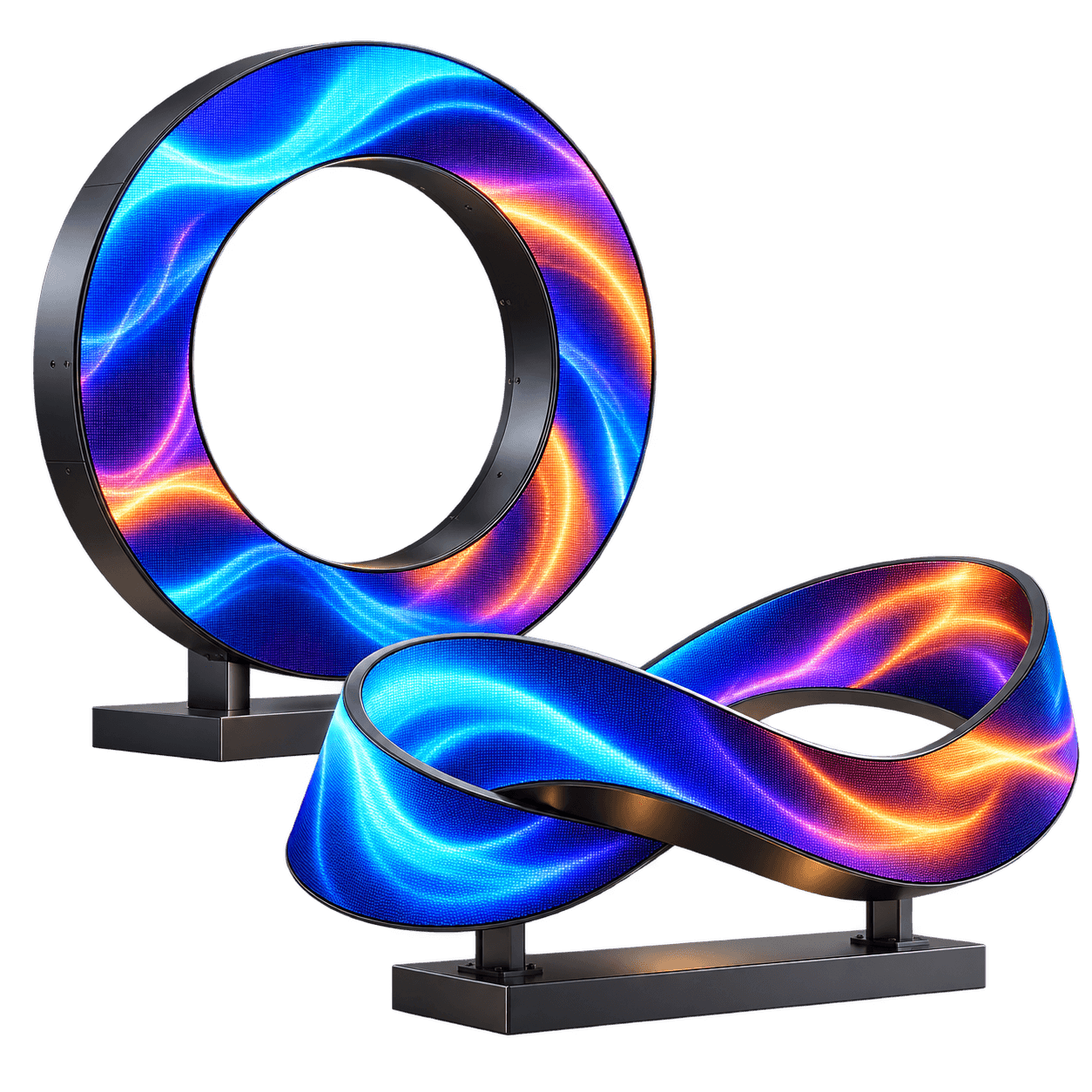
A ring preserves an open center and can emphasize a narrow circular band. A dome or bowl offers a broader cap-shaped canvas. A central opening can combine aspects of both, but the active geometry still needs a clear drawing. Explore Ring & Möbius LED Displays →
Curved Cap vs Flat Circular Screen
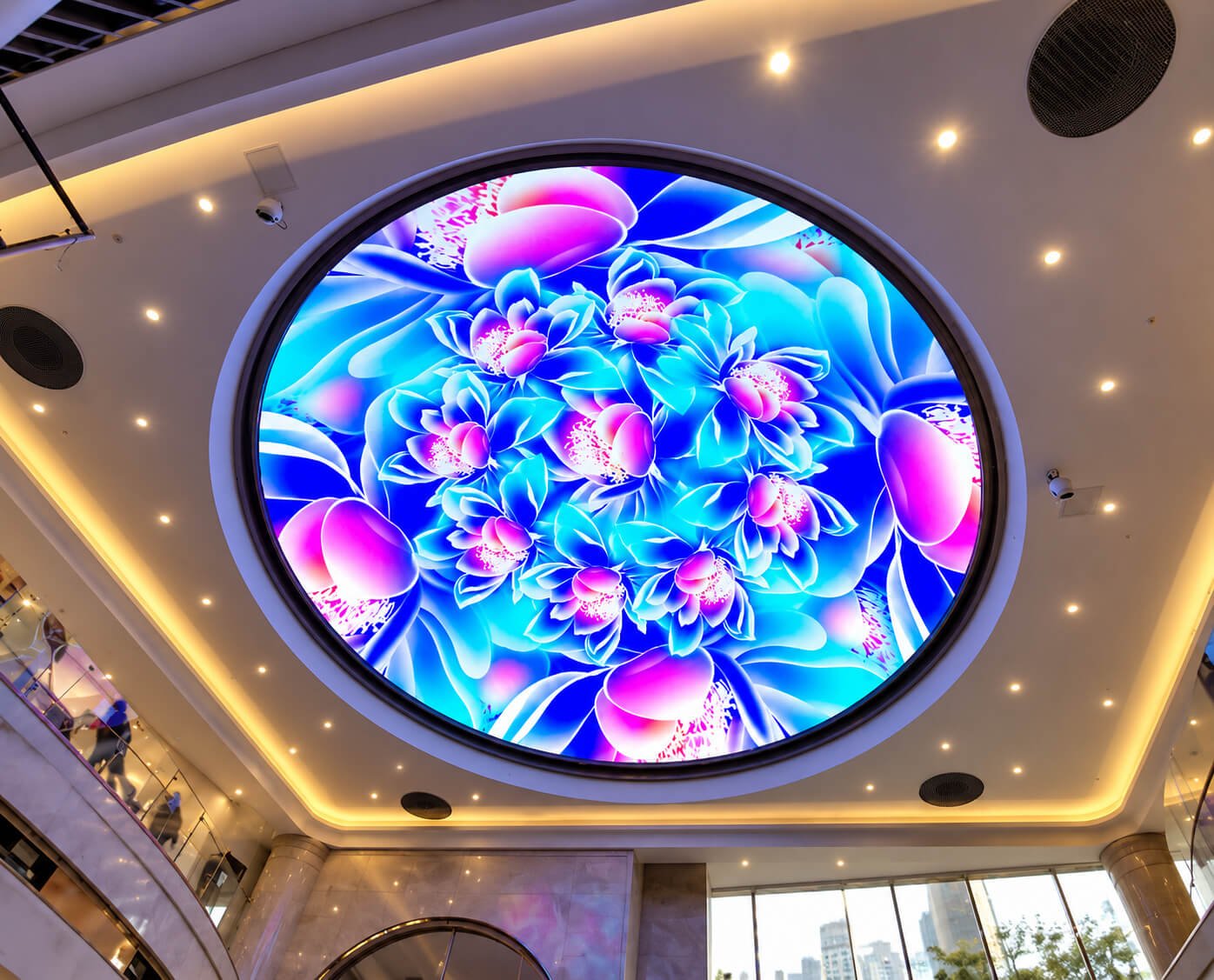
A flat circular screen may suit a decorative ceiling feature when physical depth is unnecessary. A curved surface offers a different spatial effect but introduces more geometry and mapping work. Review section drawings and sample content before choosing the more complex form.
Sculptural Display vs Information Screen
A dome or bowl is suited to environmental imagery and memorable visual forms. For detailed presentations, menus or long text, a conventional screen may offer a more practical viewing arrangement. The project can combine both formats when storytelling and precise information serve different roles.
What to Send for a Dome or Bowl LED Quote
A clear geometry and installation brief helps turn a visual idea into a reviewable configuration.
Shape and Site Information
Send reference images or a 3D model, opening diameter, depth, installation height, viewing side and desired active surfaces. Include site photographs, available mounting points, access dimensions and indoor/outdoor conditions. Mark central openings, entrances and decorative surfaces explicitly.
Viewing and Commercial Requirements
Provide audience positions or seating layout, viewing distances, example content, control requirements, quantity, destination and project schedule. Identify any synchronized screens or third-party equipment. DisplayMan can review module layout, structure and system scope against these requirements.
It is an LED display arranged on a curved cap. The active surface can face inward for a concave viewing experience or outward as a convex sculptural object.
What is a Bowl LED Display?
It is a bowl-shaped structure with LED coverage on its exterior, interior or selected surfaces. The opening, depth and viewing direction are defined for the project.
Is every circular ceiling screen a dome?
No. A circular ceiling display may be flat, shallowly curved or deeply domed. A section drawing confirms the actual screen geometry.
Can the diameter and depth be customized?
Custom dimensions can be reviewed against module geometry, supports, service access and transport requirements. Send dimensions and a drawing or 3D model for assessment.
Can both sides display content?
Interior and exterior LED coverage can be reviewed as separate active surfaces. Two-sided configurations require additional space, electronics, mapping and maintenance planning.
What pixel pitch should we choose?
Choose pitch with the nearest viewing distance, screen dimensions and content detail. Evaluate the full audience area, including viewers near the rim, before confirming a configuration.
Can a dome be suspended from a ceiling?
Suspended configurations require suitable supports, connection information, venue coordination and planned service access. The actual installation conditions determine the support arrangement.
Can a bowl display be installed outdoors?
Outdoor configurations require review of weather exposure, drainage, temperature, brightness and structural conditions. Required protection targets must be confirmed in the project specification.
Can ordinary video be used?
The playback system may accept standard video, but content often needs remapping or recomposition for the curved surface. Confirm the final pixel map and content format before production.
Does a cinema-style display include motion seating?
Not automatically. Motion seats, audio, lighting and attraction controls are separate equipment unless explicitly included in the agreed supply scope.
How is maintenance arranged?
The design should define access to LED modules, power supplies and control equipment before the shell is finalized. Overhead displays need a practical service-access method.
What is required for a quotation?
Provide geometry, dimensions, active surfaces, audience positions, installation setting, support method, content and control requirements, quantity, destination and schedule.
Develop a Dome or Bowl LED Display for Your Space
Send your reference design, diameter, depth, viewing direction and installation setting. DisplayMan can review the curved surface, module layout, structure and content mapping for your project.
Start with the viewing experience and the complete geometry. Concave or convex coverage, audience position, support structure and service access should be coordinated before the LED configuration is finalized.
Provide your dome or bowl drawing, diameter, depth, active surfaces, viewing distance, installation environment, support method, content requirements, quantity and schedule.
Send Your Display Requirement
Please share your application, display size, quantity and project background. We will review the most practical display direction.