Commercial Tablet All-in-One PCs | DisplayMan

Commercial Tablet All-in-One PCs

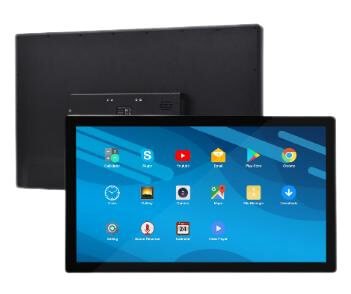
Commercial Tablet All-in-One PCs for Fixed Business Interaction and Smart Commercial Display

DisplayMan commercial tablet all-in-one PCs are designed for fixed business environments that need a touch display, built-in computing, network connection, flexible mounting, and commercial software support.

Available from 10.1″ to 32″, these tablet PCs can support Android, Linux, or Windows systems depending on configuration. They are suitable for retail counters, hotel rooms, meeting room panels, reception desks, self-service kiosks, digital signage, smart control panels, office environments, and OEM commercial equipment projects.

Unlike consumer tablets, commercial tablet all-in-one PCs are built for fixed installation, continuous business use, customized mounting, network operation, OEM branding, and batch commercial deployment.

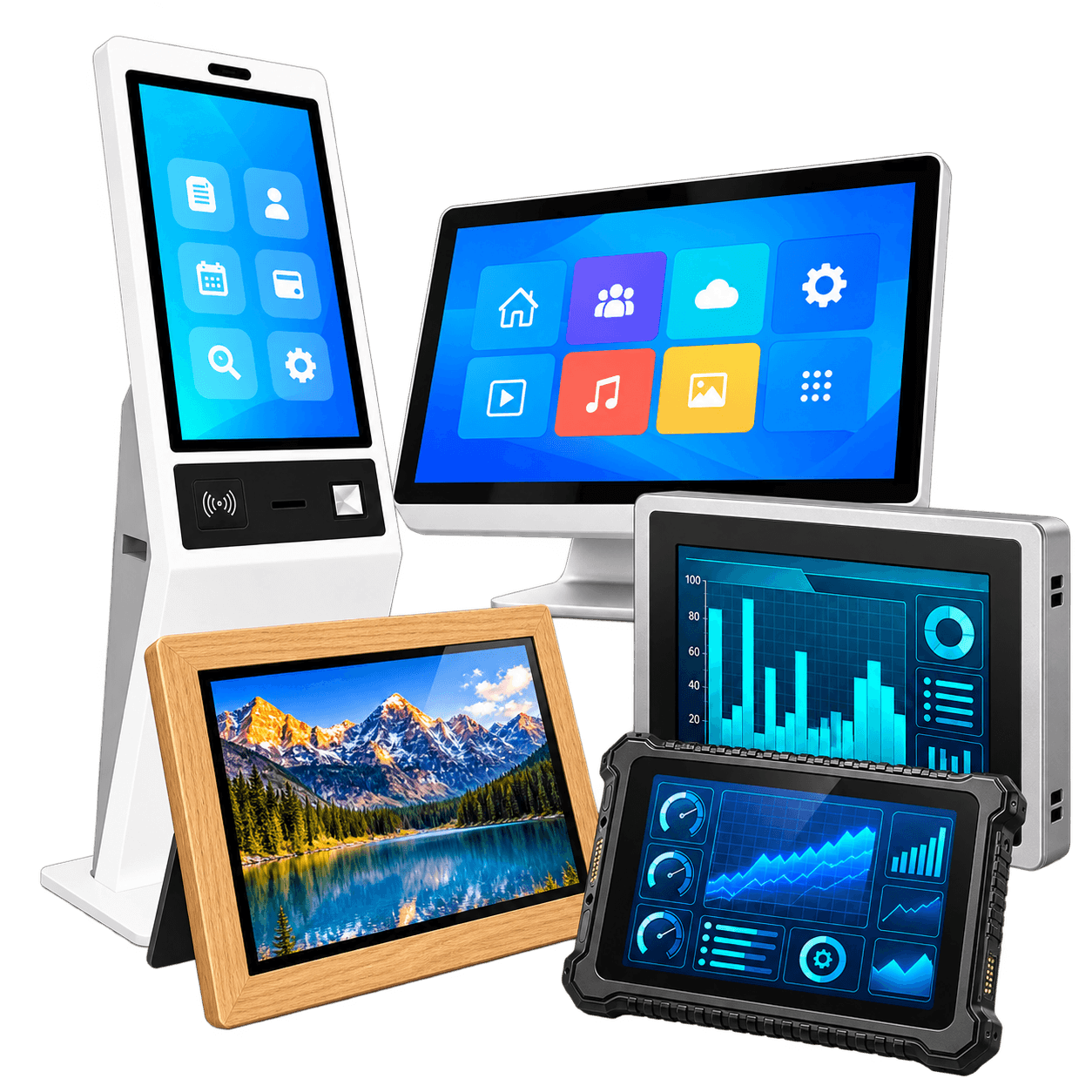
Commercial Tablet All-in-One PC Product Range

Product Type Typical Size System Options Best For Key Difference
10.1″ Commercial Tablet PC 10.1″ Android / Linux Room control, retail counter, small kiosk, information display Compact commercial touch terminal
11.6″–15.6″ Commercial Tablet PC 11.6″ / 13.3″ / 14″ / 15.6″ Android / Linux / Windows Hospitality, reception, retail, office, signage Most common commercial size range
18.5″–21.5″ Commercial Tablet PC 18.5″ / 21.5″ Android / Linux / Windows Signage terminal, kiosk interface, office display Larger interactive display terminal
23.6″–32″ Commercial Tablet PC 23.6″ / 23.8″ / 27″ / 32″ Android / Linux / Windows Larger wall-mounted signage, interactive business screens Bigger commercial display format
POE Wall-Mounted Tablet PC 10.1″ / 11.6″ / 13.3″ / 15.6″ Android / Linux / Custom Meeting rooms, smart rooms, access control, office panels Power and network through one cable
Embedded Commercial Tablet PC Project-based Android / Linux / Windows Kiosks, signage, OEM equipment, smart devices Built into customer housing or equipment
Custom Commercial Tablet PC Project-based Android / Linux / Windows OEM and branded commercial projects Custom housing, I/O, software, logo and mounting
Core Line

Commercial tablet PCs are compact fixed touch terminals, not handheld consumer tablets.

Commercial Tablet All-in-One PC Models

J1003 10.1 inch commercial tablet all-in-one PC

J1003

10.1″ commercial tablet all-in-one PC with IPS display, capacitive touch, Wi-Fi, Android or Linux system options, suitable for compact business terminals and wall-mounted applications.

J1004 10.1 inch commercial tablet PC

J1004

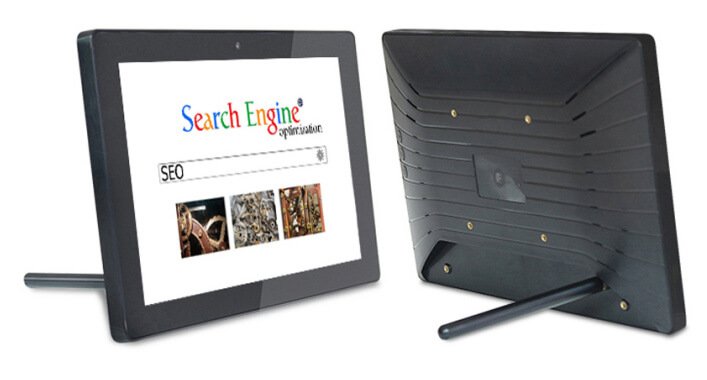
10.1″ commercial tablet PC with slim commercial housing, touch operation, and built-in system board for retail, hospitality, office, and OEM applications.

J11601 11.6 inch commercial tablet all-in-one PC

J11601

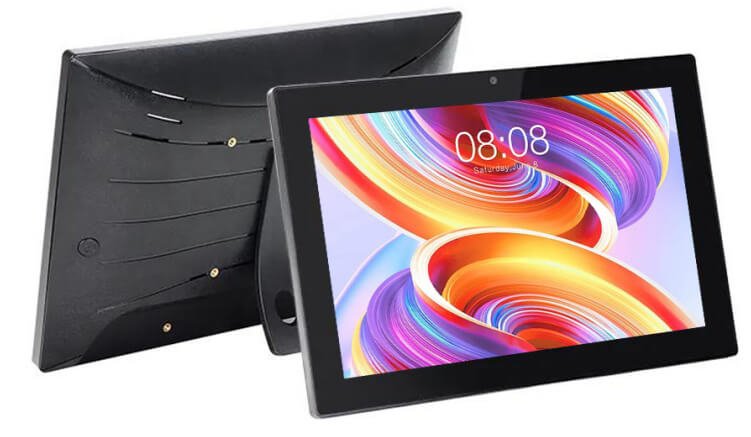
11.6″ commercial tablet all-in-one PC with larger display area, suitable for reception desks, room panels, counter terminals, and interactive business applications.

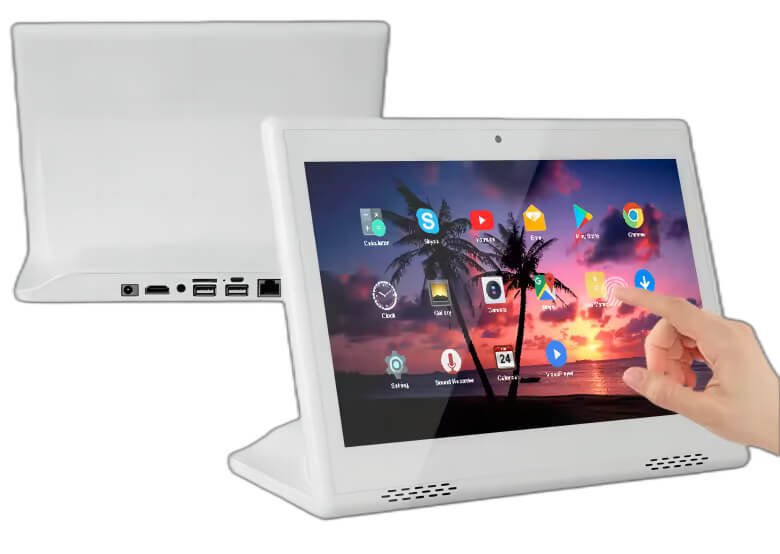
J1011 10.1 inch desktop style commercial tablet PC

J1011

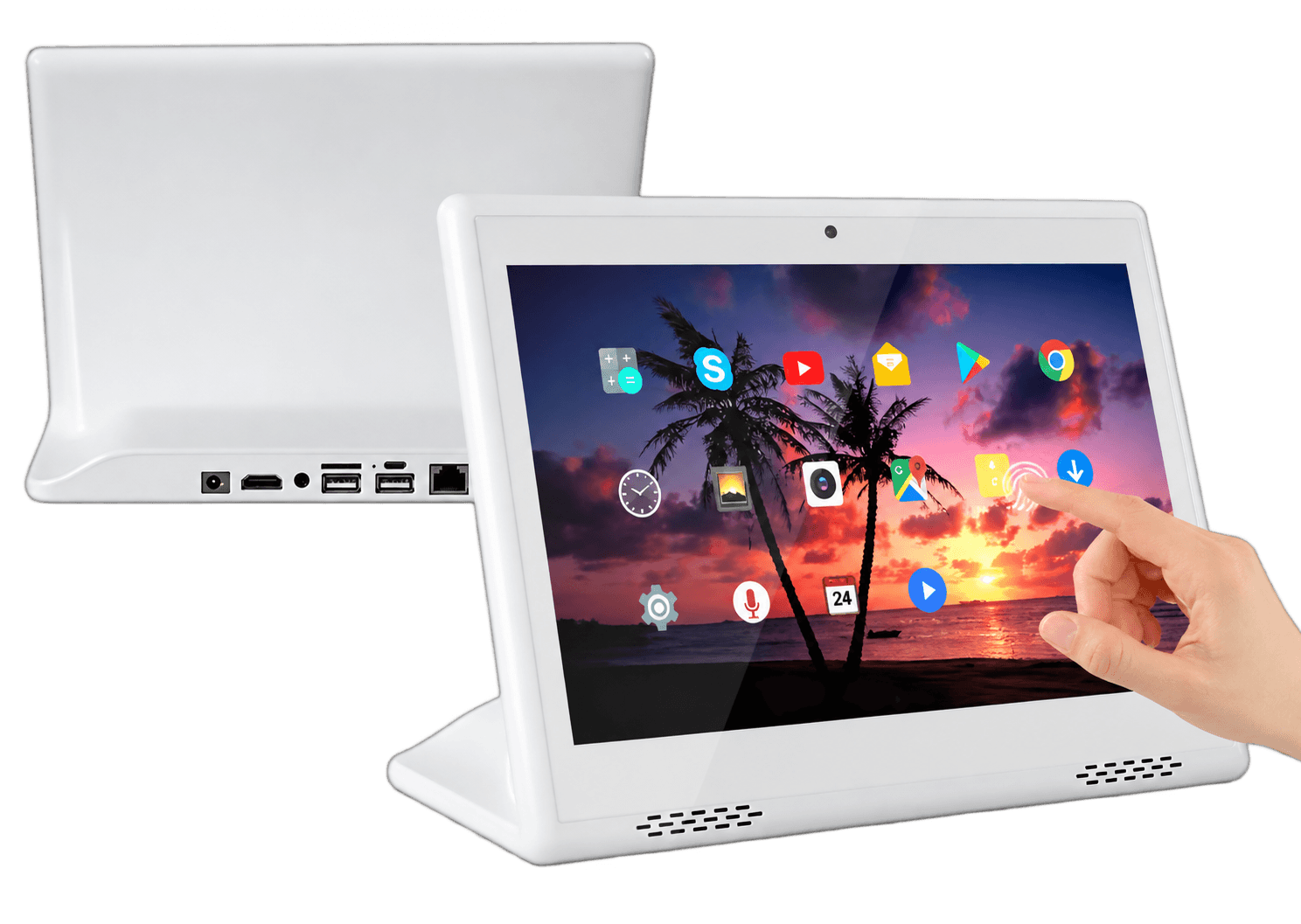
10.1″ desktop-style tablet all-in-one PC with white housing option, suitable for hotel rooms, reception counters, retail desks, product display, and customer interaction.

J13303 13.3 inch commercial tablet all-in-one PC

J13303

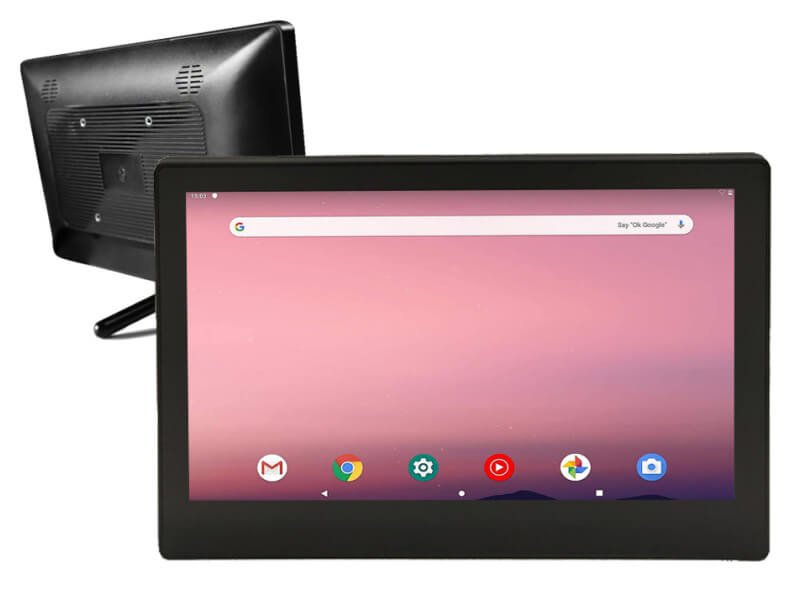
13.3″ commercial tablet all-in-one PC for office, meeting room, signage, hospitality, and fixed business display applications.

J21503 21.5 inch commercial tablet PC

J21503

21.5″ commercial tablet PC with built-in system and touch function, suitable for digital signage, kiosk interfaces, information terminals, and commercial wall-mounted display.

J21504 21.5 inch commercial tablet all-in-one PC

J21504

21.5″ commercial tablet all-in-one PC with larger screen format, suitable for interactive signage, retail display, business terminals, and OEM commercial projects.

J2701 27 inch commercial tablet all-in-one PC

J2701

27″ commercial tablet all-in-one PC for larger interactive display, wall-mounted signage, office information display, showroom use, and business content playback.

Core Line

For commercial tablet PC buyers, model appearance, screen size, system configuration, mounting method, and optional I/O functions are key purchasing factors.

What Is a Commercial Tablet All-in-One PC?

A commercial tablet all-in-one PC is a fixed touch display terminal that integrates an LCD screen, capacitive touch panel, computing board, operating system, network connection, mounting structure, and commercial-use configuration into one device.

Core Line

It is a compact business terminal that combines display, touch, computing, networking, and installation support in one device.

It Usually Includes

  • IPS LCD display
  • Capacitive touch panel
  • Android, Linux, or Windows system option
  • CPU, RAM, and ROM configuration
  • Wi-Fi 2.4G / 5G or Wi-Fi 6 option
  • Ethernet port
  • POE option
  • USB, RS232, RS485, or other I/O options depending on model
  • Front camera option
  • 4G network option
  • GPS option
  • NFC option
  • Microphone option
  • CMS app support
  • Wall-mounted, desktop, VESA, embedded, or custom mounting

Reference Configuration Range

Item Available Options
Screen Size 10.1″ / 11.6″ / 13.3″ / 14″ / 15.6″ / 18.5″ / 21.5″ / 23.6″ / 23.8″ / 27″ / 32″
Resolution 1280×800 / 1920×1200 / 1366×768 / 1920×1080 IPS
Touch Capacitive touch
Wi-Fi 2.4G & 5G Wi-Fi / Wi-Fi 6
Operating System Android / Linux Debian / Linux Ubuntu / Windows
CPU Platform A133 / A64 / A40i / A527 / T972 / RK3562 / RK3128 / RK3566 / RK3568 / RK3288 / RK3399 / RK3588
RAM 1GB / 2GB / 4GB / 8GB
ROM 16GB / 32GB / 64GB
Processor Type Quad-core / 6-core / 8-core
Network Ethernet / Wi-Fi / 4G option
Optional Functions POE / front camera / GPS / NFC / microphone / CMS app / root open
Installation Desktop / wall-mounted / VESA / embedded / custom mounting
Note

Final configuration depends on screen size, motherboard platform, operating system, software requirement, I/O requirement, housing design, and project quantity.

Designed for Business Interaction and Commercial Deployment

Computing

Built-In Computing

The device can run Android, Linux, or Windows systems depending on project needs, reducing the need for an external PC in many applications.

Touch

Capacitive Touch Operation

Supports direct user interaction for ordering, check-in, browsing, registration, product selection, room control, and information display.

Size Range

10.1″ to 32″ Size Range

Covers compact room panels, retail terminals, kiosk interfaces, wall-mounted signage, and larger interactive business displays.

System

Flexible System Platforms

Supports different CPU platforms, RAM, ROM, operating systems, and software environments based on project requirements.

Network

Network and POE Options

Wi-Fi, Ethernet, POE, and 4G options can support fixed commercial installations, smart rooms, signage systems, and networked devices.

I/O

Commercial I/O Support

USB, Ethernet, RS232, RS485, NFC, camera, GPS, microphone, and other options can be reviewed for commercial and OEM integration.

CMS

CMS App Support

Suitable for digital signage, information display, content playback, remote updates, and business content management depending on system configuration.

OEM

OEM Customization

Housing, logo, boot screen, UI, mounting, I/O ports, software, packaging, and private-label customization can be reviewed for batch projects.

Typical Applications

Retail Counter Displays

For product browsing, customer interaction, membership registration, promotion display, and POS support.

Hotel Room Control Panels

For guest service, room control, hotel information, lighting control, booking, and digital concierge applications.

Meeting Room Panels

For meeting room booking, room status, schedule display, access control, and office management systems.

Reception and Visitor Check-In

For visitor registration, self-check-in, company information, and reception desk terminals.

Restaurant Ordering Terminals

For tabletop ordering, self-ordering, menu browsing, QR guidance, and payment instruction.

Self-Service Kiosks

For compact kiosk interfaces, product selection, ticketing, registration, inquiry, and customer operation.

Digital Signage Terminals

For small-format advertising, product display, shelf promotion, hotel information, office announcements, and CMS content playback.

Smart Home and Smart Building Control

For room control, lighting, HVAC, access systems, security, and building automation interfaces.

Medical and Lab Equipment Interfaces

For compact professional equipment interfaces, control screens, and information terminals.

OEM Equipment Integration

For machine builders and commercial equipment manufacturers requiring built-in touch display computing.

How to Choose the Right Commercial Tablet All-in-One PC

Operating System

Choose by Operating System

  • Android: best for apps, digital signage, hotel systems, retail, room control, and cost-sensitive projects
  • Linux: best for embedded control, customized software, and OEM system projects
  • Windows: best for POS, kiosk software, office applications, enterprise systems, and Windows-based business software
Screen Size

Choose by Screen Size

  • 10.1″: compact wall control, retail terminal, hotel room panel, meeting room panel, small signage and kiosk interface
  • 11.6″–15.6″: commercial tablet terminals for hospitality, reception, retail counters, ordering systems and office use
  • 18.5″–21.5″: larger interactive display, signage terminal, counter display and kiosk interface
  • 23.6″–32″: larger commercial display terminals, wall-mounted signage and interactive business screens
Installation

Choose by Installation Method

  • Wall-mounted tablet PC
  • Desktop tablet PC
  • VESA-mounted tablet PC
  • Embedded tablet PC
  • Kiosk-integrated tablet PC
  • Custom housing integration
Connectivity

Choose by Connectivity

  • Wi-Fi for flexible commercial use
  • Ethernet for stable fixed installation
  • POE for wall-mounted and smart control panels
  • 4G for remote locations or flexible deployment
  • USB / RS232 / RS485 for peripheral or equipment integration
Optional Function

Choose by Optional Function

  • Camera for visitor check-in, video, or identification
  • NFC for access, membership, payment support, or card reading
  • GPS for location-based systems
  • Microphone for voice input or communication
  • CMS app for signage and content management
  • Root open for deeper Android system customization if required
Core Line

The right commercial tablet PC depends on screen size, operating system, installation method, network connection, software, I/O functions, and user behavior.

Commercial Tablet PC vs Consumer Tablet vs Portable LCD Monitor vs Industrial Panel PC

Factor Commercial Tablet All-in-One PC Consumer Tablet Portable LCD Monitor Industrial Panel PC
Main Use Fixed commercial interaction Personal handheld use External display Industrial equipment operation
Built-In Computing Yes Yes No Yes
Installation Wall, desktop, VESA, embedded, kiosk Handheld or basic stand Portable / temporary Panel mount, embedded, rugged
Operating System Android / Linux / Windows iOS / Android No built-in OS Windows / Linux / Android
Touch Standard Standard Optional Common
I/O Options Commercial project-based Limited Type-C / HDMI More industrial I/O
POE / Ethernet Available on selected models Usually limited No Common
Continuous Operation Better suited for fixed business use Not ideal for fixed commercial deployment External display use Stronger
Best For Retail, hotel, office, kiosk, signage, OEM projects Personal use Laptop extension, travel, gaming Factory, machine, harsh environments
Core Line

Choose commercial tablet PCs when you need a compact fixed touch terminal with built-in computing for business use.

Configured Around Your Business Application

For commercial and OEM projects, the device must fit the software, installation environment, user workflow, and deployment plan.

DisplayMan Can Review and Support

  • Screen size selection
  • Android, Linux, or Windows system
  • CPU platform selection
  • RAM and ROM configuration
  • Touch panel requirement
  • Cover glass and front panel design
  • Housing design
  • Housing color
  • Logo printing
  • Boot logo customization
  • UI customization
  • CMS app requirement
  • Wall-mount, desktop, VESA, or embedded mounting
  • POE option
  • Ethernet, USB, RS232, RS485, NFC, camera, speaker, microphone, GPS, or 4G options
  • Power adapter requirement
  • Cable routing
  • Packaging customization
  • Private-label project support
  • Sample development
  • Batch production support
Core Line

For commercial and OEM projects, the device must fit the software, installation environment, user workflow, and deployment plan.

From Consumer Tablet to Commercial Touch Terminal

Challenge

Consumer Tablets Often Create Deployment Problems

Many business projects start with consumer tablets, but later face problems with mounting, power supply, long-term operation, software control, I/O expansion, network stability, branding, and batch consistency.

Solution

Commercial Tablet All-in-One PC Platform

Commercial tablet all-in-one PCs provide a more suitable platform for fixed business environments, with touch display, built-in computing, installation support, network options, commercial I/O, and OEM customization.

Result

Practical Interactive Business Terminal

The customer gets a more practical interactive terminal for retail, hospitality, office, kiosk, signage, smart control, and commercial equipment integration projects.

When This Product Is Right for You

Suitable For

Fixed Commercial Touch Terminal Projects

  • Retail brands
  • Hotels and hospitality groups
  • Restaurants and cafes
  • Corporate offices
  • Meeting room system providers
  • Smart building solution companies
  • Kiosk manufacturers
  • POS system integrators
  • Self-service equipment manufacturers
  • Digital signage integrators
  • Smart home control companies
  • Medical and lab equipment companies
  • OEM commercial device manufacturers
  • Customers needing batch commercial deployment
Not Ideal For

Projects With Poor Fit

  • Home-use personal tablet buyers
  • Very low-budget consumer tablet comparison buyers
  • Customers who only need an external display without built-in computing
  • Heavy industrial environments requiring fully rugged industrial panel PCs
  • Outdoor direct sunlight applications without proper high-brightness design
  • Projects without clear software, mounting, system, or quantity requirements
  • Buyers looking only for iPad-style consumer tablets
Core Line

This product category is for fixed commercial touch terminals with built-in computing, not handheld consumer tablet use.

FAQ

What is a commercial tablet all-in-one PC?

It is a compact touch display device with built-in computing, designed for fixed commercial, business, kiosk, signage, hospitality, office, or OEM applications.

Is it the same as a consumer tablet?

No. Consumer tablets are mainly for personal handheld use. Commercial tablet PCs are designed for fixed installation, business software, network connection, mounting, branding, and commercial deployment.

What screen sizes are available?

Common sizes include 10.1″, 11.6″, 13.3″, 14″, 15.6″, 18.5″, 21.5″, 23.6″, 23.8″, 27″, and 32″. Final availability depends on configuration and project requirements.

Can it run Android apps?

Yes. Android commercial tablet PCs can run Android applications depending on system configuration and software requirements.

Can it run Linux?

Yes. Linux options such as Debian or Ubuntu can be reviewed for embedded, OEM, and customized software projects.

Can it run Windows software?

Yes. Windows models can be reviewed for POS, kiosk, office, enterprise, and business software applications.

Can it support POE?

Yes. POE can be reviewed for wall-mounted meeting room panels, smart room control, access systems, and business terminals.

Can it support camera, NFC, GPS, or 4G?

Yes. Camera, NFC, GPS, 4G, microphone, Ethernet, and other options can be reviewed depending on model and project requirements.

Can it be wall-mounted?

Yes. Wall-mounted, desktop, VESA, embedded, and custom installation methods can be reviewed.

Can it be customized with our logo?

Yes. Logo printing, boot logo, UI customization, housing color, packaging, and private-label customization can be reviewed for OEM projects.

What information should I provide for a quote?

Please provide screen size, operating system, CPU or memory requirement, mounting method, I/O requirement, touch requirement, optional functions, quantity, and target application.

Need a Commercial Tablet All-in-One PC for Your Business or OEM Project?

Do not rely on consumer tablets when your project needs fixed installation, commercial software, network connection, I/O expansion, branding, and batch deployment.

Tell us your screen size, operating system, installation method, software requirement, I/O needs, optional functions, customization requirements, and project quantity. DisplayMan will help recommend the right commercial tablet PC solution.

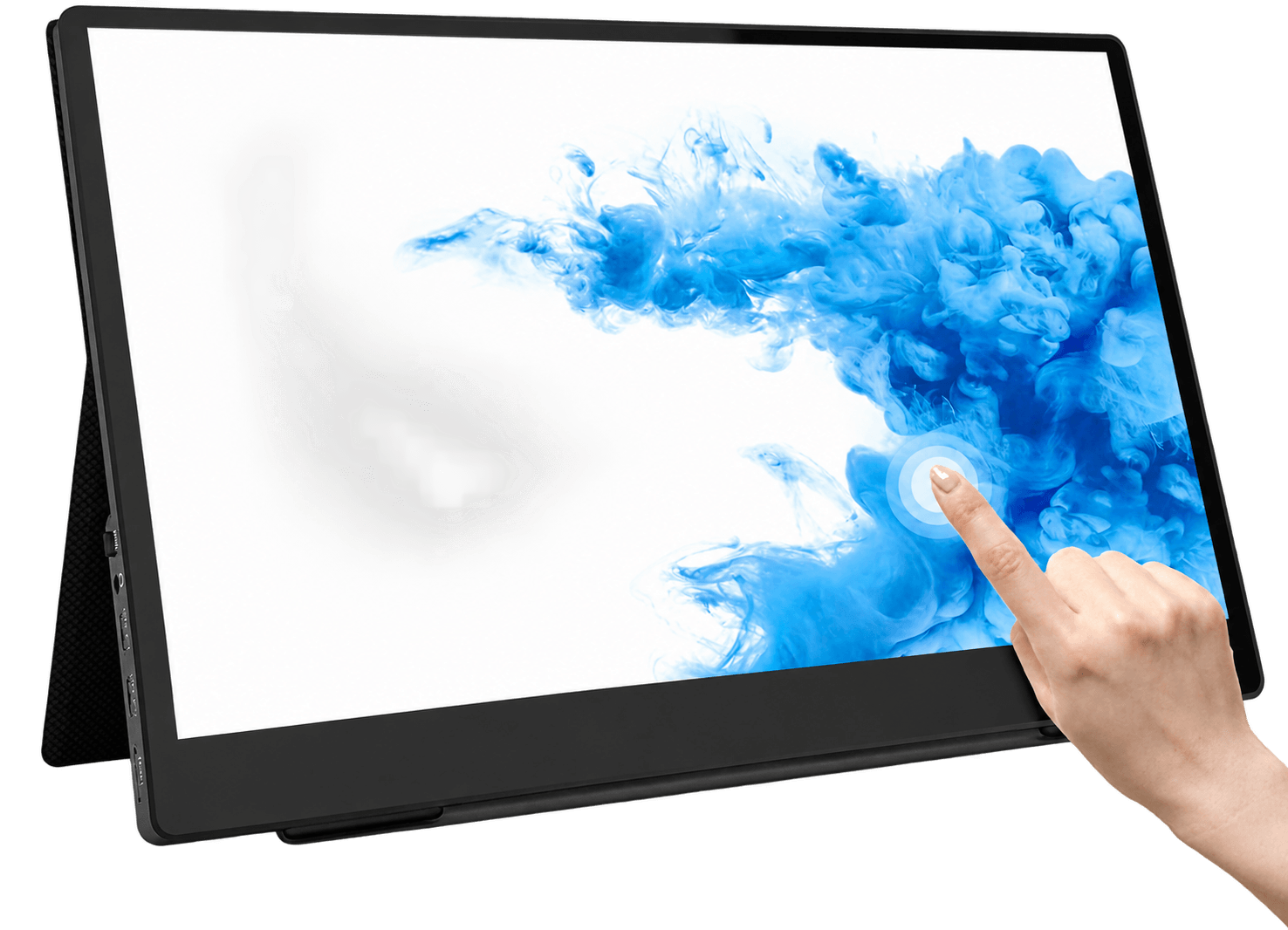
Commercial Tablet AIO PC = system, touch, fixed commercial installation. Portable LCD Monitor = no system, external display.

The right choice depends on whether your project needs built-in computing, software operation, fixed mounting, network connection and commercial deployment.