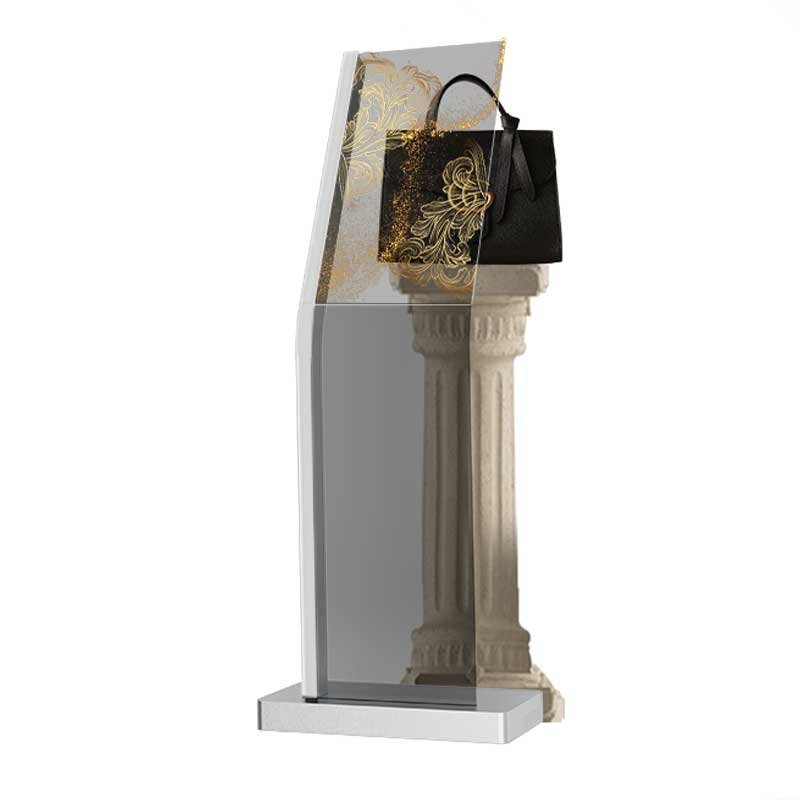
Transparent OLED Kiosks
Visitor-facing transparent display structures for information and interactive content. Review optional touch, computing, enclosure and installation for the application.

Explore standing signage, touch information kiosks, self-service terminals, library applications and digital human display references. Match the screen, computing platform, housing and optional peripherals to the way your users interact.
DisplayMan focuses on transparent displays, high brightness custom displays and touchscreen all-in-one integration. We can also review a transparent display or sunlight-readable configuration when your kiosk project needs a specialist display solution.
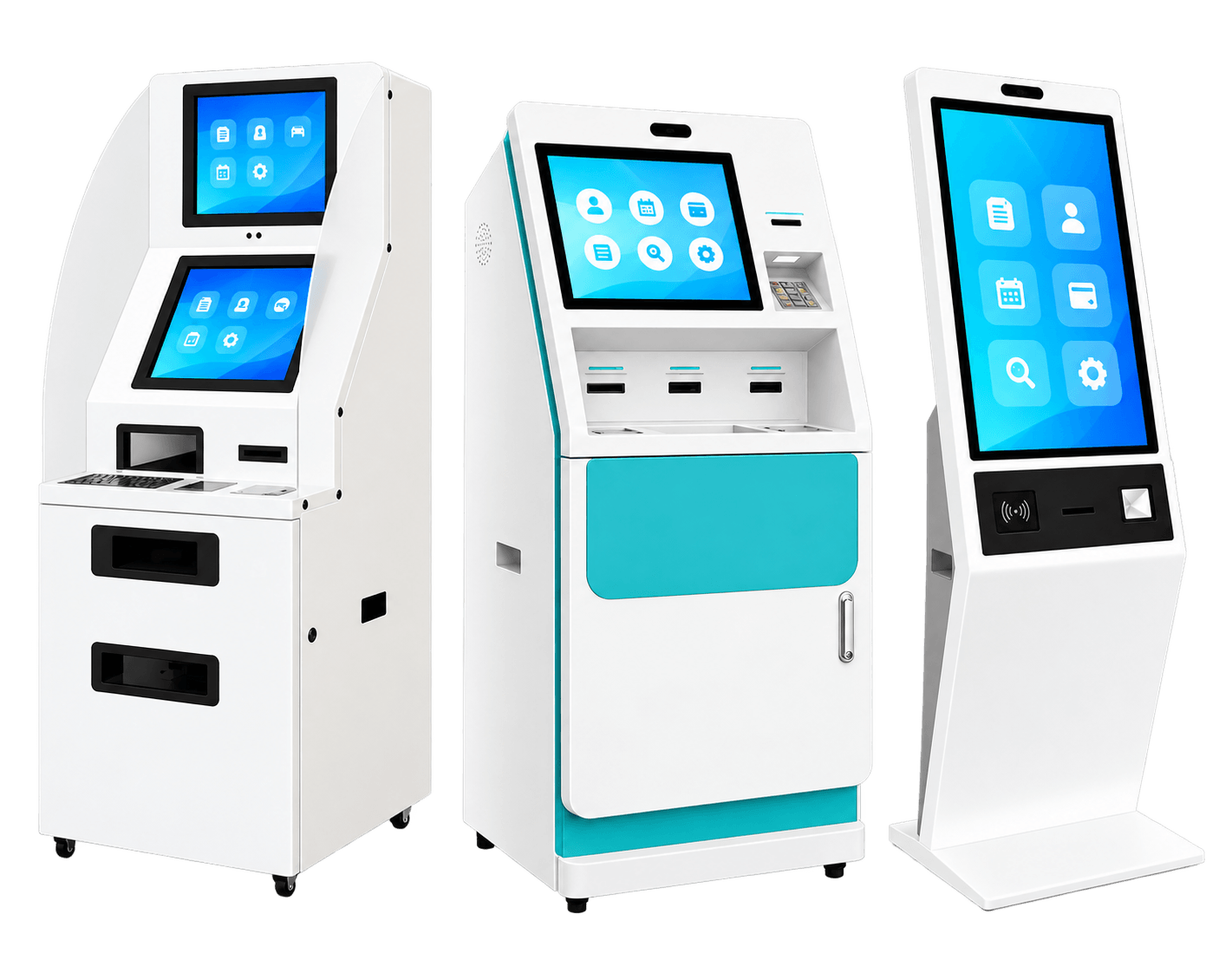
A floor-standing kiosk combines a display and freestanding enclosure with the electronics required for a defined application. It may be a non-touch advertising totem, a touchscreen information terminal or a self-service machine with selected readers, scanners and printers.
The complete project includes display visibility, user reach, base stability, computing, software compatibility, cable routing, cooling and service access. A screen showing an application interface does not establish that its software or every peripheral is included.
| Format | Main Purpose | Configuration Focus |
|---|---|---|
| Standing signage | Advertising and public information | Screen orientation, content player and finished housing |
| Touch information kiosk | Browsing, visitor guidance and product information | Touch, user reach, computing and content interface |
| Self-service kiosk | An agreed customer transaction or service workflow | Selected peripherals, software interfaces and service access |
| Library application | Reading, borrowing, returns or a book-cabinet system | Library software, readers, book handling and content access |
| Digital human display | Virtual receptionist or guided presentation | Display, audio/sensors and a separately defined software platform |
Product and application images are visual references, including regenerated concepts; they are not records of DisplayMan completed installations. Catalogue tables describe separate reference configurations. Final specifications are confirmed with the selected hardware and approved project drawings.
Explore five transparent display directions for freestanding presentation, visitor interaction and digital human reception. They remain part of their dedicated transparent display ranges, with links below to the complete product information.
Visitor-facing transparent display structures for information and interactive content. Review optional touch, computing, enclosure and installation for the application.

Freestanding transparent OLED formats for retail, exhibition and lobby presentation, with project-specific bases and optional interaction.

A display that rises from and retracts into a cabinet or furniture structure. Floor-supported cabinet configurations are relevant to this page as a related presentation format; motorized motion does not imply self-service functionality.
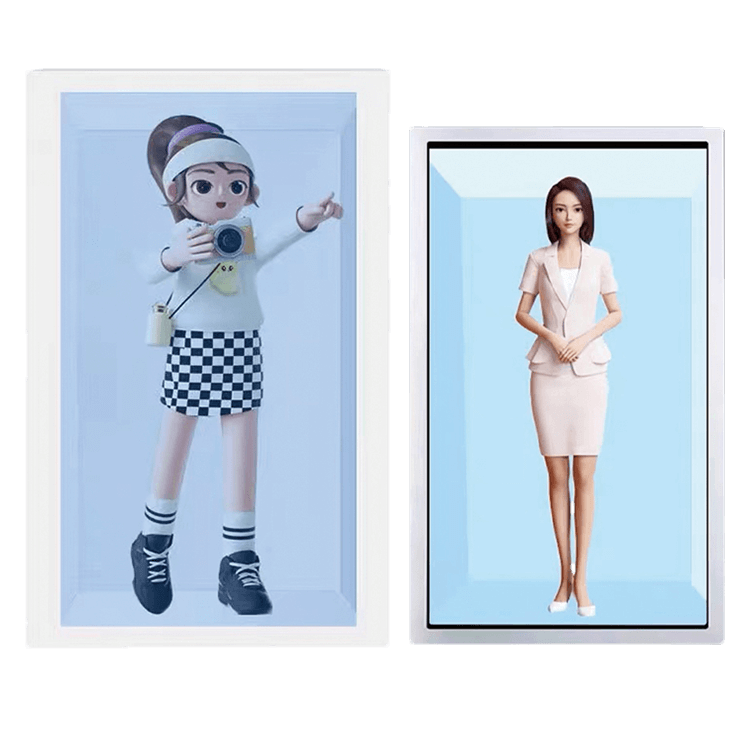
A related reception and explanation application using a transparent LCD display structure. Review lighting, enclosure, content, computing and the digital human software scope as a complete system.
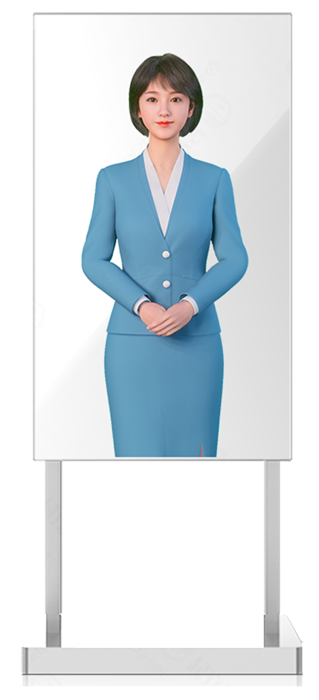
A related transparent display application for virtual reception and guided presentation. Freestanding formats can be reviewed with the required audio, sensors and separately defined virtual-assistant software.
For strong ambient light or outdoor touch operation, review brightness, reflections, front glass, thermal management and enclosure protection together.

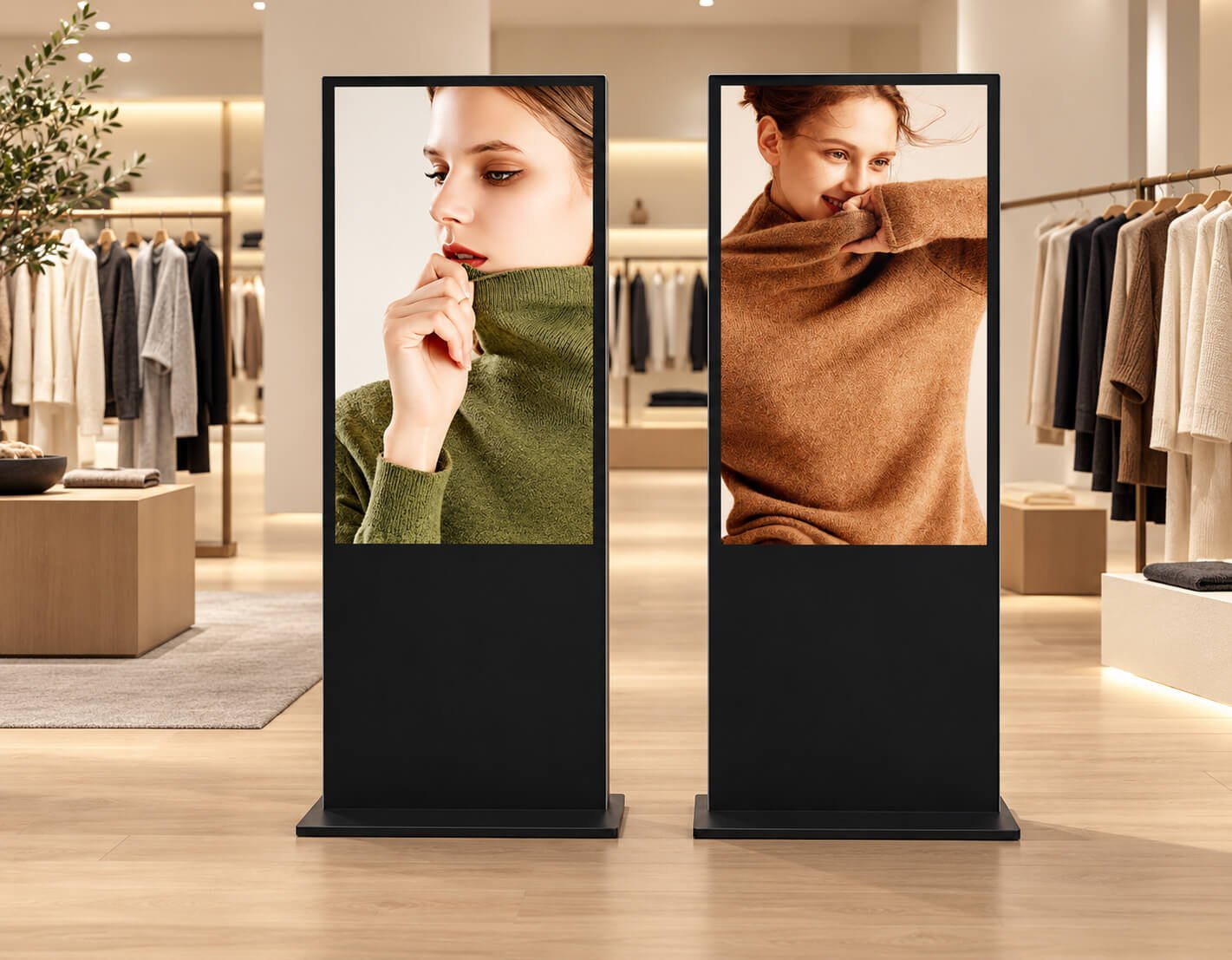
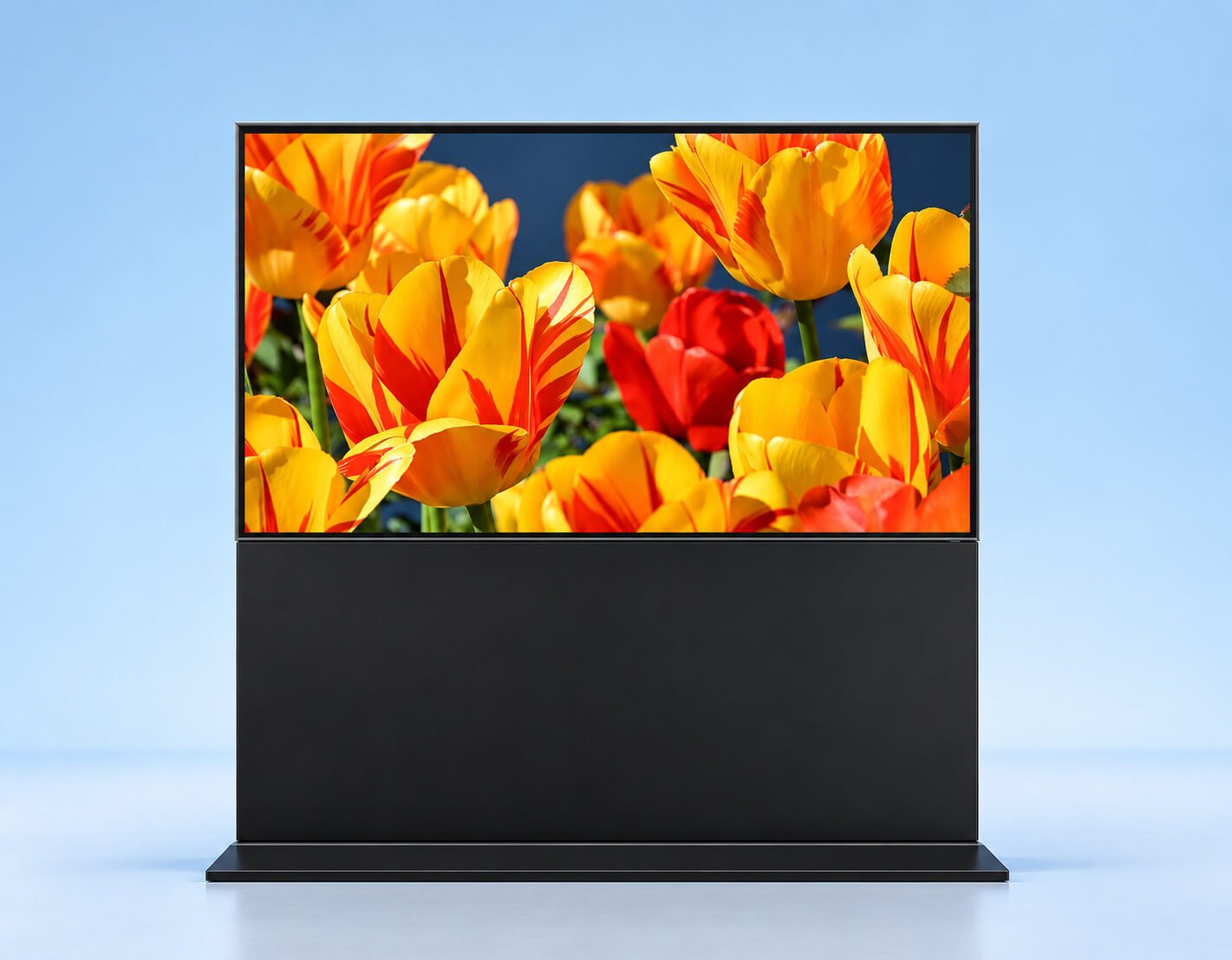
Finished freestanding screens for commercial advertising and information, with optional touch and computing.
Portrait advertising totems suit entrances and retail aisles. Landscape pedestal displays accommodate wide content layouts. Full-screen standing units can be arranged as a coordinated display group where the player and content support it.
| Size | Resolution | Brightness | Contrast | Reference model |
|---|---|---|---|---|
| 43" | 1920 × 1080 | 350 cd/m² | 1200:1 | LCSJ-43A |
| 49" | 1920 × 1080 | 350 cd/m² | 1200:1 | LCSJ-49A |
| 55" | 1920 × 1080 | 350 cd/m² | 1200:1 | LCSJ-55A |
| 65" | 1920 × 1080 | 350 cd/m² | 1200:1 | LCSJ-65A |
| 75" | 1920 × 1080 | 350 cd/m² | 1200:1 | LCSJ-75A |
| 85" | 1920 × 1080 | 350 cd/m² | 1200:1 | LCSJ-85A |
| Size | Resolution | Brightness | Contrast | Reference dimensions (mm) |
|---|---|---|---|---|
| 43" | 1920 × 1080 | 350 cd/m² | 1400:1 | 1677 × 1066 × 450 |
| 49" | 1920 × 1080 | 350 cd/m² | 1400:1 | 1677 × 1199 × 450 |
| 55" | 1920 × 1080 | 350 cd/m² | 1400:1 | 1702 × 1334 × 450 |
| 65" | 3840 × 2160 | 350 cd/m² | 1400:1 | 1702 × 1554 × 450 |
| 75" | 3840 × 2160 | 350 cd/m² | 1400:1 | 1802 × 1775 × 600 |
| 86" | 3840 × 2160 | 350 cd/m² | 1400:1 | 1950 × 2030 × 600 |
| Size | Resolution | Brightness | Backlight | Contrast | Reference dimensions (mm) |
|---|---|---|---|---|---|
| 65" | 3840 × 2160 | 500 cd/m² | Direct LED | 5000:1 | 1431 × 86 × 813 |
| 75" | 3840 × 2160 | 500 cd/m² | Direct LED | 5000:1 | 1653 × 80 × 937 |
| 86" | 3840 × 2160 | 500 cd/m² | Direct LED | 5000:1 | 1875 × 80 × 1063 |
These are different enclosure series. Dimension order and whether a base is included require drawing confirmation. Portrait-series dimensions contain inconsistent catalogue entries and are therefore left for model confirmation.
| Parameter | Reference configuration / project review |
|---|---|
| Platform / OS | Standalone media player, external PC, Android or compatible x86 Windows configuration. Other OS platforms require software, driver and board validation. |
| Touch | Non-touch, infrared or projected capacitive touch, selected for the user workflow, panel and cover glass. |
| Memory | 4 / 8 / 16 / 32 GB options on compatible catalogue platforms; capacity and memory type depend on the selected board. |
| Storage | 32 / 64 / 128 / 256 / 512 GB or 1 / 2 TB on compatible platforms; eMMC and SSD options depend on the board. |
| Content / network | Local playback or compatible network CMS; Ethernet, Wi-Fi and other connectivity selected per controller and installation. |
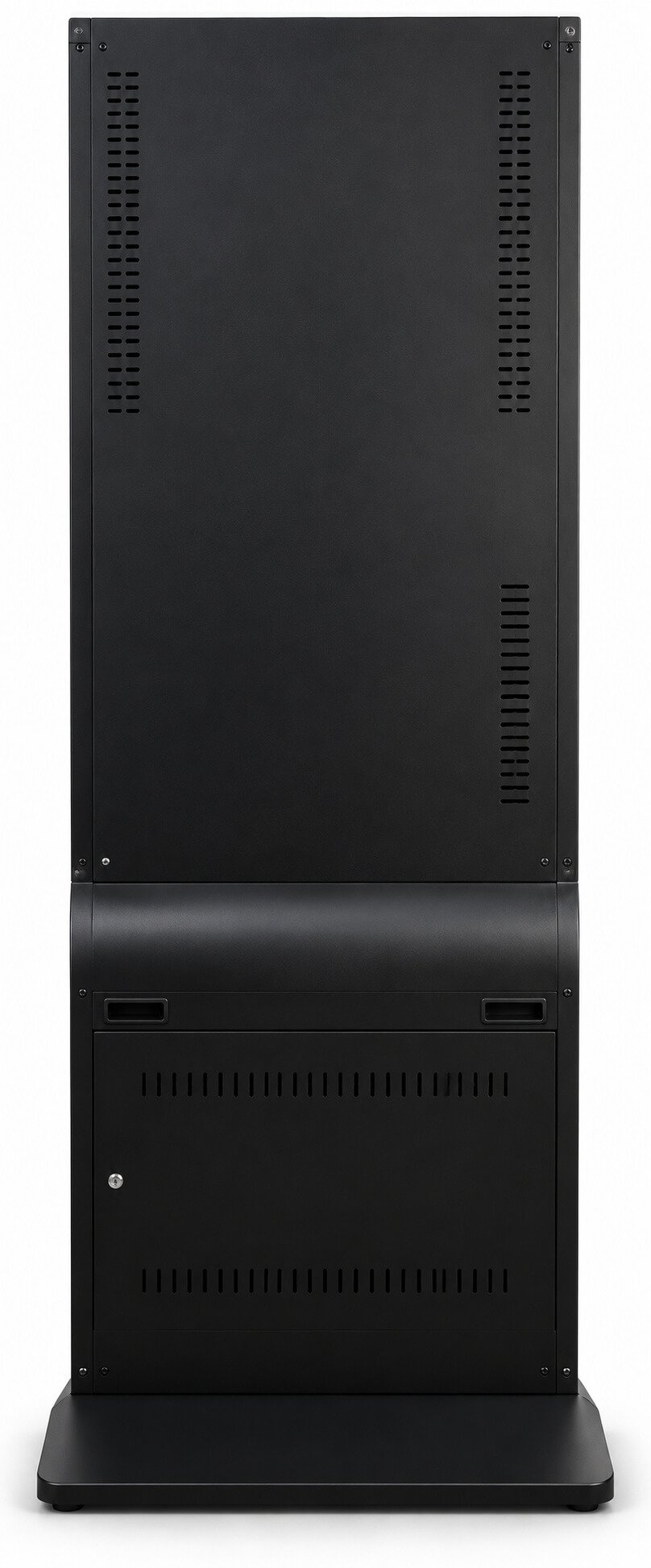
| Housing options | Tempered-glass front, aluminum profiles and cold-rolled steel on the separate standing-totem series; black, silver or custom finish. |
| Playback features | Local USB/SD playback where supported, playlists, split-screen layouts, rotation, scheduling and remote content updates through a compatible player/CMS. |
| Mechanical review | Base footprint, weight, anchoring or castors, anti-tip stability, rear service access, connectors and ventilation. |



| Parameter | Reference configuration / project review |
|---|---|
| Listed sizes | 32 / 43 / 50 / 55 / 65 / 75 / 86 / 100 / 110 inches in a separate catalogue series. Extra-large formats require individual availability and logistics review. |
| Panel reference | 16:9, 1920 × 1080, 60 Hz, 16.7M colors, 178° viewing angle, 5 ms response and 4500:1 contrast listed; actual panel values confirmed per model. |
| Power / environment | AC 100–240 V, 50/60 Hz; indoor operating temperature 0–40°C listed. Catalogue <150 W operating / <3 W standby values are configuration-specific, not universal across all sizes. Humidity requires confirmation due to a source-unit error. |
| Legacy Android reference | RK3288 Cortex-A17 quad-core; 2 / 4 GB DDR3; 16 / 32 GB eMMC; HDMI/LVDS output up to 1080p listed. Select a current compatible board for new projects and verify required 4K decoding/output. |
| Legacy media support | Listed container/image/audio formats include RM/RMVB, MKV, TS, AVI, VOB, MOV, WMV, MP3, WMA, APE, FLAC, JPG, BMP and GIF. Decode compatibility depends on codec, bitrate and firmware; validate actual media files. |

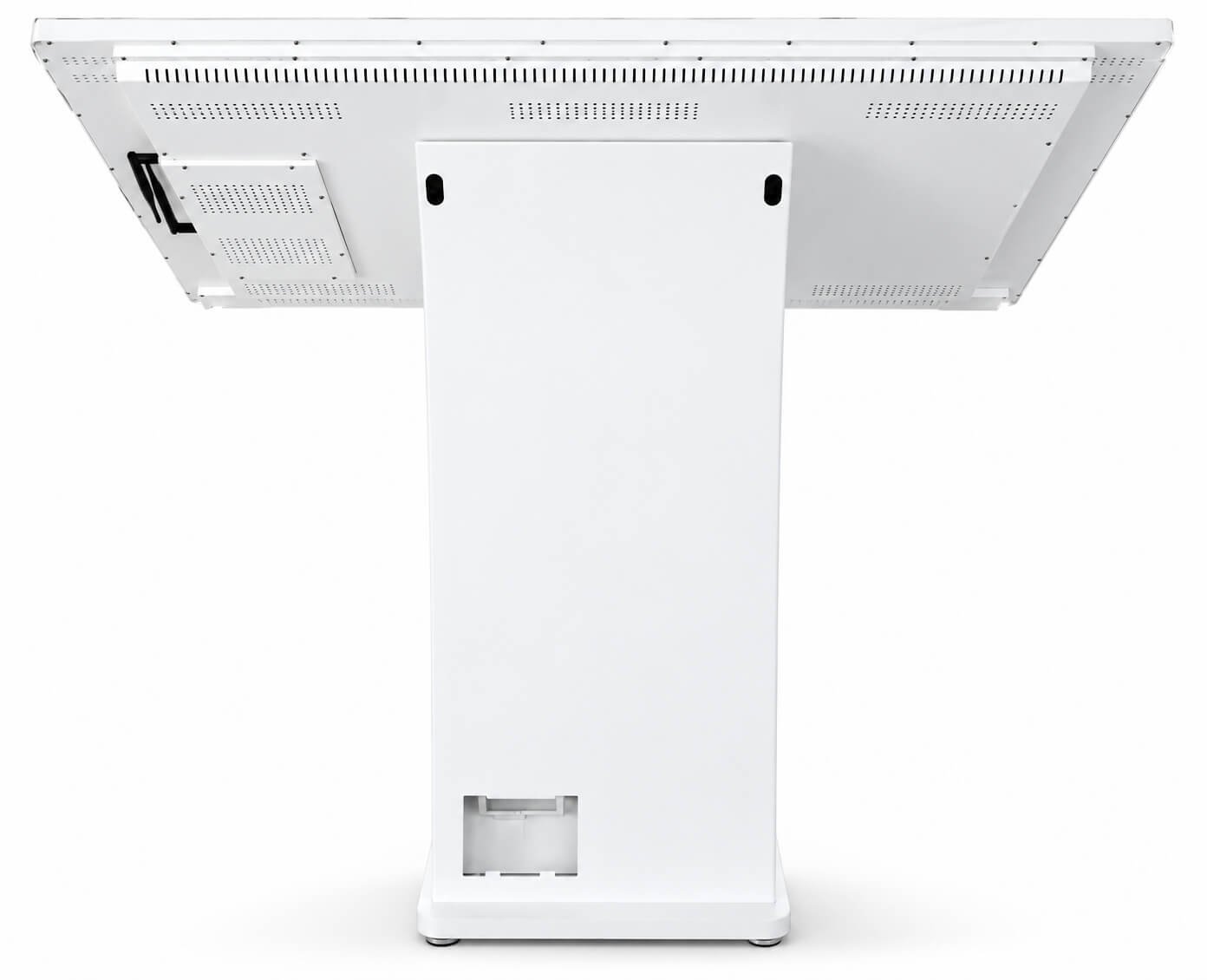
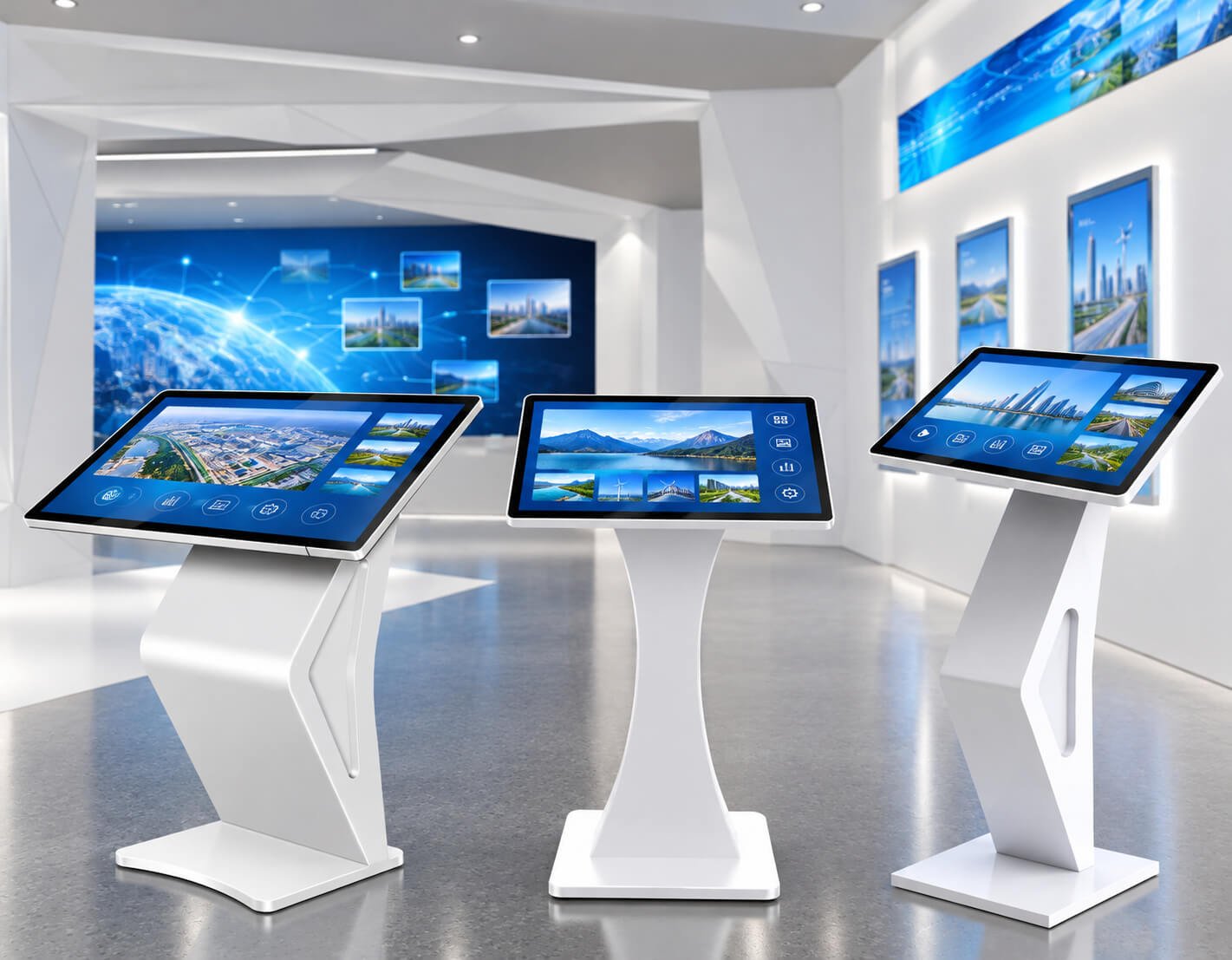
Landscape touchscreen terminals for information browsing, venue guidance and exhibition interaction.
Slanted landscape kiosks suit museum guides, venue maps, product catalogues and visitor information. Select the screen tilt, installation height and touch interface around user reach and the application layout.
| Size | Resolution | Brightness | Contrast | Net weight | Reference enclosure dimensions (mm) |
|---|---|---|---|---|---|
| 32" | 1920 × 1080 | 300 cd/m² | 4000:1 | 20.9 kg | 1035 × 756 × 460 |
| 43" | 1920 × 1080 | 300 cd/m² | 4000:1 | 20.9 kg | 1065 × 1000 × 460 |
| 50" | 1920 × 1080 | 300 cd/m² | 4000:1 | 25.4 kg | 1095 × 1154 × 460 |
| 55" | 1920 × 1080 | 300 cd/m² | 4000:1 | 34.1 kg | 1111 × 1270 × 460 |
| 65" | 1920 × 1080 | 300 cd/m² | 4000:1 | 37.3 kg | 1150 × 1488 × 460 |
The source active-area entries contain apparent inconsistencies. Confirm active area, enclosure dimension order, weight and screen tilt from the selected panel datasheet and assembly drawing.
| Parameter | Reference configuration / project review |
|---|---|
| Platform / OS | Standalone media player, external PC, Android or compatible x86 Windows configuration. Other OS platforms require software, driver and board validation. |
| Touch | Non-touch, infrared or projected capacitive touch, selected for the user workflow, panel and cover glass. |
| Memory | 4 / 8 / 16 / 32 GB options on compatible catalogue platforms; capacity and memory type depend on the selected board. |
| Storage | 32 / 64 / 128 / 256 / 512 GB or 1 / 2 TB on compatible platforms; eMMC and SSD options depend on the board. |
| Content / network | Local playback or compatible network CMS; Ethernet, Wi-Fi and other connectivity selected per controller and installation. |
| Separate slanted-kiosk series | Infrared-touch sizes: 32 / 43 / 50 / 55 / 65 inches. Capacitive-touch sizes: 21.5 / 32 / 43 / 50 / 55 / 65 inches. |
| Separate series panel | 16:9; Full HD or 4K; 60 Hz; 178° viewing angle; 5000:1 contrast listed. Values do not describe every model in the table above. |
| Infrared touch reference | USB communication; finger or compatible touch stylus; 10+ touch points and ≤3 mm linear error listed, subject to selected controller. The source scan-rate entry requires clarification. |
| Legacy PC configurations | Core i3 / i5 / i7 options with Intel HD Graphics, 4 GB DDR3 and 128 GB SSD listed. CPU generation and current platform specifications must be selected for the application. |
| Ports / networking | USB 2.0 / 3.0, RJ45, microphone input, HDMI/VGA output, line output and Wi-Fi 802.11b/g/n listed on the separate platform. Exact quantities, input/output direction and current wireless options depend on the board. |
| Power / operating limits | AC 100–240 V, 50/60 Hz; 300 W listed for the separate reference assembly; operating 0–50°C and storage −20–60°C listed. Confirm final maximum consumption, thermal limits and humidity. |
| Application software | Venue maps, visitor guides, catalogue browsing and content search require the customer application or an agreed software scope. |


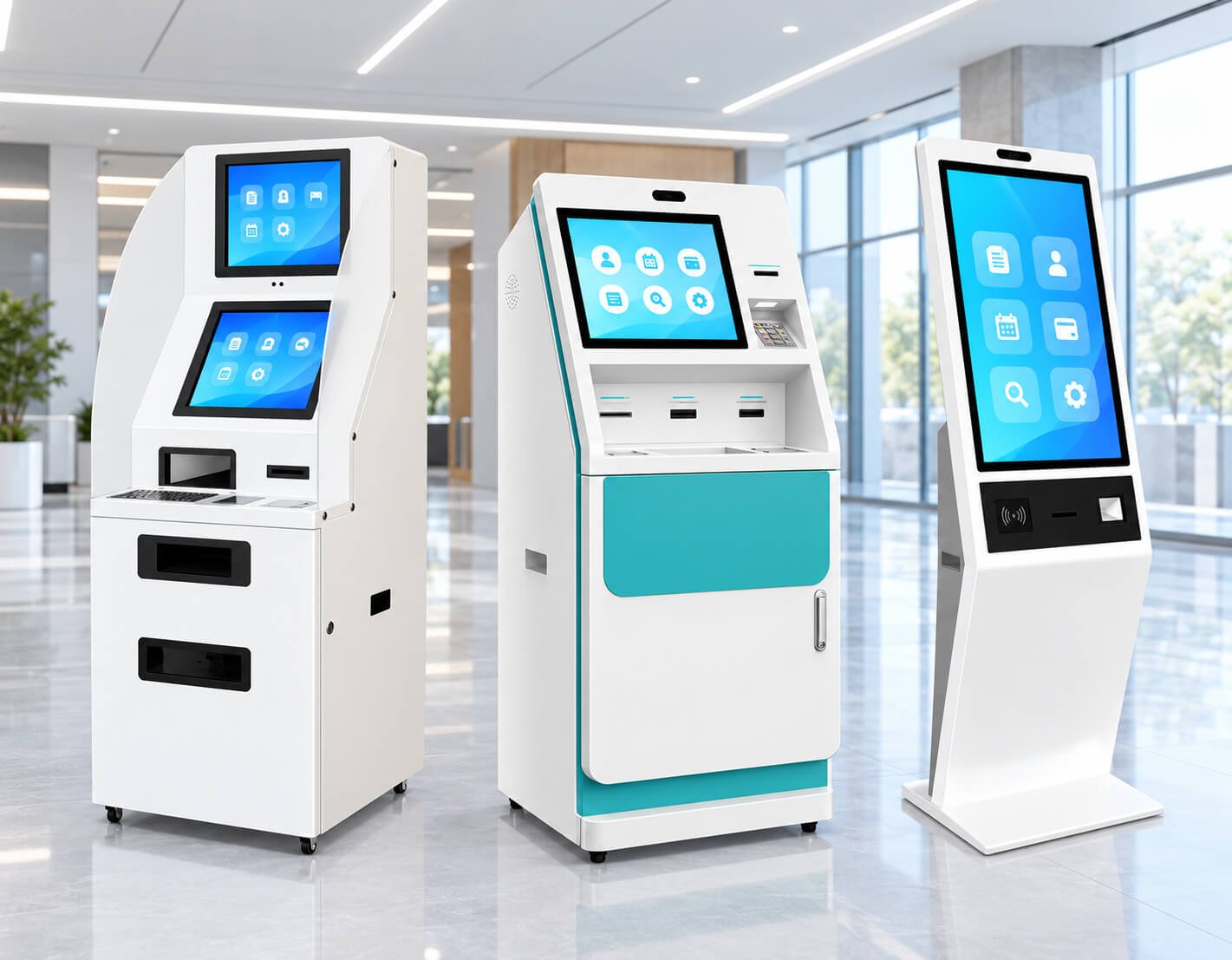
Project-configured terminals combining a touchscreen, host computer and selected service peripherals.
Self-service kiosks can support selected registration, appointment, ticketing, payment or document workflows when the hardware and software are integrated for that task. A compact terminal and a deep cabinet with printers are different mechanical projects.
| Size | Resolution | Brightness | Contrast | Viewing angle | Reference model |
|---|---|---|---|---|---|
| 43" | 1920 × 1080 | 320 cd/m² | 3000:1 | 178° | LCSJ-43A |
| 49" | 1920 × 1080 | 320 cd/m² | 3000:1 | 178° | LCSJ-49A |
| 55" | 1920 × 1080 | 320 cd/m² | 3000:1 | 178° | LCSJ-55A |
| 65" | 1920 × 1080 | 320 cd/m² | 3000:1 | 178° | LCSJ-65A |
| 75" | 1920 × 1080 | 320 cd/m² | 3000:1 | 178° | LCSJ-75A |
Catalogue enclosure dimensions and some active-area values are inconsistent. Final screen area, height, width, depth, weight and peripheral layout require an approved drawing; reference model codes repeat across different series.
| Parameter | Reference configuration / project review |
|---|---|
| Platform / OS | Standalone media player, external PC, Android or compatible x86 Windows configuration. Other OS platforms require software, driver and board validation. |
| Touch | Non-touch, infrared or projected capacitive touch, selected for the user workflow, panel and cover glass. |
| Memory | 4 / 8 / 16 / 32 GB options on compatible catalogue platforms; capacity and memory type depend on the selected board. |
| Storage | 32 / 64 / 128 / 256 / 512 GB or 1 / 2 TB on compatible platforms; eMMC and SSD options depend on the board. |
| Content / network | Local playback or compatible network CMS; Ethernet, Wi-Fi and other connectivity selected per controller and installation. |
| Display layout | Single touchscreen or dual-screen configuration, with a second screen for agreed advertising/status content. |
| Reader / scanner options | Barcode/QR scanner, contactless reader, card reader or application-specific identity module selected for the intended workflow. |
| Printing / input options | Receipt printer, A4 document printer and physical keypad/keyboard can be reviewed where cabinet space, power and driver support permit. |
| Camera / audio | Camera, microphone and speakers selected for the application; their presence does not by itself provide AI or recognition software. |
| Host / connectivity | Android or x86 Windows host direction; interfaces, drivers, network and application permissions validated with the selected peripherals. |
| Housing / servicing | Custom panel cutouts, internal mounting, cable access, cooling, printer replenishment, service door, lock and base stability. |
| Application scope | Business software, backend integration, payment/acquiring services, licensing and remote management defined separately in the project scope. |
| Power / durability | Input power, maximum load, heat, operating hours and environmental limits confirmed for the complete assembly. |
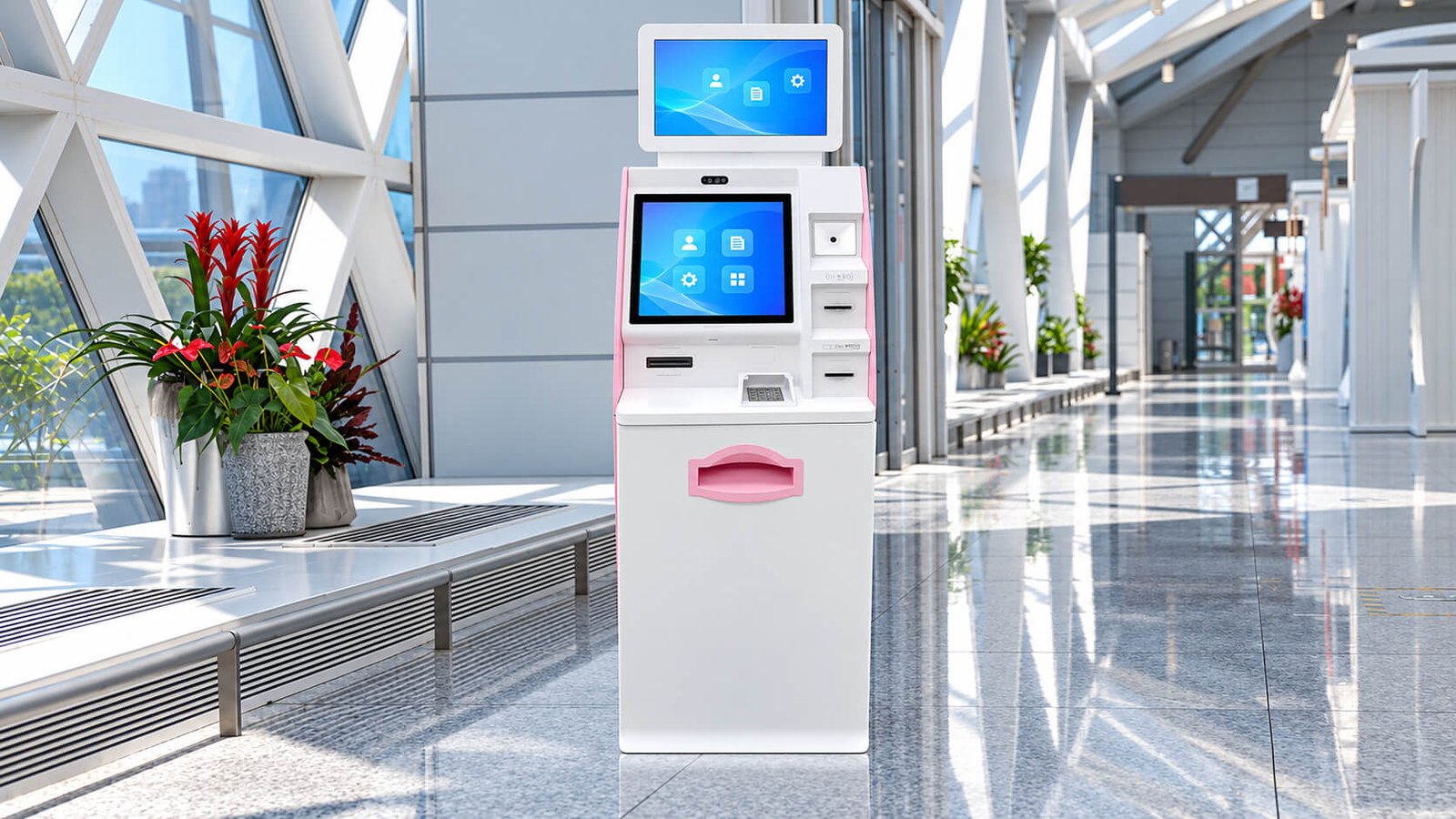


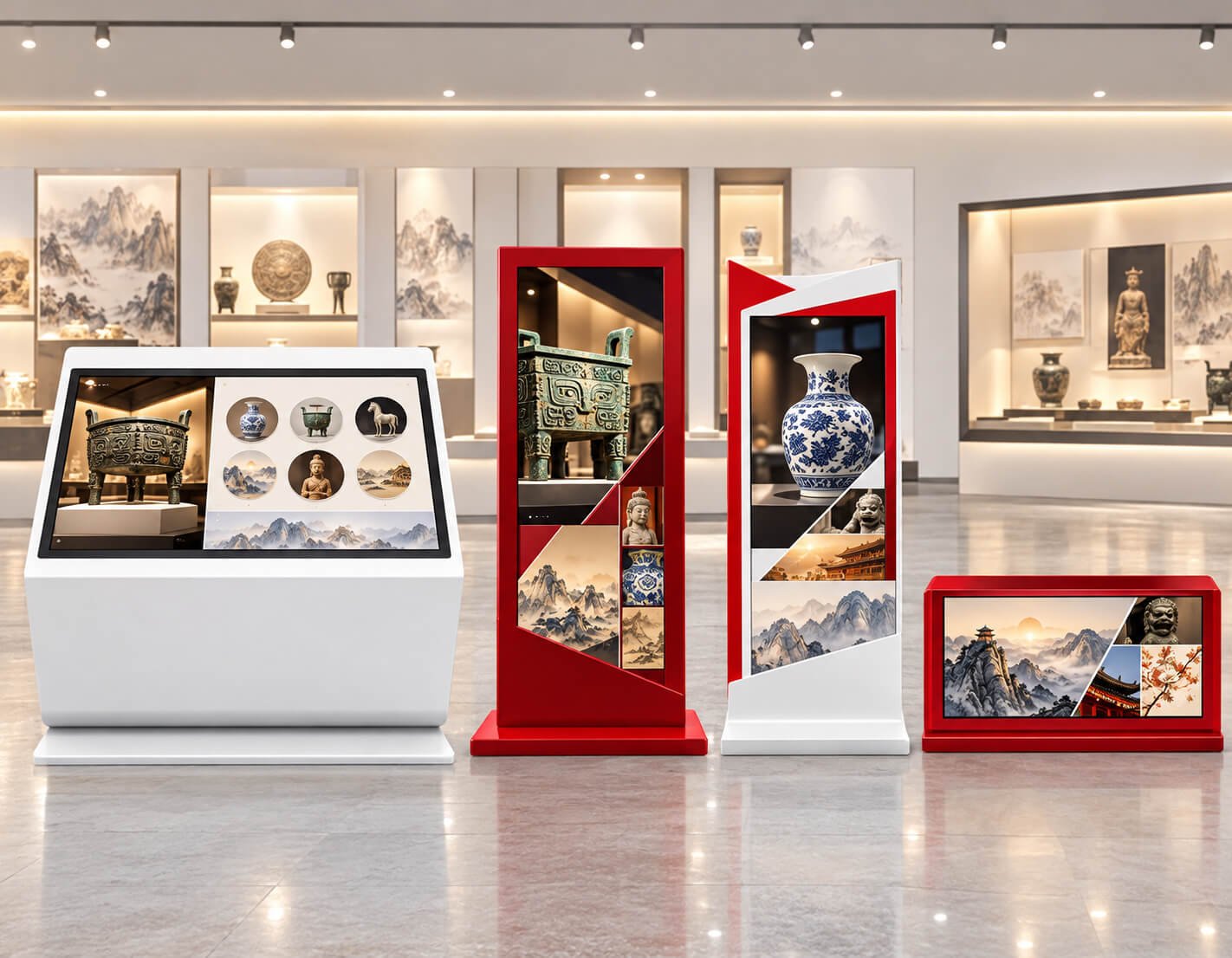
Choose the display, controller and each required peripheral before sample development. The shown interfaces and application scenes illustrate project directions; software and service functions are supplied only within the agreed configuration.

Display and terminal hardware for digital reading, borrow/return workflows and book-cabinet applications.
Library projects range from content-browsing displays to book borrow/return terminals and controlled-access book cabinets. DisplayMan can review the display, touch and terminal hardware; reader, library-management integration and digital-content access depend on the project partners and software scope.
| Parameter | Reference configuration / project review |
|---|---|
| Borrow / return reference | LCSJ-21.5A; 21.5-inch capacitive touch display; 1920 × 1080; 300 cd/m²; IPS LCD and 3000:1 contrast listed. The catalogue active-area figure requires confirmation. |
| Borrow / return hardware | Camera, touchscreen, RFID sensing area, card-reading area and scan area listed. Reader standards, antenna coverage and library-system interface must be defined. |
| Digital reading display sizes | 43 / 50 / 55 / 65 inches listed; Full HD, 16.7M colors and 450 cd/m² across the reference series. |
| Digital reading functions | Book/media browsing, playback formats, display modes and scheduled operation supported through the selected software. QR access or download depends on the content service. |
| Book/media resources | No universal content-library quantity is included. Titles, languages, subscriptions, access rights and backend services must be agreed with the content provider. |
| Mini-library control display | 21.5-inch; 1920 × 1080; 16.7M colors; 450 cd/m² listed. |
| Mini-library cabinets | Catalogue examples: 4 doors / 180 books, 8 doors / 480 books, 10 doors / 600 books and 20 doors / 1200 books. Capacity depends on compartment and book dimensions; the illustrated cabinet is a reference format. |
| Locks / control | Independently controlled electromagnetic compartment locks listed; access method, door sensing, lock logic and software defined per cabinet. |
| Power module reference | AC 200–240 V input, DC 12 V / 29 A output, 350 W module listed for the reference system; final complete-system power and protection require confirmation. |
| Platform / OS | Standalone media player, external PC, Android or compatible x86 Windows configuration. Other OS platforms require software, driver and board validation. |
| Touch | Non-touch, infrared or projected capacitive touch, selected for the user workflow, panel and cover glass. |
| Memory | 4 / 8 / 16 / 32 GB options on compatible catalogue platforms; capacity and memory type depend on the selected board. |
| Storage | 32 / 64 / 128 / 256 / 512 GB or 1 / 2 TB on compatible platforms; eMMC and SSD options depend on the board. |
| Content / network | Local playback or compatible network CMS; Ethernet, Wi-Fi and other connectivity selected per controller and installation. |

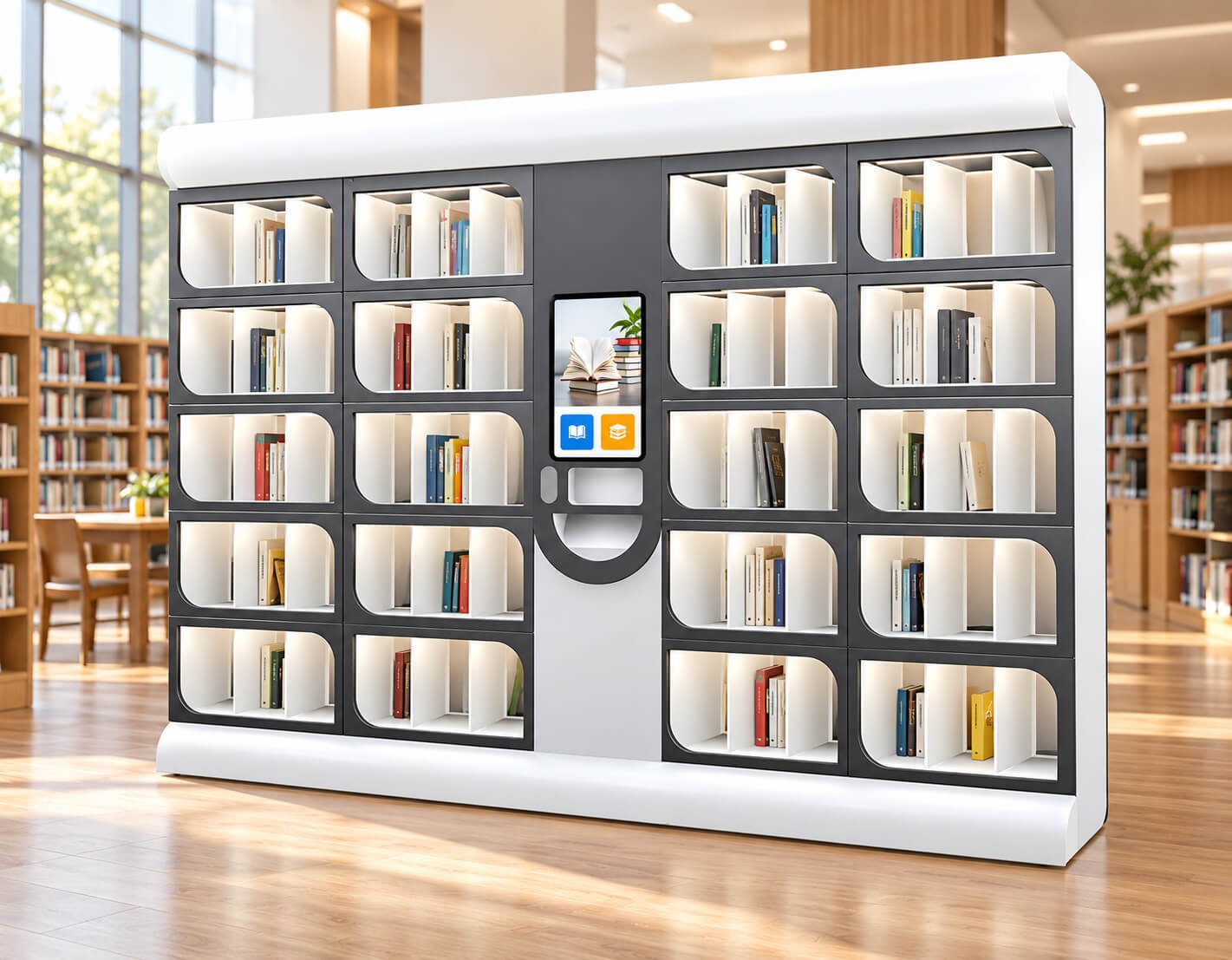
Send the library-management platform, reader/card standard, borrow/return workflow, book dimensions, cabinet capacity, network and software interfaces. A screen terminal and an automated book cabinet require different integration work.

An optional related application for portrait display hardware, sensors, audio and virtual-assistant software.
A digital human kiosk displays a virtual presenter or assistant on a portrait screen. Library guidance, reception and product introductions are optional application directions; live speech interaction, knowledge retrieval and business-system integration require a separately specified software platform.
| Parameter | Reference configuration / project review |
|---|---|
| Display sizes | 43 / 55 / 65 / 75 inches described in the LCD digital-human catalogue. |
| Display resolution | 2K / 4K directions described; exact pixel matrix, brightness and panel selected per model. |
| Terminal structure | Portrait charcoal enclosure with base, rear electronics compartment and optional camera/sensor/audio integration. |
| Character / media | Virtual character appearance, video, animation and presentation content configured with the software provider. |
| Interactive functions | Voice question answering, recommendation or recognition may be reviewed with compatible software, sensors, permissions and backend systems; these are not standard display-only features. |
| Computing / network | Local rendering or remote-streamed deployment selected around the software workload, network and service plan. |
| Commercial scope | Character assets, software licenses, cloud services, content preparation, knowledge updates and support responsibilities agreed separately. |
| Installation / hardware parameters | Active area, brightness, touch, input power, dimensions, weight, temperature limits, audio and camera specifications confirmed per selected assembly. |
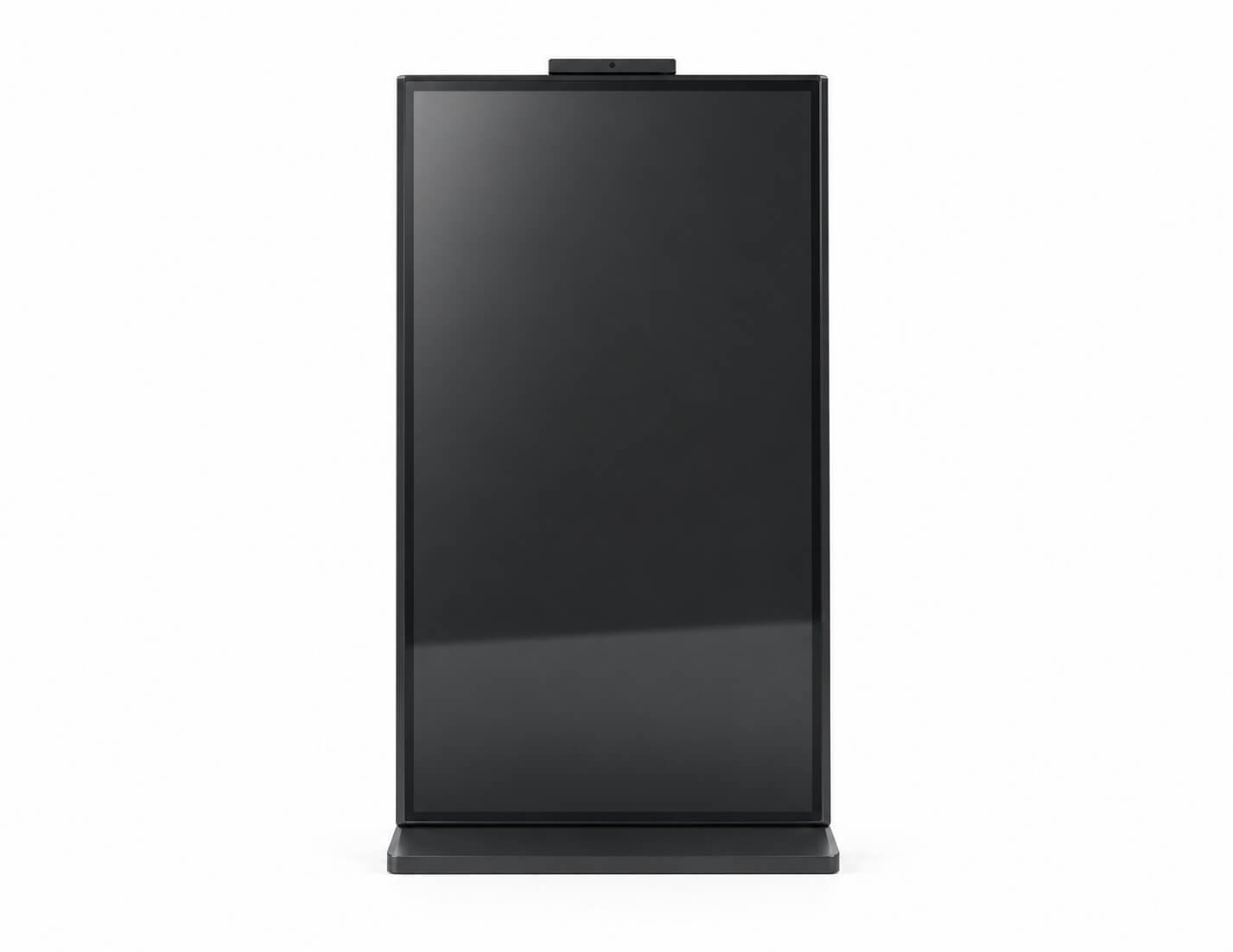

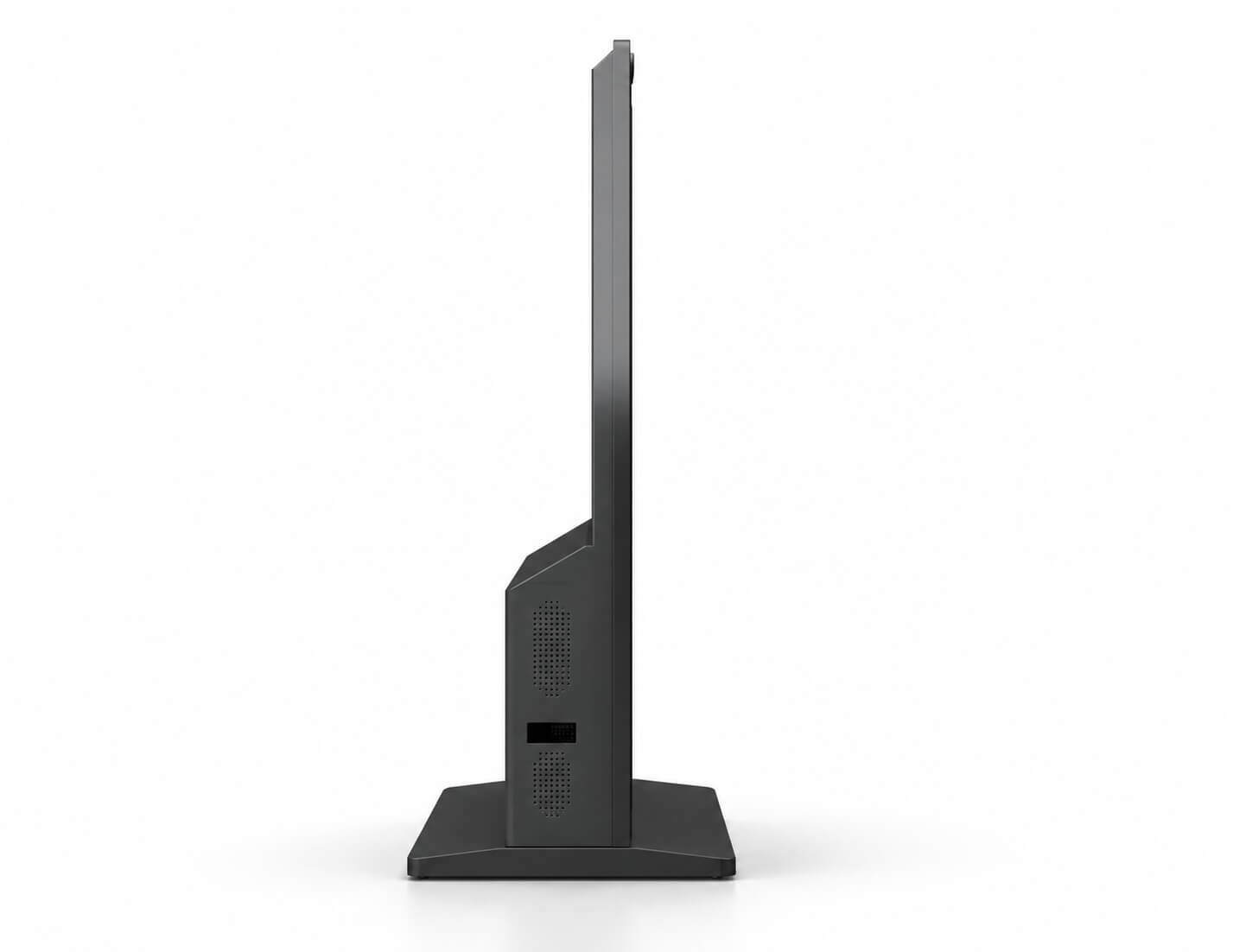
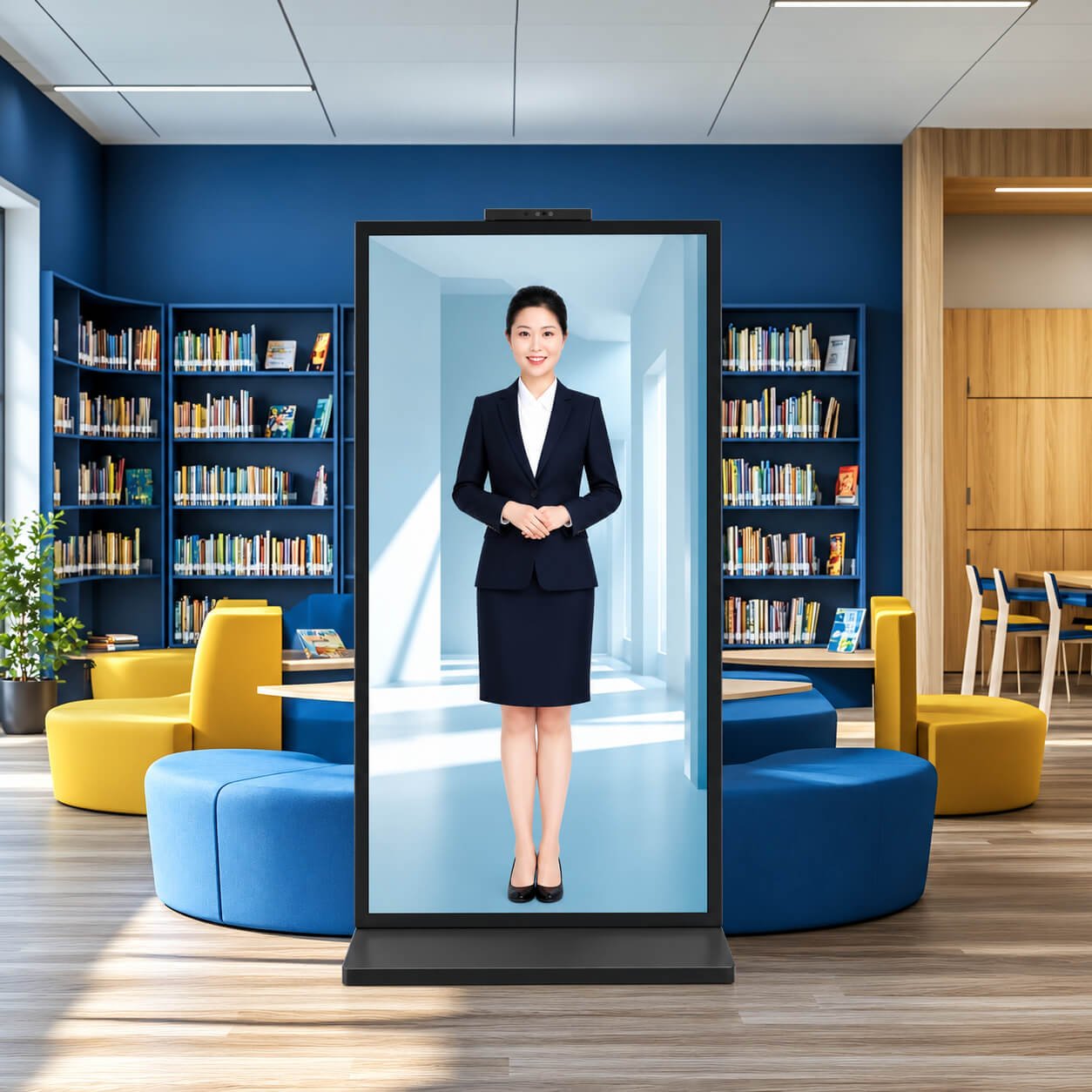
The images in this section show conventional opaque LCD terminal references. For a see-through presentation, review Transparent Digital Human Display Solutions, Transparent OLED Digital Human Displays or Transparent LCD Digital Human Displays.
| Engineering Area | What to Define |
|---|---|
| Display and touch | Screen size, pixel matrix, brightness, orientation, touch technology, cover glass and sample content |
| Computing | OS, CPU, RAM, storage, video output, touch interface and application performance |
| Peripherals | Required module models, interface, voltage, power, drivers and mounting |
| Mechanical design | Available footprint, enclosure appearance, screen height and tilt, fixing points and base stability |
| Electrical and thermal | Power supply, grounding, internal cabling, peak load, ventilation and service access |
| Software | Application supplier, APIs/SDKs, backend, kiosk mode, updates and licensing |
| OEM production | Logo, finish, labels, software image, accessories, packing, sample approval and repeat-production BOM |
| Stage | Work and Output |
|---|---|
| 1. Requirement review | Confirm user workflow, display conditions, peripherals, quantity and destination |
| 2. Configuration proposal | Select display/touch/computing architecture and define the software scope |
| 3. Drawing confirmation | Agree housing, base, module layout, mounting, ventilation and service access |
| 4. Prototype integration | Build the agreed hardware assembly and load compatible software |
| 5. Customer validation | Test touch workflow, readers/printers, network, mounting, thermals and service tasks |
| 6. Production release | Approve BOM, drawings, software image, inspections, packaging and delivery plan |
| Product Page | When to Explore |
|---|---|
| Digital Signage Displays | Commercial advertising and information display formats |
| Open Frame Digital Signage | Display integration into your own equipment enclosure |
| Wall-Mounted Touch Terminals | Fixed wall installation for enterprise touch applications |
| Interactive Flat Panels | Meeting, teaching and group collaboration |
| AI Recognition & Smart Access Terminals | Identity/access terminal hardware |
| Horizontal Interactive Desks | Table-style presentation and interaction |
| Commercial Video Walls | Coordinated multi-panel display surfaces |
| Industrial Panel PCs & Rugged Waterproof Terminals | Industrial computing and environment-specific terminal design |
A freestanding display terminal with a base and enclosure. Depending on the project, it may include touch, computing and selected peripherals for information or self-service.
No. Standing signage can use a non-touch display. Touch information and self-service kiosks use an agreed touch technology matched to the screen, cover glass and application.
Software compatibility can be reviewed with the selected OS, CPU architecture, touch driver and peripheral modules. Provide the application, hardware requirements and integration documentation before sampling.
Selected peripherals can be reviewed for the kiosk. Module dimensions, power, interface, drivers, consumable access and enclosure layout must be confirmed.
Yes, a transparent display project can be reviewed through Transparent OLED Kiosks or the relevant transparent display solution, with lighting, structure and interaction defined together.
A standard indoor kiosk is not automatically suitable. Use High Brightness Displays or Outdoor Touch Displays to review readability, heat, weather protection and touch performance.
Content resources, subscriptions and library-system integration are defined separately. The terminal hardware specification does not automatically include a content library or a particular borrow/return software service.
AI/virtual-assistant software, character assets, cloud services and content updates must be included explicitly in the project scope. The display and computing hardware alone do not provide a complete AI service.
No. They are reference values from separate product series. Use the approved assembly drawing to confirm size, mounting, base footprint, weight and peripheral placement.
Provide the application workflow, screen requirement, indoor/outdoor lighting, touch, OS/software, peripherals, enclosure drawing or available footprint, quantity, destination and schedule.
Send the application, screen size, brightness, touch requirement, OS/software, peripherals, housing drawing or available footprint, installation environment, quantity, destination and schedule.
We will review the display, touch, computing and enclosure, and recommend the right terminal direction. Transparent displays and high brightness configurations can be evaluated when the application needs them.
A successful kiosk brings the display, user workflow, software, selected peripherals and serviceable enclosure together.