
Explore custom resistive touch panels for industrial, medical and legacy display interfaces. DisplayMan helps match the panel size, wire configuration, FPC, surface treatment and mounting structure to your equipment.
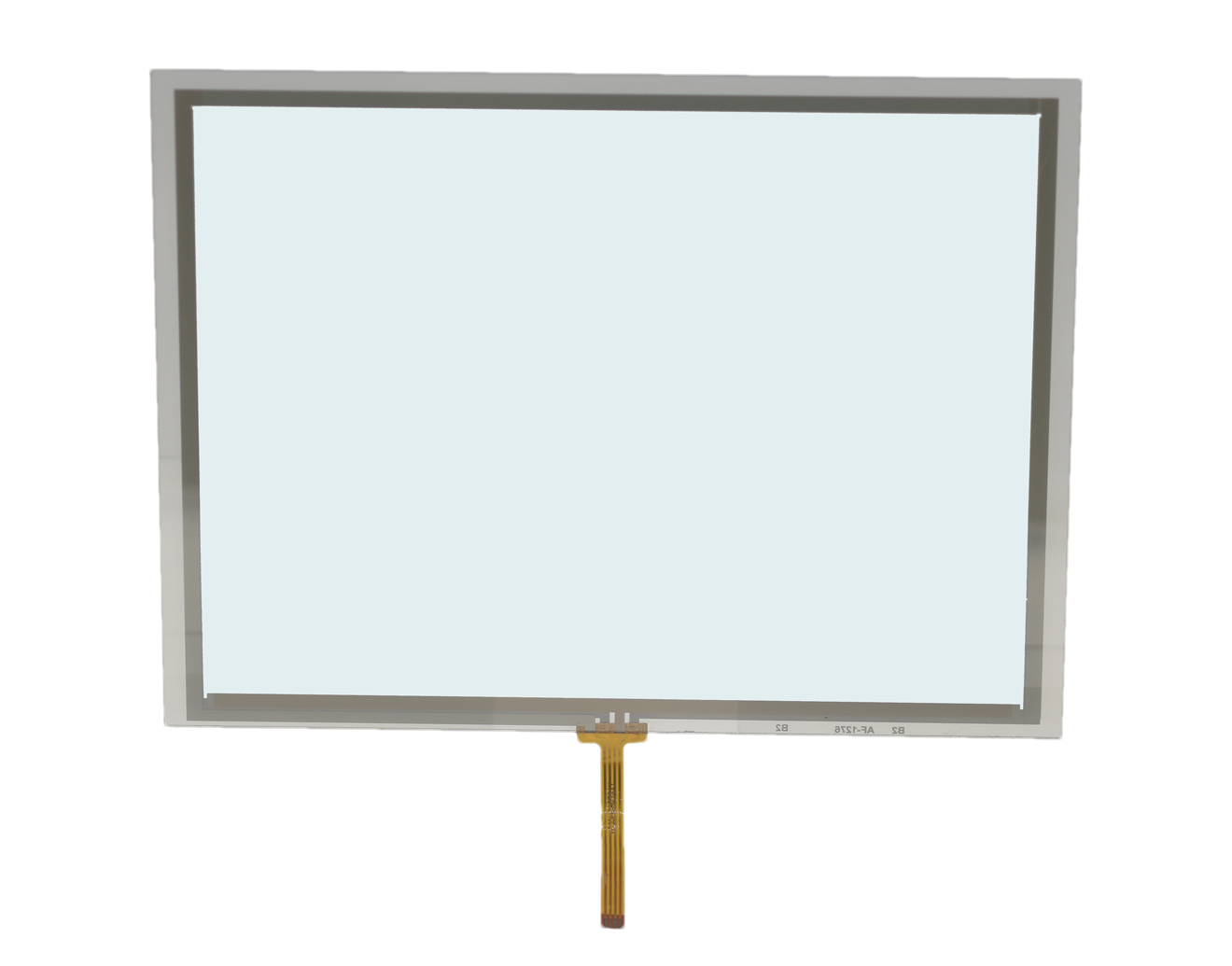
Explore representative analog and digital resistive touch panels in different sizes and connection structures. These are product photo references; wire configuration, outline, FPC and mounting are verified against the selected model and your equipment.
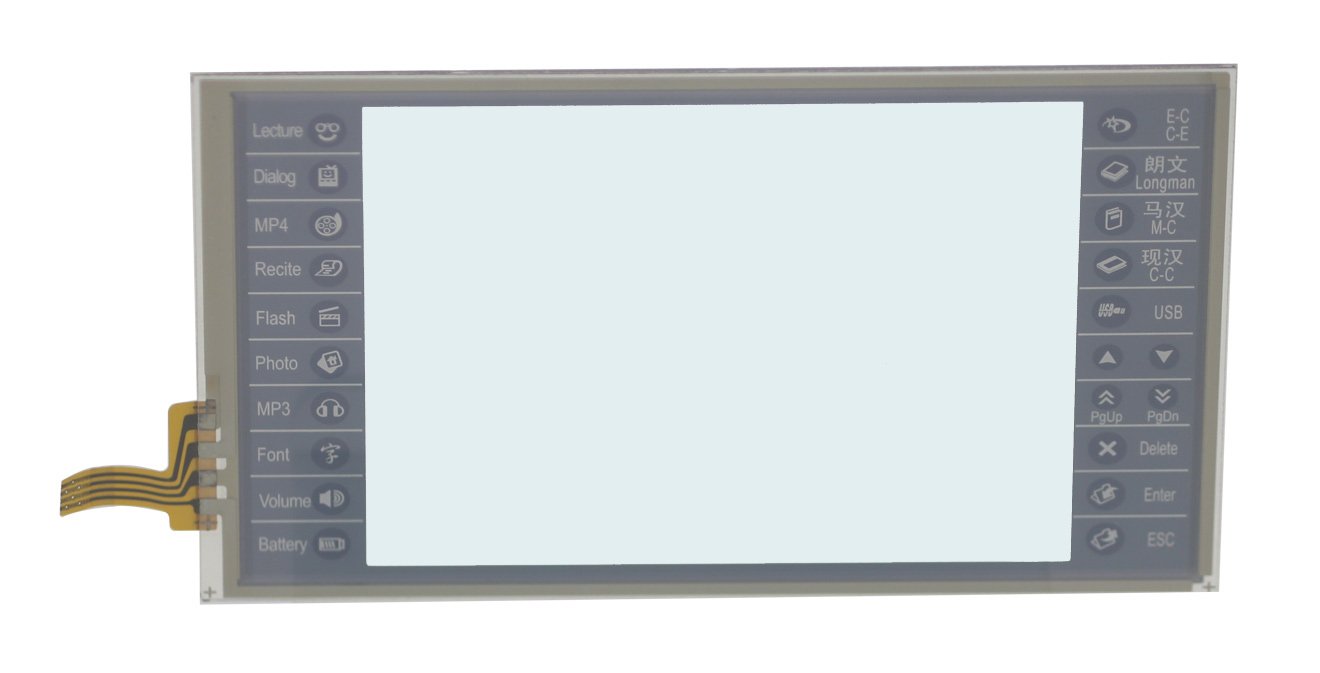
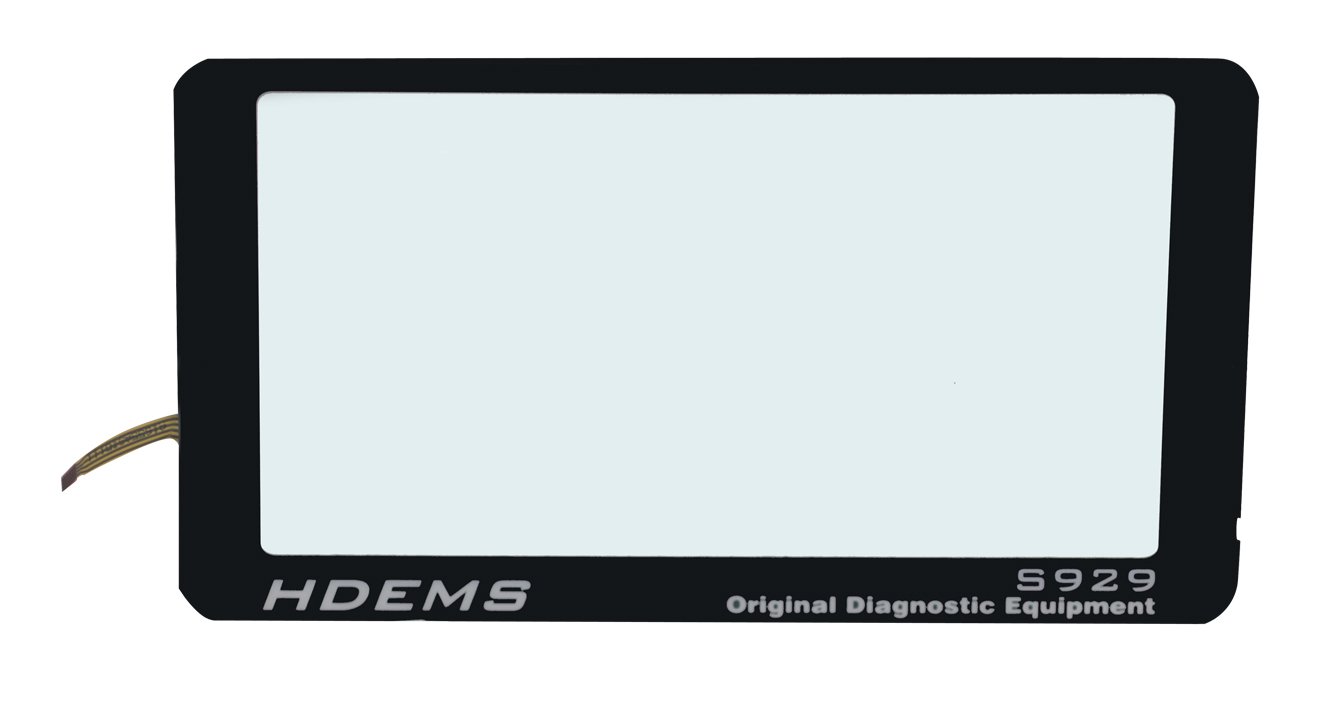
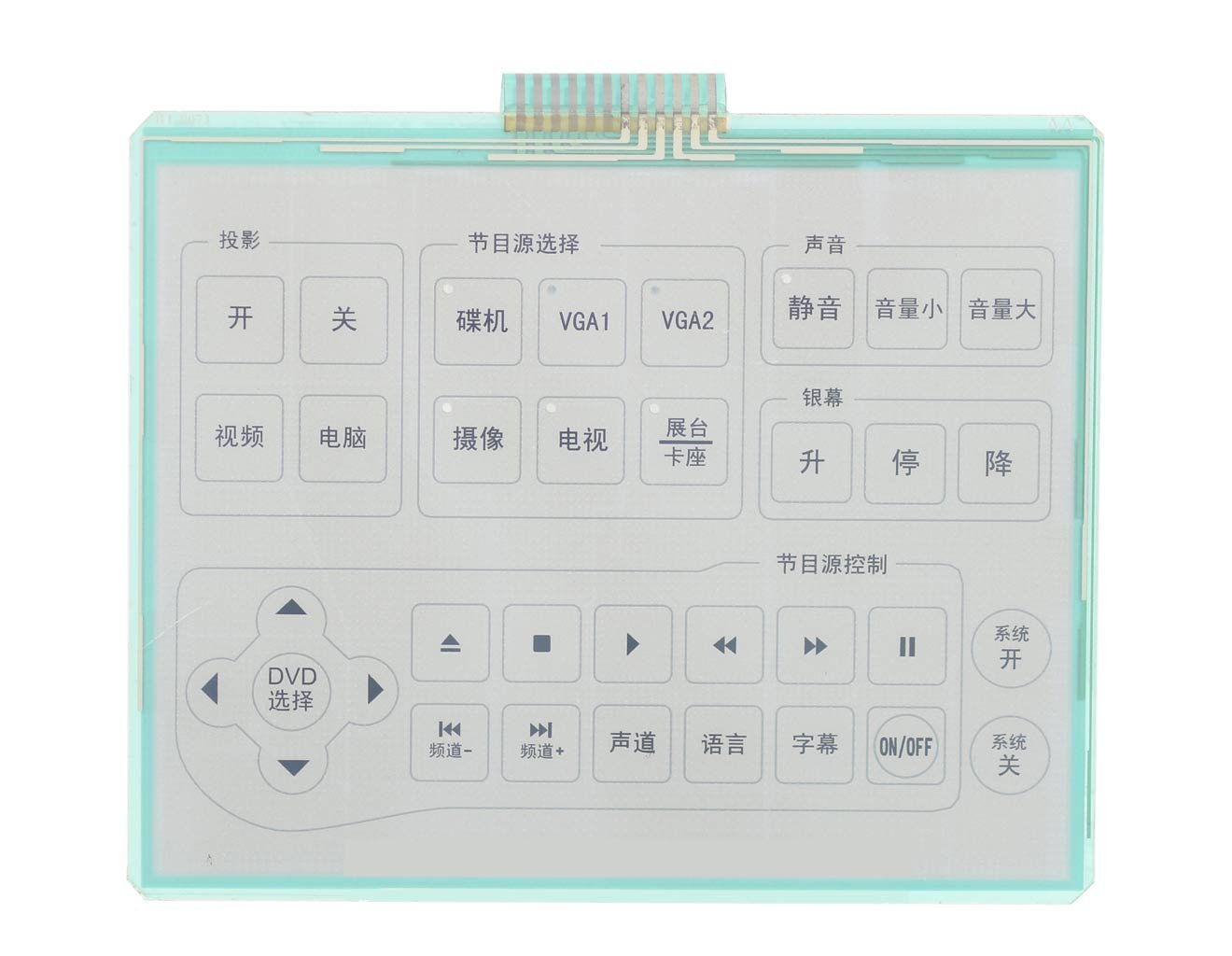
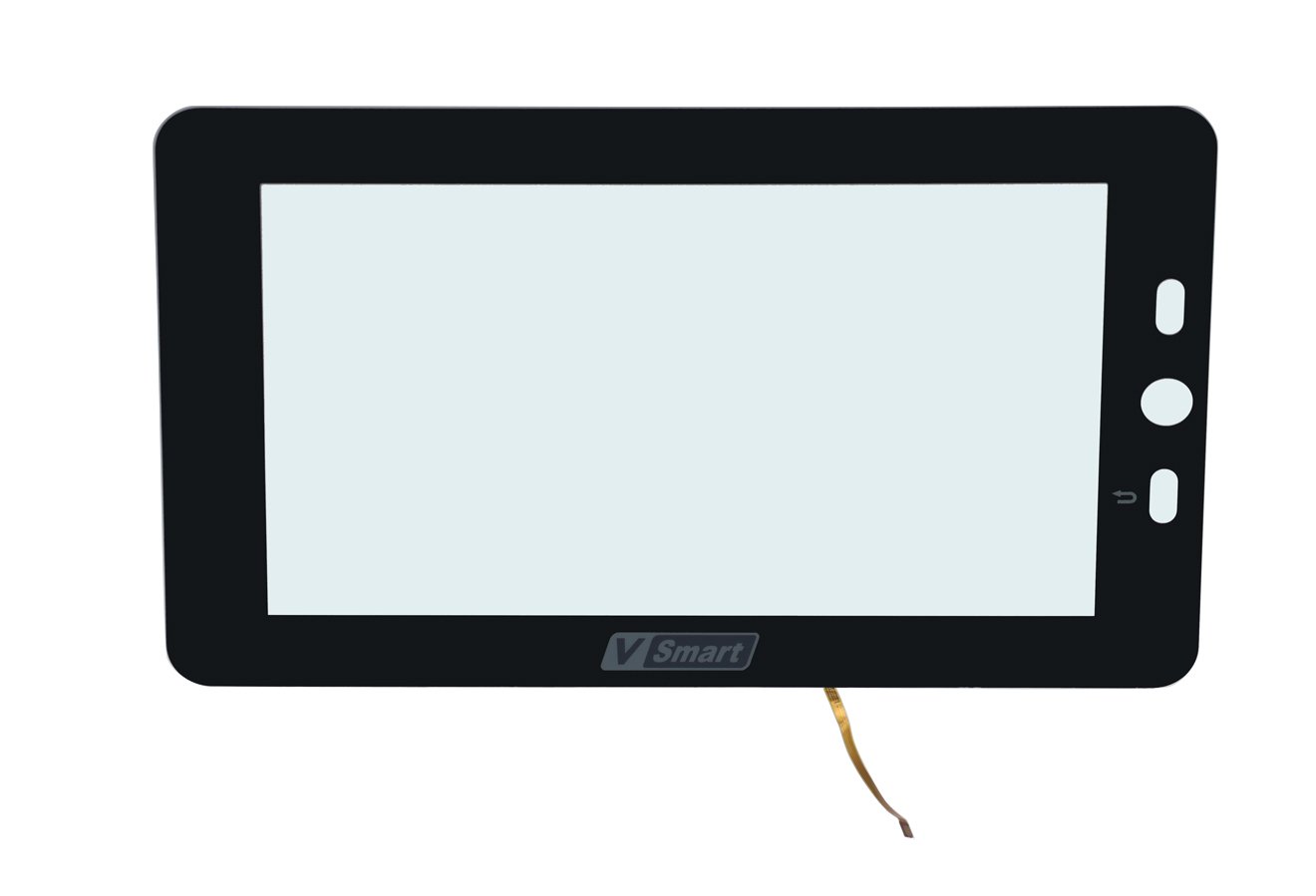
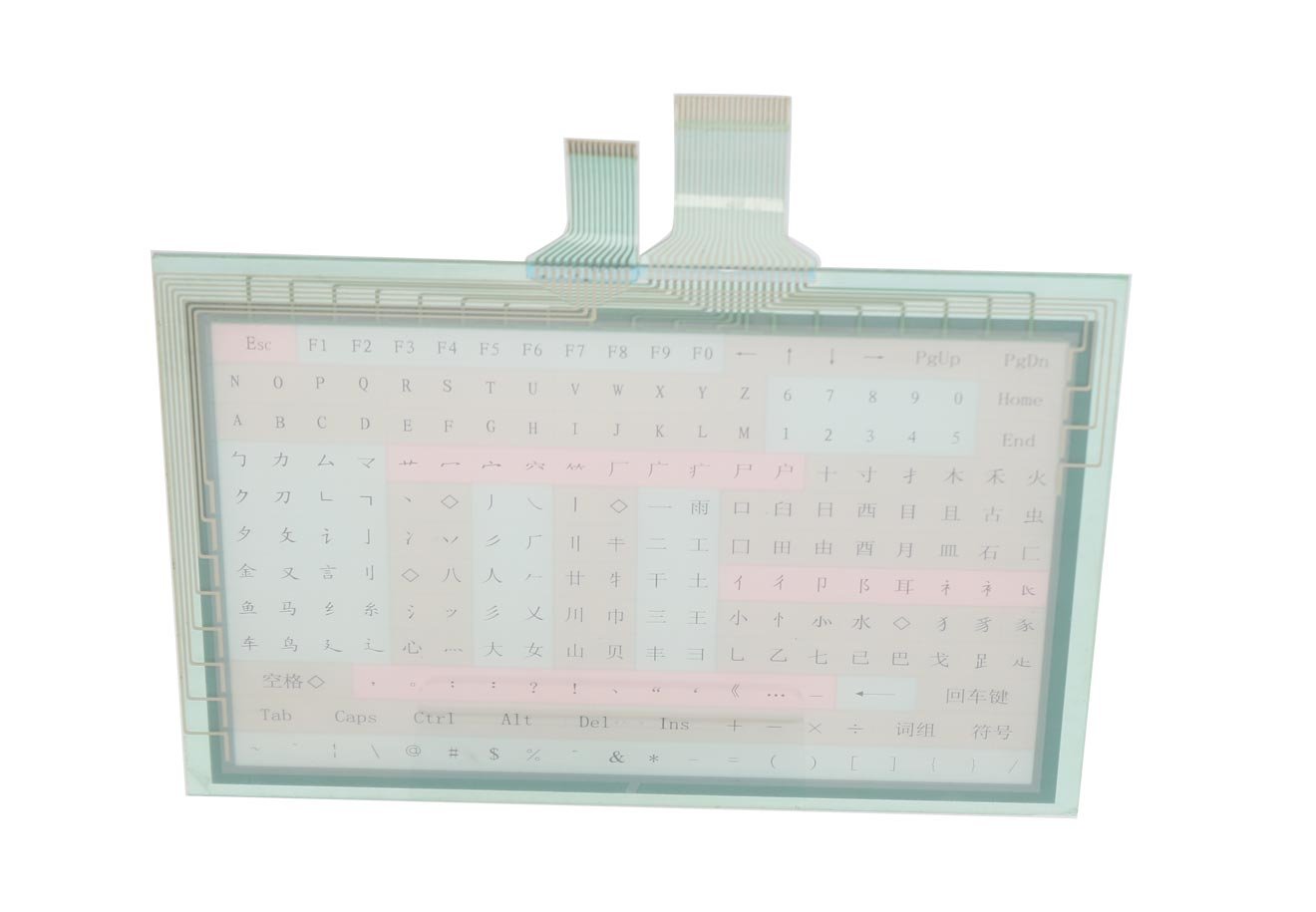
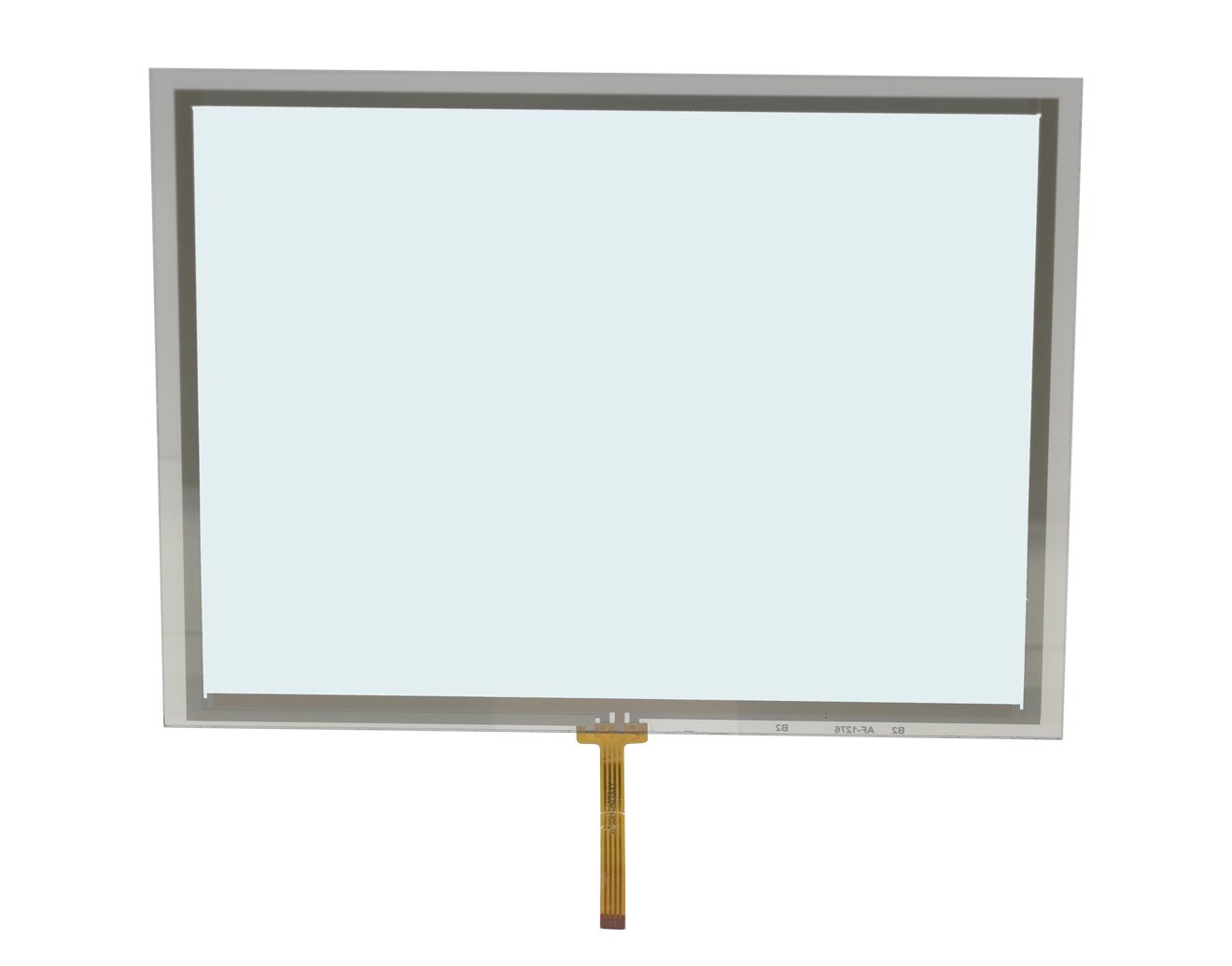
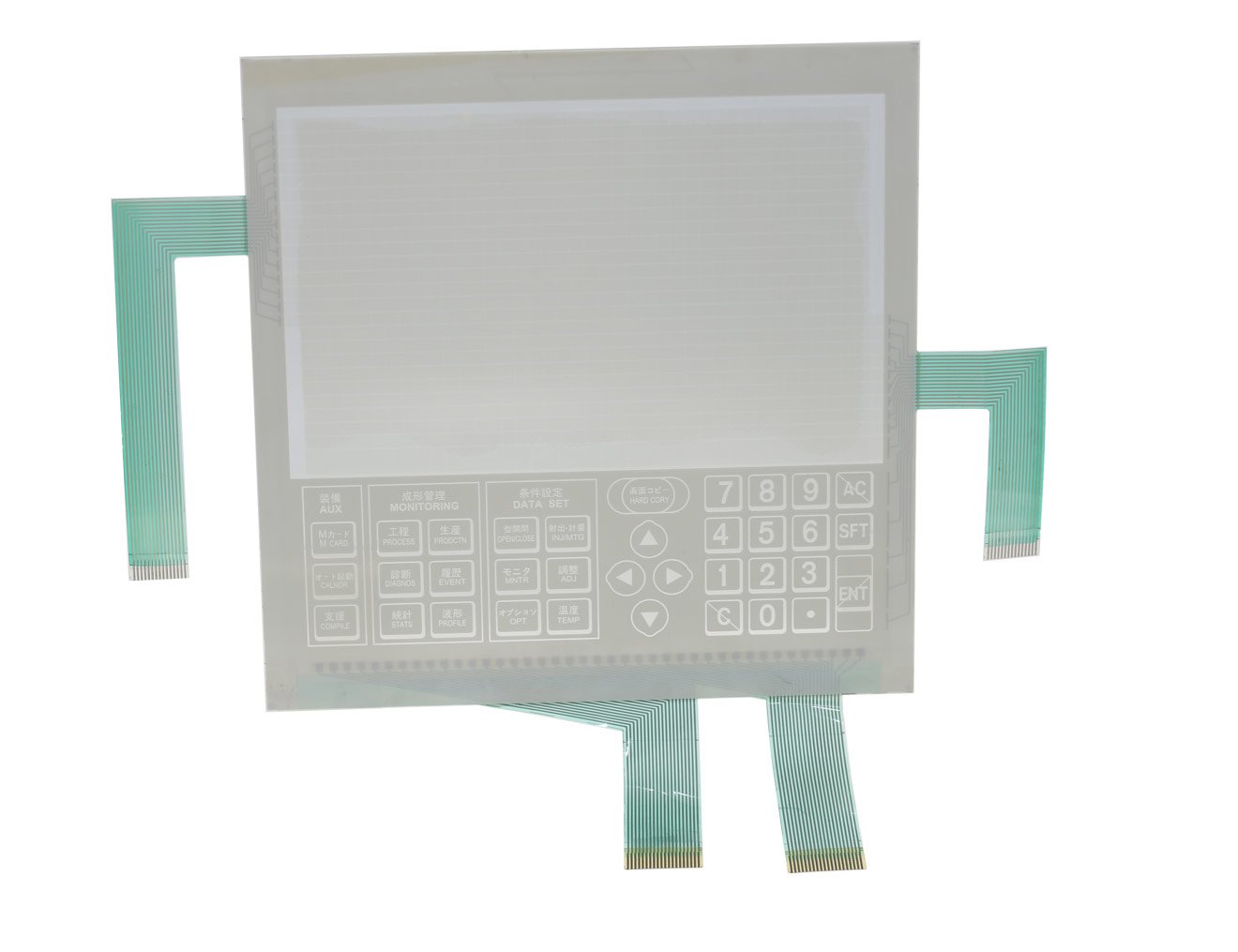
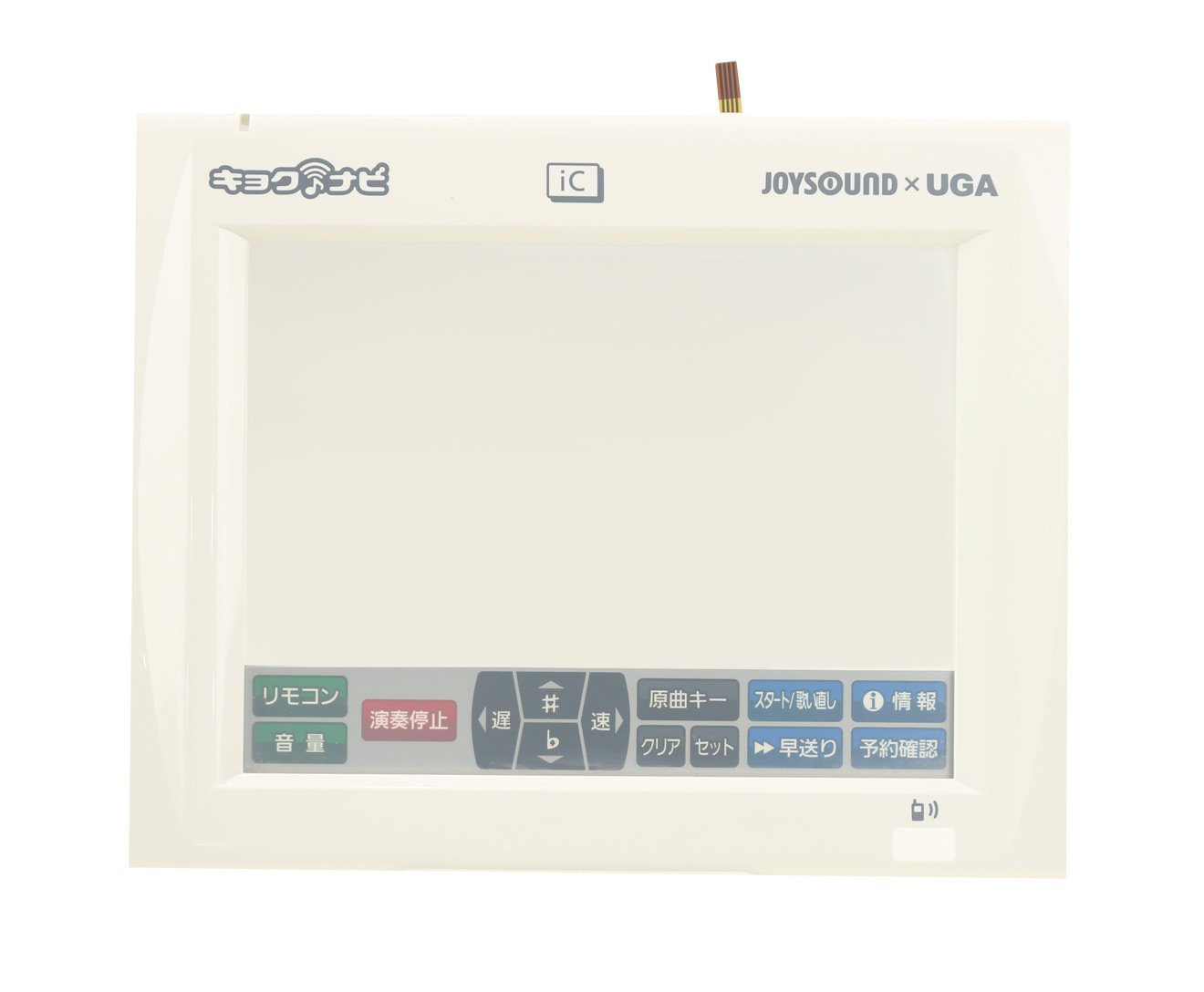
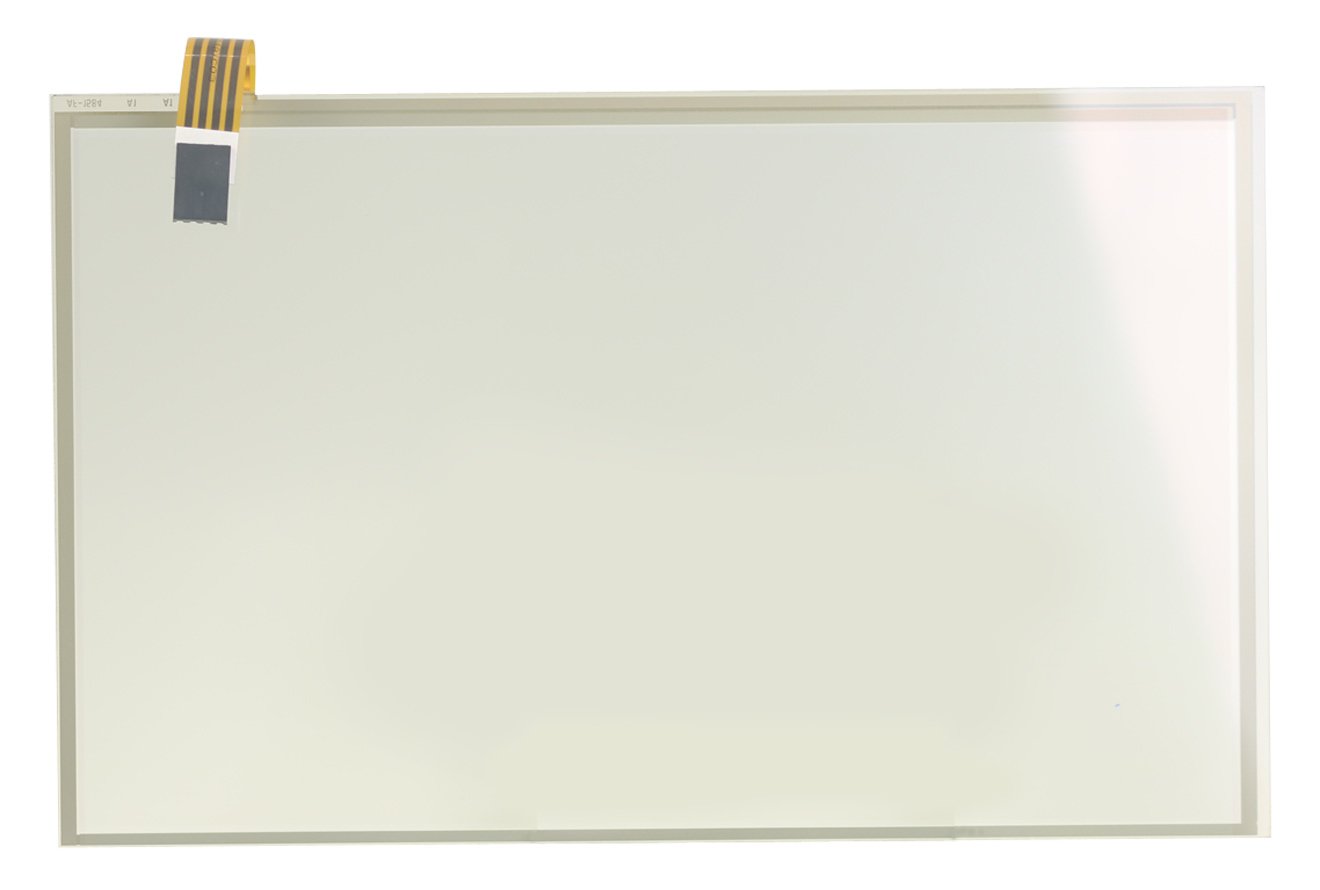
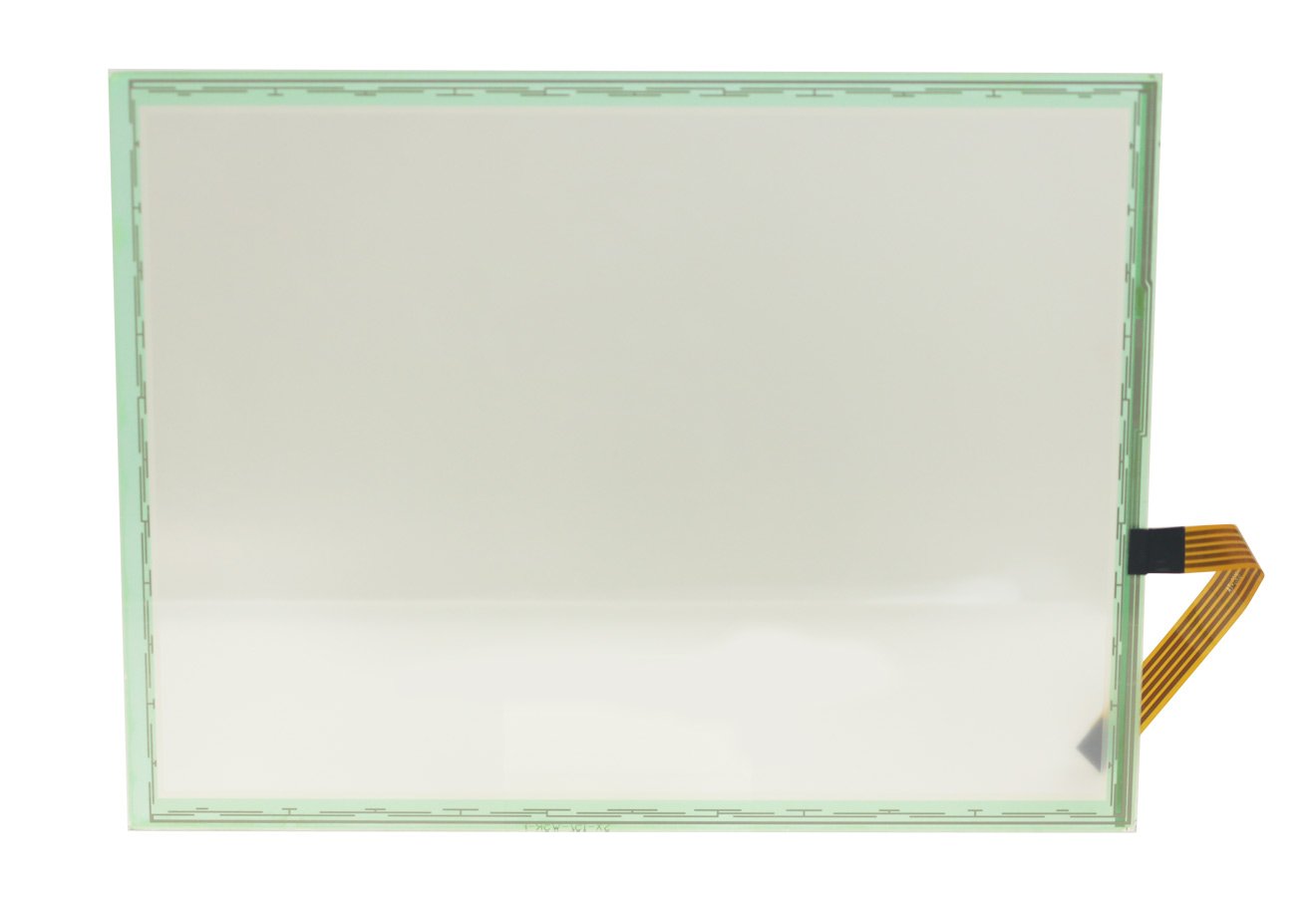
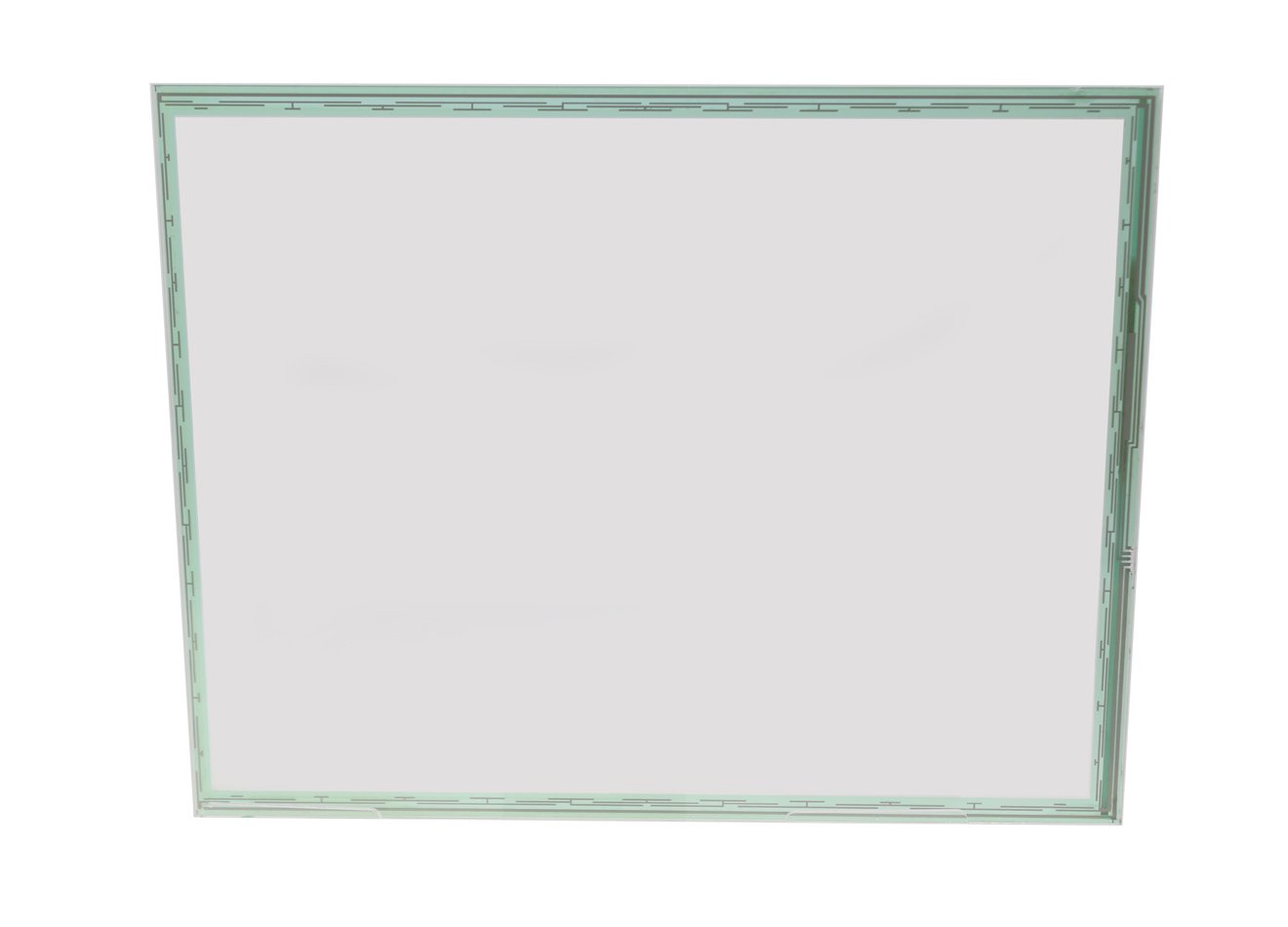
DisplayMan supplies custom Resistive Touch Panels for industrial equipment, medical devices, instruments, control panels, handheld terminals, legacy display replacement and OEM electronics.
Resistive touch panels are pressure-sensitive components that can be operated by a finger, glove, stylus, pen or another pressure-input object.
Customization can include 4-wire or 5-wire structure, ITO film, ITO glass, FPC, connector, surface treatment, support plate and mechanical matching with TFT LCD or other display modules.
Choose a Resistive Touch Panel when pressure operation, glove use, conventional stylus input, simple single-touch control or legacy-equipment replacement is more important than multi-touch and glass-front appearance.
Resistive Touch Panels can be customized according to touch method, durability, optical requirement, surface treatment, FPC and product assembly design.
| Product Direction | Best For | Selection Logic |
|---|---|---|
| 4-Wire Resistive Touch Panels | Cost-sensitive products and simple touch interfaces | Selected when low cost and basic pressure touch are the main priorities |
| 5-Wire Resistive Touch Panels | Industrial, medical and higher-durability applications | Selected when better lifetime and touch reliability are required |
| Resistive Touch Panel for LCD | TFT LCD, monochrome LCD and embedded display integration | Selected when touch size, active area and structure must match the display |
| Anti-Glare Resistive Touch Panels | Bright-light, outdoor-facing and industrial environments | Selected when surface reflection and glare need to be reduced |
| Resistive Touch Panel with Support Plate | Products requiring stronger mechanical support | Selected when additional back support is needed |
| Legacy Resistive Touch Replacement | Existing machines, instruments and discontinued touch panels | Selected when the original touch panel must be matched or replaced |
For multi-touch, a rigid glass front or smartphone-style operation, Capacitive Touch Panels are usually more suitable.
Pressure causes the upper and lower conductive layers to contact each other.
Spacer dots keep the conductive layers separated until pressure is applied.
The touch panel must still be matched with a display, controller and product structure.
Works with a finger, glove, stylus, pen or another pressure-input object.
Suitable when direct single-touch operation matters more than smartphone-style gestures.
Many older machines and instruments were designed around resistive touch.
4-wire structures can be practical for simple and cost-sensitive products.
Physical pressure is more important than the electrical conductivity of the input object.
Outline, active area, FPC, connector and support structure can be reviewed.
4-wire resistive touch panels are commonly used in cost-sensitive and simple single-touch products.
5-wire resistive touch panels are selected when better durability and touch stability are required.
Choose 4-wire for cost-effective basic pressure touch. Choose 5-wire when durability and long-term operation are more important.
| Structure | General Description | Typical Use |
|---|---|---|
| Two-Layer Structure | Basic resistive structure using ITO film and ITO glass or another film carrier | Common and practical resistive touch direction |
| Three-Layer with Decorative Layer | Adds a decorative front layer for external mounting or appearance | Products requiring cleaner external styling |
| Three-Layer with Support Plate | Adds a back support layer for mechanical strength | Products requiring stronger panel support |
| Four-Layer Structure | Combines decorative and support layers | Special projects requiring both appearance and strength |
Additional layers can improve appearance or support, but they also increase thickness, material cost, production complexity and optical loss.
ITO film, ITO glass, FPC, surface treatment, adhesive frame and support plate affect touch force, optical appearance, durability and assembly.
Resistive touch is normally single-touch and uses a flexible top surface. For multi-touch, rigid cover glass or a premium front-panel appearance, capacitive touch should be reviewed.
Control panels, machinery and pressure-touch interfaces.
Glove-operated and stylus-operated equipment.
Simple menus, data entry and equipment control.
Compact pressure-touch input and stylus operation.
Single-touch control in selected legacy or cost-sensitive products.
Anti-glare and environmental-structure review.
Pressure-touch control in specialized equipment.
Custom active area, FPC, connector and display matching.
Replacement of old or discontinued resistive touch panels.
| Requirement | Resistive Touch Panel | Capacitive Touch Panel |
|---|---|---|
| Touch Method | Pressure touch | Capacitive sensing |
| Input Object | Finger, glove, stylus or pen | Finger or conductive object |
| Multi-Touch | Usually not supported | Supported in PCAP designs |
| Front Surface | Flexible top film | Rigid cover-glass surface possible |
| Optical Appearance | More traditional | Cleaner and more modern |
| Durability | Depends on top film and structure | Good with suitable cover glass |
| Glove Operation | Easy through pressure | Requires controller and tuning review |
| Stylus Operation | Easy with conventional stylus | Requires stylus-support review |
| Cost Direction | Lower for simple touch | Higher for custom PCAP |
| Best For | Industrial, medical and legacy pressure-touch applications | Modern glass-front and multi-touch products |
| Factor | 4-Wire Resistive Touch | 5-Wire Resistive Touch |
|---|---|---|
| Cost | Lower | Higher |
| Structure | Simpler | More complex |
| Durability | Lower | Better |
| Touch Life | Lower than 5-wire | Higher than 4-wire |
| Application | Cost-sensitive and simple touch | Industrial, medical and higher-use products |
| Replacement | Common in older equipment | Used where longer life is required |
| Selection Logic | Choose for lower-cost basic touch | Choose for better durability |
| Requirement | Resistive Touch Panel | Infrared Touch Frame |
|---|---|---|
| Touch Method | Pressure through ITO layers | Infrared-beam interruption around the display area |
| Typical Size Direction | Small and medium-size modules and replacement projects | Medium and large-format display systems |
| Input Object | Finger, glove, stylus, pen or pressure object | Finger or object interruption according to frame specification |
| Structure | Touch component placed in front of the display | Frame installed around the display area |
| Large-Format Use | Not common for large commercial displays | More practical for 32-inch and larger commercial displays |
| Best For | Industrial, medical, instruments and legacy replacement | Large cabinets, signage, interactive monitors and kiosks |
| Item | Resistive Touch Panel | Touch Screen Display |
|---|---|---|
| Product Scope | Touch component only | Display module with touch function |
| Includes Display | No | Yes |
| Main Parts | ITO film, ITO glass, spacer dots and FPC | LCD or OLED display plus touch assembly |
| Best For | Customers needing a touch component or replacement panel | Customers needing display and touch supplied together |
| Selection Logic | Choose when the display already exists | Choose when a complete touch-display module is required |
Glove, stylus, pen or pressure input should be a real product requirement.
Balance cost, durability, touch life and usage frequency.
Match the display viewing area, enclosure opening and touchable region.
Select ITO film, ITO glass, glossy, anti-glare or anti-Newton-ring direction.
Tail direction, length, connector, pin definition and optional support plate.
Test touch force, accuracy, edge response, durability, temperature and assembly.
The right product depends on whether the project needs pressure input, multi-touch, a large-format touch frame, only cover glass or a complete touch-display assembly.
| Project Requirement | Recommended Product Direction |
|---|---|
| Pressure touch, gloves, conventional stylus or legacy replacement | Resistive Touch Panels |
| Modern multi-touch and rigid cover glass | Capacitive Touch Panels |
| Cover glass without touch sensor | Custom Touch Panels & Cover Glass |
| TFT LCD module with touch integrated | Touch Screen TFT LCD Displays |
| Medium or large-format commercial touch | Infrared Touch Frames |
| Custom FPC and cable | FPC & Cable Assemblies |
| Complete industrial touch terminal | Industrial Panel PCs & Rugged Terminals |
Please provide clear front and back photos, FPC, connector, pin definition, display model, product assembly structure and the original touch-panel sample whenever possible.
A Resistive Touch Panel is a pressure-sensitive touch sensor. It detects touch when pressure causes the upper and lower conductive layers to contact each other.
A typical resistive touch panel uses conductive ITO film and ITO glass separated by spacer dots. When pressure is applied, the conductive layers make contact and the controller calculates the touch position from the electrical change.
Yes. Resistive touch panels respond to physical pressure, so they can usually be operated with gloves.
Yes. Resistive touch panels can be operated by a stylus, pen or other pressure-input object.
Usually no. Resistive touch panels are mainly used for single-touch operation rather than smartphone-style multi-touch.
4-wire resistive touch is simpler and more cost-effective. 5-wire resistive touch normally provides better durability and is more suitable for industrial, medical or higher-use applications.
Choose 4-wire resistive touch when cost, basic pressure operation and simple single-touch control are the main priorities.
Choose 5-wire resistive touch when the product needs pressure-based input with better durability and longer operating life.
Neither technology is universally better. Resistive touch is practical for pressure input, gloves, conventional stylus operation and legacy replacement. Capacitive touch is better for modern glass-front design and multi-touch.
Yes. Size, active area, 4-wire or 5-wire structure, ITO film, ITO glass, FPC, connector, tail direction, surface treatment, support plate and mechanical outline can be reviewed.
Glossy anti-scratch, matte anti-glare and anti-Newton-ring surface directions can be reviewed according to the optical and operating requirements.
An anti-Newton-ring surface is used to reduce visible interference rings that can appear between closely spaced transparent layers.
Yes. Glass, PC, PMMA or PC-PMMA composite support plates can be reviewed when the touch panel needs additional mechanical support.
Outdoor or outdoor-facing use can be reviewed, especially with anti-glare surface treatment. Final suitability depends on sealing, UV exposure, temperature, moisture and the complete product structure.
Yes. The touch-panel outline, active area, viewing area, FPC, connector and assembly structure can be matched with a TFT LCD or other display module.
Yes. Please provide the old panel sample, front and back photos, FPC details, connector, pin definition, dimensions, display model and product assembly structure.
A Resistive Touch Panel is the touch component only. A Touch Screen Display combines a display module with touch and may also include bonding, frame or controller-board integration.
Infrared touch frames are usually more practical for medium and large-format displays, especially commercial touch structures of 32 inches and larger.
They normally use a flexible top layer, are usually single-touch, and generally provide lower optical clarity and a less modern front appearance than capacitive touch panels.
Please provide touch-panel size, active area, 4-wire or 5-wire requirement, drawing, display model, FPC direction and length, connector, pin definition, surface treatment, support plate, operating temperature, touch-life requirement, application, quantity and available samples.
Send us the touch size, active area, 4-wire or 5-wire requirement, display model, FPC, connector, pin definition, surface treatment, support structure, application and quantity.
DisplayMan will review whether a custom Resistive Touch Panel is suitable or whether Capacitive Touch, Infrared Touch or a complete Touch Screen Display is the more practical direction.
Resistive touch is practical for pressure input, glove operation, conventional stylus use and legacy replacement. Final feasibility depends on the complete touch structure, display, FPC, controller, enclosure and operating environment.