
Explore large-format interactive flat panels, meeting room touch displays, teaching panels and smart blackboards. Select the screen, touch technology, computing platform and installation around your presentation, classroom and OEM requirements.
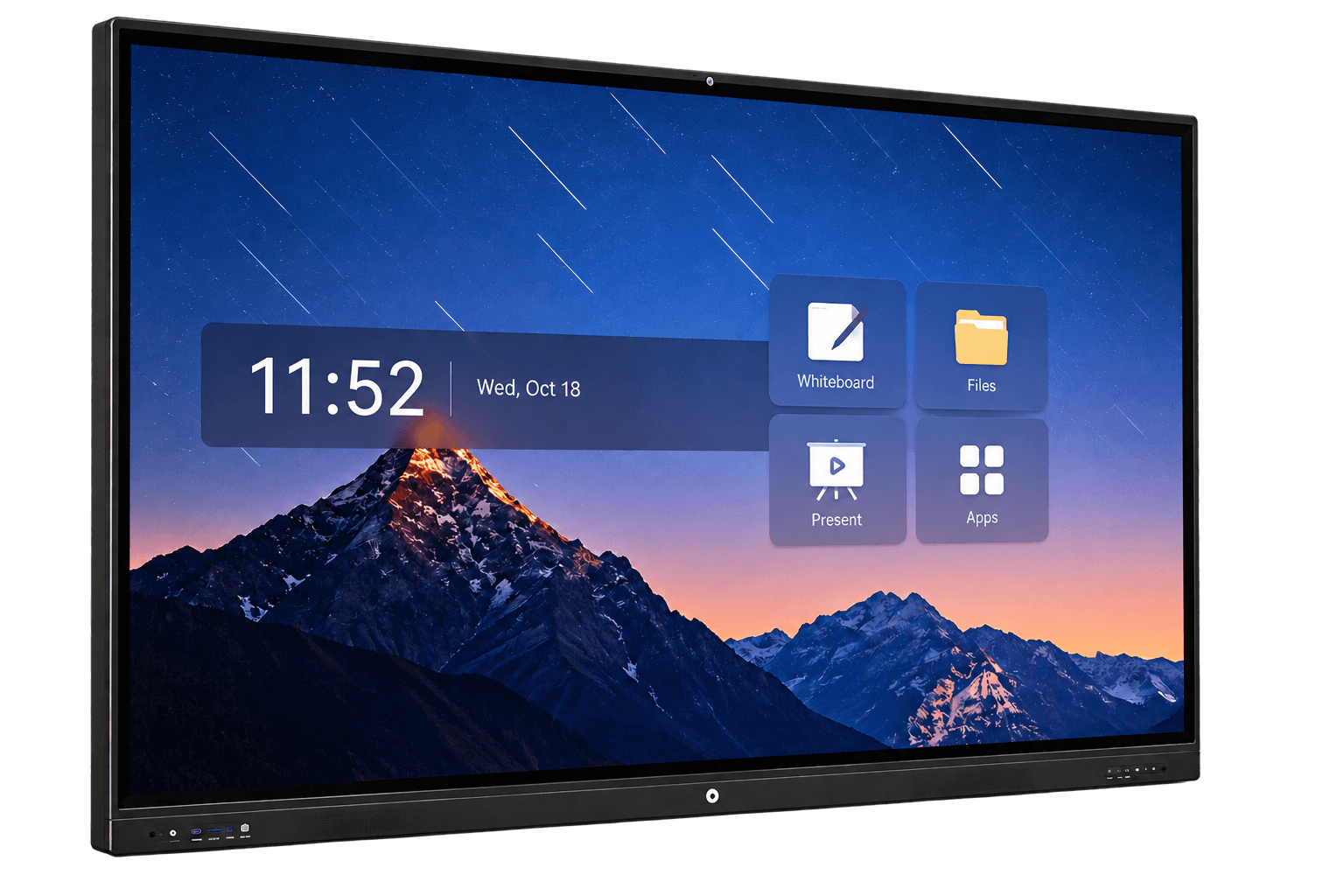
An interactive flat panel is a large-format touchscreen display designed for shared presentation, digital writing, teaching and collaboration. A complete configuration brings together the display, touch system, speakers, computing platform and mounting structure.
Meeting panels support team discussion and presentation. Teaching panels provide a shared classroom screen. Smart blackboards combine a central digital display with wider writing surfaces, with different structures for chalk writing, capacitive interaction, memory writing and sliding boards.
This range belongs to Custom Touchscreen All-in-One Terminals → Enterprise & Industrial Terminals.
Screen size, handwriting experience, room layout, software, connected laptops, camera and audio must work together. A 4K panel alone does not determine the meeting or teaching experience.
Alongside interactive collaboration panels, DisplayMan focuses on transparent displays, custom displays and high brightness engineering. For showrooms, training spaces, glass partitions and exhibition projects, explore the dedicated product ranges below.
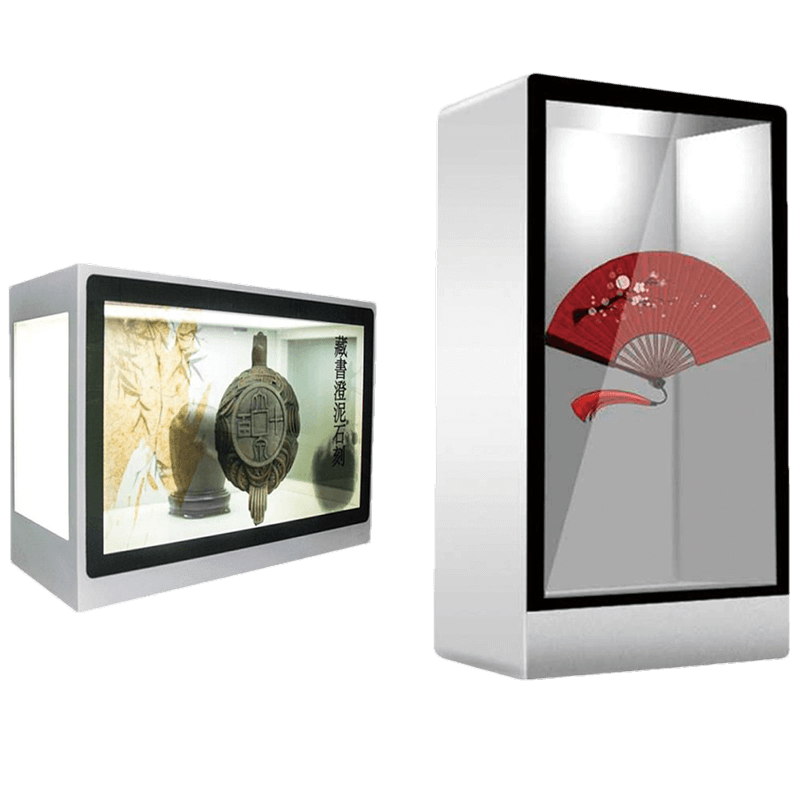
Combine digital content with visible physical exhibits in display cabinets, demonstration equipment and teaching showcases. Plan the rear lighting, object space and installation as part of the system.
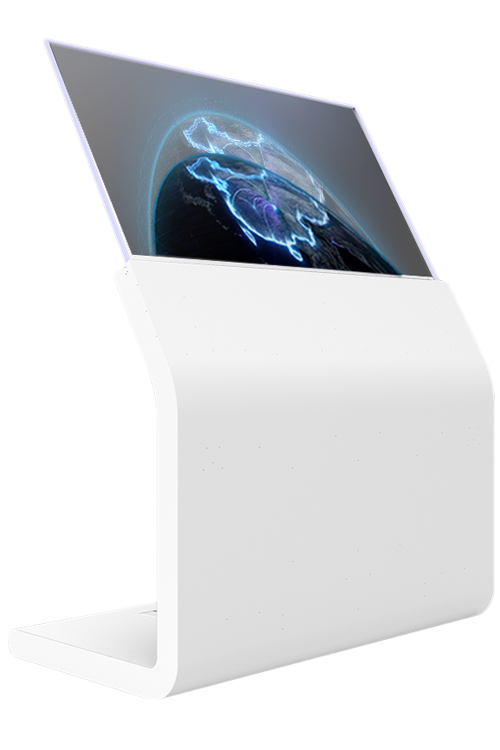
Use self-emissive transparent displays for premium showrooms, interactive presentation concepts and exhibits where visibility through the screen matters. Touch and mounting are reviewed for the chosen product.
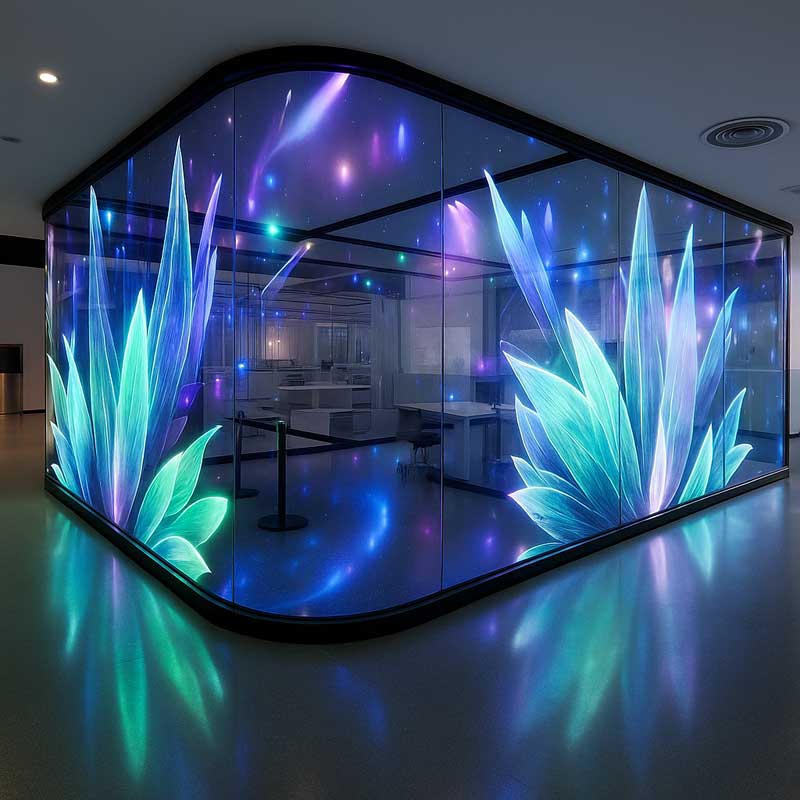
Explore glass-mounted and larger architectural display formats for lobbies, windows and presentation spaces. Pixel pitch, transparency, viewing distance and structure determine the appropriate format.
Specify ambient light, direct sunlight, reflections, touch and thermal requirements before selecting the display.
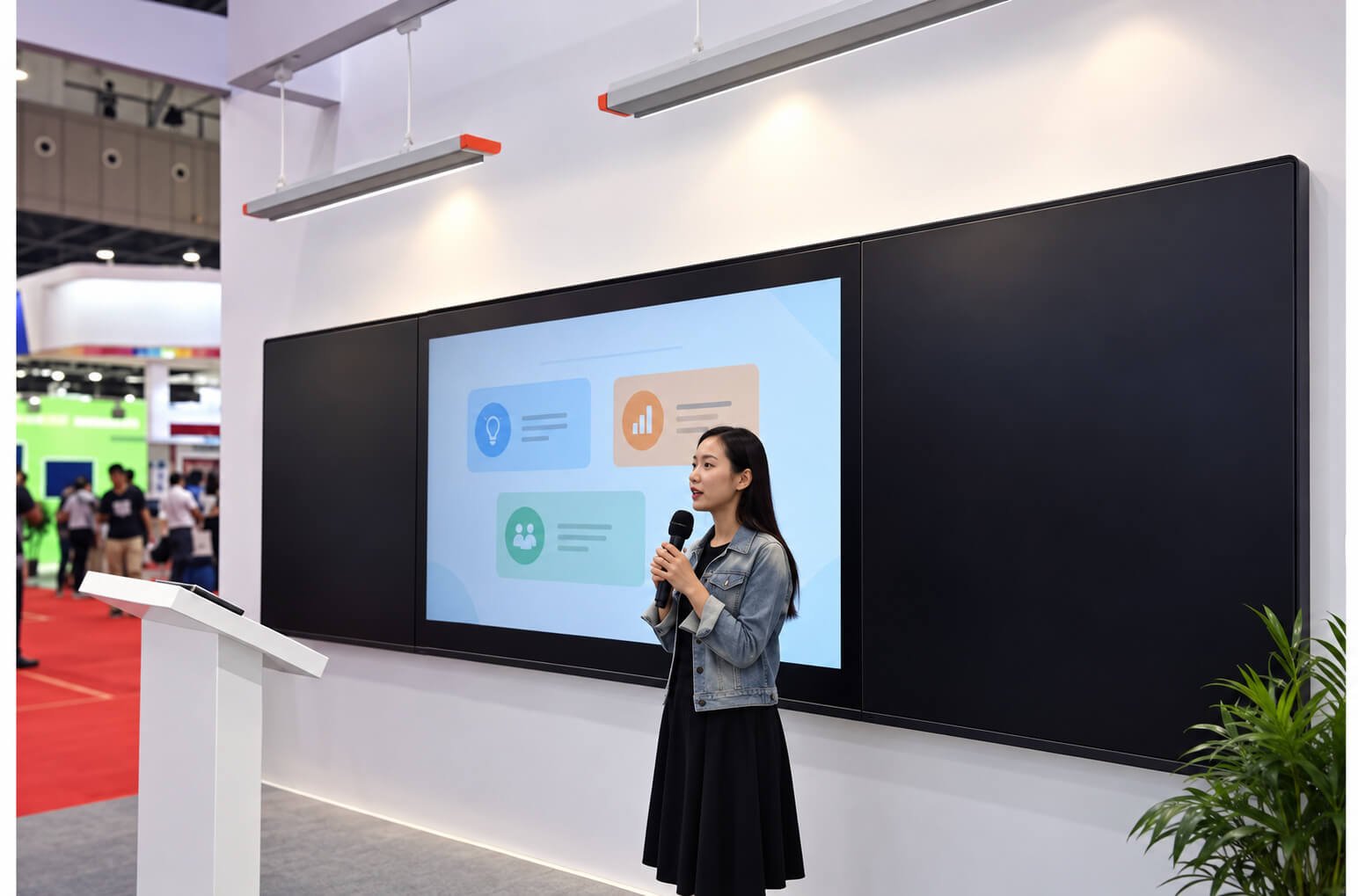
Meeting panels provide a shared touchscreen for presentations, whiteboarding, document annotation and video collaboration. Choose a wall-mounted display or mobile stand configuration according to the room, audience and service access.
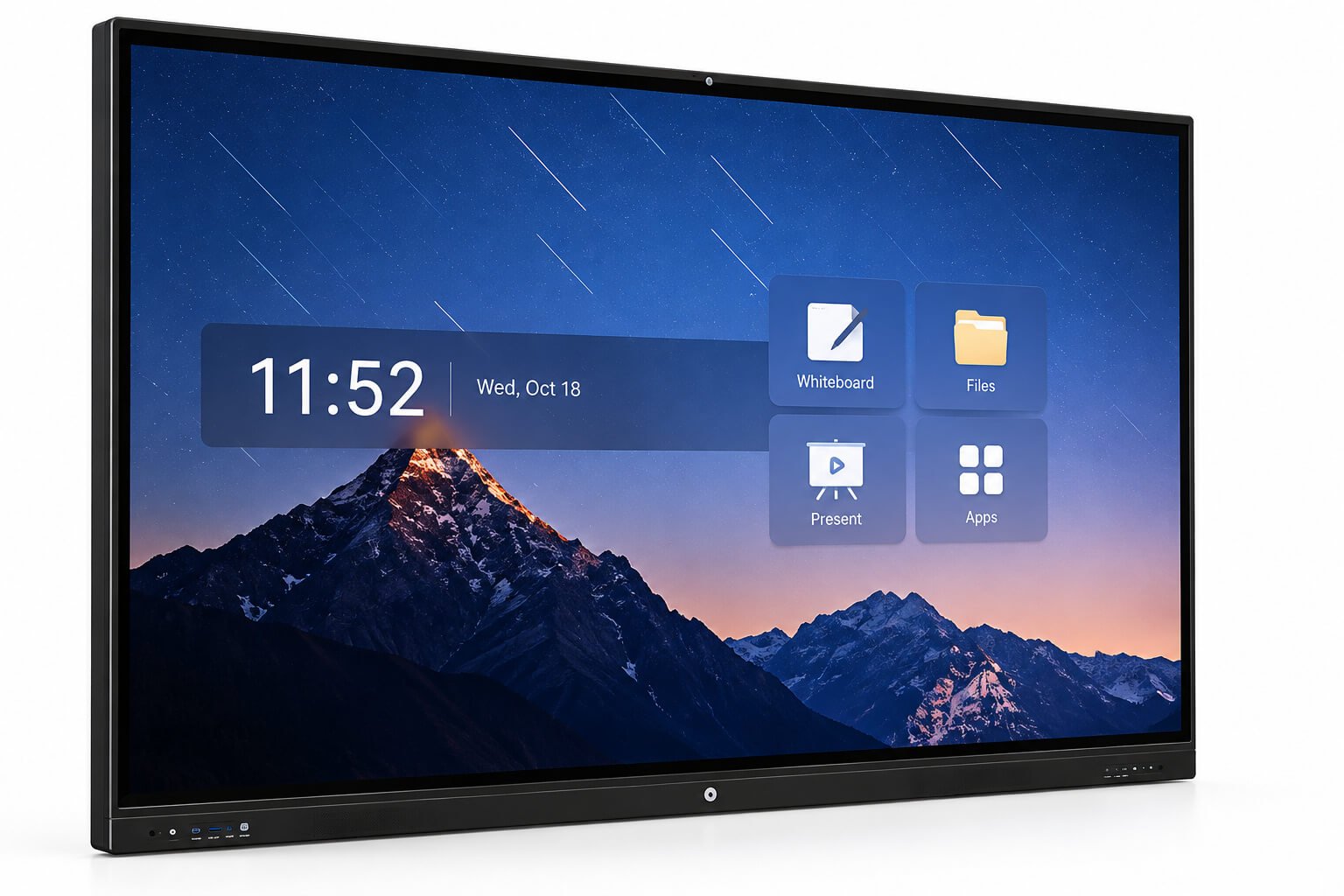

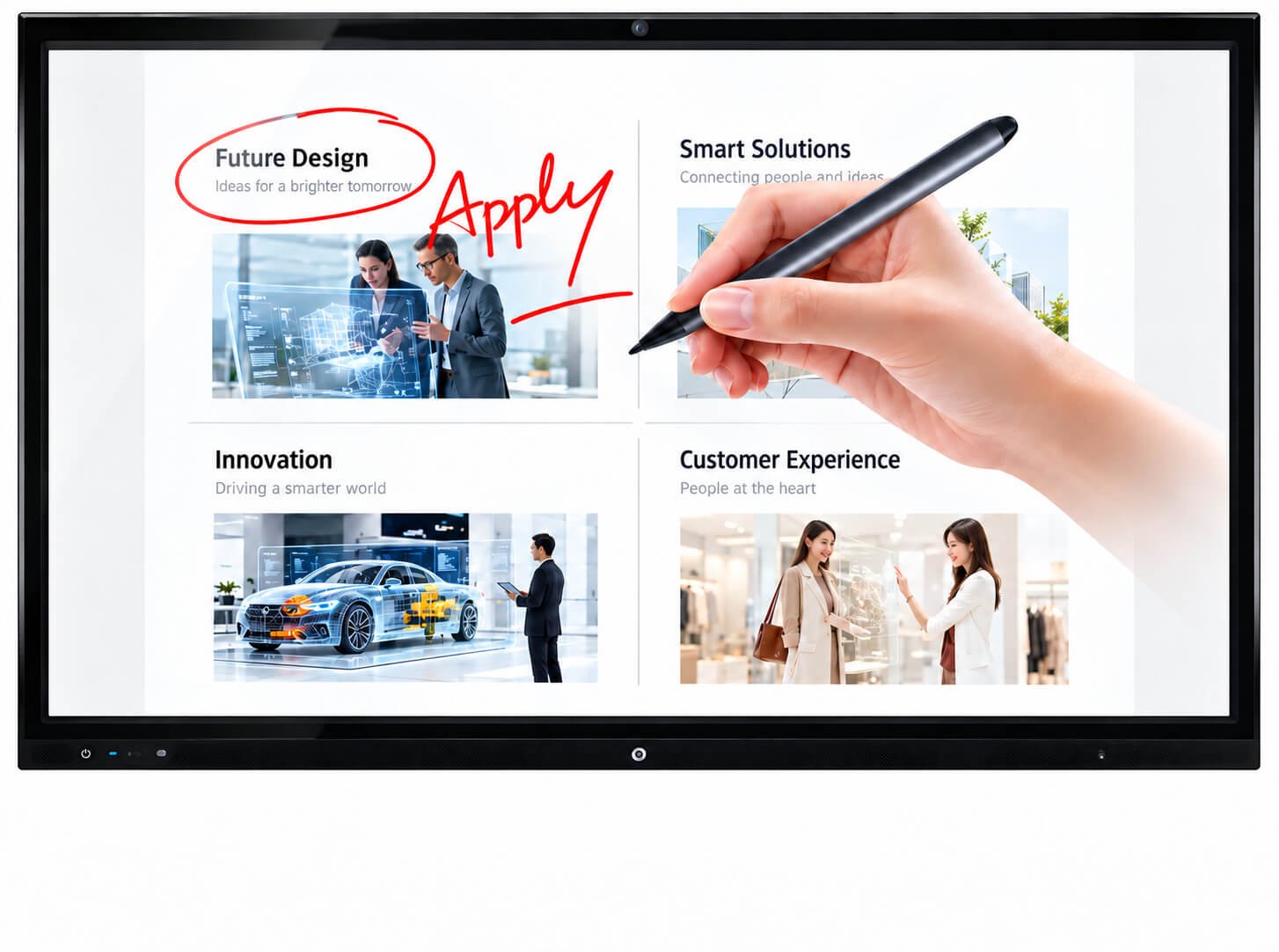
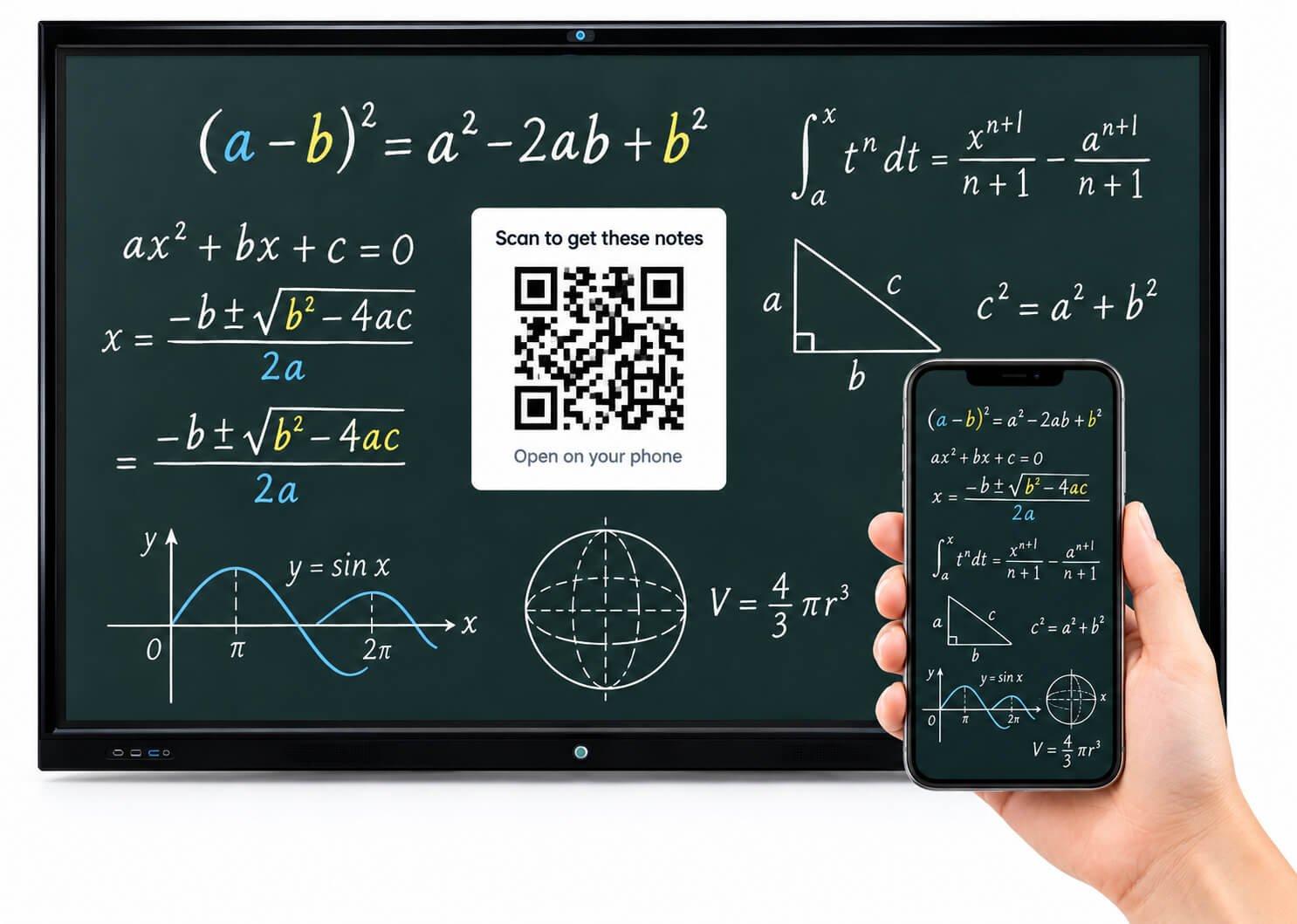
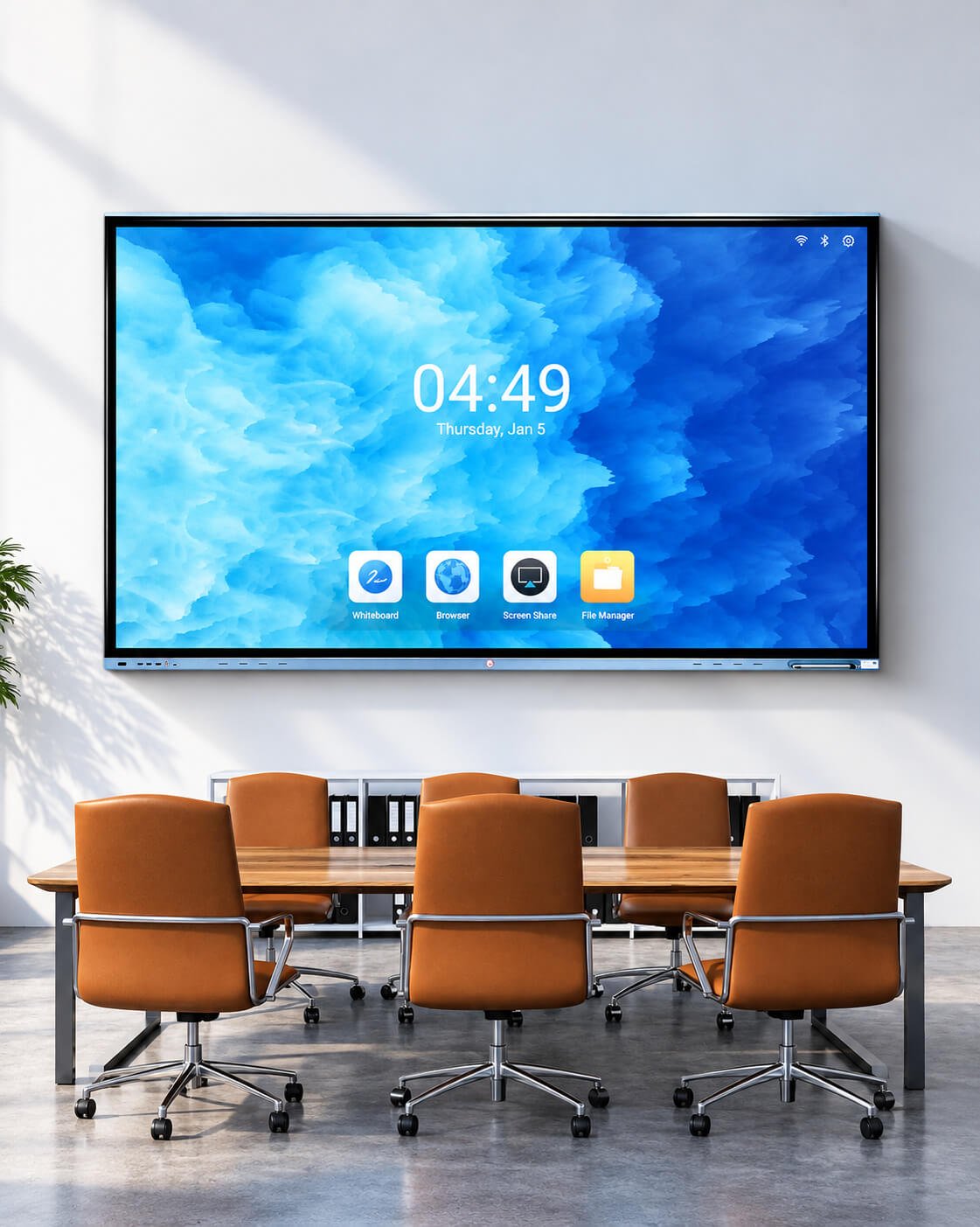
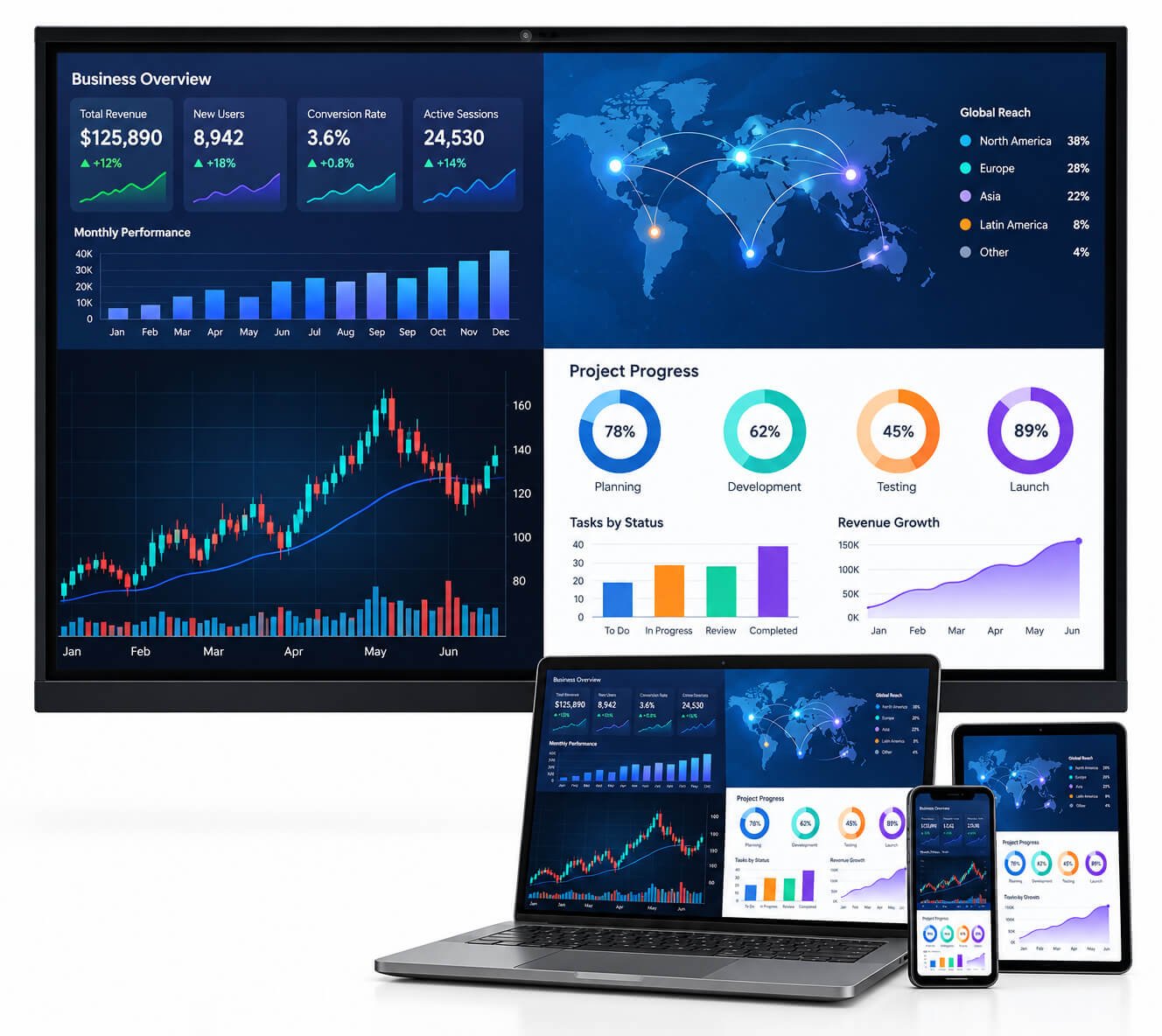

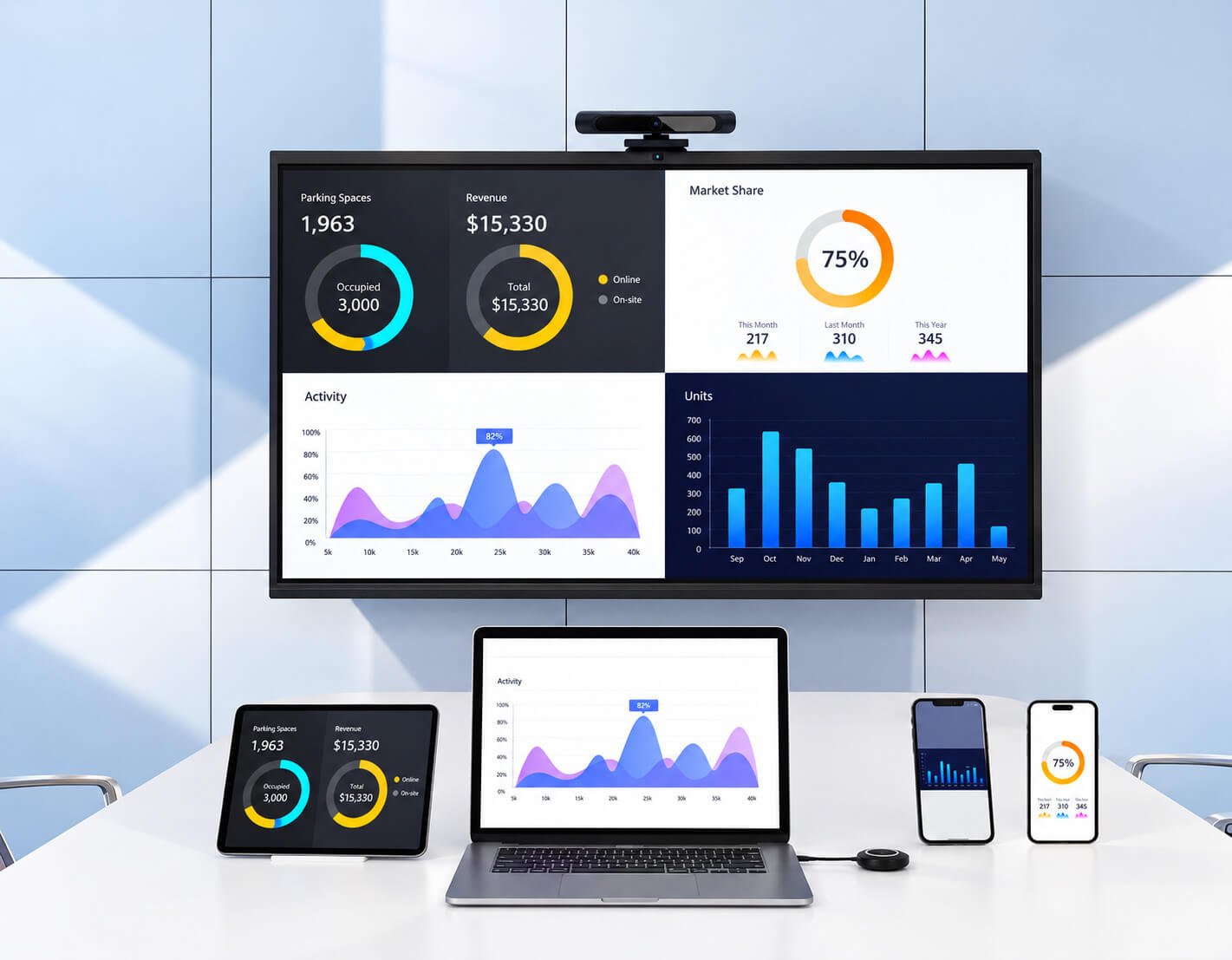
| Meeting Panel Configuration | Available Direction / Selection |
|---|---|
| Screen sizes | 55, 65, 75, 86 and 98-inch project formats. Larger sizes require separate sourcing, access and installation review. |
| Display | 3840 × 2160, 16:9 configuration options; verify the chosen panel and input/output chain. |
| Optical configuration | Selected meeting panel series: approximately 350 cd/m² typical brightness, 5000:1 contrast, 178° viewing angle and 10-bit / 1.07 billion-color specification. Confirm per panel. |
| Front glass | Selected configurations use 4 mm anti-glare tempered glass. Glass finish, bonding, reflections and writing feel are chosen together. |
| Infrared touch | 20-point configuration example; finger or compatible passive stylus writing. |
| Capacitive touch | 40-point configuration example; finger and compatible capacitive pen input. Pen functions depend on the touch controller and software. |
| Embedded system | Android-based system options; one documented configuration uses four-core ARM with 2 × A73 + 2 × A53, 4 GB RAM and 32 GB storage. Final OS and board are selected for the project. |
| Windows computing | Optional PC / OPS-compatible configuration after checking slot, power and thermal compatibility. CPU, RAM, SSD and Windows licensing specified separately. |
| Camera & microphone | Optional integrated or external camera and microphone array. Confirm field of view, room dimensions, pickup range, USB interface and conferencing software compatibility. |
| Sharing & annotation | Wired laptop presentation, whiteboarding and selected wireless sharing workflows. QR sharing, remote control and note export depend on the approved software. |
| Interfaces | Confirm HDMI input, USB touch uplink, USB peripherals, Ethernet, Wi-Fi and audio. USB-C display, charging and touch require explicit configuration. |
| Installation | Wall bracket or mobile stand; confirm load rating, VESA pattern, cable access, braking stability and room clearance. |
| Environmental configuration | Selected indoor series lists 0–50°C operating and −20–60°C storage. Final limits and power consumption are confirmed for the complete system. |
For video meetings, define the conferencing application, camera position, microphone coverage, speaker output and echo control. For presentation rooms, check laptop connections, guest access, sharing security and note export.
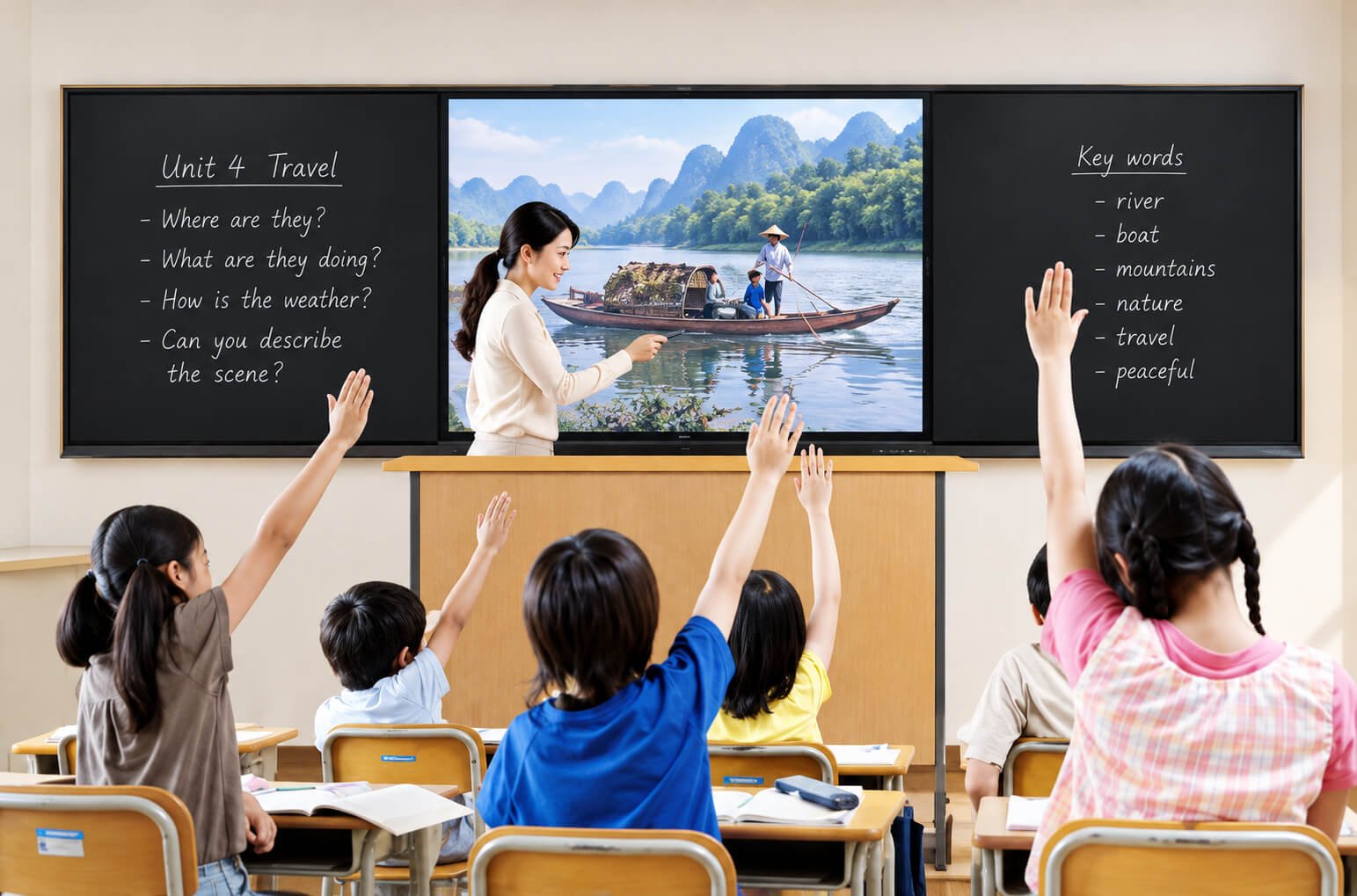
Interactive teaching panels support lesson presentation, digital annotation, multimedia and group participation on a shared classroom screen. The right configuration depends on teaching software, front-row access and readability from the back of the room.
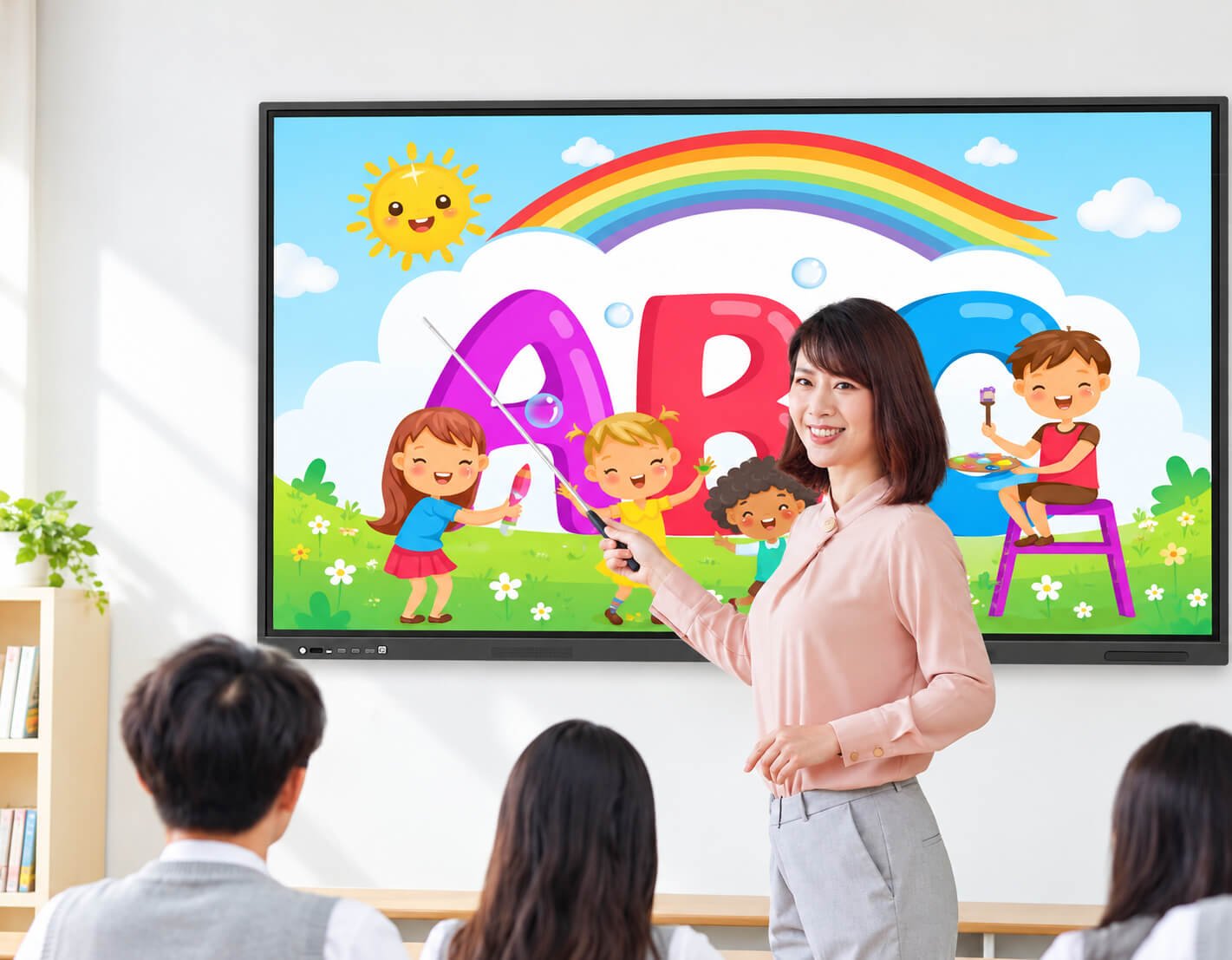
| Teaching Panel Requirement | Configuration Review |
|---|---|
| Screen & room size | Review 65, 75, 86 or 98-inch formats against seating depth, content size, board height and wall space. |
| Lesson software | Confirm Android applications, Windows teaching tools, browser content and offline resources. Identify who supplies software licenses and updates. |
| Writing experience | Review handwriting latency, minimum writing size, eraser gestures, palm rejection and simultaneous writers using the intended software. |
| Display & glare | 4K options with suitable brightness and anti-glare surface. Position the screen to reduce reflections from windows and overhead lighting. |
| Teacher connectivity | Laptop HDMI plus USB touch, USB storage, network and document-camera interfaces; USB-C functions only where selected. |
| Classroom audio | Specify speaker output for the room, microphone needs and hearing-access requirements. |
| Mounting height | Check teacher reach, student use, wheelchair access, maintenance space and wall load. |
| School IT deployment | Network permissions, account policy, updates, device management, content filtering and remote support must be agreed with the school or integrator. |
Set up fonts, contrast, touch height and classroom seating before installation. School software and content platforms are selected separately from the physical panel.
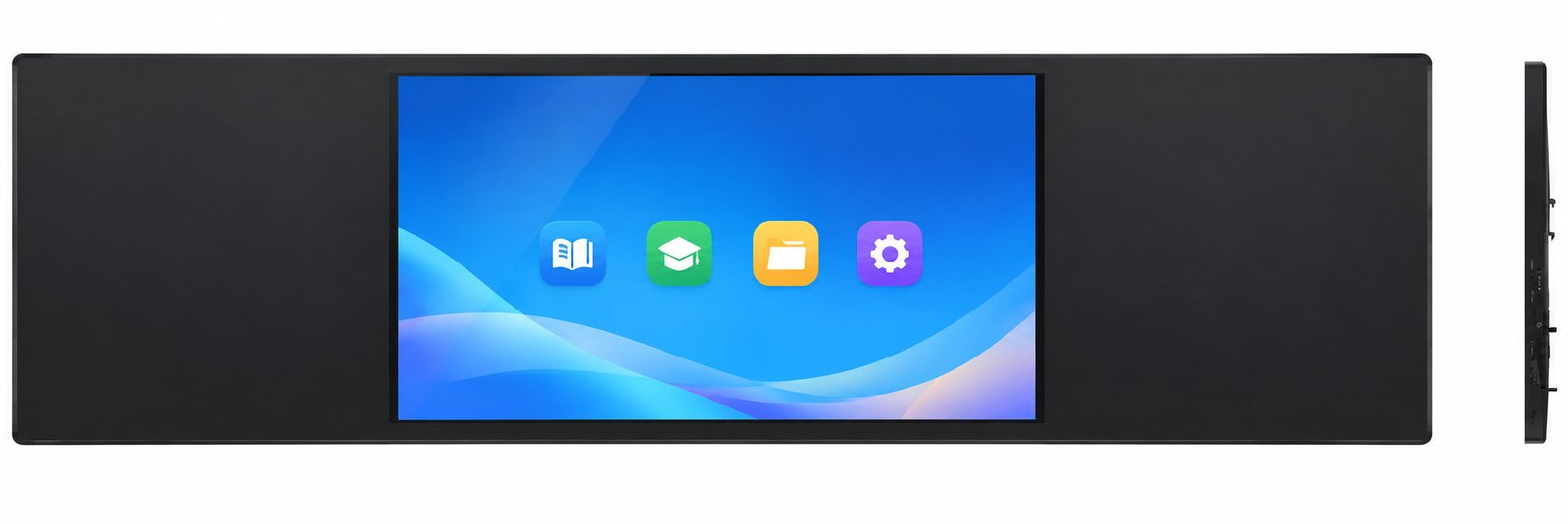
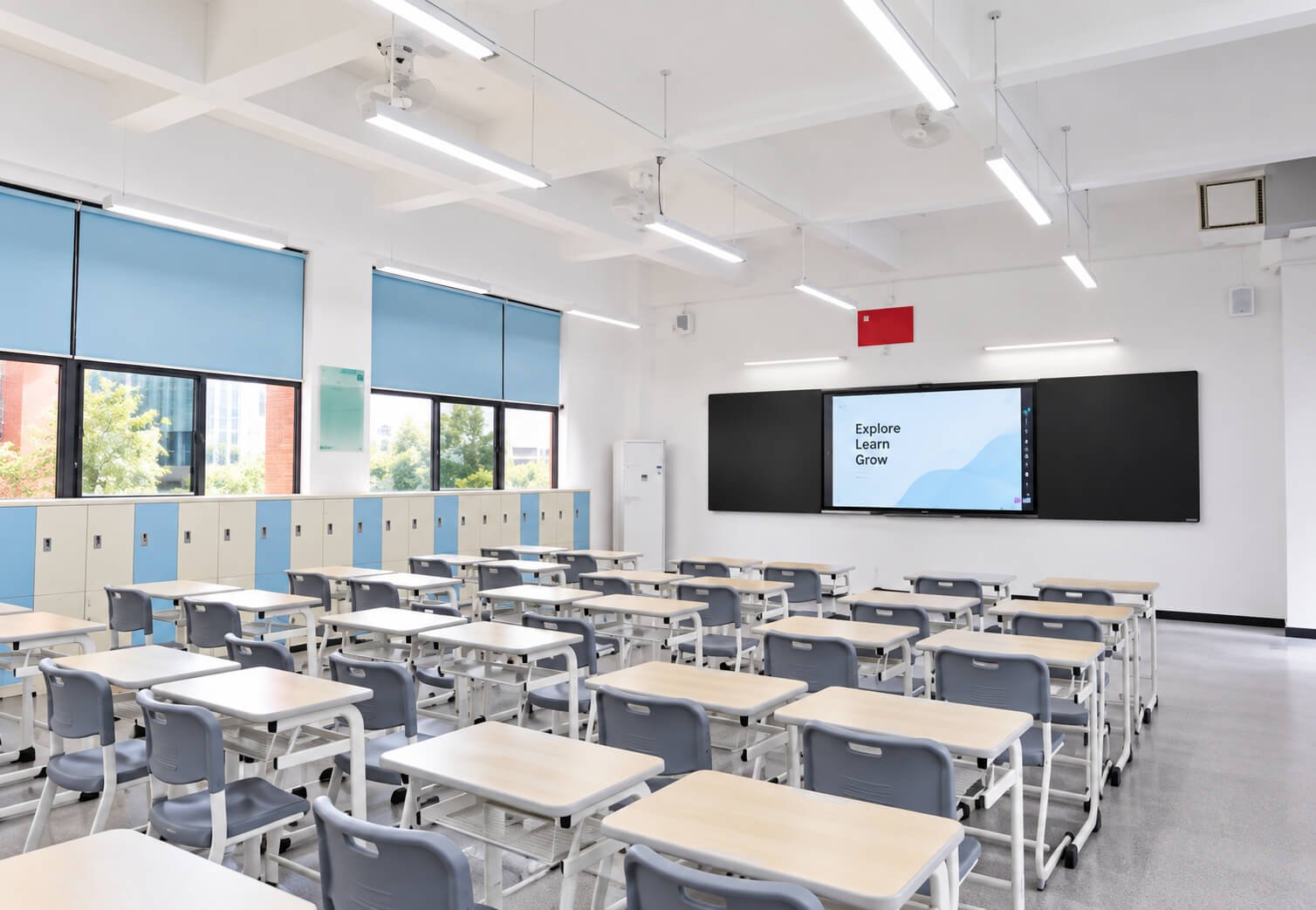
Smart blackboards combine a digital teaching display with a wider writing surface. The available structures include capacitive smart blackboards, digital memory blackboards and central teaching panels with sliding green boards.
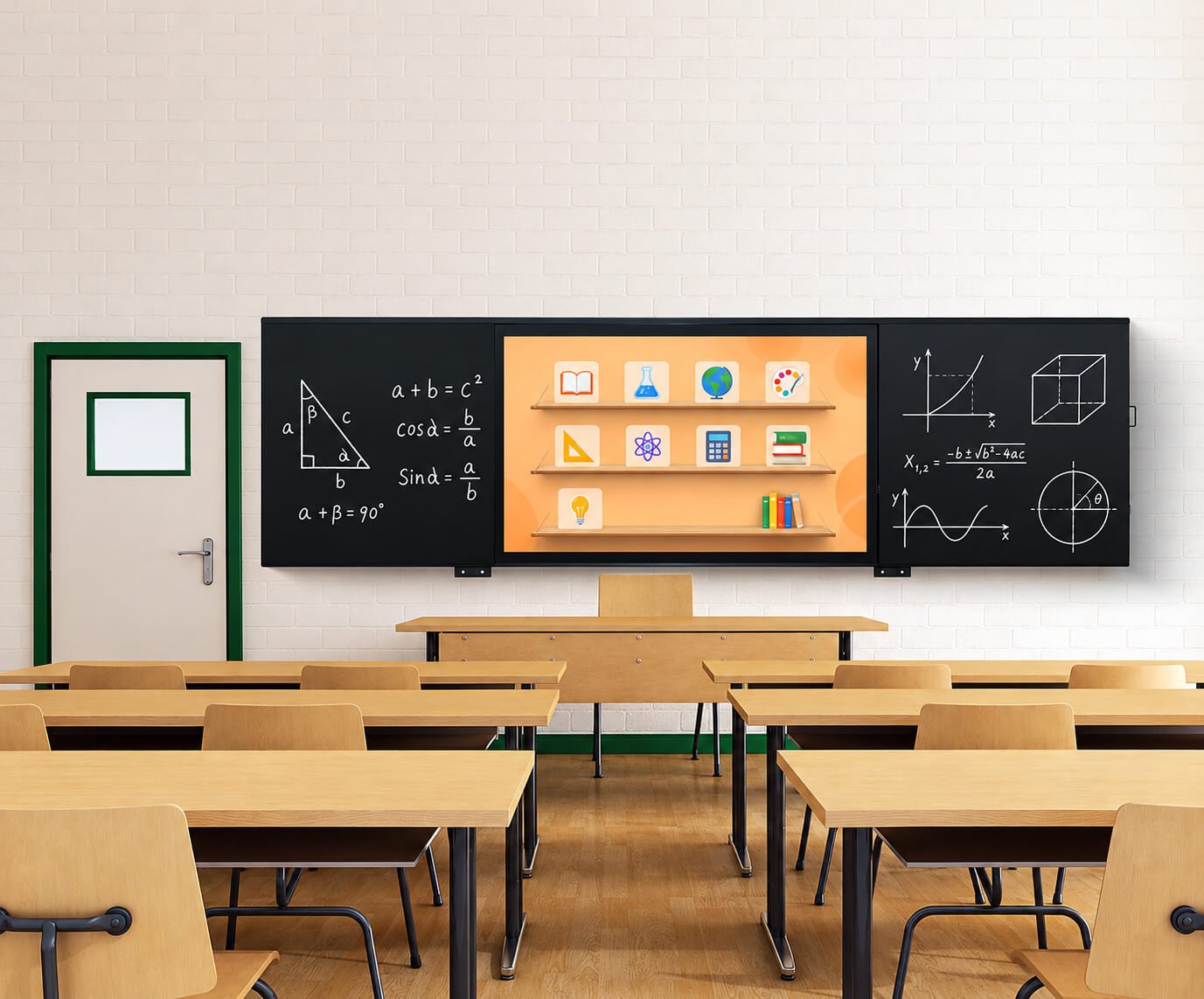


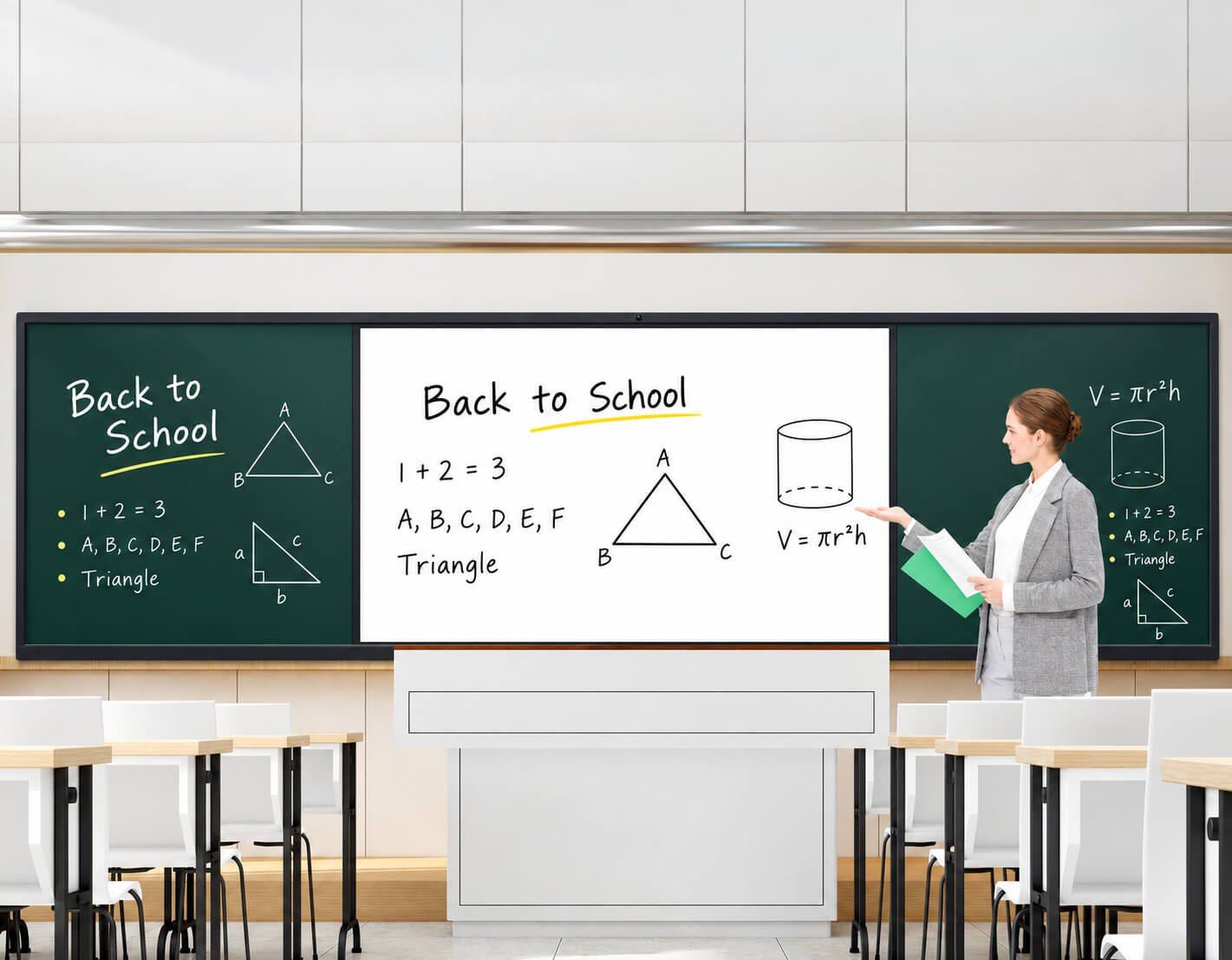

| Blackboard Format | Structure & Purpose | What to Confirm |
|---|---|---|
| Integrated Smart Blackboard | Central LCD with left and right writing panels for lessons and conventional writing. | Overall width, digital screen size, side-panel writing material, seams, cleaning and mounting. |
| Capacitive Smart Blackboard | Selected glass-front configurations use capacitive touch for digital interaction. | Which surfaces are touch-active, touch controller, pen compatibility, multi-user behavior and software. |
| Memory Blackboard | Writing and digital note workflows within a configured board system. | Capture method, writing area, compatible writing tools, note-saving format and software integration. |
| Sliding Green-Board System | Central interactive teaching panel with movable conventional chalkboard sections. | Rail dimensions, board overlap, safe sliding clearance, pinch-point protection and LCD service access. |
| Selected Smart Blackboard Configuration | Specification Direction |
|---|---|
| Display | 3840 × 2160, 16:9; selected series lists 450 cd/m² brightness, 5000:1 contrast, 178° horizontal / vertical viewing angle and 8 ms panel response. |
| Backlight | Direct-lit LED configuration in the documented series. |
| Touch | 20-point capacitive touch configuration in the documented smart blackboard series; touch-active area confirmed per assembly. |
| Surface & frame | 4 mm tempered glass and aluminum-alloy housing / rounded frame options. |
| Computing | Android or Windows configuration selected to match the teaching platform. Legacy board configurations are not assumed to be current supply options. |
| Assembly | Confirm central screen dimensions, total board envelope, mounting structure, writing surfaces, cable exits and service method. |
| Writing & cleaning | Specify chalk, compatible marker or digital pen use for each surface; cleaning method must match the surface coating. |
| Safety & handling | Review wall loading, corner treatment, sliding sections, packaging length, lifting route and installation access. |
| Screen Size | Typical Project Direction | Selection Priorities |
|---|---|---|
| 55–65 inches | Small meeting rooms, training corners and compact collaboration spaces. | Readable text, audience distance, wall space and mounting height. |
| 75 inches | General meeting rooms and classrooms. | A practical starting point for comparing room fit, handling and total project cost. |
| 86 inches | Larger classrooms and conference rooms. | Rear-row readability, wall loading, access route and installation crew. |
| 98 inches | Large presentation and premium classroom projects. | A practical upper range for regular project review; confirm crate size, lift access and service handling. |
| Above 98 inches | Special project evaluation. | Availability, dimensions, weight, logistics and installation reviewed before quotation. |
| Selection Factor | Infrared Touch | Projected Capacitive Touch |
|---|---|---|
| Input method | Finger and compatible passive stylus. | Finger and compatible capacitive pen; active-pen functions require matching hardware. |
| Construction | Optical sensing around the display perimeter. | Touch sensing layer integrated with the screen/glass system. |
| Writing evaluation | Check edge writing, small handwriting, simultaneous users and bezel interaction. | Check touch tuning, glass thickness, grounding and pen/palm behavior. |
| Multi-touch | Point count varies by controller and mode. | Point count varies by controller and mode. |
| Project decision | Review software behavior and service requirements with a sample. | Review software behavior and complete glass / touch assembly with a sample. |
| System Direction | Best Fit | Confirm Before Selection |
|---|---|---|
| Embedded Android | Whiteboarding, local presentation and compatible education / meeting applications. | OS release, RAM, storage, APK compatibility, licensing, updates and launcher behavior. |
| Windows PC / OPS | Windows teaching programs, conferencing tools and business applications. | CPU generation, RAM, SSD, graphics output, slot compatibility, drivers and OS license. |
| External laptop | Customer already has an approved computer and software environment. | Video input, separate USB touch path, audio routing and switching. |
| Wireless sharing | Guest presentation and multi-device collaboration. | Receiver software, network policy, supported devices, control functions and subscription requirements. |
| Camera & audio | Video conference rooms and remote teaching. | Camera framing, microphone coverage, echo control and application compatibility. |
A USB-C connector does not by itself guarantee video, touch, data and laptop charging. Specify each function, power delivery rating and cable requirement.
Check wall structure, bracket and fixing design, assembly weight, cable path, ventilation and screen height.
Check load rating, footprint, brakes, anti-tip stability, doorway access and cable management.
Review the full board envelope, side surfaces, rail clearance, structural supports and access to the digital module.
Confirm housing finish, logo, interface layout, computing, packaging, manuals and production quantity before sample approval.
| Product | Primary Use | Product Route |
|---|---|---|
| Interactive Flat Panels | Shared writing, meetings, classroom presentation and collaboration. | This page: back to Hero. |
| Wall-Mounted Touch Terminals | Fixed business applications, room systems and public information interaction. | Explore Wall-Mounted Touch Terminals → |
| Digital Signage Displays | Advertising and information playback, with selected touch options. | Explore Digital Signage Displays → |
| Commercial Video Walls | A larger multi-screen visual canvas for control rooms and presentation. | Explore Commercial Video Walls → |
| Transparent Displays | See-through content for products, exhibits, windows and premium presentation. | LCD / OLED / LED |
| High Brightness Displays | Strong daylight, window-facing and selected outdoor installations. | Explore High Brightness Displays → |
| Project Information | Details to Provide |
|---|---|
| Application & room | Meeting, teaching, training or smart blackboard; room dimensions, seating and audience distance. |
| Display & touch | Screen size, resolution, brightness, anti-glare preference, touch technology and pen / writing workflow. |
| System & software | Android, Windows or external laptop; applications, licenses, file formats, networking and updates. |
| Connections & conferencing | Laptop interfaces, USB-C functions, camera, microphone, speakers and wireless sharing. |
| Installation | Wall or mobile stand; wall material, mounting height, board dimensions, doorway / lift access. |
| Commercial scope | Quantity, OEM logo / enclosure needs, destination, required certifications and schedule. |
An interactive flat panel is a large-format touchscreen display for shared presentation, digital writing, teaching and collaboration. Computing, software and accessories are selected for the project.
This page covers meeting panels, interactive teaching panels and smart blackboards, including selected memory-board and sliding green-board structures.
Common project formats include 55, 65, 75, 86 and 98 inches. Blackboard assemblies also require the total board dimensions. Larger formats are reviewed separately.
Yes, selected configurations use 3840 × 2160 panels. The computer, cable, input and software must also support the intended 4K workflow.
Choose according to writing experience, screen construction, pen use, software and budget. Test the intended application on the selected touch configuration.
Touch-point count and independent writing behavior are different. Confirm simultaneous writers, pen and finger differentiation, palm rejection and eraser functions with the intended software.
Embedded Android and selected Windows PC configurations can be reviewed. Final board, OS, memory, storage, licensing and driver requirements are confirmed for the chosen model.
Yes, with a compatible video and touch connection. HDMI normally requires a separate USB touch path. USB-C functions depend on the selected configuration.
These functions depend on the approved sharing and whiteboard software. Confirm device compatibility, network policy, note export, licensing and security before ordering.
Selected configurations can use integrated or external camera and microphone systems. Room coverage and conferencing software compatibility must be reviewed.
A teaching panel is a standalone interactive display. A smart blackboard combines the digital display with a wider board assembly and conventional or interactive writing surfaces.
The active touch area varies by structure. Confirm whether touch is limited to the central LCD or extends to other surfaces. Conventional chalkboard sections are not automatically touch-active.
Selected panels can use compatible mobile stands. Confirm assembly weight, mounting pattern, stand rating, brakes, stability and room access.
Standard configurations are intended for indoor collaboration. Window-facing and outdoor projects require dedicated brightness, reflections, thermal and enclosure review.
Housing finish, logo, computing, interfaces, mounting and packaging can be reviewed according to production quantity and project requirements.
Send application, room size, screen and touch requirements, system, software, accessories, installation, quantity, destination and schedule.
Send us the screen size, room layout, touch and writing requirements, operating system, software, laptop connections, camera and audio needs, mounting method, quantity, destination and target schedule.
We will review the display, touch, computing, software compatibility, accessories, installation and OEM production scope.
A successful collaboration display starts with the whole room: readable content, responsive writing, suitable software, reliable connections and safe installation.