Match Touch Display Hardware to Your Environment and Project Requirements
Compare industrial and commercial touch displays for factory HMI, equipment interfaces, retail terminals, kiosks and public information systems. Review operating conditions, user behavior, touch reliability, brightness, front glass, mounting, interfaces, product lifecycle and budget to select hardware that fits your application and reliability requirements.
DisplayMan — Your Partner in Application-Based Touch Display Selection
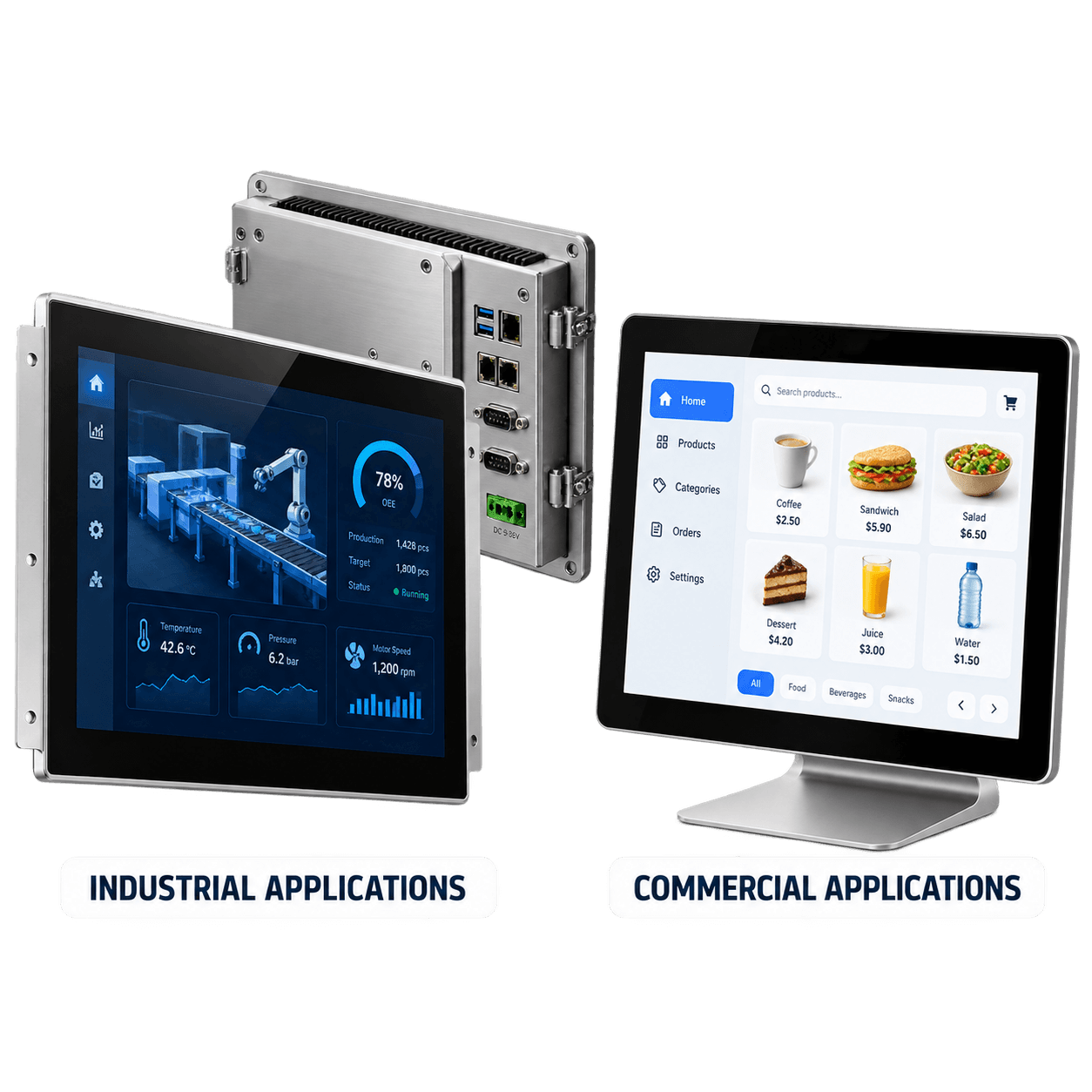
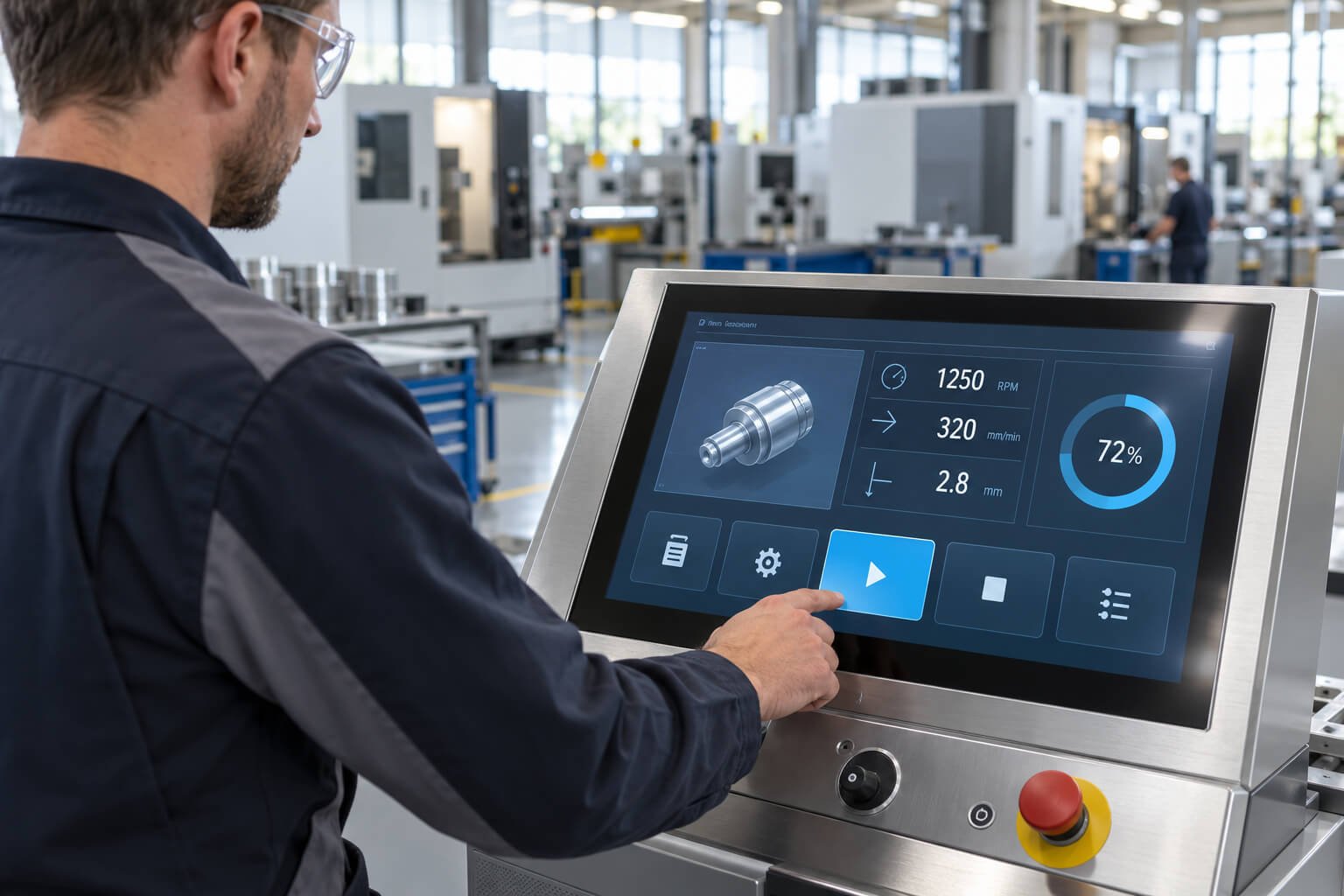
Industrial touch displays are designed for equipment operation, machine control, factory HMI, control panels and professional systems.They usually focus on:
Long operating hours
Stable touch performance
Rugged front structure
Industrial mounting
Interface compatibility
Equipment integration
Environmental reliability
Long-term supply
Maintenance and serviceability
Commercial Touch Display Priorities
Commercial touch displays are designed for customer-facing interaction, self-service, retail, ordering, information browsing, wayfinding and public service.They usually focus on:
User experience
Visual appearance
Easy interaction
Commercial design
Content presentation
Cost efficiency
Standard configuration
Faster deployment
Retail and public-use applications
Core Line
Both routes need reliable operation and usable touch. Priorities differ with the application, installation, environment and service plan.
Quick Comparison Table
Factor
Industrial Touch Display
Commercial Touch Display
Main purpose
Equipment operation and control
Customer interaction and service
Typical environment
Factory, machine, cabinet, lab, transportation, professional equipment
Retail, kiosk, restaurant, hotel, office, showroom, public space
Operating hours
Often long or continuous
Depends on commercial use case
Touch requirement
Reliability under real working conditions
Smooth and intuitive user experience
Front glass
May require stronger glass, AG / AR / AF, bonding or special structure
Cover glass, coatings and protection selected for the commercial deployment
Core Line
Evaluate the operating conditions and consequence of failure; the industrial or commercial label alone does not establish suitability.
Application class and computing architecture are separate choices.
Both industrial and commercial projects can use a display-only touch monitor connected to an external host, or an all-in-one unit with built-in computing. Confirm video and touch compatibility for a monitor; confirm operating system, computing performance and I/O for an integrated PC.
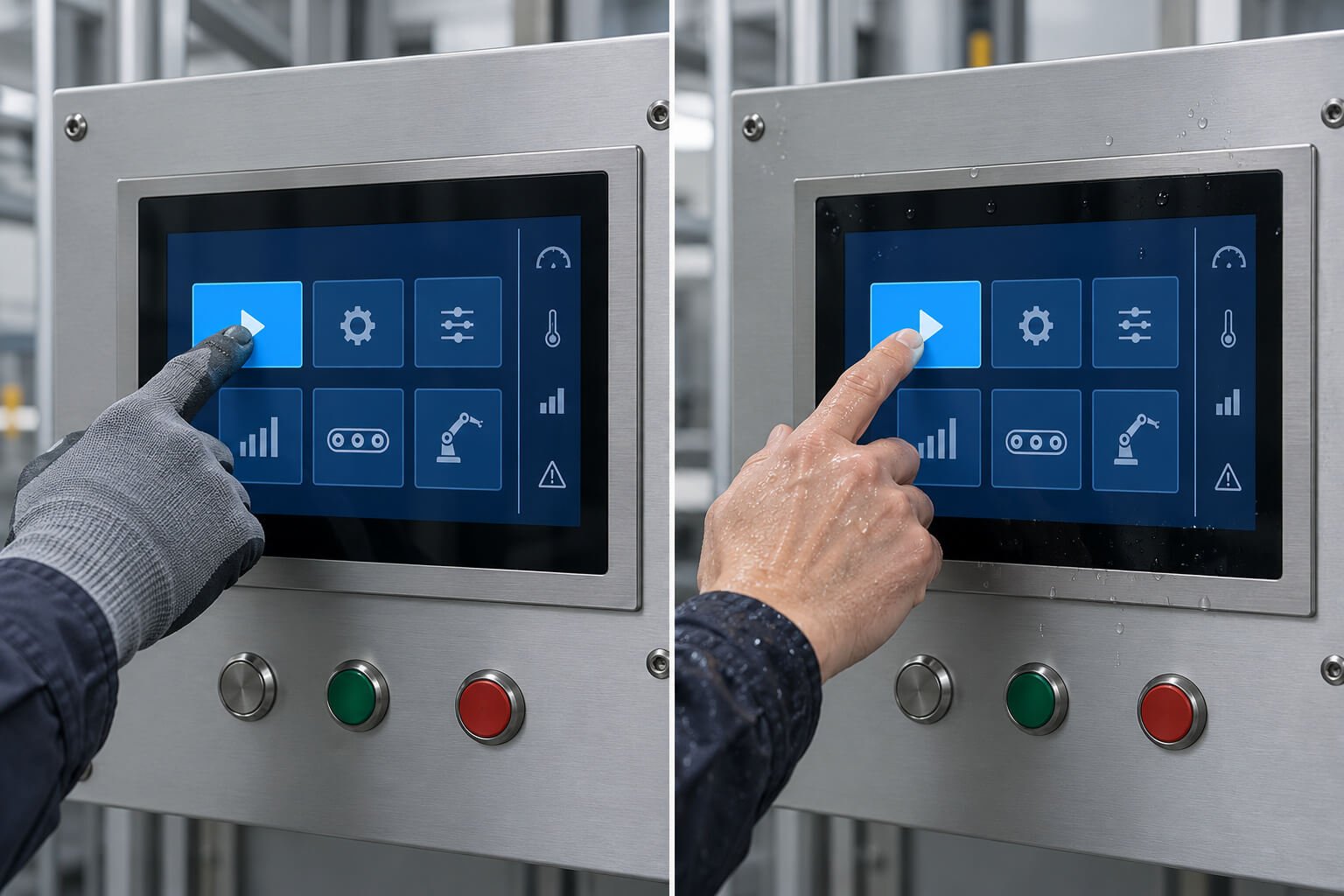
The industrial label does not guarantee glove operation, wet-hand operation, an IP rating, temperature or vibration performance, or a fixed supply period. Verify each required capability on the selected model and assembled installation.
When to Choose Industrial or Commercial Touch Display
Industrial Touch Display
Choose an Industrial Touch Display When the Screen Becomes Part of Equipment Operation
Industrial touch hardware is usually more suitable when reliability, interface matching, mounting structure and long-term use are more important than appearance alone.Best applications:
Factory HMI panels
Machine control interfaces
Industrial touch monitors
Industrial all-in-one PCs
Equipment control terminals
Control cabinet displays
Testing and measurement equipment
Energy equipment interfaces
Transportation equipment terminals
Laboratory instrument interfaces
Medical equipment display interfaces
Rugged professional terminals
OEM equipment front panels
Choose industrial touch when:
The display controls or monitors equipment
The system may run for long hours
The environment includes dust, water, oil, vibration or heat
Operators may use gloves or stylus
Touch reliability affects equipment operation
The display must be embedded into a machine or cabinet
Industrial interfaces or I/O may be required
The project needs stronger front glass or optical bonding
Long-term supply and serviceability are important
A failure could affect production, service or equipment operation
Core Line
If the touch display is part of equipment operation, industrial hardware should be reviewed.
Commercial Touch Display
Choose a Commercial Touch Display When the Main Goal Is Customer Interaction
Commercial touch displays are often more practical when the environment is controlled, the application is not industrial, and standard touch performance is enough.Best applications:
Retail interactive displays
Self-service kiosks
Ordering terminals
Hotel check-in terminals
Restaurant ordering systems
Public information terminals
Wayfinding displays
Interactive signage
Smart retail terminals
Showroom displays
Reception touch terminals
Commercial tablet-style devices
Wall-mounted touch terminals
Floor-standing kiosks
Choose commercial touch when:
The application is mainly retail, service or customer-facing
The environment is indoor and relatively controlled
The system does not require industrial I/O
Standard Android or Windows configuration is enough
The display does not control critical equipment
Appearance and user experience are important
Standard enclosure or kiosk structure can be used
Cost efficiency and fast deployment matter
Product updates are acceptable
Maintenance is manageable in a commercial environment
Core Line
If the touch display is mainly for customer interaction, commercial touch hardware may be more practical.
Check Whether a Commercial Configuration Meets the Equipment Requirements
Some commercial configurations can meet equipment requirements; others need adaptation or a different hardware platform. Compare the actual model specifications and integration design rather than assuming that every commercial display has the same limitations.
Rated duty cycle and intended daily operating hours
Ambient and internal temperature limits at the selected brightness and computing load
Enclosure strength, mounting method and machine-panel fit
Required glove, wet-finger or stylus operation on the selected touch configuration
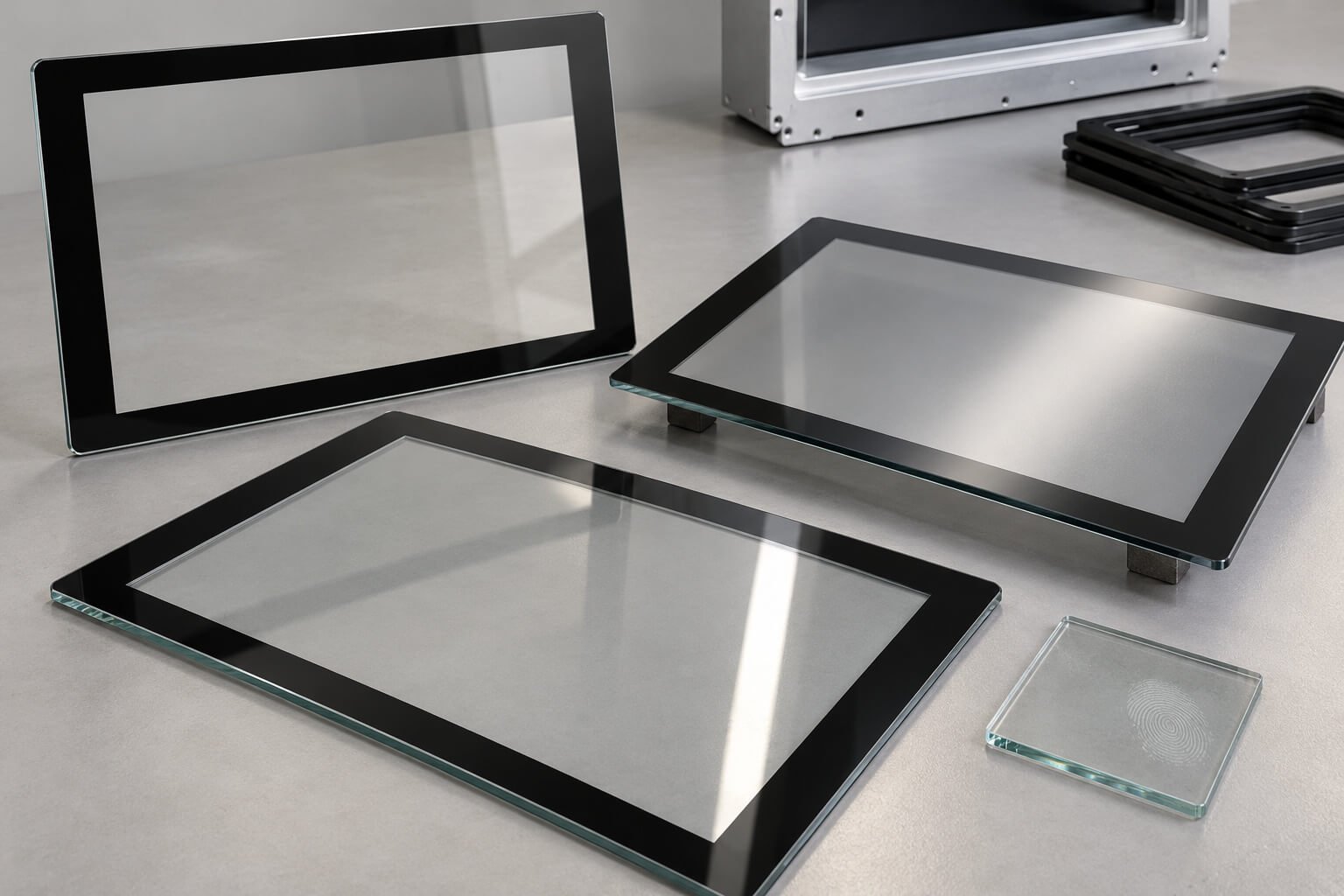
Cover-glass properties, cleaning compatibility and any required protection tests
Display brightness, reflections and actual viewing conditions
Required video, touch, power and computing interfaces
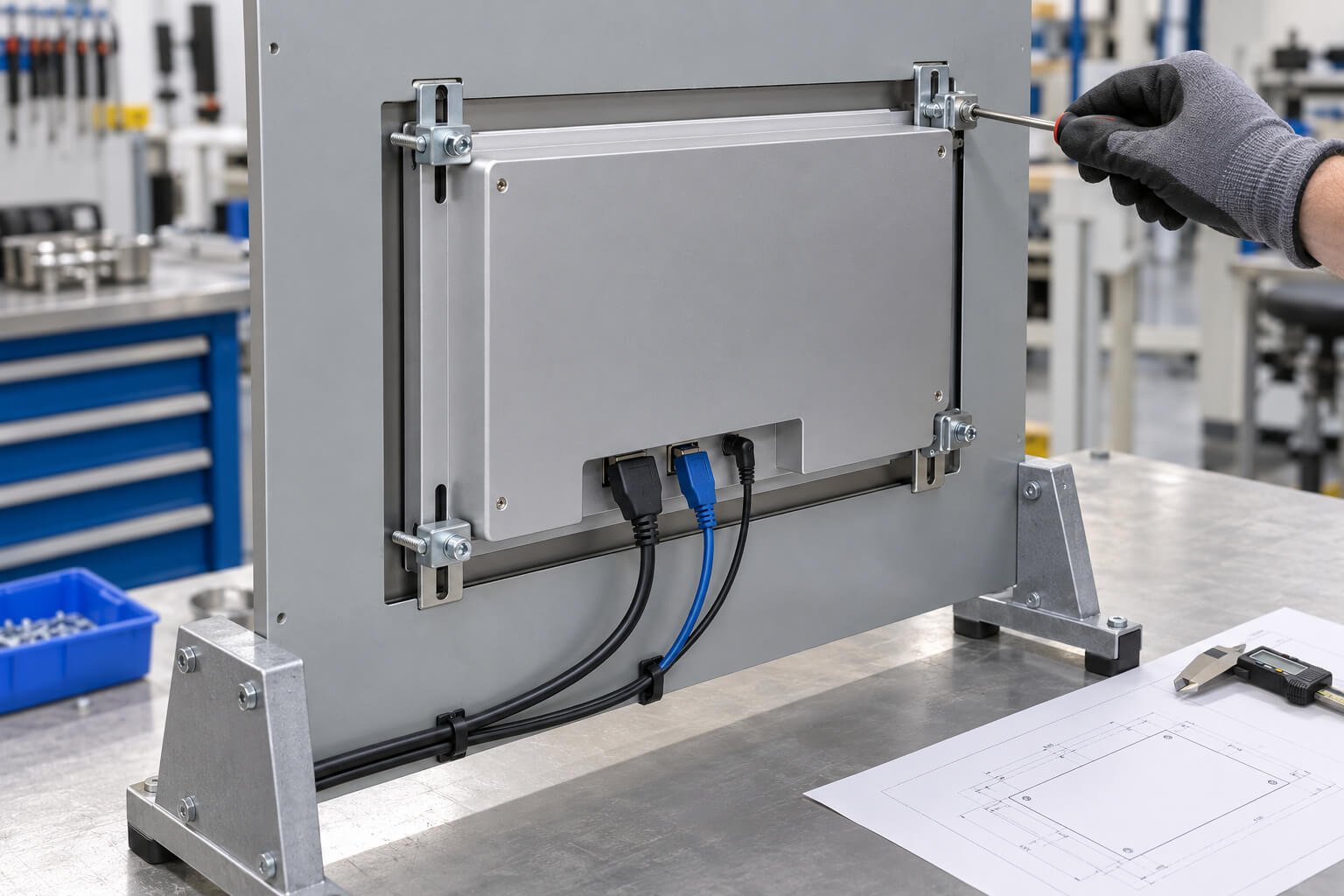
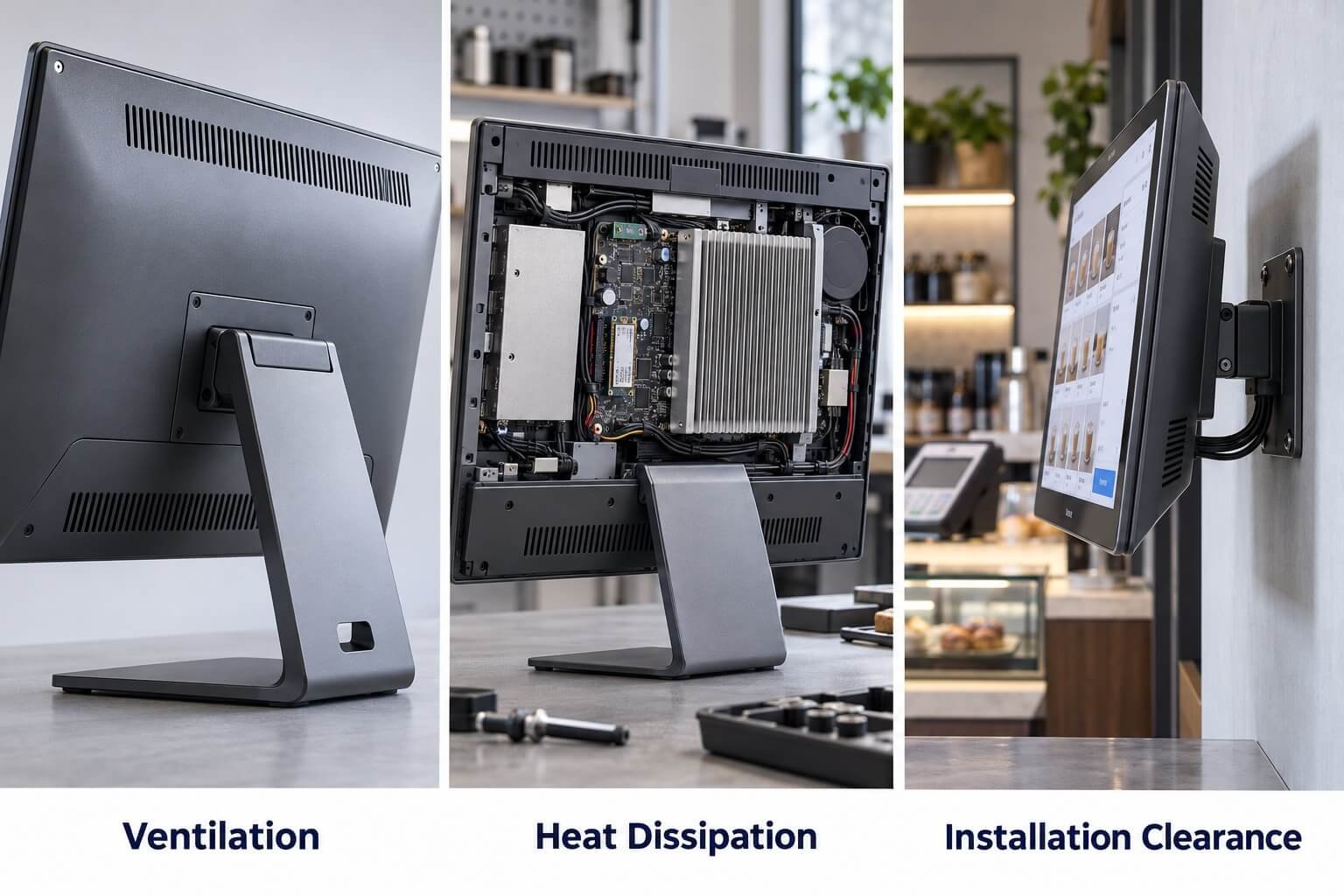
Cable clearance, cooling paths and maintenance access after installation
Documented availability, change control and replacement arrangements
Review the Selected Configuration
Use specifications, drawings and application testing to establish fit. A product-family name is not a substitute for those checks.
Why Industrial Touch Displays Are Not Always Necessary
Industrial hardware is not automatically better for every project.If the application is indoor, customer-facing, light-duty and does not require special reliability, a commercial touch display may be more cost-effective.Industrial configuration may add unnecessary cost when the project only needs:
Ordering
Information browsing
Retail interaction
Product selection
Visitor registration
Wayfinding
Commercial signage
Light self-service operation
Indoor public interaction
Practical View
Do not choose industrial hardware just because it sounds stronger. Choose industrial hardware when the environment, integration or reliability requirement justifies it.
Core Line
Both routes require reliable operation. Match documented hardware capabilities to the operating conditions, integration requirements and consequences of failure.
Application Scenario Selection Guide
The easiest way to choose between an industrial touch display and a commercial touch display is to look at the real application environment. The real question is: what happens if the touch display fails, becomes unstable or cannot fit the system?
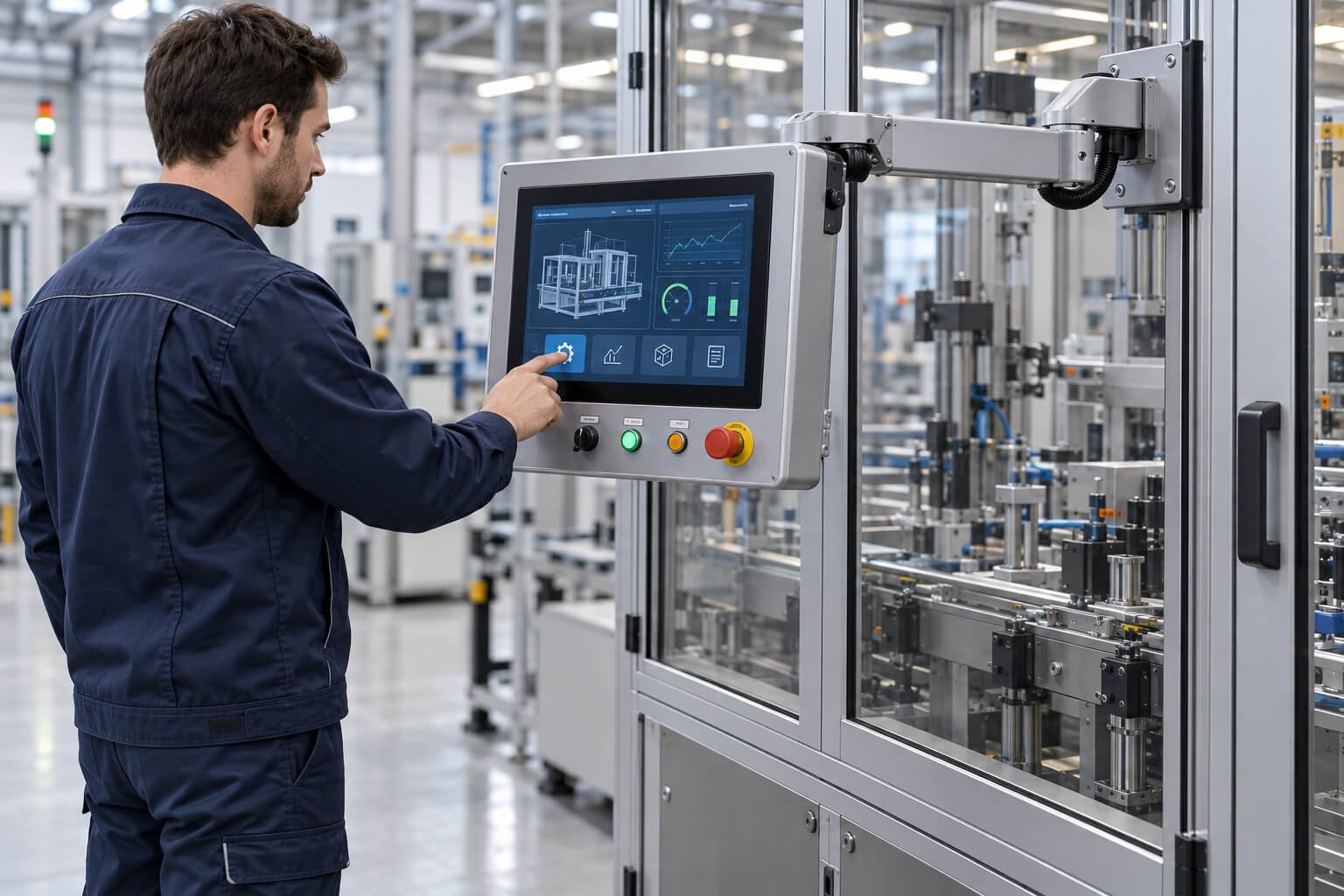
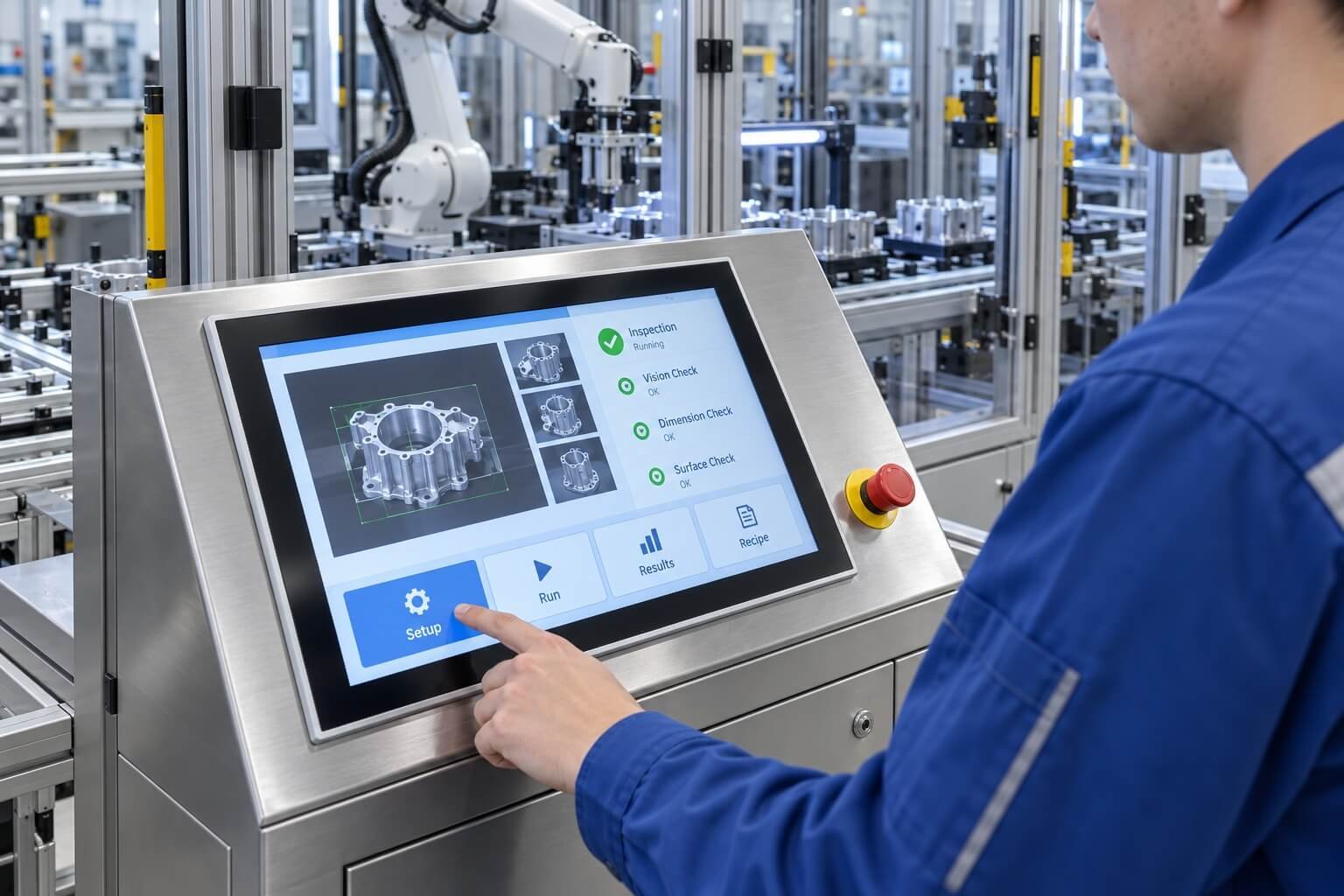
Factory HMI and machine control systems usually need stable operation, reliable touch response, correct mounting, interface compatibility and long-term supply.
Typical requirements include:
Panel mount or embedded installation
Stable touch operation
Long operating hours
Industrial interface support
Strong front glass
Glove or wet-finger touch review
Dust, oil or vibration review
Long-term product availability
Maintenance and replacement planning
Practical View: If the display is used to operate equipment, industrial touch hardware should be reviewed first.Explore a Related Solution →
Recommended: Commercial Touch Display or Industrial Touch Display
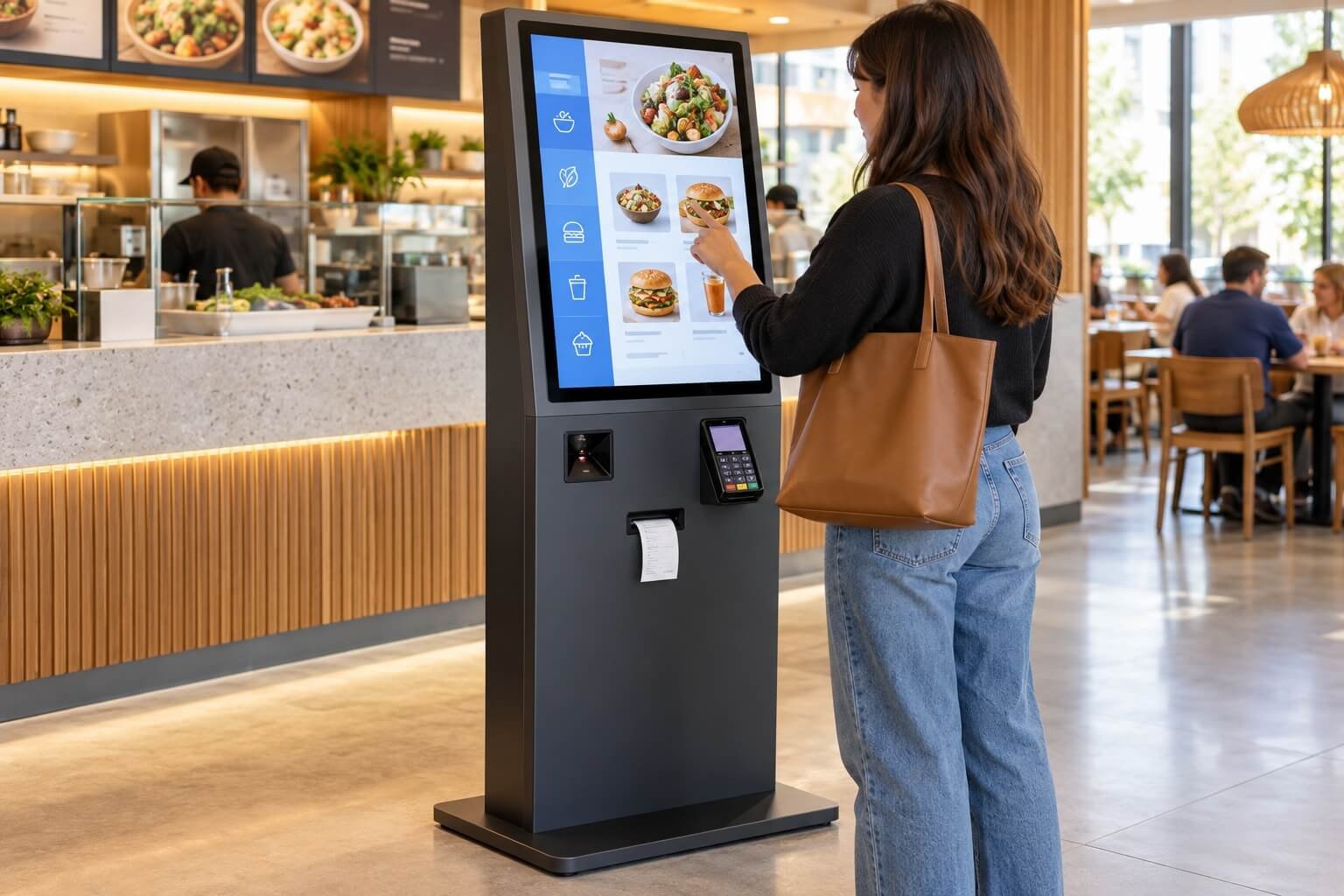
For indoor retail kiosks, commercial touch displays are often suitable when the environment is controlled and the system is mainly customer-facing.
Use commercial touch when:
The kiosk is indoor
The application is customer-facing
Standard Android or Windows configuration is enough
User experience and cost efficiency are important
The environment is not harsh
Use industrial touch when:
The kiosk runs for very long hours
The installation environment is demanding
The front glass needs stronger protection
The system requires industrial I/O
Maintenance access is difficult
Long-term supply is important
Practical View: A retail kiosk is not automatically industrial, but a heavily used kiosk may still need industrial-level review.Explore a Related Solution →
Restaurant ordering terminals usually focus on user experience, easy operation, appearance, cost efficiency and fast deployment.
Typical requirements include:
Smooth touch interaction
Good front appearance
Easy cleaning
Standard Android or Windows system
Wi-Fi or LAN connection
Wall-mounted, desktop or kiosk structure
Cost-effective hardware
Practical View: A commercial configuration may suit indoor ordering when its duty cycle, cleaning resistance, mounting, peripherals and support meet the project requirements.Explore a Related Solution →
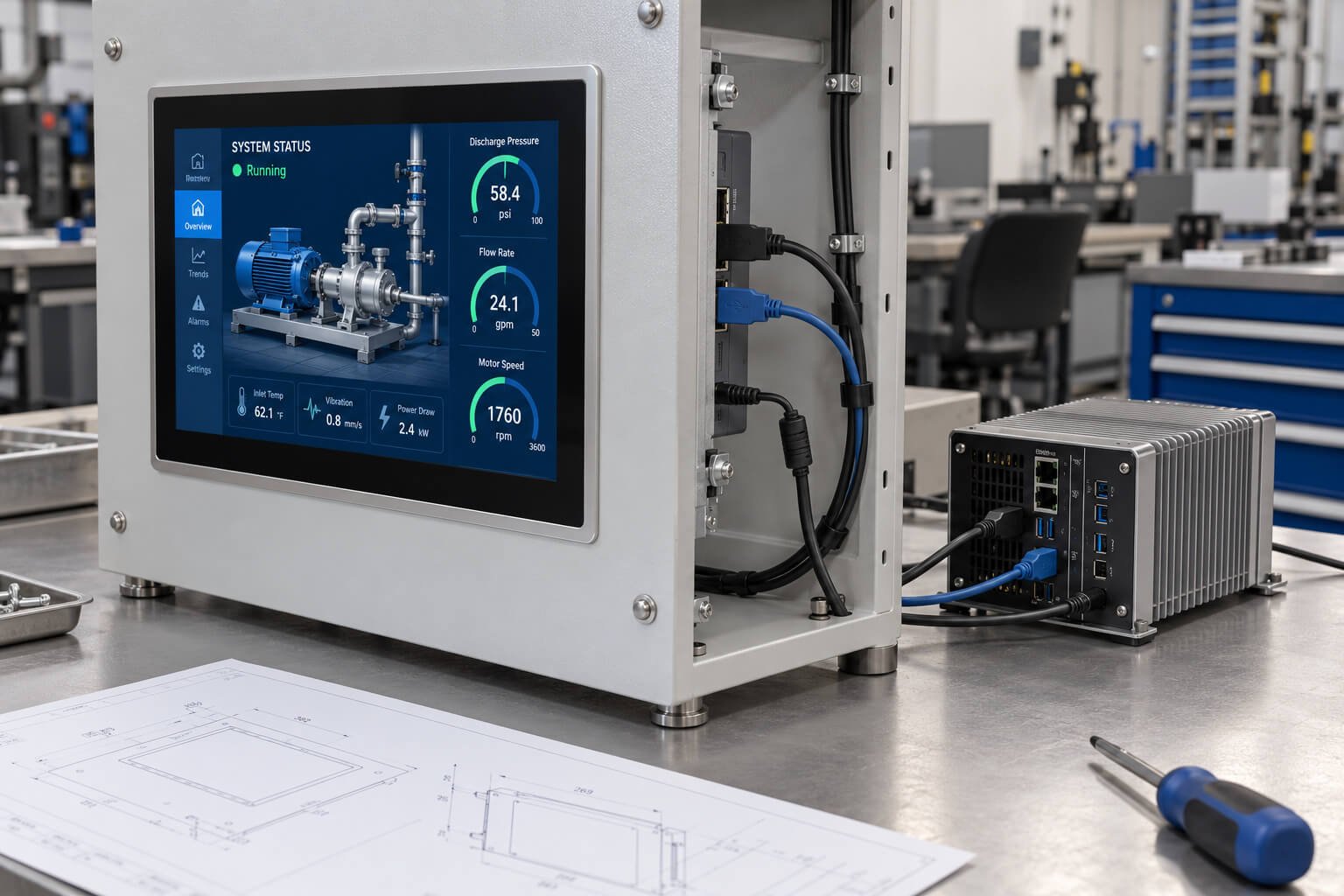
Control cabinets and equipment panels usually require industrial touch monitors, industrial all-in-one PCs or equipment control terminals.
Typical requirements include:
Panel mount
Embedded structure
Front protection
HDMI / VGA / DisplayPort input
USB or RS232 touch output
LAN / RS232 / RS485 / GPIO if built-in computing is required
Cable routing review
Rear space review
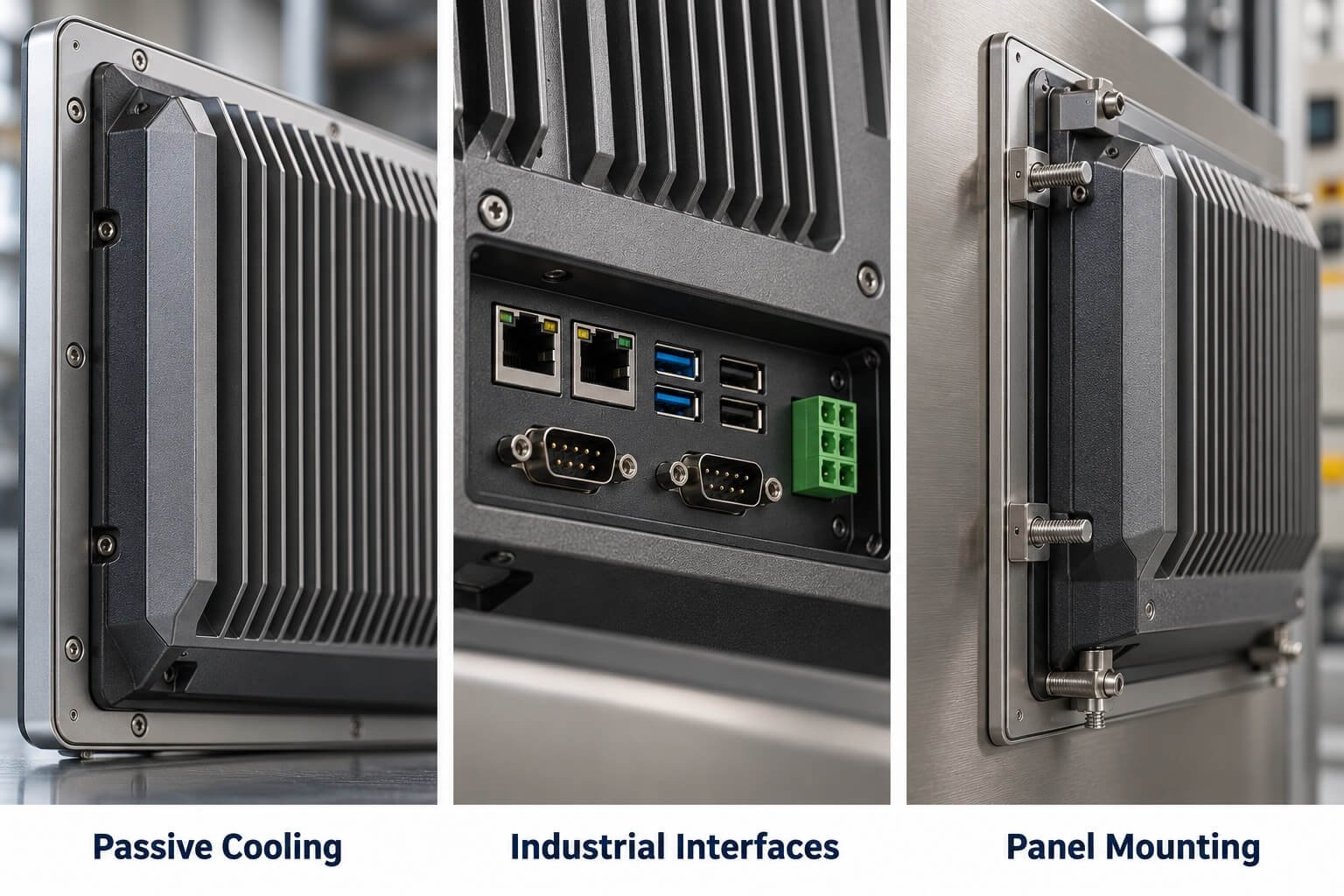
Thermal design review
Practical View: If the touch display is mounted into equipment or a control cabinet, commercial hardware should not be selected only by screen size.Explore a Related Solution →
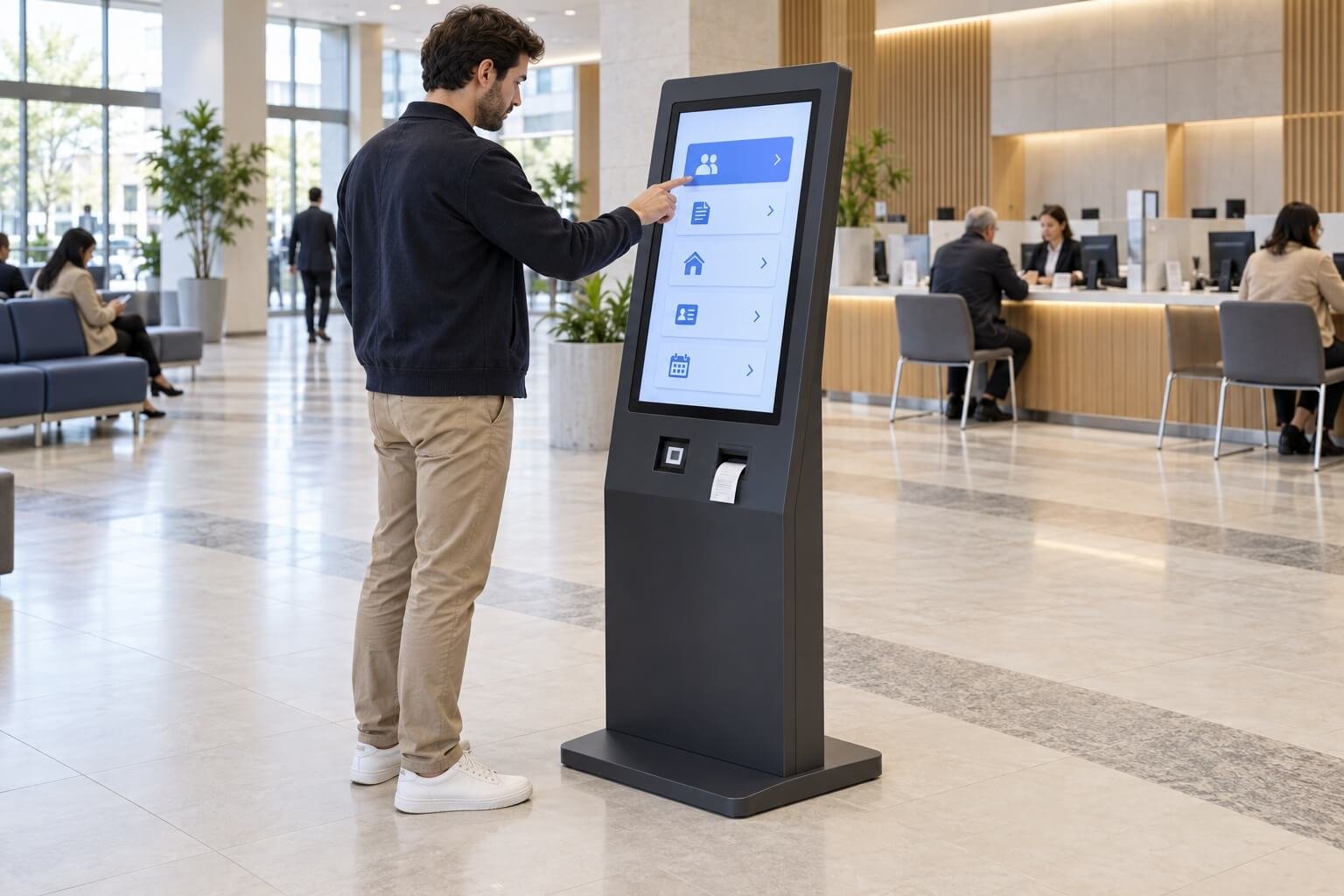
Wayfinding terminals, reception displays and public information screens usually need clear UI, smooth touch operation and stable commercial deployment.
Industrial touch display may be considered when:
The terminal is used outdoors
Public abuse risk is high
The display needs higher brightness
The enclosure must be rugged
Operation time is very long
Maintenance access is limited
Practical View: For indoor public interaction, commercial touch is usually practical. For harsh public environments, industrial review may be needed.Explore a Related Solution →
Recommended: Industrial or Professional Display Interface Review
Medical and laboratory equipment should not be selected as ordinary commercial touch displays.
Choose industrial or professional touch review when:
The display is integrated into equipment
The device has its own control system
The interface must be stable over long service life
Cleaning and front surface design are important
Custom LCD, touch glass or cover glass is required
The equipment manufacturer will handle final validation
Practical View: Medical and lab interfaces are not only about touch. They require display, glass, cleaning, workflow and product integration review.Explore a Related Solution →
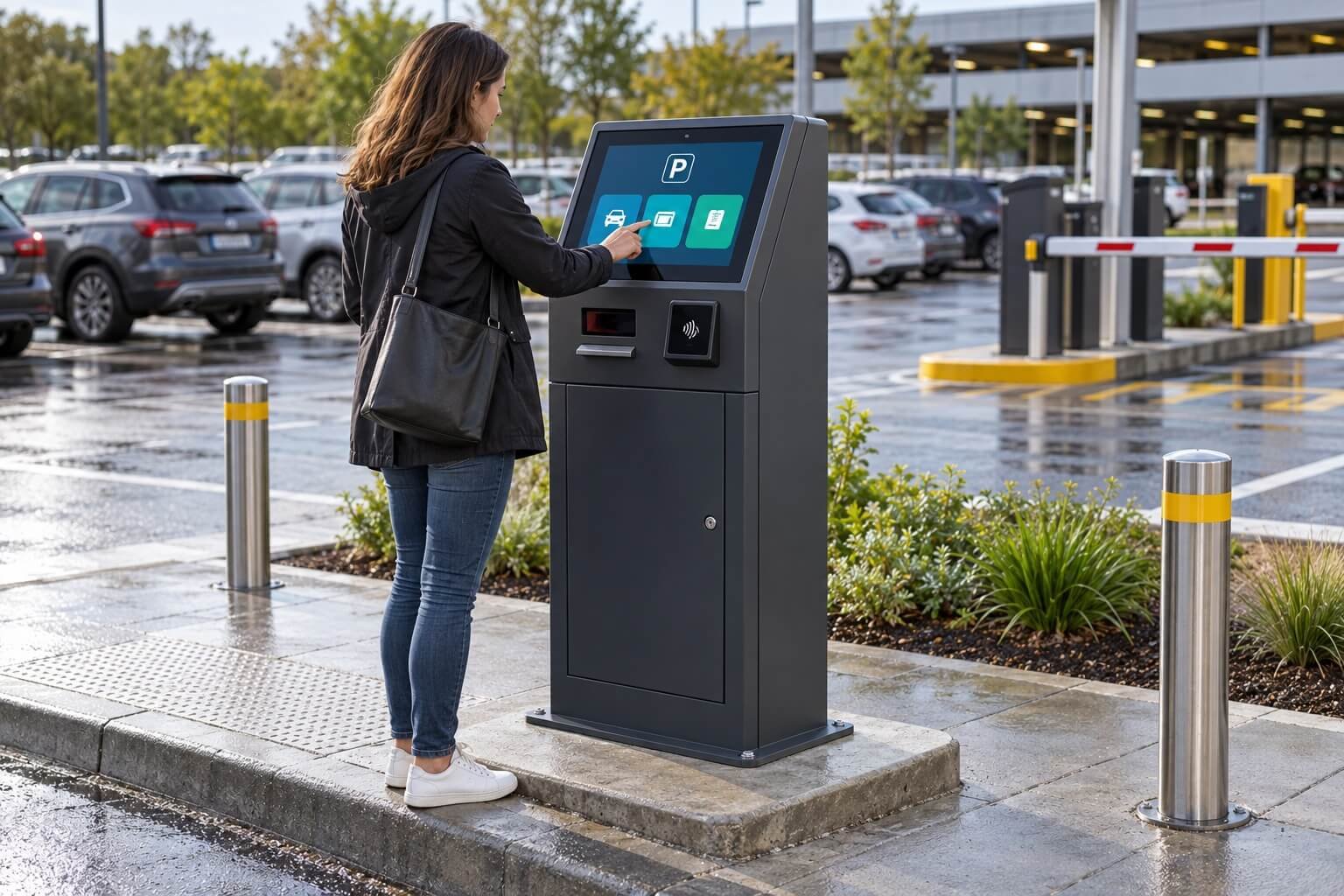
Outdoor and semi-outdoor touch projects require much more careful evaluation than indoor commercial touch systems.
Typical requirements include:
High brightness
Sunlight readability
Optical bonding
AG / AR cover glass
Waterproof or sealed structure
Touch operation with rain or gloves
Thermal design
UV and temperature review
Strong enclosure
Maintenance access
Practical View: Outdoor touch is not simply a commercial touch display placed outside. Brightness, sealing, touch controller behavior and heat must be reviewed together.Explore a Related Solution →
Choosing between industrial and commercial touch display is not only a price decision. A wrong choice may create integration problems, field failures, maintenance difficulty or unnecessary cost.
Mistake 1
Selecting Machine-Control Hardware Without Validation
Some projects choose commercial touch displays because they look similar and cost less. But machine control may require stronger structure, stable touch performance, industrial mounting, interface compatibility and longer lifecycle support.
Better Approach
If the display controls equipment or affects production operation, review industrial touch hardware first.
Mistake 2
Choosing Industrial Touch Hardware for Simple Commercial Interaction
Some projects over-specify industrial hardware even when the application is only indoor ordering, information browsing or light self-service.
Better Approach
If the project is indoor, customer-facing and not exposed to harsh conditions, commercial touch hardware may be enough.
Mistake 3
Ignoring Operating Hours
Long daily operation affects either hardware route. Confirm the selected model’s rated duty cycle, thermal conditions, backlight life and service plan.
Better Approach
Confirm operating hours per day and required service life before selecting hardware.
Mistake 4
Ignoring Mounting Structure
Industrial touch displays often need panel mount, embedded mount, open-frame structure or equipment-specific installation. Commercial touch displays may use standard stands, wall mounts or kiosk structures.
Better Approach
Confirm the installation structure, mounting depth, rear space, cable routing and maintenance access early.
Mistake 5
Ignoring Environment Risk
A commercial indoor touch display may not work well in dust, oil, water, vibration, strong light, heat or semi-outdoor conditions.
Better Approach
Review the environment before choosing the product level.
Mistake 6
Ignoring Touch Behavior
Touch performance can change depending on gloves, water, cover glass thickness, oil, dirt, stylus use and controller tuning.
Better Approach
Confirm real user behavior and touch conditions before selecting capacitive, resistive or other touch technologies.
Mistake 7
Ignoring Interface Requirements
Commercial touch displays may not support the industrial interfaces required by equipment. Industrial projects may need RS232, RS485, GPIO, LAN, special power input or custom cable routing.
Better Approach
Confirm video input, touch output, operating system, I/O and power requirements before choosing industrial or commercial hardware.
Mistake 8
Choosing Only by Appearance
A commercial touch display may look clean and modern from the front. But industrial projects often require deeper review of rear structure, internal boards, heat dissipation, service access and long-term supply.
Better Approach
Do not choose touch hardware only from front appearance. Review the full system structure.
Mistake 9
Ignoring Product Lifecycle
Commercial products may change faster than industrial hardware. For OEM equipment and long-term projects, frequent product changes can create validation and replacement problems.
Better Approach
For equipment-level projects, confirm lifecycle expectation and long-term supply requirement early.
Mistake 10
Treating All Touch Displays as the Same Product
Touch display selection involves display panel, touch sensor, cover glass, bonding, controller, system board, enclosure, mounting, cable and software environment.
Better Approach
Select the touch display based on the full project requirement, not only the screen size.
Core Line
Commercial touch displays are not weak. Industrial touch displays are not always necessary. The right choice depends on environment, system risk, integration depth and long-term operating requirements.
Product Direction Mapping
After deciding whether the project is industrial or commercial, the next step is to choose the correct hardware direction. A touch display can be a simple monitor, an all-in-one touch PC, an industrial panel PC, an embedded open-frame display or a complete equipment control terminal.
Recommended Direction: Industrial Touch Monitor or Commercial Touch MonitorChoose this direction when the customer already has an external PC, controller, media player or host system. The touch display does not need to run software by itself.Suitable for:
Industrial machines with external PC or PLC
Control cabinets with host systems
Kiosks with separate PC inside the enclosure
Retail systems with external media player or computer
Equipment upgrades where the original control system remains unchanged
Core Line
If the computer is outside the screen, choose a touch monitor direction.
Recommended Direction: Industrial All-in-One PC or Commercial All-in-One Touch PCChoose this direction when the touch display must run software directly. The display unit includes screen, touch panel, computer board, operating system, memory, storage and interface ports.Suitable for:
Industrial HMI terminals
Factory operation terminals
Commercial ordering terminals
Self-service kiosks
Reception terminals
Smart retail devices
Professional operation panels
Equipment with no separate host computer
Core Line
If the screen must run software directly, choose an all-in-one touch PC direction.
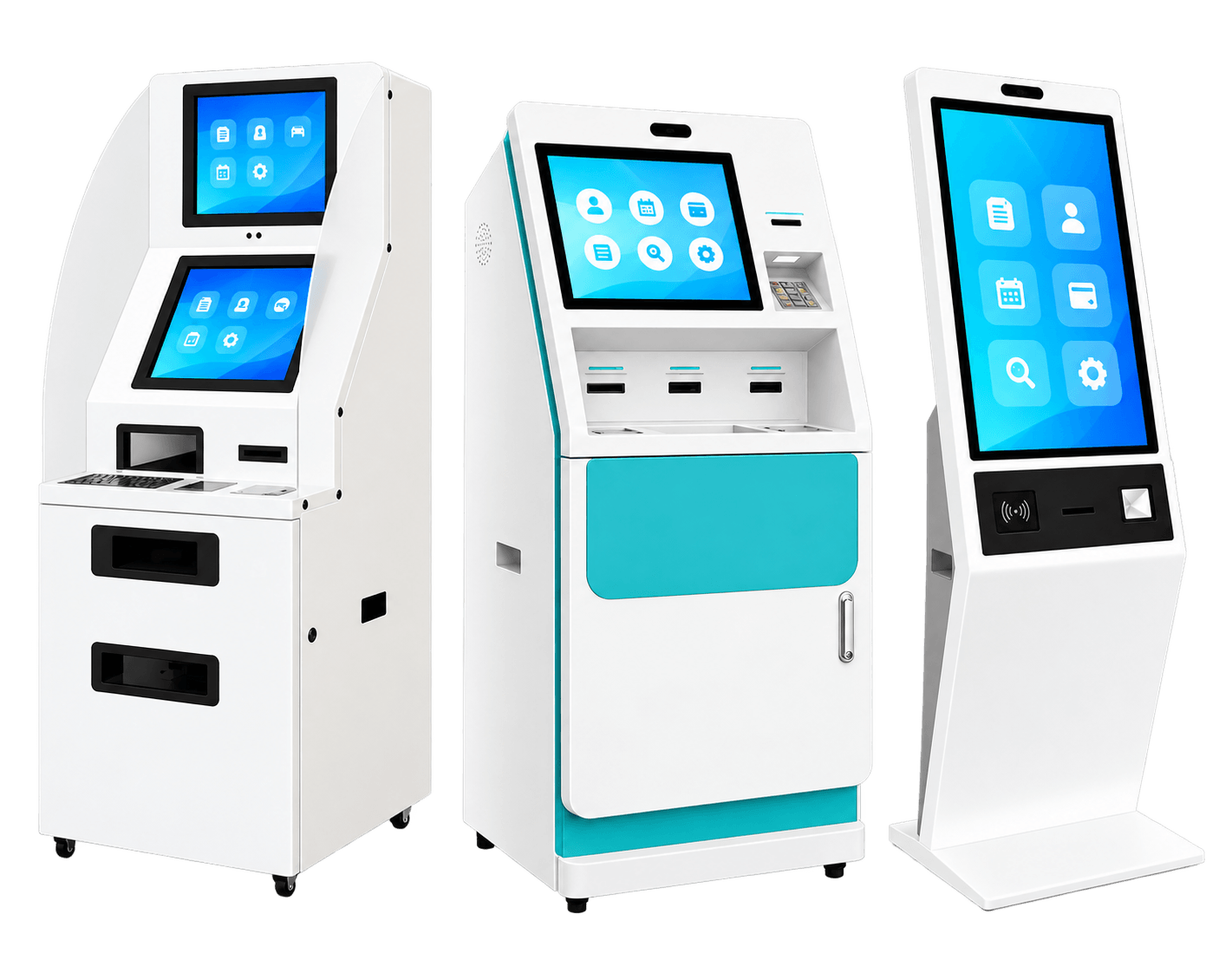
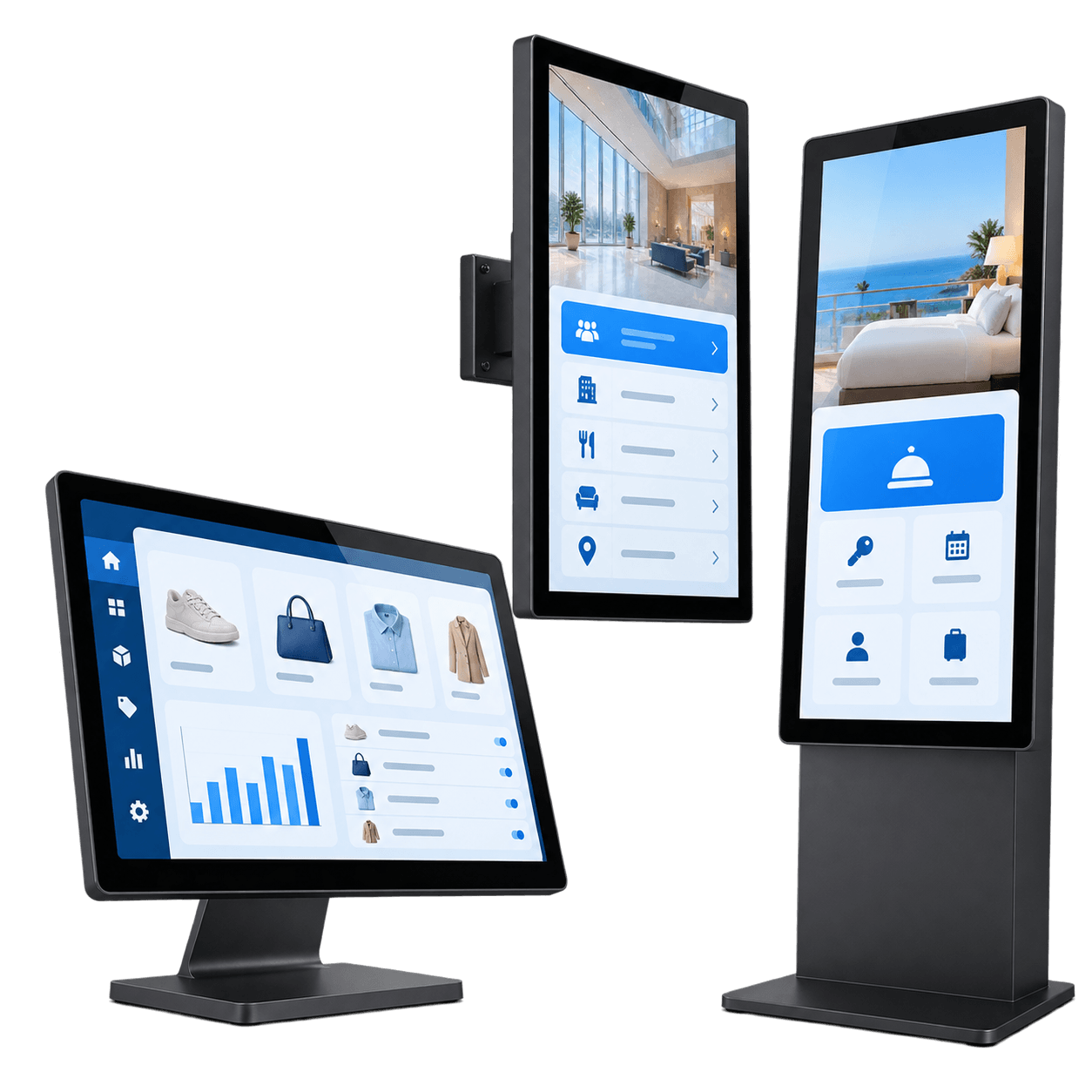
Recommended Direction: Commercial Touchscreen All-in-One TerminalChoose this direction when the main purpose is customer interaction, self-service, ordering, registration, wayfinding, information browsing or retail engagement.Suitable for:
Floor-standing kiosks
Wall-mounted touch terminals
Ordering terminals
Hotel check-in terminals
Retail interactive displays
Reception touch screens
Showroom interactive displays
Public information terminals
Commercial tablet-style touch PCs
Core Line
If the project is mainly customer-facing and indoor, commercial touch hardware is often the most practical direction.
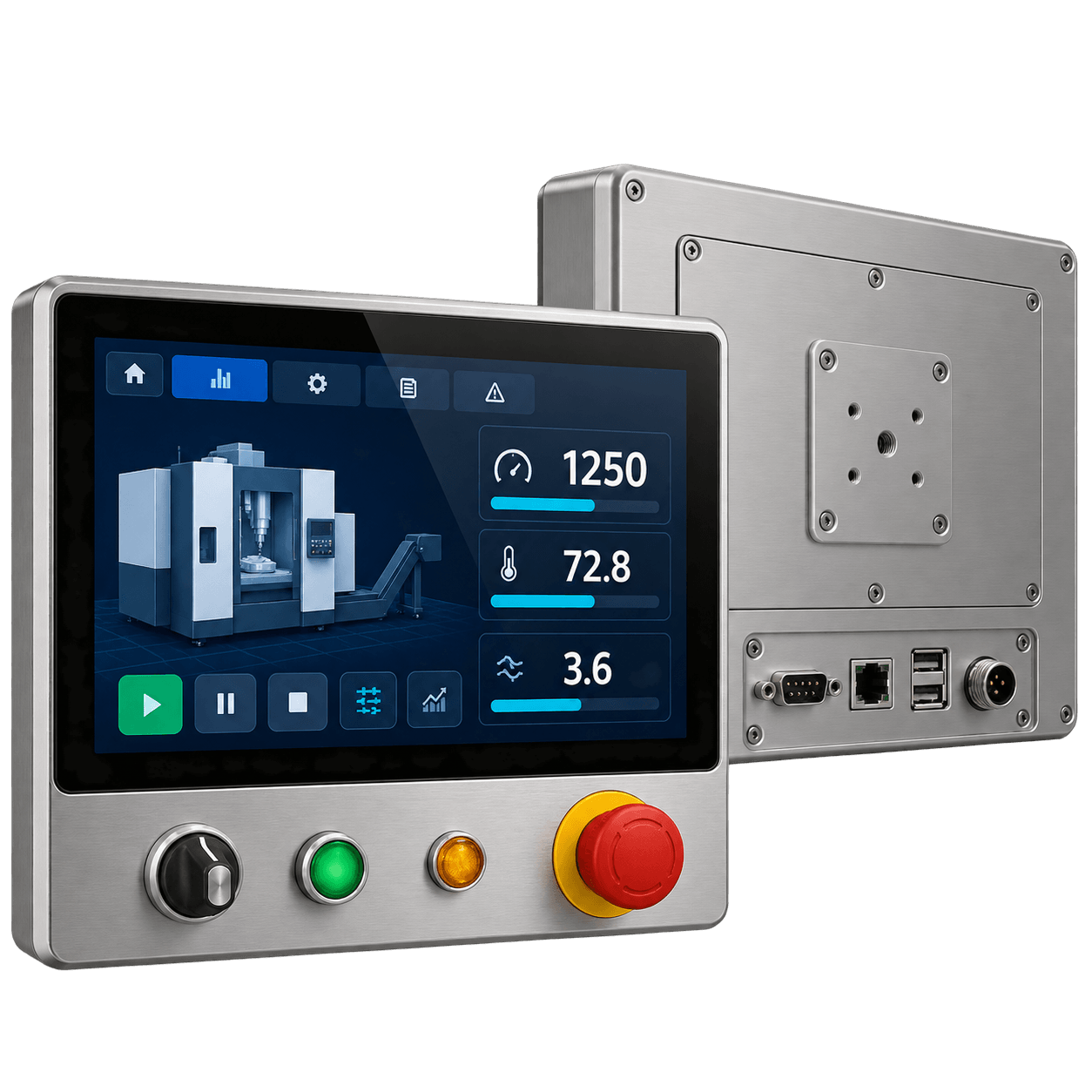
Recommended Direction: Industrial Equipment Control TerminalChoose this direction when the project needs more than a display or panel PC. An equipment control terminal may include display, touch, computing, enclosure, mounting, I/O layout, buttons, indicator lights, cable routing, internal structure and maintenance access.Suitable for:
Machine operator panels
Industrial equipment control interfaces
Control cabinet terminals
Testing equipment terminals
Energy equipment interfaces
Transportation equipment control units
Professional devices with custom operating interfaces
Core Line
If the whole operating interface must be engineered around the equipment, choose an industrial equipment control terminal direction.
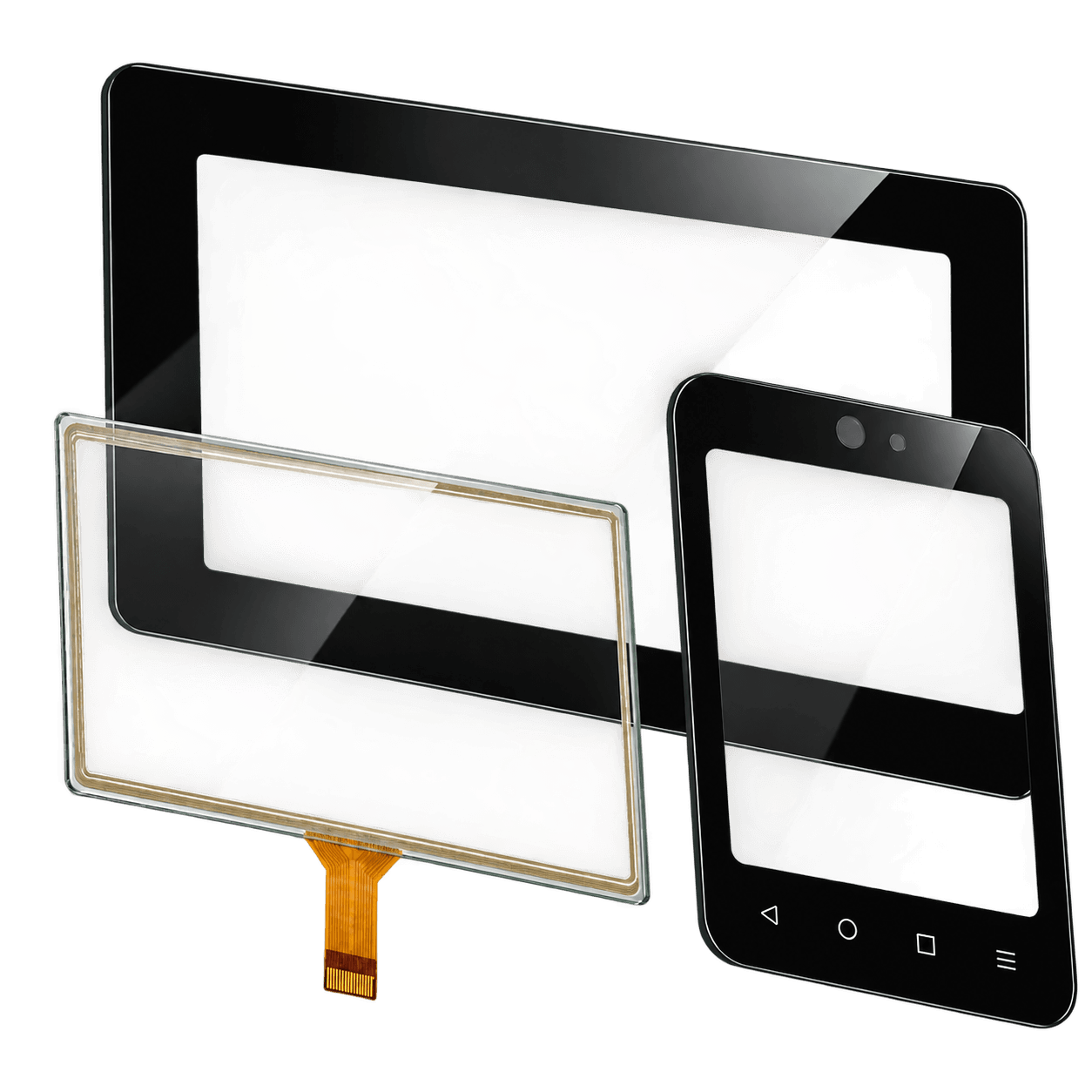
Recommended Direction: Custom LCD Module or Custom Touch GlassSome projects do not need a complete monitor or all-in-one PC. They only need a display module, touch panel, cover glass, optical bonding or front glass customization.Suitable for:
OEM device displays
Embedded equipment interfaces
Replacement LCD projects
Custom front-panel display assemblies
Touch glass customization
LCD + touch + cover glass integration
Medical, laboratory or instrument display interfaces
Core Line
If the customer already has the electronics and enclosure, a custom display module or touch glass solution may be better than a complete touch display product.
Core Line
Industrial vs commercial is only the first decision. The next decision is whether the project needs a monitor, all-in-one PC, equipment terminal or custom display assembly.
Related Solution Pages
This guide connects industrial and commercial touch display selection with the right solution pages on DisplayMan.
When the touch or non-touch display must be used in strong light, window-facing, semi-outdoor or outdoor-facing environments
Core Line
This guide should not replace product pages. It should help customers enter the correct product page with a clearer understanding of their application.
Related Product Pages and Capabilities
Industrial and commercial touch display projects may involve different hardware platforms, display modules, touch glass, front surface treatment, controller boards and integration parts.
When AUO, BOE, Innolux, Tianma or other LCD panel sourcing direction is needed
Core Line
Touch display selection is not only about the screen. It affects display panel, touch sensor, glass, bonding, controller board, computing platform, enclosure, cable and long-term maintenance.
Project Review Checklist
To recommend whether your project should use an industrial touch display or a commercial touch display, DisplayMan usually reviews the application environment, operating risk, system architecture, mounting method and long-term usage requirement.
Core Line
The right touch display is not always the most expensive one. It is the one that matches the real project condition.
Basic Project Information
Application type
Product category
Industrial, commercial, medical, laboratory, retail or public-use project
Project country and city
New product, replacement project or upgrade project
Project stage: concept, design, prototype, sample validation, pilot run or production
Target quantity
Sample quantity
Target schedule
Budget range if available
Application Environment
Factory, machine, cabinet, kiosk, retail store, restaurant, showroom or public space
Indoor, semi-outdoor or outdoor-facing use
Controlled environment or harsh environment
Operator-only use or public use
Daily operating hours
Expected product service life
Maintenance access condition
Risk if the touch display fails
User Behavior
Trained operator or general public user
Frequent touch operation or occasional touch operation
Glove touch requirement
Wet-finger touch requirement
Stylus operation requirement
Multi-touch requirement
Cleaning frequency
Fingerprint concern
Public abuse risk
Physical buttons, knobs or emergency controls required or not
Display Requirement
Screen size
Resolution
Landscape or portrait orientation
Viewing distance
Brightness requirement
Sunlight or strong ambient light exposure
Viewing angle requirement
Content type
Continuous display requirement
High-brightness requirement
Optical bonding requirement
Touch and Front Glass Requirement
Capacitive touch or resistive touch
Touch accuracy requirement
Cover glass thickness
Cover glass strength
Black border printing
Logo printing
Custom hole or special shape
AG coating requirement
AR coating requirement
AF coating requirement
Optical bonding requirement
Cleaning and surface durability requirement
System Architecture
Does the project need display + touch only?
Does the project need built-in computing?
Does the project already have a PC, PLC, controller or host board?
Does the touch display need to run Windows, Linux or Android?
Does the project need industrial I/O?
Does the project need a complete terminal or only a display assembly?
Is the touch display part of equipment operation?
Is the touch display mainly for customer interaction?
Interface Requirement
For display + touch only projects:
HDMI
VGA
DVI
DisplayPort
LVDS
eDP
MIPI
USB touch
RS232 touch
Power input
Cable length
Connector position
For all-in-one touch PC projects:
Windows, Linux or Android
CPU performance
RAM
Storage
LAN
USB
RS232
RS485
GPIO
Wi-Fi or Bluetooth if required
Power input
External device connection
Mechanical and Installation Requirement
Panel mount
VESA mount
Open-frame structure
Wall-mounted structure
Desktop structure
Floor-standing kiosk structure
Embedded equipment installation
Custom enclosure
Panel cutout size
Mounting depth
Rear space
Cable routing
Interface access
Cooling space
Maintenance access
OEM appearance requirement
Reliability and Lifecycle Requirement
Long operating hours
Temperature condition
Humidity condition
Dust exposure
Water or cleaning exposure
Oil mist exposure
Vibration or shock condition
Heat dissipation requirement
Long-term supply requirement
Replacement planning
Serviceability requirement
Product validation requirement
Core Line
Industrial or commercial touch display selection should be based on real operating conditions, not only screen size or appearance.
INDUSTRIAL & COMMERCIAL TOUCH FAMILY
Explore Touch Displays & Terminal Hardware
Open the hardware family that matches your environment, architecture and integration needs.
What is the main difference between industrial and commercial touch displays?
Industrial touch displays are designed for equipment operation, machine control, factory HMI, control cabinets and professional systems. Commercial touch displays are designed for customer interaction, self-service, retail, ordering, information browsing and public service applications.Is an industrial touch display always better?
No. Compare the documented capabilities of the actual models. Industrial configurations may address demanding environmental, mounting, interface or supply requirements; a suitable commercial configuration can also provide reliable operation for its intended conditions.Is a commercial touch display suitable for industrial equipment?
Sometimes, but it depends on the environment and system risk. If the display is used inside a machine, cabinet, factory system or equipment control interface, industrial touch hardware should usually be reviewed first.When should I choose industrial touch hardware?
Choose industrial touch hardware when the display is used for machine operation, factory HMI, control cabinets, equipment terminals, testing instruments, medical or laboratory equipment interfaces, outdoor-facing systems or other professional applications.When should I choose commercial touch hardware?
Choose commercial touch hardware when the application is mainly indoor, customer-facing and focused on self-service, ordering, retail interaction, reception, wayfinding, showroom display or public information access.Does industrial touch cost more than commercial touch?
Configured cost depends on display size, computing, enclosure, protection, interfaces, quantities and support. Industrial projects may add requirements, but compare equivalent configurations and the complete installed system rather than assuming a fixed price hierarchy.Can a commercial all-in-one touch PC be used for kiosks?
Yes. For many indoor kiosks, ordering terminals, reception terminals and retail self-service systems, a commercial all-in-one touch PC can be a practical solution. For outdoor, semi-outdoor, heavy-use or equipment-level kiosks, industrial touch hardware may need to be reviewed.Can industrial touch displays be used in commercial projects?
Yes, but it may not always be cost-effective. Industrial touch displays can be used in commercial projects when the project requires higher durability, longer operating hours, semi-outdoor use, stronger front glass, special mounting or long-term supply.Which one is better for outdoor touch?
Outdoor touch should usually be reviewed as an industrial or rugged touch project. Brightness, sunlight readability, waterproof structure, sealing, thermal design, touch operation with rain or gloves, front glass and maintenance access must be evaluated together.Which one is better for restaurant ordering?
For most indoor restaurant ordering terminals, commercial touch displays or all-in-one touch PCs are usually enough. Review the selected duty cycle, cleaning, mounting and service needs. An outdoor location or special durability requirement may call for a protected or rugged configuration.Which one is better for factory HMI?
Factory HMI usually requires industrial touch hardware. Depending on the system architecture, the project may need an industrial touch monitor, industrial all-in-one PC or equipment control terminal.Which one is better for medical or laboratory equipment?
Medical and laboratory equipment usually requires professional display interface review rather than ordinary commercial touch display selection. Display readability, cleaning, front glass, touch behavior, device integration and long-term supply should be reviewed carefully.What if I only need custom touch glass?
Then you may not need a complete industrial or commercial touch display. A Custom Touch Glass Solution may be more suitable if you already have the display, electronics and enclosure.What if I only need LCD with touch?
Then a Custom LCD Module Solution or Touch Screen TFT LCD direction may be more suitable than a complete touch monitor or all-in-one PC.How do I know which direction is right?
Start with four questions: Is the project industrial or commercial? Does the display need touch? Does the display need built-in computing? Does the project need only a display product or a complete equipment interface? These answers usually determine the correct hardware direction.
Choose Touch Hardware Based on Real Project Risk
Industrial touch is not always necessary. Commercial touch is not always enough.
If your touch display is part of equipment operation, factory HMI, control cabinet, machine interface, outdoor terminal or professional device, industrial touch hardware should be reviewed carefully.
If your project is mainly indoor customer interaction, self-service ordering, retail browsing, wayfinding or public information, commercial touch hardware may be the more practical route.
Send us your application, environment, screen size, mounting structure, operating hours, touch behavior, interface requirement and target quantity. DisplayMan will help review whether your project needs industrial touch display, commercial touch terminal, touch monitor, all-in-one touch PC or custom touch glass assembly.
The right touch display choice should match environment, user behavior, reliability risk, software platform, mounting structure and long-term service plan.




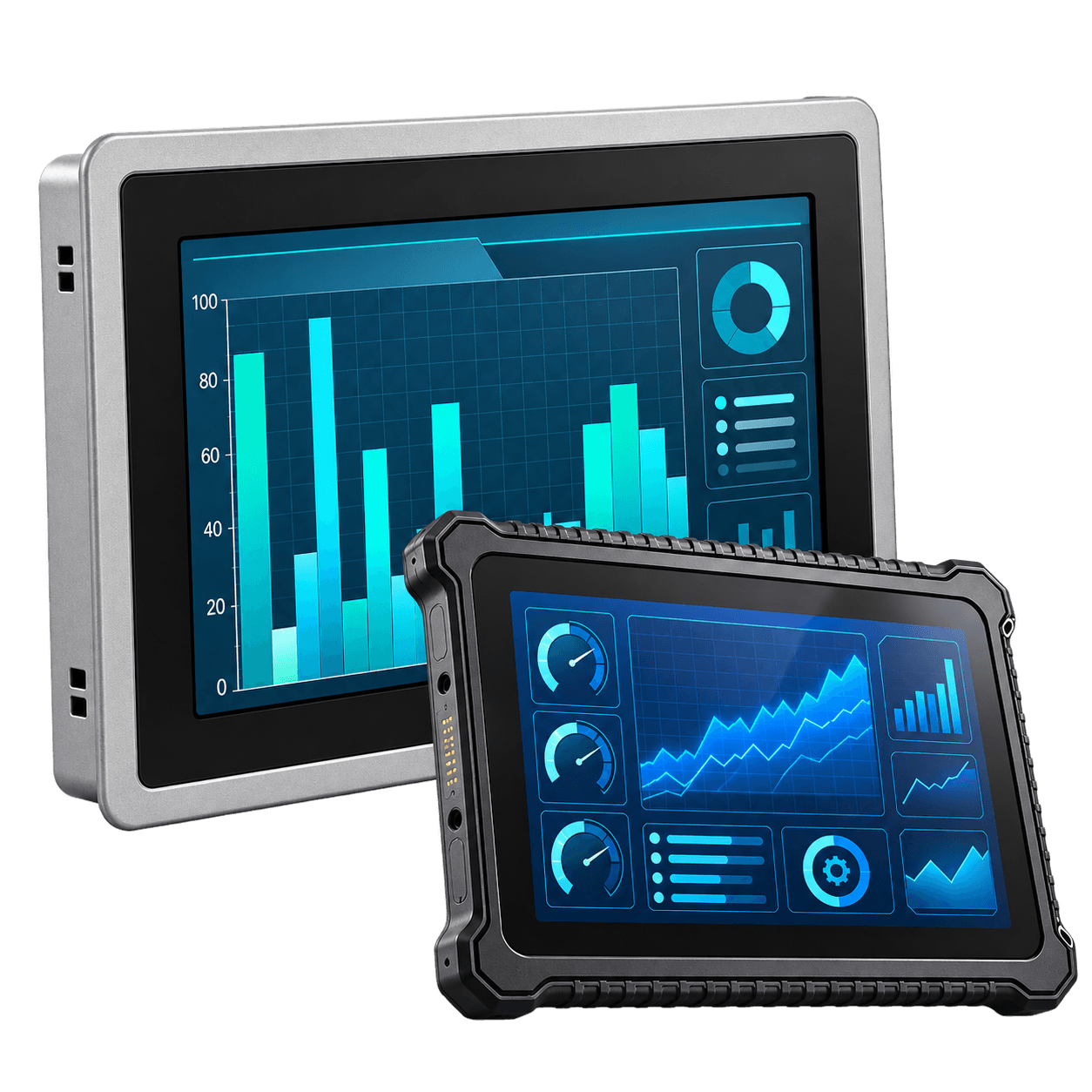 Industrial Panel PCs & Rugged Waterproof Terminals
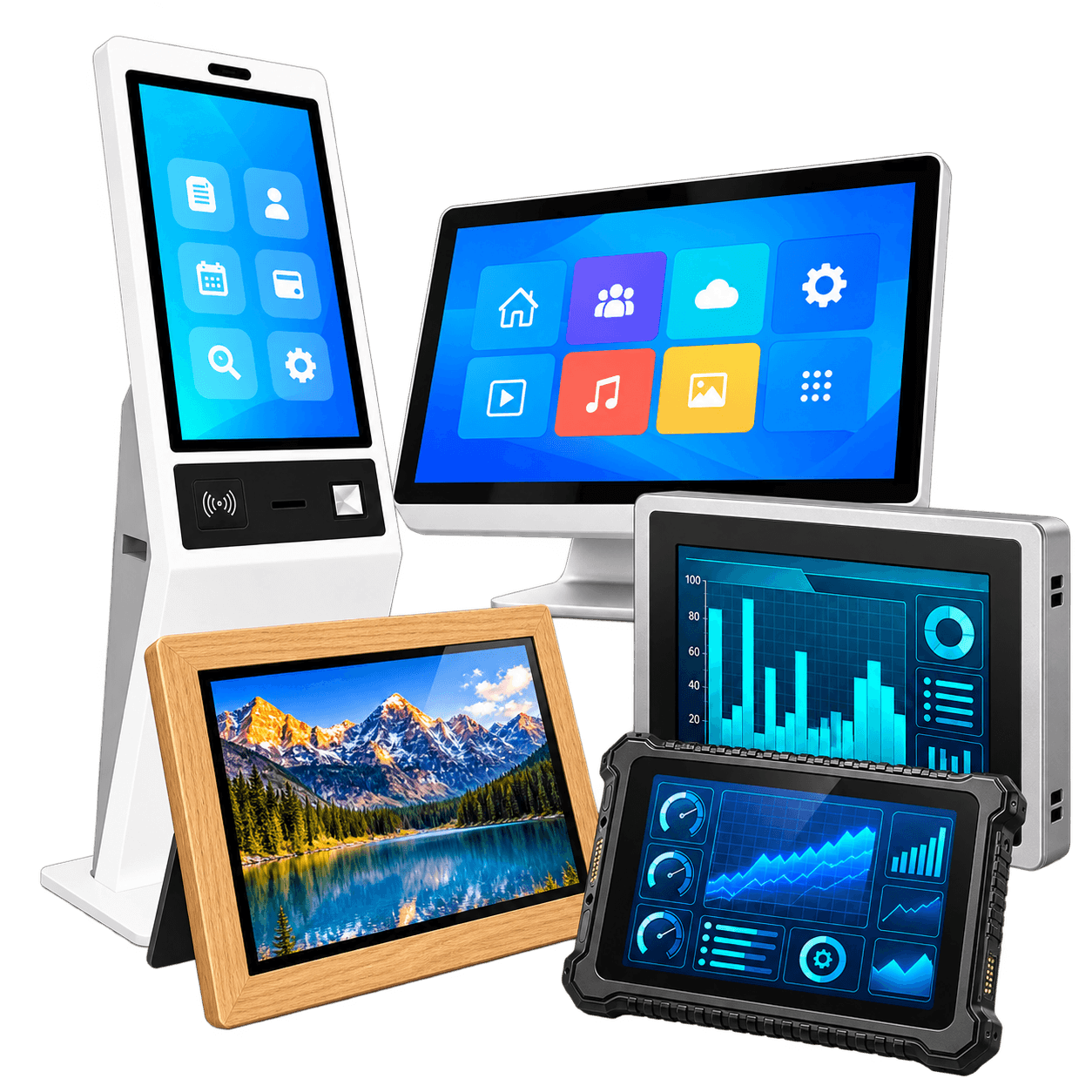 Touchscreen All-in-One Terminals
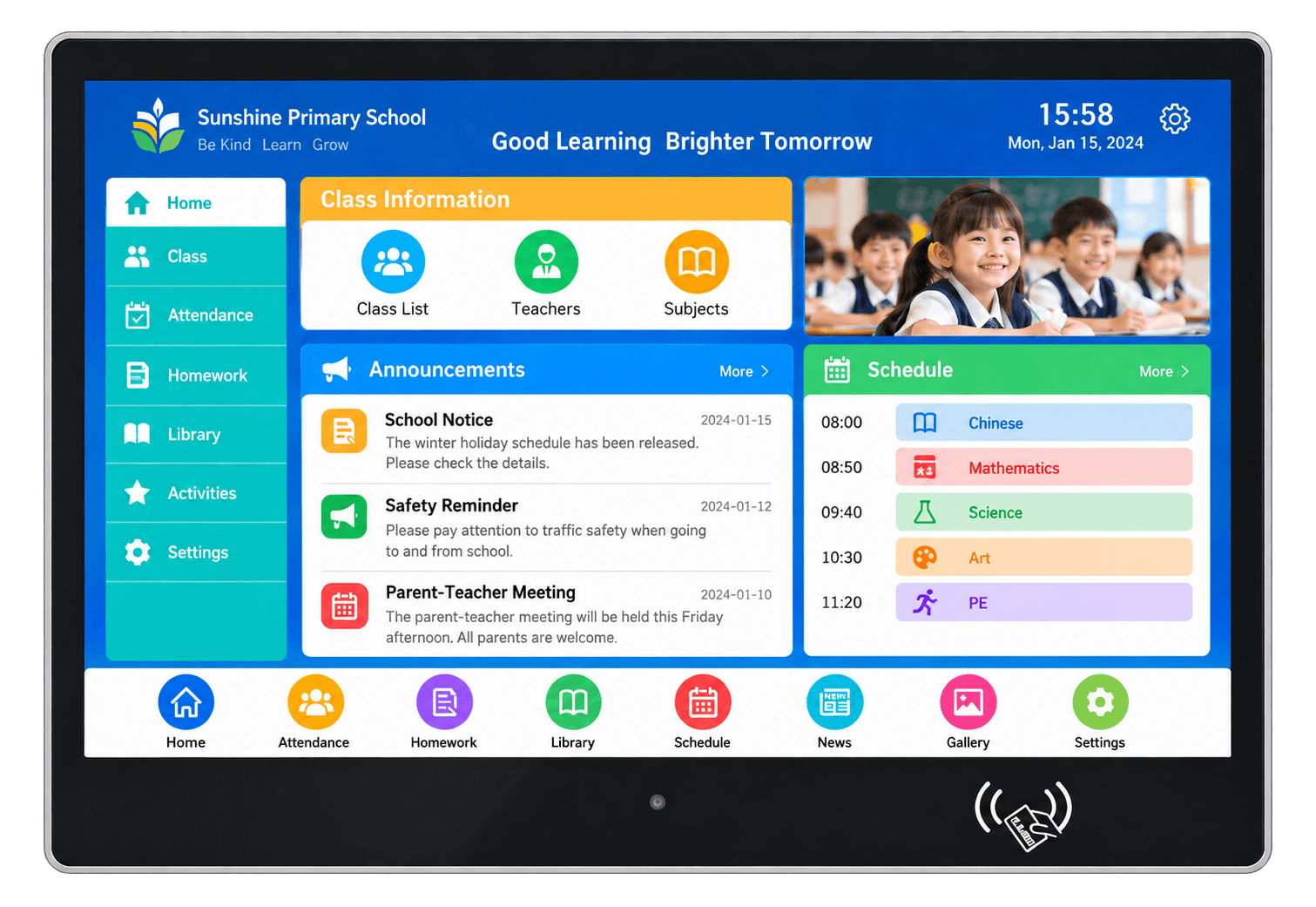 Wall-Mounted Touch Terminals
 Open Frame Digital Signage
 Industrial TFT LCD Displays
 Touch Screen TFT LCD Displays
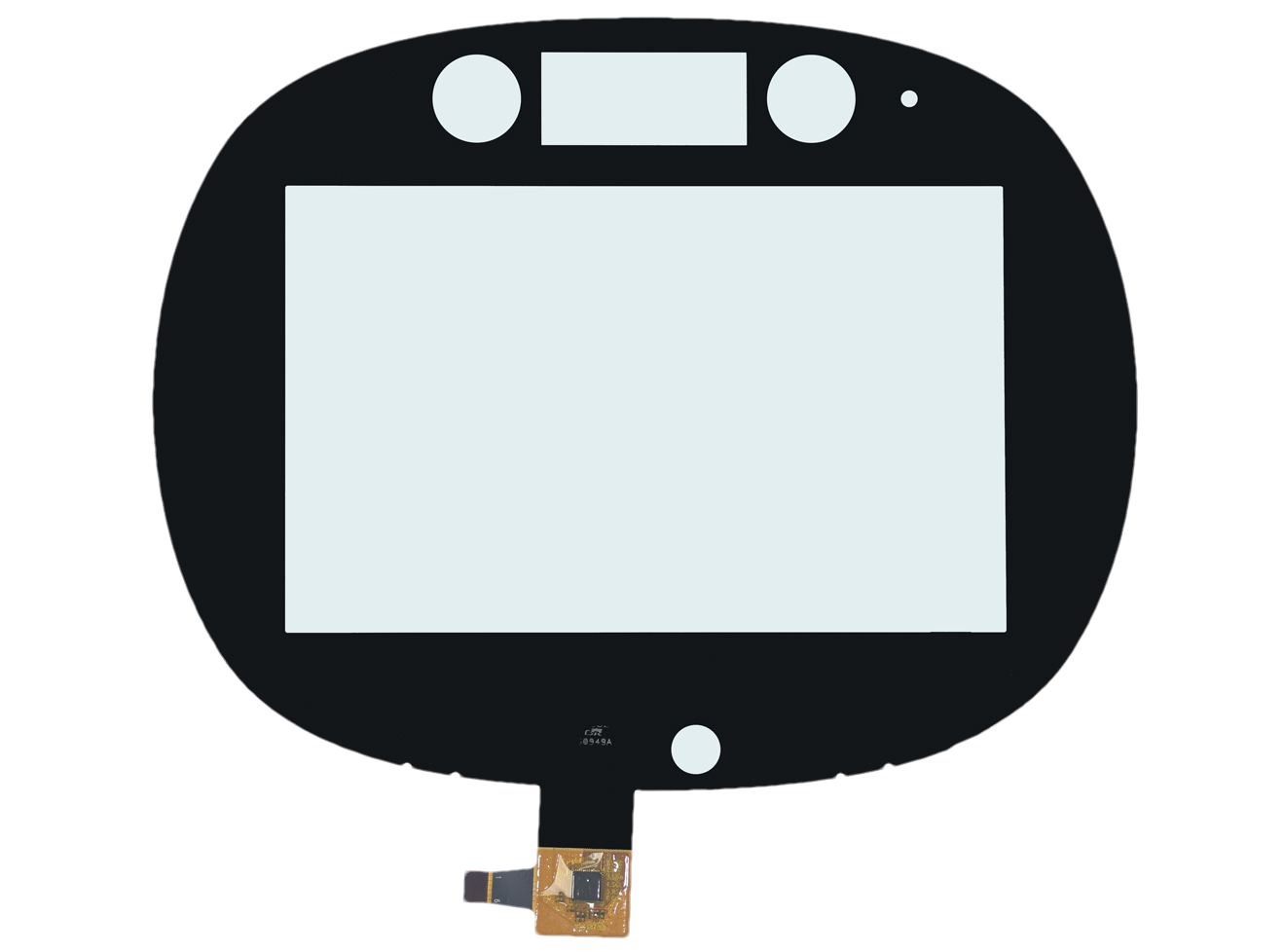 Capacitive Touch Panels
 Resistive Touch Panels
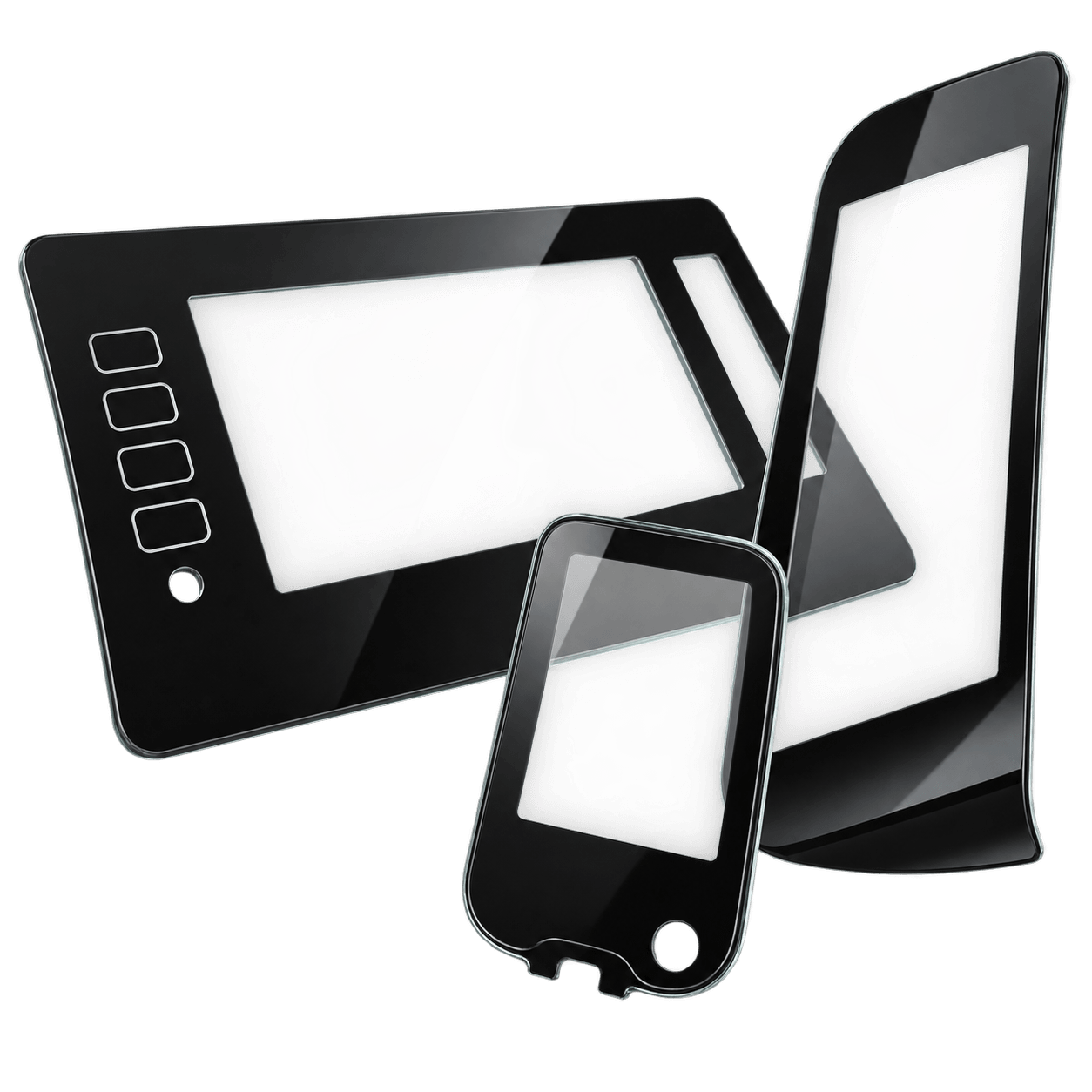 Custom Touch Panel Glass