Home | Products | Touchscreen All-in-One Terminals

Complete Display Terminals for OEM, Commercial, Enterprise and Industrial Projects

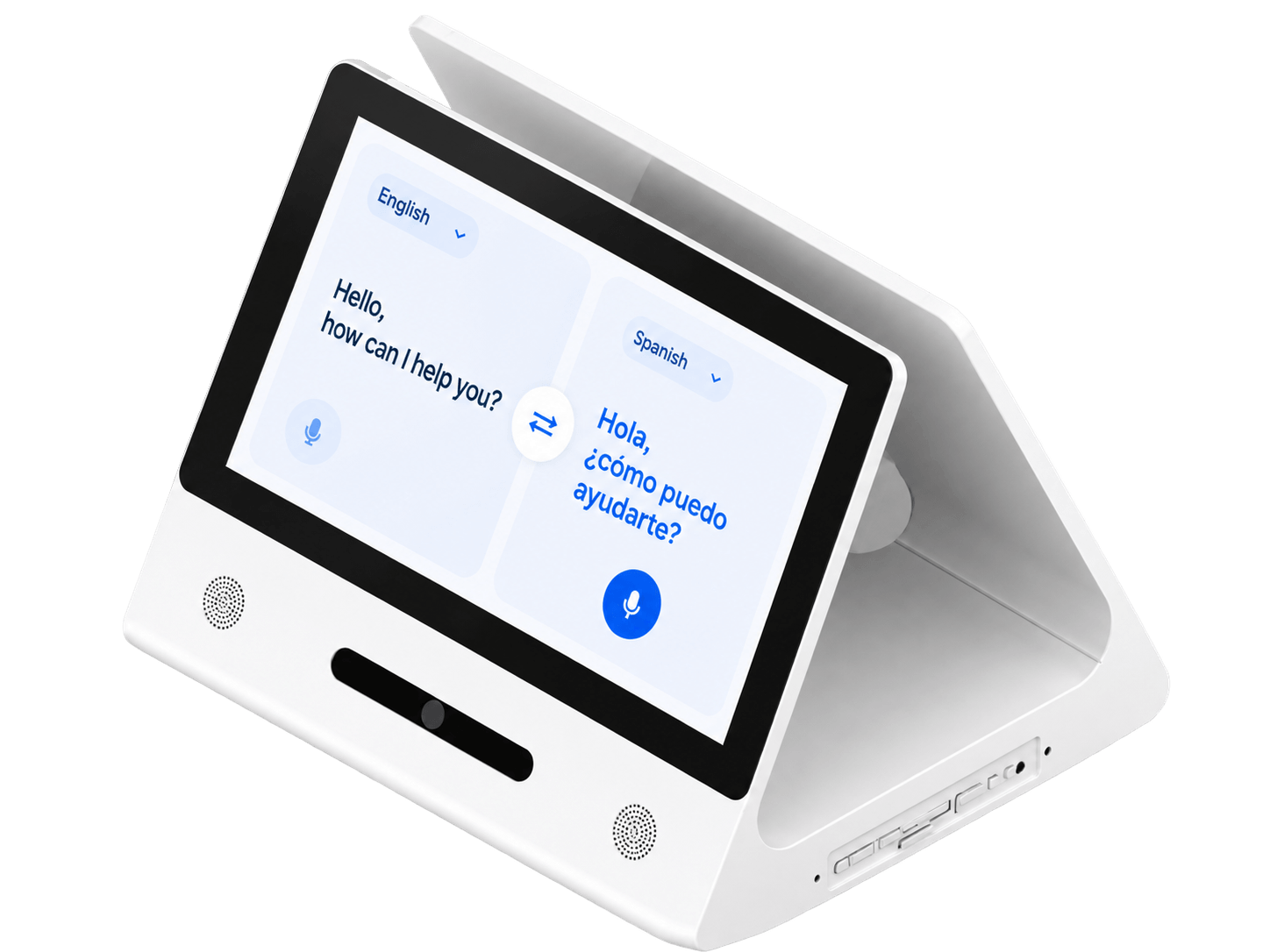
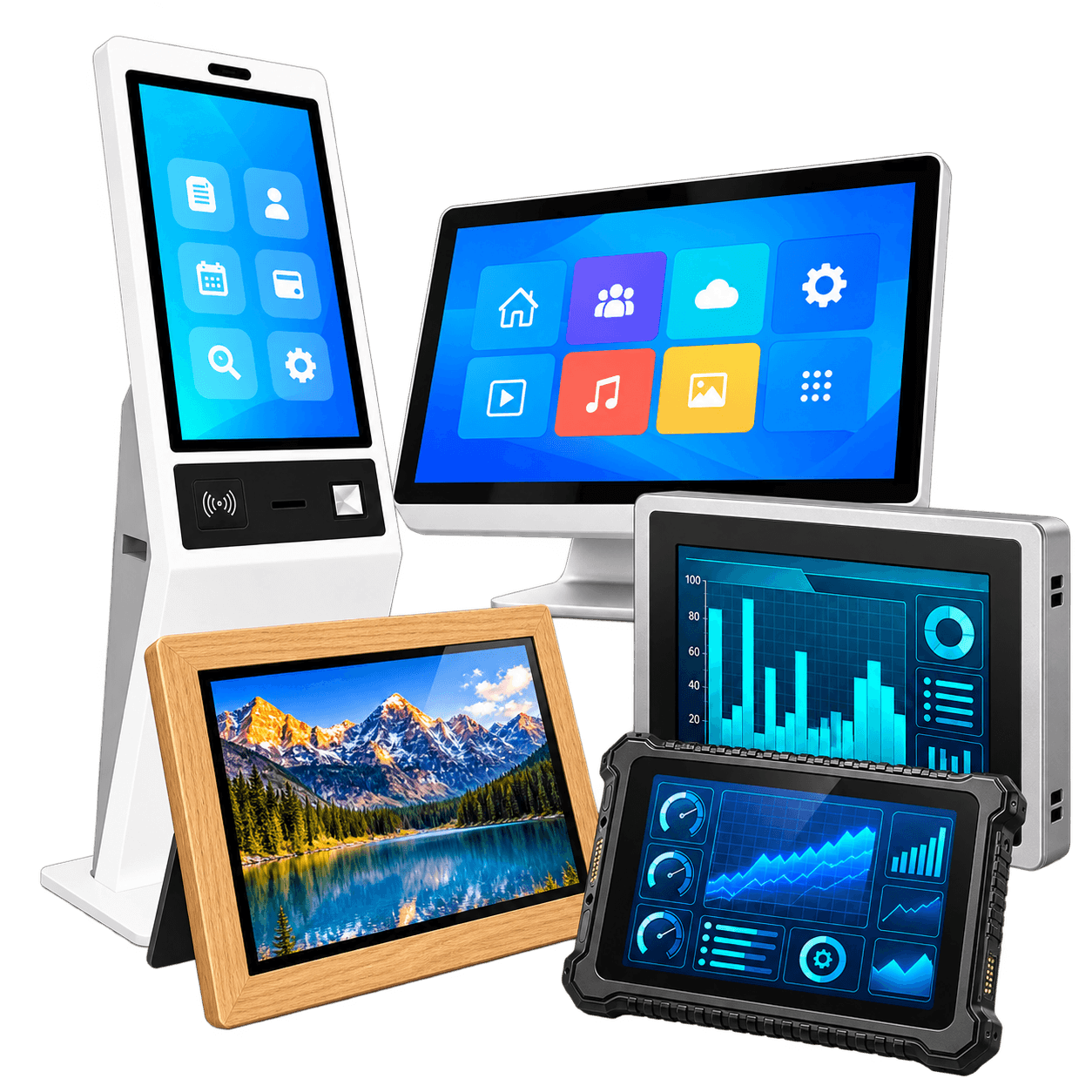
DisplayMan Touchscreen All-in-One Terminals are complete display devices that combine an LCD display, optional or integrated touch, computing platform, enclosure, connectivity, installation structure and OEM customization into ready-to-deploy products.

This parent category covers lighter consumer and commercial OEM devices as well as enterprise, public and industrial terminal products.

Not every product must include touch. Touch is a core function for some categories and an optional configuration for others.

A Complete Terminal May Include

  • LCD display and touch or non-touch configuration
  • Android, Linux, Windows or external player
  • Wi-Fi, Ethernet, selected PoE or 4G
  • Camera, NFC, microphone, speaker, GPS or scanner
  • USB, HDMI, RS232, RS485, GPIO or project-specific I/O
  • Wall, floor, desktop, open-frame, tabletop or embedded structure
  • Housing, logo, boot screen, UI, accessories and packaging
The Value Is the Complete Terminal, Not Only the LCD Display

Real projects depend on the display, touch, system, software entry, interfaces, enclosure, installation and production control working together.

Two Product Directions Under Touchscreen All-in-One Terminals

5 Product Groups

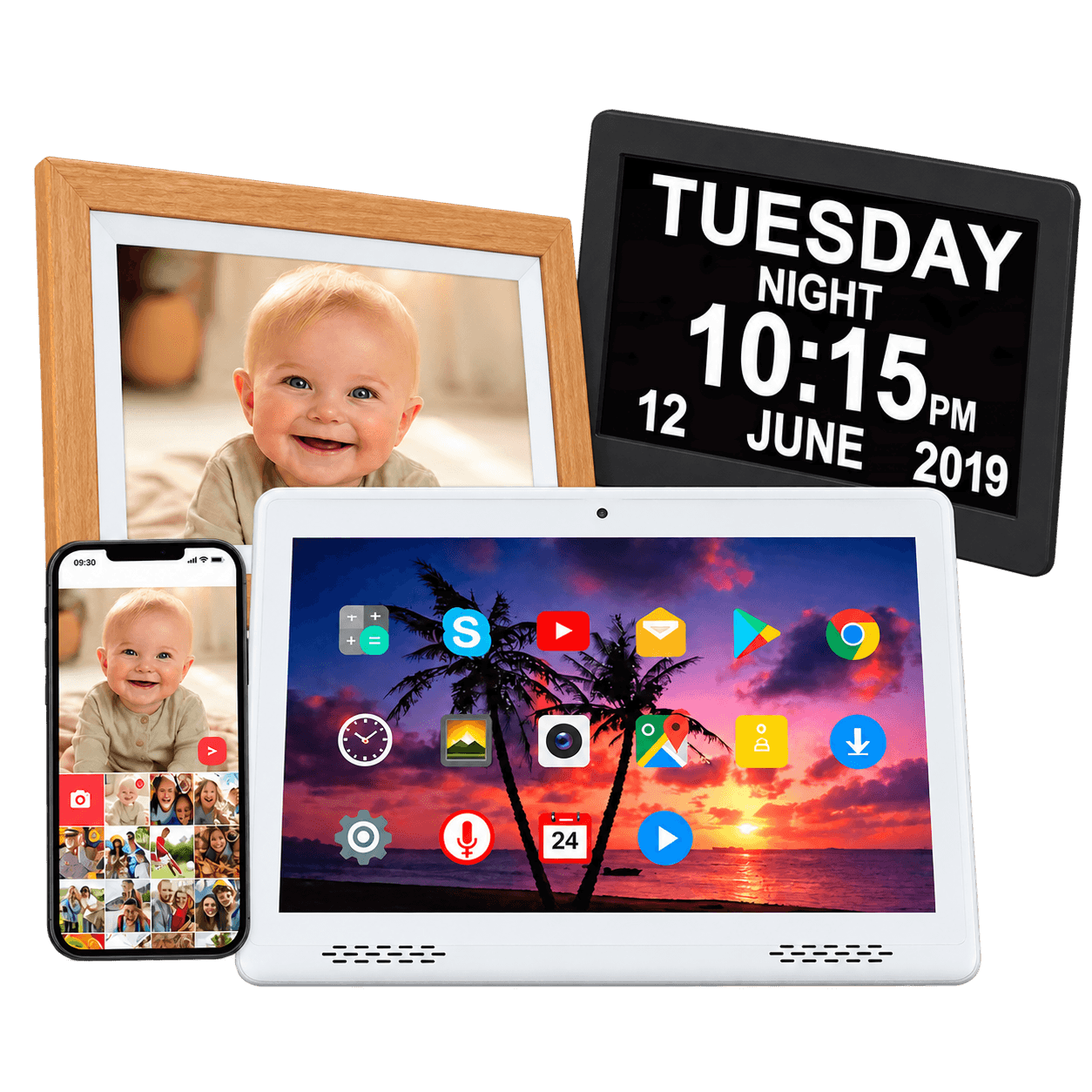
Consumer & Light Commercial OEM

Productized display devices for consumer-electronics brands, gift companies, hospitality suppliers, senior-care products, portable-monitor brands and private-label OEM programs.

  • More standardized product forms
  • Branding, UI, accessories and packaging
  • Consumer-style or light commercial deployment
  • Batch OEM and private-label production
Explore Consumer & Light Commercial OEM →
9 Product Groups

Enterprise & Industrial Terminals

Commercial, public, enterprise and industrial products that require project-specific installation, system integration, interfaces, software compatibility and reliability.

  • Signage, kiosks and wall terminals
  • Collaboration, access and interactive furniture
  • LCD video walls and industrial equipment HMI
  • Project engineering and long-term deployment
Explore Enterprise & Industrial Terminals →
Similar Components, Different Buying Intent

Products may share LCD, touch and computing components, but the application, enclosure, installation, software responsibility, environment and production model are different.

Consumer & Light Commercial OEM Products

These products are generally lighter, more standardized and more suitable for branding, packaging, software options and batch OEM customization.

7"–32"

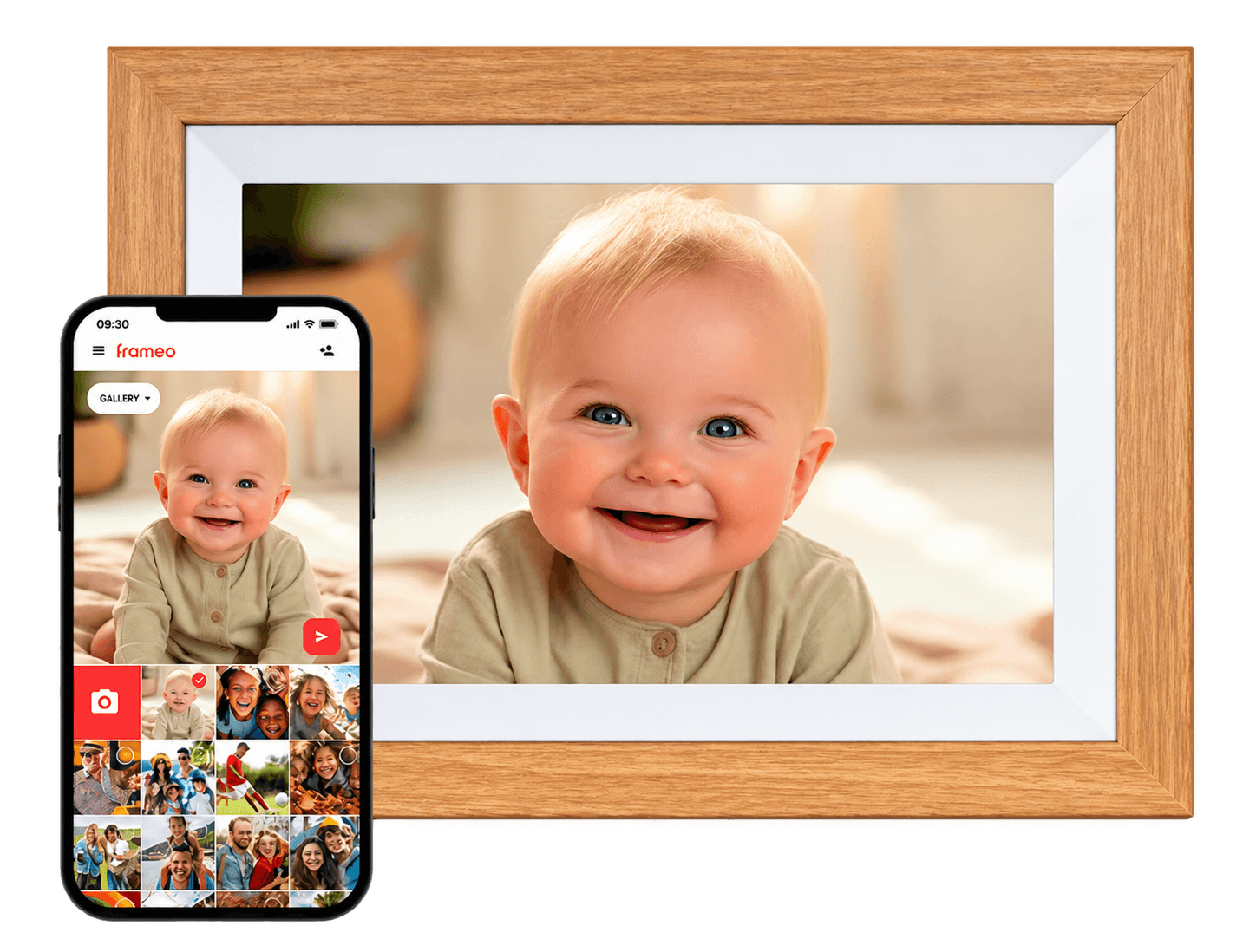
Digital Photo Frames

Photo playback, video loops, Wi-Fi cloud photo sharing, hospitality displays, gift products and private-label programs.

  • Wi-Fi or non-Wi-Fi
  • Selected Frameo / Uhale support
  • Optional touch
  • Custom logo and packaging
Explore Digital Photo Frames →
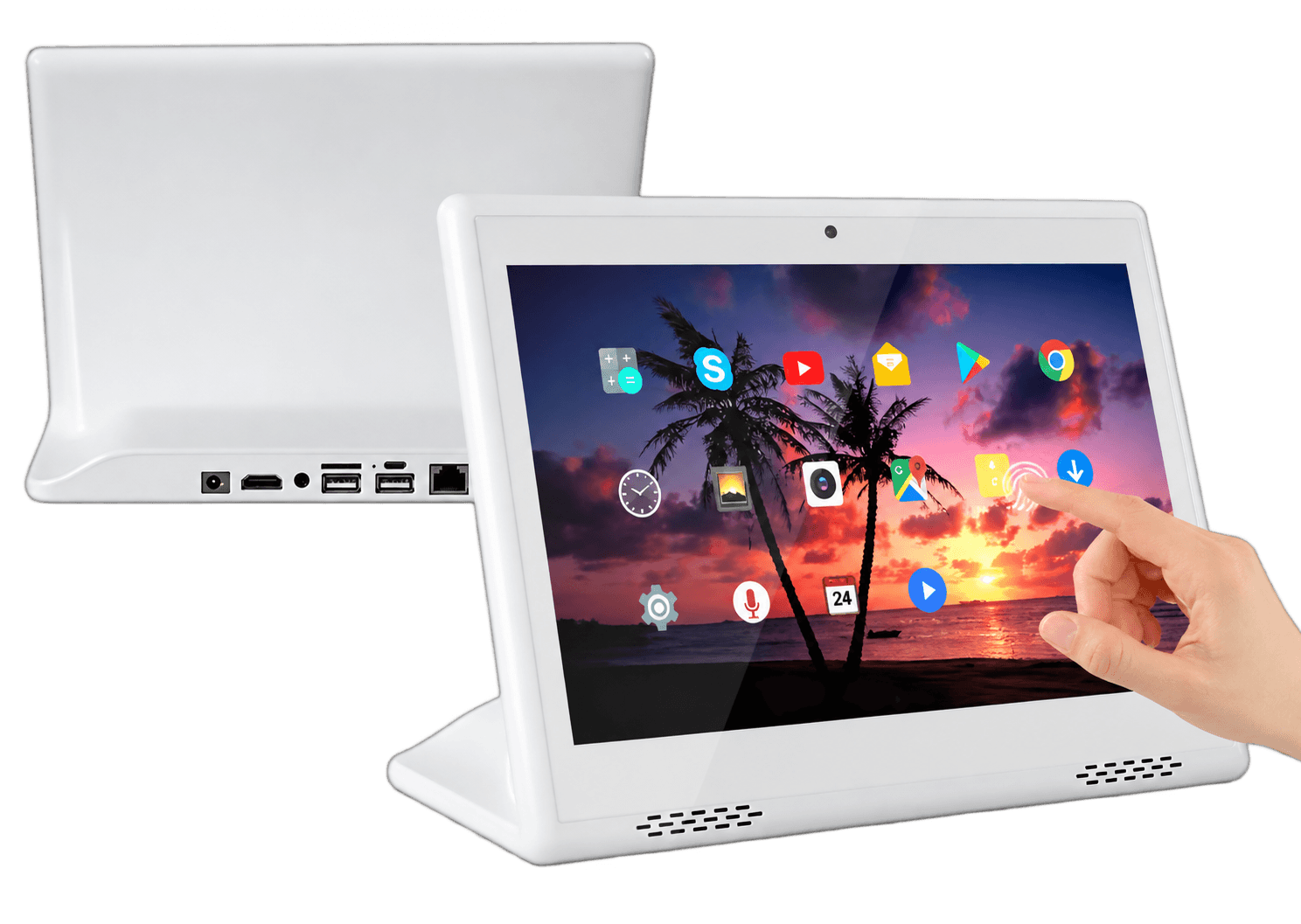
10.1"–32"

Commercial Tablet All-in-One PCs

Fixed business touch terminals with built-in computing systems. These are not handheld consumer tablets.

  • Android, Linux or Windows
  • Wall, desktop or embedded use
  • PoE, 4G, camera, NFC or GPS
  • Custom UI and branding
Explore Commercial Tablet PCs →
13.3"–17.3"

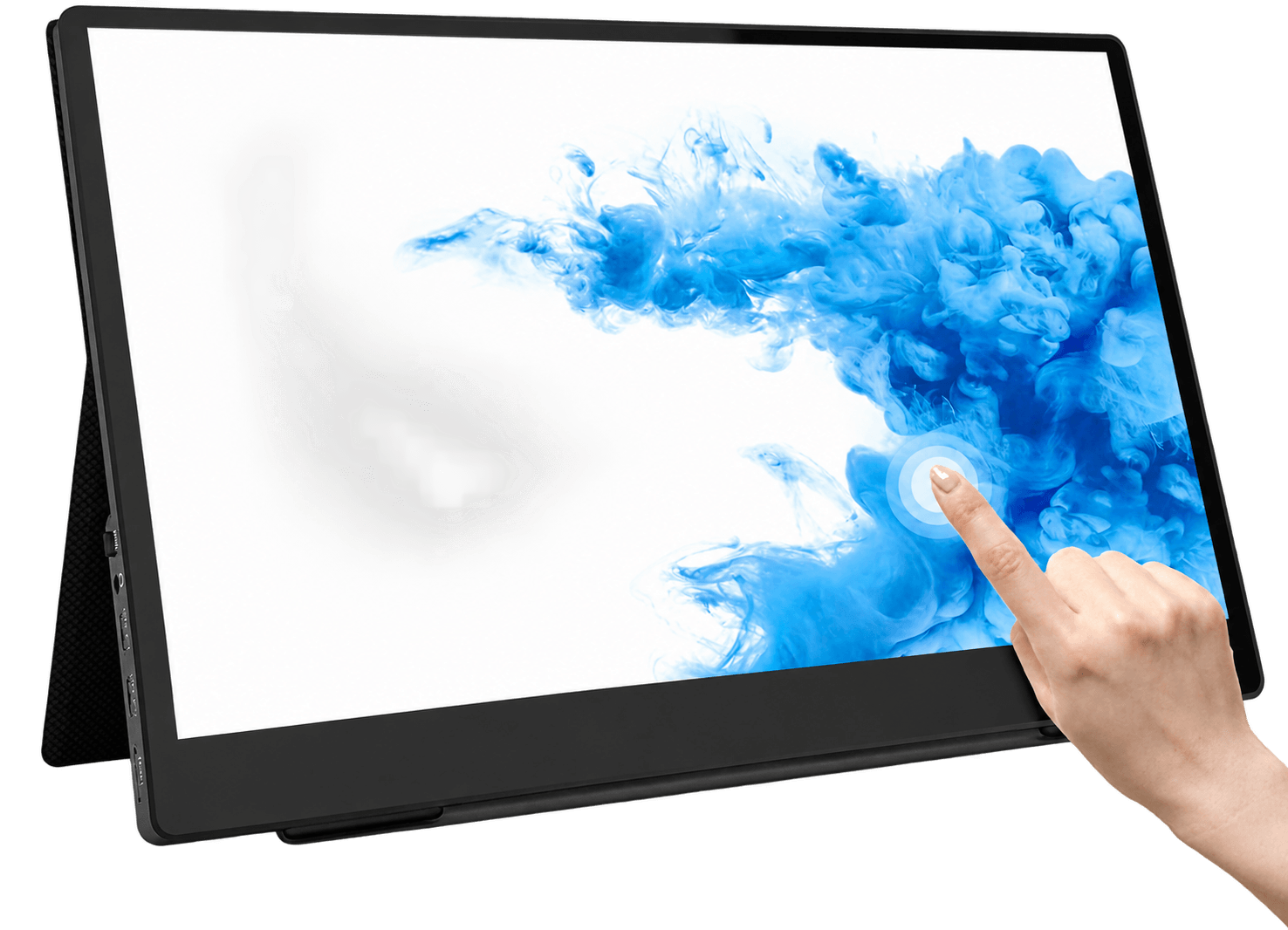
Portable LCD Monitors

Slim external displays for laptops, gaming, mobile work, testing, presentations and OEM monitor brands.

  • IPS and Full HD / 2K / 4K
  • USB Type-C and HDMI
  • Built-in speakers
  • Optional touchscreen
Explore Portable LCD Monitors →
21.5"–55"

Digital Smart Art Frames

Decorative wall-mounted display products designed to look like framed artwork for homes, hotels and commercial interiors.

  • Art-frame appearance
  • Paper-like screen direction
  • Wi-Fi or offline playback
  • Custom frame and packaging
Explore Digital Smart Art Frames →
7"–15"

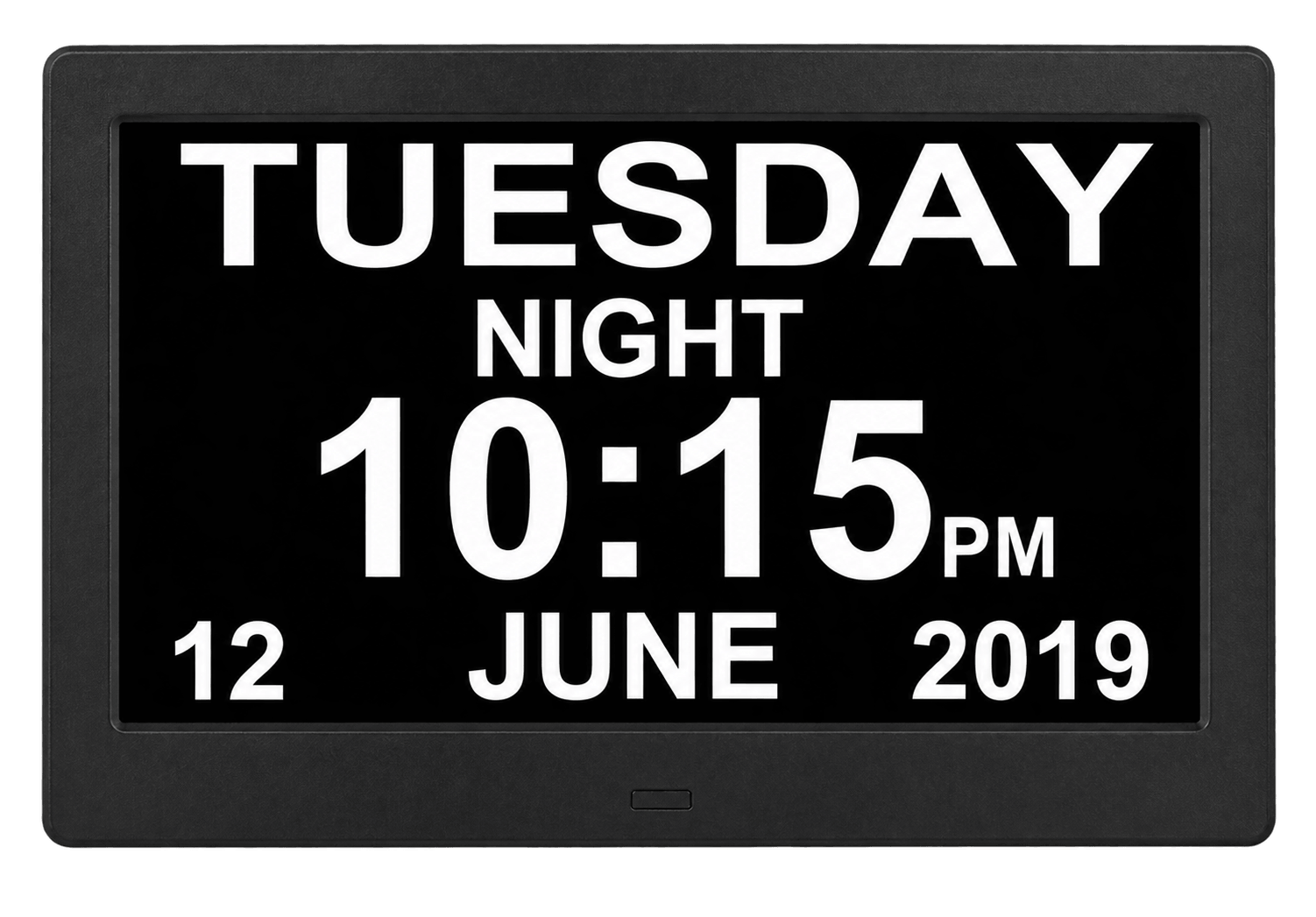
Digital Day Clocks

Large time, date, weekday, alarm and reminder displays for senior-care, hospitality and private-label products.

  • Large time and weekday display
  • Medicine reminders and alarms
  • Multi-language UI
  • Optional touch for custom projects
Explore Digital Day Clocks →

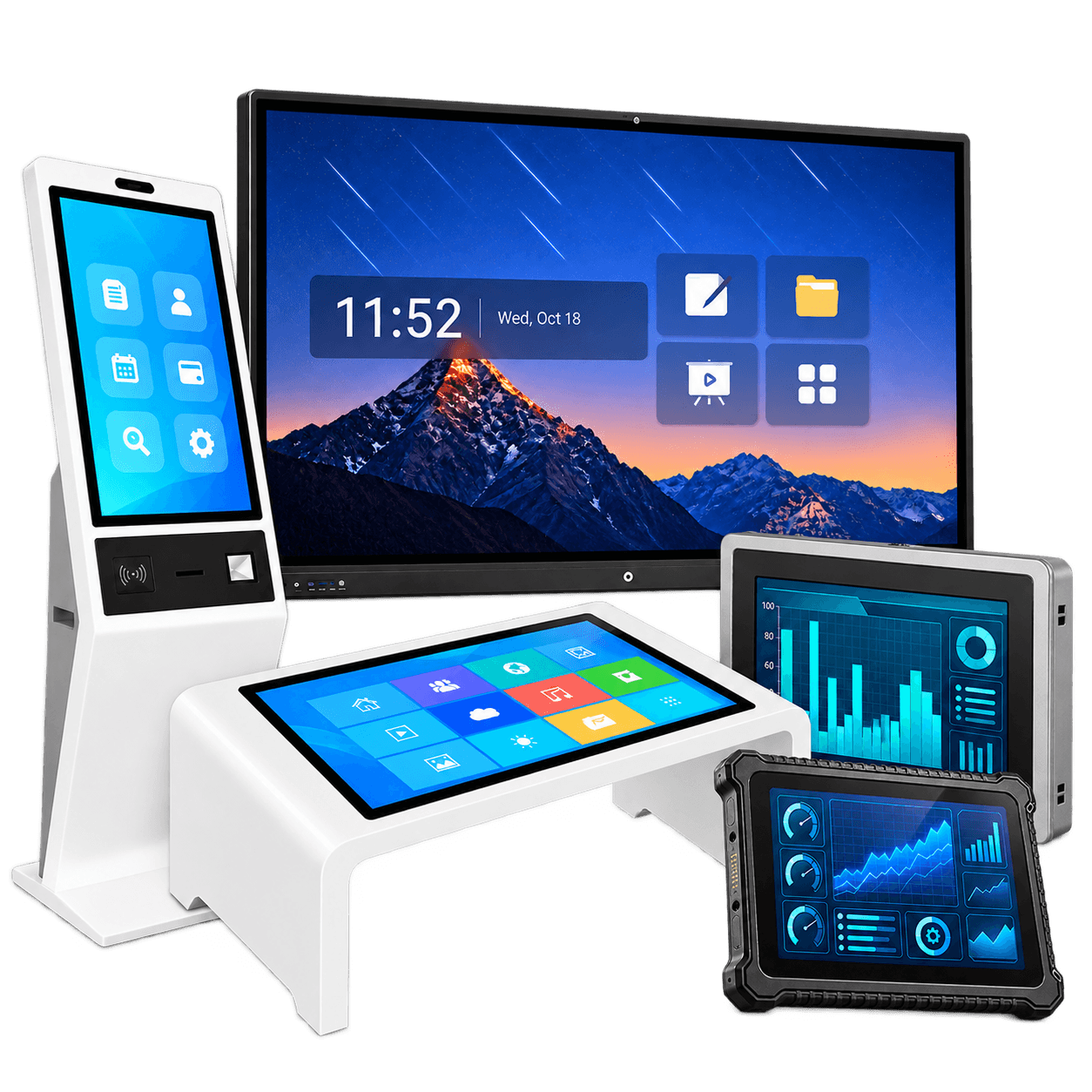
Enterprise, Public and Industrial Terminal Products

These products focus more on deployment, installation structure, software compatibility, interfaces, reliability and long-term project support.

10.1"–98"

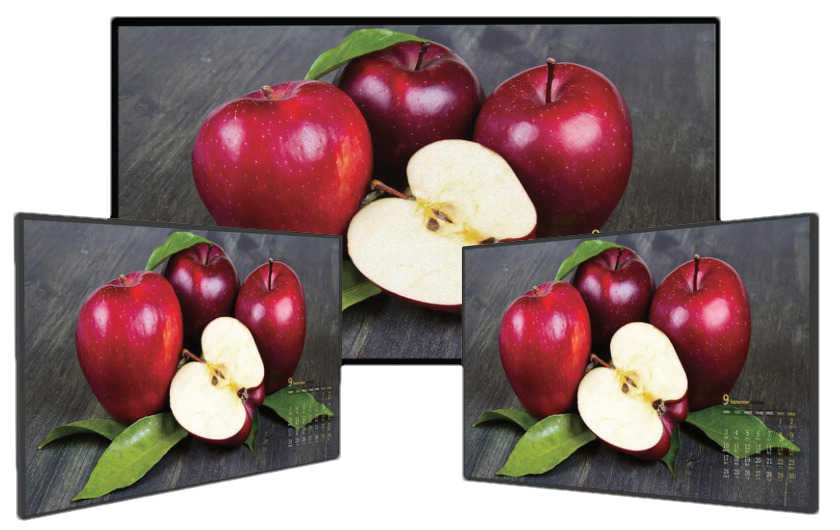
Digital Signage Displays

Advertising, menus, promotions, product information, public information and corporate communication.

Explore Digital Signage Displays →
32"–98"

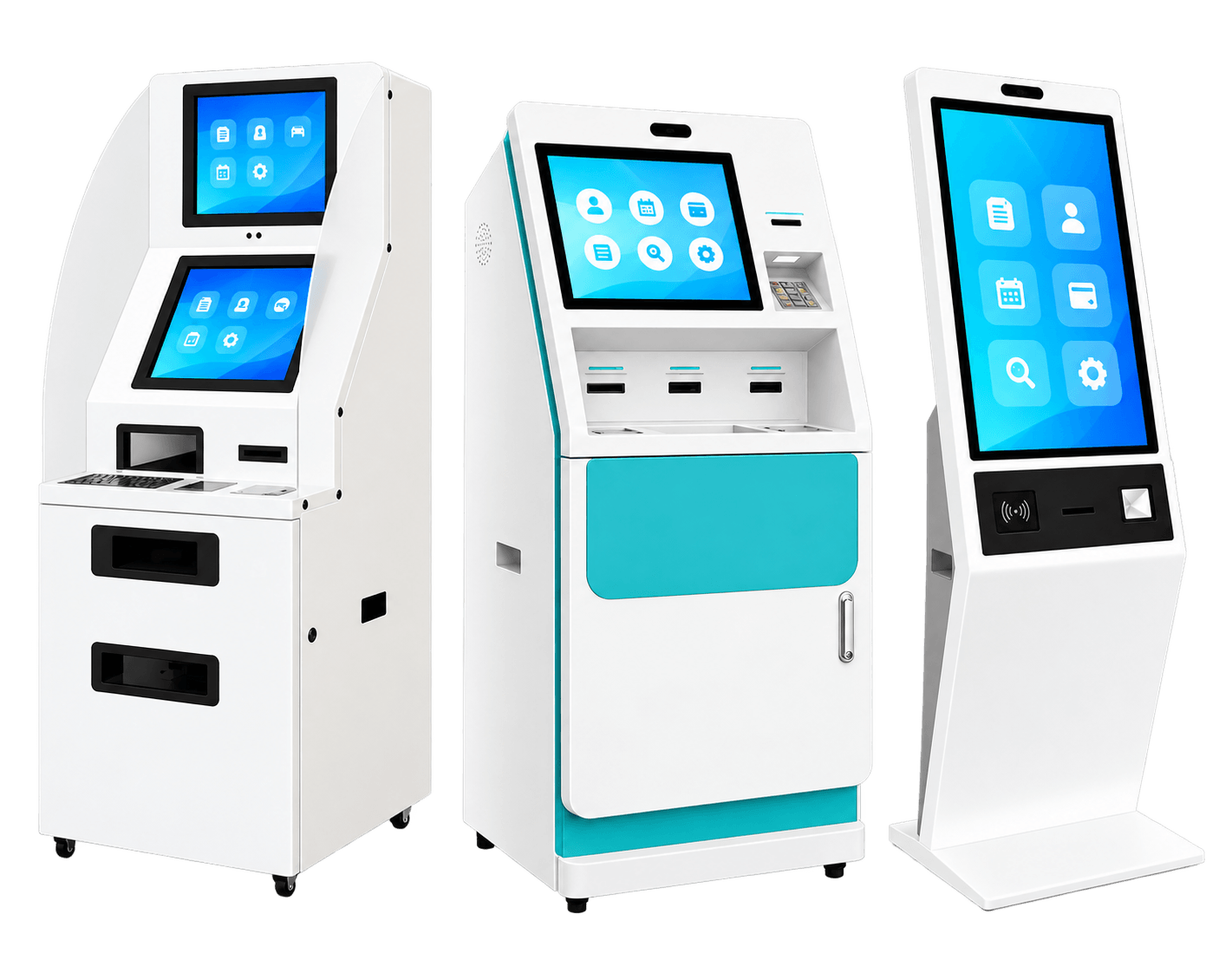
Floor-Standing Kiosks

Complete freestanding terminals for information, wayfinding, selected self-service and public interaction.

Explore Floor-Standing Kiosks →
Embedded

Open Frame Digital Signage

Display and computing systems for integration inside customer machines, kiosks, lockers, vending products and furniture.

Explore Open Frame Digital Signage →
10.1"–98"

Wall-Mounted Touch Terminals

Fixed application terminals for room booking, visitor workflows, retail interaction and enterprise software.

Explore Wall-Mounted Touch Terminals →
55"–98"

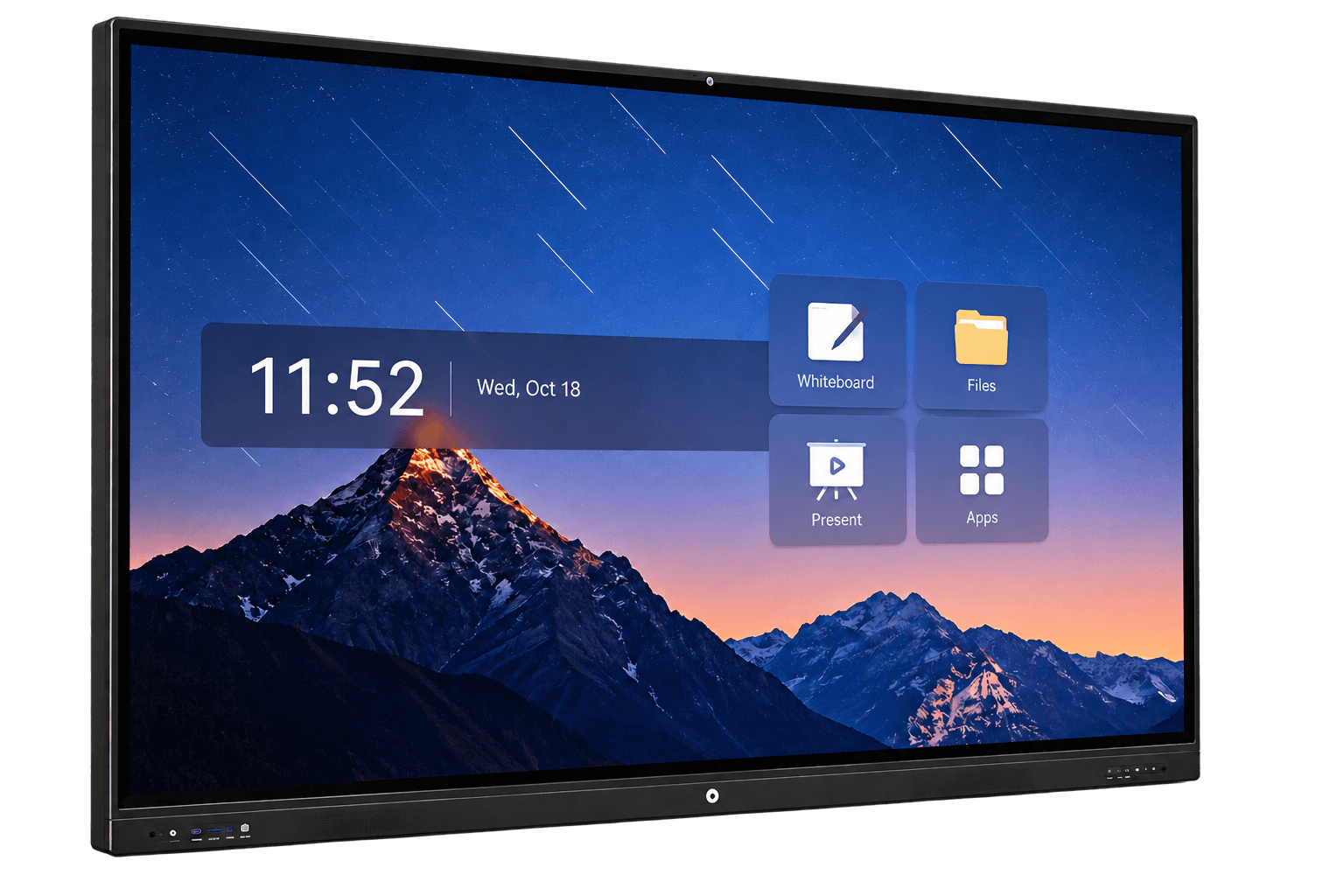
Interactive Flat Panels

Meeting, classroom, training, whiteboard writing, annotation and wireless collaboration displays.

Explore Interactive Flat Panels →
7"–98"

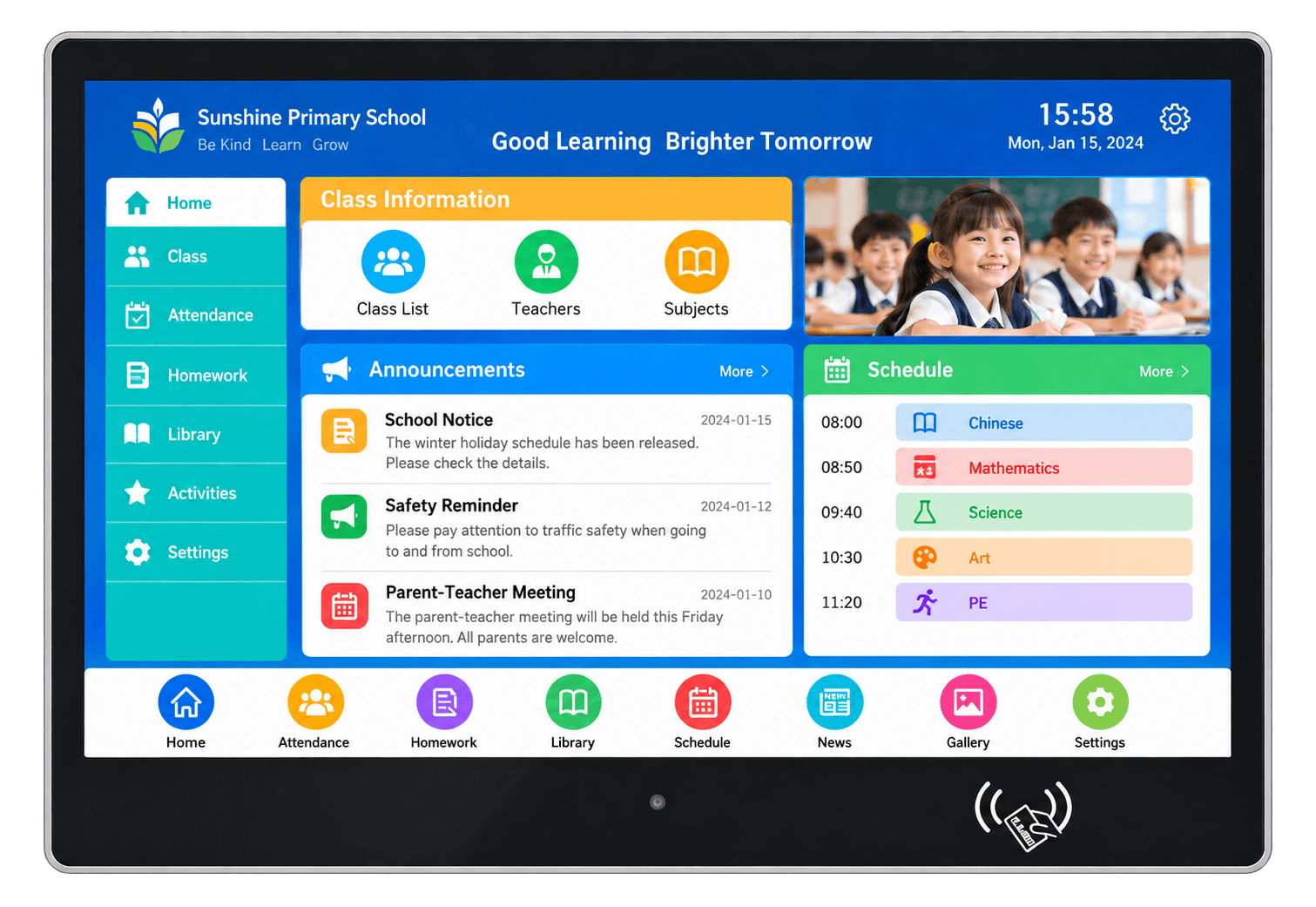
AI Recognition & Smart Access Terminals

Access, attendance, visitor management, digital nameplates and identity-related entrance workflows.

Explore AI Recognition & Smart Access →
32"–98"

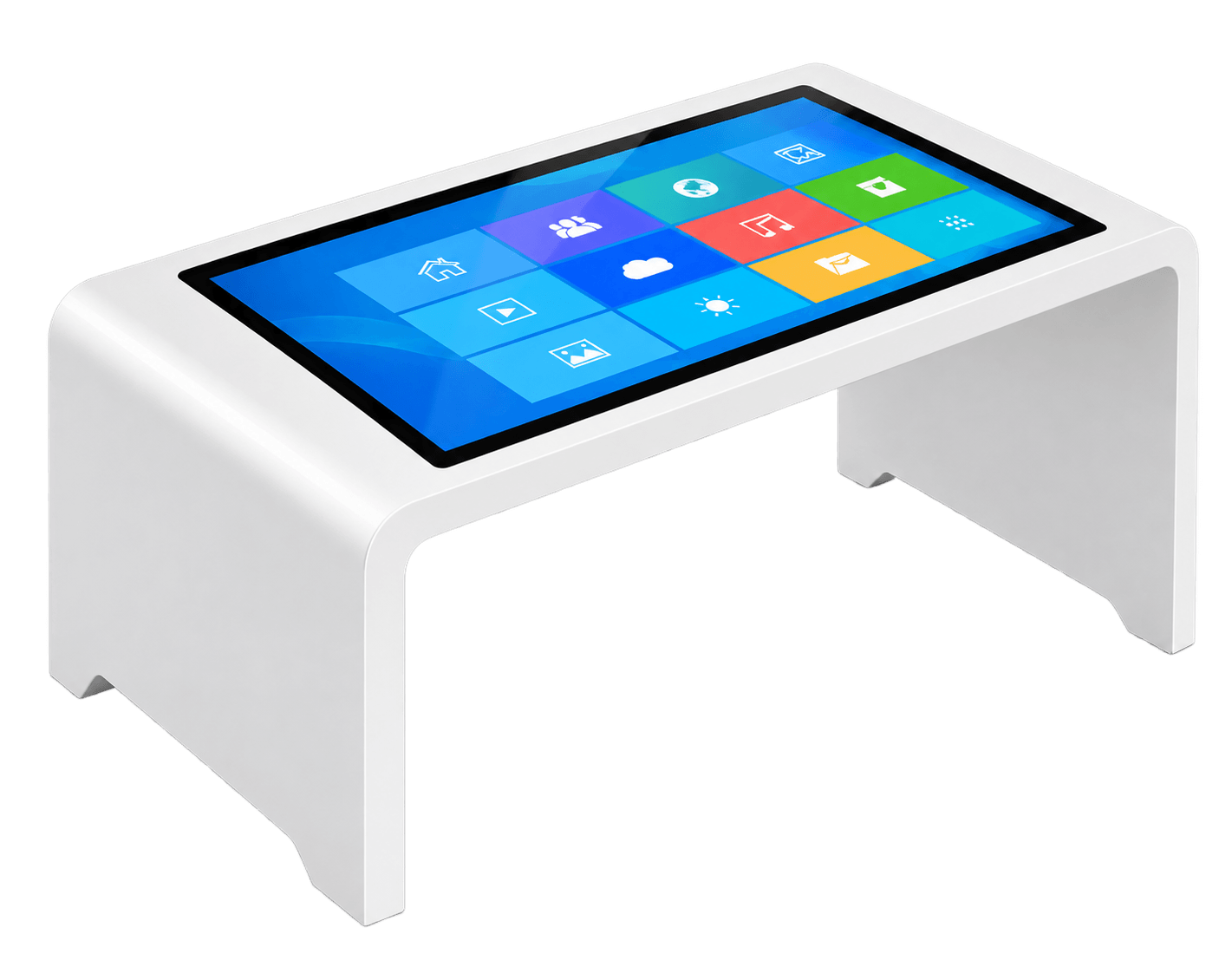
Horizontal Interactive Desks

Table-style touch products for maps, museums, retail, real estate, education and multi-user interaction.

Explore Horizontal Interactive Desks →
46" / 49" / 55"

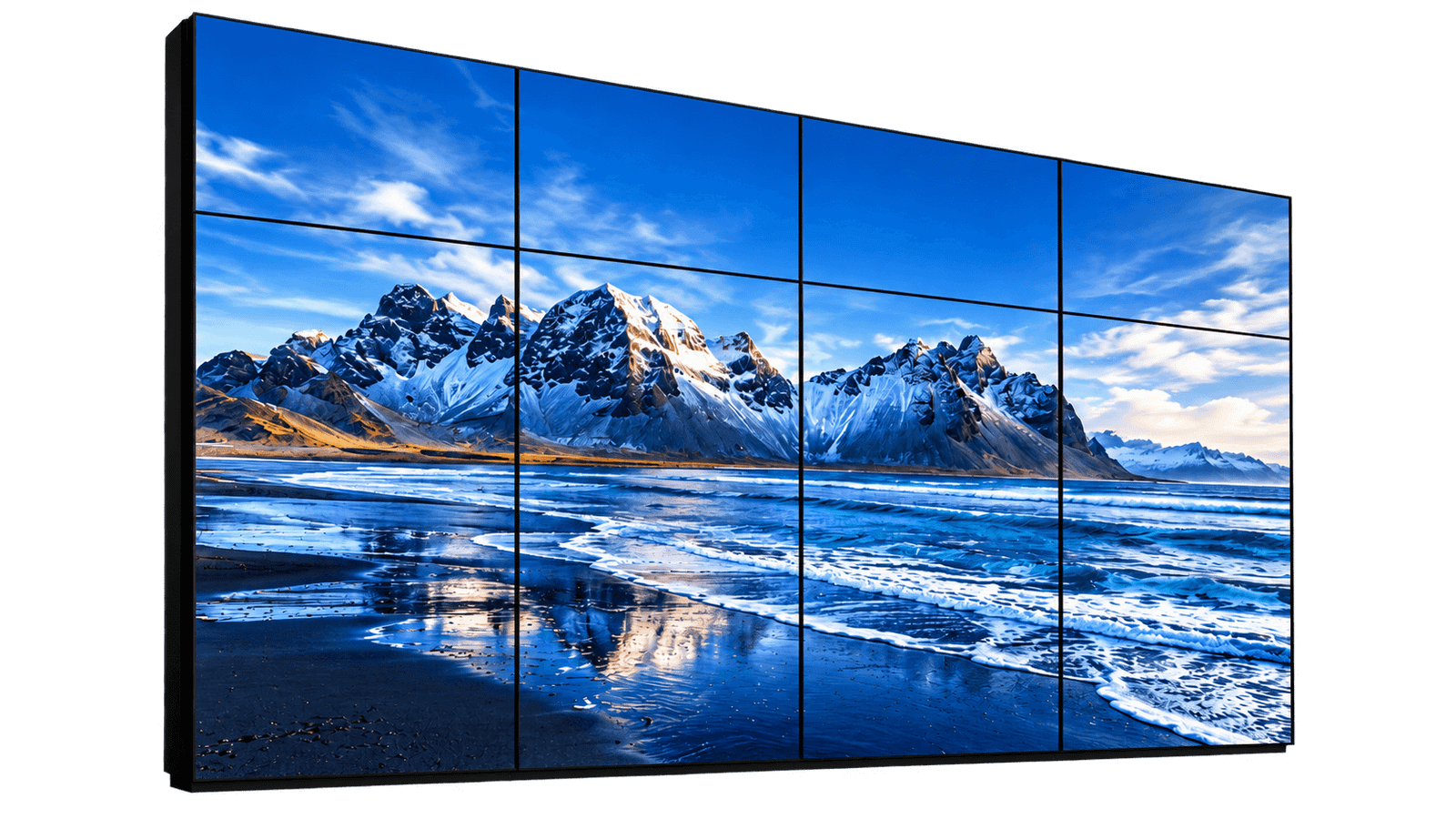
Commercial LCD Video Walls

Indoor multi-panel display walls for lobbies, monitoring and information projects where bezel gaps are acceptable.

Explore Commercial LCD Video Walls →
7"–24"

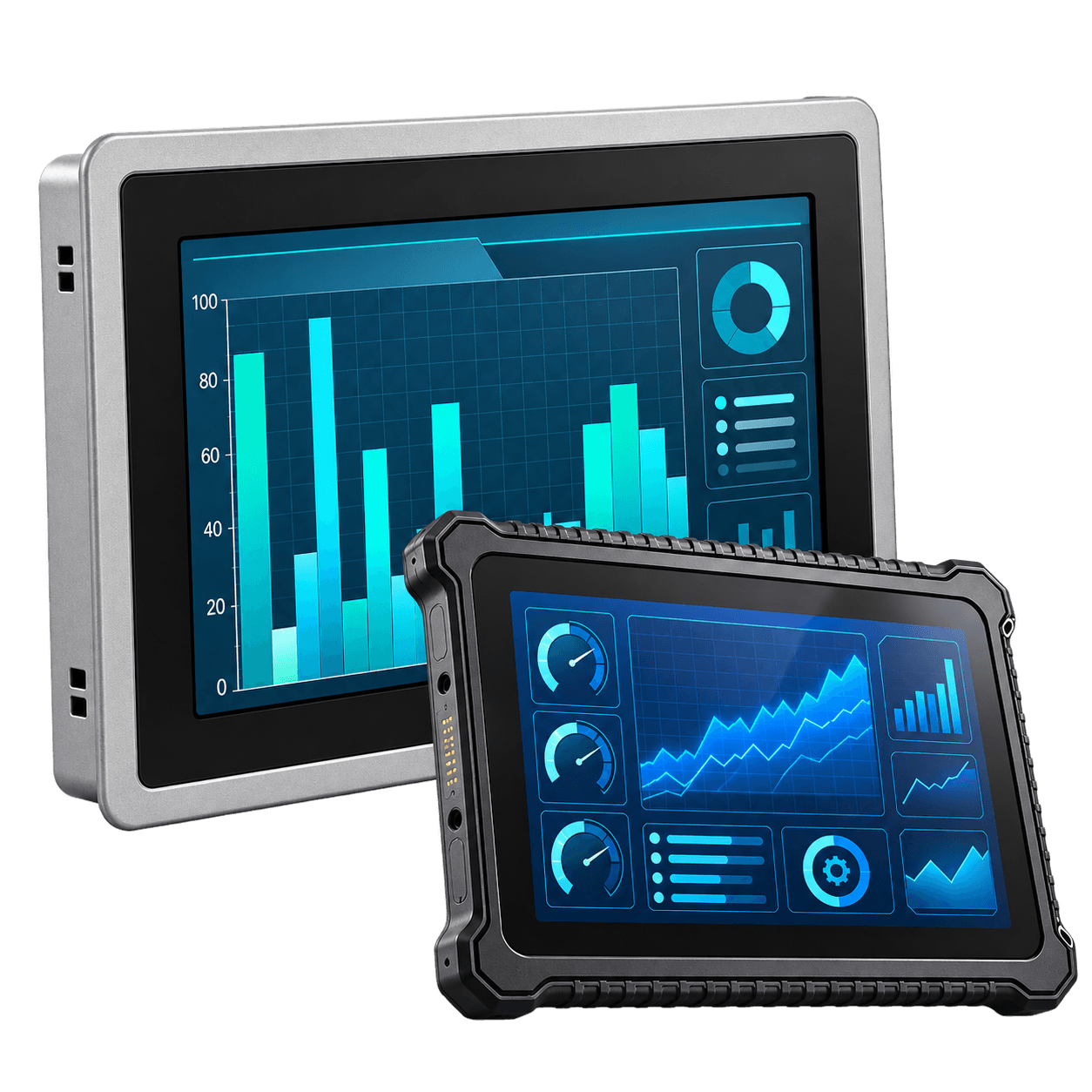
Industrial Panel PCs & Rugged Waterproof Terminals

Fanless industrial computers, touch monitors and sealed terminals for automation, machine HMI and harsh environments.

Explore Industrial Panel PCs →
Large-Format Strategy

For many standard commercial terminal projects, 75" is a practical mainstream size. A 98" screen is usually the regular commercial maximum. A 110" product should be treated only as a special evaluation.

Choose the Product by What the User Needs to Do

User NeedRecommended ProductMain Buying Reason
Photo playback or cloud photo sharingDigital Photo FramesConsumer-style media product and OEM branding
Fixed business tablet terminalCommercial Tablet All-in-One PCsCompact touch, system and business interfaces
Portable external screenPortable LCD MonitorsUSB Type-C / HDMI mobility and lightweight design
Decorative digital artworkDigital Smart Art FramesFurniture-style frame appearance and art presentation
Large time, date and remindersDigital Day ClocksSimple readable UI and reminder functions
Advertising and information playbackDigital Signage DisplaysContent-first commercial display
Complete freestanding public deviceFloor-Standing KiosksIntegrated floor enclosure and user workflow
Integration inside customer equipmentOpen Frame Digital SignageOpen mechanical structure for customer enclosure
Fixed wall-mounted applicationWall-Mounted Touch TerminalsEnterprise interaction and wall installation
Writing, teaching and collaborationInteractive Flat PanelsLarge touch surface and collaboration software
Identity, access, attendance or visitor workflowAI Recognition & Smart Access TerminalsCamera, reader and access-system integration
Shared tabletop explorationHorizontal Interactive DesksHorizontal multi-user interaction
Cost-controlled indoor multi-panel wallCommercial LCD Video WallsLarge display area with acceptable LCD bezel gaps
Machine HMI or rugged industrial computingIndustrial Panel PCs & Rugged Waterproof TerminalsIndustrial I/O, fanless design and environmental protection

Touch Is Core for Some Products and Optional for Others

Touch-First

Touch Is a Core Function

  • Commercial Tablet All-in-One PCs
  • Wall-Mounted Touch Terminals
  • Interactive Flat Panels
  • AI Recognition Terminals
  • Horizontal Interactive Desks
  • Industrial Panel PCs
Touch Optional

Touch Depends on the Project

  • Digital Photo Frames
  • Portable LCD Monitors
  • Digital Smart Art Frames
  • Digital Day Clocks
  • Digital Signage Displays
  • Floor-Standing Kiosks
Usually Non-Touch

Touch Is a Special Overlay

  • Commercial LCD Video Walls
  • Selected large signage systems
  • Passive information walls

Large infrared touch frames can be reviewed, but bezel gaps and installation must still be accepted.

Select Touch Technology After Defining the Use Case

Projected capacitive touch, infrared touch, resistive touch, glove operation, wet-hand use, cover-glass thickness and touch-point count require different hardware and testing.

Brightness-First Product Route

Is the Display Facing a Window, Direct Sunlight or Outdoor Conditions?

Do not choose a standard terminal only by its enclosure shape. Window-facing, sunlight-readable, semi-outdoor and outdoor projects require separate review of target brightness, reflection, backlight heat, touch behavior, ventilation, sealing, condensation, corrosion and installation position.

Use High Brightness Displays as the main environmental product route.

Window-Facing Displays
Sunlight-Readable Displays
Semi-Outdoor Displays
Outdoor Touch Displays

Choose the System Around the Customer Application

Android

Suitable for photo frames, commercial tablets, signage, room panels, kiosks, access terminals, interactive desks and customer APK deployment.

Linux

Suitable for controlled embedded applications, industrial systems, dedicated software and long-term project-specific environments.

Windows

Suitable for enterprise applications, whiteboard software, 3D, GIS, industrial software, specialized peripherals and x86 workflows.

External Player

Useful when the customer already has a media player, industrial computer, PLC or centralized signage system.

Customer Software

APK, Linux applications and Windows software require compatibility review before the hardware platform is finalized.

Long-Term Control

Operating-system version, chipset, memory, drivers, security updates and replacement strategy should be defined for batch projects.

Choose by Installation Structure

Installation FormTypical Product RouteMain Confirmation
Consumer desktop or countertopPhoto Frames, Day Clocks, Portable Monitors and Commercial TabletsStand, power, ports, branding and packaging
Finished screen on wall or VESA bracketDigital Signage Displays and Wall-Mounted Touch TerminalsWall load, height, cable route and service access
Complete freestanding productFloor-Standing KiosksBase stability, floor space, cable entry and user flow
Inside customer machine or furnitureOpen Frame Digital SignageOpening, mounting, ventilation and final enclosure
Meeting-room wall or mobile standInteractive Flat PanelsRoom size, writing height, stand rating and lifting
Door, room, gate or reception pointAI Recognition & Smart Access TerminalsCamera height, reader, access system and local wiring
Horizontal table or interactive furnitureHorizontal Interactive DesksGlass, desk height, heat, stability and transport
Multi-panel fixed wallCommercial LCD Video WallsWall flatness, bracket alignment, controller and service
Machine panel or rugged enclosureIndustrial Panel PCs & Rugged Waterproof TerminalsCutout, I/O, power, sealing and thermal design

How to Select the Right Touchscreen All-in-One Terminal

1

Define the User Task

Playback, browsing, self-service, writing, identity, tabletop interaction, monitoring or machine control.

2

Choose the Product Form

Consumer device, wall display, floor kiosk, open frame, collaboration screen, interactive desk, video wall or industrial terminal.

3

Confirm the Environment

Controlled indoor, window-facing, sunlight-readable, outdoor, dusty, wet or industrial.

4

Select Touch and System

Touch or non-touch, Android, Linux, Windows, external player, customer software and performance.

5

Define Interfaces and Structure

Camera, NFC, PoE, 4G, serial I/O, mounting, glass, enclosure, cable outlets and service access.

6

Validate the Commercial Project

Quantity, sample plan, destination, certifications, budget, schedule, software responsibility and installation.

Customization Support for Touchscreen Terminal Projects

  • Product-category selection
  • Screen-size recommendation
  • Touch or non-touch configuration
  • Android, Linux or Windows
  • CPU, RAM and storage
  • Customer software compatibility
  • Camera, NFC, GPS and audio
  • Wi-Fi, Ethernet, PoE and 4G
  • USB, HDMI, RS232, RS485 and GPIO
  • CMS and startup behavior
  • Housing and enclosure design
  • Wall, floor, desktop or open-frame structure
  • Industrial panel mount and waterproof review
  • Cover glass and touch printing
  • Logo, boot screen and UI
  • Language customization
  • Accessories and packaging
  • Sample and batch-production control
Customization Starts After the Product Direction Is Correct

A custom housing cannot solve an incorrect category choice. Confirm the application, installation, environment and responsibility boundaries before investing in detailed development.

Project Responsibility Matrix

Project AreaDisplayManCustomer / Software TeamInstaller / Integrator
Product Direction and HardwareRecommend and supply the agreed hardware directionConfirm workflow and performance requirementsConfirm site and installation limitations
Application SoftwareSupport agreed operating system, interfaces and available driversProvide, license, test and maintain business softwareSupport network and site commissioning
Housing and MountingSupply agreed enclosure, bracket or mounting drawingConfirm appearance and user workflowVerify wall, floor, furniture, machine and final installation
Power, Network and CablingDefine device-side requirementsConfirm server, CMS, cloud and security policyProvide compliant power, network and cable routes
Special InterfacesProvide agreed camera, reader, I/O and accessory hardwareProvide protocol, application logic and data workflowComplete site-side connection
Local Compliance and SafetyProvide agreed product documentsConfirm destination-market requirementsVerify structural, electrical and installation compliance

Typical Customers and Project Fit

Suitable For

  • Consumer electronics and private-label brands
  • Hospitality and senior-care product suppliers
  • Digital signage and AV integrators
  • Kiosk and self-service equipment companies
  • Smart-building and access-control providers
  • Education and meeting-room solution companies
  • Retail, healthcare and public-service technology suppliers
  • Industrial automation companies and machine builders
  • Equipment manufacturers and OEM customers
  • Customers with defined batch projects

May Not Be a Good Fit

  • One-piece consumer retail purchases
  • Very low-budget sample-only inquiries
  • Projects without a defined product type
  • Projects without quantity or schedule
  • Outdoor requests using standard indoor products
  • Projects without software responsibility
  • Projects without installation information
  • Customers expecting online-store pricing for OEM development
  • Complex custom projects without engineering budget
  • Requests for unrelated complete software-system development

What Information Should You Provide?

Application and Product Form

  • What the user needs to do
  • Target product category
  • Screen size
  • Touch or non-touch
  • Installation method

System and Integration

  • Android, Linux or Windows
  • Customer software or CMS
  • CPU, RAM and storage
  • Camera, NFC, audio and peripherals
  • Network and interface requirements

Environment and Commercial

  • Indoor, strong light, outdoor or rugged
  • Housing or mounting drawing
  • Sample and order quantity
  • Destination and certifications
  • Budget and project schedule

FAQ

What are Touchscreen All-in-One Terminals?

Touchscreen All-in-One Terminals are complete display products that can integrate an LCD display, touch system, computing platform, enclosure, connectivity, installation structure and OEM customization into one deployable device.

Do all products in this category include touch?

No. Some products are touch-first, while Digital Signage Displays, Portable LCD Monitors, Digital Photo Frames and Commercial LCD Video Walls may also be supplied without touch. Touch depends on application, size, structure and budget.

Why does this parent category include products without touch?

This is the main router for complete display-terminal products. The common value is the integrated display, system, enclosure and project delivery. Touch is a core function for some products and an option for others.

What is the difference between Consumer & Light Commercial OEM and Enterprise & Industrial Terminals?

Consumer & Light Commercial OEM focuses on productized devices such as photo frames, commercial tablets, portable monitors, smart art frames and day clocks. Enterprise & Industrial Terminals focuses on signage, kiosks, collaboration, access, video walls and industrial equipment integration.

How should I choose the correct product category?

Start with the user task, installation form and working environment. Then confirm screen size, touch, operating system, software, interfaces, enclosure and quantity.

What is the difference between a commercial tablet all-in-one PC and a wall-mounted touch terminal?

Commercial Tablet All-in-One PCs are lighter productized business tablets for OEM and light commercial use. Wall-Mounted Touch Terminals are enterprise application devices with more project-based installation, interfaces, software and mechanical requirements.

What is the difference between Digital Signage Displays and Floor-Standing Kiosks?

Digital Signage Displays are screen-type commercial display products. Floor-Standing Kiosks combine the display, system and freestanding enclosure into one complete floor-installed terminal.

What is the difference between Open Frame Digital Signage and a finished display?

Open Frame Digital Signage is designed for integration inside the customer's machine, kiosk, locker, vending equipment or furniture. The customer normally provides the final outer enclosure.

What is the difference between Interactive Flat Panels and Wall-Mounted Touch Terminals?

Interactive Flat Panels are optimized for meetings, classrooms, writing, annotation and collaboration. Wall-Mounted Touch Terminals are fixed application devices for room booking, visitor workflows, retail interaction and enterprise software.

What is the difference between AI Recognition Terminals and ordinary touch terminals?

AI Recognition and Smart Access Terminals normally require a camera, identity method, reader, access or attendance workflow and compatibility with recognition, visitor or access-control software.

What is the difference between Horizontal Interactive Desks and Interactive Flat Panels?

Horizontal Interactive Desks are table-style products operated from above or around the screen. Interactive Flat Panels are vertical collaboration displays used from the front.

When should I choose a Commercial LCD Video Wall?

Choose an LCD video wall when a larger indoor display area is required, visible bezel gaps are acceptable and cost control is more important than a seamless appearance.

When should I choose an Industrial Panel PC?

Choose an Industrial Panel PC or Rugged Waterproof Terminal when the project requires machine HMI, fanless computing, industrial I/O, panel mounting, wide-voltage power, dust or water protection, or long-term configuration control.

What is the difference between Touchscreen All-in-One Terminals and High Brightness Displays?

Touchscreen All-in-One Terminals are terminal-first products focused on user tasks, system, enclosure and installation. High Brightness Displays are brightness-first products for window-facing, sunlight-readable, semi-outdoor and outdoor environments.

Can the products use Android, Linux or Windows?

Yes. Android, Linux and Windows can be reviewed depending on the product category, customer software, CPU performance, drivers, peripherals and long-term maintenance requirements.

Can we install our own application?

Customer APK, Linux application or Windows software can be reviewed when the operating-system version, hardware performance, permissions, drivers, startup behavior and update responsibility are defined.

Can camera, NFC, PoE, 4G, RS232 or RS485 be added?

These functions can be reviewed for suitable products. Availability depends on the selected mainboard, enclosure, power budget, software, protocol and installation structure.

Can the housing and mounting structure be customized?

Yes. Wall brackets, floor-standing enclosures, open-frame mounting, tabletop furniture, panel-mount structures, reader openings, cable outlets, colors, logos and packaging can be reviewed for OEM projects.

Can DisplayMan support one sample?

Samples can be reviewed when the product category, application, size, system, installation method and realistic batch potential are defined. Complex customization may require engineering charges.

What information is required for quotation?

Please provide the application, product form, screen size, touch requirement, operating system, software, interfaces, brightness, environment, enclosure, quantity, destination and project schedule.

What should be confirmed before sample production?

The product category, screen size, touch, system, software responsibility, interfaces, power, installation, environment, drawings, accessories and acceptance criteria should be confirmed before sample production.

Can DisplayMan support OEM and private-label production?

Yes. Logo, boot screen, UI, housing, mounting structure, system image, interfaces, accessories, labels and packaging can be reviewed for qualified batch projects.

Need a Touchscreen All-in-One Terminal for Your Product or Project?

Send us the application, screen size, touch requirement, operating system, software, installation method, interfaces, environment, enclosure, branding needs, quantity, destination and target schedule.

DisplayMan will first identify the correct product category and then review the hardware, software compatibility, mechanical structure and OEM production scope.

The correct product direction depends on the user task, installation method, operating system, touch requirement, enclosure structure, interfaces and working environment. The value is the complete terminal—not only the LCD display.

Send Your Display Requirement

Please share your application, display size, quantity and project background. We will review the most practical display direction.