Enterprise & Industrial Terminals | DisplayMan

Enterprise & Industrial Terminals

Enterprise and Industrial Touchscreen Terminals for Commercial, Public and Equipment Applications

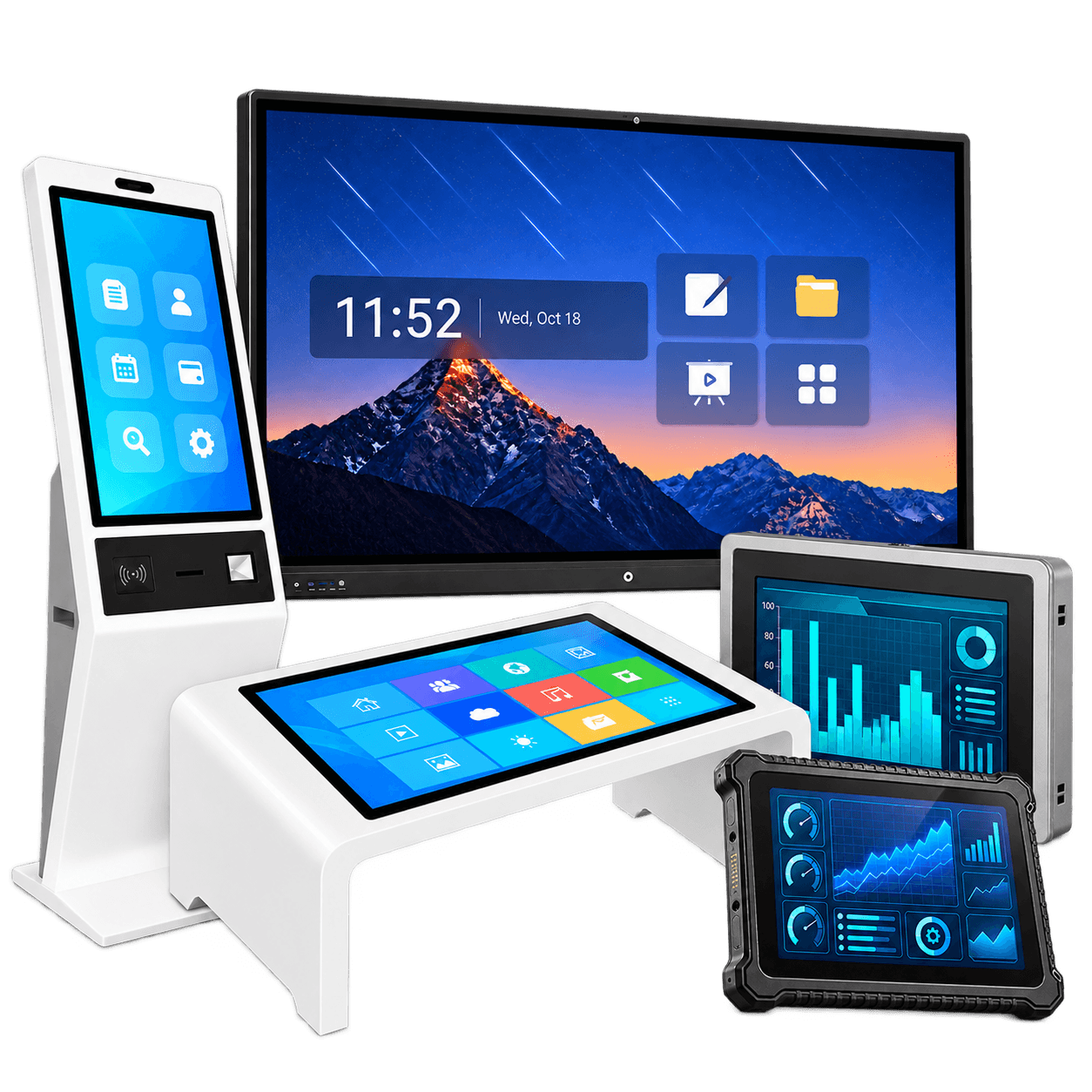
DisplayMan enterprise and industrial terminals are complete display devices designed for commercial interaction, public information, enterprise service, self-service, control, collaboration, industrial HMI and OEM equipment integration.

This product group includes digital signage displays, floor-standing kiosks, open frame digital signage, wall-mounted touch terminals, interactive flat panels, AI recognition and smart access terminals, horizontal interactive desks, commercial LCD video walls and industrial fanless PCs or waterproof terminals.

Unlike consumer display devices, enterprise and industrial terminals focus more on project deployment, touch interaction, system configuration, installation structure, interface options, long-term operation and OEM customization.

They are suitable for offices, retail stores, hotels, hospitals, schools, public buildings, factories, equipment manufacturers, smart terminals, self-service systems, control rooms and industrial applications.

Explore Terminal Categories Discuss Your Project

Choose the Right Enterprise or Industrial Terminal

Product Category Main Use Best For Key Difference
Digital Signage Displays Commercial advertising and information display Retail, offices, hotels, hospitals, schools, public areas Display terminal for content playback, optional touch and system
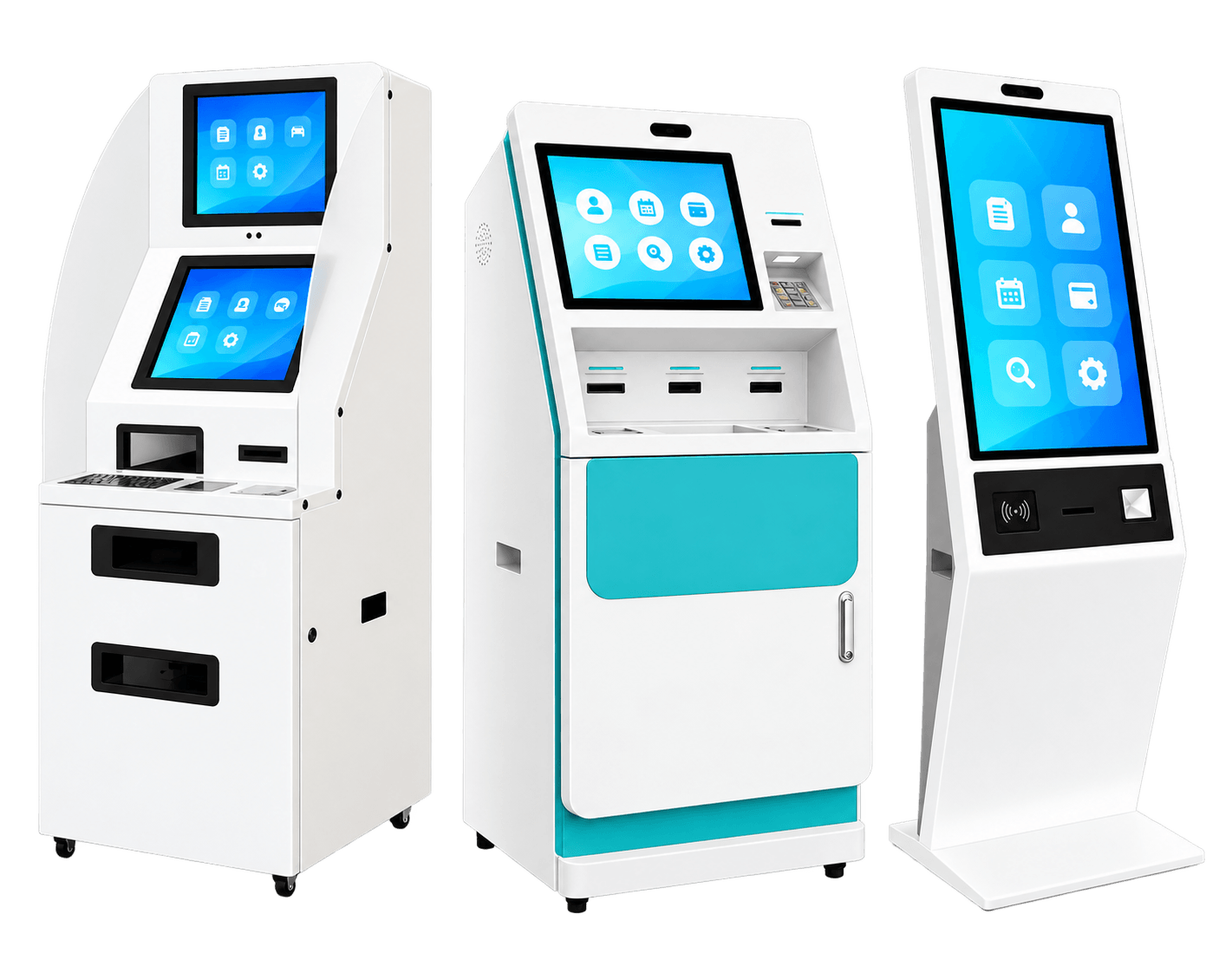
Floor-Standing Kiosks Public information, wayfinding and self-service Shopping malls, hotels, offices, hospitals, public spaces Complete floor-standing terminal with enclosure
Open Frame Digital Signage Embedded display terminal for OEM integration Kiosk makers, vending machines, smart lockers, equipment builders Open-frame structure for customer enclosures
Wall-Mounted Touch Terminals Wall-mounted commercial interaction Offices, hotels, hospitals, retail, public buildings Touch-first wall-mounted terminal
Interactive Flat Panels Meeting, education and collaboration Classrooms, meeting rooms, training centers, conference rooms Large touchscreen display for writing and collaboration
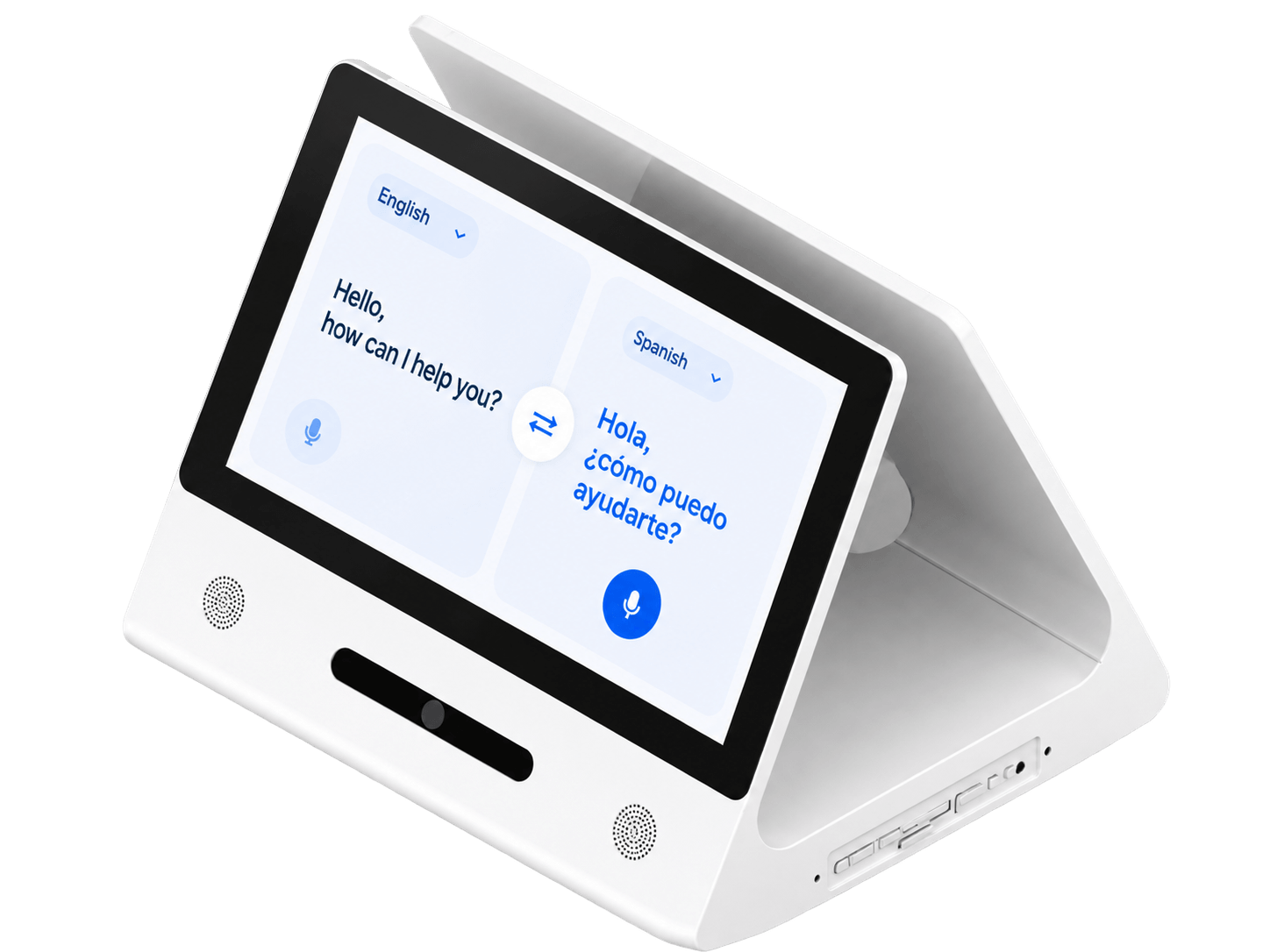
AI Recognition & Smart Access Face recognition, access, attendance and nameplates Offices, schools, factories, hospitals, smart buildings Display terminal with camera, recognition and access features
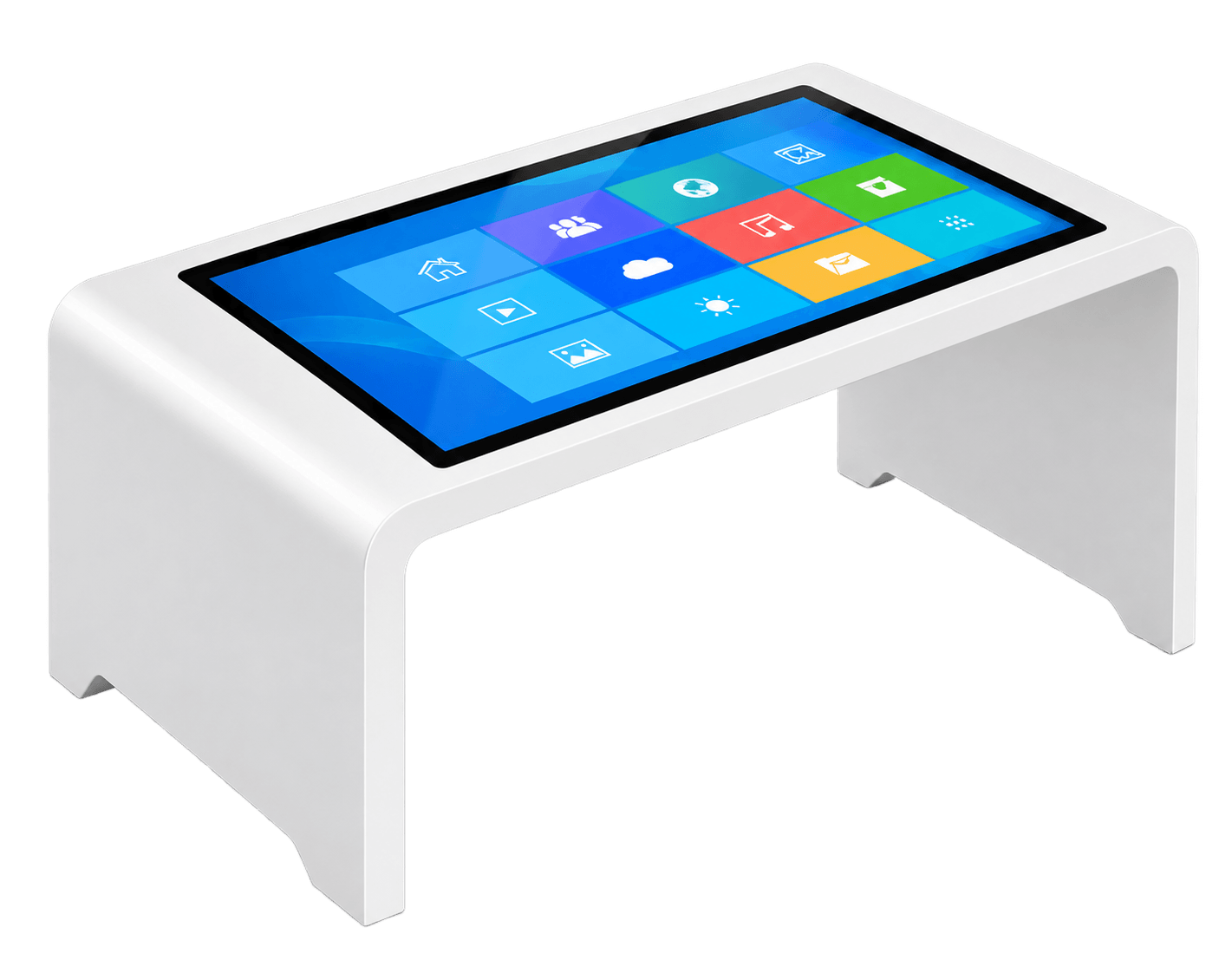
Horizontal Interactive Desks Tabletop touch interaction Museums, showrooms, retail, real estate, education Horizontal interactive table-style terminal
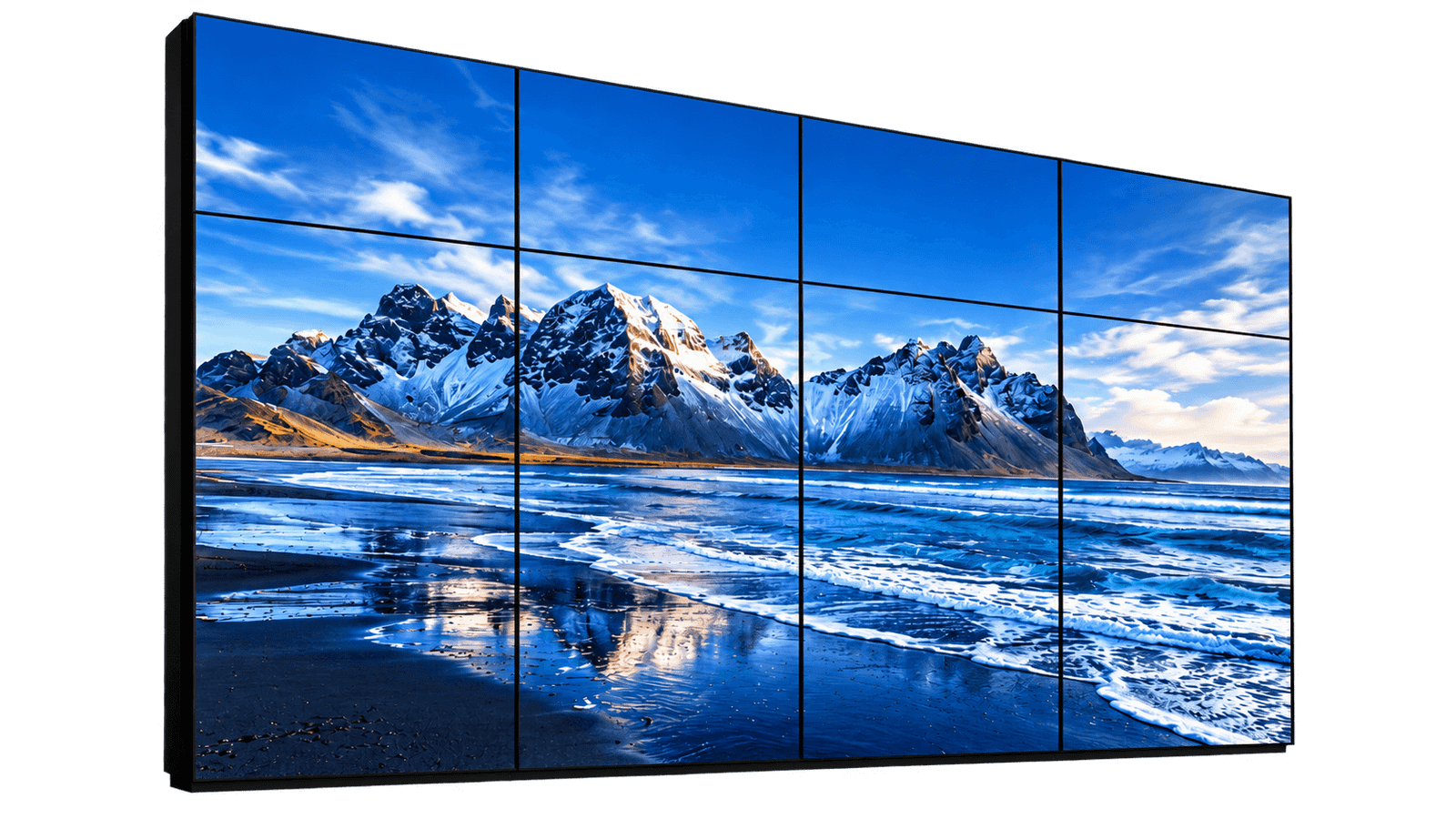
Commercial LCD Video Walls Cost-controlled indoor LCD splicing display Offices, lobbies, control rooms, monitoring centers Multi-panel LCD display wall with visible bezel gaps
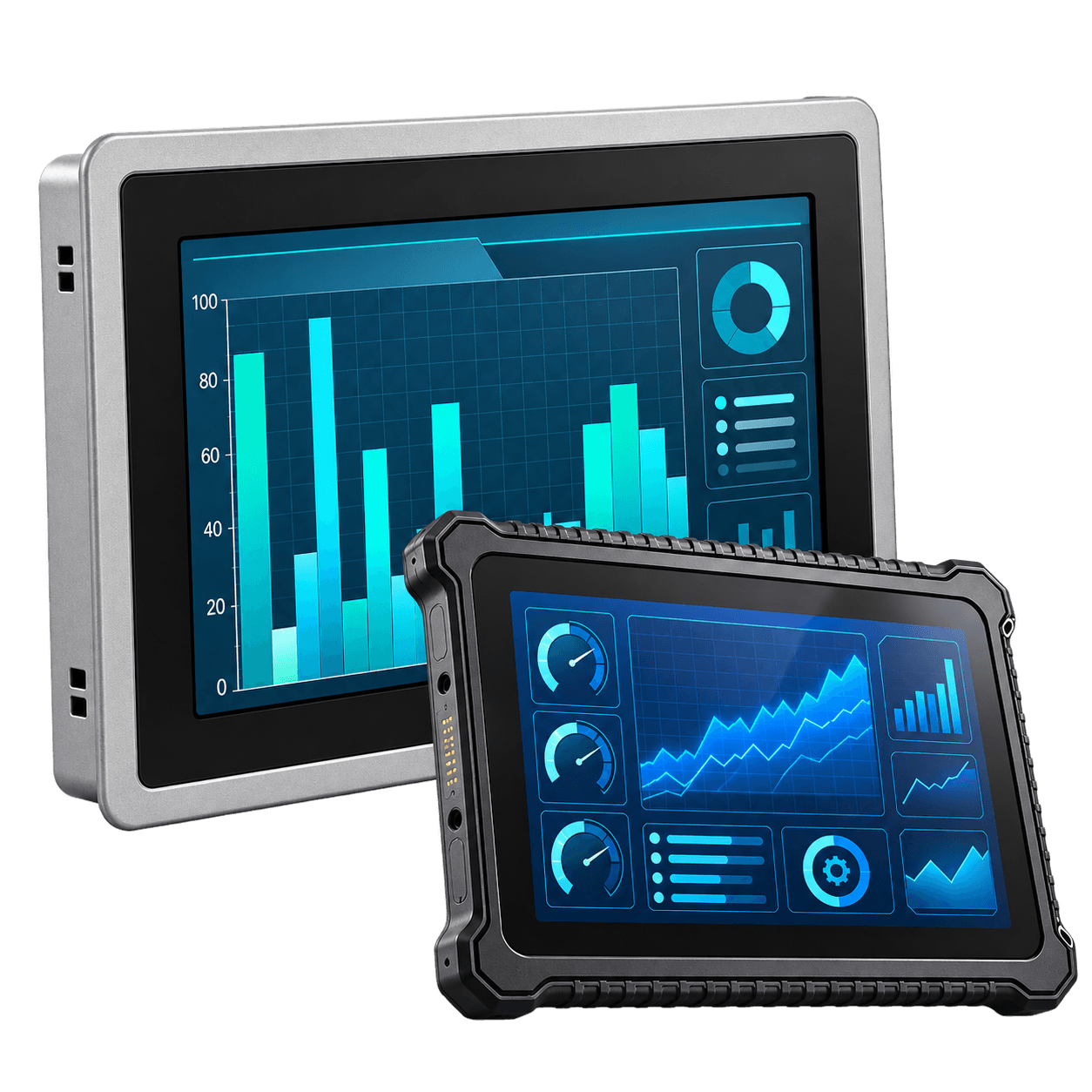
Industrial Fanless PCs & Waterproof Terminals Rugged industrial computing and HMI Factories, machines, food, medical, outdoor-protected equipment Fanless, rugged, waterproof or industrial I/O terminal
Core Line

Enterprise & Industrial Terminals are selected by application, installation method, touch requirement, operating system, enclosure structure and working environment.

Complete Terminal Delivery, Not Only Display Screens

Enterprise and industrial terminal projects often require more than a display panel. Depending on the application, the customer may need touch interaction, system configuration, network connection, software compatibility, special mounting structure or rugged protection.

Core Line

This category is built for customers who need complete devices, smart terminals, public display systems or industrial display-computer products.

Depending on the Application, Customers May Need

  • Touchscreen function
  • Android, Linux or Windows system
  • Wall-mounted, floor-standing, open frame or embedded structure
  • Camera, NFC, MIC, GPS or 4G option
  • Ethernet, POE, RS232, RS485 or USB interface
  • CMS app or customer software compatibility
  • Custom housing or enclosure
  • Logo, boot screen, UI and packaging customization
  • Long-term product supply
  • Project-based configuration support

Product Router

4.1

Digital Signage Displays

Commercial display terminals used for advertising playback, public information, product content, menu display, announcements and interactive information.

Typical Needs

  • Commercial content playback
  • Optional capacitive touch
  • Android / Linux / Windows system
  • Wi-Fi / Ethernet / POE / 4G
  • CMS app support
  • Camera / NFC / MIC options

Best For

Retail stores, restaurants, offices, hotels, hospitals, schools, public service areas and commercial equipment projects.

Digital Signage Displays
4.2

Floor-Standing Kiosks

Complete vertical touchscreen terminals with display, touch, system, enclosure and internal structure integrated into one floor-standing device.

Typical Needs

  • Floor-standing enclosure
  • Touchscreen interaction
  • Wayfinding and public information
  • Self-service interface
  • Advertising playback
  • Custom enclosure and branding

Best For

Shopping malls, hotels, office buildings, hospitals, schools, transportation spaces and self-service terminal projects.

Floor-Standing Kiosks
4.3

Open Frame Digital Signage

Designed for customers who already have their own enclosure, machine, kiosk or equipment structure.

Typical Needs

  • Open frame structure
  • Embedded installation
  • Customer-owned enclosure
  • Non-touch or touchscreen
  • Custom mounting holes
  • Interface and cable layout review

Best For

Kiosk manufacturers, vending machine companies, smart locker manufacturers, self-service equipment makers and OEM terminal projects.

Open Frame Digital Signage
4.4

Wall-Mounted Touch Terminals

Complete touchscreen devices designed for wall installation and direct user interaction.

Typical Needs

  • Wall-mounted structure
  • Touchscreen operation
  • Ethernet / Wi-Fi / POE / 4G
  • Room booking or visitor system
  • Camera / NFC / MIC options
  • VESA or custom wall bracket

Best For

Offices, hotels, hospitals, retail stores, restaurants, schools, public buildings, service centers and smart office projects.

Wall-Mounted Touch Terminals
4.5

Interactive Flat Panels

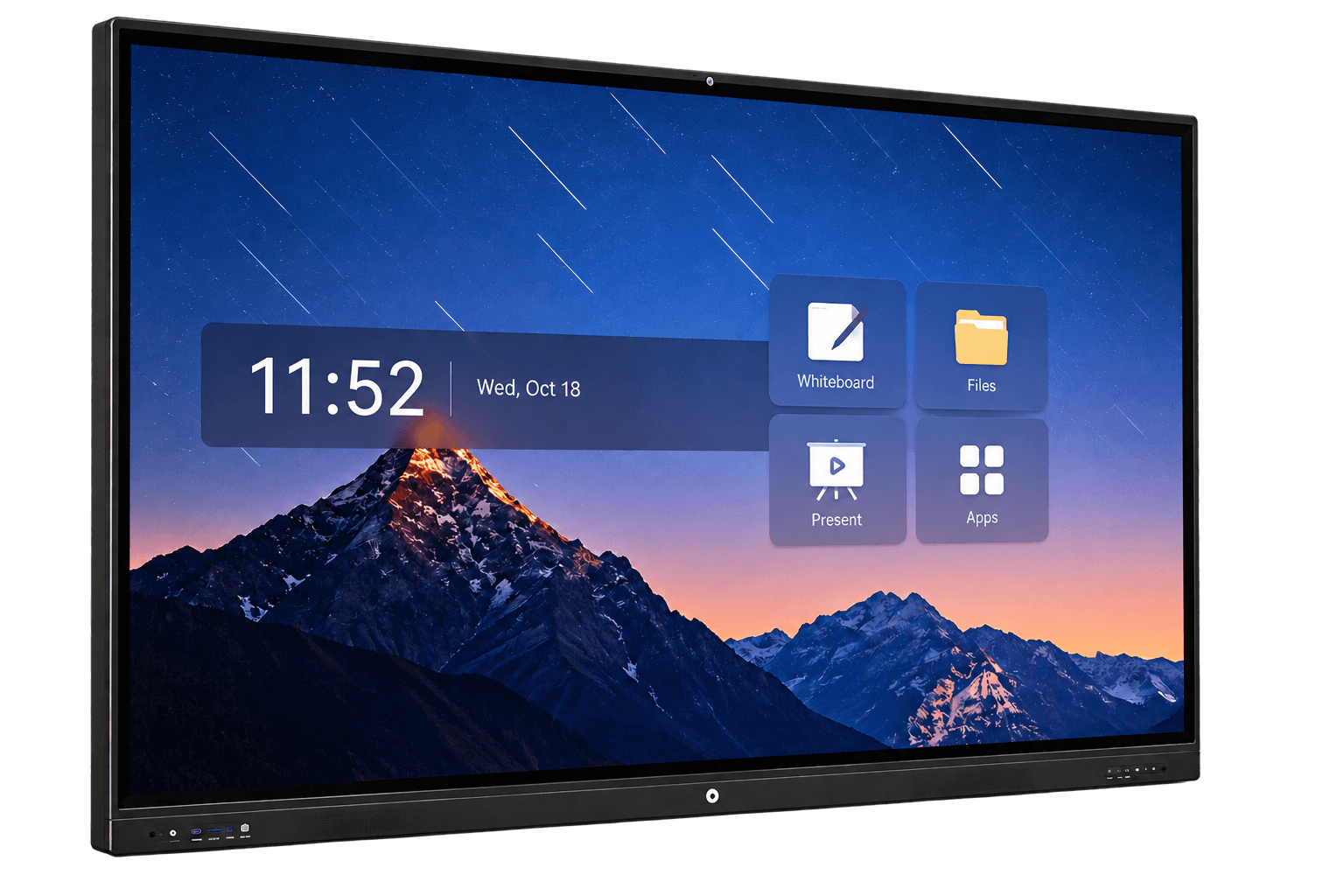
Large-format touchscreen displays designed for meetings, classrooms, training, presentations, whiteboard writing and collaboration.

Typical Needs

  • Large touchscreen display
  • Whiteboard function
  • Annotation tools
  • Wireless screen sharing
  • Android system
  • OPS Windows PC option

Size Note

For most interactive flat panel projects, 75″ is usually the most practical and commonly selected size.

Interactive Flat Panels
4.6

AI Recognition & Smart Access

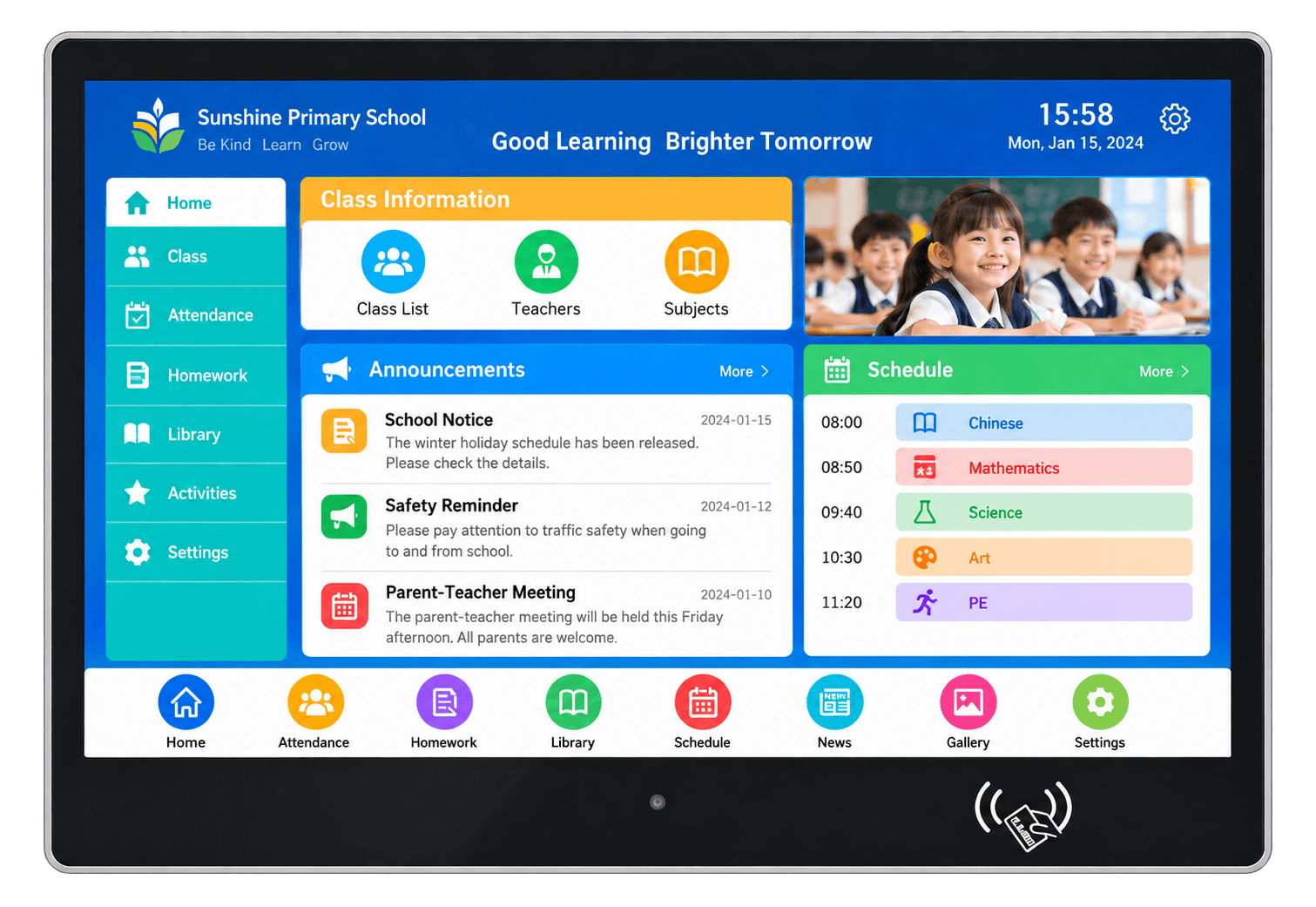
Used for face recognition, access control, attendance, visitor registration, meeting room signs, classroom nameplates and smart building entrances.

Typical Needs

  • Face recognition
  • Front camera
  • Access control support
  • Attendance system support
  • NFC or card option
  • Software compatibility review

Best For

Office buildings, schools, factories, hospitals, hotels, smart buildings, access control providers and visitor management systems.

AI Recognition & Smart Access
4.7

Horizontal Interactive Desks

Table-style touchscreen terminals designed for users to interact with content on a horizontal surface.

Typical Needs

  • Horizontal touchscreen display
  • Table-style enclosure
  • Multi-user interaction
  • Touch glass or cover glass
  • Custom desk height
  • Internal ventilation

Size Note

For many horizontal interactive desk projects, 75″ is usually a practical mainstream size.

Horizontal Interactive Desks
4.8

Commercial LCD Video Walls

Indoor multi-screen display systems made from multiple narrow-bezel LCD panels for larger indoor display areas with controlled cost.

Typical Needs

  • 55″ mainstream LCD video wall panels
  • 46″ / 49″ optional panel review
  • Narrow-bezel or ultra-narrow-bezel panels
  • 2×2 / 3×3 / 4×4 / custom layout
  • Video wall controller
  • Optional touch overlay

Technology Note

Choose LCD video wall when cost control is important and visible LCD panel gaps are acceptable.

Commercial LCD Video Walls
4.9

Industrial Fanless PCs & Waterproof Terminals

Rugged touchscreen computer devices designed for industrial environments, machine control, equipment integration, production lines and OEM industrial applications.

Typical Needs

  • Fanless industrial computer
  • Capacitive or resistive touch
  • Windows / Linux / Android system
  • Aluminum or stainless-steel enclosure
  • IP-rated front panel or waterproof housing
  • RS232 / RS485 / USB / Ethernet / GPIO

Best For

Industrial automation, factory HMI, machine builders, food processing, medical equipment, parking terminals and OEM industrial equipment.

Industrial Fanless PCs & Waterproof Terminals

Choose by Installation and Application

If You Need… Recommended Product
Indoor advertising or information playback Digital Signage Displays
A complete floor-standing public terminal Floor-Standing Kiosks
A display terminal for your own enclosure or machine Open Frame Digital Signage
A touch terminal installed on the wall Wall-Mounted Touch Terminals
A meeting room or classroom collaboration screen Interactive Flat Panels
Face recognition, attendance, access or digital nameplate AI Recognition & Smart Access
A table-style interactive touchscreen display Horizontal Interactive Desks
A cost-controlled indoor multi-screen LCD display wall Commercial LCD Video Walls
A rugged computer terminal for equipment or harsh environments Industrial Fanless PCs & Waterproof Terminals
Core Line

The easiest way to choose is to first confirm where the product will be installed and what the user needs to do with it.

Standard Indoor Terminals or High-Brightness Displays?

Most Enterprise & Industrial Terminals are designed for indoor or controlled lighting environments. If the project is for outdoor, semi-outdoor, window-facing or sunlight-readable applications, the customer should review DisplayMan’s High Brightness Displays instead.

Use This Category When

Use Enterprise & Industrial Terminals When

  • The installation is indoors
  • Standard commercial brightness is enough
  • Touch, system and terminal structure are the main requirements
  • The project needs Android, Windows, Linux or industrial computing
  • The environment is office, retail, school, hospital, hotel, factory or public indoor space
Use High Brightness When

Use High Brightness Displays When

  • The display faces direct sunlight
  • The installation is outdoor or semi-outdoor
  • The display is behind a window facing outside
  • Brightness, thermal design and visibility are the main concerns
  • The project needs outdoor protection or sunlight-readable performance
Core Line

The product form may overlap, but the buying intent is different: Enterprise & Industrial Terminals focus on terminal function, while High Brightness Displays focus on visibility under strong light.

Customization Support for Enterprise and Industrial Terminal Projects

Enterprise and industrial terminal projects must match the final application, software environment, installation method, user interaction and working environment.

DisplayMan Can Review and Support

  • Product category selection
  • Screen size recommendation
  • Touchscreen configuration
  • Android / Linux / Windows system configuration
  • Industrial computing platform selection
  • Camera, NFC, GPS, MIC and 4G options
  • Ethernet, POE, USB, RS232, RS485 and GPIO interfaces
  • CMS app support
  • Customer software compatibility review
  • Housing and enclosure customization
  • Wall-mounted, floor-standing, open frame or embedded structure
  • Waterproof or dustproof protection review
  • Fanless thermal design review
  • Logo printing
  • Boot logo customization
  • UI customization
  • Packaging customization
  • Accessories configuration
  • Sample development
  • Batch production support
Core Line

Enterprise and industrial terminal projects must match the final application, software environment, installation method, user interaction and working environment.

Typical Customers

Suitable For

Project and Batch Customers

  • Digital signage integrators
  • AV system integrators
  • Kiosk manufacturers
  • Self-service terminal companies
  • Smart building solution providers
  • Access control system providers
  • Education solution providers
  • Meeting room solution companies
  • Retail technology companies
  • Hotel and hospitality suppliers
  • Hospital and healthcare equipment providers
  • Industrial automation companies
  • Machine builders
  • Equipment manufacturers
  • OEM private-label customers
  • Customers with batch project requirements
Not Ideal For

Projects With Poor Fit

  • Customers needing only one consumer display
  • Very low-budget sample-only buyers
  • Projects without clear screen size or application
  • Projects without clear installation method
  • Outdoor high-brightness projects that should be reviewed separately
  • Customers expecting consumer online-store pricing for OEM terminals
  • Projects without clear software, touch, interface or enclosure requirements
Core Line

This category is mainly for commercial, public, enterprise, OEM and industrial terminal projects with clear application requirements.

A Clear Router for Enterprise and Industrial Terminal Products

Challenge

Many Products Look Similar From the Outside

Enterprise and industrial terminal products can look similar from the outside, but their real differences are application, installation method, enclosure structure, system configuration and working environment.

Difference

Different Project Requirements

A wall-mounted touch terminal, a floor-standing kiosk, an open frame display, an AI access terminal and an industrial fanless PC may all use LCD display, touch panel and operating system. However, they serve different project requirements.

Result

Choose the Right Product Direction First

This page helps customers select the right product direction before entering the detailed product pages.

Core Line

Enterprise & Industrial Terminals is a product router for commercial, public, enterprise and industrial display-computer devices.

Related Product Groups

FAQ

What are Enterprise & Industrial Terminals?

Enterprise & Industrial Terminals are complete display-computer devices used for commercial interaction, public information, enterprise service, self-service, collaboration, industrial HMI and equipment integration.

Are these products all touchscreen devices?

Most products can support touchscreen functionality. Some products are touch-first, such as wall-mounted touch terminals, kiosks, interactive flat panels and horizontal interactive desks. Others can be configured with touch depending on project requirements.

What is the difference between Digital Signage Displays and Floor-Standing Kiosks?

Digital signage displays are usually screen-type commercial display terminals. Floor-standing kiosks use similar display, touch and system platforms but integrate them into a complete vertical floor-standing enclosure.

What is the difference between Digital Signage Displays and Open Frame Digital Signage?

Digital signage displays are more ready-to-use products with finished housing. Open frame digital signage is designed for customers who already have their own enclosure or equipment.

What is the difference between Wall-Mounted Touch Terminals and Interactive Flat Panels?

Wall-mounted touch terminals are general interactive terminals for commercial and public applications. Interactive flat panels are specifically designed for meetings, classrooms, whiteboard writing and collaboration.

What is the difference between AI Recognition & Smart Access and ordinary touch terminals?

AI recognition and smart access terminals usually require camera, NFC, access control, attendance, visitor management or digital nameplate software compatibility.

What is the difference between Horizontal Interactive Desks and Interactive Flat Panels?

Interactive flat panels are vertical collaboration screens. Horizontal interactive desks are table-style touch terminals for showroom, museum, retail, real estate and tabletop interaction.

Are Commercial LCD Video Walls still useful?

Yes, but mainly for indoor, cost-controlled projects where visible LCD panel gaps are acceptable. For high-impact commercial spaces, LED display walls are usually better.

What panel size is common for LCD video walls?

55″ is currently the mainstream LCD video wall panel size. 46″ and 49″ can also be reviewed. 32″ is mainly for older-generation or special small monitor wall projects.

What is the difference between Industrial Fanless PCs and commercial terminals?

Industrial fanless PCs focus on rugged operation, fanless cooling, industrial I/O, waterproof or dustproof protection, equipment integration and long-term stability.

Can DisplayMan support OEM customization?

Yes. DisplayMan can review logo, boot screen, UI, housing, system, interfaces, mounting structure, packaging and accessories for OEM and batch projects.

What information should I provide for a quote?

Please provide product type, screen size, touch requirement, operating system, installation method, interface requirement, software environment, enclosure requirement, working environment, quantity and target application.

Need an Enterprise or Industrial Terminal for Your Project?

Enterprise and industrial terminal products can look similar from the outside, but the right choice depends on application, installation method, enclosure structure, system configuration and working environment.

Tell us your application, screen size, touch requirement, operating system, installation method, interface requirement, software environment, working environment and project quantity.

DisplayMan will help recommend the right enterprise or industrial terminal product for your commercial, public, OEM or industrial application.

Enterprise & Industrial Terminals is a product router for commercial, public, enterprise and industrial display-computer devices.

The right product direction depends on terminal function, touch interaction, system platform, installation structure, interface requirement and working environment.