
Explore narrow-bezel LCD video walls from DisplayMan for lobbies, control rooms, offices and public information spaces. Review panel size, wall layout, bezel gap, signal sources, controllers and mounting around your indoor project requirements.
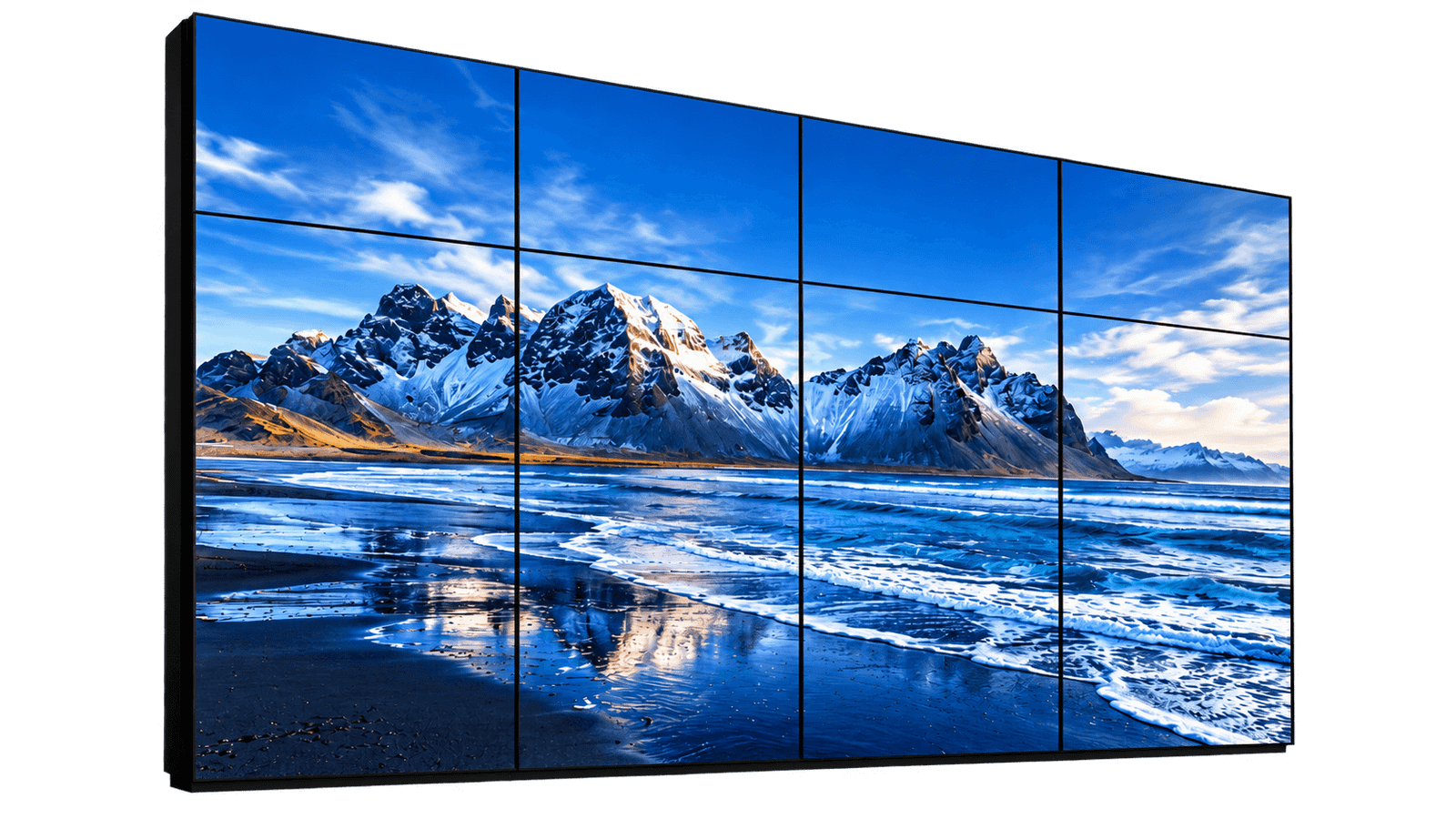
A Commercial LCD Video Wall is an indoor large-display system created by installing multiple narrow-bezel LCD panels together in a fixed grid.
It is mainly used when a customer needs a larger visual area than one commercial display can provide, wants to control cost and can accept visible panel gaps between screens.
For DisplayMan, this product belongs to Touchscreen All-in-One Terminals → Enterprise & Industrial Terminals.
Commercial LCD Video Walls are cost-controlled indoor splicing displays. They are not seamless LED walls, and the visible LCD panel grid must be accepted before the project proceeds.
DisplayMan focuses on transparent displays, custom displays, high brightness engineering and integrated touchscreen terminals. For museum showcases, retail exhibits and daylight-facing installations, explore these dedicated display ranges alongside LCD video walls.

Combine digital content with visible physical exhibits in display cabinets, demonstration equipment and interactive showcases. Plan the rear lighting, object space and installation as part of the system.
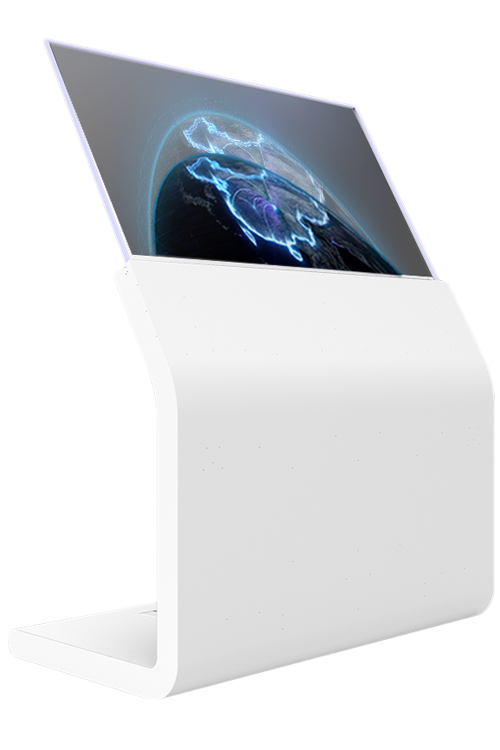
Use self-emissive transparent displays for premium showrooms, interactive presentation concepts and exhibits where visibility through the screen matters. Touch and mounting are reviewed for the chosen product.
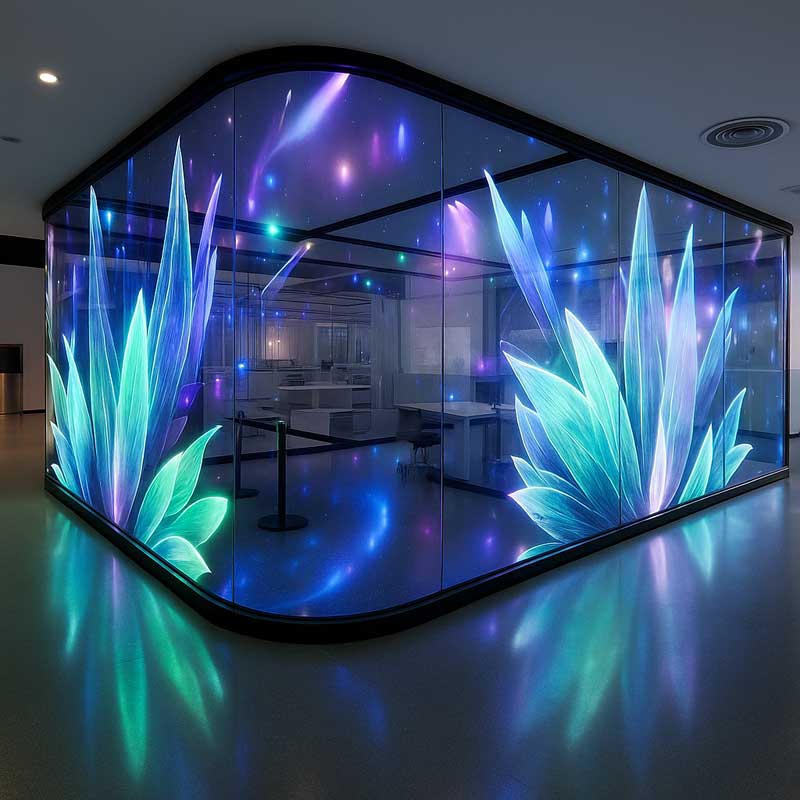
Explore glass-mounted and larger architectural display formats for lobbies, windows and presentation spaces. Pixel pitch, transparency, viewing distance and structure determine the appropriate format.
Specify ambient light, direct sunlight, reflections, touch and thermal requirements before selecting the display.
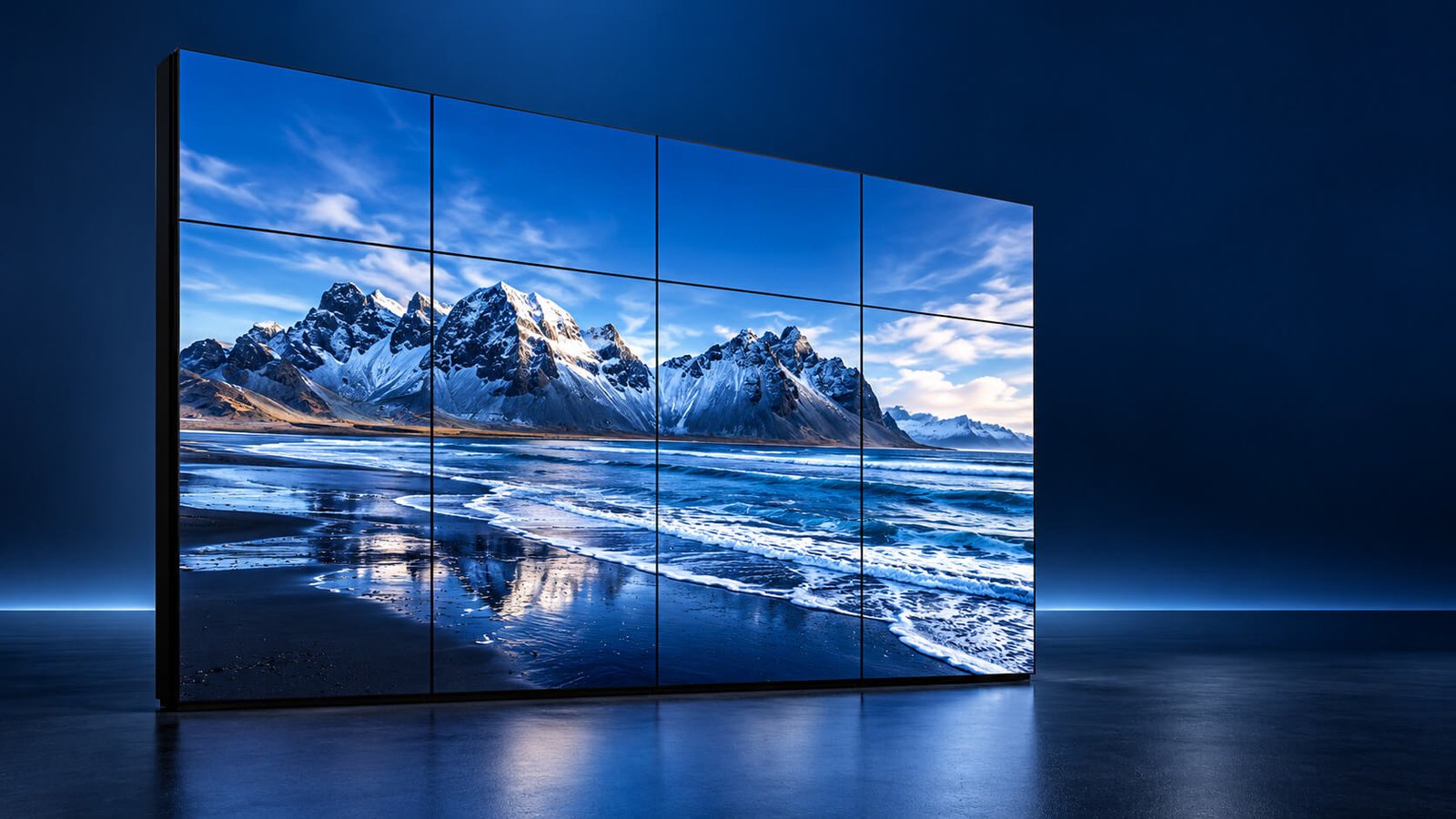
Plan a large visual canvas for reception, presentation or operations monitoring. These illustrations show a tiled LCD array and a control-room arrangement; panel grid, viewing distance and signal architecture are selected for each installation.
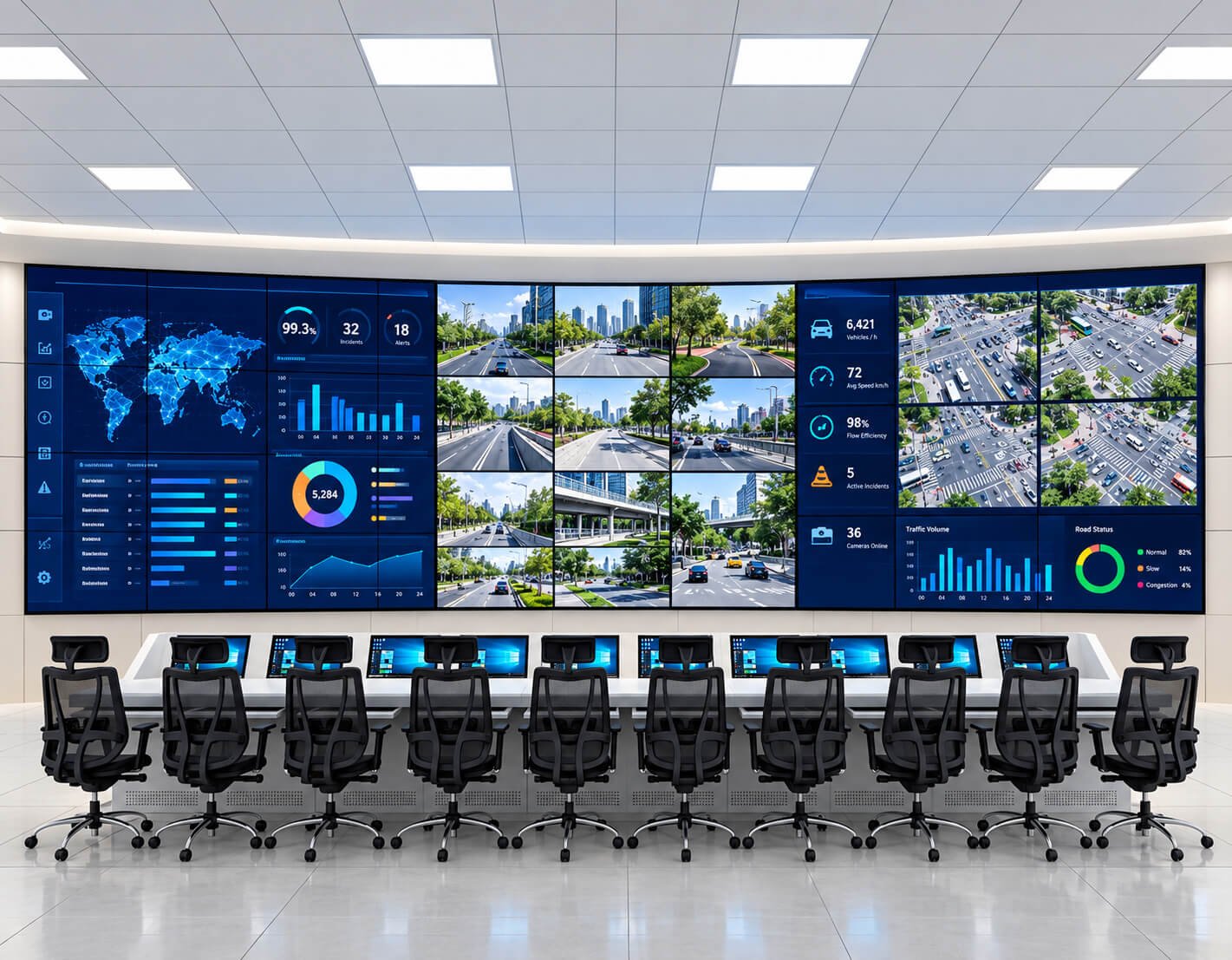
| Planning Item | Project Consideration |
|---|---|
| Panel layout | Specify columns × rows, panel orientation, available wall dimensions and viewing distance |
| Visible seams | Agree bezel-to-bezel width and installation clearance; avoid placing critical labels across seams |
| Control-room workflow | Define simultaneous sources, window layouts, preset switching and operator control |
| Controller selection | Match source count, input/output formats, scaling, latency and required wall canvas |
| Duty cycle | Confirm panel and controller operating-hour ratings, cooling and site maintenance requirements |
| Mounting | Review wall loading, frame design, bracket adjustment and front or rear service access |
| Commissioning | Check alignment, color/brightness matching, signal mapping, presets and recovery after power loss |
The following images are display-content examples, not photographs of LCD products. Panoramic scenes help plan crop, scaling, color balance and the placement of focal subjects across the panel grid.


| Planning Item | Project Consideration |
|---|---|
| Canvas | Prepare content to the intended wall aspect ratio and playback canvas |
| Native pixels | For C columns and R rows of 1920 × 1080 landscape panels, the physical pixel total is (1920C) × (1080R); the controller may accept a different source resolution |
| Example | A 2 × 2 array of Full HD panels has 3840 × 2160 physical pixels; 3 × 3 has 5760 × 3240 |
| Scaling | Specify crop, fit, stretch and bezel compensation behavior with the selected processor |
| Composition | Keep faces, small text and key graphic elements away from panel seams |
| Color consistency | Use matching settings and calibration across panels; source image quality alone cannot ensure wall uniformity |
Mounting and signal components support the complete system. These regenerated hardware references illustrate component categories; final enclosure, connectors, channel counts and bracket dimensions are defined by the selected equipment.
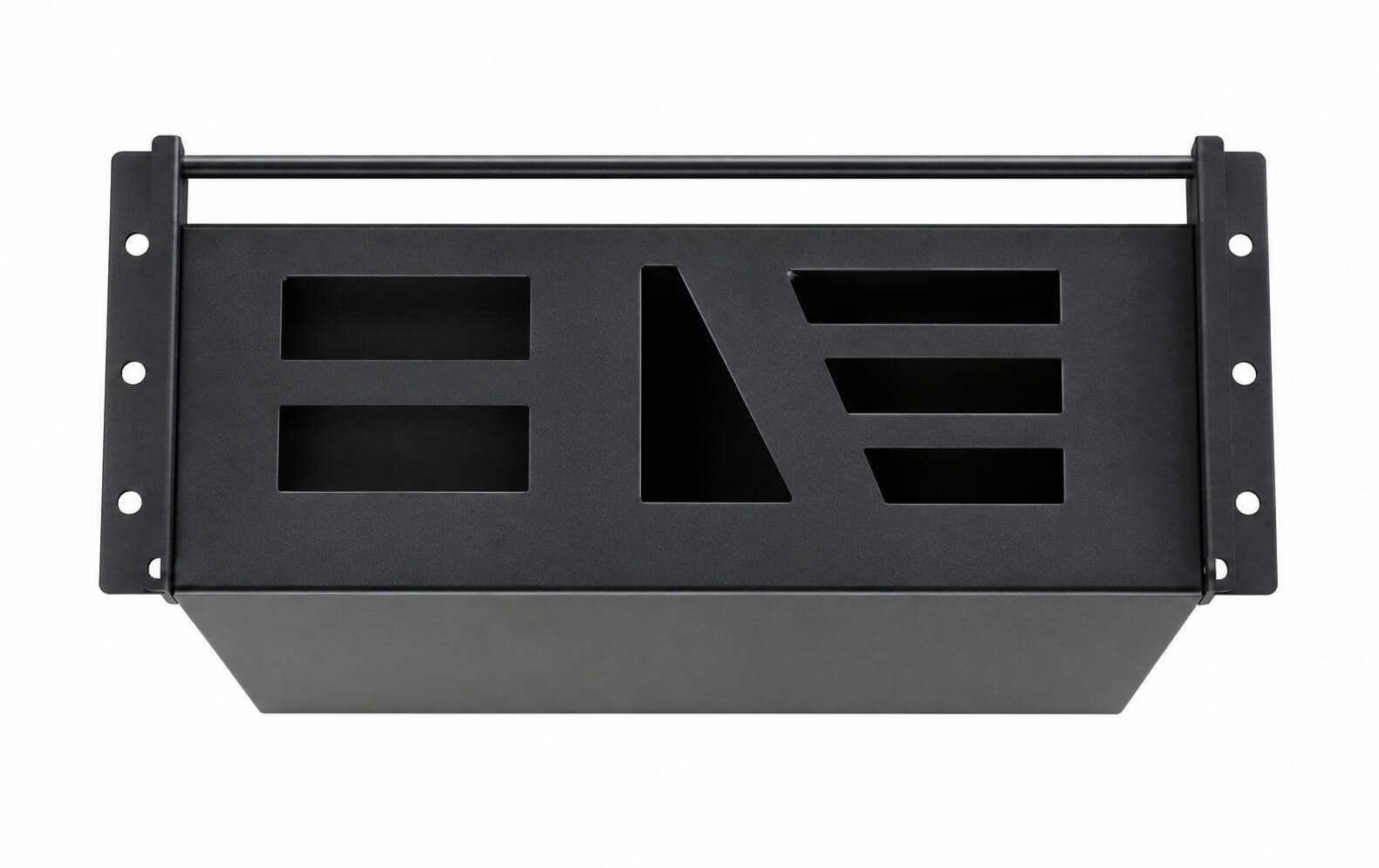
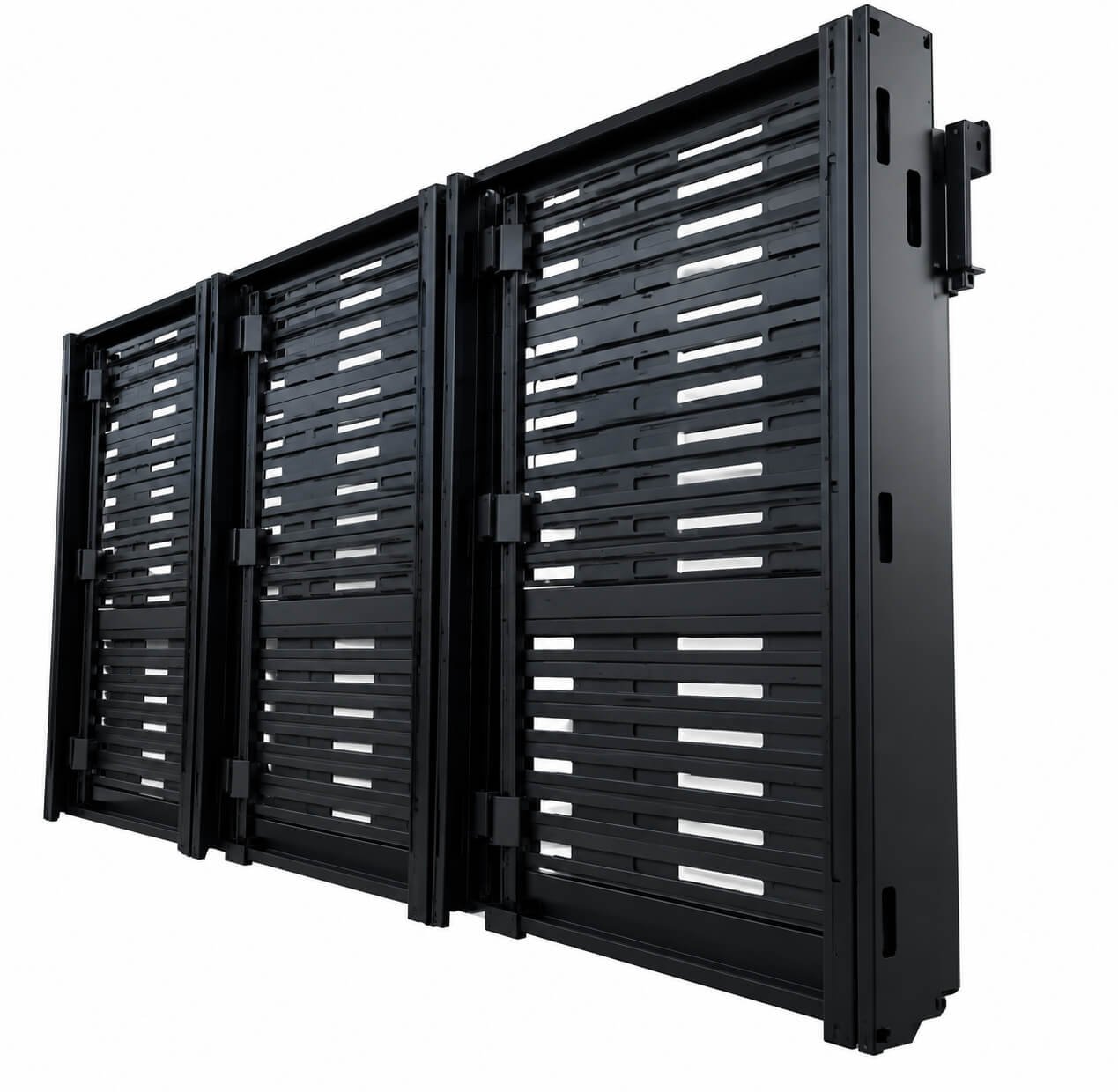
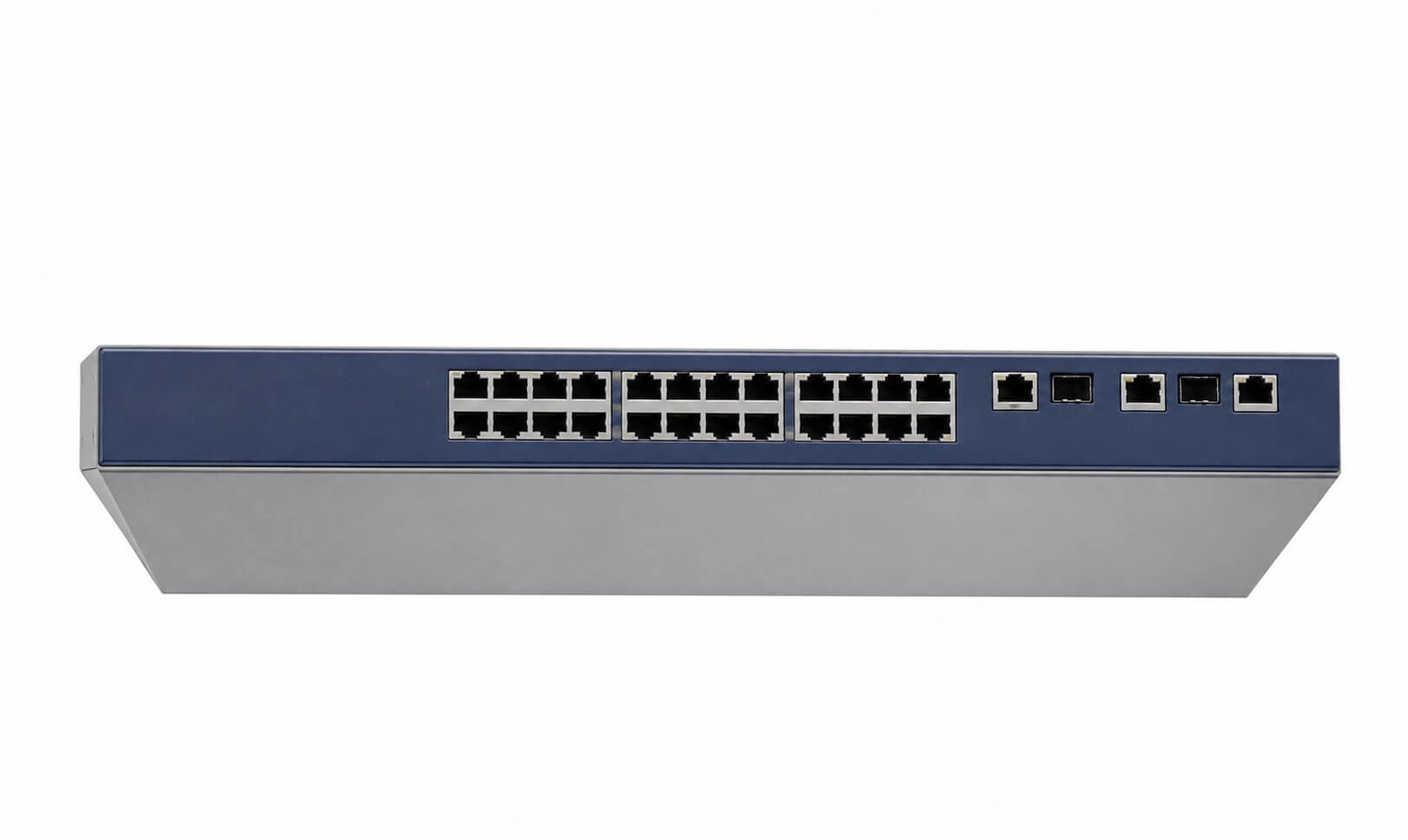
| Planning Item | Project Consideration |
|---|---|
| Controller enclosure | Confirm the actual processor model, installed input/output cards, supported resolution and cooling |
| Rear mounting | Specify panel mounting pattern, load rating, adjustment range, cable clearance and service direction |
| Signal distribution | Choose direct video, matrix distribution or an IP architecture according to distance and source topology |
| Network equipment | A network switch alone is not a video-wall processor; IP video also requires compatible encoding/decoding endpoints and adequate bandwidth |
| Cabling | Document signal format, cable length, power circuits, labeling and maintenance access |
| Acceptance documents | Use the approved equipment list, connector schedule and mechanical drawings for installation |
| Product Direction | Typical Panel Size | Best For | Key Difference |
|---|---|---|---|
| 55" Commercial LCD Video Walls | 55" | Corporate lobbies, control rooms, offices, hotels and public information walls | Current mainstream panel size for most new projects |
| 49" Commercial LCD Video Walls | 49" | Replacement projects, specific wall dimensions and project-based layouts | Useful when the existing structure or layout is based on 49" |
| 46" Commercial LCD Video Walls | 46" | Replacement projects, monitoring rooms and wall-size restrictions | Smaller common video-wall size with project-based availability |
| 32" Compact Monitor Walls | 32" | Older installations, compact monitoring matrices and special replacement projects | Legacy or special use rather than a mainstream new-project direction |
| Ultra-Narrow-Bezel Video Walls | 46" / 49" / 55" | Projects requiring reduced panel gaps while retaining LCD cost advantages | Cleaner grid appearance, but still not fully seamless |
| Control Room LCD Video Walls | Project-based | Security, monitoring, operations and multi-source information | Controller, signal architecture and service continuity are primary |
| OEM LCD Video Wall Systems | Project-based | AV integrators, contractors and commercial display solution providers | Custom layout, controller, bracket, signal source and packaging |
For most new projects, 55" is the safest mainstream direction. Use 46" or 49" when the wall size, existing bracket, replacement requirement or project layout makes them more suitable. Treat 32" mainly as a legacy or compact special-project size.
Suitable when the project needs a larger indoor display surface, budget control is important and the visible panel grid is acceptable.
Suitable when the project needs a seamless or near-seamless surface, flexible dimensions and stronger commercial visual impact.
Suitable when one 75", 86" or 98" screen already provides enough area and the project does not need a multi-screen grid.
When the customer has enough budget for a premium display wall and cannot accept visible gaps, Indoor Small-Pitch LED Displays will usually provide a stronger result.
A wide two-panel arrangement for narrow walls, horizontal information, comparison content or dual-source display.
A common four-panel entry configuration for offices, meeting backgrounds, receptions and compact control rooms.
A larger nine-panel wall for lobbies, monitoring, public information and commercial presentation.
Suitable for larger monitoring and information walls when the controller, structure, budget and service plan support the panel count.
Project-based layouts can be developed around wall dimensions, panel orientation, content ratio and architectural constraints.
Landscape is the mainstream direction. Portrait or mixed layouts require careful review of panel support, content rotation and controller compatibility.
Panel outer dimensions, combined active area, bezel grid, bracket tolerance, cable space, wall border and service clearance must all be included in the layout drawing.
Suitable for monitoring and highly cost-sensitive projects where visual continuity is not the primary requirement.
Provides a cleaner grid for corporate lobbies, information walls and standard commercial video wall projects.
Reduces the visible border and improves image continuity, but still cannot create the seamless appearance of an LED wall.
Avoid placing critical text, faces, thin lines or small interface elements directly across the panel intersections.
The farther the viewer stands from the wall, the less visually dominant the panel grid may become.
Dashboards, camera feeds and multi-window information often tolerate bezels better than cinematic brand visuals.
The controller can compensate image geometry and scaling, but it cannot eliminate the physical border between LCD panels.
| Architecture | Best For | Important Confirmation |
|---|---|---|
| Simple Loop-Through | Basic fixed layouts displaying one source across the wall | Panel compatibility, signal direction, resolution and maximum chain length |
| Video Wall Controller | One large image, scaling, cropping, rotation and custom layouts | Input and output count, supported resolution, latency and management method |
| Multi-Window Processor | Control rooms, monitoring, dashboards and multiple simultaneous sources | Window count, source switching, presets, redundancy and operator workflow |
| Android Media Player | Scheduled signage, local media, CMS and simple commercial playback | Output resolution, content format, network and automatic recovery |
| Windows Player | Enterprise applications, dashboards, browser systems and specialized software | GPU outputs, resolution, software licenses and operating-system management |
| CMS Playback | Remote content updates, schedules and multiple site management | Player compatibility, network policy, content templates and subscription responsibility |
Number of sources, input resolution, one-image or multi-window mode, switching, control method, cable length and redundancy can change the controller and project cost significantly.
One source is scaled and distributed across all panels to create one combined visual wall.
Each screen displays a different source or content zone, subject to the player and controller architecture.
Multiple cameras, dashboards or information sources can be arranged as windows across the full wall.
A CMS or media player can deliver brand content, visitor information, announcements and schedules.
Selected processors can store and recall source arrangements for different operating modes.
A large infrared frame may be added for selected projects, but the physical bezel grid remains visible below the touch surface.
The wall or steel frame must remain flat enough for precise panel alignment across rows and columns.
Fine horizontal, vertical and depth adjustment helps align the panel faces and maintain an even grid.
The installer must verify the combined weight of panels, brackets, controller, cables and frame against the wall structure.
Suitable where there is enough access behind the wall for panel, cable and controller maintenance.
Selected push-out or front-access brackets can support maintenance when rear access is not available.
Heat from multiple LCD panels, backlights, power supplies and controllers must be removed from the wall cavity.
Power distribution, HDMI or DP, network and control cables should be labeled and routed for future troubleshooting.
The design should allow one panel to be removed and replaced without dismantling the complete wall.
Even good panels can produce a poor result when the wall is uneven, brackets are not adjustable or panel depth and edge alignment are not calibrated carefully.
Standard Commercial LCD Video Walls are designed mainly for offices, lobbies, monitoring rooms and other controlled indoor spaces.
High-light environments require a separate review of panel brightness, reflections, thermal load and content contrast.
Daily operating schedule, static content, heat, automatic startup and service planning should be confirmed for control-room or public-use projects.
Panels should be calibrated so adjacent screens have consistent color temperature, brightness and image settings.
Static high-contrast content should be managed carefully through content design, scheduling and operating procedures.
Standard LCD video walls are not outdoor products. Use a dedicated outdoor or LED display route for uncontrolled environments.
Standard Commercial LCD Video Walls are intended for controlled indoor environments. Storefront windows, direct sunlight, semi-outdoor exposure and outdoor installations require separate review of target brightness, reflection, heat, ventilation, enclosure protection, condensation, service access and installation structure.
Use High Brightness Displays when the requirement is sunlight readability or strong ambient light. Use LED Displays when the project needs a seamless, flexible or outdoor large-format visual wall.
Company introductions, welcome content, visitor information and brand communication.
Monitoring systems, dashboards, security feeds and operations information.
Multi-camera layouts, system status, alerts and operational supervision.
Internal communication, meeting backgrounds and enterprise information.
Lobby information, schedules, welcomes and public communication.
Transportation, service centers, directories and indoor information walls.
Large teaching content, campus communication and training information.
Promotions and product information where visible bezels are acceptable and LED impact is not required.
Custom panel layout, controller, bracket and signal architecture for AV and signage integrators.
Final specifications depend on panel availability, layout, bezel, brightness, controller, signal source, bracket, content and project quantity.
| Item | Project Direction |
|---|---|
| Display Type | Commercial LCD video wall / LCD splicing display system |
| Mainstream Panel Size | 55" |
| Other Common Sizes | 46" / 49" depending on replacement, layout and availability |
| Legacy / Compact Size | 32" for older replacement or special compact monitor-wall projects |
| Layout | 1×2 / 2×2 / 3×3 / 4×4 / custom rows and columns |
| Resolution | Full HD, 4K or combined wall resolution depending on panels and controller |
| Bezel | Standard, narrow or ultra-narrow depending on panel availability |
| Brightness | Standard indoor commercial brightness; strong-light projects require separate review |
| Touch | Non-touch as standard; optional infrared frame or overlay for selected projects |
| System | Loop-through, video wall controller, Android player, Windows player or multi-window processor |
| Inputs | HDMI, DisplayPort, USB, LAN or project-specific sources |
| Display Modes | One large image, independent panels, split-screen, multi-window or CMS playback |
| Installation | Fixed wall bracket, adjustable bracket, front-service bracket or custom steel frame |
| Environment | Indoor commercial use |
| OEM | Layout, controller, bracket, signal architecture, labeling, packaging and project support |
| Factor | Commercial LCD Video Wall | LED Display Wall | Digital Signage Display |
|---|---|---|---|
| Product Form | Multiple complete LCD panels | LED modules or cabinets | One complete display |
| Main Purpose | Cost-controlled indoor large display area | Seamless, flexible and high-impact large visual wall | Single-screen information or advertising |
| Visible Gap | Yes, physical LCD bezel grid | No LCD bezel grid | No internal splicing gap |
| Size Flexibility | Limited by panel dimensions and rows/columns | More flexible width, height and shape | Limited to one screen size |
| System Complexity | Panel alignment, controller, brackets and cables | LED controller, cabinets, modules and installation | Simplest of the three |
| Visual Impact | Good for information and monitoring | Strongest for premium commercial presentation | Depends on individual screen size |
| Best For | Offices, control rooms, lobbies and monitoring | Malls, exhibitions, stages, showrooms and luxury retail | Retail, offices, hotels and public information |
LCD video wall may be suitable.
Use LED Displays.
Decide whether visible LCD gaps are acceptable or whether the project should move to LED or one large display.
Wall width, height, border, installation depth and closest and farthest viewers define the practical layout.
Start with 55" for most new projects; review 46" or 49" for replacement and special layouts.
One image, independent screens, camera feeds, dashboards, CMS, HDMI, DP, LAN and source switching.
Loop-through, video wall controller, multi-window processor, rear service or front service.
Wall load, steel frame, alignment, power, cables, ventilation, local lifting and acceptance testing.
| Stage | Main Work | Output |
|---|---|---|
| 1. Requirement Review | Wall size, application, layout, bezel, brightness, content, signals, environment and quantity | Recommended technology and panel direction |
| 2. Layout Planning | Panel count, combined dimensions, active area, bezel grid and architectural border | Video wall layout drawing |
| 3. Signal Architecture | Sources, controller, player, inputs, outputs, windows, scaling and control | System connection diagram |
| 4. Mechanical Engineering | Bracket, steel frame, wall load, alignment, ventilation, cable routes and service method | Installation structure direction |
| 5. Pre-Shipment Validation | Panel matching, controller, content test, cable labels, accessories, packing and documents | Approved system configuration |
| 6. Local Installation | Wall preparation, mounting, alignment, cabling, calibration and acceptance | Completed operational video wall |
| Project Area | DisplayMan | Customer / Content Team | Local Installer / Integrator |
|---|---|---|---|
| LCD Panels and Agreed Controller | Supply agreed system hardware | Confirm required display modes and sources | Receive, protect and install equipment |
| Content and Signal Sources | Confirm supported formats and connection requirements | Provide content, source devices and software licenses | Connect and commission site-side sources |
| Wall and Steel Structure | Provide product dimensions, weights and bracket direction | Provide site drawings and constraints | Verify wall load, structure, anchors and flatness |
| Power, Network and Cabling | Define device-side requirements | Confirm network and source architecture | Provide compliant local power and cable routes |
| Alignment and Calibration | Provide agreed setup guidance and panel settings | Confirm visual acceptance criteria | Complete physical alignment and local calibration |
| Service Access | Provide selected bracket and service information | Confirm maintenance expectations | Ensure the final wall permits safe panel replacement |
A Commercial LCD Video Wall is an indoor large-display system made from multiple narrow-bezel LCD panels installed together in a fixed layout to form one larger visual surface.
No. LCD video walls use complete LCD panels and have visible bezel gaps between panels. LED display walls use LED modules or cabinets and can create a more seamless and flexible large-format display.
Choose an LCD video wall when the project needs a larger indoor display area, cost control is important and visible panel gaps are acceptable.
Choose an LED display wall when seamless appearance, stronger visual impact, flexible size or premium commercial presentation is more important than the lower initial cost of LCD splicing.
For most new Commercial LCD Video Wall projects, 55-inch panels are the mainstream and most practical choice.
Yes. 46-inch and 49-inch panels can be reviewed for replacement projects, existing layouts, wall-size restrictions or project-specific availability.
A 32-inch monitor wall can be reviewed for older replacement projects or compact special applications, but it is not the mainstream direction for new commercial video wall installations.
Common layouts include 1×2, 2×2, 3×3 and 4×4. Custom rows and columns can also be reviewed according to wall size, content ratio, panel size and controller capacity.
Yes. Every LCD panel has a physical border, so a visible grid remains between panels. Narrow-bezel and ultra-narrow-bezel models can reduce the gap but cannot eliminate it like an LED display wall.
Yes. With the correct controller and signal architecture, all panels can display one enlarged image or video across the full wall.
Yes. Multi-window and multi-source display can be supported depending on the controller, input sources, software and required layout.
A controller is required when the project needs one image across multiple panels, multiple signal sources, windows, scaling or complex layouts. Simple loop-through systems may be sufficient for selected basic layouts.
HDMI, DisplayPort, USB, LAN and other signal inputs can be reviewed depending on the panel, media player and video wall controller.
Yes. A CMS, Android player, Windows player or external media player can be used for scheduled content playback, depending on the project architecture.
Selected projects can use a large infrared touch frame or touch overlay. Touch is not a standard requirement and should be reviewed carefully because the panel gaps remain underneath the touch surface.
Yes. They can support monitoring, security feeds, operational dashboards and multiple sources, provided that panel reliability, controller architecture, signal redundancy, heat and service access are planned correctly.
Standard Commercial LCD Video Walls are indoor products. Outdoor or sunlight-readable projects should use a dedicated high-brightness or outdoor display solution.
The wall or steel frame must support the total panel and bracket weight, remain flat and allow accurate alignment, ventilation, cable routing and service access.
Service can use fixed brackets with rear access or selected front-service structures. The chosen method depends on wall depth, installation space, budget and maintenance requirements.
Yes. Replacement projects can be reviewed using the existing panel size, bezel, bracket, signal chain and layout. Exact compatibility must be confirmed from the current model, drawings and system information.
Please provide wall dimensions, desired layout, panel size, bezel requirement, viewing distance, content format, signal sources, controller requirement, brightness, touch requirement, installation structure, quantity, destination and schedule.
Panel model, layout, bezel, combined active area, controller, input sources, cable lengths, bracket, wall structure, ventilation, service method, packing, installation responsibility and acceptance method should be confirmed before production.
Send us the wall dimensions, desired layout, panel size, bezel requirement, viewing distance, content mode, signal sources, controller requirement, brightness, touch requirement, service method, quantity, destination and target schedule.
For most new LCD video wall projects, 55" is the safest mainstream panel direction. DisplayMan can also review 46", 49", legacy 32" replacements and custom layouts.
An LCD video wall should be selected only when the project accepts visible panel gaps. When seamless visual impact is more important, an LED display wall is usually the better direction.