Dual-Screen Outdoor Digital Menu Board
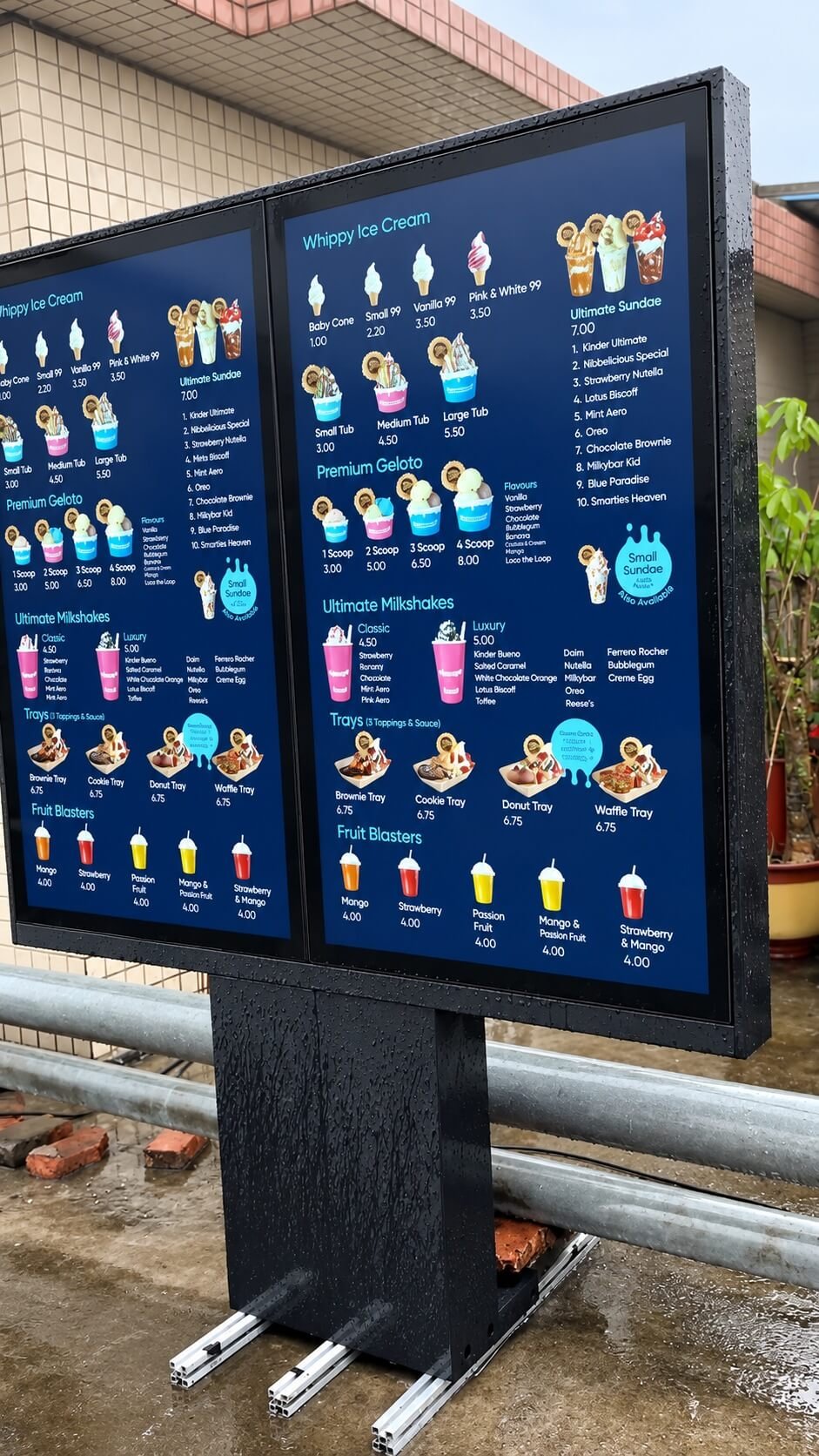
Front and rear views of a dual-screen outdoor menu board, followed by a water spray test. The IP rating is confirmed separately for the selected model.
Watch on YouTube →
DisplayMan helps you configure outdoor waterproof touch screen displays for EV chargers, kiosks, parking, ticketing and public-service equipment. Combine a high-brightness LCD, touch panel, cover glass and the appropriate sealing structure for your installation.
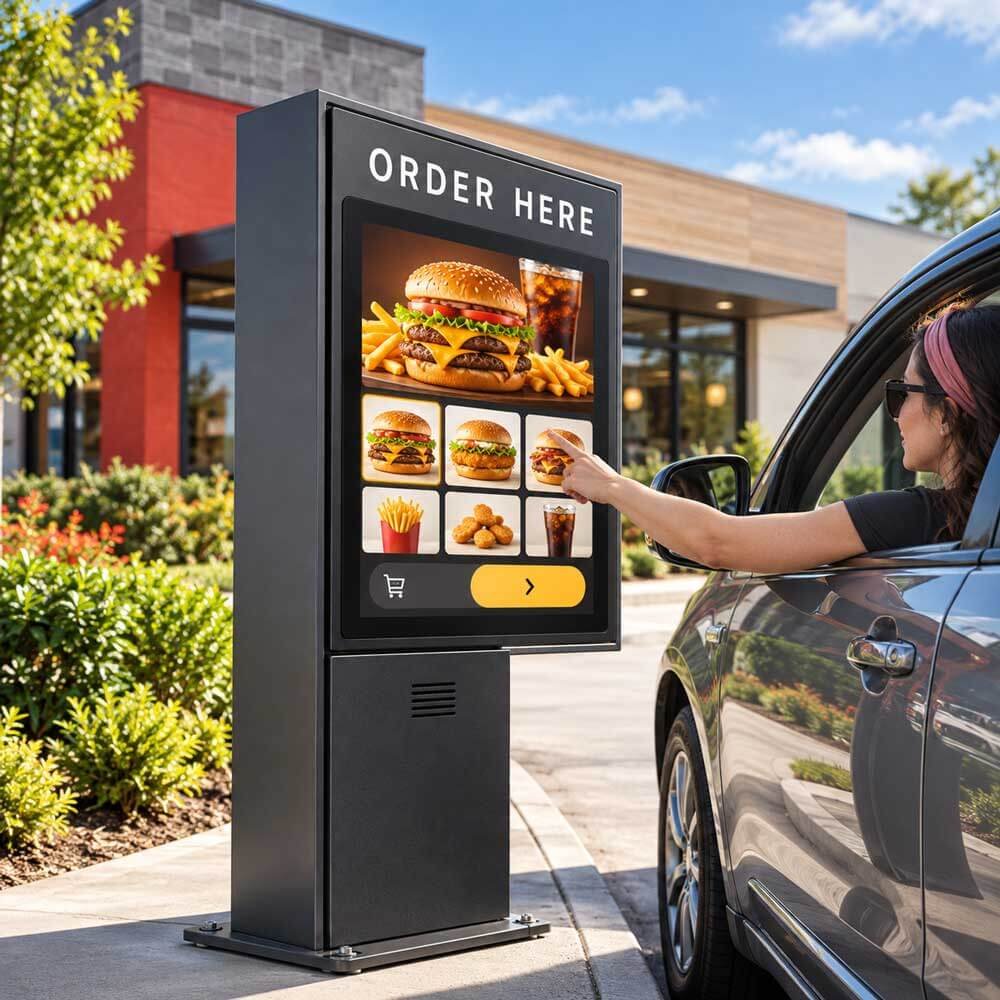
An outdoor waterproof touch screen display combines a readable LCD and touch interface with a defined water-protection structure. The configuration may protect the exposed front surface or the complete enclosure, depending on how it is installed.
Customers may use it to select a product, pay for parking, start charging, buy a ticket or find information. Readability, touch response and protection against water ingress must be reviewed together for the actual location.
Choose an embedded touch display assembly, an open-frame monitor for your equipment, a finished enclosed display or an outdoor touch panel PC. The quotation should define which surfaces and components are protected and which sealing tasks belong to the final equipment.
Specify whether you need front-panel water protection inside your own cabinet or a complete enclosed product. Then define the required touch behavior in dry conditions, droplets, wet-finger use or the expected rain exposure.
See dual-screen menu boards, freestanding enclosure views and water spray demonstrations. These videos provide outdoor display references; touch options, water protection scope and IP ratings are specified for your selected model. Water spray playback does not by itself demonstrate wet-touch operation.
Front and rear views of a dual-screen outdoor menu board, followed by a water spray test. The IP rating is confirmed separately for the selected model.
Watch on YouTube →Video playback and enclosure views of a freestanding outdoor display.
Watch on YouTube →Content continues playing during a water spray demonstration. IP ratings are confirmed for the selected model and its test documentation.
Watch on YouTube →Explore DisplayMan outdoor displays during rain testing, from screen playback and water droplets on the glass to side profiles, rear service panels and dual-screen menu board configurations.
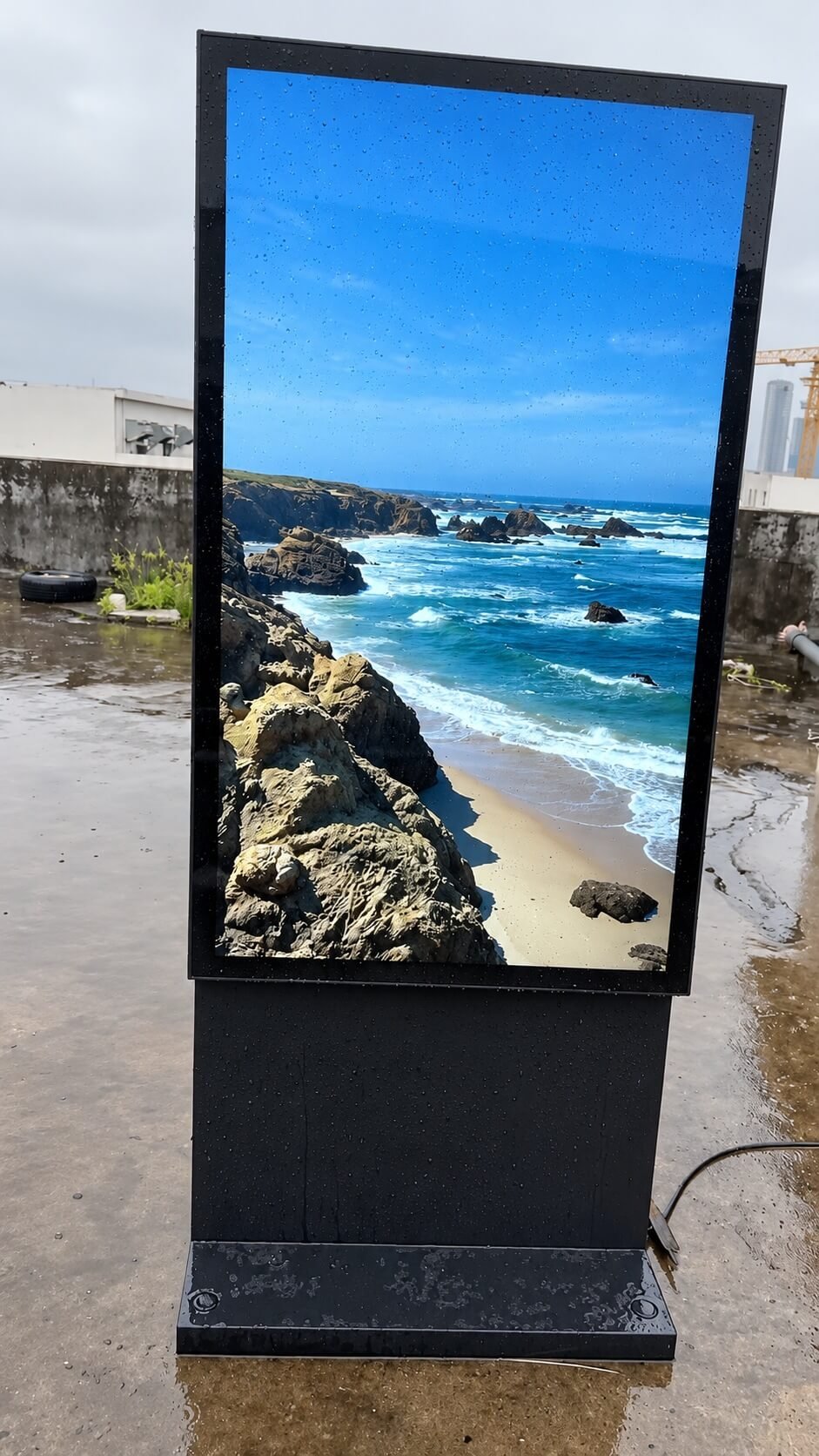
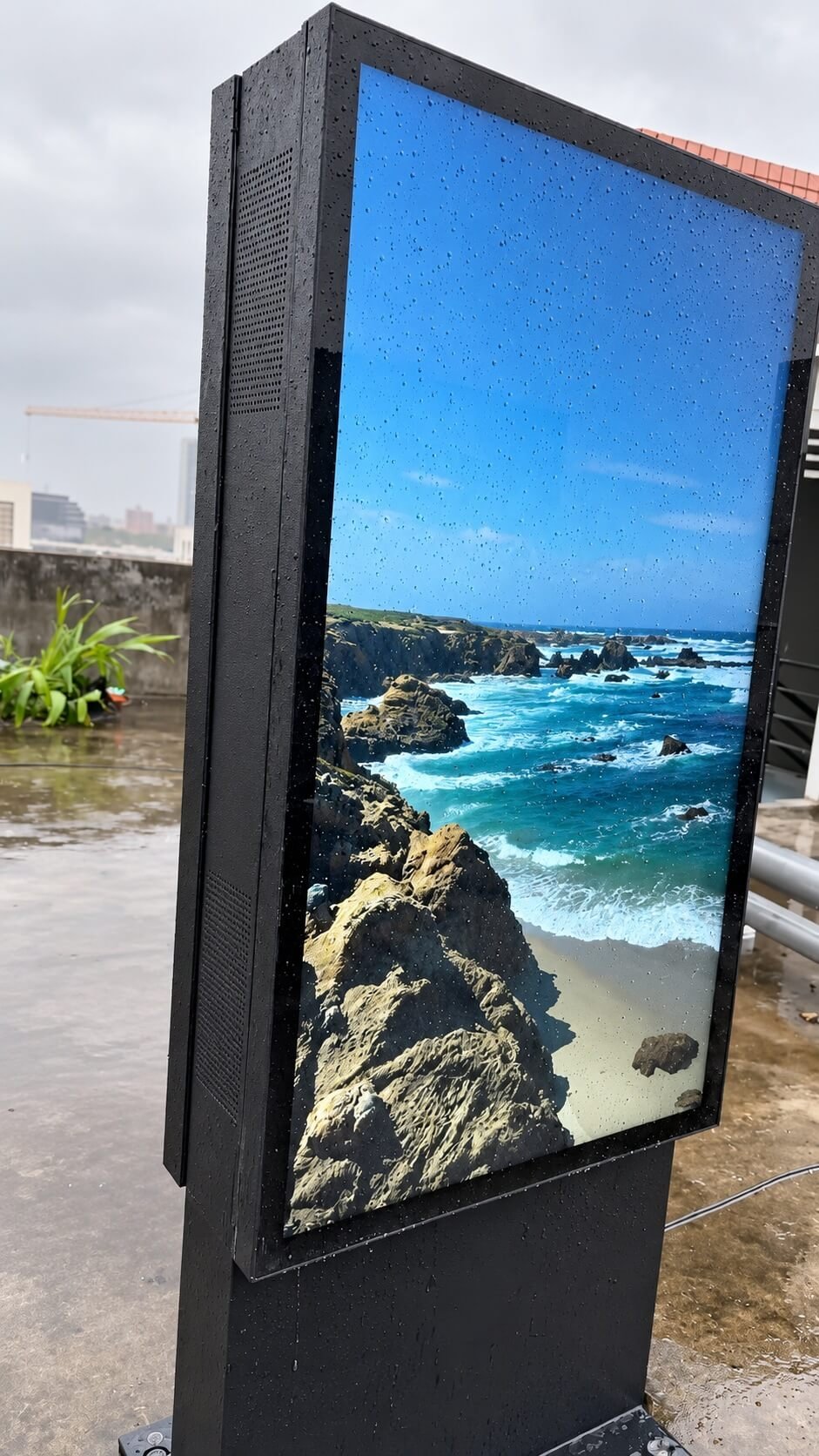
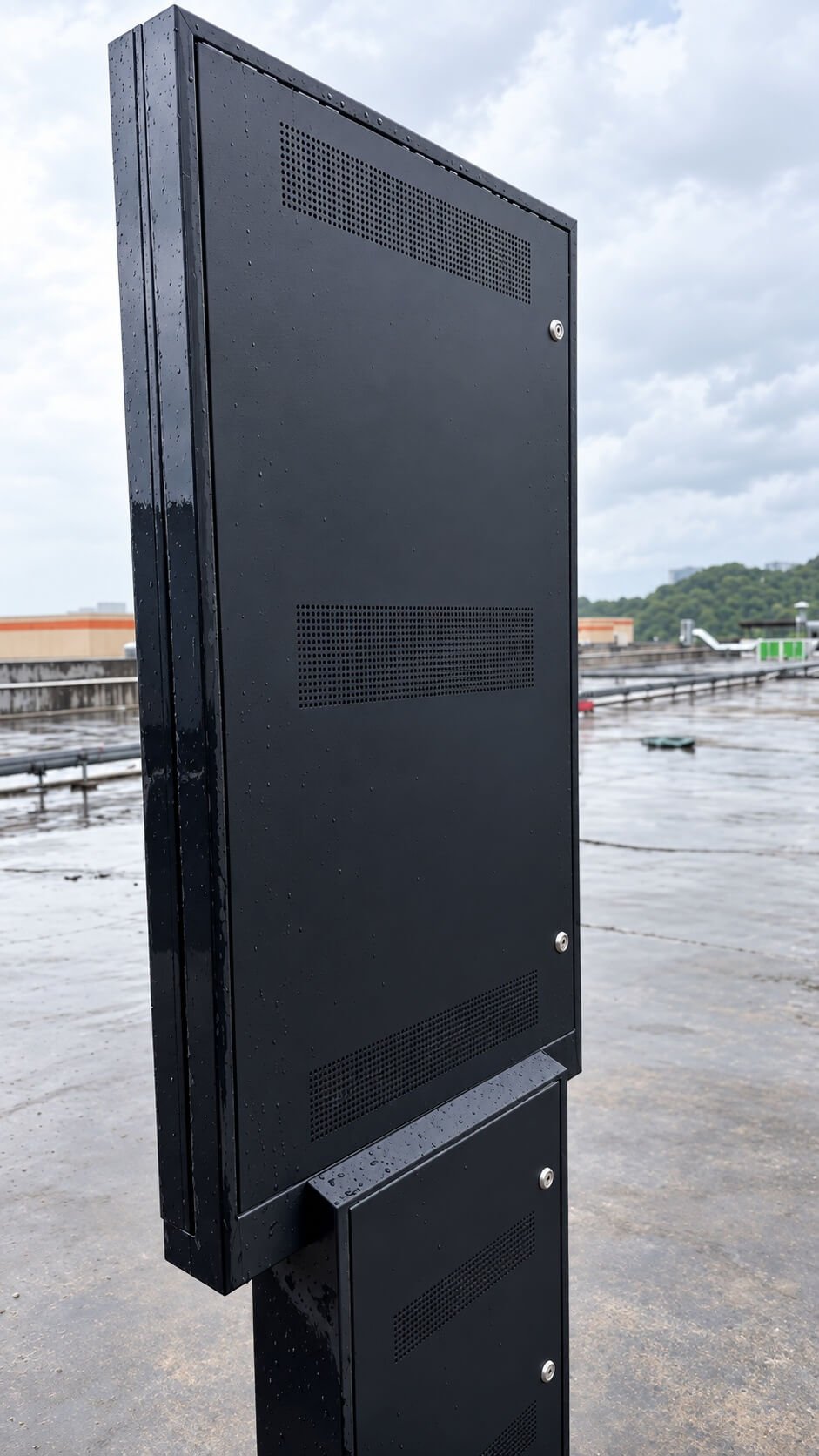
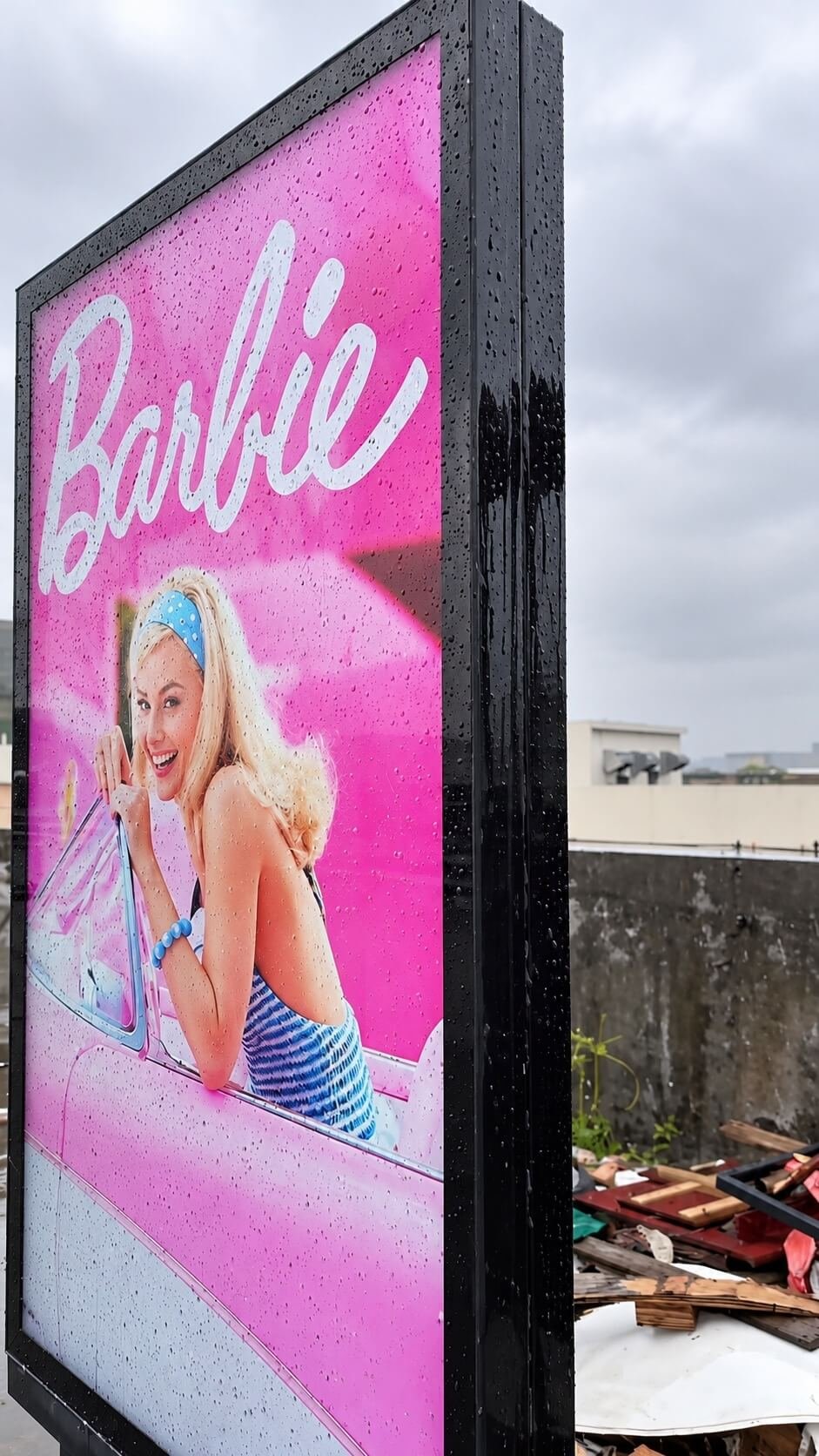
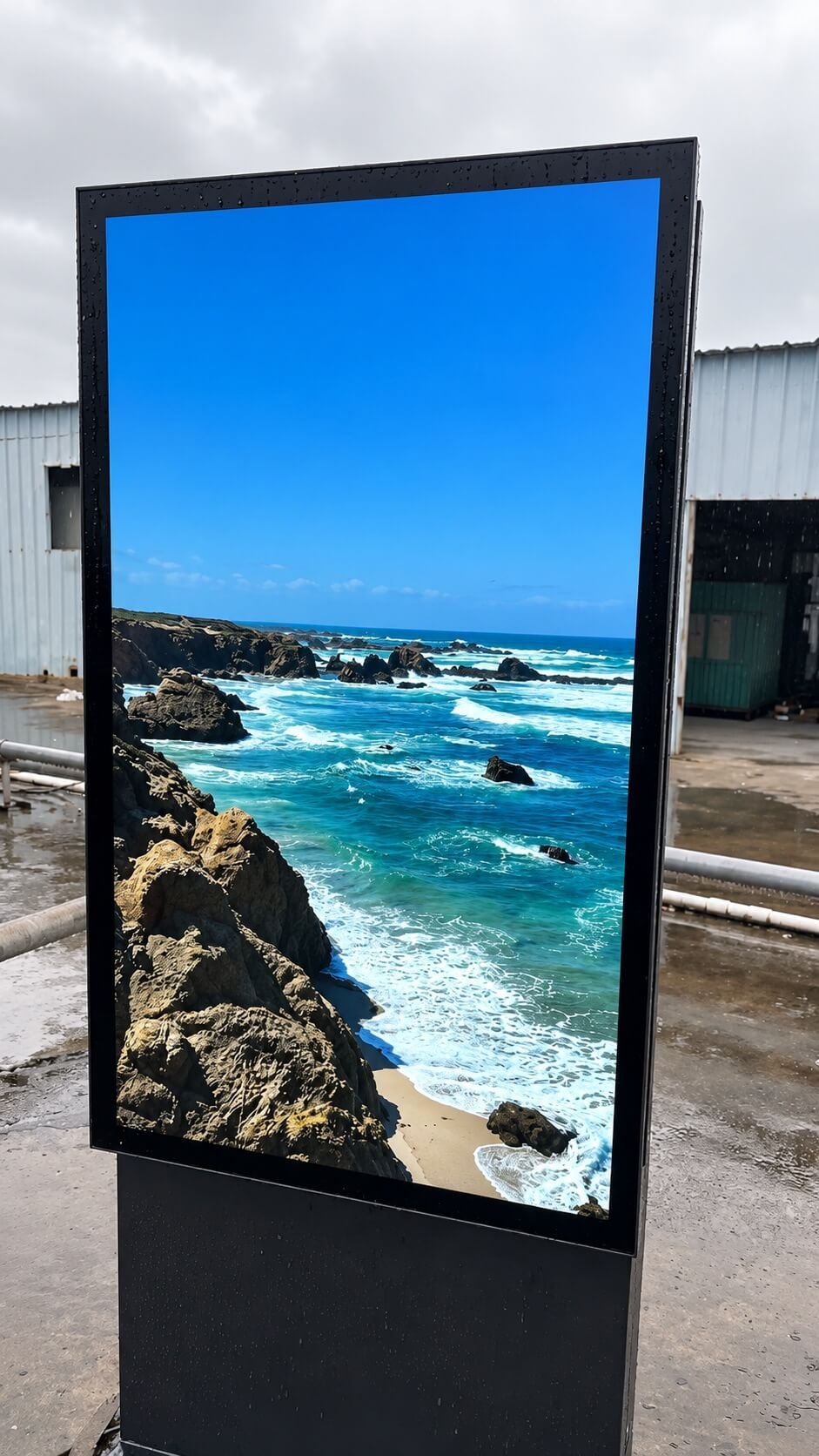
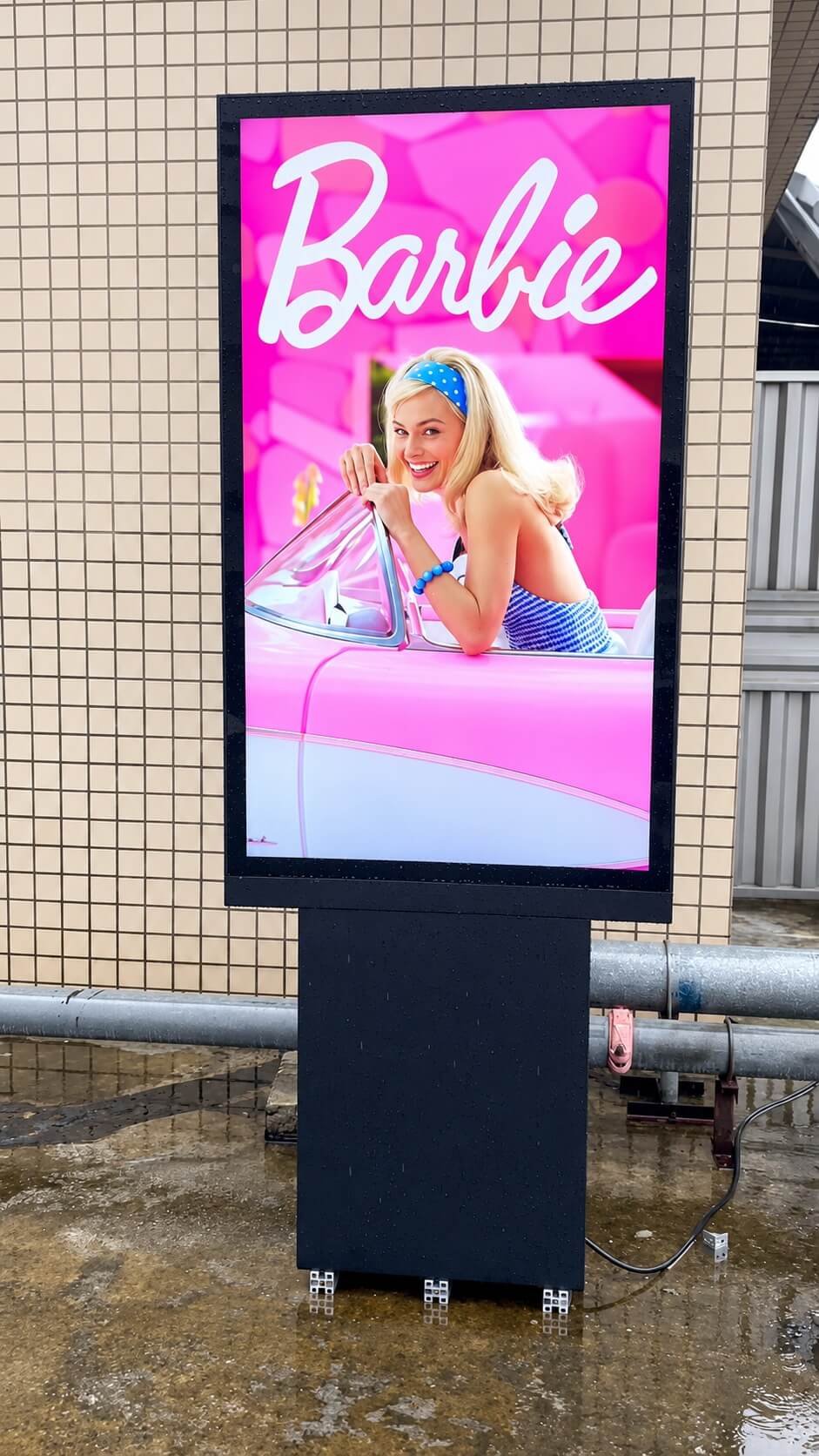
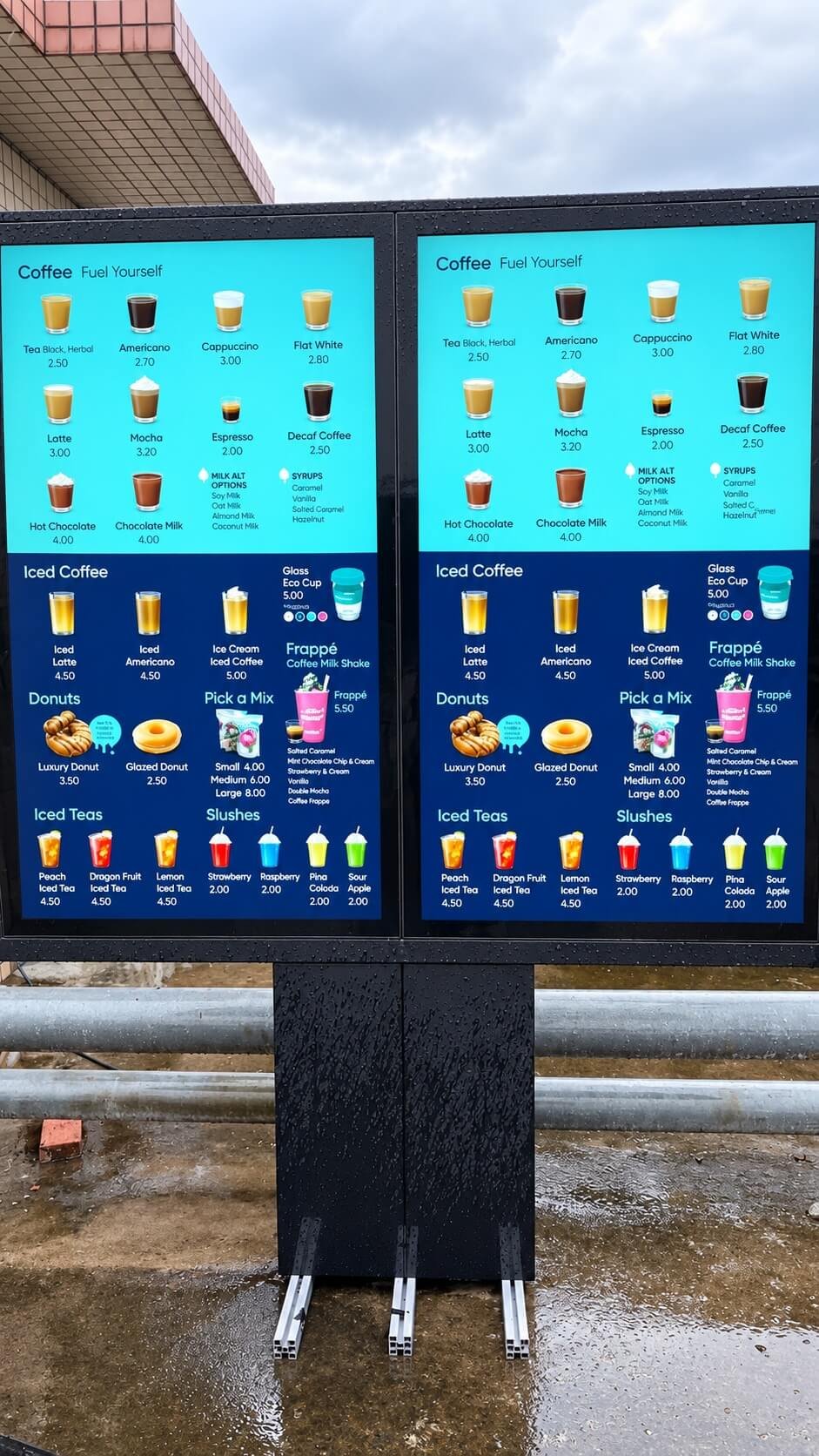
Choose the protected surfaces first. A front-protected display installed in a kiosk has a different supply scope from a complete enclosed outdoor monitor.
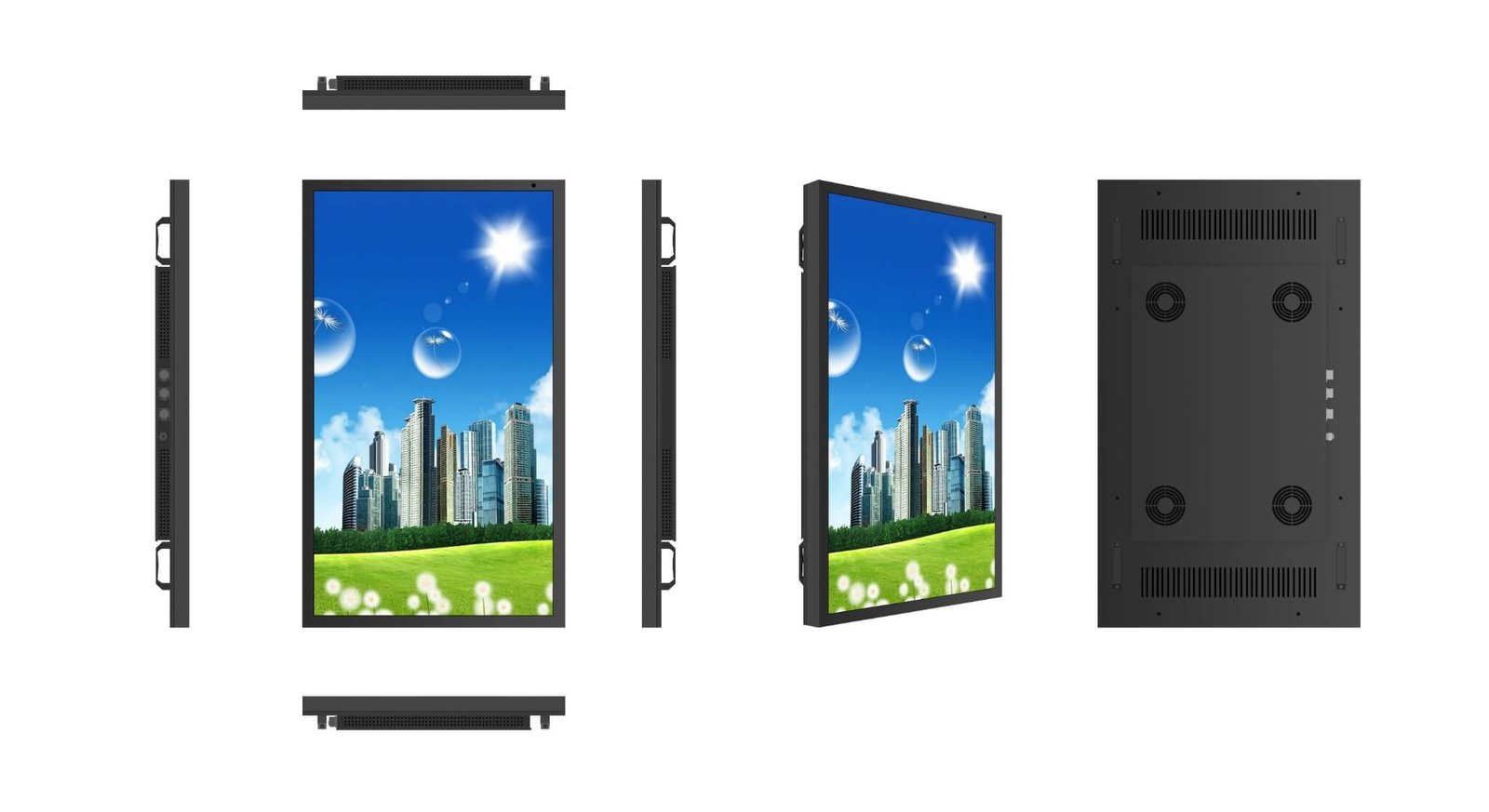
For a display mounted through a customer cabinet. Confirm the cover glass, perimeter gasket, mounting cutout and sealing interface. Rear electronics and connections need protection from the host equipment.
For a finished monitor or terminal supplied with an enclosure. Review the front, rear access panels, connectors, cable entries and service seals together, including the intended mounting orientation.
For integration into equipment such as an EV charger or payment terminal. Confirm the parts supplied by DisplayMan and the sealing, drainage and enclosure work completed by your equipment manufacturer.
Water-ingress protection describes the assembly’s protection against entry of water under specified conditions. Touch operation with droplets, a wet finger or flowing water depends on the sensor, controller, glass and tuning. Specify both requirements and validate them on the final assembly.
Share the required IP rating and whether it applies to the front or the complete product. The quotation and supporting documentation should identify the tested configuration and installation conditions. Optical bonding and water-rejection firmware do not replace enclosure sealing.
| Product Route | Main Structure | Best For | Protection Responsibility |
|---|---|---|---|
| Outdoor Waterproof Touch Screen Display Module | LCD, high-brightness backlight, touch sensor, controller and cover glass | OEM equipment with a customer-designed enclosure | Final equipment provides enclosure protection; front assembly and sealing scope are specified separately |
| Open Frame Outdoor Touch Monitor | High-brightness touch monitor with open metal frame and display controller | EV chargers, kiosks, vending machines and industrial terminals | Front-panel protection may be specified; the customer cabinet protects the rear, cable entries and installation |
| Finished Outdoor Waterproof Touch Screen Display | Touch display, protected front assembly, outdoor enclosure, cooling and mounting | Public kiosks, wayfinding, ticketing and outdoor self-service | Enclosure, glass seals, rear access and cable entries are reviewed as one supplied product |
| Outdoor Touch Panel PC | Outdoor touch display with integrated Android or Windows computer | Self-service software, payment, public information and equipment control | Touch display, computer and enclosure protection are confirmed for the complete terminal |
Before selecting brightness or touch technology, confirm whether DisplayMan supplies only the embedded display assembly or the complete outdoor interactive product.
Provides readable content under daylight, high ambient light and public-facing conditions.
Detects finger, glove or project-specific input through the selected cover glass.
Selected and tuned for the required sensitivity, touch points, water rejection and glove behavior; performance is validated on the final assembly.
Provides the public-facing surface, protection, branding and optical interface.
Reduces the internal air gap and reflections. Touch performance is evaluated with the selected sensor, glass and controller.
Combines the enclosure, glass seals, cable entries and service access to address the specified exposure; thermal and condensation control are reviewed separately.
Android, Windows, external computer or customer embedded controller runs the application.
Manages heat from the backlight, computer, sun and sealed outdoor structure.
Screen height, reach, accessibility, payment devices, cameras and service access must work together.
Touch firmware can distinguish certain water patterns from intended finger input.
The system may be tuned to accept a wet finger while rejecting surrounding droplets.
Heavy flowing water is more difficult than light rain or isolated droplets.
Glass thickness, coating, air gap and bonding change the touch signal and water behavior.
Poor grounding, power noise and metal structure can reduce touch stability outdoors.
Final water behavior should be tested with the actual glass, controller, enclosure and installation.
The required behavior must be defined: reject droplets, accept wet-finger input, continue multi-touch, disable touch during heavy water or another project-specific mode.
Fabric, rubber, leather, insulated and work gloves produce different capacitive signals.
Thicker gloves require more sensitivity and may reduce accuracy or water rejection.
Thicker protection glass weakens the touch signal and must be included in controller tuning.
Outdoor user interfaces should use larger buttons and spacing than normal desktop software.
Required point count and accuracy should be balanced against glove and water performance.
Representative gloves and the final glass stack should be tested before production approval.
Selected from impact, safety, vandal resistance and local project requirements.
Black border, logo, instructions, icons and hidden sensor areas can be printed.
Anti-glare treatment can reduce sharp reflections but may affect image clarity.
Anti-reflective treatment can improve light transmission and outdoor contrast.
Anti-fingerprint treatment improves cleaning and public-use surface maintenance.
A simpler assembly with an air gap between LCD and touch or cover glass.
Can reduce internal reflections and improve the integrity of the bonded front assembly; perimeter sealing remains a separate design item.
The final enclosure must seal the glass edge and protect the complete front assembly.
Bonded assemblies improve integration but may change repair and replacement methods.
Review the Custom Touch Glass Solution and Optical Bonding Display Solution for detailed front-assembly planning.
Open sky, reflected sunlight and public lighting determine the required visible contrast.
Glass treatment, bonding and viewing angle can be as important as panel luminance.
Direct sun raises the LCD, glass and internal enclosure temperature.
A high-brightness backlight creates continuous thermal load during operation.
An integrated Android or Windows system adds processor and power-supply heat.
Ambient-light control can reduce heat, power and user discomfort after dark.
The correct product balances outdoor readability, reflection, heat, dimming, power, touch response and user comfort.
| Interface Type | Typical Use | Important Difference |
|---|---|---|
| HDMI / DisplayPort / DVI / VGA | External video input from a PC, media player or industrial computer | A display controller converts the source signal to the selected LCD panel |
| LVDS | Direct embedded connection between motherboard and compatible LCD assembly | Voltage, pinout, timing, bit mapping and connector must match |
| eDP | Embedded display connection from a modern motherboard or computing board | Lane configuration, timing, EDID and voltage must be compatible |
| MIPI DSI | Compact embedded systems and selected displays | Requires matching lanes, timing, command mode and software support |
| USB Touch | Common touch interface for Windows, Android and external computers | Touch communication is separate from the LCD video signal |
| I²C / Serial Touch | Embedded controller integration | Requires compatible voltage, protocol, firmware and software driver |
Configure the display around its installation and required protection scope. Touch features, interfaces and enclosure options listed below are selected for the project and are not all included in every model.
| Item | Project Direction |
|---|---|
| Display Size | Selected from available commercial or industrial LCD platforms |
| Brightness | Project-specific according to sunlight, reflection, viewing distance and heat |
| Touch Technology | Normally projected capacitive touch; other technologies can be reviewed for special applications |
| Touch Behavior | Finger operation, with glove, wet-finger, multi-touch and water-rejection options reviewed and tested for the selected assembly |
| Cover Glass | Custom size, thickness, border printing, logo, holes, notches and optional AG / AR / AF |
| Bonding | Air bonding or optical bonding according to optical, touch and structural requirements |
| Video Interface | HDMI, DisplayPort, DVI, VGA, LVDS, eDP or MIPI depending on system architecture |
| Touch Interface | USB, I²C, serial or project-specific interface |
| Computing System | Display only, Android, Windows Panel PC, external PC or customer embedded controller |
| Enclosure | Embedded module, Open Frame, finished outdoor display or complete terminal structure |
| Thermal Control | Passive heat path, fan ventilation, heat exchanger, air conditioning or project-specific combination |
| Waterproof Scope | Front-panel protection or complete enclosure protection, as specified for the selected product and installation |
| Ingress-Protection Rating | Required IP rating, protected surfaces, mounting conditions and supporting test documentation confirmed for the selected assembly |
| Weather Protection | Glass-edge seals, rear covers, cable glands, connectors, drainage and service seals reviewed together |
| Operating Schedule | Confirmed from duty cycle, backlight, computer, cooling and maintenance requirements |
| Mounting | Embedded, wall-mounted, floor-standing, panel-mounted or project-specific installation |
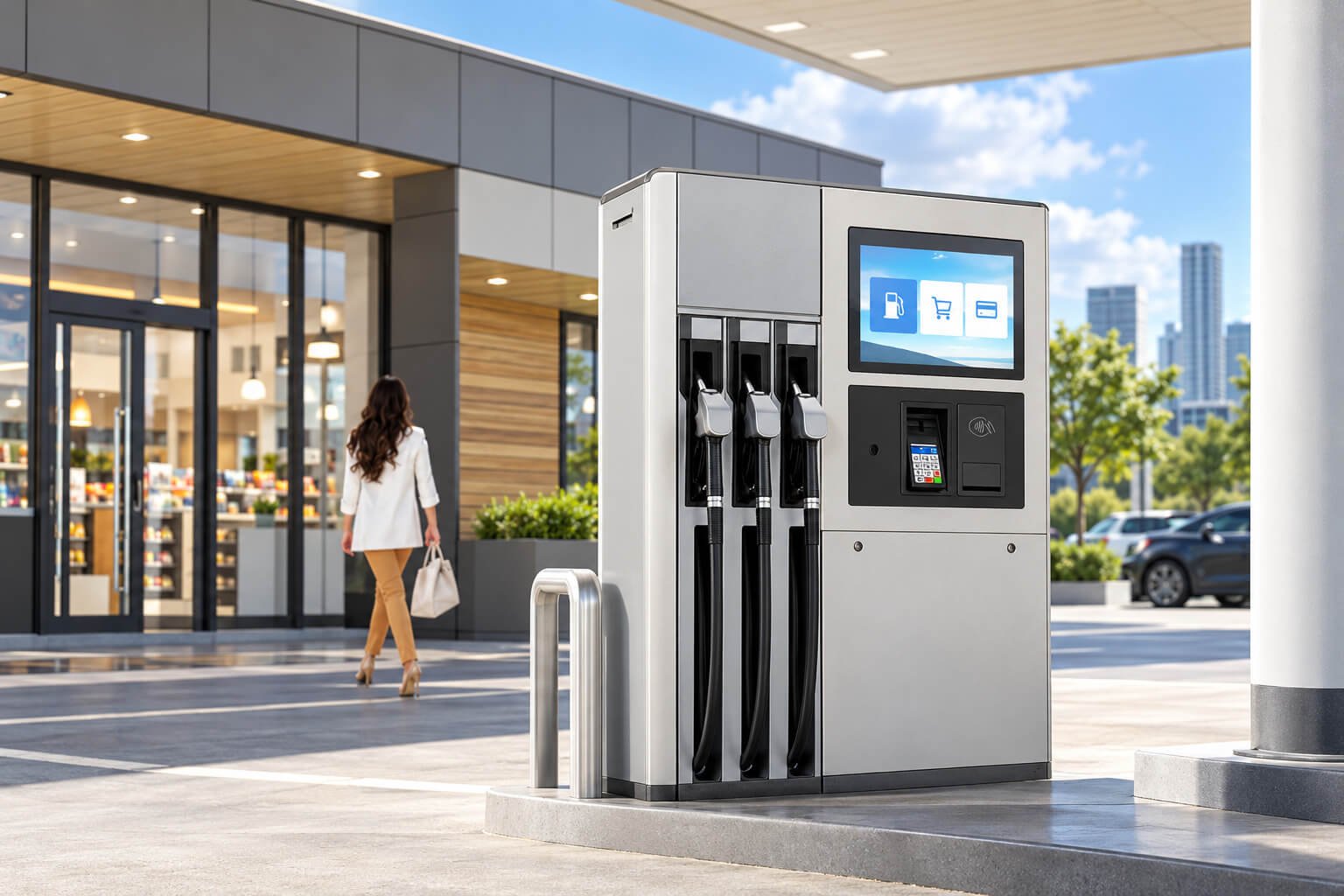
Charging status, payment guidance, account login, user operation and advertising.
Information search, registration, ticketing, payment, check-in and public self-service.
Parking fee payment, vehicle information, QR guidance and customer operation.
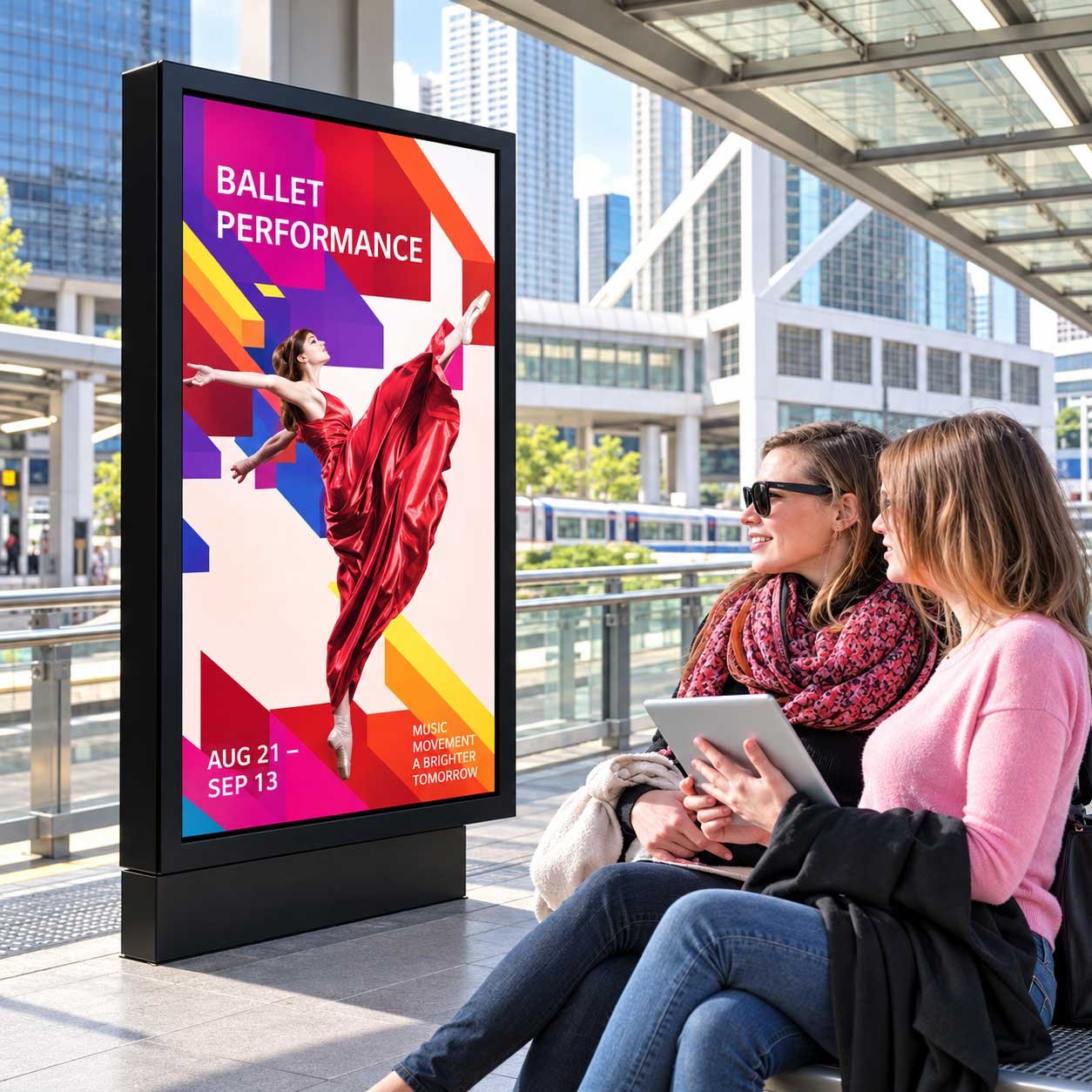
Transportation, events, parking, amusement parks and access systems.
Government service, community registration, inquiry and document guidance.
Campuses, parks, stations, malls, city areas and commercial complexes.
Product selection, payment, promotion and unattended customer interaction.
Payment guidance, loyalty programs, service information and promotion.
Machine control, system monitoring, energy equipment and field-operation interfaces.
| Factor | Outdoor Waterproof Touch Screen Display | Outdoor High Brightness Display | Open Frame High Brightness Monitor |
|---|---|---|---|
| Main Purpose | Outdoor user interaction | Outdoor content viewing | OEM embedded display integration |
| Touch Function | Core requirement | Optional | Optional |
| User Behavior | Search, select, pay, register, navigate and control | View advertising or public information | Depends on the customer’s equipment |
| Product Form | Embedded module, Open Frame, finished outdoor product or Panel PC | Finished outdoor signage product | Open Frame or embedded monitor assembly |
| Front Glass | Critical to touch, protection and optical performance | Important for protection and visibility | Project-specific |
| Weather Protection | Depends on supplied product boundary | Integrated into the finished display | Provided mainly by customer equipment |
| Key Engineering Concern | Touch reliability, visibility, glass, software, weather and user behavior | Visibility, weather, thermal control and uptime | Mechanical and electrical integration |
Touch targets should be reachable by the intended user population.
Standing, seated and wheelchair users may view the screen from different heights.
Outdoor software should use larger buttons, spacing and clear visual feedback.
Card readers, QR scanners, printers, cameras and speakers must be positioned consistently.
Glass, locks, fasteners and enclosure strength should match the site risk.
Accessibility, electrical, payment, privacy and public-installation requirements vary by market.
Embedded module, Open Frame Monitor, finished outdoor display or complete Panel PC.
Finger, glove, wet finger, multi-touch, payment, search, ticketing or equipment control.
Sunlight, rain, dust, temperature, humidity, vandal risk and operating hours.
Glass size, thickness, printing, coating, air bonding or optical bonding.
HDMI monitor, embedded interface, Android, Windows or customer controller.
Test brightness, touch, water, glove, heat, software, mounting and service access.
Foundation, wall strength, lifting, anchoring, electrical work, grounding, permits, payment compliance, accessibility and final installation safety must be handled or approved by qualified local professionals.
| Related Page | When to Visit |
|---|---|
| High Brightness LCD Displays | Overview of the complete High Brightness LCD product family |
| Open Frame High Brightness Monitors | OEM embedded high-brightness monitor assemblies |
| Window Facing Displays | Indoor signage facing storefront glass and street viewers |
| Outdoor High Brightness Displays | Outdoor signage and public information without core touch interaction |
| Rugged Outdoor Terminal Solution | Complete kiosks, public terminals and protected equipment |
| Custom Touch Glass Solution | Touch sensor, cover glass and controller engineering |
| Optical Bonding Display Solution | Improve optical performance, touch response and front-assembly strength |
| All-in-One Touch Display PC Solution | Integrated Android or Windows touch computing systems |
| Industrial All-in-One PC Solution | Industrial computing, I/O and touch Panel PC requirements |
| Smart Vending & Unattended Retail | Vending, lockers and self-service retail applications |
| Industrial Equipment & HMI | Industrial control and equipment interaction |
| Touch vs Non-Touch Display | Confirm whether interactive operation is necessary |
| Outdoor vs Indoor Display | Confirm environmental and enclosure requirements |
| High Brightness vs Normal Display | Evaluate sunlight, reflection and thermal requirements |
It is a high-brightness LCD and touch assembly configured with a defined water-protection structure for outdoor or semi-outdoor use. Supply options include an OEM assembly, front-protected monitor, complete enclosed display or outdoor touch panel PC. Protection scope and wet-touch behavior are confirmed separately.
No. Outdoor signage is mainly designed for viewing content. An Outdoor Waterproof Touch Screen Display is designed for user operation such as search, selection, payment, ticketing, wayfinding, registration or equipment control.
It can be configured for strong daylight and sunlight-readable applications, but brightness, front-glass reflection, LCD temperature, solar loading, viewing direction and thermal control must be reviewed together.
Wet-condition touch operation is reviewed separately from water-ingress protection. Define whether the screen must reject droplets, accept a wet finger or operate during the expected rainfall. Sensor selection, controller tuning, glass, grounding and the amount of surface water affect the result; validate the complete assembly before production.
Yes, selected touch controllers can be tuned for wet-finger use, but the required behavior must be defined and validated with the final glass and enclosure.
In many cases, yes. Glove performance depends on glove material and thickness, cover-glass thickness, touch sensitivity, controller tuning and environmental conditions.
Yes, but thicker glass reduces touch sensitivity. Glass thickness, touch sensor, controller and bonding method must be selected and tested as one assembly.
Optical bonding fills the air gap between the LCD and touch or cover glass and can reduce internal reflections. It does not by itself make a display waterproof; edge sealing and enclosure protection must still be designed for the installation.
The protection scope is confirmed for the selected configuration. Front-panel protection covers the specified exposed front assembly after correct mounting; it does not automatically protect rear electronics or cable entries. A complete enclosed display requires the enclosure, access panels, connectors and seals to be reviewed together. Confirm the required IP rating and supporting documentation before ordering.
No. The required IP rating and whether it applies to the front or complete enclosure must be confirmed for the selected model, mounting and cable arrangement. Request the relevant test documentation for that configuration.
Pressure washing and immersion must be specified separately. Do not infer suitability from the general waterproof description or a rain-use requirement. Confirm the exact exposure and supporting product rating before selecting the configuration.
Yes. An LCD, touch panel, cover glass, controller, frame and optional optical bonding can be supplied as an embedded assembly for integration into the customer's own outdoor equipment.
Yes, subject to project review. A complete outdoor housing, cooling system, power, controller, touch front assembly, mounting structure and optional computing system can be configured.
It combines the high-brightness touch display with an integrated Android or Windows computer, making it suitable for self-service, wayfinding, ticketing and public operation systems.
External monitor configurations may support HDMI, DisplayPort, DVI or VGA, while embedded systems may use LVDS, eDP or MIPI. Touch communication may use USB, I²C, serial or another project-specific interface.
No. They are embedded panel interfaces and require matching voltage, timing, pinout, lane configuration and software support. They are different from external HDMI or DisplayPort inputs.
Yes. Android media systems, Windows Panel PCs, external computers or customer-provided embedded controllers can be reviewed.
Depending on brightness, enclosure, climate and computing system, thermal control may use passive heat paths, fans, filtered ventilation, heat exchangers or air conditioning.
DisplayMan can support product and structure review. Foundations, wall strength, lifting, anchoring, electrical work, grounding, permits, accessibility and final installation safety should be handled by qualified local professionals.
Provide the screen size, installation location, sunlight and temperature conditions, required IP rating and protected surfaces, rain and cleaning exposure, touch behavior, glove or wet-finger requirements, cover glass, computing system, interfaces, mounting, quantity, destination and schedule.
Send us the screen size, environment, sunlight condition, temperature range, touch behavior, glove or wet-finger requirement, cover-glass thickness, computing system, enclosure type, mounting, quantity, certifications, destination and schedule.
We will review the suitable LCD platform, touch sensor, controller, glass, bonding, enclosure, thermal control, computing system and mounting for the real application.
Tell us the installation location, screen size, required water-protection scope and touch behavior. DisplayMan will review the front assembly, enclosure, controller, cooling and system integration for your project.