TRANSPARENT DISPLAY · TOUCH INTEGRATION

Transparent Touch Screen Display Solutions

See the Product. Explore the Content.

DisplayMan helps OEMs, integrators and commercial project teams combine see-through displays with touch interaction. Compare transparent LCD cabinets and doors, transparent OLED presentations and project-based transparent Micro LED integration.

Match the display, touch sensor, protective glass, controller and installation to the actual product, lighting and operating environment.

Transparent LCD, OLED & Micro LEDInfrared & Capacitive Touch ReviewCabinet, Door & Console IntegrationOEM Engineering & Batch Projects
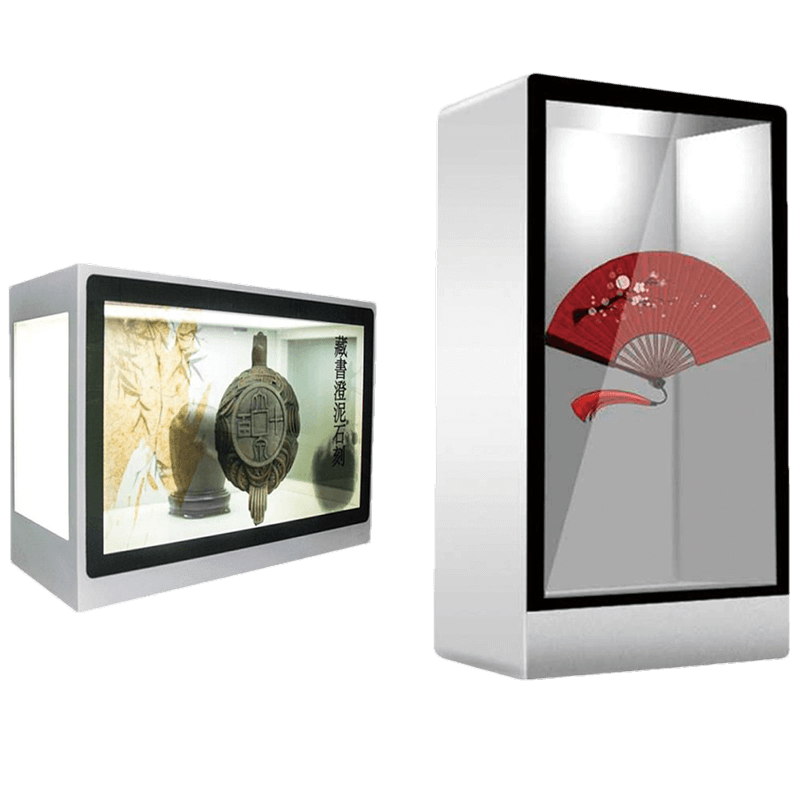
Transparent Micro LED presentation hardware reference — touch configuration requires project reviewIllustrative display reference. Touch configuration and protective glass are confirmed per project.

What Is a Transparent Touch Screen Display?

A transparent touch screen display combines a see-through image surface with a touch input system. Users can browse information, select products or explore an exhibit while seeing physical objects or the environment behind the display.

The display creates the image; the touch sensor detects user input. These functions may use separate layers and electronics. The final assembly must account for mounting, protection, cabling and the software that responds to touch.

Start With the Complete Installation

Define what customers need to see behind the screen, what they need to touch, and where the electronics will fit. A transparent touch film or touch glass alone does not create a visible digital image.

Explore Transparent Display Solutions →

Choose the Right Transparent Display Technology

Compare the display around the installation and content. Images below show related display hardware; they do not specify an included touch configuration.

Transparent Micro LED Touch Integration — display hardware reference

Transparent Micro LED Touch Integration

Premium showrooms, product presentations and corporate visitor experiences.

Review touch sensing and protective glass around the selected panel, electronics housing and mounting arrangement. Touch is not assumed to be built into the display.

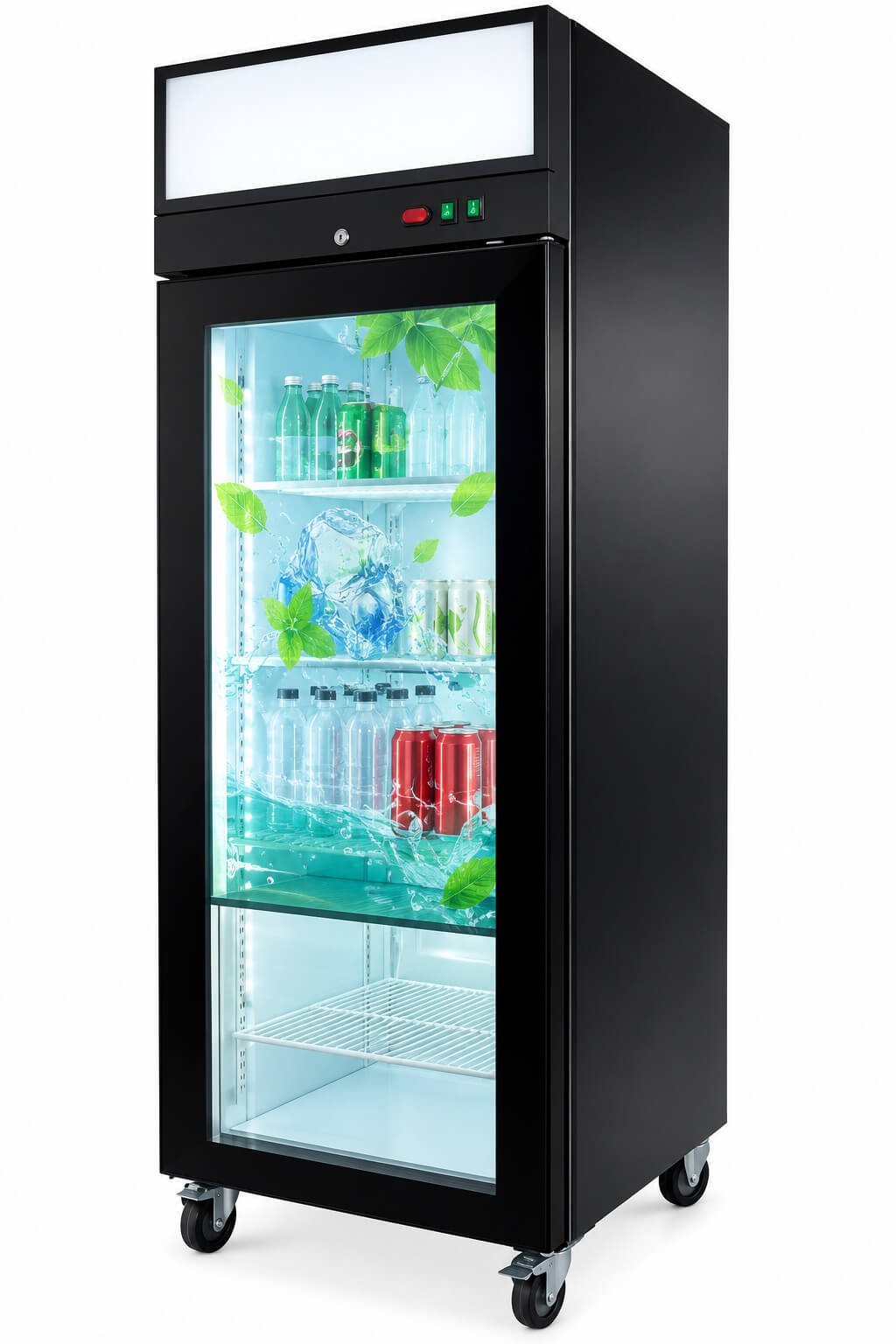
Transparent LCD Touch Displays — display hardware reference

Transparent LCD Touch Displays

Illuminated display cabinets, retail showcases and selected refrigerator or vending doors.

Coordinate the display with cabinet illumination and the physical product behind it. For refrigerated doors, review the glass stack, condensation, sealing and cable routing.

Transparent OLED Touch Displays — display hardware reference

Transparent OLED Touch Displays

Close-view exhibits, interactive product information and premium indoor presentations.

Review the touch assembly, viewing background, protection and controller arrangement with the selected OLED configuration.

Infrared or Capacitive Touch?

Review PointInfrared TouchProjected Capacitive Touch
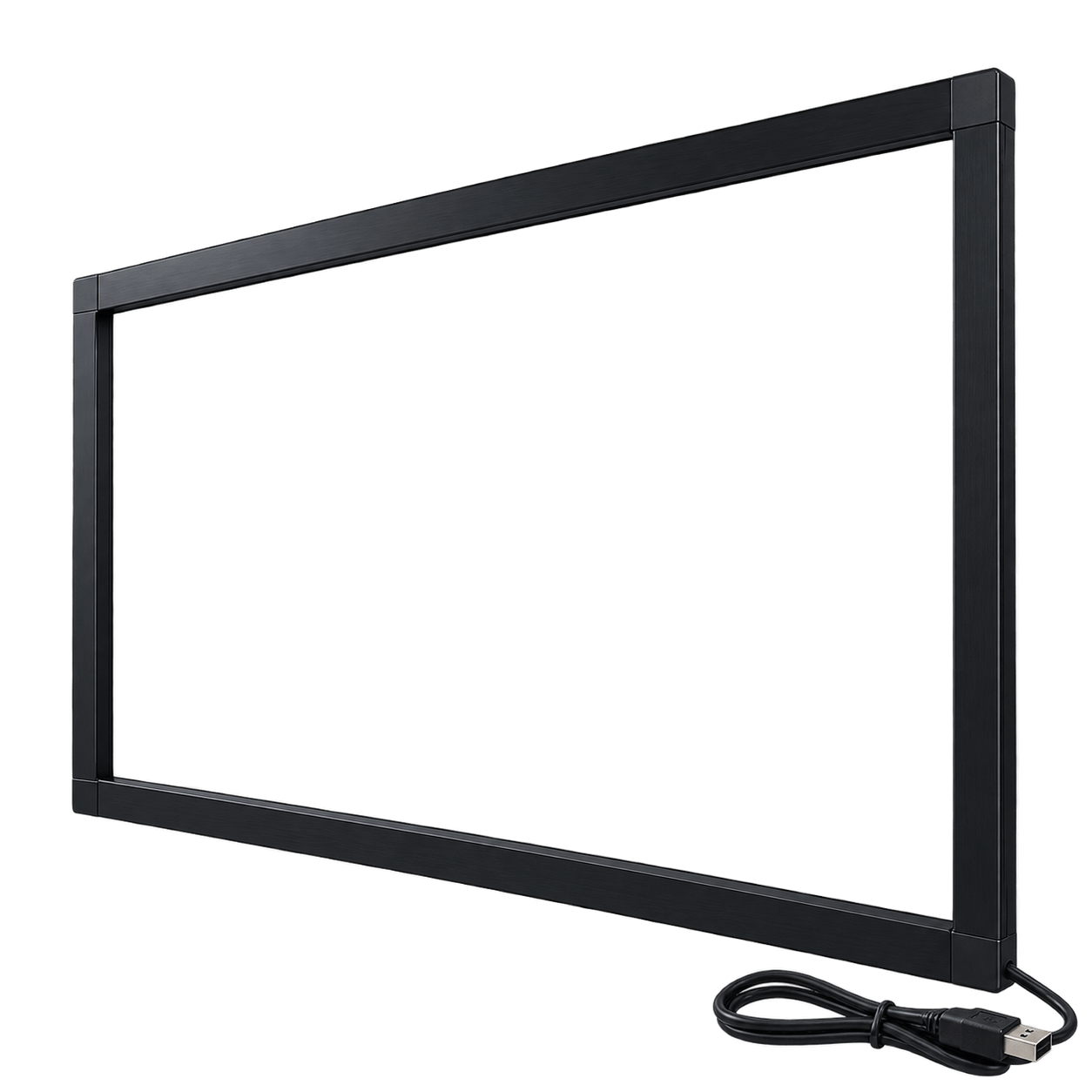
Sensing arrangementAn optical sensing frame surrounds the interaction area.A transparent sensor works with a controller behind a suitable cover surface.
Mechanical planningAllow room for the frame, sensing plane, cable and service access.Review sensor size, edge routing, cover glass and mounting method.
AppearanceThe surrounding frame must fit the cabinet or display design.Can support a clean glass-front design when the sensor and cover stack are suitable.
EnvironmentReview ambient light, obstruction, contamination and access to the sensing area.Review grounding, electrical noise, moisture, glass thickness and touch tuning.
InteractionConfirm object detection and multi-touch behavior on the selected controller.Confirm finger, glove and water behavior on the selected sensor and controller.
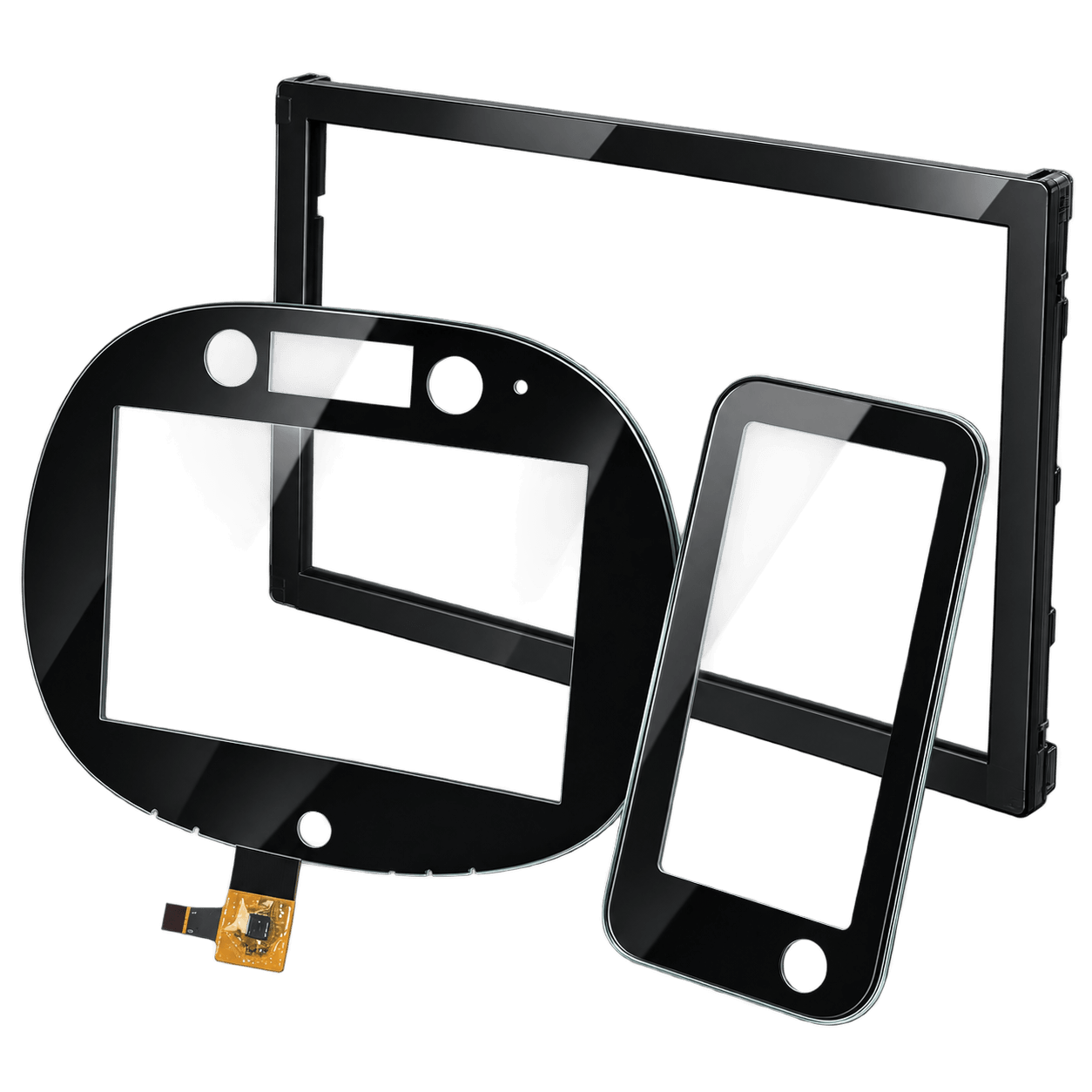
Related hardwareInfrared Touch FramesCustom Touch Panels & Cover Glass

Specify the Finished Assembly

Touch points, gloves, water behavior, operating system support and surface treatment must be confirmed for the selected sensor, controller and glass stack. These are configuration requirements, not universal features of every transparent display.

Where Transparent Touch Displays Work Best

Illustrative display concepts, not customer installation photographs or confirmed touch-equipped assemblies. Click an image to view it in full.

Refrigeration & Smart Coolers — illustrative display application

Refrigeration & Smart Coolers

Plan product selection and promotional interaction around a refrigerated door, with touch and door construction reviewed together.

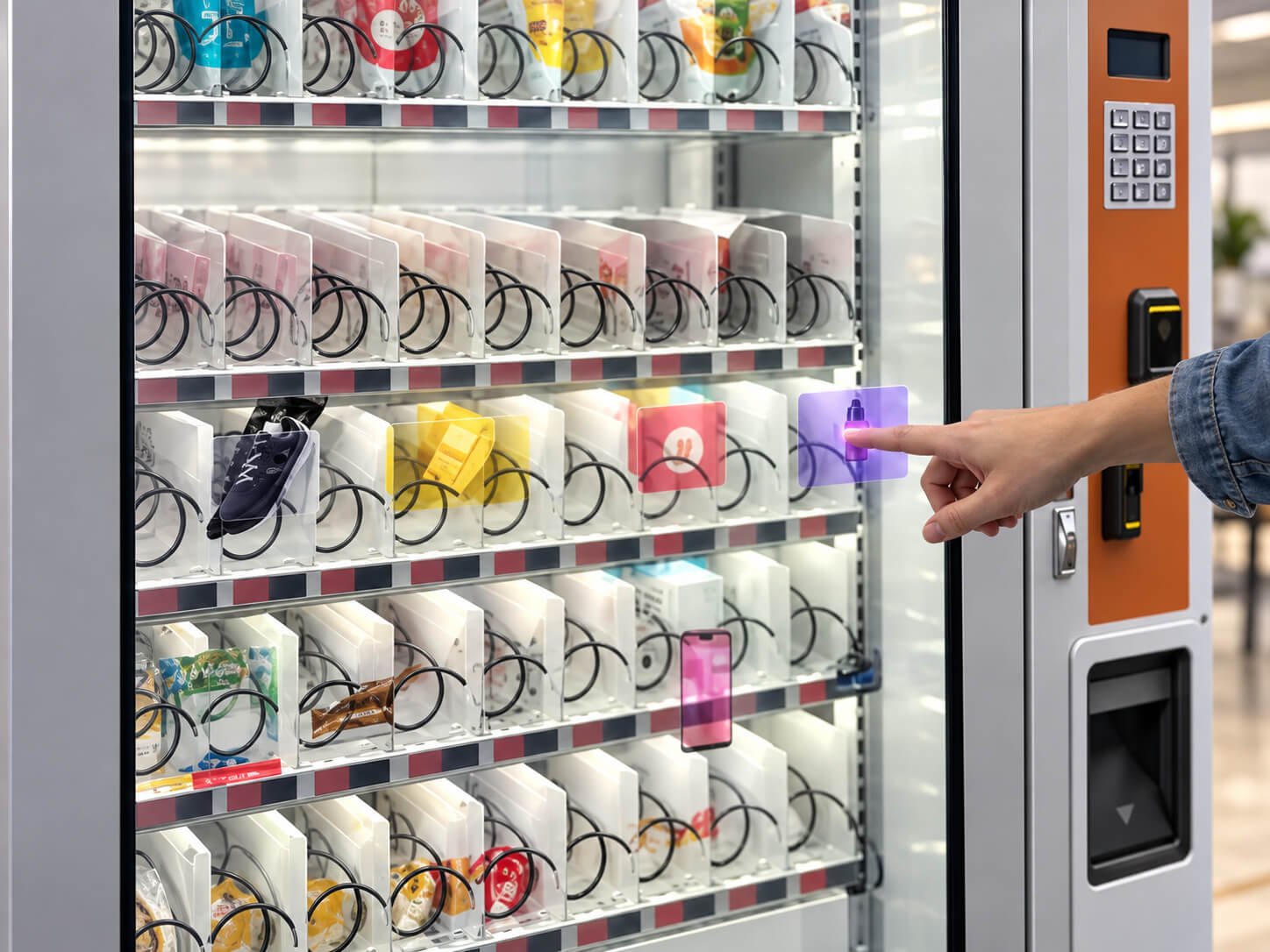
Smart Vending Machines — illustrative display application

Smart Vending Machines

Combine product visibility with selection and purchase guidance. Payment and vending control require separate software and machine integration.

Corporate & Brand Showrooms — illustrative display application

Corporate & Brand Showrooms

Use clear product or brand content on a correctly sized transparent display station. Confirm the interaction surface and access.

Interactive Digital Humans — illustrative display application

Interactive Digital Humans

Use touch to start a presentation, choose a topic or navigate content. AI, voice, avatars and business software are separate integration items.

From Transparent Display to an Interactive System

1. Display & Content

Define screen size, visible area, orientation, viewing distance and the object behind the display. Review sample content under representative lighting.

2. Touch & Glass

Choose the sensing method, interaction area, protective glass, edge treatment and mounting. Validate the touch response using the intended glass stack.

3. Controller & Host

Match the display signal path and touch connection to the player or PC. Confirm interface, power, operating system and driver requirements.

4. Mechanical Integration

Review the enclosure, motherboard housing, support, cable exit and service access. Confirm the complete assembly rather than fitting a touch overlay by size alone.

5. Interaction Software

Define gestures, page layouts, content triggers and machine communication. Agree the software scope separately from the display hardware.

6. Sample & Production Review

Check the integrated sample for image visibility, touch behavior, thermal operation and installation. Confirm specification, quantity and production requirements before rollout.

Refrigerator and Vending Doors Need Additional Review

Provide the door section drawing, glazing construction, available display window, cable route and opening motion. Moisture, condensation, sealing, touch behavior and service access must be evaluated together.

OEM / ODM Engineering & Prototyping →

Transparent Touch Screen Display FAQ

Does a transparent display automatically include touch?

No. Transparent imaging and touch input are separate functions. Confirm whether the selected system includes a touch sensor, controller, protective glass, host connection and software integration.

Which transparent touch screen display is right for my project?

Start with the physical object behind the display, lighting, size, viewing distance and enclosure. Transparent LCD is a route for illuminated cabinets and selected doors; transparent OLED and Micro LED are routes for indoor presentations. Touch integration must be reviewed for the chosen hardware.

Can a transparent Micro LED display be made interactive?

A project can be reviewed for touch-based interaction using a suitable sensing and protective structure. Confirm the panel format, motherboard housing, mounting, interaction surface and controller arrangement. Do not assume touch is native to every Micro LED panel.

Can I add touch to a transparent refrigerator or vending door?

The complete door needs review, including the glass stack, sensing method, condensation, sealing, cable routing and opening motion. Supply a section drawing and the available display window before the configuration is confirmed.

Is transparent touch film the same as a transparent display?

No. A touch sensor detects input but does not produce the digital image. A transparent display creates the image. A complete interactive system combines the display, sensor, electronics and content software.

Will the system work with Windows or Android?

Compatibility depends on the selected host, display controller, touch interface and operating system. Confirm driver support and test the intended software on the integrated sample.

Are all sizes and touch configurations standard products?

No. Standard hardware may be available for some projects, while other assemblies require mechanical, sensor, glass or electronics customization. Quantity, development cost and lead time depend on the confirmed scope.

What should I send for a quotation?

Send the application, screen size and orientation, object behind the screen, lighting conditions, installation drawing, touch behavior, host system, sample and production quantities, target schedule and budget.


Plan Your Transparent Touch Display Project

Share the real installation and interaction requirements with DisplayMan. We will review the display technology, touch structure and system integration direction for your commercial or OEM project.

For a useful first review: application, screen size, installation drawing, lighting, touch requirements, host system and expected quantity.

Send Your Display Requirement

Please share your application, display size, quantity and project background. We will review the most practical display direction.