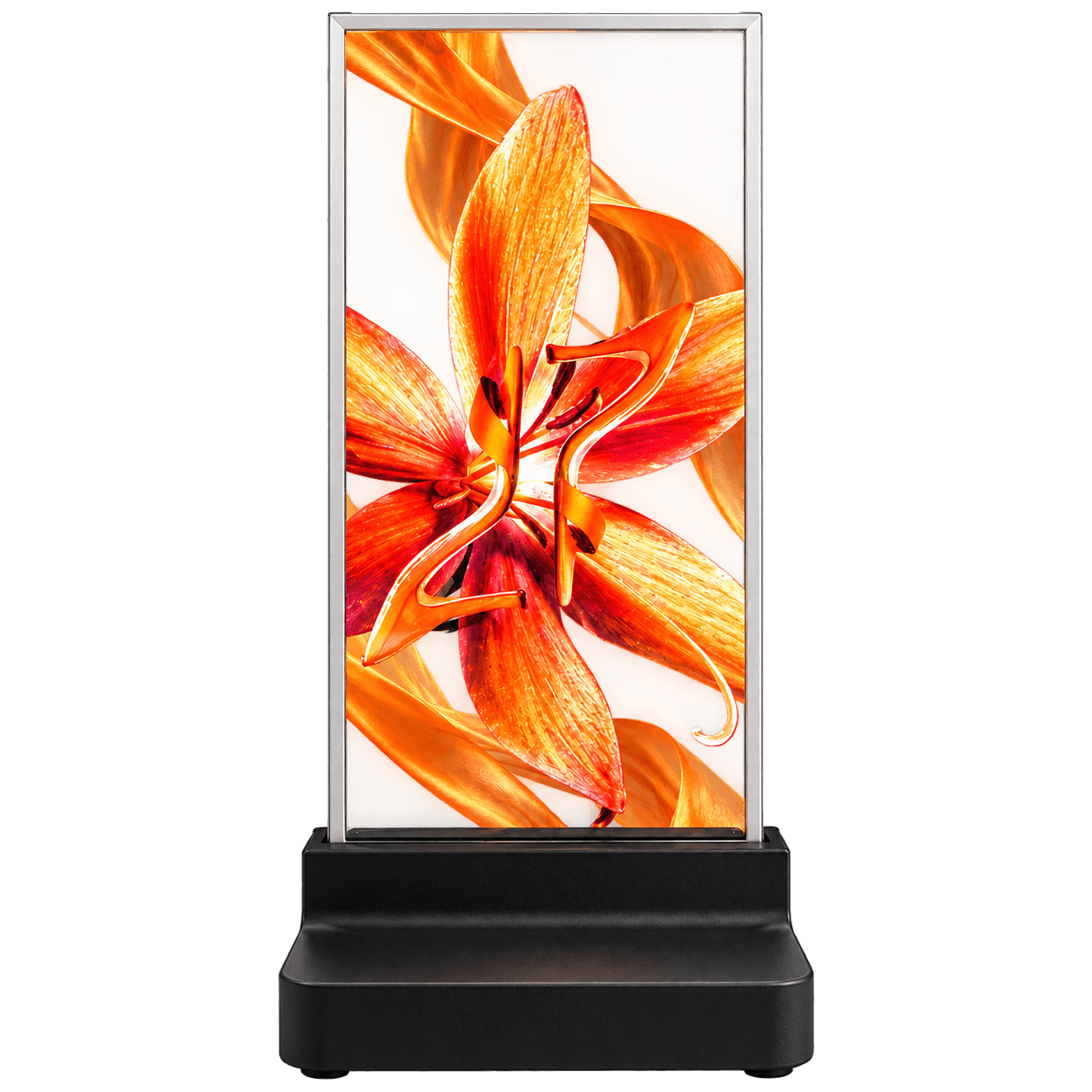
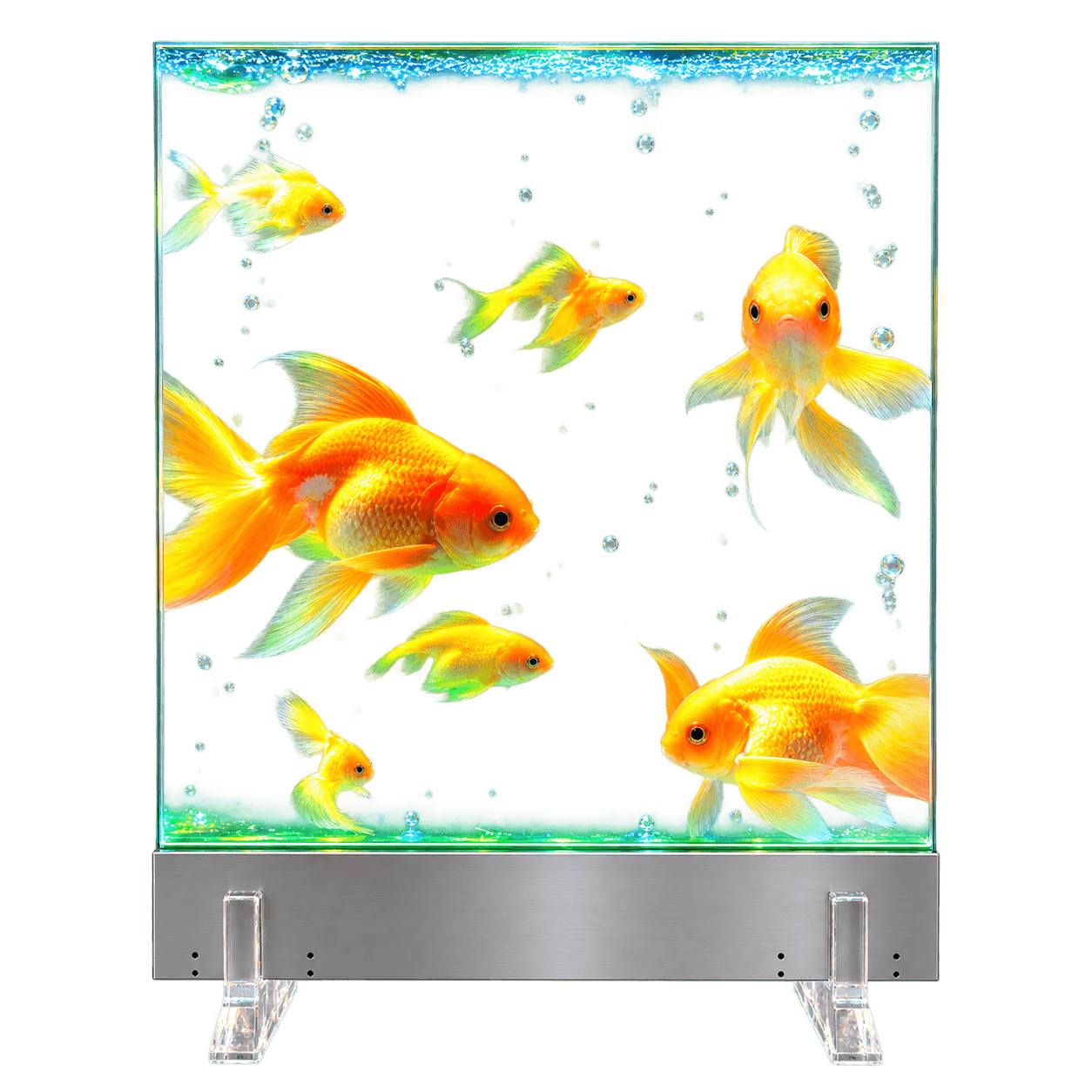
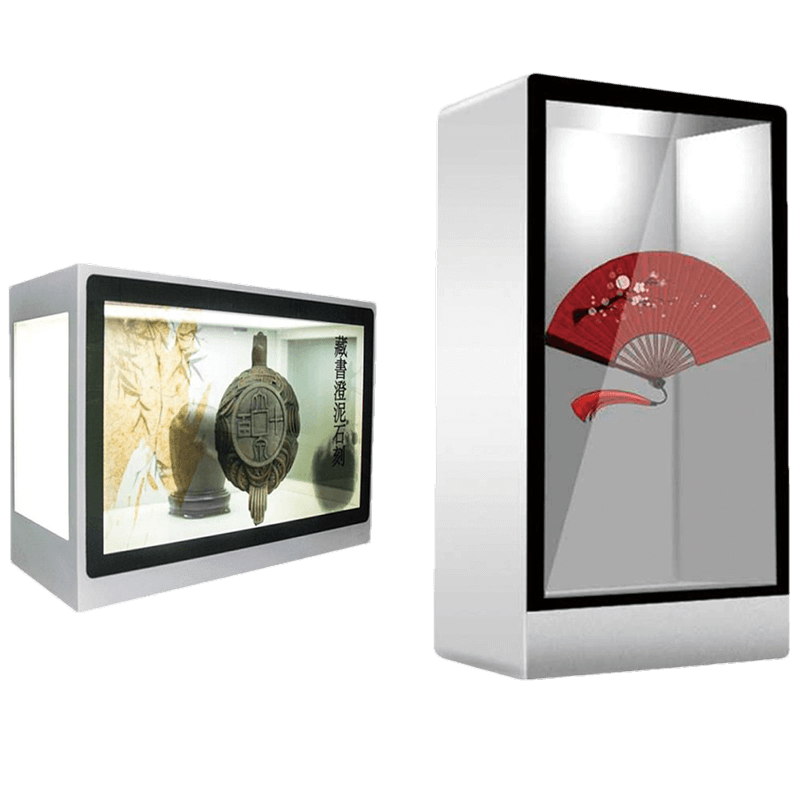
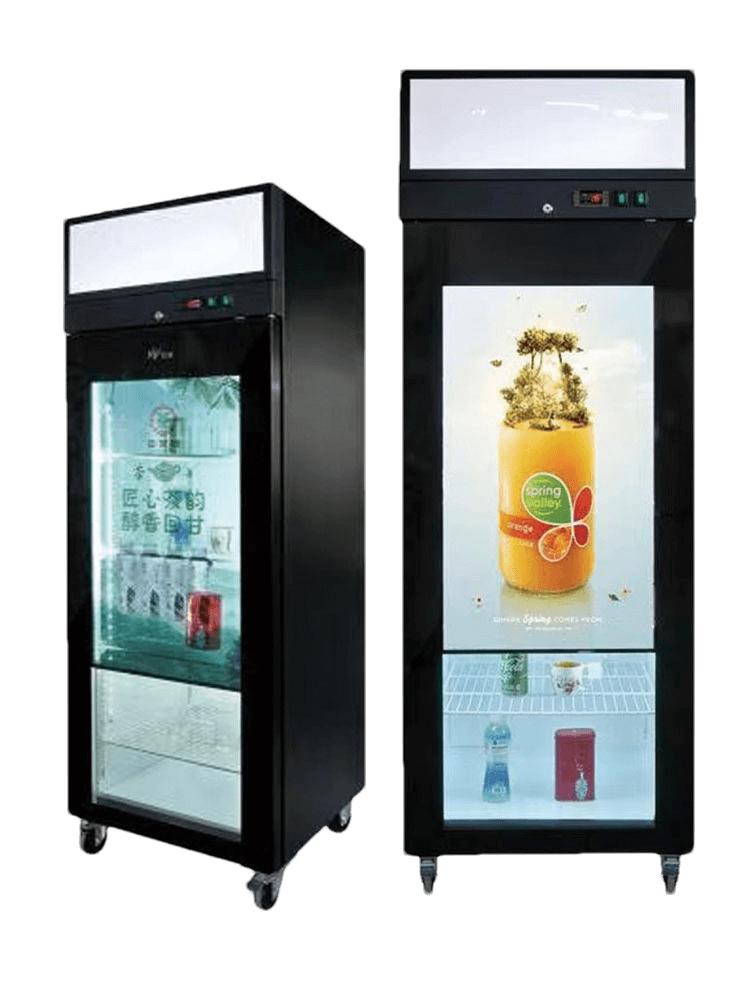
Full HD Transparent Micro LED · Optional Touch

60-Inch Transparent Micro LED Display

Full HD Content Across a Large Transparent Canvas

DisplayMan’s 60-inch transparent Micro LED display combines sixteen 16.1-inch panels in an 8 × 2 arrangement. Two 54-inch assemblies stacked vertically create one 1920 × 1080 Full HD canvas for retail presentations, exhibitions and corporate showrooms.

Choose content playback or add optional touch at additional cost. Review the complete glass assembly, attached electronics housing, mounting and controller mapping as one finished product.

1920 × 1080 Full HD16 Base Panels · 8 × 2Over 60% Reference TransmittanceOptional Touch

60-Inch Transparent Micro LED

What Is a 60-Inch Transparent Micro LED Display?

A Full HD transparent display built from sixteen 16.1-inch base panels.

Eight panels across and two rows high form the 60-inch configuration. Each base panel contributes 240 × 540 pixels in this orientation, creating a combined 1920 × 1080 canvas with a 16:9 aspect ratio.

This arrangement is equivalent to two 54-inch assemblies stacked vertically. It belongs to the 16.1-inch platform family; the 64-inch model uses a separate 42-inch base-panel platform.

Self-emissive imagery and transparent image regions let the physical background participate in the presentation. Coordinate the displayed content, background lighting and viewer position during sample review.

One Full HD Presentation

Prepare one 1920 × 1080 presentation and confirm mapping across the complete assembly.

Two Rows of Eight Panels

The 8 × 2 layout contains sixteen base panels. Two 54-inch assemblies are stacked vertically rather than placed side by side.

Touch When Required

Optional touch is available at additional cost. Review the complete touch assembly and host software with the quotation.

Built From the 16.1-Inch Base Panel

Sixteen Base Panels. One Full HD Display.

The 60-inch configuration uses sixteen 16.1-inch panels in an 8 × 2 layout. Two 54-inch assemblies, each with eight base panels, are stacked vertically to form one Full HD canvas.

Display SizeBase-Panel LayoutPanel CountRelationship
16.1 inch1 × 11Base panel
20 inch2 × 12Two base panels side by side
30 inch4 × 14Two 20-inch assemblies side by side
54 inch8 × 18Two 30-inch assemblies side by side
60 inch8 × 216Two 54-inch assemblies stacked vertically
Design one continuous presentation across the finished display. The panel-count diagram describes the configuration, not visible dividing lines in the displayed image.

60-Inch Touch and Non-Touch Configurations

Non-Touch

Transparent Content Playback

Use the display for product animations, branded presentations and exhibit storytelling when visitors do not need to touch the screen.

  • Plan content for the full 1920 × 1080 canvas
  • Confirm the playback source and supplied controller
  • Review the background and complete optical assembly
Optional Touch

Interactive Transparent Experiences

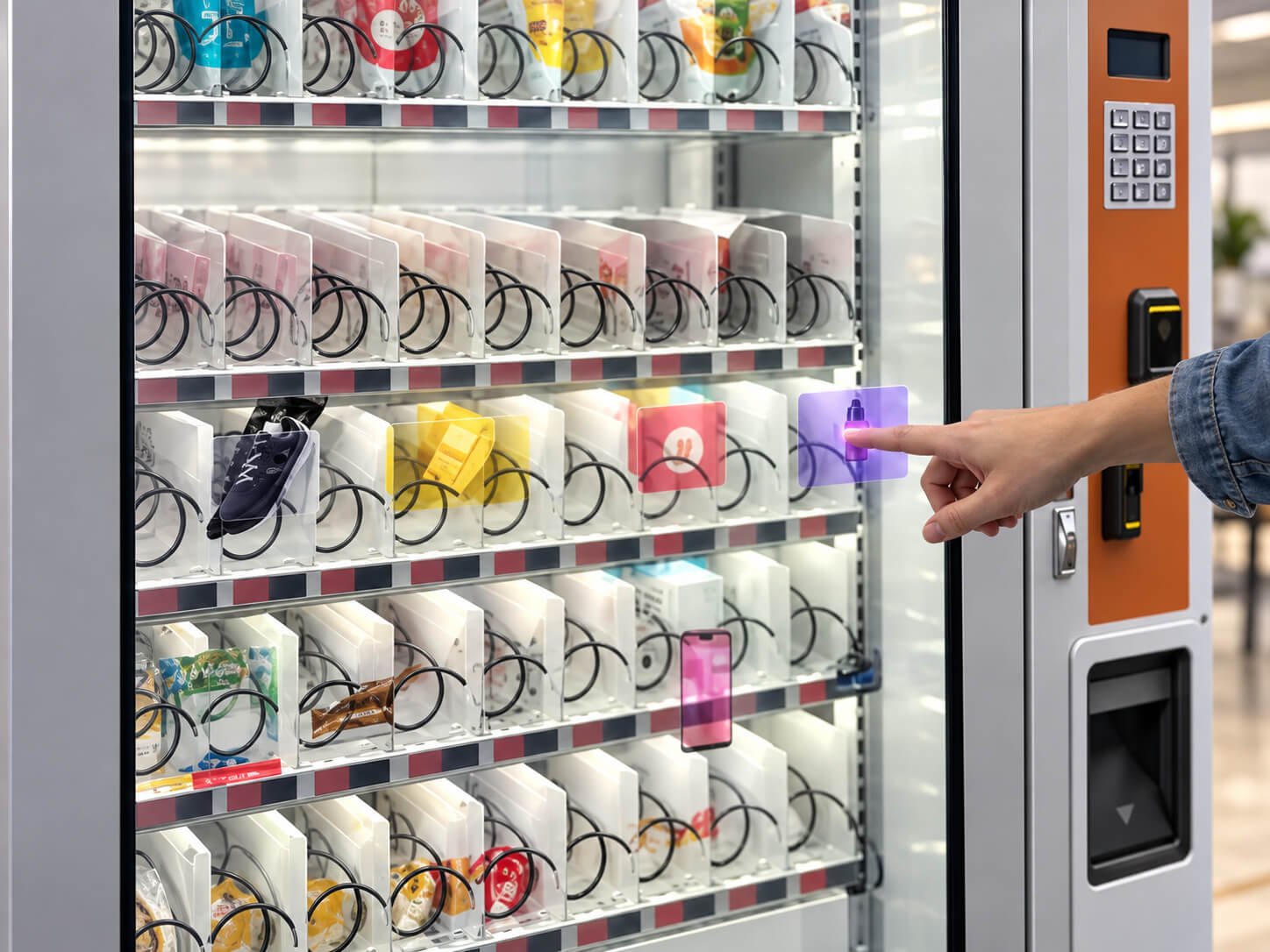
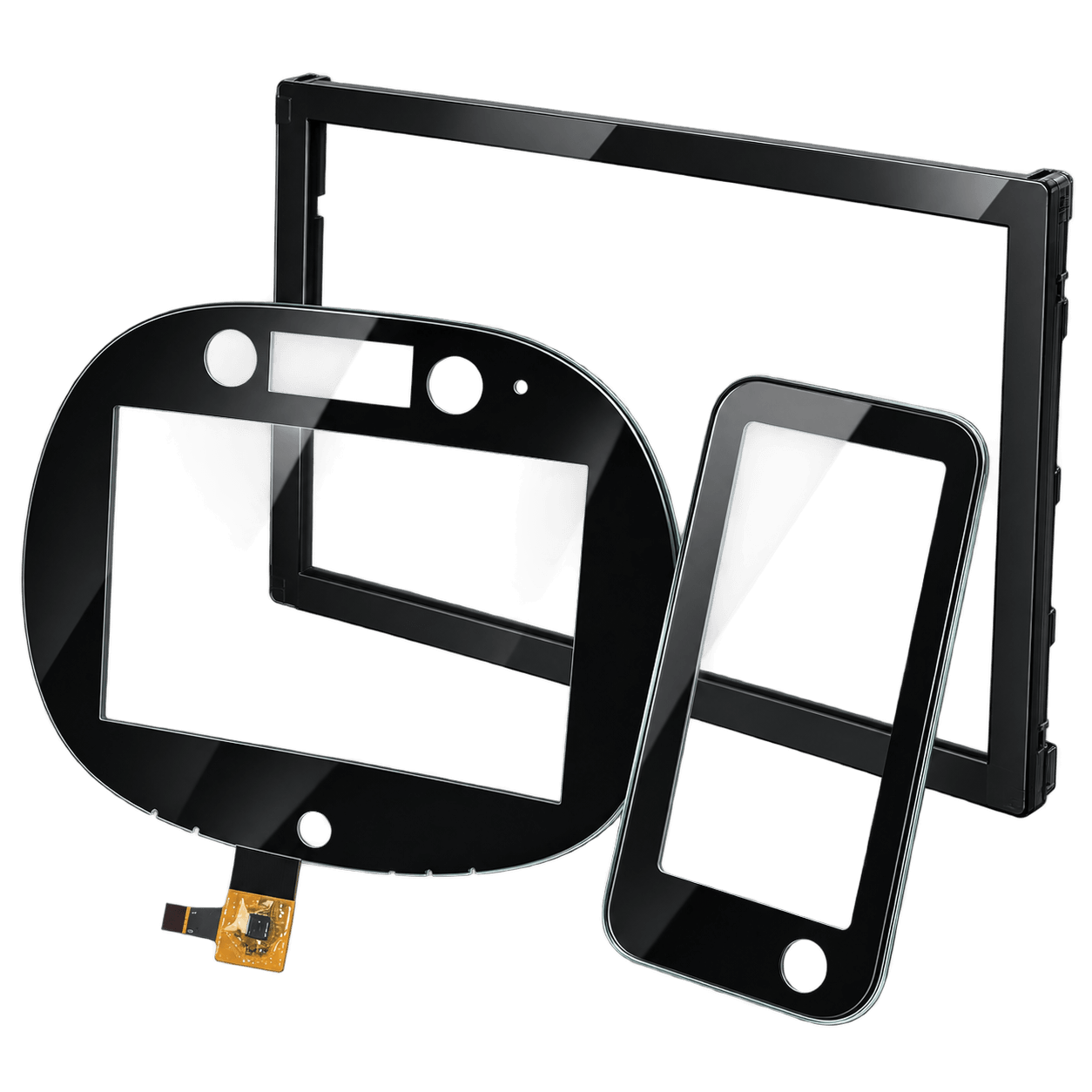
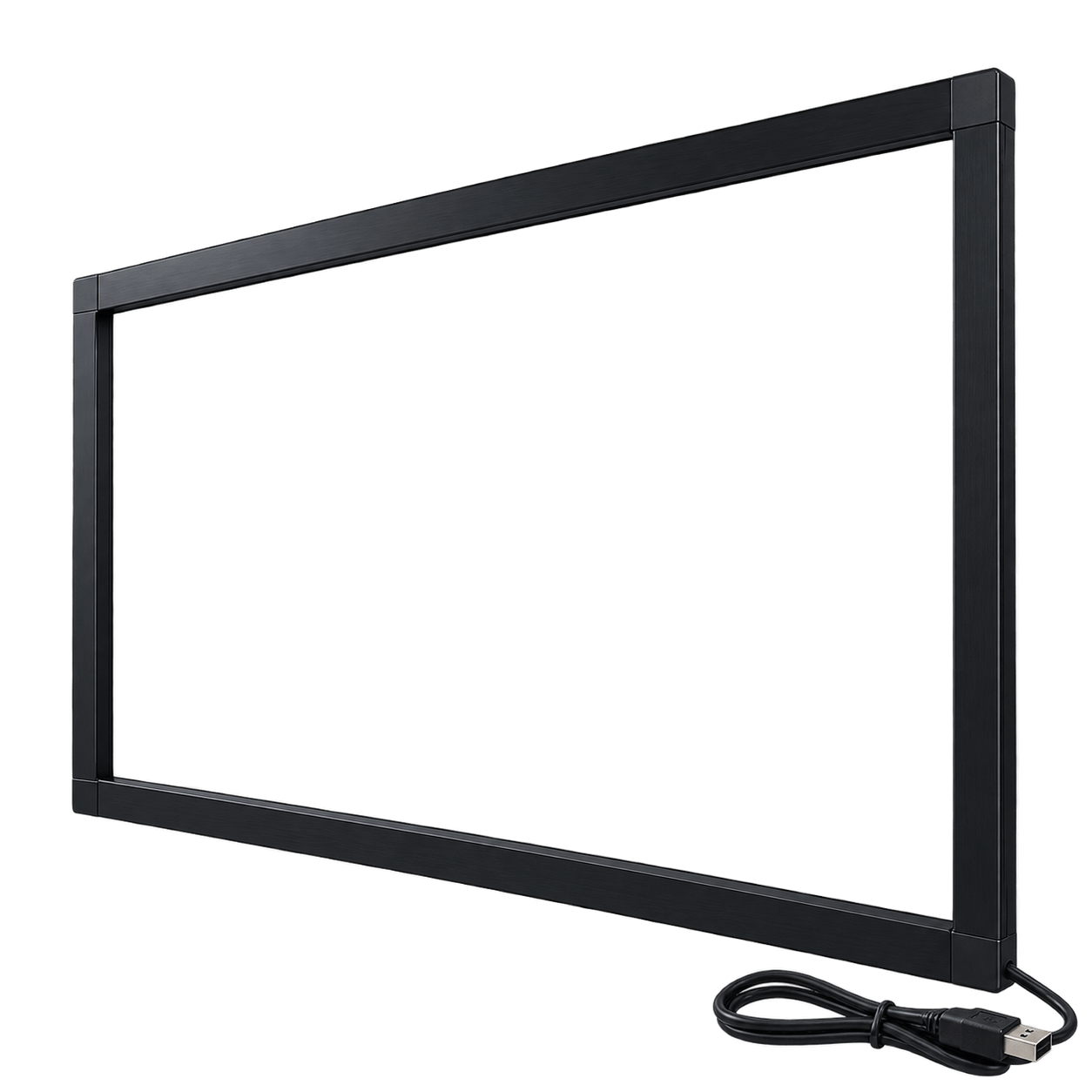
Optional touch is available at additional cost. Confirm the frame, glass, host connection and application software for the complete 60-inch assembly.

  • Design large buttons and readable text
  • Confirm operating system and touch compatibility
  • Include the touch frame in the installation envelope

Transparency, reflections and mechanical dimensions should be evaluated for the finished configuration. Do not assume a base-panel transparency figure describes the complete touch-equipped assembly.

Configuration and Project Review

60-Inch Transparent Micro LED Configuration

The T007 reference values below follow DisplayMan’s Transparent Micro LED product-family page. Confirm the supplied dimensions against the selected assembly drawing. Brightness test conditions, gamut standard and lifetime criteria should be confirmed with the quotation.

Parameter60-Inch Configuration
Finished display size60-inch configuration
ModelT007
Base panel and arrangementSixteen 16.1-inch panels in 8 columns × 2 rows
Equivalent assemblyTwo 54-inch assemblies stacked vertically
Native resolution1920 × 1080
Aspect ratio16:9
Supplied dimensions (W × H)1334.16 × 1149.4 mm; confirm active area, outline and housing against the selected assembly drawing
Dynamic contrast ratio1,000,000:1, reference value
Viewing angle120° / 178°, as listed in the model reference
TransmittanceGreater than 60%, reference value; confirm the complete assembly and optional touch configuration
Brightness1,200 cd/m², reference value; full-white versus peak measurement conditions to be confirmed
Color gamut115%, reference standard to be confirmed
Lifetime100,000 hours, reference; test conditions and lifetime criteria to be confirmed
TouchOptional at additional cost
Display technologySelf-emissive, full-color transparent Micro LED
Controller, input and playbackConfirm controller, accepted input timing and canvas mapping
Refresh rate and response timeConfirm against the selected 60-inch model specification
System power and supplyConfirm for the complete assembly and selected controller
Depth, weight and mountingConfirm against the final approved drawing
Operating environmentConfirm temperature, humidity, ventilation and protection requirements
Use 1334.16 × 1149.4 mm as the supplied width × height reference, not as a substitute for a mounting drawing. Confirm active area, electronics housing, depth, fixing points and system power for the selected assembly.

Full HD Application Directions

Where a 60-Inch Transparent Display Fits

Plan the transparent display together with its physical background, content, support structure and viewing distance. Use media designed for the 1920 × 1080 canvas.

Retail Product Presentations

Coordinate product animation across a wide merchandise presentation while retaining a view of the products behind the screen.

Explore Related Direction →

Museum and Exhibition Interpretation

Combine concise interpretation and panoramic graphics with physical exhibits. Review object lighting, mounting and visitor sightlines.

Explore Related Direction →

Corporate Showroom Presentations

Create a wide branded presentation in front of a product display or showroom background. Prepare content specifically for 1920 × 1080 pixels.

Explore Related Direction →

Interactive Brand Experiences

Add optional touch for horizontally arranged product choices or guided experiences. Validate reach, button size and software on the complete sample.

Explore Related Direction →

Reception and Sales Demonstrations

Use a supported Full HD display for welcome messages and concise product storytelling. Confirm furniture dimensions and sightlines before installation.

Explore Related Direction →

Custom Fixtures and OEM Integration

Integrate the glass and attached electronics housing into a project-specific fixture. Review load support, cable routing and service access.

Explore Related Direction →

Integrate the Display, Housing and Content Together

Mechanical Support

Confirm the overall outline, glass support, controller housing, cable outlets and service access. Use the approved drawing for fixture design and discuss the required orientation before ordering.

Controller and Playback

Confirm the controller scope, input connectors, accepted signal timing and content mapping across the sixteen-panel canvas. Higher-resolution source content does not change the native pixel count.

Power, Touch and Environment

Confirm the complete system’s power requirement, ventilation and installation conditions. If touch is included, review the host software and connection method as part of the assembly.

Approve the intended content on an assembled sample before finalizing fixtures or a multi-unit deployment. Treat the glass and electronics housing as one complete product.

60-Inch Transparent Micro LED Display FAQ

How is the 60-inch display assembled?

It combines sixteen 16.1-inch base panels in an 8 × 2 arrangement: eight columns and two rows. This is equivalent to two 54-inch assemblies stacked vertically.

What is the native resolution?

The T007 reference lists 1920 × 1080 Full HD. Each base panel contributes 240 × 540 pixels in this arrangement, producing a 16:9 combined canvas.

How is 60 inch different from 54 inch?

The 54-inch model uses eight panels in one row and has a 1920 × 540 canvas. The 60-inch model adds a second row for sixteen panels and a 1920 × 1080 canvas.

Is the 60-inch model the same platform as 64 inch?

No. The 60-inch configuration uses sixteen 16.1-inch panels. The 64-inch configuration uses two 42-inch panels. Their specifications, dimensions and installation drawings must be reviewed separately.

Can one image fill the complete display?

Prepare one 1920 × 1080 presentation. Confirm controller mapping, accepted input timing and playback behavior across all panels, then validate the intended content on an assembled sample.

Is touch available?

Yes. Touch is optional at additional cost. Confirm the touch assembly, host connection, software compatibility and finished dimensions with the quotation.

What brightness and transmittance are listed?

The T007 reference lists 1,200 cd/m² brightness and transmittance greater than 60%. It does not distinguish full-white and peak brightness conditions. Confirm both the measurement conditions and the complete touch or non-touch optical assembly.

What are the reference dimensions?

The supplied T007 width × height reference is 1334.16 × 1149.4 mm. Confirm the active area, complete outline, electronics housing, depth and fixing points against the approved model drawing before fixture production.

Can system power be calculated by multiplying a smaller model’s power?

Use a confirmed complete-system specification rather than multiplying a smaller model’s rating. Review the selected controller, supply capacity, ventilation, weight and installation requirements for the 60-inch assembly.

Can it be suspended or installed outdoors?

These installations require separate engineering review. Confirm structural supports, fixing points, service access and environmental protection for the selected assembly and installation site.

What information is needed for a quotation?

Provide the application, available installation space, mounting method, orientation, touch requirement, background lighting, viewing distance, content source, quantities, destination and schedule.

Build Your 60-Inch Transparent Micro LED Project

Tell DisplayMan what the display needs to show, where it will be installed and whether visitors need touch interaction.

Share your available space, content, viewing distance, background lighting, sample and production quantities, destination and schedule.

Send Your Display Requirement

Please share your application, display size, quantity and project background. We will review the most practical display direction.