
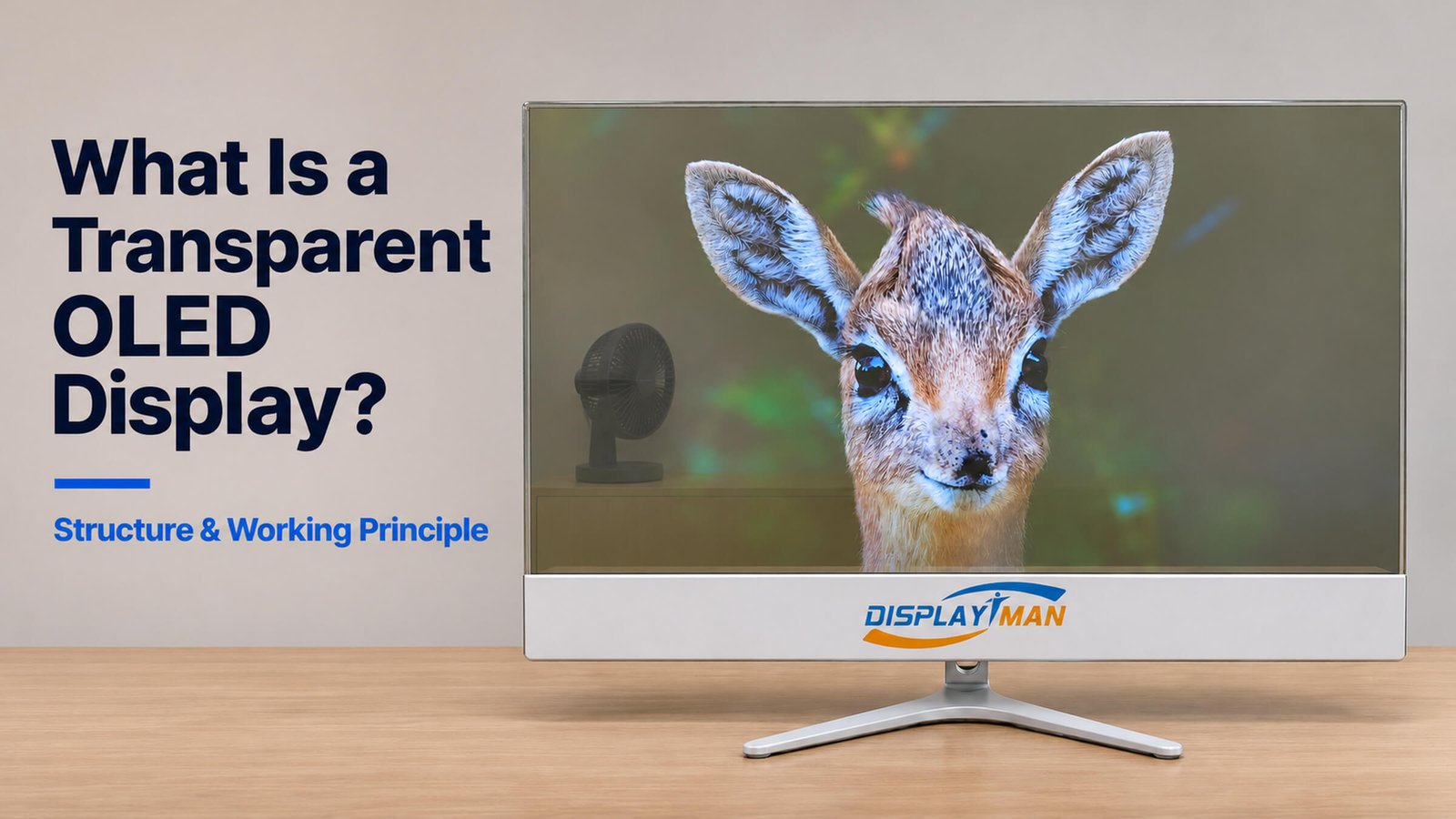
A transparent OLED display is a self-emissive screen that shows digital images while allowing viewers to see physical objects behind it. Its pixels produce their own light, so the panel does not need the opaque backlight assembly used in a conventional LCD monitor.
The result is an image overlaid on a real scene. Bright text, graphics and video appear on the screen, while black content areas reveal the space behind it. This makes transparent OLED useful for product presentations, museum exhibits and other installations where the physical background is part of the experience.
However, it does not behave like a conventional monitor with a solid black backing. The background remains part of what the viewer sees, and it can change the apparent contrast of the displayed image.
This article uses DisplayMan’s 30-inch desktop display and our photographed content tests to explain that behavior.
1. How Does a Transparent OLED Display Work?
OLED stands for organic light-emitting diode. When driven electrically, the organic emissive material produces light. A matrix of controlled picture elements creates the image.
In a transparent OLED panel, the display structure also provides paths for background light to pass through. The viewer therefore receives two contributions: light emitted by the screen and light transmitted from the scene behind it.
These two contributions combine in the viewer’s field of vision. A bright graphic attracts attention to the screen plane; a non-emitting region lets the background become the visible subject.
The panel still contains electrodes, driving circuitry, encapsulation and other layers. Transparency does not mean that all these materials disappear, or that the display transmits light like an unobstructed opening.
A useful working principle is:
Transparent OLED adds emitted imagery to the visible background. It does not provide a conventional opaque black canvas.
2. What Is Inside the Display System?
A finished transparent OLED display includes more than the transparent panel.
| Part | Function |
|---|---|
| Transparent OLED panel | Produces the image and transmits part of the background light |
| Pixel-driving circuitry | Controls the picture elements within the panel |
| Display control electronics | Processes and drives the incoming image signal |
| Power supply | Provides the electrical power required by the system |
| Media player or computer | Supplies images, video, software or interactive content |
| Frame, support and electronics housing | Supports the panel and accommodates components and connections |
| Optional touch assembly | Adds interaction when specified for the selected configuration |
The photographed desktop unit has a broad lower housing and a desktop stand. Other finished products can arrange the electronics and supports differently. A bare panel, a display module and a complete desktop machine are therefore different purchase scopes.
Do not assume that a thin panel means the entire installed system has the same thickness. The controller, power supply, cables, support and optional computer still need space.
3. What Happens with Black, White and Power-Off States?
Our 30-inch tests show three behaviors that buyers should understand before choosing content.
| State | Observed effect |
|---|---|
| Black content | Background objects remain visible through the panel |
| White content | The bright displayed area visually masks the background; rear objects are not visible in our tests |
| Dark image details | Details blend with the background and can become harder to distinguish |
| Bright image details | Emitted highlights, outlines and colors stand out against the rear scene |
| Power off | No image is emitted, and background objects remain visible through the tinted panel |
These black, white and power-off behaviors also apply to the other transparent OLED sizes in our supplied range. Exact image strength and background visibility still depend on the model, content and installation.
Black content does not create an opaque black surface
When a pixel is commanded to show black, its light output is off or near its minimum. The transparent structure remains in front of the background.
On an ordinary monitor, an opaque backing helps black look solid. On a transparent OLED, the background can be visible in that same image area. A white wall, a cabinet or a person behind the screen will affect what “black” looks like.
White content visually covers the rear scene
In our tests, white areas present a bright image surface and the rear objects cannot be seen within those areas.
This is the observed viewing effect. It should not be described as a separate shutter physically closing the glass. The light emitted by the image dominates the view.
Power off is different from powered-on black
Both states can reveal background objects, but they are electrically different. With black content, the screen is operating and can display other image areas at the same time. When powered off, it produces no image.
4. The Black Cat Test: Why Source Images Look Different on the Screen
A black-background image provides a particularly useful demonstration.
In the original black cat file, the dark background and dark fur appear against the opaque surface of a normal monitor. On the transparent OLED, those dark areas overlap the real scene behind the display.
The cat’s eye, whiskers and illuminated fur edges remain visible. Its darker face and body blend into the transmitted background.
This is why the effect can look like a floating outline rather than a fully opaque animal.
For a presentation that depends on a fully opaque dark object, this behavior is a limitation. For floating highlights, luminous outlines or an exhibit overlay, it can be the intended effect.
The key decision is whether the real background supports the subject or competes with it.
5. What Do Full-Screen Photos Look Like?
Transparent OLED can display full-screen photographs and video. A black-background composition is not a requirement for playback.
Our photographed tests include a rock arch, a sunset lake, a frozen lake, decorative lanterns, a city skyline, a forest river and birds in green grass.
The content changes how strongly the background is noticed. Bright clouds, colorful lanterns and other luminous areas draw attention to the displayed image. Dark mountains, shadows and night-sky regions can reveal more of the rear scene.
A full-screen photograph therefore does not make every part of the panel equally opaque.
Photo note: The product photographs have been enhanced to clean backgrounds and remove distracting reflections. They illustrate content behavior and are not calibrated measurements of brightness, contrast or transmittance.
6. Why Transparency Does Not Guarantee Strong Contrast
Transmission and image contrast describe different things.
Transmission concerns the light passing through the panel. Perceived image contrast concerns how clearly displayed details stand out in the actual viewing environment.
Increasing the visibility of the background does not automatically improve the digital image. A bright or busy rear scene can make dark details difficult to read.
Conversely, a darker and simpler background can help emitted imagery stand out, but the physical objects behind the display may become less visible.
This creates an installation trade-off: the strongest image and the clearest rear-object view may require different lighting conditions.
For an exhibit, decide which should take priority. If both must be visible together, test the actual objects, image content and lighting as one arrangement.
A large contrast-ratio number in a specification does not describe every installation. In particular, it does not mean that a transparent screen will maintain the same apparent black level in front of a brightly lit background.
For sustained spreadsheet work, dense text or applications requiring a stable solid background, a conventional monitor is generally the more practical choice. Transparent OLED should be selected for the value of the overlay experience.
7. A 30-Inch Example: Which Specifications Matter?
The supplied 30-inch desktop specification provides a useful reference.
| Item | Supplied specification |
|---|---|
| Screen size | 30 inches |
| Resolution, landscape W × H | 1366 × 768 pixels |
| Display area, W × H | 664.29 × 373.48 mm |
| Listed luminance range | 200–600 cd/m², automatic adjustment |
| Refresh rate | 120 Hz |
| Listed transmittance | 43% typical, marked TBD in the supplied document |
The transmittance entry is a typical value with a pending-confirmation notation, not a guaranteed minimum.
Likewise, a listed brightness range should not be read as a promise that the highest value is available for every full-screen image. Confirm the measurement conditions and operating behavior for the exact model.
Resolution also matters. A 30-inch 1366 × 768 screen should be evaluated with the intended font size, viewing distance and graphics. Large subjects and short labels are easier to assess than an ordinary desktop screenshot.
These values describe the referenced configuration. Optional touch, protection and different finished-unit structures require their own confirmation.
8. How Is It Different from Transparent LCD and Micro LED?
The distinction begins with the source of the image light.
| Technology | Image-light principle | Practical consequence |
|---|---|---|
| Transparent OLED | Organic picture elements emit light | No conventional backlight assembly; black content reveals the rear scene |
| Transparent LCD | Liquid crystal modulates light supplied by the lighting system | The cabinet, lighting and displayed content must work together |
| Transparent Micro LED | Microscopic inorganic LEDs emit light | A different emissive structure, with model-specific resolution and transmission |
In our reflective-cabinet transparent LCD system, white content is used to reveal the products inside. Transparent OLED behaves differently: black content reveals the rear scene, while bright white imagery visually covers it.
Content prepared for one technology should therefore be tested before being reused on another.
For the Micro LED alternative, see DisplayMan Transparent Micro LED Displays.
The right choice depends on what the viewer must see, the required image detail and the physical installation.
9. What Should You Confirm Before Ordering?
Start with the intended viewing result, then confirm the hardware.
- Rear scene: What must remain visible through the display?
- Content: Does the design contain dark subjects or small text that depend on an opaque background?
- Lighting: Are there bright windows, illuminated signs or moving people behind the panel?
- Viewing distance: Can the required details be read at the installed position?
- System scope: Is the quotation for a panel, a module or a complete machine?
- Integration: Where will the controller, power supply, player and cables be accommodated?
- Operation: What daily schedule, static-content limits and panel-care requirements apply?
A useful sample test includes black, white, your actual artwork and the actual rear object. Evaluate it from the intended viewing position.
The black cat comparison demonstrates why a normal monitor preview alone is insufficient.
10. Frequently Asked Questions
Does transparent OLED need a backlight?
No. The OLED picture elements produce their own light. Lighting may still be needed to make objects behind the display visible, but that is scene lighting rather than a panel backlight.
Can you see through it when it is off?
Yes. Our supplied transparent OLED range remains see-through when powered off. The panel still has tint, reflections and transmission losses.
Can it display solid black that hides the background?
Black video content alone does not provide an opaque black backing. Rear objects can remain visible through those image areas.
Does white content make the glass physically opaque?
Our white-content tests visually hide the rear objects. This should be understood as the displayed image masking the rear scene, rather than a separate opacity-control mechanism.
Is a transparent PNG required?
No. Ordinary images and video can be displayed. A PNG alpha channel is handled by the playback software; the final rendered pixel values determine what the display emits. Black RGB content can create a see-through appearance without an alpha channel.
Is the picture equally readable from both sides?
Seeing through the panel does not establish identical image performance from both sides. Confirm the intended viewing face and rear-view behavior for the selected product.
Explore Related Display Solutions
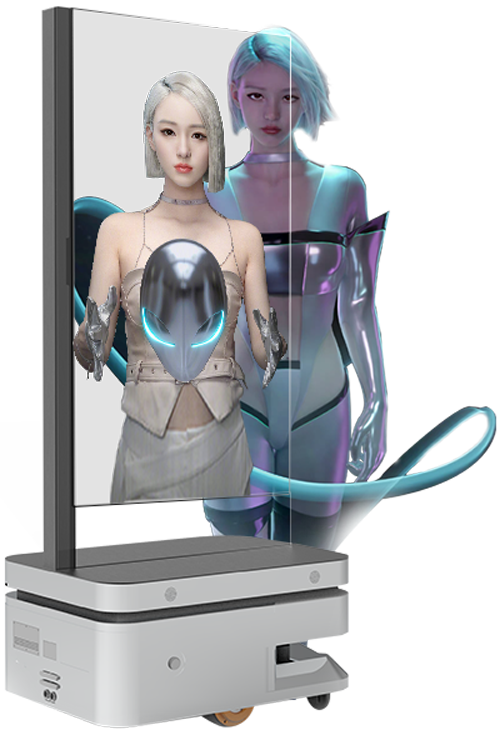
Transparent OLED Displays
Explore the transparent OLED family and project directions.
View solutions →
Transparent OLED Monitors
Review desktop configurations, support structures and optional touch.
View solutions →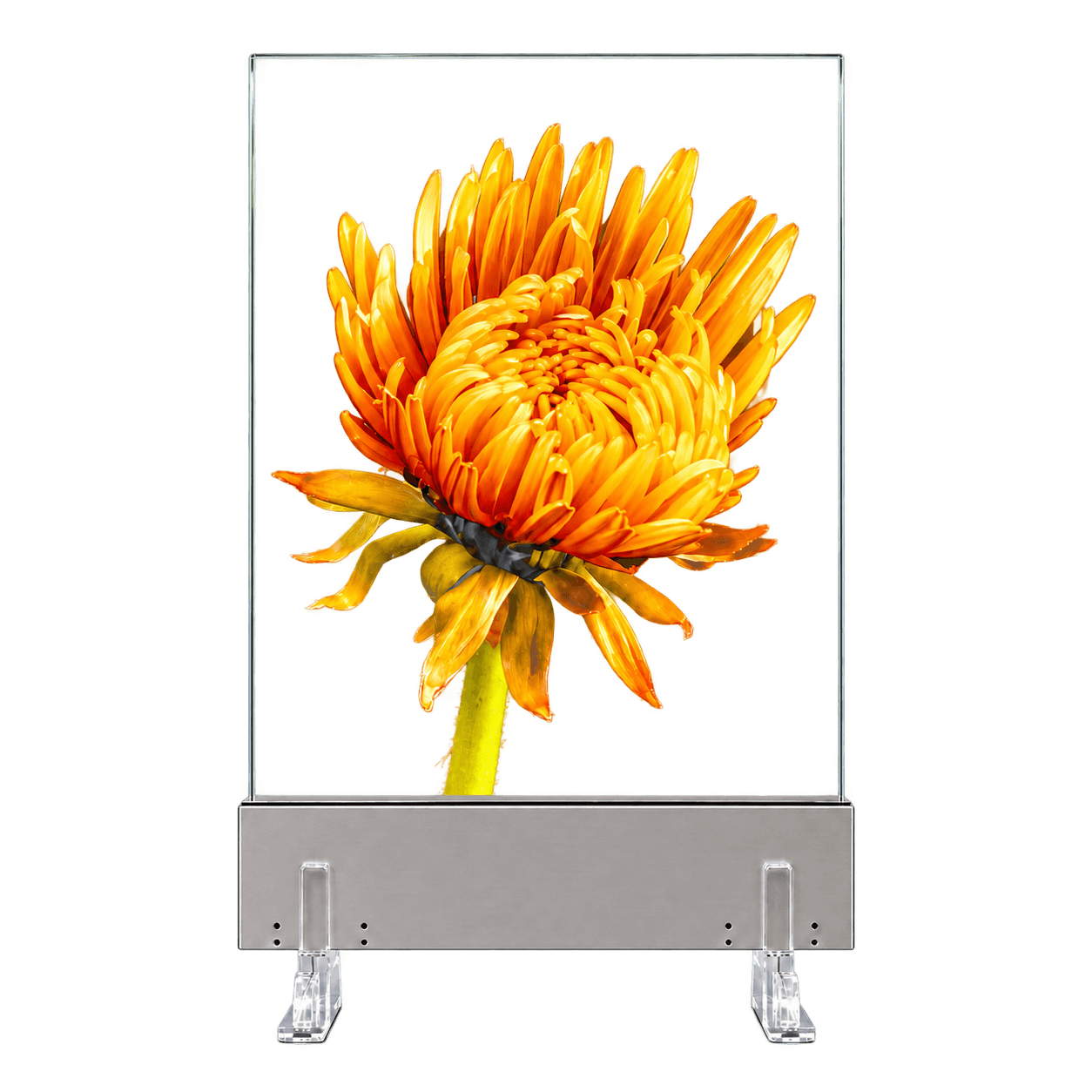
Transparent Micro LED Displays
Compare an alternative self-emissive transparent display structure.
View solutions →Review Your Transparent OLED Project
Send DisplayMan your intended content, a photo of the installation area, the object or scene behind the screen, viewing distance and preferred mounting arrangement.
We can then assess whether transparent OLED’s overlay effect supports the project and identify the configuration that needs to be checked.
Choose it when digital content and the real background should be experienced together. Confirm that relationship with a sample before finalizing the installation.
Send Your Transparent OLED Requirements
Share your company, application, content examples, installation photo, preferred size, quantity and schedule.