
OEM Engineering Guide · PCAP Touch
Can a capacitive touchscreen work through 4 mm or 5 mm cover glass? Yes—suitable configurations are feasible, and we have encountered them in practice. However, that does not mean a standard touch panel can accept a thicker lens without changing the sensor, controller or tuning.
For an OEM project, the useful question is whether the proposed touchscreen works consistently with the actual glass, coatings, mounting and electronics. A successful bench demonstration is a starting point; approval should be based on the final assembly and agreed operating requirements.
This guide focuses on projected capacitive touch, commonly called PCAP or CTP. The thickness table below reflects DisplayMan’s project experience and selection practice, rather than an industry-wide rule linking each screen size to one mandatory glass thickness.
1. Cover Glass Thickness: Our Practical Selection Guide
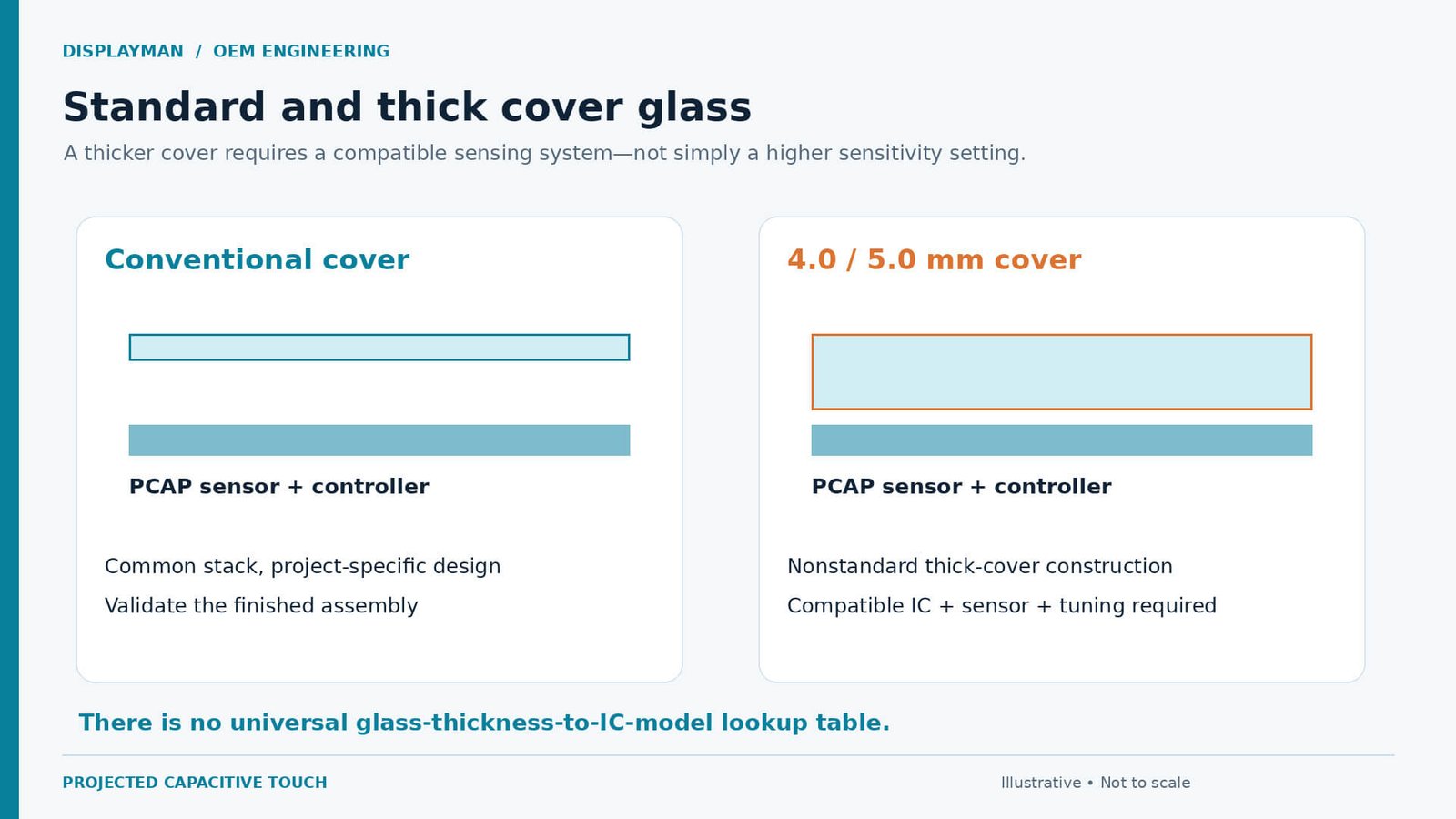
Our practical selection guide covers 0.55–5.0 mm glass. Conventional projects often start at 1.8 mm; 4.0–5.0 mm covers require a compatible controller, sensor and tuning.
| Cover thickness | Our usual selection reference | What the OEM should confirm |
|---|---|---|
| 0.55 mm | Common recommendation for displays below 6 inches. | Mechanical support, lens outline and handling requirements. |
| 0.7 mm | Common recommendation for displays below 10.1 inches. | The complete touch stack and finished enclosure. |
| 1.0 mm | Nonstandard thickness in our usual supply practice. | Availability and suitability for the intended design. |
| 1.1 / 1.8 mm | Common thicknesses; our conventional solutions often use 1.8 mm. | Which thickness is specified on the approved drawing. |
| 2.0 mm | Nonstandard thickness in our usual supply practice. | Glass construction and compatibility with the touch design. |
| 3.0 mm | Often used in the larger capacitive touch projects we encounter. | Sensor size, mounting and controller configuration. |
| 4.0 / 5.0 mm | Feasible configurations we have encountered, but nonstandard thick covers. | A controller IC supporting the proposed structure, suitable sensor design and tuning. |
| Above 5 mm | Exceptional specialist customization, outside our direct project experience. | Dedicated feasibility review; no standard touch-panel commitment. |
Screen size is a starting reference, not a thickness rule. Choose the cover to meet the product’s mechanical, optical and touch requirements.
2. Why Increasing Thickness Changes the Touch Design
PCAP detects the electrical change associated with a finger near its sensing electrodes. The cover separates that finger from the sensor. Increasing the separation generally makes the useful touch signal harder to detect, so greater thickness places more demand on sensing performance.
Material matters as well as thickness. Glass, plastic, adhesive and air have different dielectric properties. Consequently, two stacks with the same overall thickness are not automatically equivalent. Infineon’s capacitive-sensing guidance explains the relationship between overlay thickness, material and finger coupling; it is background physics, not a qualification of a particular DisplayMan touchscreen. [1]
The goal is reliable touch detection without unintended inputs. Increasing sensitivity alone is not a substitute for a matched sensor and controller.
3. Specify Cover Thickness Separately from Total Stack Thickness
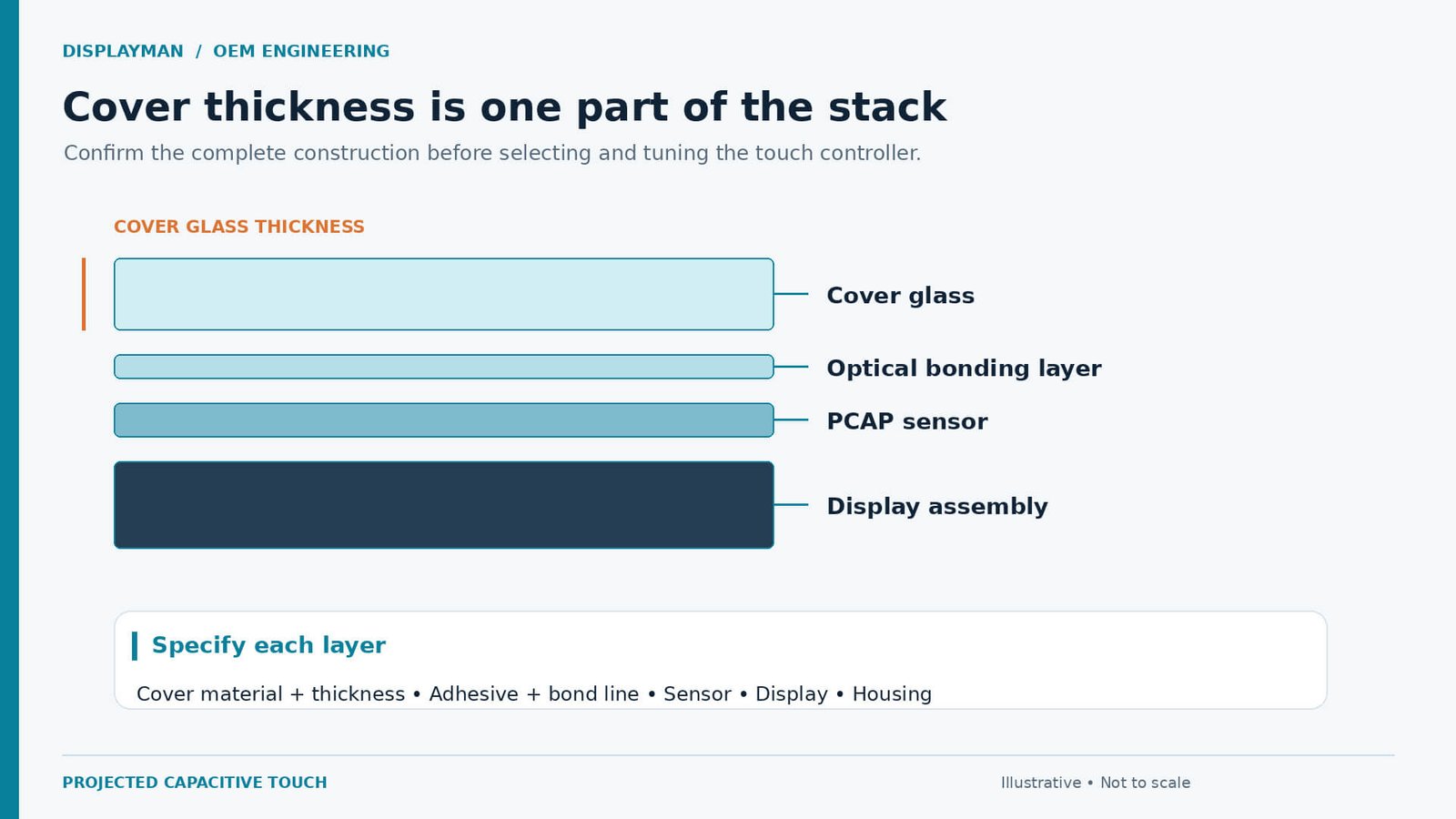
A request for a “5 mm touchscreen” is ambiguous. It could mean a 5 mm front cover, a complete touch assembly measuring 5 mm, or an existing glass window with a touch sensor mounted behind it. Those are different proposals and can require different construction.
Provide a cross-section identifying the user-facing cover, surface treatments, adhesive, sensor and display. Show every intended air gap and state whether the quoted thickness refers to one layer or the complete assembly. If the cover is laminated, list its individual layers and intermediate films.
Identify any protective sheet placed in front of an existing touchscreen: it adds to the sensing path.
4. The Controller IC Must Match the Proposed Assembly
For 4.0–5.0 mm covers, select the controller against the screen size, sensing layout, cover material and required interaction. There is no universal thickness-to-IC lookup table.
Thick-lens capability varies by controller. Microchip specifies specialist devices supporting 10 mm glass; Section 9 explains the limits of applying that capability to a project. [2]
Confirm the controller family, compatible sensor, tuning responsibility and production configuration. A maximum-thickness specification does not replace sample acceptance.
Specify the host platform, operating system, USB or I²C interface and driver constraints separately from sensing performance.
5. Coatings and Printing Belong in the Initial Specification
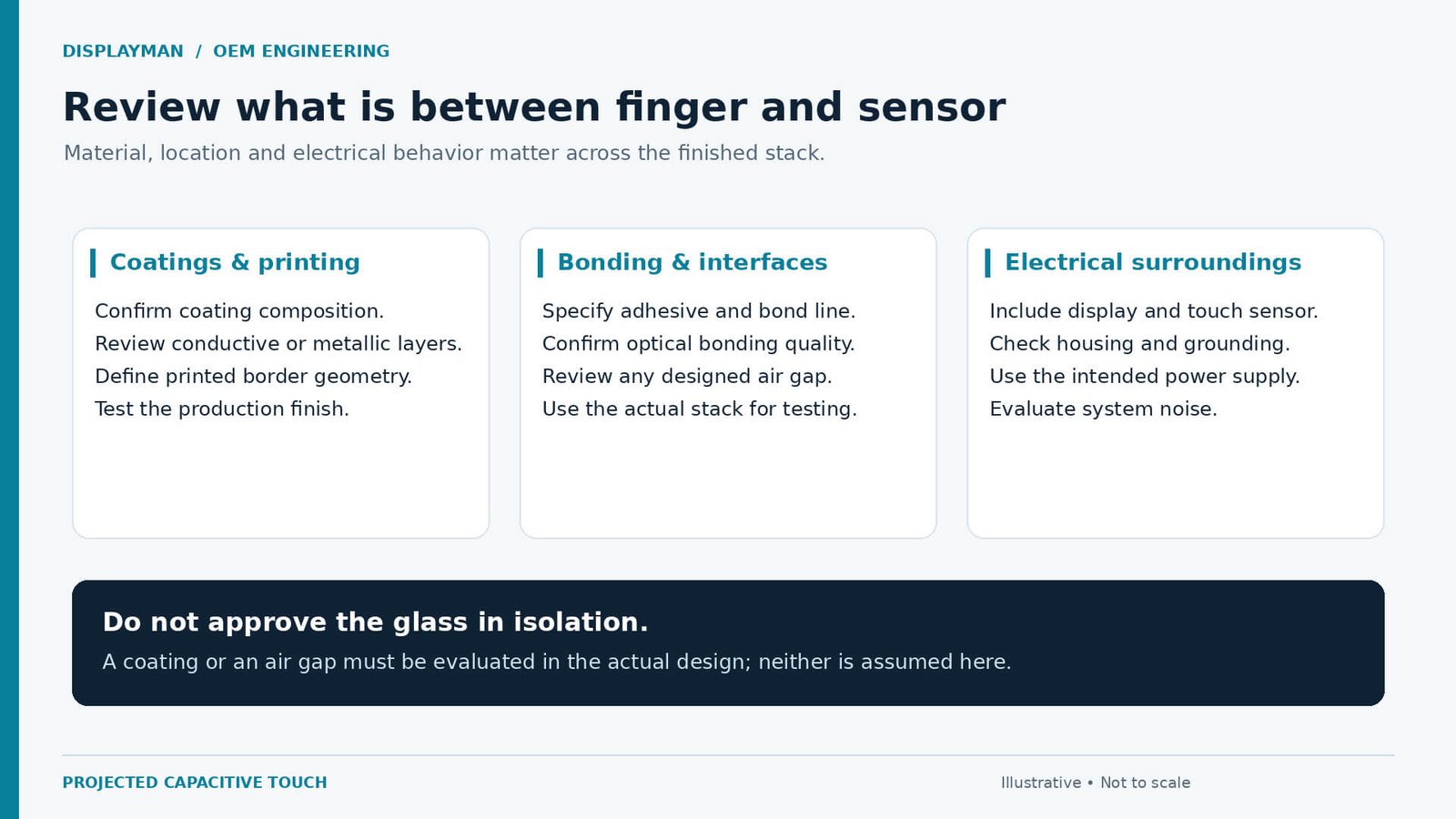
A clear-looking surface is not necessarily electrically neutral. Obtain details of any conductive film, metallic decoration or shielding layer in the sensing path. Conductive material can interfere with capacitive sensing, so a coating description cannot be reduced to “transparent.” [1]
List anti-glare, anti-reflective and anti-fingerprint treatments, plus printing and decorative areas. These names describe different finishes; they do not tell the touch supplier the complete layer construction. Confirm the actual treatment, location and supplier specification rather than assuming that all coatings cause the same interference.
Customer-supplied evaluation glass should carry the production treatments and printing. Introducing a different finish after testing changes the configuration being approved.
6. Confirm Bonding, Air Gaps and the Mechanical Fit
Define cover-to-sensor attachment: direct bonding or a designed gap, adhesive coverage and thickness, mounting tolerances and perimeter attachment.
Cover-to-sensor attachment and touch-to-display bonding are separate interfaces. The quotation should identify which layers are joined.
Coordinate the cover-lens design, sensor and optical bonding review before freezing the enclosure.
Include active area, viewing area, overall dimensions, border printing and connector clearance. Keep glass, sensor and enclosure drawing revisions aligned.
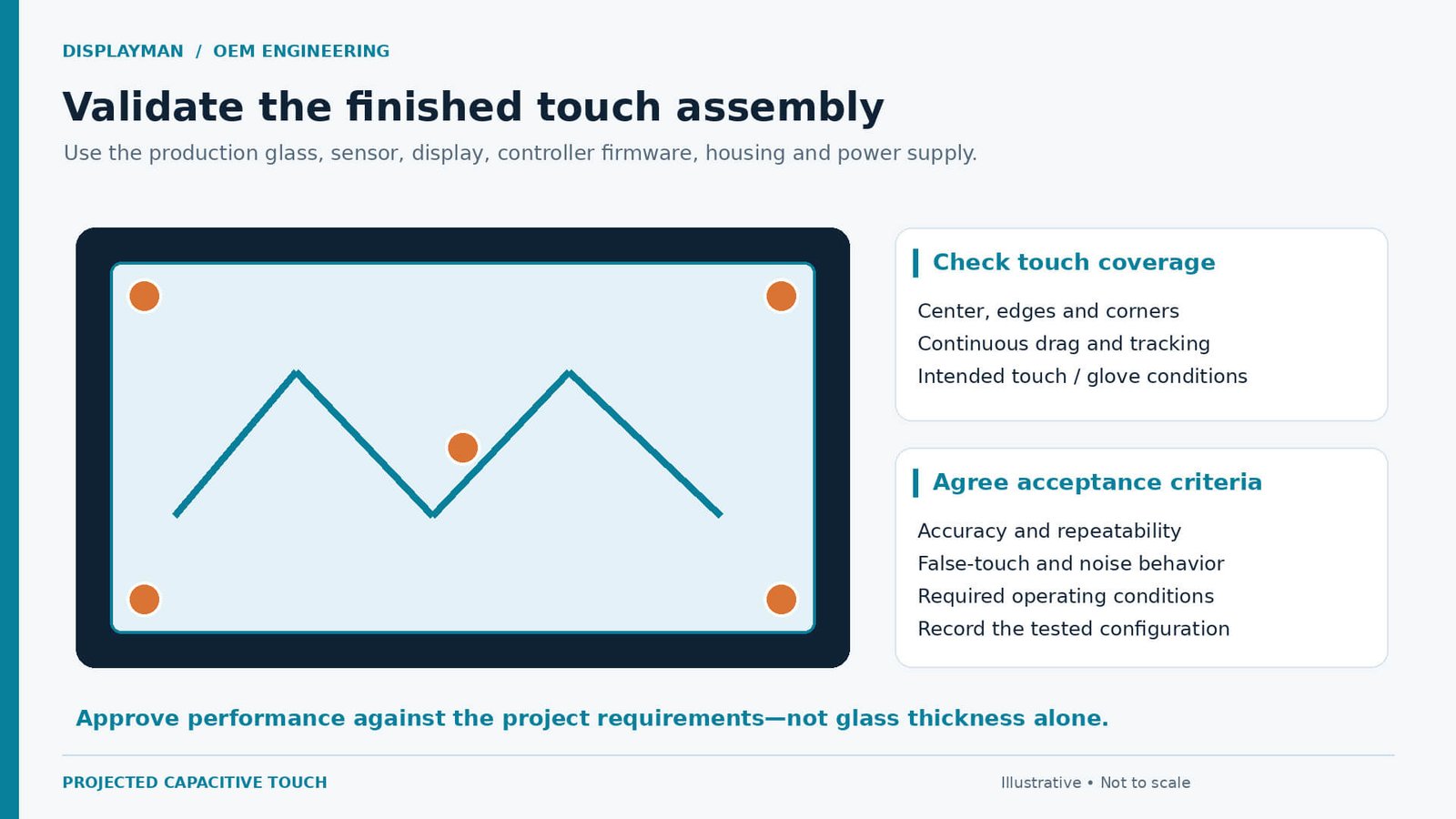
7. Evaluate the Finished Product, Not Just a Loose Touch Panel
Test with the intended display, host electronics, cabling, mounting and power supply. A loose workbench sample does not reproduce those conditions.
Controller manufacturers also treat noise immunity and assembly architecture as design inputs. [3]
Document the metal bezel, grounding, nearby electronics and each required power configuration, including battery and adapter operation where relevant.
Specify gloves, water droplets and cleaning conditions at the outset. Thick-glass support does not automatically provide glove or wet-touch capability; define the required behavior and unintended-input tests.
8. Agree on Acceptance Criteria Before Sample Approval
“Touch works” is too broad for an OEM approval. Define the required actions and where they must work. Include taps, dragging and the actual interface controls, rather than testing only a large button in the centre of the screen.
| Test area | What to agree before approval |
|---|---|
| Coverage | Test points across the centre, edges and corners of the usable area. |
| Interaction | Required taps, continuous drags and number of simultaneous contacts. |
| Unintended input | Observe idle behaviour and test the agreed environmental conditions. |
| System configuration | Use the specified display, host, power source, housing and firmware. |
| Operating conditions | Identify required glove use, wet conditions, temperature range and other project-specific states. |
| Repeatability | Agree the test duration, repetitions and measurable pass/fail criteria. |
| Production reference | Record the approved glass, coatings, sensor, controller and configuration revisions. |
Use the customer’s real interface and record measurable results. Resolve open items, retest affected conditions after changes, and retain the approved hardware and firmware configuration as the production reference.
9. Above 5 mm: A Specialist Capability, Not Our Routine Offer
Capacitive touch through around 10 mm glass exists in specialist protective-glazing designs. Thickness alone does not establish ballistic protection or qualify the complete window.
We have not personally handled these assemblies. Dedicated glazing, custom sensors and specialist controllers can involve substantially different costs and development work.
Above 5 mm requires a separate feasibility review before a performance or commercial commitment. It is outside our routine validated offer.
10. What to Send for a Useful OEM Review
Send a drawing and the information below. Mark provisional requirements clearly so they do not become accidental production specifications.
| Information | Include in the enquiry |
|---|---|
| Application | Product function, installation environment and user interaction. |
| Dimensions | Display diagonal, active area, cover outline and border requirements. |
| Stack | Cover thickness, material, coatings, printing, adhesive and any air gaps. |
| Electronics | Display model, host, interface, power source and proposed grounding. |
| Touch behaviour | Finger or glove, contact count, interface actions and environmental requirements. |
| Commercial plan | Company details, sample quantity, expected production volume and schedule. |
The review should produce a defined sample proposal covering supply scope, remaining assumptions, tuning responsibility and acceptance tests.
For 4.0–5.0 mm covers, source the glass, sensor and controller as one coordinated proposal, then approve performance in the finished product.
Frequently Asked Questions
Can PCAP work through 5 mm cover glass?
Suitable configurations are feasible, and we have encountered them. A compatible controller, sensor design and tuning are needed; the final assembly must be evaluated.
Is 1.8 mm the standard for every capacitive touchscreen?
No. It is common in our conventional project experience, not a universal industry requirement. Final thickness depends on the product and approved structure.
Does thick-cover support also guarantee glove or wet-touch operation?
No. Define and evaluate those operating conditions separately using the intended glass and complete product.
Can DisplayMan promise a 10 mm cover solution?
Not as a routine validated offer. Above 5 mm is an exceptional specialist scope requiring separate feasibility review.
Should coatings be disclosed before quotation?
Yes. Include the actual surface treatments, printing and any conductive or metallic layers so that they can be assessed with the sensor and controller.
Explore Related Touch and Cover Glass Solutions
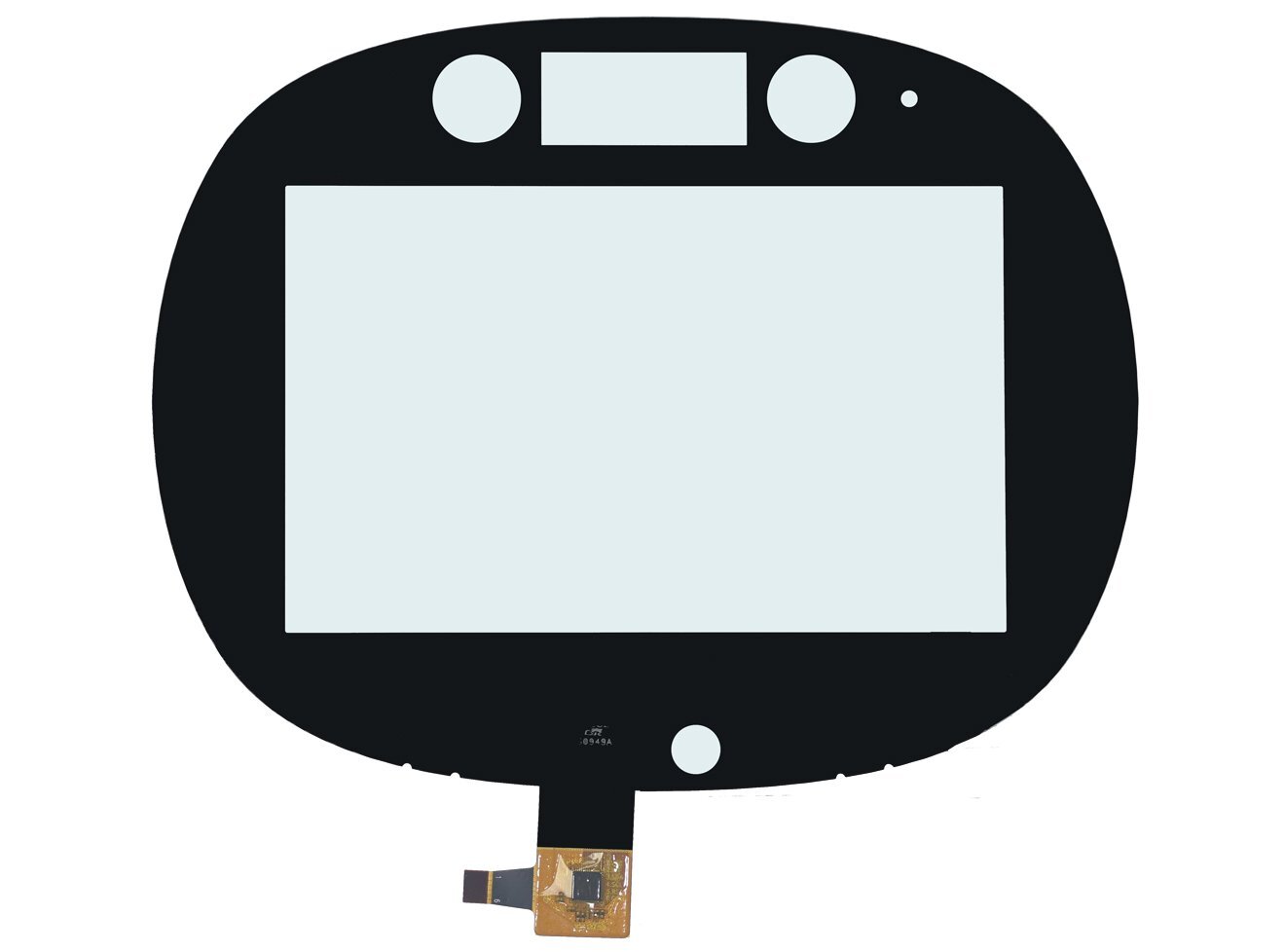
Capacitive Touch Panels
Review the touch sensor and controller for the intended display and host.
View solution →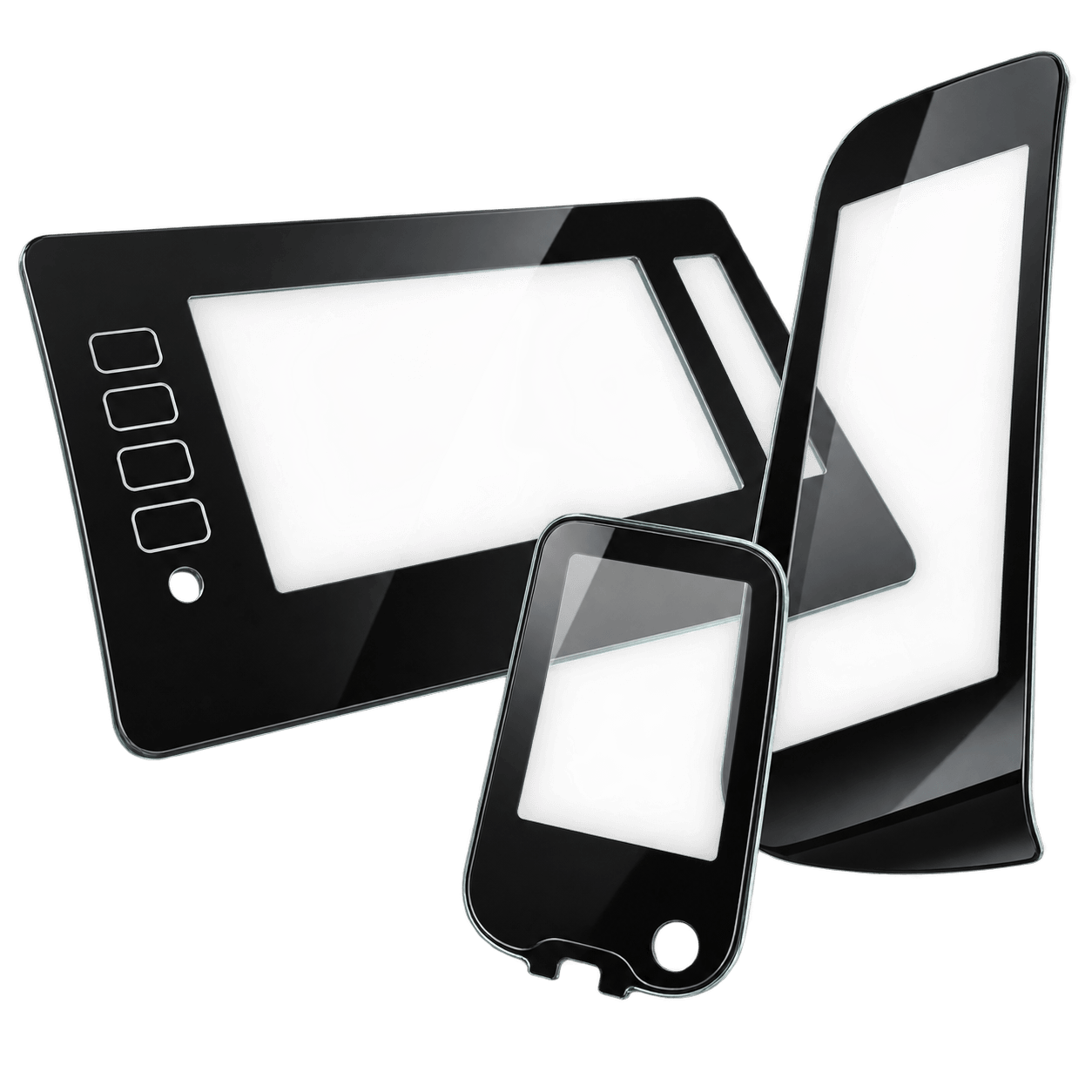
Custom Touch Panel Glass
Define the cover outline, thickness, finish and printing.
View solution →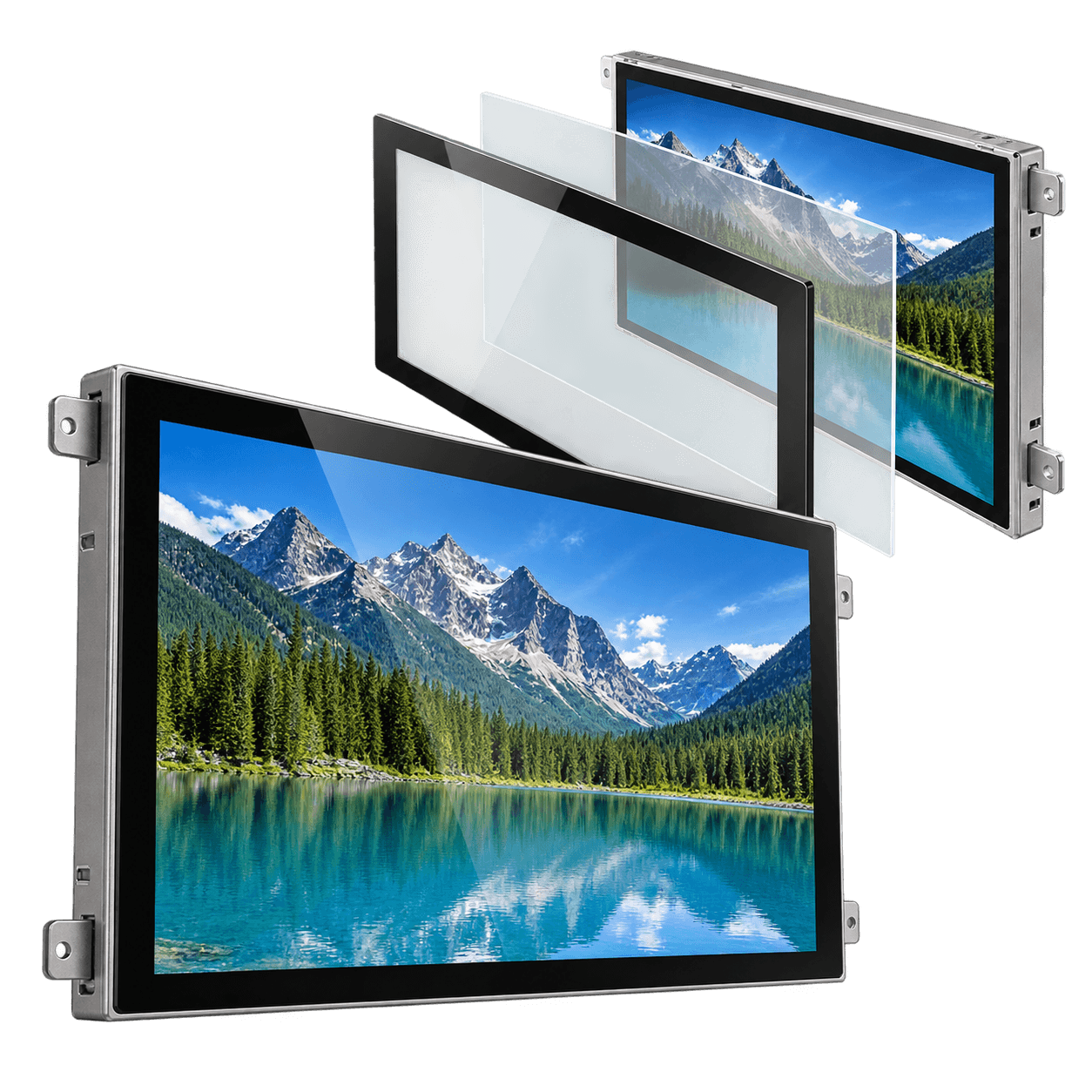
Optical Bonding Display Solution
Review the interfaces between the cover, touch assembly and display.
View solution →Technical References
- Infineon: CAPSENSE design guide — background principles for capacitive coupling, overlay materials and construction; not a model-specific PCAP approval.
- Microchip: ATMXT2952TD — an example of specialist thick-lens controller capability, not a component commitment for a DisplayMan project.
- Microchip: touchscreen EMI and assembly-design considerations.
The thickness selection table reflects DisplayMan’s project experience. External controller examples do not extend our validated supply capability. Public reference pages reviewed 9 November 2026.
Project review
Discuss Your Thick-Cover PCAP Project
Send your company details, glass drawing, thickness and coating information, assembly cross-section, operating requirements, sample quantity and expected production volume.