Buying Guide · Transparent Micro LED
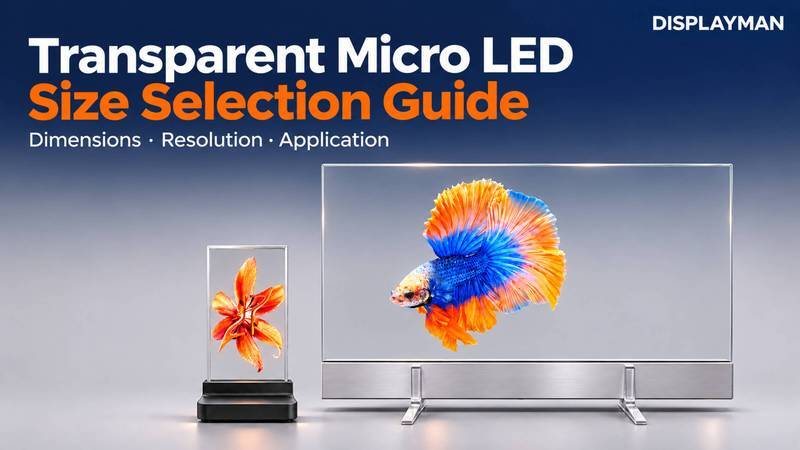
Choosing a transparent Micro LED display starts with the space available, the content you want to show and the people viewing it. The diagonal size is useful for identifying a model, but it does not tell you whether the display fits your enclosure or whether your video fits its native canvas.
Our recommendation is to shortlist by usable width and height first, compare the native resolution and content format next, and then confirm touch, mounting and the complete project budget. This sequence helps avoid buying a visually impressive display that needs an unexpected enclosure redesign or a complete rebuild of the media.
This guide compares DisplayMan’s nine model directions and explains how to turn an application idea into a practical size recommendation.
1. Start with the Installation Space, Not the Diagonal
Measure the location before choosing an inch size. For a counter, include the available width, the customer’s sightline and the depth occupied by the base. For an exhibit, consider the object behind the glass, the intended image position and the space needed to secure the assembly.
A transparent display has two jobs: present digital content and preserve the intended view through it. A larger screen can give an animation more room, but it can also extend beyond the fixture or place important content outside the visitor’s natural viewing area.
Start with three dimensions: maximum available width, maximum available height and available installation depth. Add the nearest expected viewing position. These inputs are more useful than a request for the largest screen that fits the budget.
2. Compare All Nine Transparent Micro LED Sizes
The table lists supplied width × height references for the nine models. For the 9.4-inch model, 161.2 × 176.3 mm is the confirmed active display area. Check the drawing for the selected touch or non-touch configuration to identify the supplied outline and any additional installation space.
| Nominal size | Model | Native resolution | Native canvas ratio | Supplied dimensions, W × H |
|---|---|---|---|---|
| 9.4 inch | T001 | 768 × 840 | 32:35 | 161.2 × 176.3 mm |
| 16.1 inch | T002 | 240 × 540 | 4:9 | 171.9 × 437.95 mm |
| 20 inch | T003 | 480 × 540 | 8:9 | 334.7 × 437.95 mm |
| 30 inch | T004 | 960 × 540 | 16:9 | 670.14 × 437.95 mm |
| 42 inch | T005 | 960 × 1080 | 8:9 | 706 × 1025 mm |
| 54 inch | T006 | 1920 × 540 | 32:9 | 1334.46 × 437.95 mm |
| 60 inch | T007 | 1920 × 1080 | 16:9 | 1334.16 × 1149.4 mm |
| 64 inch | T008 | 1920 × 1080 | 16:9 | 1417.32 × 839.9 mm |
| 83 inch | T009 | 1920 × 2160 | 8:9 | 1412 × 1650 mm |
A 54-inch model is therefore a panoramic option, while the 83-inch model has a much taller canvas. Neither should be treated as a conventional widescreen television simply because its diagonal sounds familiar.
The 60- and 64-inch models both provide a Full HD canvas, but their assembly references differ. Compare the physical construction and installation drawings as well as the pixel count. A published model direction also does not mean a demonstration unit is immediately available; confirm sample availability and delivery scope when enquiring.
3. Confirm the Display Surface, Touch Glass and Installation Space
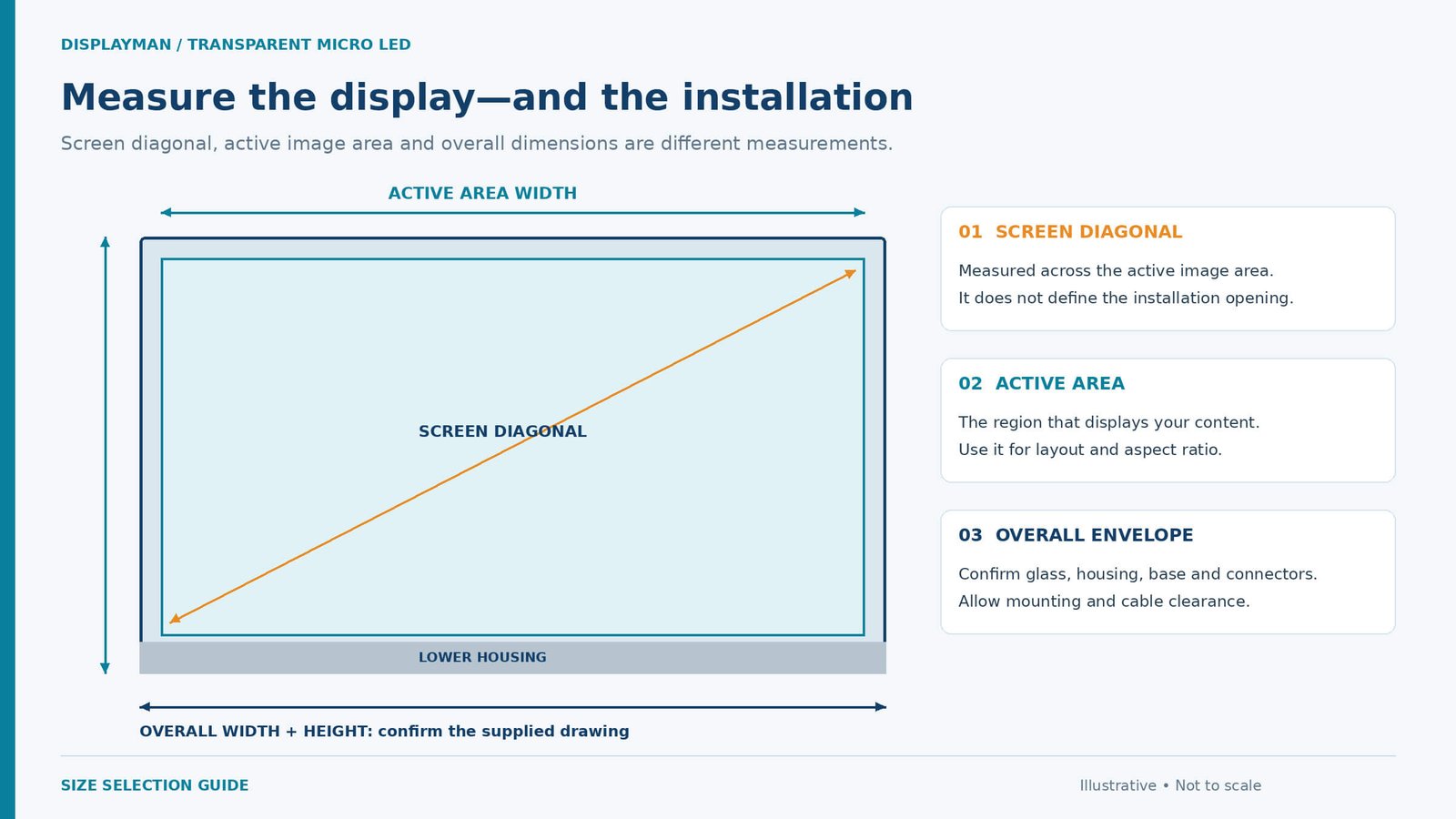
In these transparent Micro LED designs, pixels extend close to the display-panel edges. The active image area can therefore closely match the panel outline; do not assume the broad inactive perimeter commonly associated with LCD modules.
Adding touch introduces a separate dimension. The touch sensor’s active area must cover the complete Micro LED image area, while its surrounding glass may extend beyond it to accommodate routing and the perimeter structure. The finished touch-glass outline can therefore be slightly larger than the Micro LED display area.
Keep the table heading Supplied dimensions, W × H as the model reference. For installation, confirm what the selected configuration includes: the display panel, any larger touch-glass outline, the electronics base, support feet and mounting hardware.
The base houses the display controller and associated electronics. Our 16.1-, 20- and 64-inch demonstration configurations use different base designs; the illustrated shape is not a fixed requirement for your project. Standard sheet-metal base design is provided at no additional design charge, while retaining the internal electronics of the selected configuration. Exceptionally unusual or complex shapes require separate assessment and may involve additional charges. Changing the housing shape does not change the native display size or resolution.
Send the preferred base shape and mounting arrangement with your enquiry. Agree the housing drawing, connector access and support arrangement before production; the finished base and support feet must be included in the installation space.
For a touch configuration, check three items together: the Micro LED image area, the finished touch-glass outline and the controller base. The nominal diagonal does not define the complete installation opening. Use the assembly drawing to allow space for the base, support feet, connectors, cable routing and service access.
4. Match the Native Canvas to Your Content
Content format often narrows the choice faster than screen size.
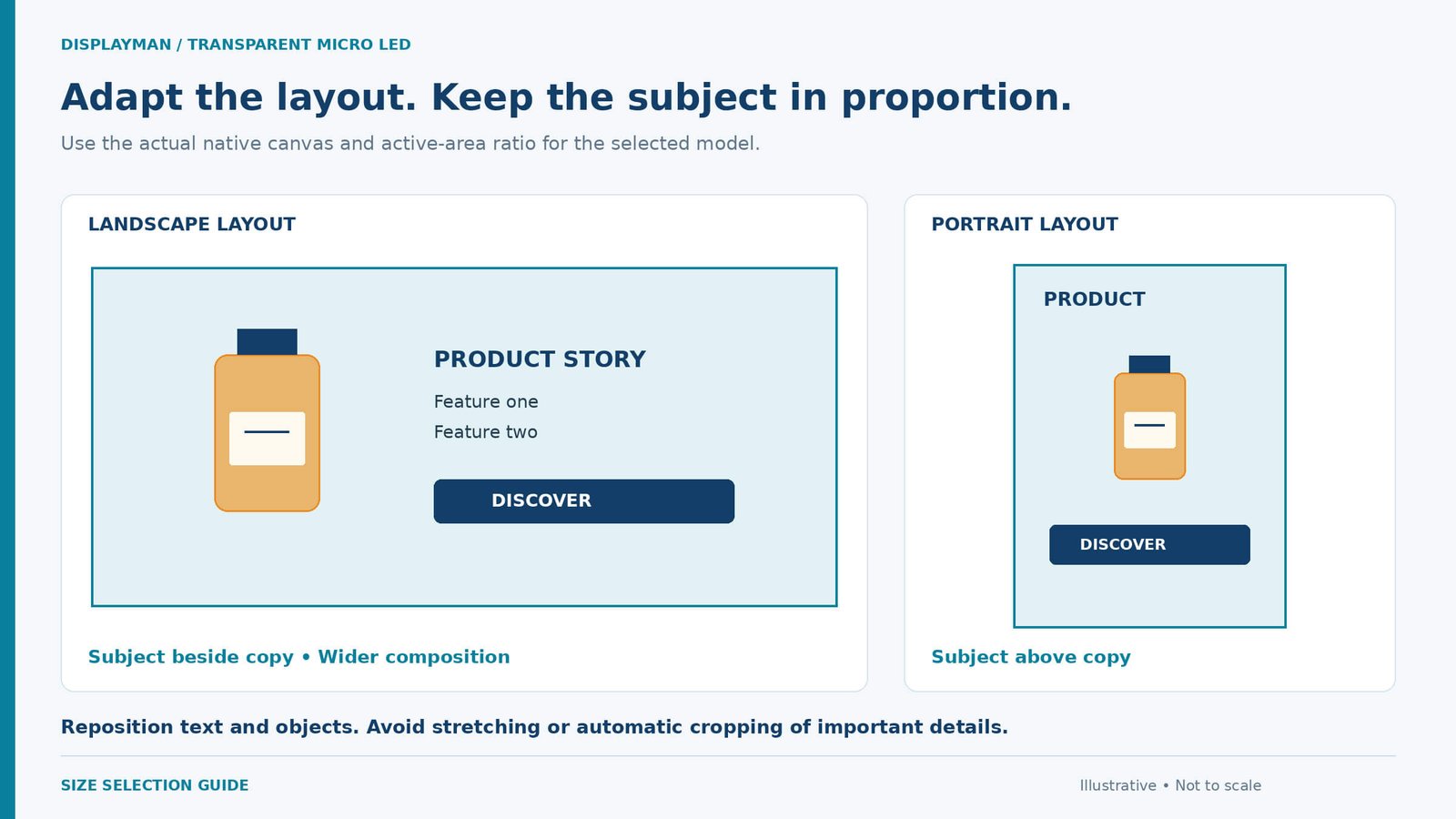
A narrow portrait canvas can suit an isolated product image, a character or a short vertical animation. A landscape canvas gives more room for a subject beside supporting text. An ultra-wide canvas supports a different composition again: a sequence of objects, a long visual narrative or information distributed across a fixture.
For example, 1920 × 540 and 1920 × 1080 have the same horizontal pixel count but different vertical capacity. Reusing the same full-frame video without adaptation can introduce empty space, cropping or distortion.
Prepare the media for the confirmed native canvas and controller mapping. Keep objects in proportion, reposition text and rebuild the composition where necessary. Rotating the hardware also requires confirmation of the supported mounting orientation and image mapping; it is not simply a media export choice.
Text needs a separate review
A display that presents a large animated object well may need a different layout for prices, instructions or technical information. Check the smallest essential text at the intended viewing position using the actual typeface and interface.
Avoid approving a model from a close-up photograph alone. Request a demonstration of representative content, especially when readable text is central to the project. The content-adaptation illustration shows the principle: reorganize the layout rather than stretching one finished image into every shape.
5. Five Practical Selection Examples
These are selection examples, not claims of completed customer installations.
16.1 inch: a compact integration starting point
For a desktop demonstrator or an OEM concept with a narrow opening, the 16.1-inch transparent Micro LED display is a useful starting point. Its portrait canvas encourages a focused presentation rather than a miniature version of a busy widescreen interface.
Show one object, a concise message or a deliberately designed interaction. Before choosing it for a product, check the required content against its native canvas and allow for the electronics base. A familiar inch number is not a guarantee that an existing tablet interface will transfer unchanged.
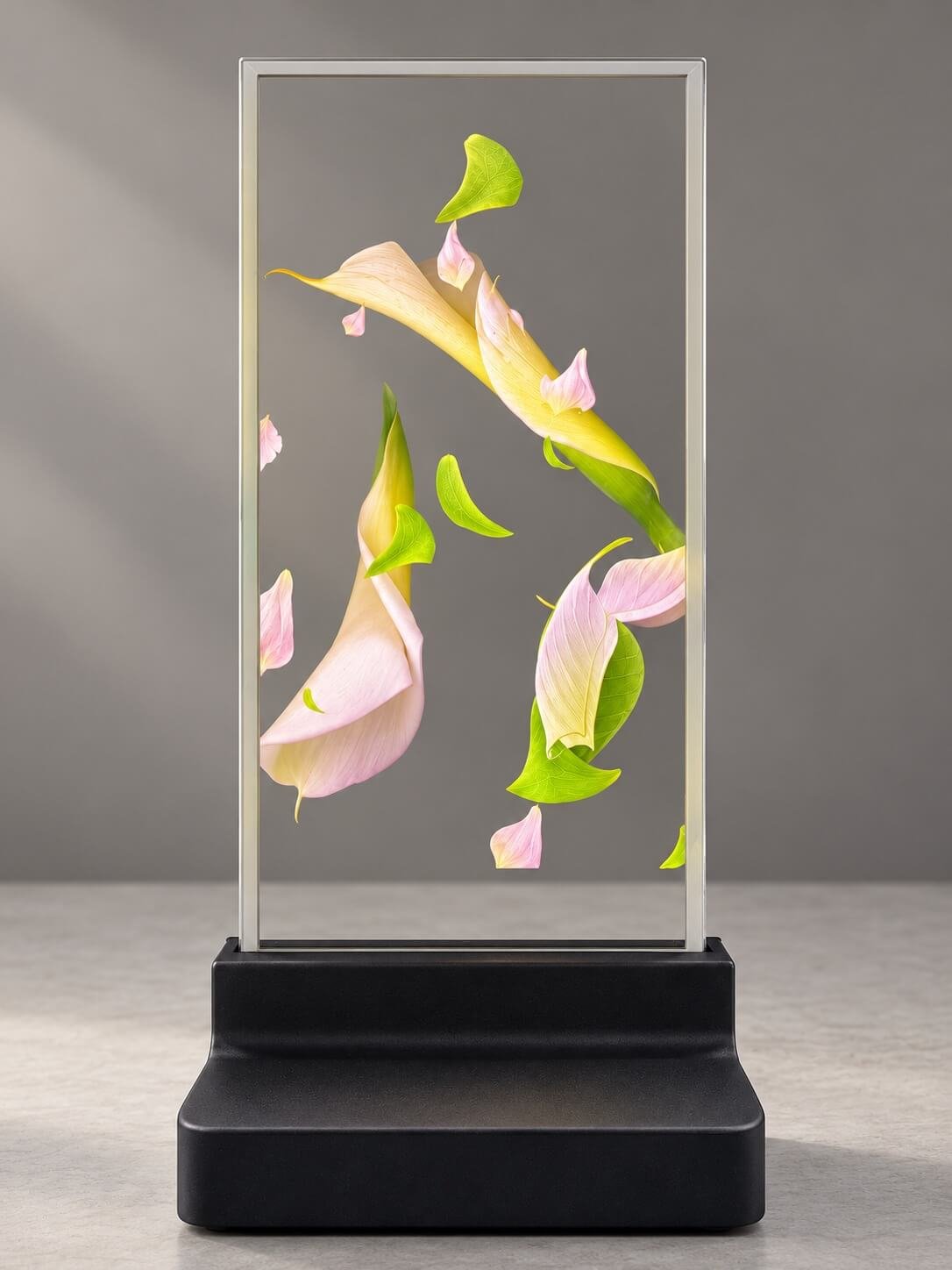

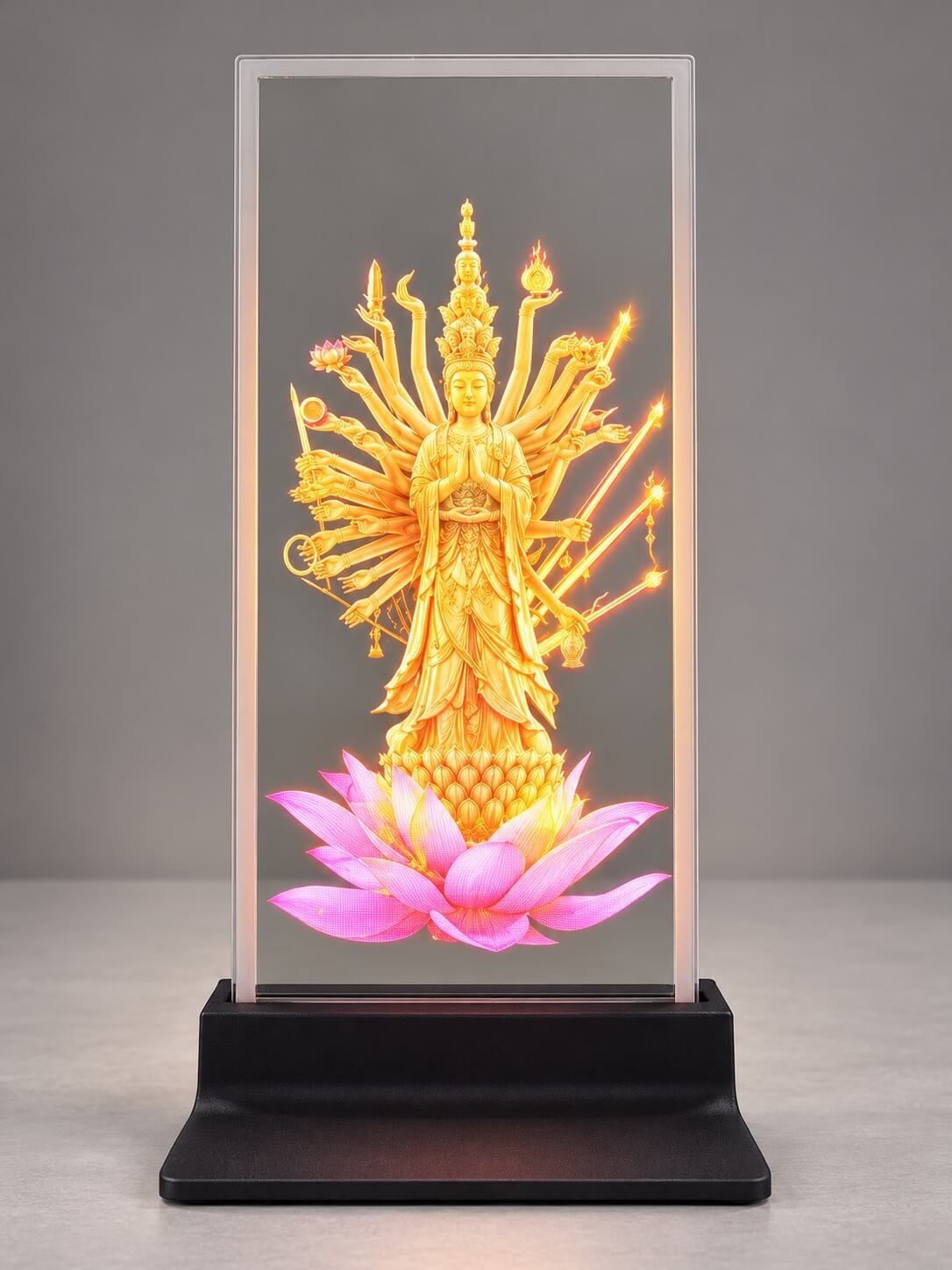
Based on photographs of the demonstration unit, with visual enhancement.
20 inch: a broader counter presentation
The 20-inch transparent Micro LED display offers a broader canvas than the narrow 16.1-inch direction. It can be considered for a counter presentation where an image and a small amount of information need to appear together.
For a proposed transport counter, for example, start with the actual message: a destination, an instruction or a short visual sequence. Determine whether the customer needs people to notice the screen from a distance or read it while standing directly at the counter. Those are different layout requirements.
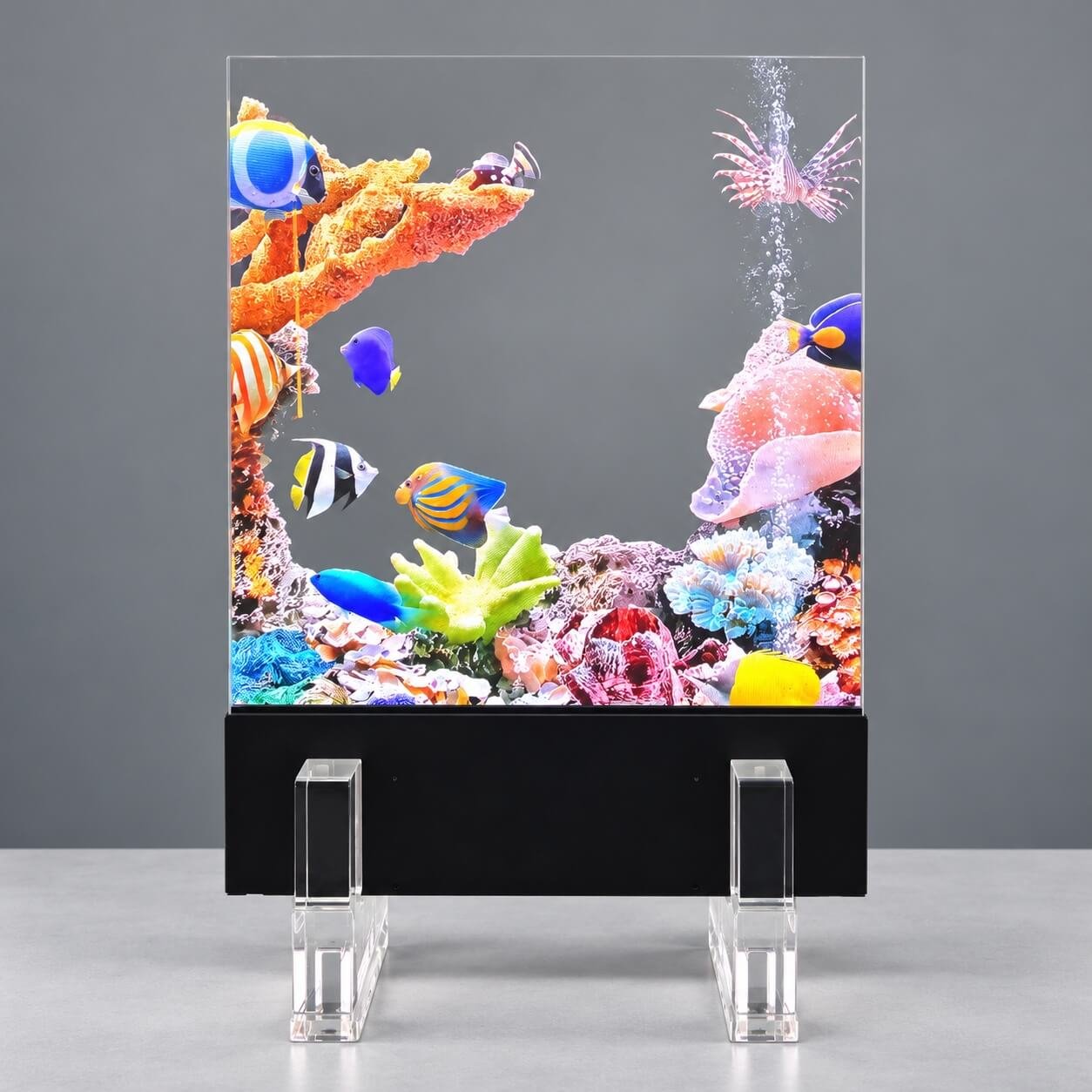
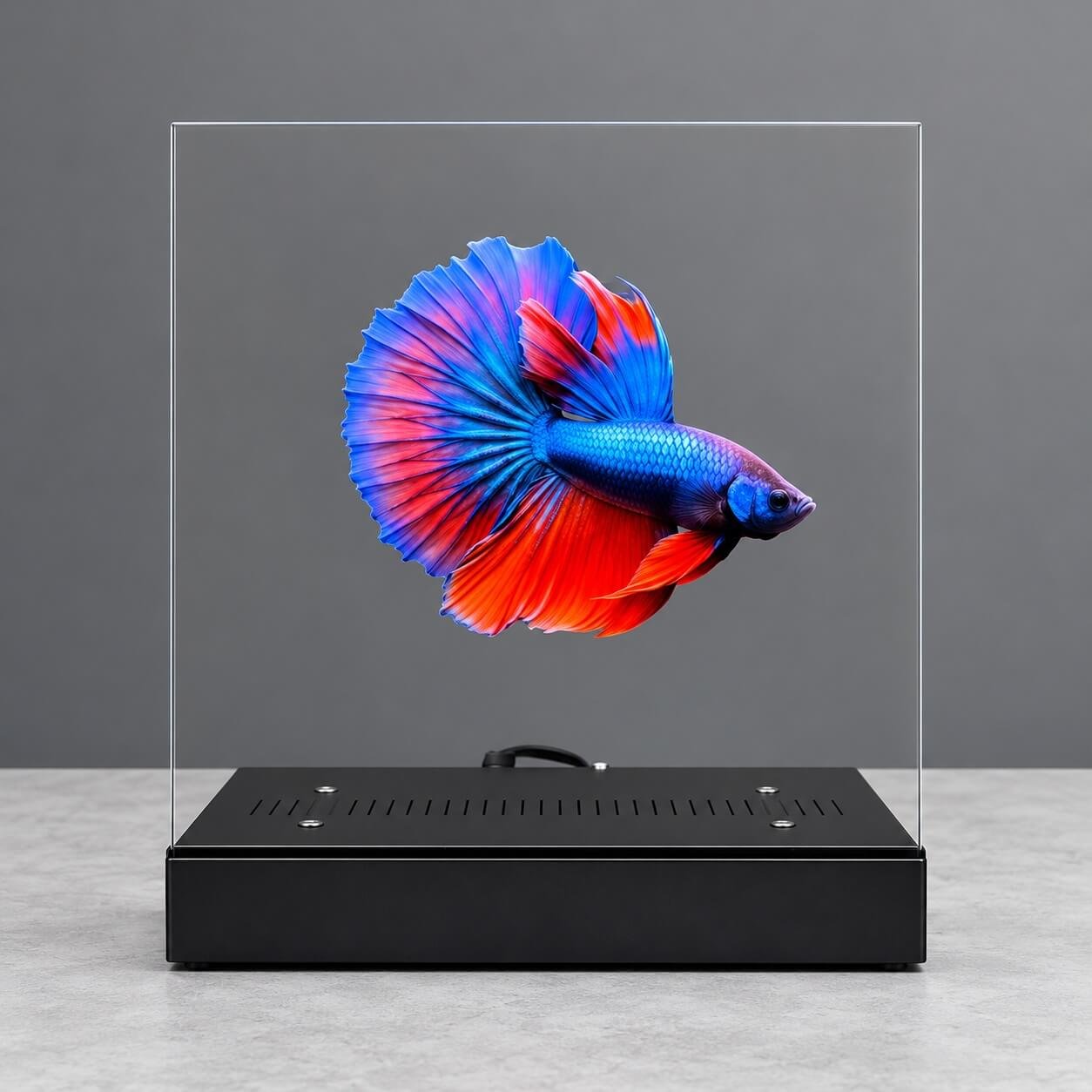
Based on photographs of the demonstration unit, with visual enhancement.
30 inch: a compact landscape presentation
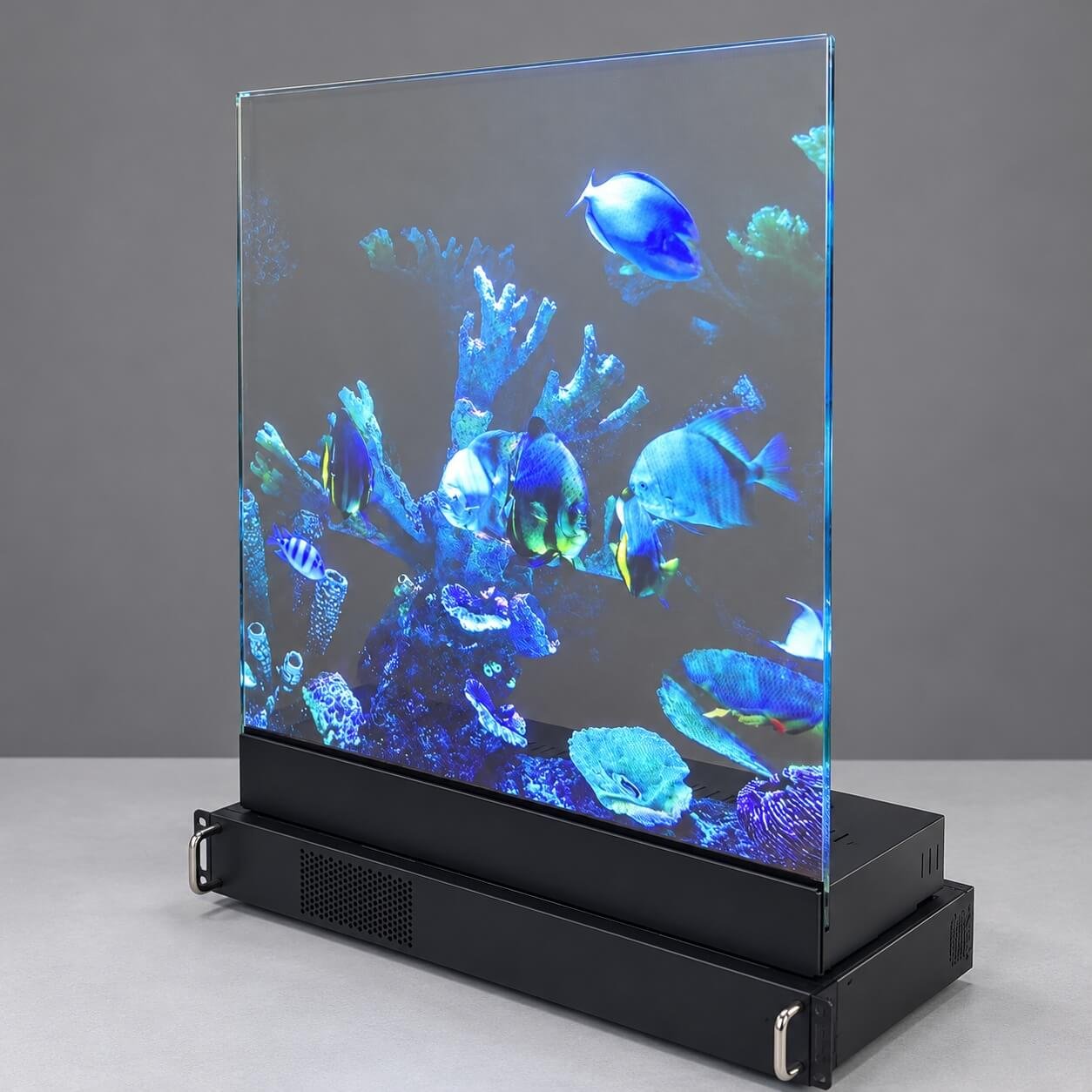
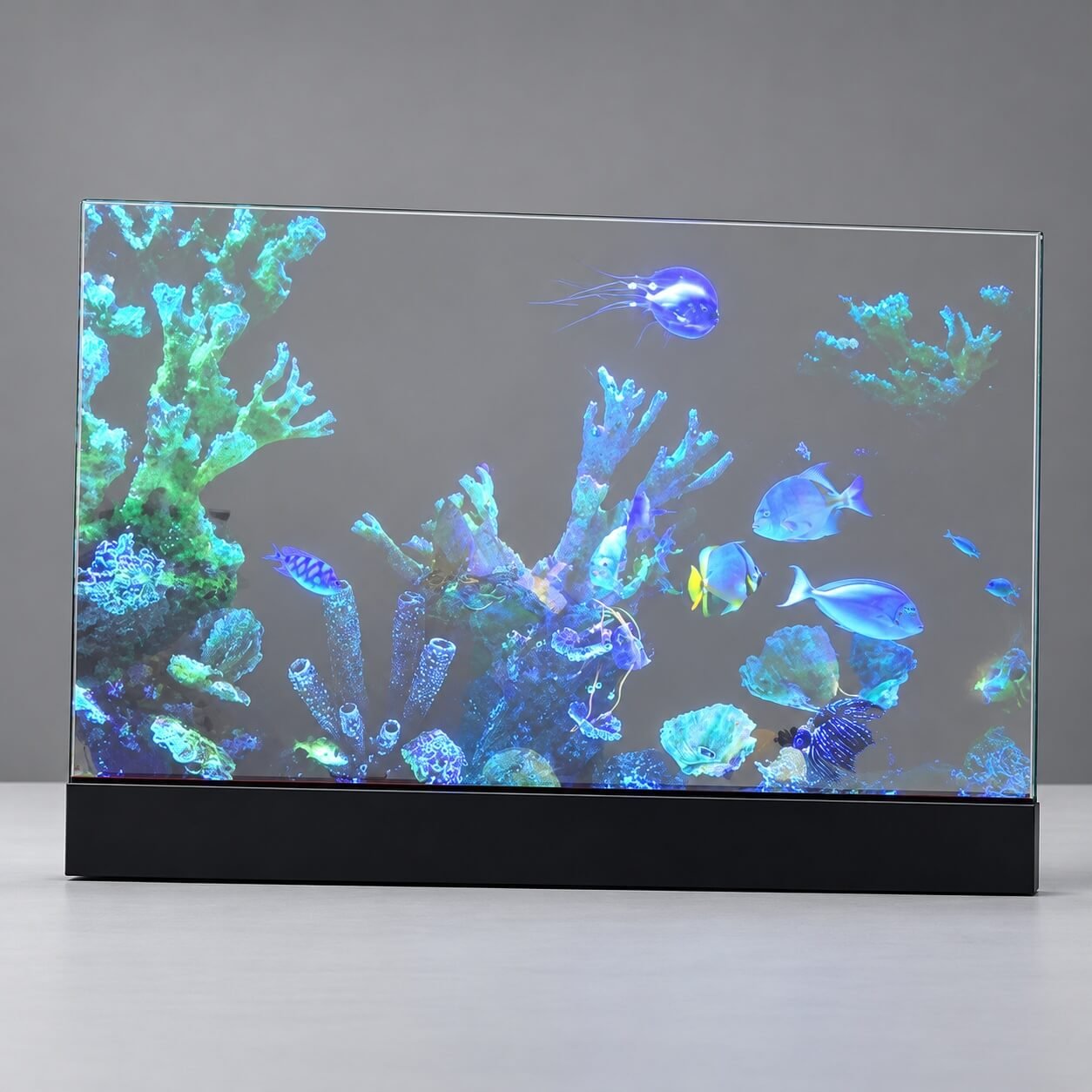
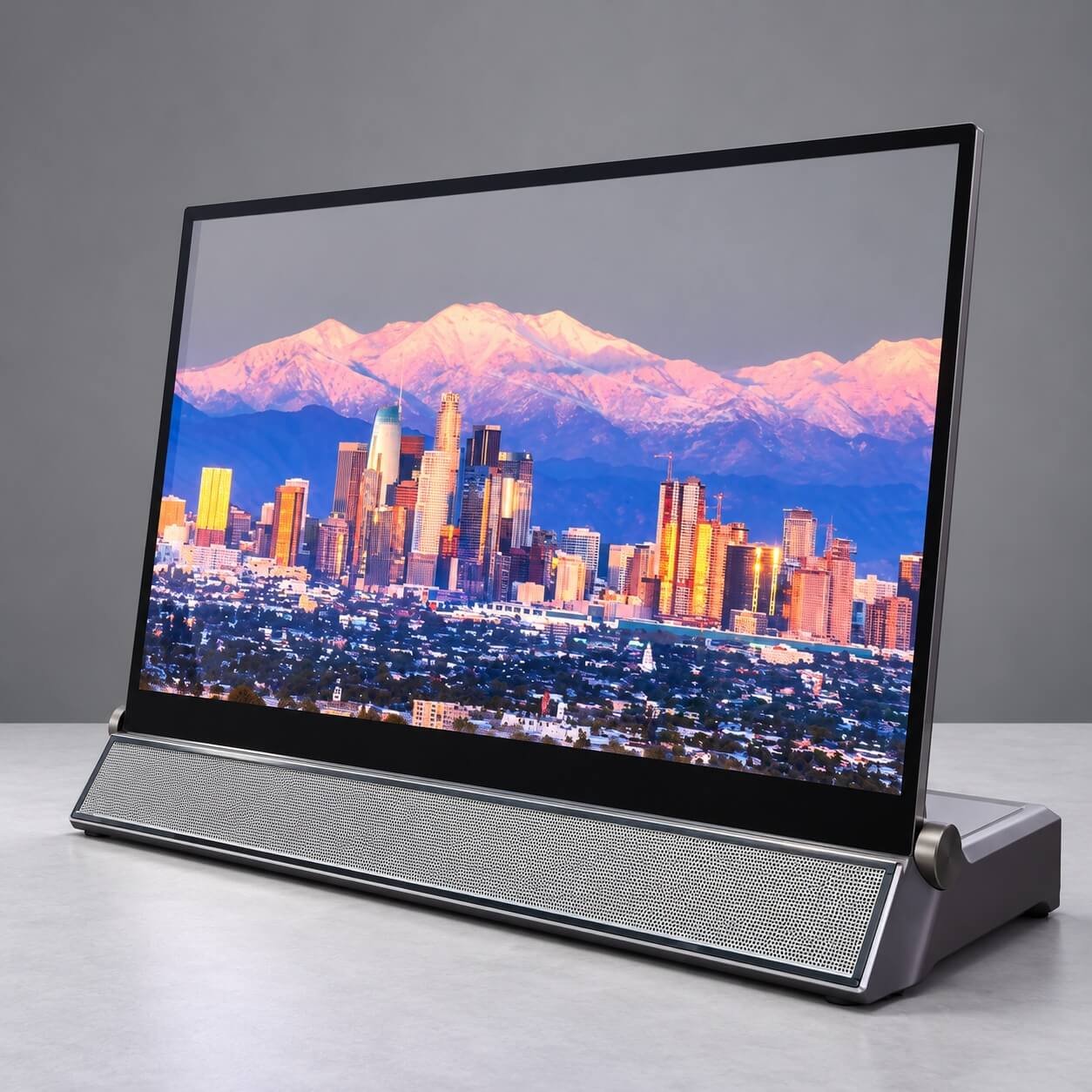
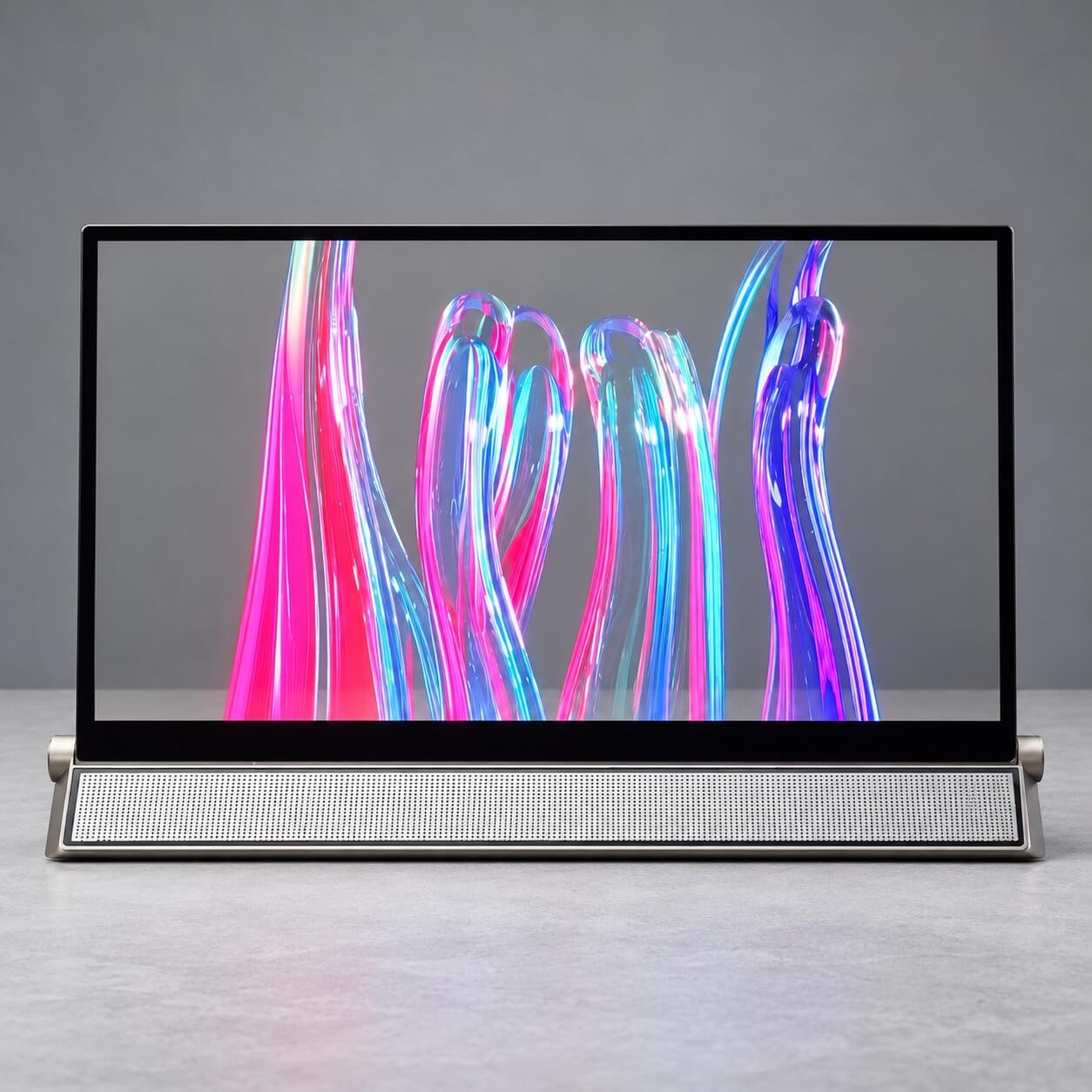
The 30-inch transparent Micro LED display offers a 960 × 540, 16:9 native canvas. Consider it when your content needs a familiar widescreen composition but the installation does not call for a large 64-inch assembly.
Aquarium imagery, cityscapes and abstract animation illustrate different ways to use this format. The touch examples also show why the finished glass outline and controller base belong in the installation review. These photographs show display configurations; application software and interaction functions should be confirmed separately.
A 16:9 source is a useful layout starting point, but export and check it against the 960 × 540 native canvas. Review essential text at the intended viewing position rather than assuming it will retain the detail of a higher-resolution monitor.
54 inch: a panoramic canvas for wide layouts
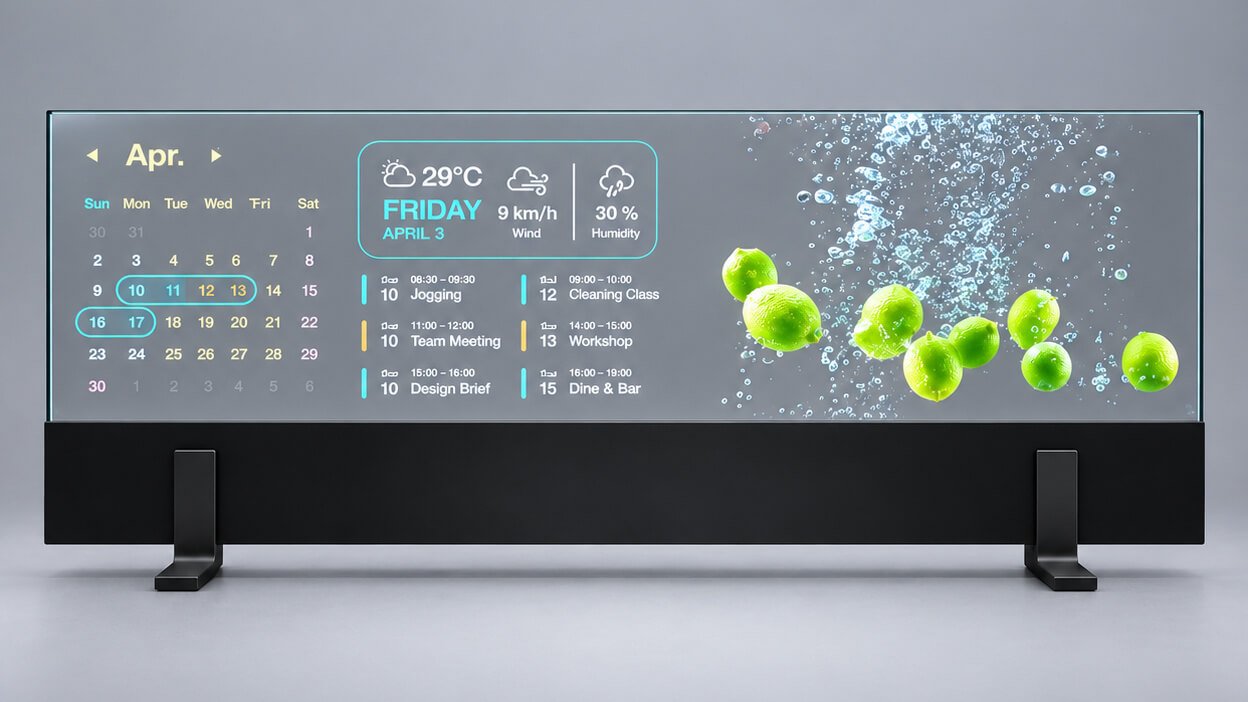
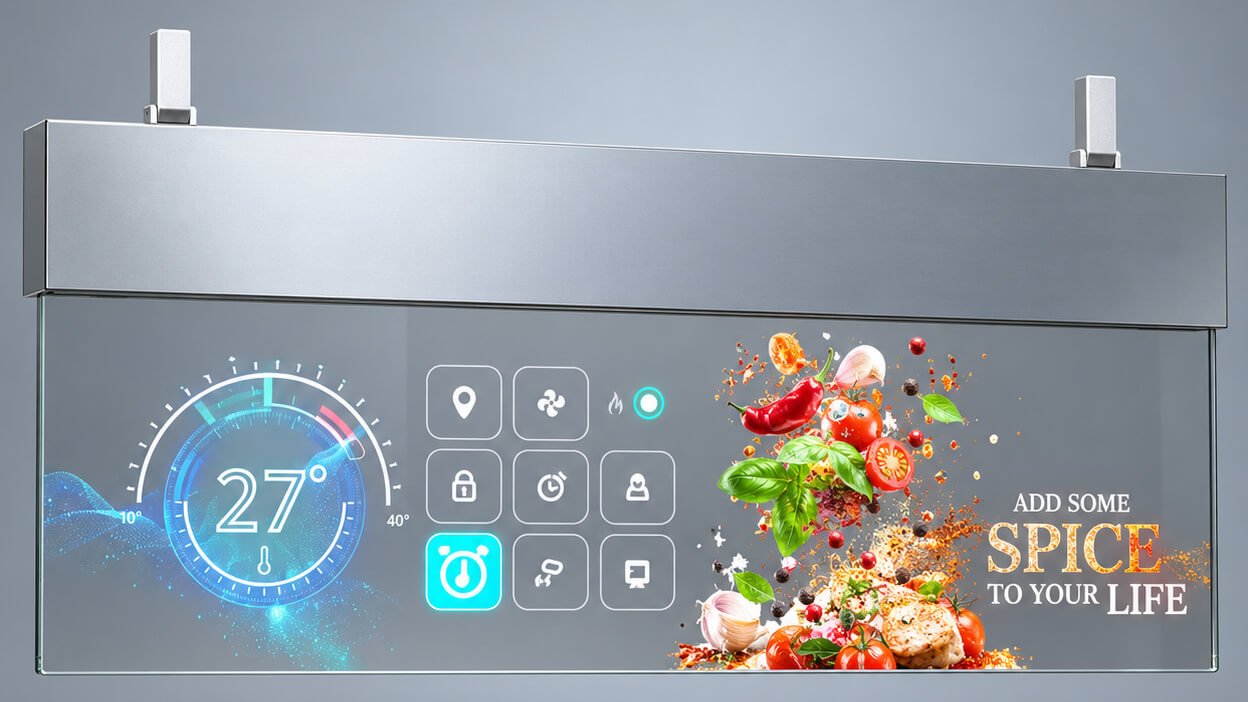
The 54-inch transparent Micro LED display provides a 1920 × 540, 32:9 canvas. Consider it when the presentation needs width rather than the height of a conventional 16:9 screen: a calendar beside imagery, a sequence of product highlights or a dashboard divided into clearly separated information zones.
Our desktop calendar and hanging spice-dashboard photographs show two ways to present this format. They illustrate different mounting arrangements and content compositions, rather than a requirement to use one fixed base design. Confirm the support structure and controller-housing position for the chosen installation.
Prepare a dedicated ultra-wide layout. A standard widescreen video should be recomposed, rather than stretched or cropped automatically, so text and key objects remain in proportion.
Based on photographs of our demonstration display, with visual enhancement.
64 inch: a large landscape presentation
The 64-inch transparent Micro LED display is a useful candidate when a project needs a large landscape composition. Our demonstration imagery shows a blue-and-orange fish, a smaller orange fish and a larger red-fish detail on the transparent display.
The smaller subject leaves more of the surrounding view visually open; the larger subject makes image detail more prominent. This illustrates an important content choice: the screen’s physical size and the proportion occupied by luminous content are separate decisions.
I viewed the demonstration unit from approximately one metre away and found its image detail and see-through effect striking. That is a viewing observation, not a universal minimum viewing-distance specification. The accompanying product images originate from photography and have been visually refined; use a live demonstration or representative video to assess the proposed viewing conditions.
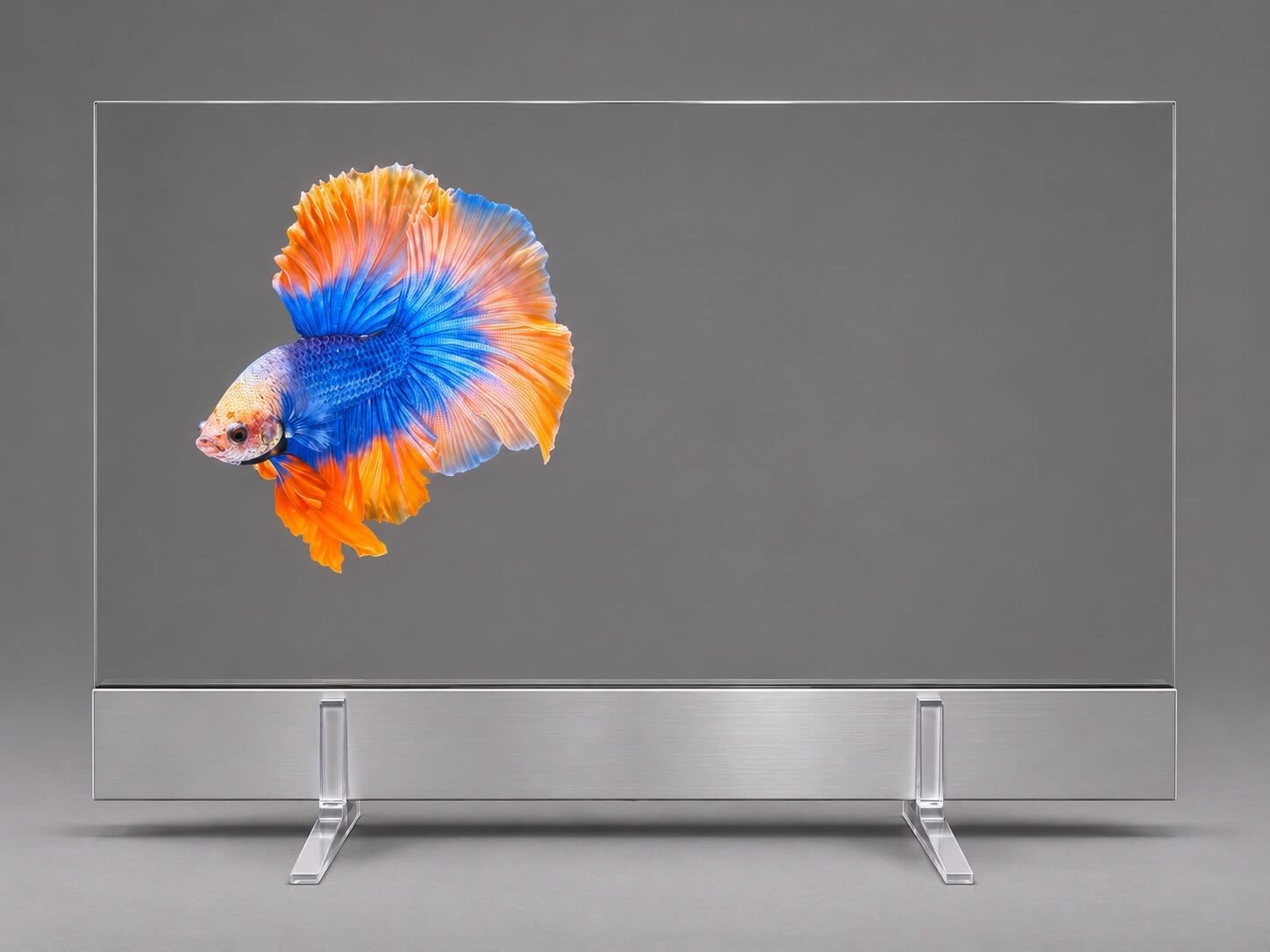
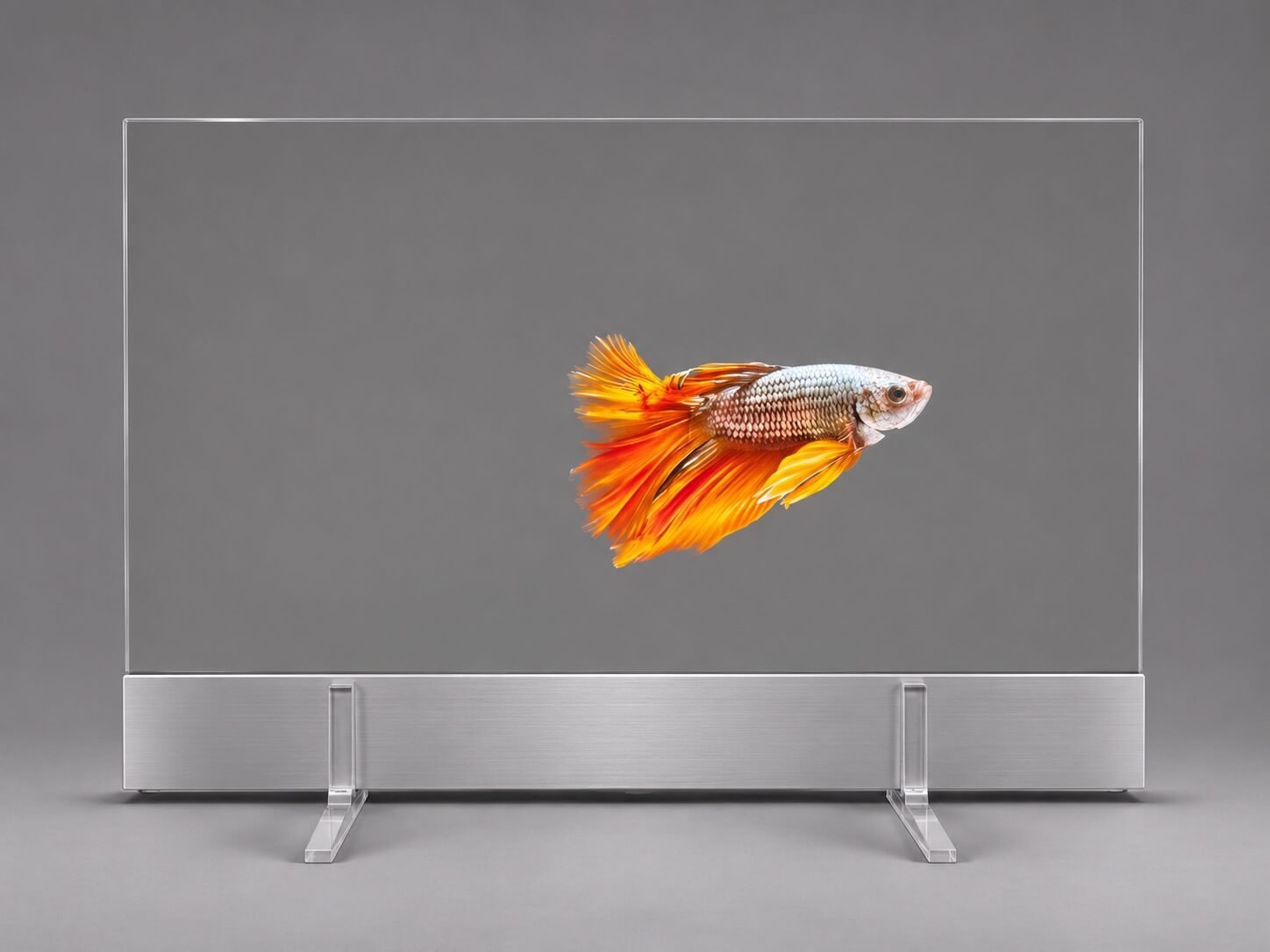
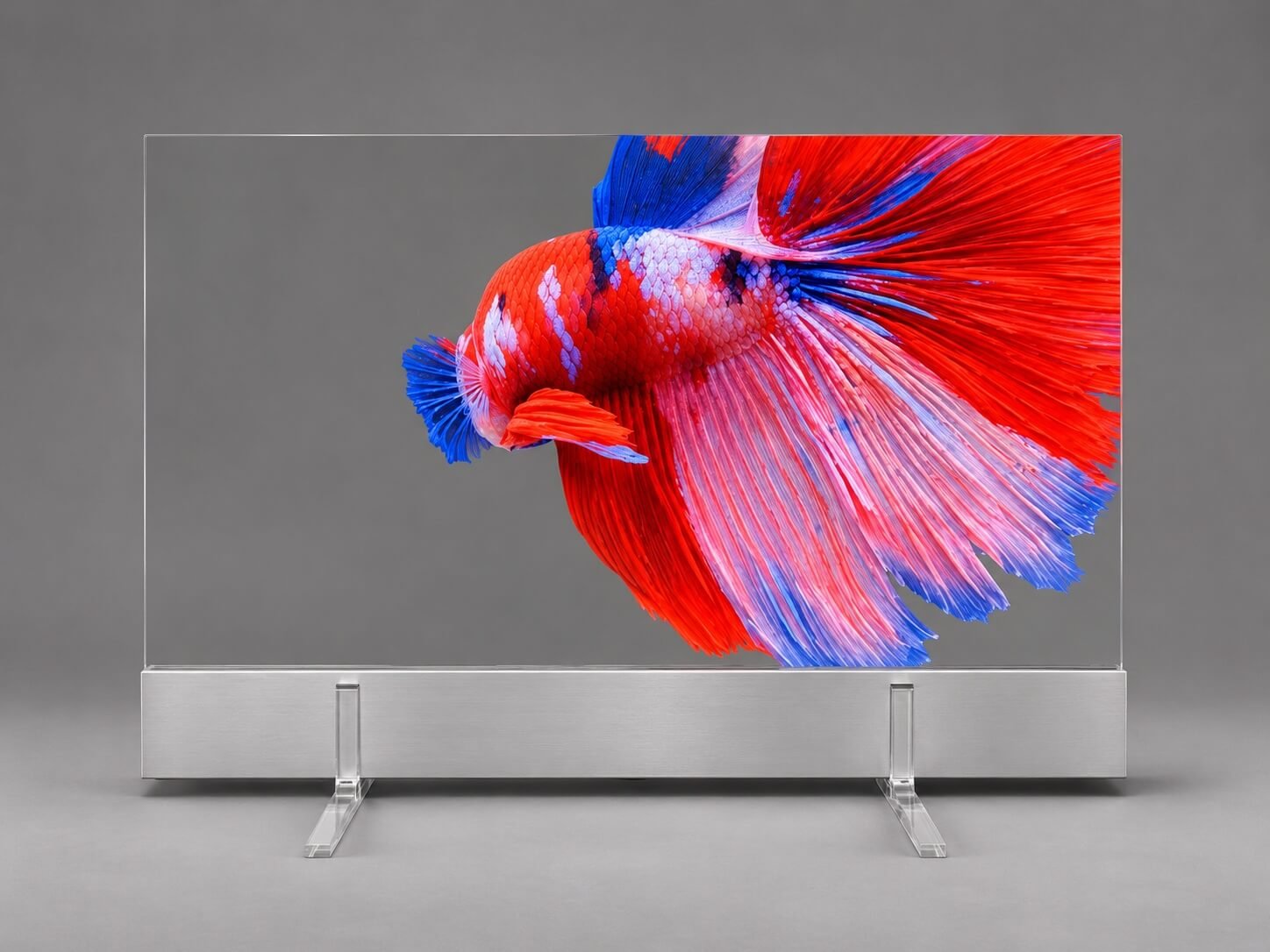
Images are based on photography of the demonstration unit and have been visually refined.
6. Confirm Touch, Mounting and Playback Together
Decide whether the screen will only play content or respond to the viewer. Touch may increase the glass outline beyond the Micro LED image area and adds requirements for the host connection and application software. It also changes how people approach the display: a presentation designed for distant viewing may need a different arrangement for comfortable interaction.
Specify the installation method early. A tabletop base, a cabinet integration and a suspended structure require different support and cable arrangements. Confirm the approved orientation, fixing method and service access for the selected assembly.
Also define the playback source. State whether you will use a laptop, an external media player or a host built into your equipment. If you need internal storage, wireless content updates or automatic playback after power-on, include those as system requirements. Do not assume they are included because the display can accept a video signal.
7. Prefer an Existing Size Before Requesting a New One
First check whether an existing model can meet the project through a revised fixture or content layout. Moving a border, changing the position of a physical object or adjusting the animation may be more practical than developing a new panel size.
A custom sheet-metal base is different from a custom emissive panel. We provide standard base design at no additional design charge, keeping the internal electronics of the selected configuration. Exceptionally unusual or complex base shapes are assessed separately. Creating a new panel size is a separate development scope with different investment and production requirements.
Do not assume these transparent Micro LED assemblies can be cut or bent to fit an opening. Requirements for a curved surface, an unusual outline or a new panel dimension need a separate technical and commercial discussion. If an existing size cannot fit, send the required drawing, expected volume and development budget before treating a custom direction as feasible.
8. Compare the Complete Project Cost
Compare quotations on the same supply basis. Depending on the proposal, the price may cover a display assembly, an optional touch configuration or a more complete integrated system. The lowest headline figure is not necessarily the lowest finished-project cost.
Confirm the display and controller scope, power supply, touch option, base or installation structure, playback equipment, software responsibility, packaging and freight. Identify destination taxes and installation work separately where applicable.
The best size is the smallest suitable configuration that delivers the intended presentation convincingly—not automatically the smallest model or the largest affordable screen. Use our Transparent Micro LED Display Price guide for the commercial background, then request a quotation against a defined configuration.
9. Send These Details for a Size Recommendation
A useful enquiry does not require a finished engineering package. A clear sketch and representative content are enough to start narrowing the options.
| Information | What to provide |
|---|---|
| Available space | Maximum width, height and depth, with a sketch or fixture photograph |
| Presentation | What viewers should see on the screen and through it |
| Content | Example video, image or interface; identify essential text |
| Viewing | Nearest expected position and whether people stand, sit or walk past |
| Integration | Touch requirement, mounting direction, host and playback functions |
| Purchase plan | Sample quantity, expected volume, destination, budget and schedule |
We can then shortlist a model, identify the drawing and configuration to review, and define the next sample or quotation step. This is more productive than selecting an inch size first and discovering its limitations after the enclosure is built.
Frequently Asked Questions
Is the largest transparent Micro LED display always the best choice?
No. Match the active canvas and physical assembly to the presentation and installation space. Additional size only helps when the content and fixture can use it effectively.
Can I use the same video on every model?
Not without checking the format. Different native canvases require different layouts or scaling decisions. Confirm the export resolution, image mapping and treatment of unused space.
Should I select 60 or 64 inch if both are Full HD?
Compare their supplied assembly dimensions, support arrangement, configuration and quotation. Equal resolution does not establish an identical physical product or installation requirement.
Can the display work without a connected computer?
That depends on the supplied playback system. Specify standalone playback, storage and content-management requirements in the enquiry so the system scope can be confirmed.
Does the smallest model automatically cost the least?
Do not assume price follows diagonal size alone. Compare current quotations, configuration and the complete delivered scope before choosing a model solely for its dimensions.
Explore All Nine Transparent Micro LED Sizes
Open the individual model pages for product images, native canvas, configuration and integration details. View the complete product family →
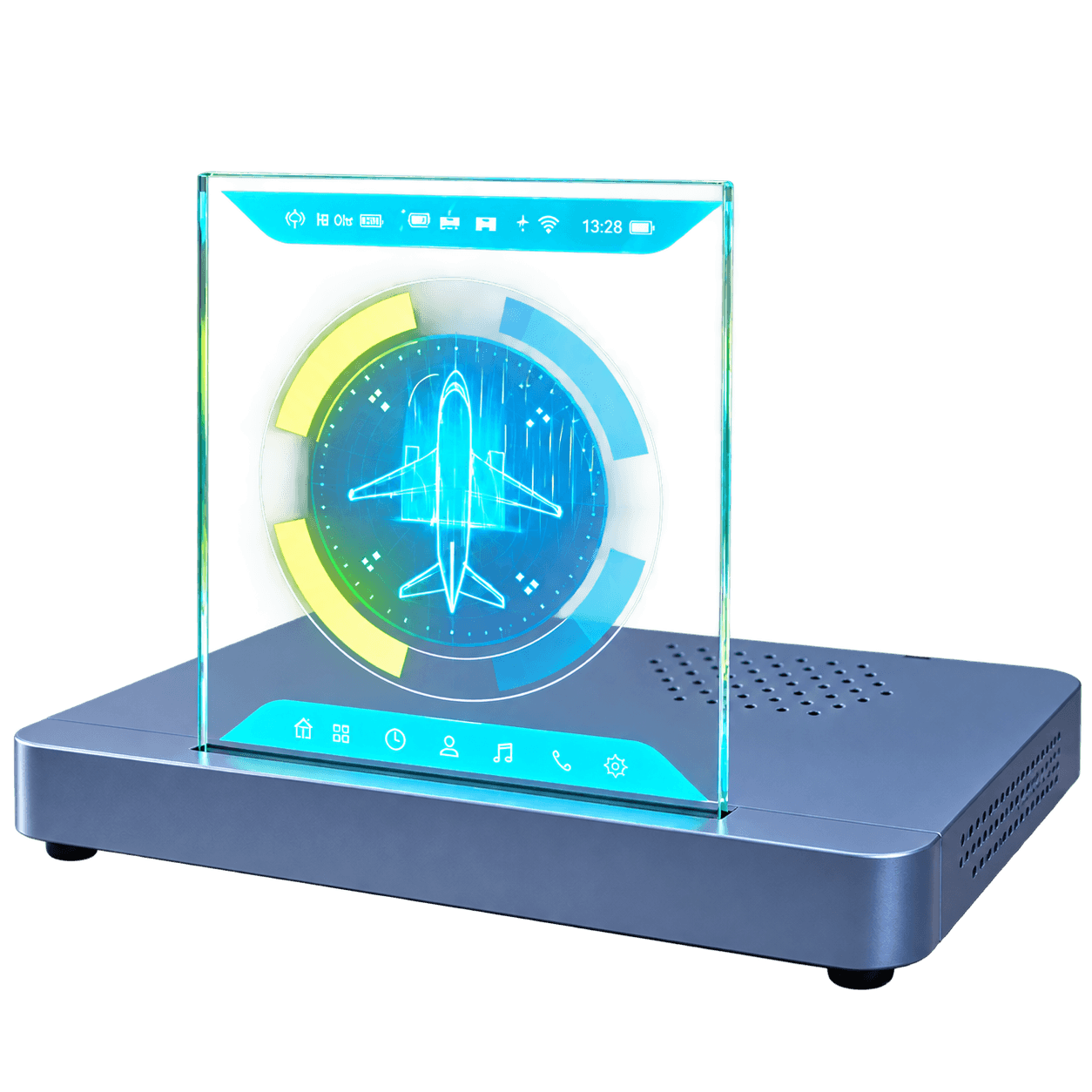
9.4-Inch Transparent Micro LED
T001 · 768 × 840 · 32:35
View model details →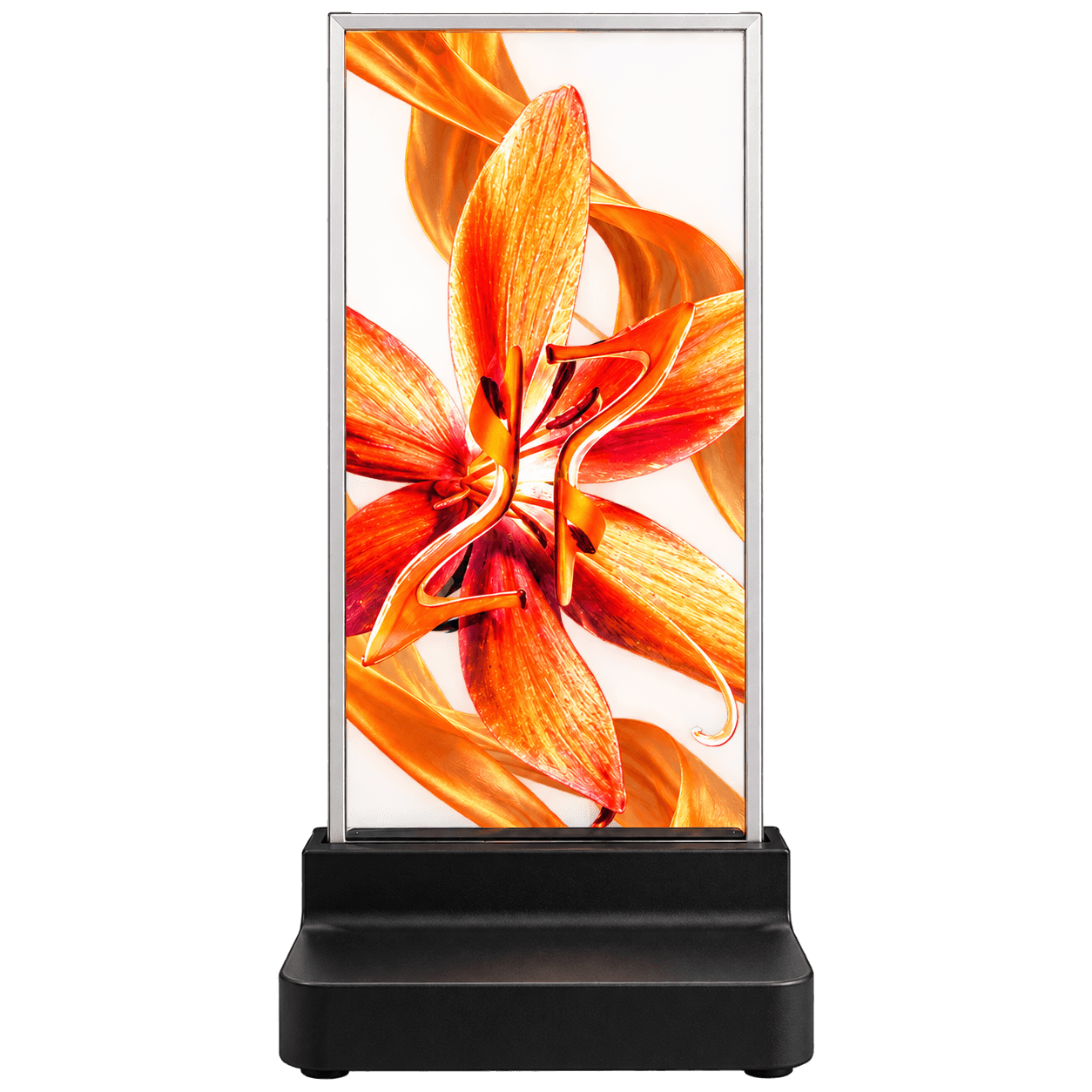
16.1-Inch Transparent Micro LED
T002 · 240 × 540 · 4:9
View model details →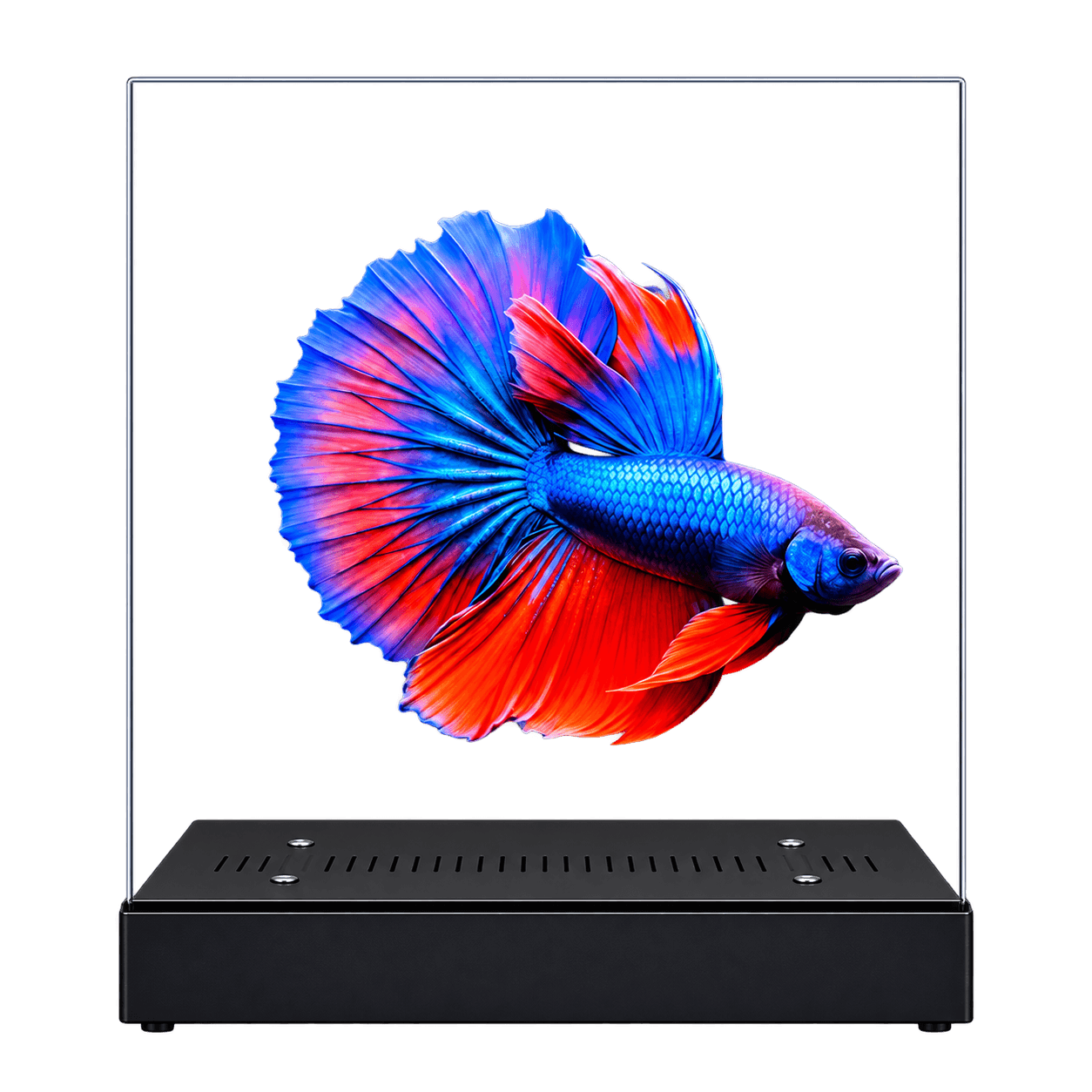
20-Inch Transparent Micro LED
T003 · 480 × 540 · 8:9
View model details →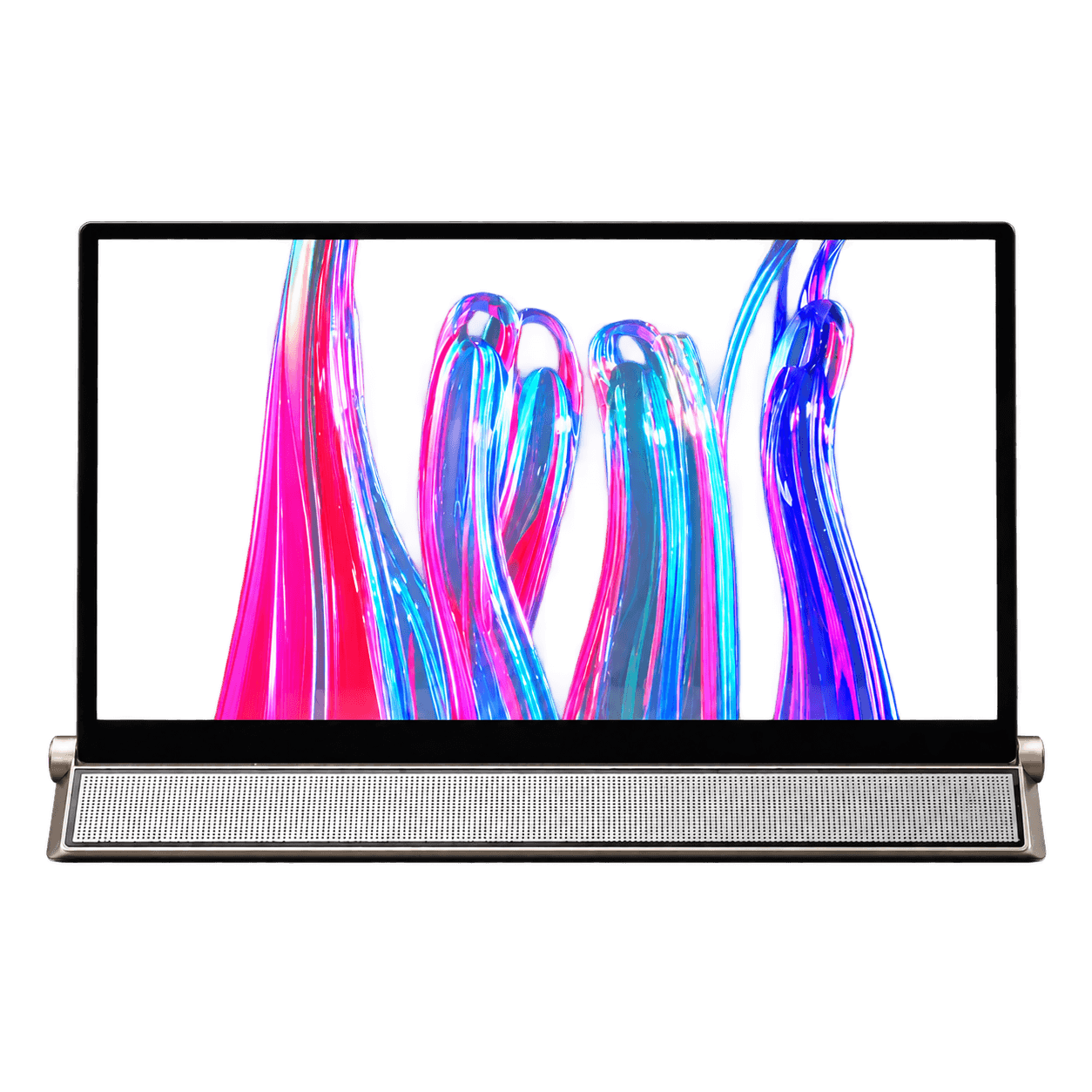
30-Inch Transparent Micro LED
T004 · 960 × 540 · 16:9
View model details →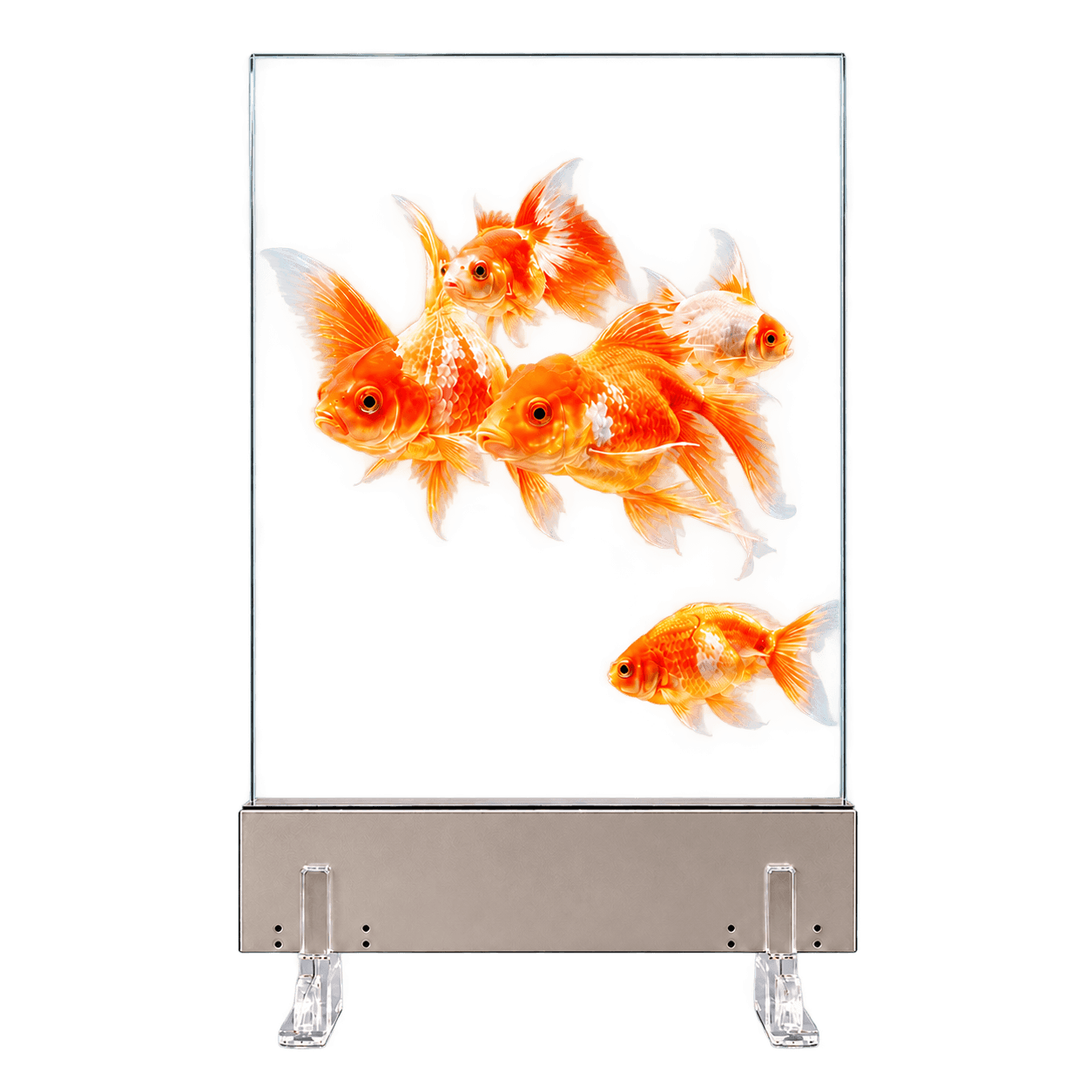
42-Inch Transparent Micro LED
T005 · 960 × 1080 · 8:9
View model details →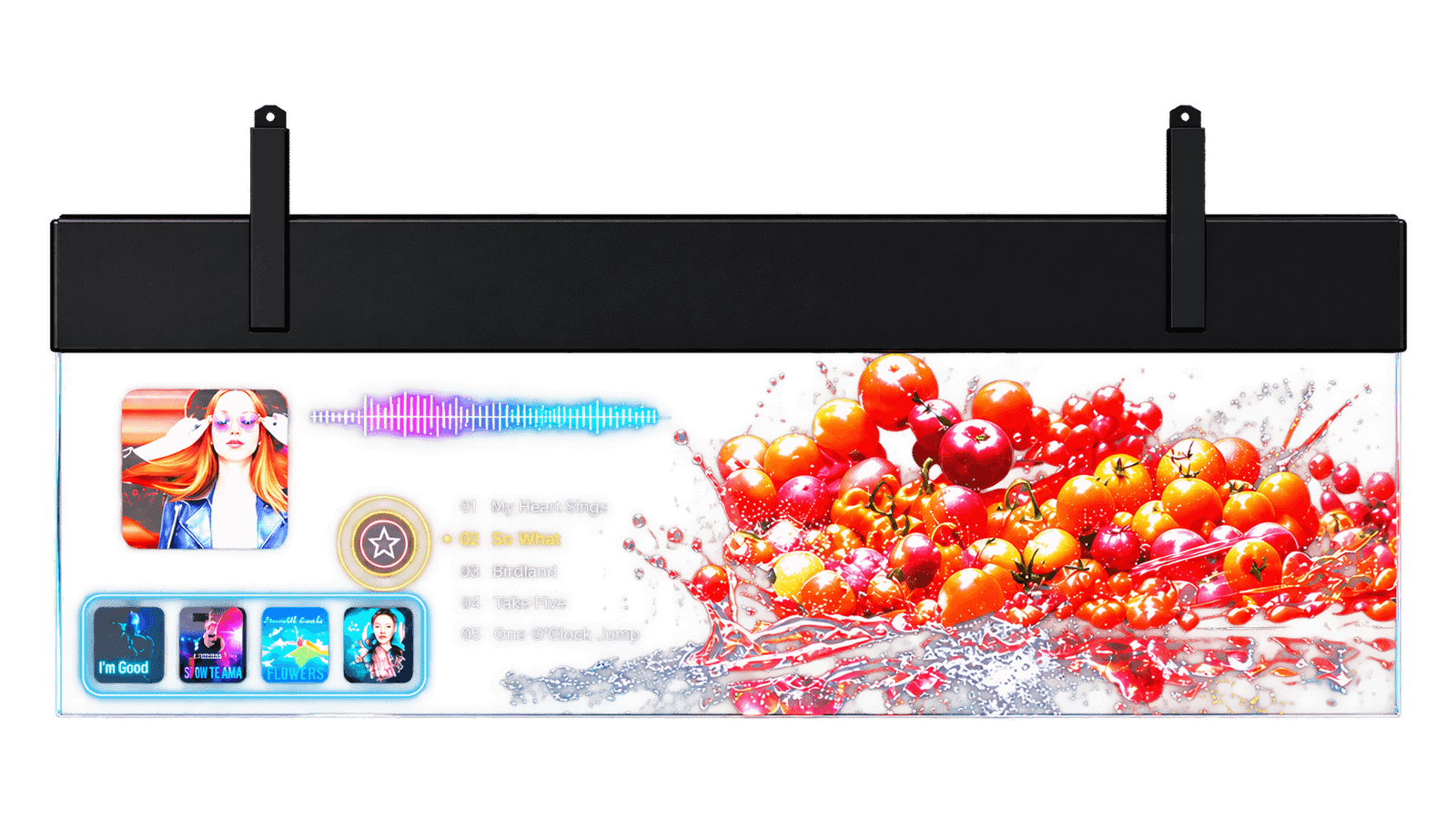
54-Inch Transparent Micro LED
T006 · 1920 × 540 · 32:9
View model details →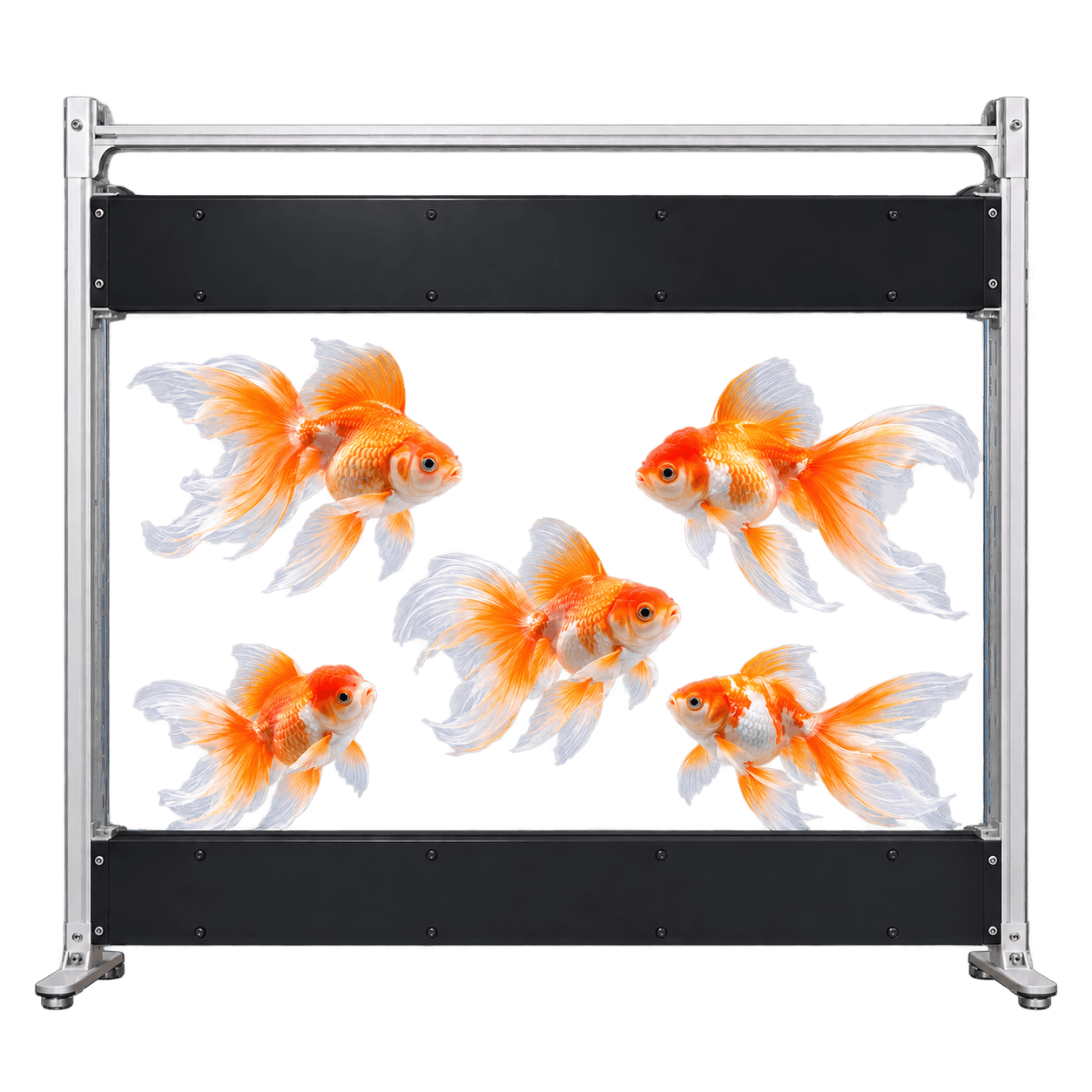
60-Inch Transparent Micro LED
T007 · 1920 × 1080 · 16:9
View model details →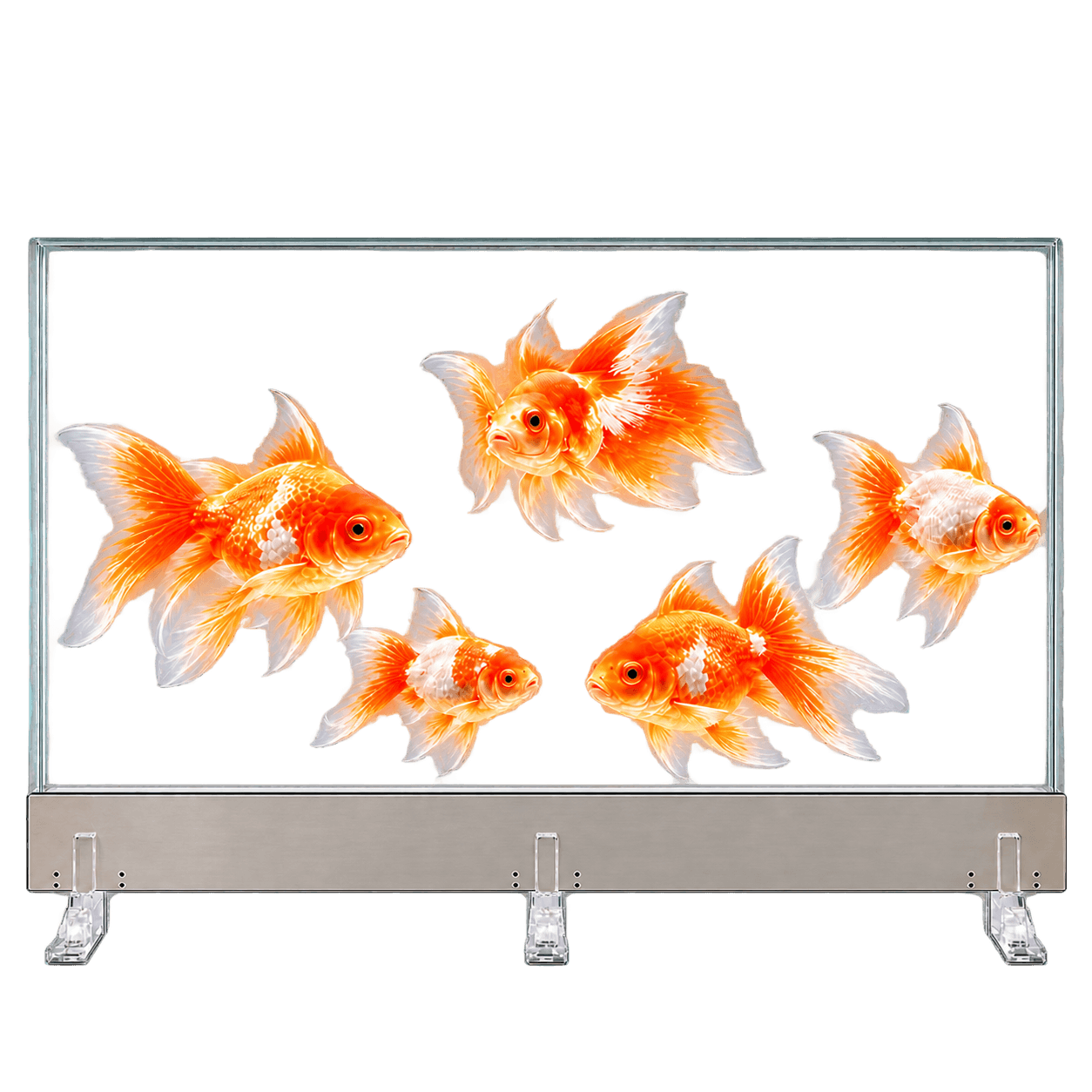
64-Inch Transparent Micro LED
T008 · 1920 × 1080 · 16:9
View model details →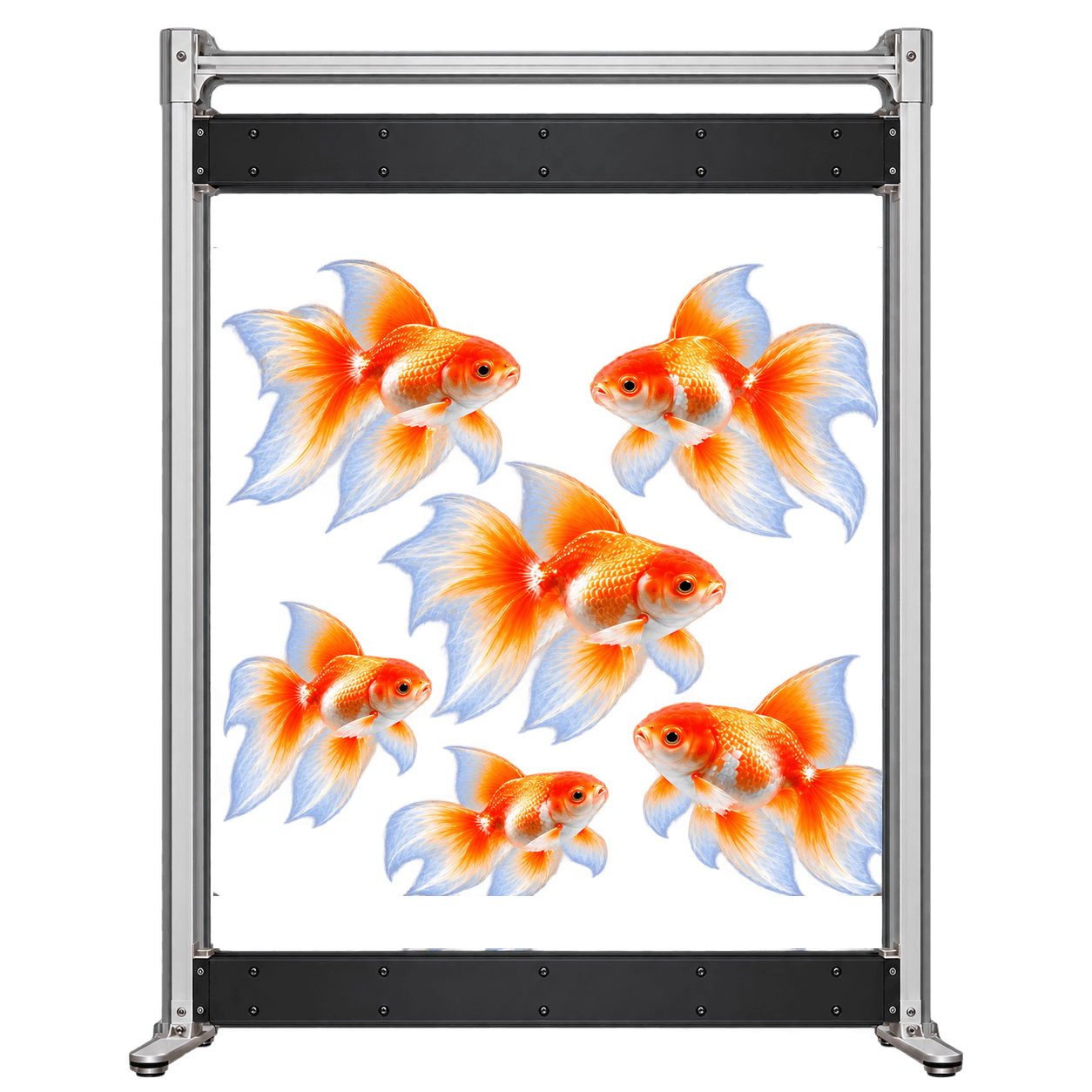
83-Inch Transparent Micro LED
T009 · 1920 × 2160 · 8:9
View model details →Project review
Discuss Your Transparent Micro LED Project
Send your available width, height and depth, example content, viewing distance, touch requirements, sample quantity and expected production volume.