
Transparent OLED Video Wall · 30-Inch Module

30-Inch Transparent OLED Video Wall Module

Modular Transparent Display with Capacitive Touch Screen

Build a larger transparent presentation from compact 30-inch OLED modules. The TX-30S-03 reference combines a 1366 × 768 landscape panel with capacitive touch for retail, museum and showroom projects. Define the panel arrangement, support structure and signal mapping around your installation.

1366 × 768 Pixels43% Reference TransparencyCapacitive Touch ScreenHDMI Input120 Hz Panel Reference
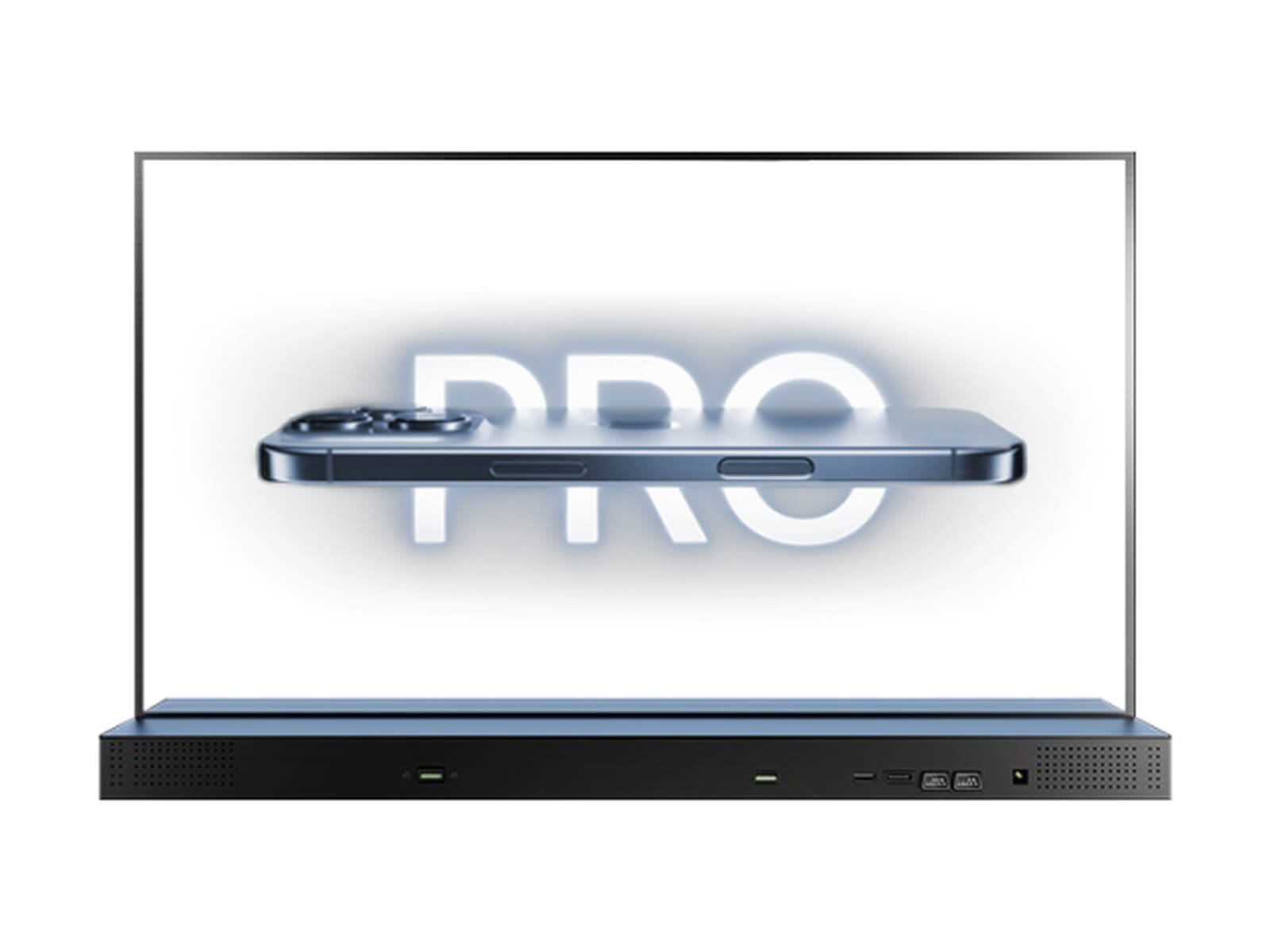
30-inch transparent OLED video wall module product view
Product Overview

A 30-Inch Module for Custom Transparent Video Walls

Combine digital graphics with a view through the display area. This product is a module for a project-specific video wall assembly; its mounting, panel arrangement and controller design determine the finished installation.

Plan the Panel Layout

Choose the number of panels, orientation and physical arrangement first. Confirm the image direction and location of each electronics housing before finalizing the supporting frame.

Map Every Display

Each panel has a native 1366 × 768 pixel canvas. The assembled pixel map depends on the verified layout, rotation, controller capabilities and any bezel compensation.

Add Interactive Content

The supplied module reference lists capacitive touch. Confirm how touch coordinates will be mapped across the completed wall and which software will handle the interaction.

Product Gallery

30-Inch Transparent OLED Video Wall Module Views

Technical Specifications

30-Inch Video Wall Module Specifications

ItemReference configuration
Reference modelTX-30S-03
Display30-inch landscape transparent OLED module
Native resolution1366 × 768 pixels
Active display area664.29 × 373.48 mm reference
Transparency43% typical reference; final configuration to be confirmed
Luminance200–600 cd/m² reference range; automatic adjustment listed in the source
Panel refresh rate120 Hz reference; confirm supported controller and source timing
Viewing angle178° horizontal / 178° vertical reference
Contrast ratio135,000:1 reference
Response time0.1 ms G-to-G reference
Color depth10-bit / 1.07 billion colors reference
Touch screenCapacitive touch in the supplied reference configuration
Host configurationIntel Core i5-6500T; 8 GB RAM + 128 GB storage reference, configurable by project
Operating systemWindows 10 listed in the original reference; confirm the operating system supplied with your order
Host connections4 × USB, microphone, DC input, Ethernet and COM listed; confirm final port layout
Video inputHDMI / VGA mentioned in the source; confirm fitted inputs and controller arrangement
Network10/100 Ethernet, Wi-Fi and Bluetooth 4.2 listed in the reference
Supply input100–240 VAC, 50/60 Hz
Operating environment0–40 °C; 20–80% humidity reference
Daily operation7–12 hours listed in the source; confirm your required schedule
Panel outline reference679 × 424 × 4 mm listed in the source; confirm complete module and electronics housing from the approved drawing
Net weight9 kg reference; confirm supplied assembly scope
Video wall configurationPanel count, frame, seams, signal distribution and synchronization defined by project

Reference values are taken from the supplied TX-30S-03 specification. Brightness, transparency and contrast describe separate measurement conditions. Confirm controller timing, complete assembly dimensions and final supplied configuration before integration.

Engineering Drawings

Review Panel Dimensions and Electronics Housing

Drawings describe the module reference, not a complete multi-panel wall. Request an approved assembly drawing for panel spacing, frame loads, cable routing and service clearance before fabrication.

Video Wall Integration

Coordinate Mounting, Signals and Touch

Frame, Seams and Access

Provide a rigid support structure and protect the glass during installation. Confirm visible seams, panel alignment, mounting points and access to controllers and connections.

Signal Distribution and Timing

The reference mentions HDMI and VGA. Specify controller outputs, supported input timing and synchronization for the chosen panel count. A 120 Hz panel reference does not establish the assembled wall input rate.

Touch and Host Configuration

The source lists capacitive touch and an optional project-configured PC. Define touch connections, coordinate mapping and software. The module specification alone does not establish one continuous multi-panel touch surface.

Confirm whether the quotation covers modules only or also the mounting frame, video wall controller, host computer, cabling, touch integration and application software.

Applications

Where a Modular Transparent Display Fits

Retail and Brand Showrooms

Create a larger digital presentation while keeping selected products or rear scenery visible through unlit image areas. Check sightlines and lighting with the actual display content.

Museums and Exhibitions

Present labels, animations and visual context in front of exhibits. Plan the panel seams so that important text and interactive controls stay within clear viewing areas.

Interactive Demonstration Spaces

Build a guided product story or touch-driven presentation around a verified wall layout. Test touch reach, image mapping and restart behavior in the assembled system.

Content Preparation

Design Content for the Complete Panel Map

Prepare content for the approved multi-panel canvas, using 1366 × 768 pixels per module as the starting point. Keep critical text, faces and touch controls away from physical seams and electronics housings.

Dark or black image areas let the rear scene remain visible. Test illuminated graphics against the actual objects, rear lighting and room reflections. For interactive applications, verify touch coordinates on every panel and across any transition between panels.

FAQ

30-Inch Transparent OLED Video Wall Module Questions

Is this a complete video wall or a module?

This page describes the TX-30S-03 30-inch transparent OLED module. The complete wall requires a defined panel count, support frame, controller arrangement, cabling and integration scope.

Does the module include a touch screen?

The supplied reference lists capacitive touch. Confirm the touch interface and coordinate mapping for the selected wall layout. A continuous interactive surface across panels requires system-level validation.

What resolution does each panel provide?

Each panel has a native resolution of 1366 × 768 pixels. The final wall canvas depends on panel count, orientation, controller mapping and any bezel compensation.

Is the finished wall seamless?

Do not assume an invisible joint between panels. Review panel edges, electronics housings, spacing and alignment in the approved assembly drawing, then verify the visible result with representative content.

What does the 43% transparency reference mean?

The source lists 43% typical transparency and marks it TBD. Confirm the measurement and supplied configuration. Display transparency does not guarantee that every rear object will be equally visible under all content and lighting conditions.

Does the wall accept 120 Hz video input?

The source lists a 120 Hz panel refresh reference. Supported source timing and synchronized multi-panel operation depend on the fitted controllers and signal distribution system.

Can it operate outdoors or continuously?

The supplied reference lists 0–40 °C, 20–80% humidity and 7–12 hours of daily operation. Outdoor protection and continuous 24/7 operation are not established by this specification.

What is needed for a project quotation?

Send the desired panel count and layout, wall dimensions, installation drawings, content sample, touch requirements, operating schedule, quantity, destination and delivery target.

Review Your Transparent Video Wall Project

Plan Your 30-Inch Transparent OLED Video Wall

Send your panel layout, installation dimensions and content sample. We will review the modules, mounting arrangement, controller requirements and touch integration.

Include the intended panel count, signal source, daily operating schedule, service access and delivery destination.

Send Your Display Requirement

Please share your application, display size, quantity and project background. We will review the most practical display direction.