Quick answer
Is LCD or LED Better for Your Display Project?
First define “LED.” An LED-backlit LCD is still an LCD; a direct-view LED display forms its image with LED emitters instead of a liquid-crystal layer. For a meaningful comparison, match the actual products to content detail, viewing distance, image size, lighting and installation requirements.
High-brightness LCD can be practical for detailed content in standard panel formats. Direct-view LED offers modular layouts for larger display surfaces. Transparent LCD and transparent LED introduce different optical and structural requirements. DisplayMan helps commercial and OEM customers review these choices against the complete project.
LCD vs LED: First Define What “LED Display” Means
An LCD uses liquid crystals to modulate light. In a conventional transmissive LCD module, a separate backlight illuminates the image. That backlight commonly uses LEDs, so an LED-backlit LCD is still an LCD.
A direct-view LED display forms the visible image with an array of light-emitting diodes. It does not use a liquid-crystal layer to form that image. In commercial signage, “LED display” often refers to this architecture rather than the backlight of a monitor.
Consequently, comparing “LCD” with “LED” without defining the terms can compare overlapping categories. Ask whether a quotation describes an LED-backlit LCD monitor, a direct-view LED wall or a transparent LED installation.
For the underlying LCD structure, read What Is an LCD Display? and What Is TFT LCD?.
Three Display Terms at a Glance
| Term | How the image is formed | What to ask the supplier |
|---|---|---|
| LCD / LED-backlit LCD | Liquid-crystal pixels modulate a separate light source | Exact panel/module, backlight, resolution, interface and complete supply scope |
| Direct-view LED | LED emitters form the visible pixels | Pixel pitch, physical dimensions, native resolution, processing and installation design |
| Transparent LED | LED image elements and a light-transmitting structure provide a see-through display | Pixel pitch, transmission conditions, viewing distance, background and mounting |
Not every LCD uses a backlight: reflective and transflective constructions also exist. Likewise, not every LED product is transparent, suitable outdoors or intended to be viewed from a long distance. Use the exact product specification rather than the category name alone.
LCD vs Direct-View LED: Commercial Comparison
| Project factor | Conventional LCD system | Direct-view LED system |
|---|---|---|
| Fine text at close range | High pixel density is available in standard panel formats | Depends strongly on pitch and the required pixel count; fine-pitch products can support closer viewing |
| Physical size and shape | Usually based on available panel dimensions; tiled walls introduce panel boundaries | Modular construction supports larger or project-specific layouts within module and cabinet constraints |
| Resolution | Fixed native pixel matrix for the selected panel | Determined by pitch and the assembled pixel matrix |
| Bright environments | Requires appropriate luminance, reflection control and thermal design | Requires suitable luminance, contrast, dimming and the correct product construction |
| Tiling | Bezel boundaries may remain visible | No LCD bezel grid, but alignment, seams and calibration still matter |
| Service | Access to panels, electronics, backlight and system parts must be planned | Module access, power/data architecture, replacement parts and recalibration must be planned |
| Outdoor use | Needs a qualified enclosure and thermal/environmental design | Needs a suitably rated product and installation; ordinary indoor LED is not automatically weatherproof |
| Cost | Compare a complete system with the required panel count and electronics | Compare the complete wall, processing, structure, installation and service scope |
Neither column wins every project. Select against content, installation and lifecycle requirements.
Which Looks Sharper? Resolution, Pixel Pitch and Viewing Distance
Sharpness is not established by the word LED or LCD. The required image detail depends on physical size, pixel count, content and how closely people view the screen.
For an approximate rectangular LED layout, divide the active width in millimeters by horizontal pitch to estimate horizontal pixels. A 3,000 mm-wide display at 2.5 mm pitch has approximately 1,200 horizontal pixels. The actual layout must use whole modules and the product’s real horizontal and vertical pitch.
An LCD with more pixels in a smaller area may be better for a close-viewing dashboard. A modular LED display may be more appropriate for a much larger advertising surface. Compare the smallest text and graphics using the intended source content rather than relying only on diagonal size.
There is no universal minimum-viewing-distance formula that guarantees every viewer will find every type of content acceptable. Where possible, evaluate a representative sample at the proposed distance.
Brightness, Contrast and Power Need Equal Conditions
Specify luminance in cd/m², commonly called nits, and distinguish peak from sustained or typical performance. Ask which content, image area and operating mode were used for the quoted value.
Visibility also depends on ambient light, reflections and the background. A high luminance number alone does not guarantee readability through a sunny window. Check the front surface, installation angle, direct solar exposure and actual content.
Power comparisons must include the complete system: display area, content, brightness, power conversion, processing and cooling where applicable. A direct-view LED screen displaying mostly black content does not have the same electrical load as one displaying a bright full-screen image.
Compare maximum electrical demand for infrastructure design and representative operating consumption for running-cost estimates. Do not claim that all LED displays consume less energy than all LCDs.
When High-Brightness LCD Is a Practical Choice
Evaluate a high-brightness LCD when the project needs detailed content in a defined panel format, often with relatively close viewing. Potential uses include window-facing information, equipment interfaces, commercial monitors and kiosks.
Review resolution and font size alongside luminance, reflection control, power, thermal behavior and the complete mechanical assembly. For a touch installation, include the cover glass and touch layer in the optical sample approval.
An open-frame monitor, an LCD module and a complete outdoor display have different supply scopes. State which one your project needs. Outdoor use additionally requires appropriate enclosure, sealing, condensation management and environmental validation.
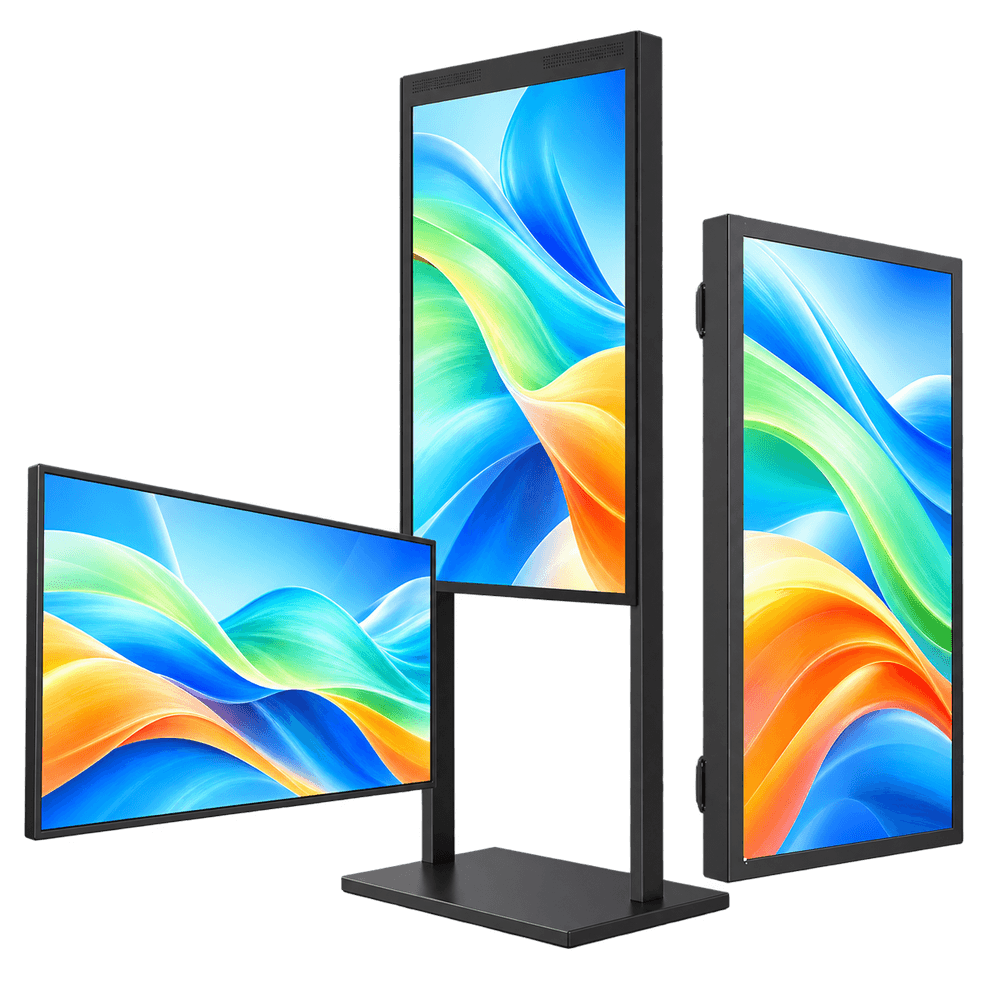
Explore High Brightness Displays and Window Facing Displays for relevant system directions.
When Direct-View LED Is a Practical Choice
Evaluate direct-view LED when modular size, a large image surface or a particular architectural layout is important. Match pixel pitch and native resolution to the smallest content and viewing distance, not just the available wall area.
Plan the supporting structure, power and signal routing, processing, service access and replacement strategy before committing to the layout. Front-service and rear-service systems have different clearance requirements; confirm the selected construction.
For visually continuous walls, installation accuracy and calibration matter. “Seamless” should not be interpreted as a promise that module boundaries can never be noticed under any content or viewing condition.
Use a suitable indoor or outdoor product, then validate the complete installation. Check dimming and content behavior for changing ambient conditions rather than running maximum brightness at all times.
Meeting Rooms: LCD Interactive Flat Panel or All-in-One LED Display?
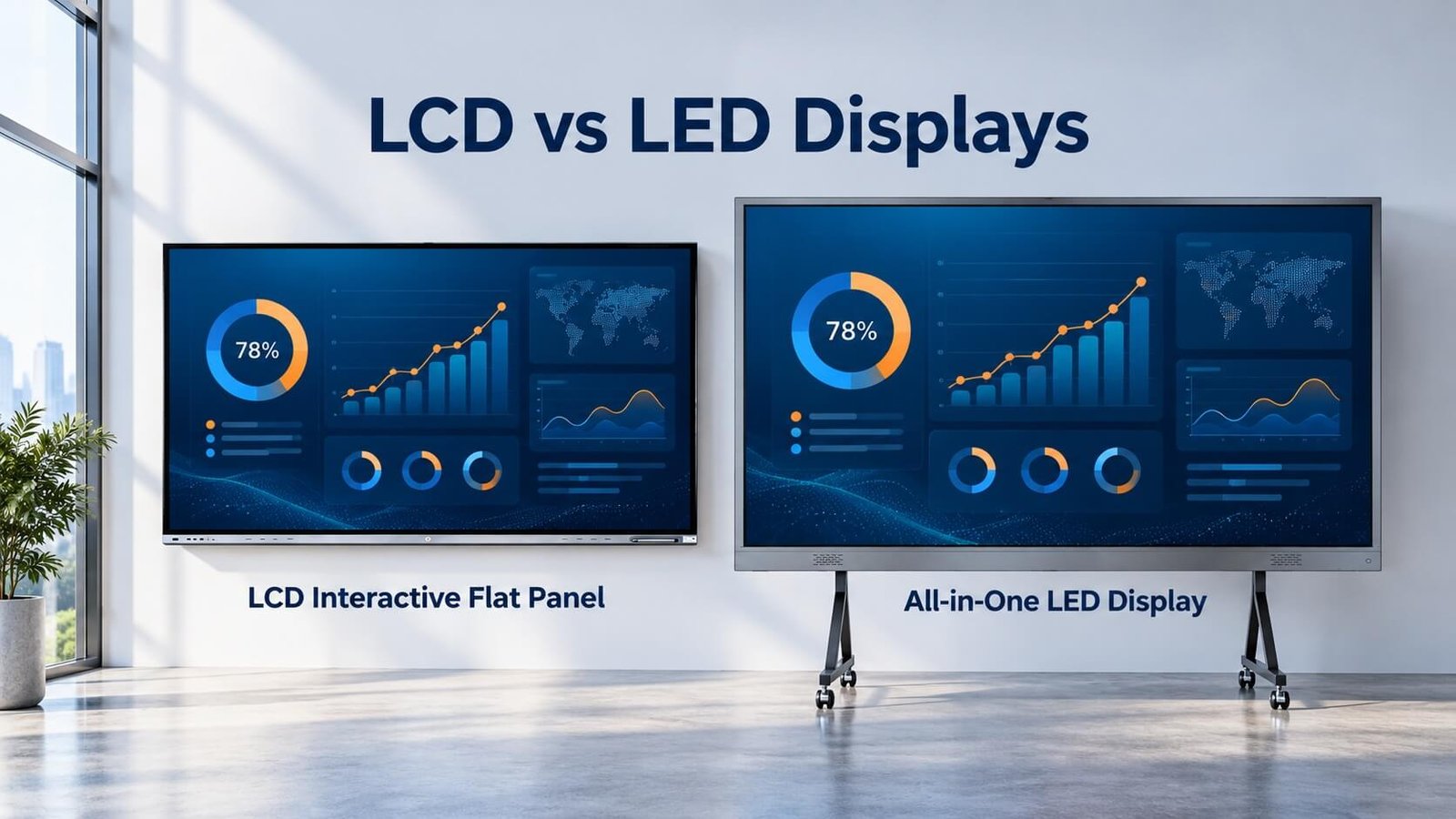
A meeting room makes the LCD-versus-LED distinction concrete. An LCD interactive flat panel combines an LCD image with an interactive system. An all-in-one direct-view LED display packages an LED display system for presentation use. The appropriate choice depends on the room, content and required interaction—not the technology name alone.
LCD Interactive Flat Panel
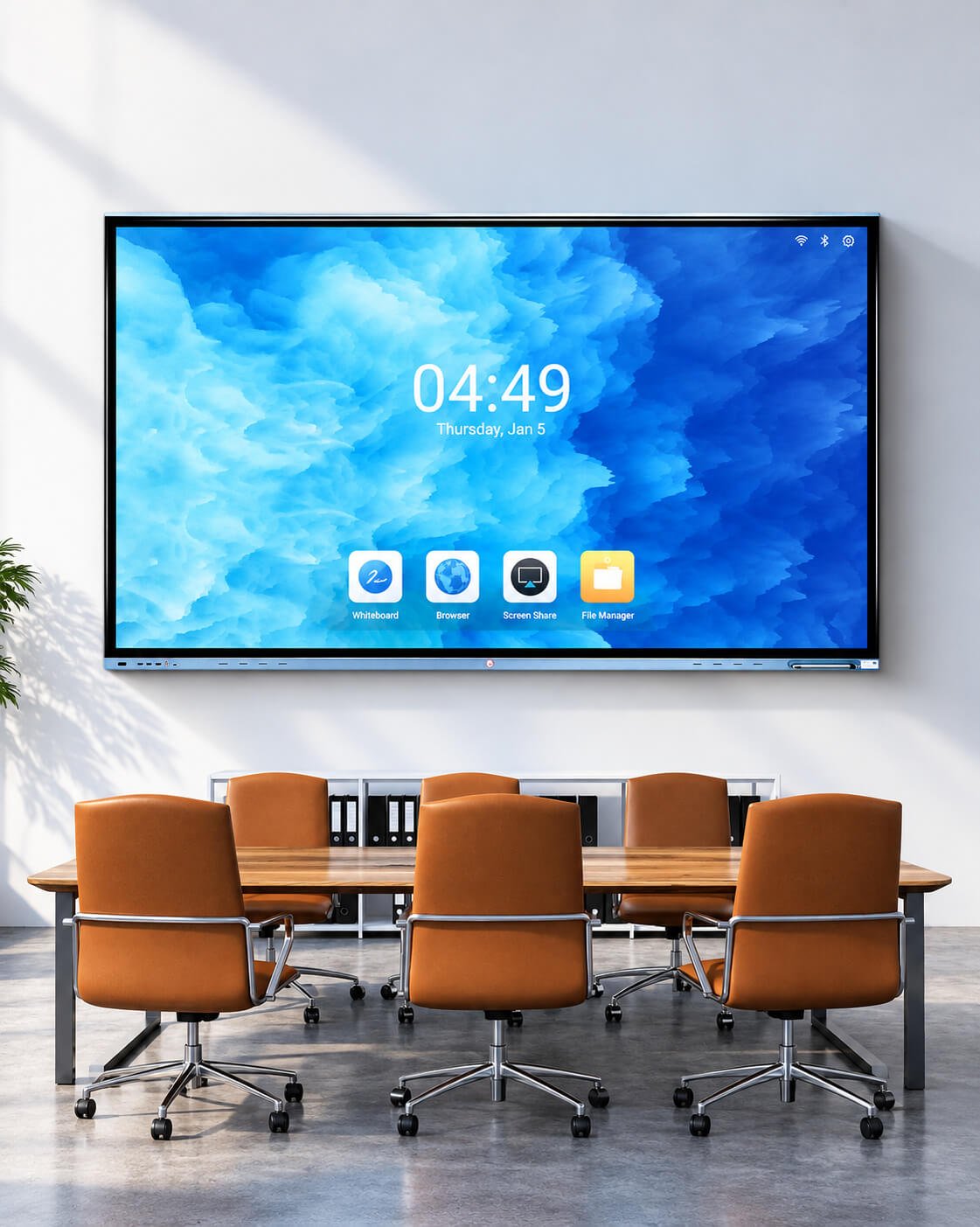
An LCD interactive flat panel is a practical direction when users need to approach the screen, write or annotate, and work with detailed meeting content. Confirm the exact touch system, writing behavior, operating system, software and external-computer compatibility for the selected configuration.
Test a spreadsheet, presentation and writing task from both the front of the room and the farthest seat. Include the actual touch or cover-glass assembly when evaluating reflections and legibility. Camera, microphone, conferencing applications and wireless sharing must be checked separately rather than assumed from the word “interactive.”
Explore LCD Interactive Flat Panels
All-in-One LED Display
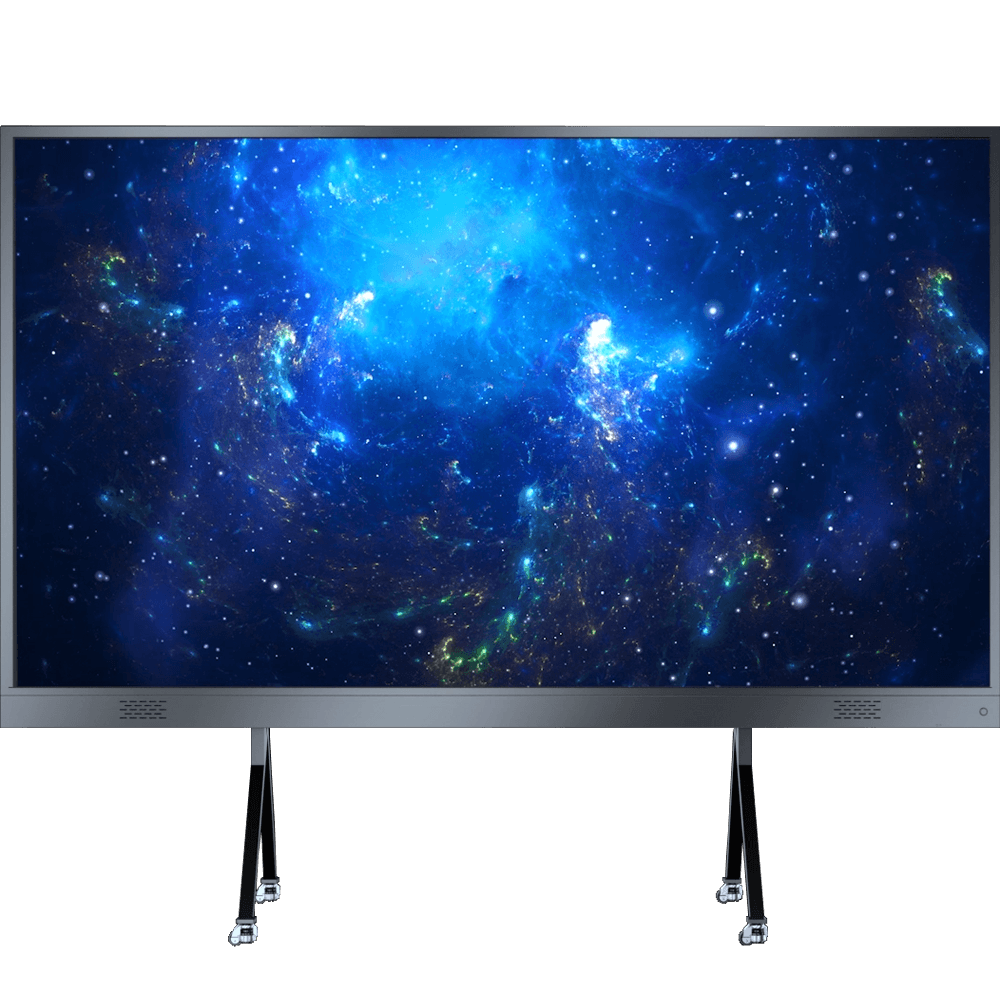
An all-in-one LED display is a direction to evaluate when a larger presentation surface is important. Its image is formed by direct-view LEDs, rather than an LED-backlit LCD panel. Confirm the available size, pixel pitch, native resolution, processing and mounting arrangement for the proposed model.
Use the smallest intended text to assess the result from the nearest and farthest seats. Review power, delivery access, installation, service space and spare-module support. “All-in-one” describes product packaging; it does not guarantee touch, handwriting, a built-in computer or compatibility with every conferencing platform. Confirm these features explicitly if required.
Explore All-in-One LED Displays
| Meeting requirement | Direction to evaluate | Sample check |
|---|---|---|
| Frequent close-up writing and annotation | LCD interactive flat panel | Touch accuracy, writing feel, software and readable detail |
| A larger shared presentation surface | All-in-one direct-view LED display | Pixel pitch, native resolution, text size and viewing distance |
| Hybrid meetings and wireless sharing | Either, with the right system configuration | Computer, camera, microphone, sharing and platform compatibility |
Send DisplayMan the room dimensions, seating plan, viewing distances, representative content and interaction requirements to review a suitable configuration.
Transparent LCD vs Transparent LED
Both can present digital content while allowing a view of something behind the display, but they use different optical arrangements.
A transparent LCD showcase relies on the light passing through the panel and the display environment. Cabinet lighting, the object being shown, rear background and masking influence the result. The illuminated physical product is part of the visual system.
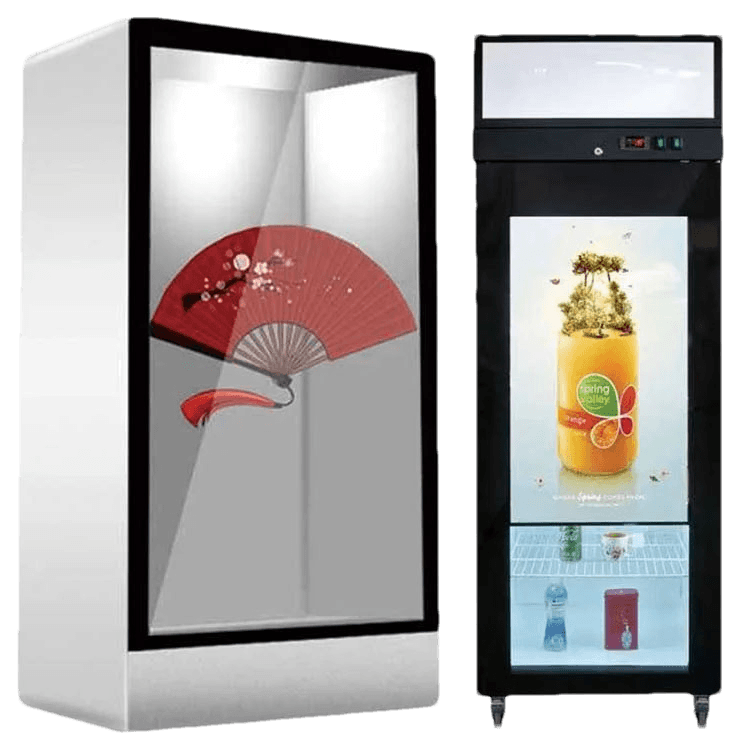
A transparent LED display emits its own image while leaving light-transmitting areas in the structure. Its pitch, emitter layout, viewing distance, background illumination and structural elements affect both image visibility and the view through it.
| Requirement | Direction to evaluate | What must be checked |
|---|---|---|
| A lit product cabinet with relatively close viewing | Transparent LCD | Object lighting, text detail, background and cabinet geometry |
| A larger transparent advertising surface | Transparent LED | Pitch, content scale, transmission, background and structural mounting |
| A see-through installation with fine detail requirements | Compare qualified transparent technologies | Actual pixel density, optical sample, brightness and budget |
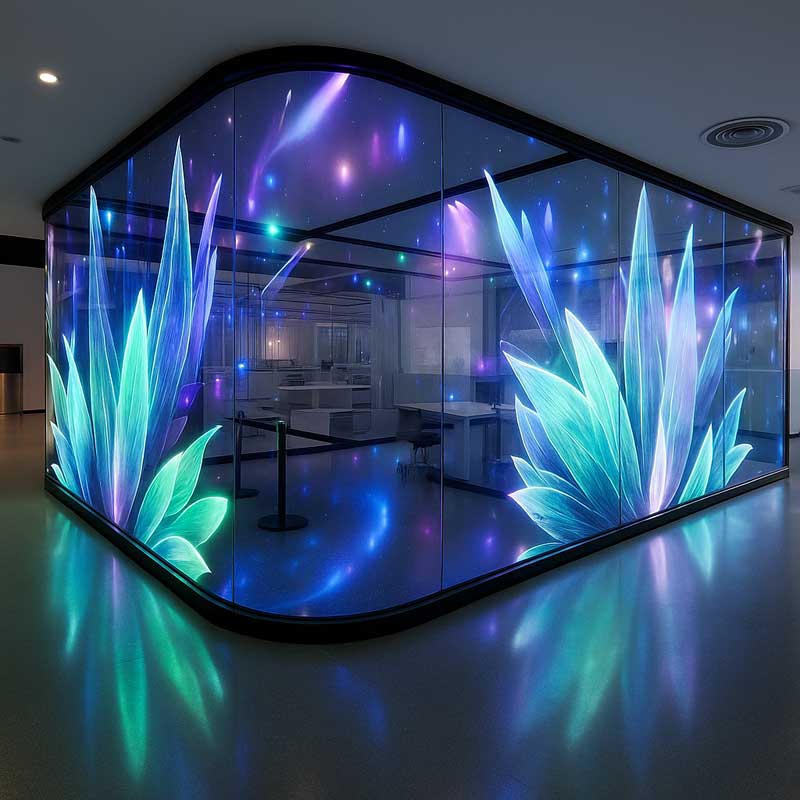
A transparency percentage needs a stated method and configuration. Do not compare measurements taken on different areas or with different cover-glass and support arrangements as if they were identical.
Explore Transparent LCD Displays, Transparent LED Displays and the Transparent LCD vs OLED Cabinet Guide.
Mini LED, Micro LED and OLED: Where Do They Fit?
Mini LED describes LED scale, not a complete imaging architecture by itself. A Mini LED-backlit LCD still uses liquid crystals to form the image. More local-dimming zones can improve control of the backlight, but do not make it a self-emissive OLED panel or guarantee that blooming disappears.
For this LCD backlight direction, explore Mini-LED Backlit LCD Displays. Confirm the selected product’s local-dimming configuration, control and optical performance.
The term Mini LED can also appear in direct-view products. Ask what actually forms the image rather than classifying the system by LED size alone.
Micro LED is another distinct product direction. Do not assume that a transparent LED film, a fine-pitch LED wall and a transparent Micro LED panel have interchangeable chip structures or specifications. Verify the actual product, resolution, pitch and optical performance.
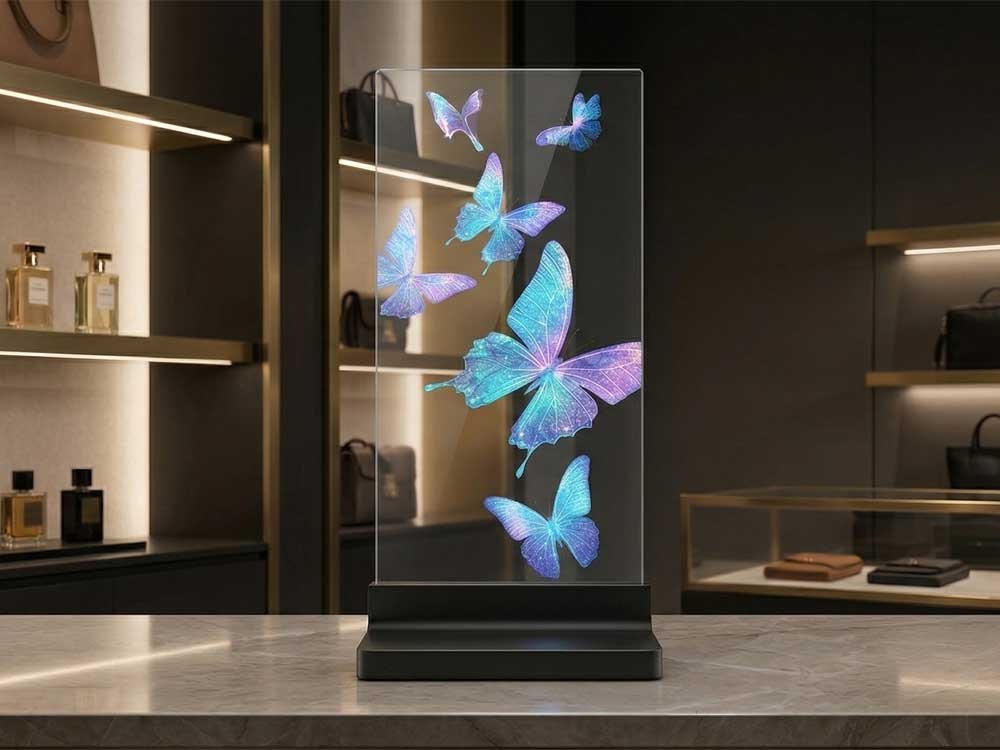
For DisplayMan’s high-end transparent direction, see Transparent Micro LED Displays. For an organic self-emissive comparison, read LCD vs OLED Displays.
Installation, Maintenance and Total Project Cost
A useful quotation defines more than the visible screen. Compare the delivered scope and the work required to commission and maintain it.
- Display modules or panels, controller/processor and media input requirements.
- Structure, mounting, enclosure, front glass and installation access.
- Power distribution, signal wiring, ventilation and applicable environmental provisions.
- Content resolution, mapping, scaling and commissioning.
- Spare parts, batch matching, service access and replacement procedures.
- Warranty terms, shipping, installation responsibility and expected operating costs.
For an LCD wall, account for panel boundaries and how content crosses them. For LED, account for module/cabinet alignment, spare inventory and color matching after replacement. Neither maintenance model is universally simpler or cheaper.
A display’s usefulness over time depends on whether the supplier can support the delivered assembly and communicate relevant changes. Agree the reference sample and final inspection conditions before production or installation.
Commercial Display Enquiry Checklist
Send the following to make a technology recommendation and quotation meaningful:
- Intended application and representative content, including the smallest text.
- Available active width and height, orientation and physical constraints.
- Normal viewing distance and likely viewing angles.
- Indoor, window-facing or outdoor environment, with photographs or drawings.
- Lighting conditions, operating schedule and brightness/dimming requirements.
- Transparency requirement and what must remain visible behind the image.
- Video input, control system, touch and other integration needs.
- Power, thermal, installation and service-access constraints.
- Quantity, budget range and desired sample/production schedule.
DisplayMan can review whether high-brightness LCD, transparent LCD, transparent LED or a more specialized technology fits the project. Final suitability should be established with the exact product specification and representative sample or installation review.
Frequently Asked Questions
Is an LED monitor an LCD?
Often yes: an LED-backlit monitor uses an LCD imaging panel with LED illumination. A direct-view LED display is a different architecture. Check the product description.
Which is better for small text?
Compare actual pixel density and the text at the intended viewing distance. LCD is often practical for compact detailed interfaces; a suitable fine-pitch direct-view LED system can also display detailed content.
Is LED always brighter or cheaper to run?
No. Compare rated and sustained brightness under stated conditions and complete-system consumption using representative content. Product size and operating settings matter.
Can a high-brightness LCD be installed outdoors without an enclosure?
Do not assume so. Brightness is not a weather-protection rating. Review the exact product and complete environmental/mechanical design.
Can transparent LED replace a transparent LCD cabinet directly?
Usually the optical arrangement, content, pitch, mounting and electronics need to be reconsidered. They should not be treated as interchangeable components.
Does LED last forever or avoid all image-quality issues?
No. Emitters, power supplies and other electronics can age or fail, and uniformity can change. LCD systems also need appropriate lifecycle and service planning. Use product-specific conditions and warranty terms.
From guide to product
Explore Related Display Products
Explore product directions that match your content, viewing environment and installation requirements.
High Brightness LCD Displays
Review modules and complete display directions for bright environments, with power, optics and installation checked together.
Explore product options →Transparent LED Displays
Explore see-through LED directions with pitch, viewing distance, background visibility and mounting reviewed together.
Explore product options →Transparent LCD Displays
Review cabinet and refrigeration display directions where lighting, physical objects and digital content work together.
Explore product options →Project review
Find the Right Display Direction for Your Project
Send your application, content, image dimensions, viewing distance, lighting conditions, quantity and installation drawings. DisplayMan can review high-brightness LCD, transparent LCD and transparent LED directions.
Prefer to open the enquiry form here?
Technical References and Further Reading
- Samsung Semiconductor: LCD backlight units, including LED illumination
- Samsung: Direct-view LED technology and system components
- LG Business Solutions: LCD, direct-view LED and OLED architecture comparison
References explain technology or illustrate particular products. Interface, optical, lifetime and commercial specifications must be confirmed for the exact module; examples are not universal architecture limits.