
Buying Guides & Project Review · Glove Touch
Choose the Touchscreen Around the Working Glove
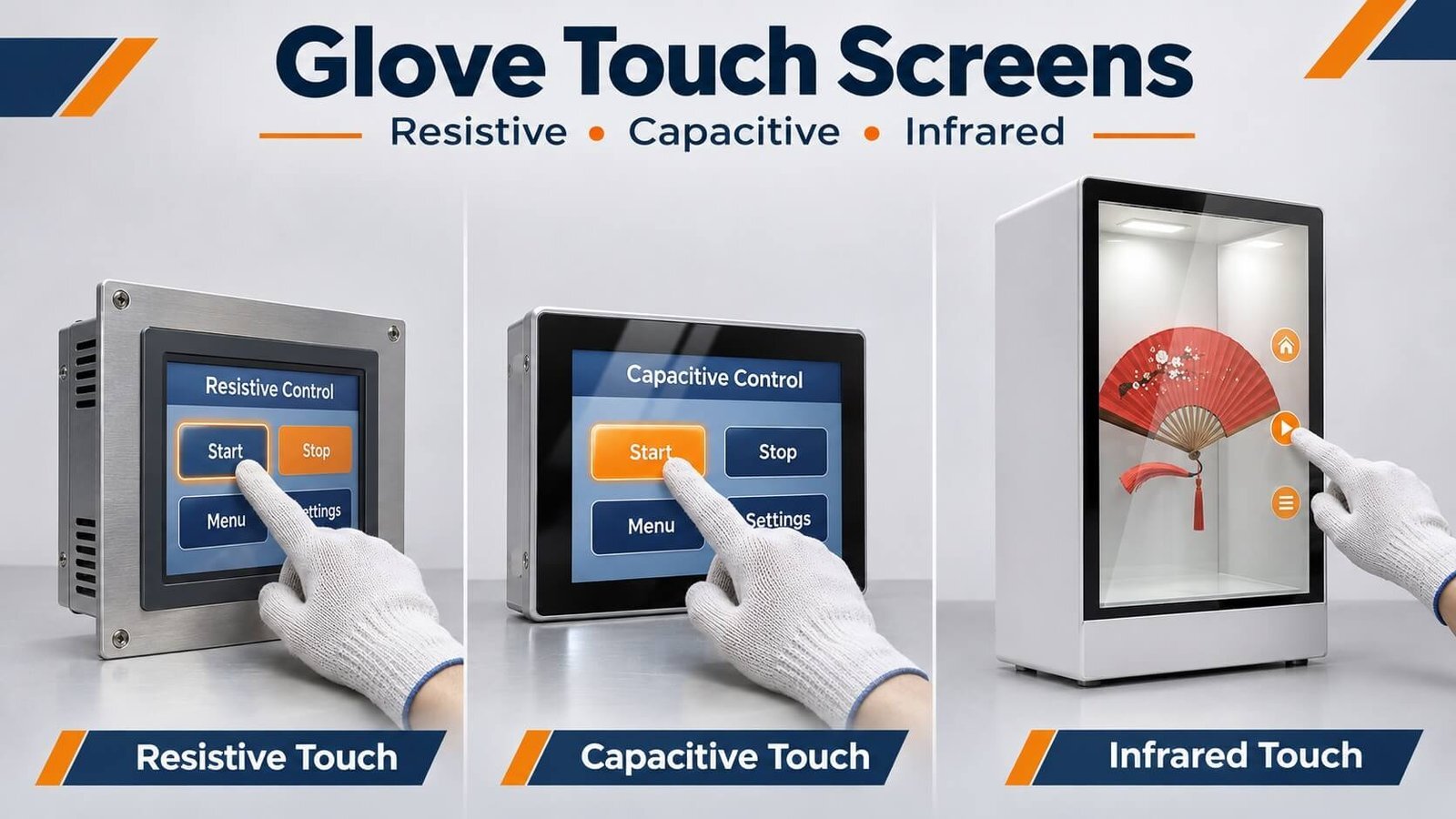
For equipment operated regularly with work gloves, choose the technology around the display size and task. Consider resistive touch for compact single-touch controls, infrared touch for large-format glove-operated displays, and suitably configured capacitive touch where its glass-front interface and gesture capabilities fit the project.
We have personally operated a suitable capacitive touchscreen with ordinary cotton gloves. The glove thickness was not measured. This guide explains how to turn that practical requirement into technology selection and repeatable OEM sample testing.
1. Choose the Touch Technology Before Tuning
For an existing smartphone or tablet, buying conductive touchscreen gloves can be a convenient way to improve operation. An OEM equipment project offers a different opportunity: choose the touch technology around the operator’s normal working gloves.
For compact equipment where operators wear gloves and mainly press buttons, enter numbers or select menu items, start by evaluating resistive touch. For large interactive displays, include infrared touch in the review. If the product needs a glass front surface and multi-touch gestures, evaluate a glove-capable projected capacitive configuration.
| Operating requirement | Practical starting point |
|---|---|
| Compact equipment with frequent glove use and simple single-touch controls | Resistive touch |
| Large-format displays operated with ordinary work gloves | Infrared touch |
| Large displays requiring wet-glove input | Evaluate infrared touch with the intended gloves and installation |
| Different glove materials used by different operators | Resistive touch; confirm practical activation pressure and input accuracy |
| Multi-touch gestures and a glass front surface | Projected capacitive touch with suitable controller and tuning |
| Occasional ordinary cotton-glove operation | Evaluate a glove-capable capacitive configuration |
| Very bulky gloves and small on-screen controls | Review both the touch technology and the user interface |
See our Capacitive vs Resistive Touchscreens guide for the broader technology comparison. This article focuses on glove requirements and sample evaluation.
2. Why Resistive Touch Works with Ordinary Gloves
A resistive touchscreen detects contact when pressure brings two conductive layers together. It does not require the operator’s finger to couple electrically with a capacitive sensor.
The glove therefore does not need a conductive fingertip. Cotton, rubber, leather and insulated gloves can provide input when the operator applies sufficient pressure. A suitable blunt stylus can also be used.
From our project experience, resistive touch should be a first consideration when wearing gloves is part of the normal working process and the interface needs simple single-touch commands. This can be more direct than choosing a bare-finger capacitive panel and trying to add glove support afterward.
Glove bulk still affects usability. A screen may detect the pressure correctly while the operator struggles to select a small button. Confirm comfortable activation force and button accuracy using the actual glove. Avoid sharp tools that can damage the touch surface.
Explore our 4-wire and 5-wire resistive touch panels when pressure-based input fits the project.
3. Infrared Touch for Large Displays and Wet-Glove Operation
Infrared touch is a practical option for large displays operated with ordinary work gloves, including wet gloves. It detects interruption of infrared beams rather than relying on skin conductivity. The glove does not need a conductive fingertip, and the user does not need to press sensor layers together.
For large interactive equipment, infrared touch deserves consideration early in the design. These are common selection directions rather than fixed size limits: capacitive touch is also available for large-format displays.
Our 75-Inch Transparent LCD Experience
At DisplayMan, we use a 75-inch transparent LCD display cabinet with infrared touch in our office. In our hands-on use, handwriting and tapping are accurate and responsive. Infrared touch should not automatically be dismissed as inaccurate simply because it uses a perimeter touch frame.
For OEM projects, confirm the actual frame, mounting, target sizes and required gestures. A bulky glove can make small controls difficult to select even when the sensor detects it correctly.
Specify Wet-Glove Operation as a Project Requirement
If operators wear wet gloves, include this in the operating specification and evaluate the intended glove on the final installation. Test repeated taps, continuous writing and dragging as required by the application.
Wet-glove input and equipment waterproofing are separate requirements. Water obstructing the infrared frame’s optical windows or sensing plane also needs separate evaluation. Glove compatibility alone does not establish unrestricted performance under rain or standing water.
Review our Infrared Touch Frames for large-format interactive projects.
4. Our Experience with Cotton Gloves on Capacitive Touch
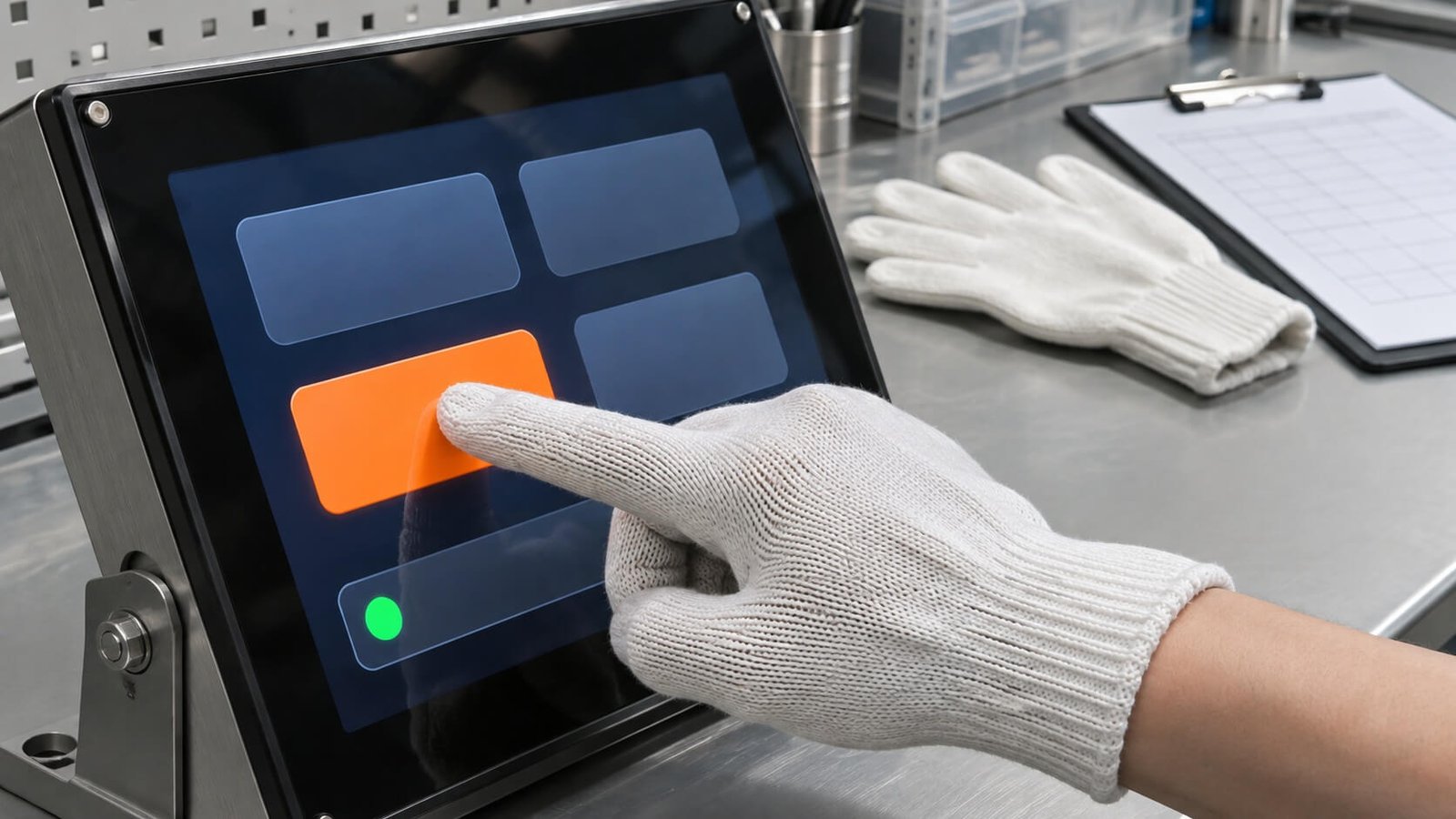
We have personally operated a suitable capacitive touchscreen while wearing ordinary cotton gloves, and it responded normally. The gloves did not need special conductive fingertips.
The glove thickness was not measured, so this observation is not a maximum-thickness specification. It demonstrates that ordinary cotton-glove operation is achievable with an appropriate capacitive configuration.
Projected capacitive touch detects changes in capacitance caused by a finger interacting with the sensor’s electric field. It does not simply measure the body’s natural electrical charge. An insulating glove can weaken the useful coupling, but it does not automatically make every capacitive touchscreen unusable.
The practical result depends on the glove, cover glass, sensor, controller and firmware. A standard panel configured only for bare fingers should not automatically be treated as a glove-touch product.
5. Glove-Capable Controllers: The HY463x(B) Example
The touch controller should be selected with glove operation in mind. Support for this requirement is a hardware and firmware consideration, rather than an assumption based on the appearance of the glass.
For example, the HYCON HY463x(B) V4.0 datasheet supplied for our technical review explicitly lists gloved-finger operation in its feature list on page 4. This is an example of a controller family that includes glove support.
The feature list does not establish a universal glove thickness or guarantee compatibility with every cotton or work glove. The sensor and cover assembly still need to be matched to the controller and evaluated with the intended firmware.
For a new design, confirm the appropriate controller model, panel compatibility and current supply status with the supplier. The example above illustrates the selection principle; it is not a promise that every DisplayMan panel uses this IC.
Our PCAP Customization & Tuning guide explains the wider sensor, controller and assembly relationship.
6. Identify the Actual Glove Material and Construction
“Works with gloves” is an incomplete requirement. Identify the gloves people actually wear, including their fingertip construction and whether operators use more than one layer.
| Glove type | What to inspect and test |
|---|---|
| Ordinary cotton gloves | Knit density, thickness, fingertip seams, fit and differences between suppliers |
| Disposable nitrile, latex or vinyl gloves | Material, fit and single- or double-layer use |
| Coated work gloves | Coating material and the construction of the fingertip |
| Leather gloves | Thickness, stiffness, seams and contact area |
| Insulated winter gloves | Multiple layers, bulk and the ability to select controls accurately |
| Conductive touchscreen gloves | Conductive fingertip position, contact with the wearer and performance after wear |
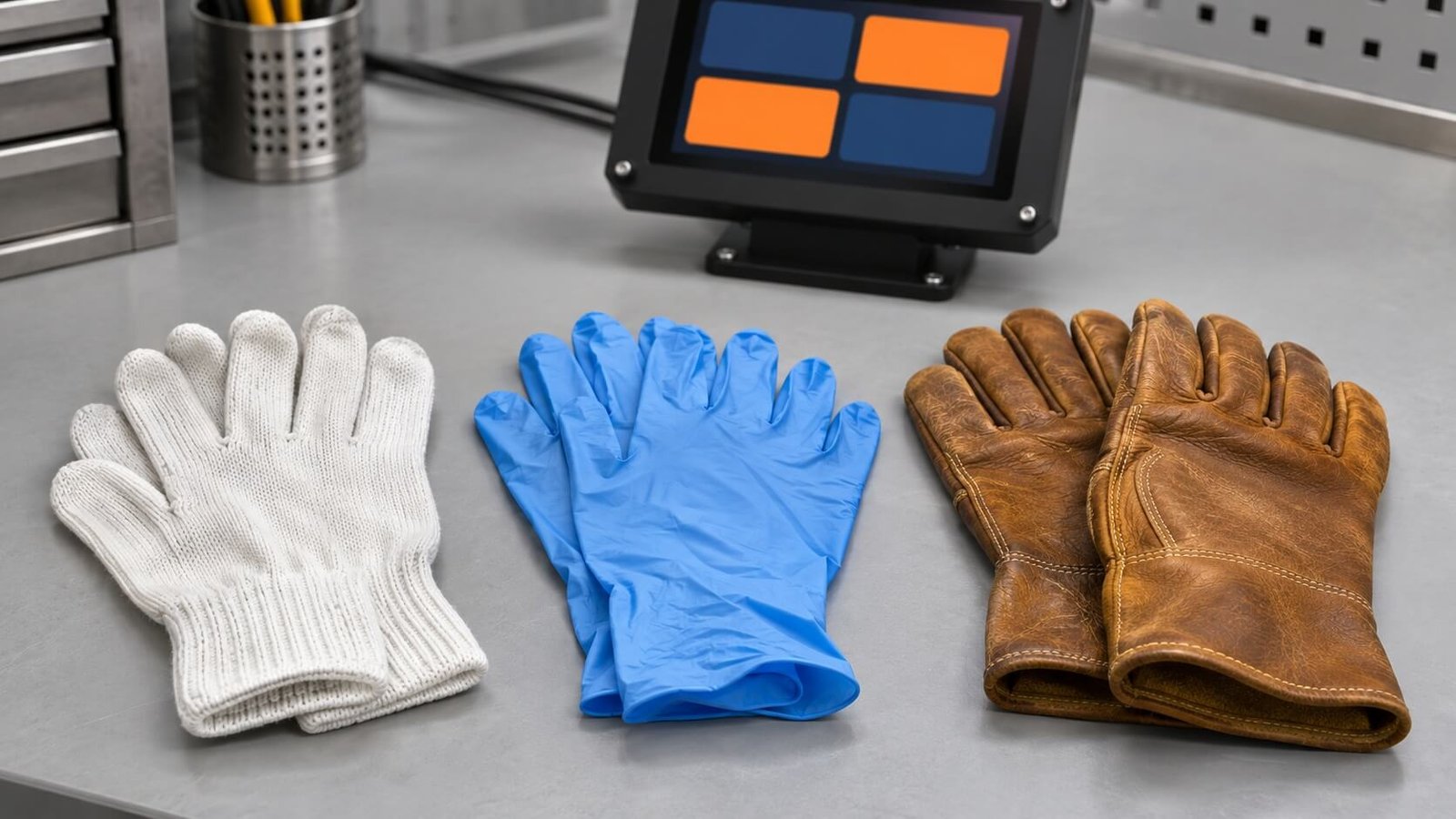
For resistive touch, these differences mainly affect pressure transfer and operating accuracy. For capacitive touch, they can also change signal strength and consistency.
Send a physical glove sample whenever practical. A photograph helps identify the general type, but cannot establish how the actual material behaves during operation.
7. Thickness, Fit and Conductive Fingertips
Maximum glove thickness is a useful specification only when the test conditions are clear. Two gloves of similar thickness can behave differently because of their material, construction and fit.
A loose fingertip can introduce an air gap. Seams and reinforced fingertip areas can also change the contact geometry. Record the glove model and size along with thickness where available.
Conductive touchscreen gloves use conductive material in selected contact areas to help capacitive coupling. They can be a practical accessory for an existing device, but customers may not be able to change workplace gloves simply to suit a screen.
For an OEM project, establish whether the equipment must work with an existing approved work glove. Choose the touch solution around that requirement before suggesting a different glove.
If the thickness is unknown: retain a reference sample and describe the tested result honestly. “Normal operation with the approved cotton-glove sample” is more useful than an invented millimeter limit.
8. Sensitivity Must Be Balanced with Reliable Input
Increasing sensitivity can help a capacitive controller detect a weaker gloved-finger signal. However, the system must still reject noise and unintended contacts.
The objective is reliable operation throughout the intended workflow. It is not simply the highest sensitivity setting.
- Check repeated taps and continuous dragging with the glove.
- Look for missed touches, unwanted input and inaccurate coordinates.
- Confirm bare-finger operation if users switch between gloves and bare hands.
- Run the display, backlight and final power supply during evaluation.
- Record the controller and firmware configuration used for approval.
If a configuration responds on a development bench but fails in the enclosure, investigate the complete assembly, grounding and electrical environment as well as software settings.
If the application also involves wet hands, evaluate that requirement separately. This glove guide does not treat dry cotton-glove operation as proof of wet-glove performance.
9. Test the Actions Operators Actually Perform
A successful tap on one large button does not prove every required action works. Test with the real application layout and normal working posture.
| Required action | Suggested evaluation |
|---|---|
| Large-button selection | Repeated taps across the active area |
| Numeric entry | Complete entry sequences on the actual keypad |
| Small controls | Selection of the smallest required buttons without adjacent activation |
| Long press | Stable contact for the required duration |
| Dragging and scrolling | Continuous tracking without unexpected release |
| Multi-touch gestures on PCAP | Required finger combinations while wearing the specified glove |
| Bare-finger / glove transitions | Reliable behavior when operators change input method |
Test edges and corners as well as the center. Include the mounting angle used on the equipment.
Larger buttons and adequate spacing can improve gloved operation substantially. For input planning, see our PCAP Touch Interface Guide.
10. Evaluate the Final Cover and Display Assembly
For capacitive touch, the cover is part of the sensing path. A result with a thin reference cover does not establish the same performance through thicker production glass.
Evaluate the intended cover thickness, sensor, adhesive stack, controller and firmware together. Include the final display, enclosure, cable routing, host and power supply before approval.
For resistive touch, check that mounting and bezel pressure do not cause unwanted activation, and that the operator can reach the required controls comfortably.
When selecting a complete module, review our Custom LCD Module Solution. For assembly options, see Optical Bonding vs Air Gap.
11. Agree on a Repeatable Glove-Touch Test
“Glove mode enabled” describes a configuration. Approval should show whether people can perform the required tasks reliably.
| Record | Information to agree |
|---|---|
| Glove identification | Manufacturer, model, size, material or retained reference sample |
| Glove condition | New or worn, single or double layer; dry operation for the baseline test |
| Hardware configuration | Sensor, cover thickness, controller, display and mounting |
| Software configuration | Firmware, tuning file, host OS and application version |
| Required actions | Taps, numeric entry, long press, dragging and required gestures |
| Test positions | Center, edges, corners and frequently used controls |
| Operating conditions | Relevant temperature, equipment state and electrical loads |
| Pass criteria | Agreed limits for missed touches, unwanted input and tracking failures |
Use the same glove samples and test sequence when comparing alternatives. Keep an approved reference unit and configuration for production checks.
Recheck performance after changes to the glove, cover, sensor, controller, firmware, display or installation. A changed assembly should not inherit approval automatically.
12. What to Send Before a Glove-Touch Quotation
- Application: what the equipment does and who operates it.
- Gloves: material, model, photographs and preferably physical samples.
- Frequency: occasional glove use or gloves worn throughout the working day.
- Input: single-touch buttons, numeric entry, dragging or multi-touch gestures.
- Mechanical requirements: display size, cover requirements and available drawings.
- Integration: host interface, operating system and existing controller if applicable.
- Project scope: sample quantity, production forecast and approval requirements.
DisplayMan can review whether resistive touch provides the simpler route or whether a glove-capable capacitive assembly better fits the product. Start with our Custom Touch Glass Solution for touch-panel and cover requirements.
13. Frequently Asked Questions
Do resistive touchscreens work with ordinary gloves?
Yes. Resistive touch responds to pressure, so the glove does not need a conductive fingertip. Confirm comfortable activation and accurate selection with the actual glove.
Can a capacitive touchscreen work with cotton gloves?
Yes, with a suitable configuration. We have personally operated one with ordinary cotton gloves. Their thickness was not measured, so this is not a maximum-thickness specification.
Do I have to buy special touchscreen gloves?
Not necessarily. They may help with an existing capacitive device. An OEM design can instead use resistive touch or a capacitive configuration validated for the required ordinary gloves.
Can every capacitive touchscreen be tuned for gloves?
No. The sensor, controller and cover stack must support the required signal conditions. Firmware tuning alone cannot guarantee compatibility.
Which technology should I consider for frequent work-glove use?
For compact single-touch controls, start with resistive touch. For large interactive displays, include infrared touch. Evaluate glove-capable capacitive touch when its glass-front construction and gesture capabilities fit the project.
Should I specify a maximum glove thickness?
Use a measured thickness where available, together with glove material, model, fit and the approved test procedure. A thickness number alone is incomplete.
Explore Related Display Products
Choose a touch component, integrated display module or complete terminal according to your project scope.
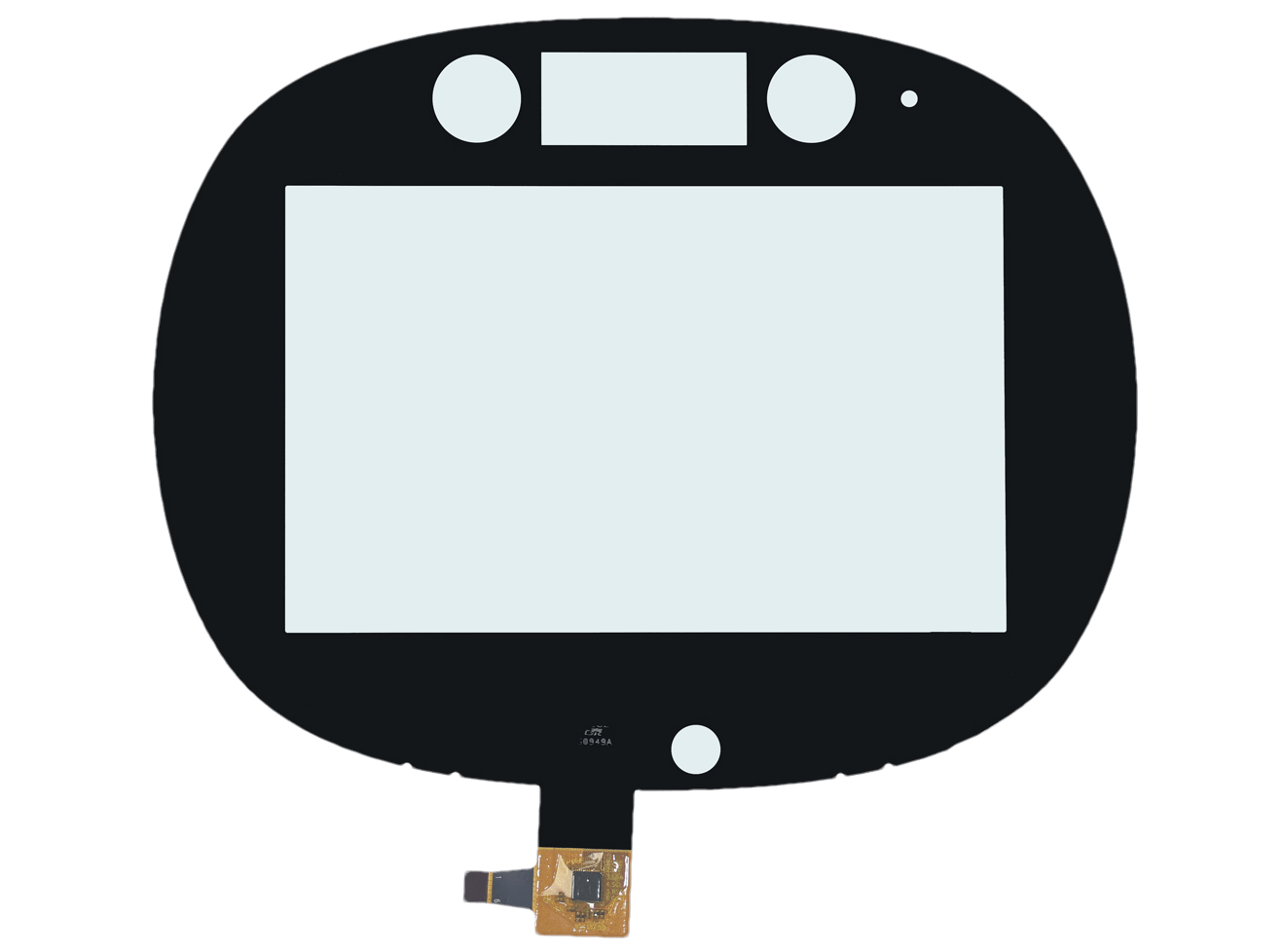
Capacitive Touch Panels
Review sensor construction, cover glass, controller and input requirements.
Explore product options →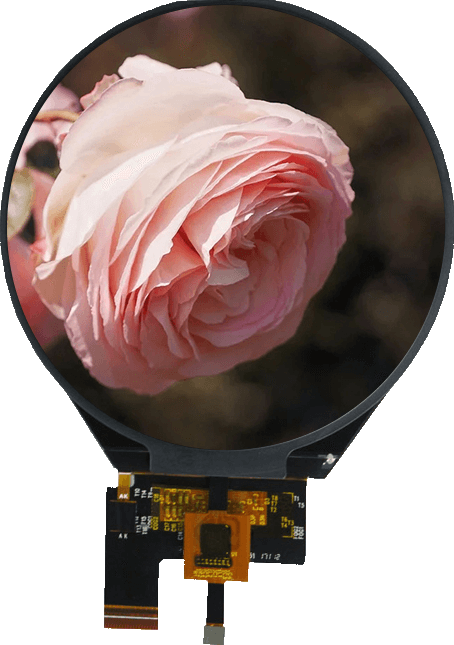
Touch Screen TFT LCD Displays
Select the display and touch assembly together around your host system.
Explore product options →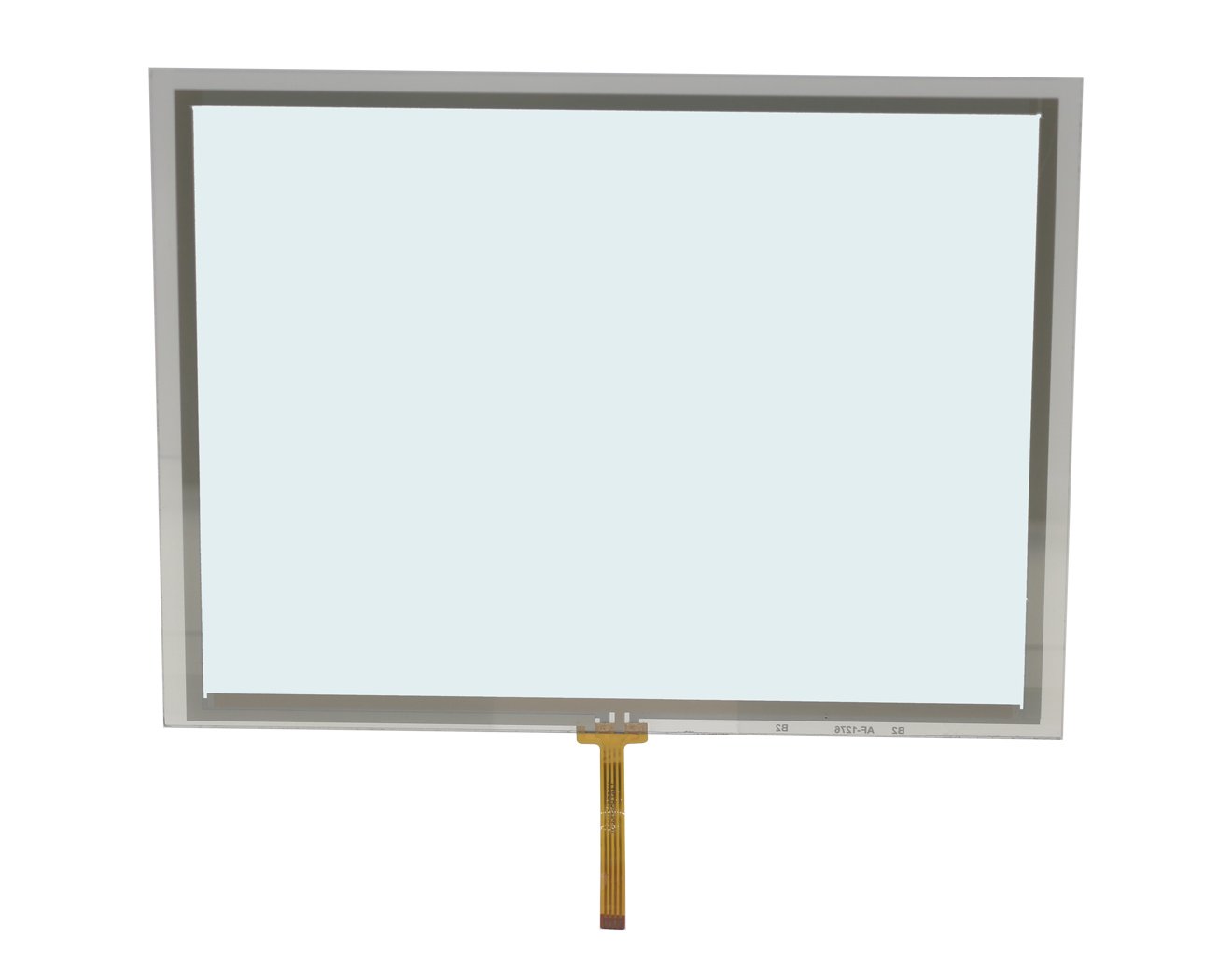
Resistive Touch Panels
Consider pressure-based operation for ordinary gloves and single-touch controls.
Explore resistive touch panels →Project review
Review Your Glove-Touch Requirements
Send your glove samples, display size, required actions, host interface and production quantity. DisplayMan can review resistive, capacitive and infrared options around the real operating task.
Prefer to open the enquiry form here?
Related Guides and Engineering Support
PCAP customization and tuning · Capacitive vs resistive touchscreens · PCAP input and gestures
Custom Touch Glass Solution · Custom LCD Module Solution · Optical Bonding Display Solution
Technical basis: DisplayMan project experience and the HYCON HY463x(B) English datasheet, V4.0, page 4, supplied for technical review. The controller example does not establish a universal glove specification. Article illustrations depict example setups rather than recorded test results.