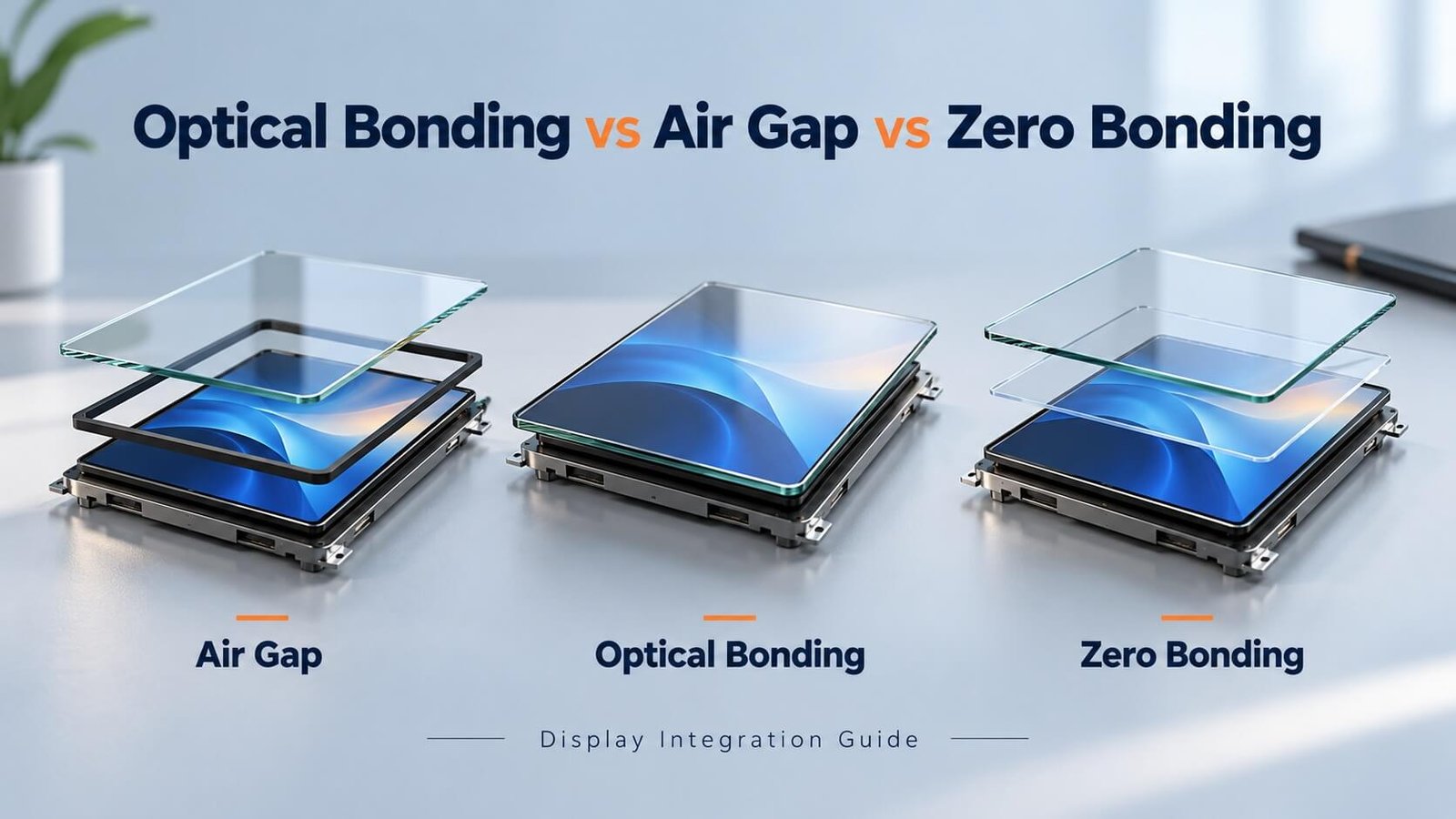
Display integration · Greg’s engineering guide
Which Bonding Method Should You Choose?
Choose optical bonding when reducing internal reflections and integrating the display stack justify the process cost. Choose an air-gap assembly when service access and simpler construction matter more. Evaluate zero bonding only after the supplier defines the actual medium and structure.
DisplayMan reviews bonding as part of a complete display assembly: cover glass, touch sensor, LCD, enclosure and operating environment. This guide preserves my original design checkpoints while explaining which values need project-specific confirmation.
1. Understand the Display Stack Before Choosing a Bonding Method
A touch display commonly includes cover glass (CG), a touch panel (TP) and a liquid crystal display module (LCM). They are not always three separate parts: some touch sensors are integrated with the cover lens or display. First identify which interface is being bonded. A cover lens bonded to a touch sensor can still sit above an air gap to the LCD.
Optical bonding replaces the air at a selected interface with a transparent adhesive. Air-gap assembly holds the layers apart with a perimeter spacer or adhesive. “Zero bonding” is a supplier-dependent description: in this guide, it refers to a transparent intermediate medium intended to reduce the optical gap without a conventional permanent full-area adhesive bond.
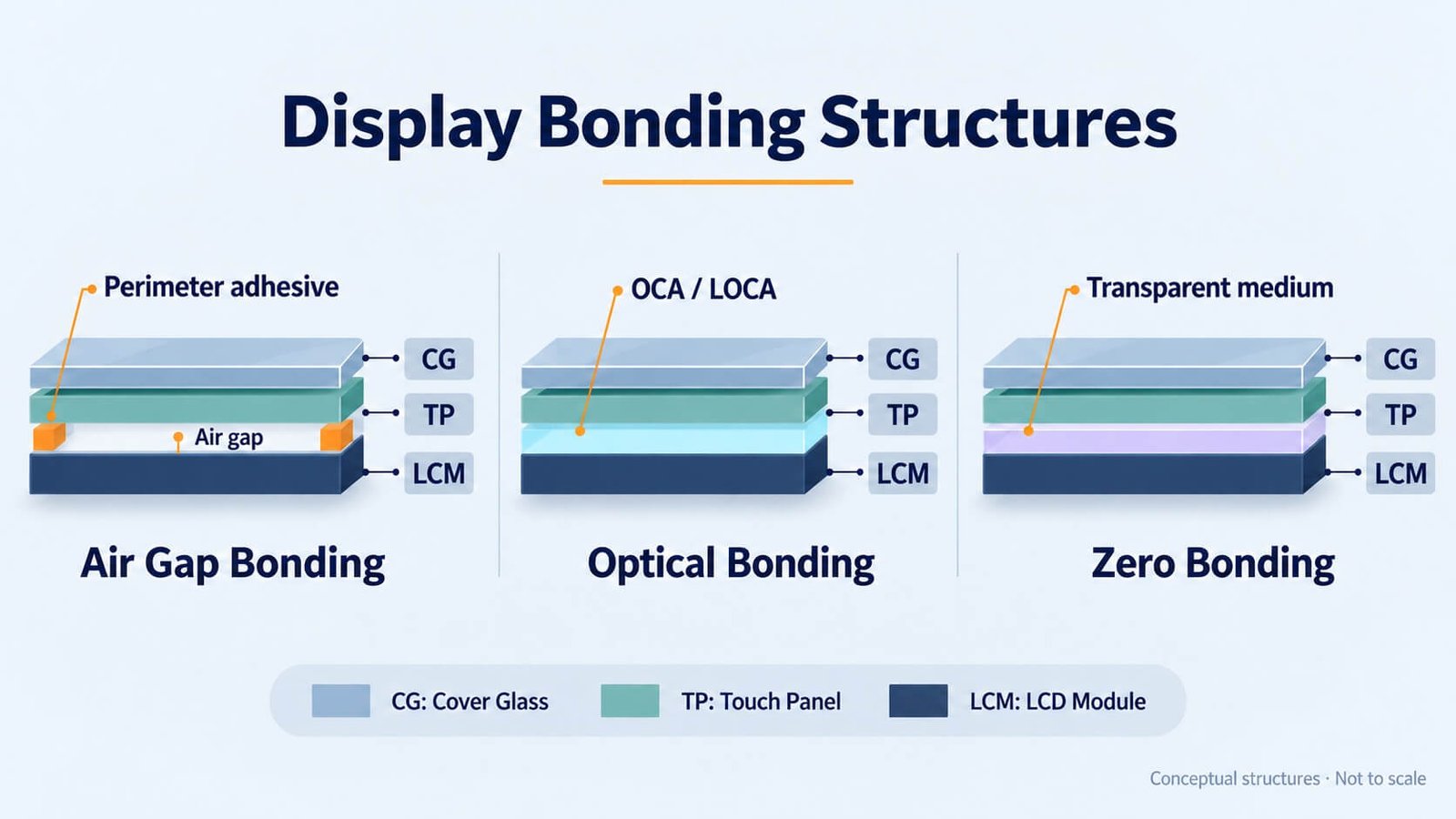
Reading the structure diagram: CG means cover glass, TP means touch panel and LCM means LCD module. The drawing compares conceptual structures; it does not specify adhesive thickness, sealing performance or the construction of every commercial zero-bonding product.
2. Optical Bonding: Benefits and Engineering Trade-Offs
Optical bonding, also called full lamination, fills the selected interface with an optically clear adhesive. OCA film and liquid optically clear adhesive (LOCA) are common routes. Index matching reduces internal reflections at that interface, helping preserve image contrast under ambient light.
- Readability: lower internal reflections can make displayed content easier to distinguish. Bonding does not increase the backlight’s electrical output or eliminate reflections from the front surface.
- Internal cleanliness: filling the interface removes the open cavity where particles or condensation might otherwise become visible. It does not make the complete display waterproof or eliminate moisture diffusion through materials and edges.
- Mechanical support: bonding can improve support between layers, but stiffness, adhesive modulus, thermal expansion and impact behavior must be validated together.
- Stack thickness: removing an air cavity can reduce thickness. The reduction depends on the original spacer and the selected bond line; there is no universal 25–50 μm adhesive thickness or fixed thickness saving.
The trade-offs are process equipment, cleanliness, material compatibility, yield risk and rework. Bubbles, contamination, incomplete curing, adhesive overflow, delamination and pressure-related display mura can all create rejects. A costly LCD makes the consequences of a bonding defect particularly important.
Touch interference needs special attention. Bringing a capacitive sensor closer to an LCD can increase coupling from display electronics. Optical bonding is not an automatic electrical-noise cure. Validate the touch controller, grounding, shielding and firmware with the intended LCD and power supply.
For bright environments, review bonding together with the actual high-brightness LCD assembly, front-surface treatment and thermal design.
3. OCA vs LOCA: Materials, Process and Cost
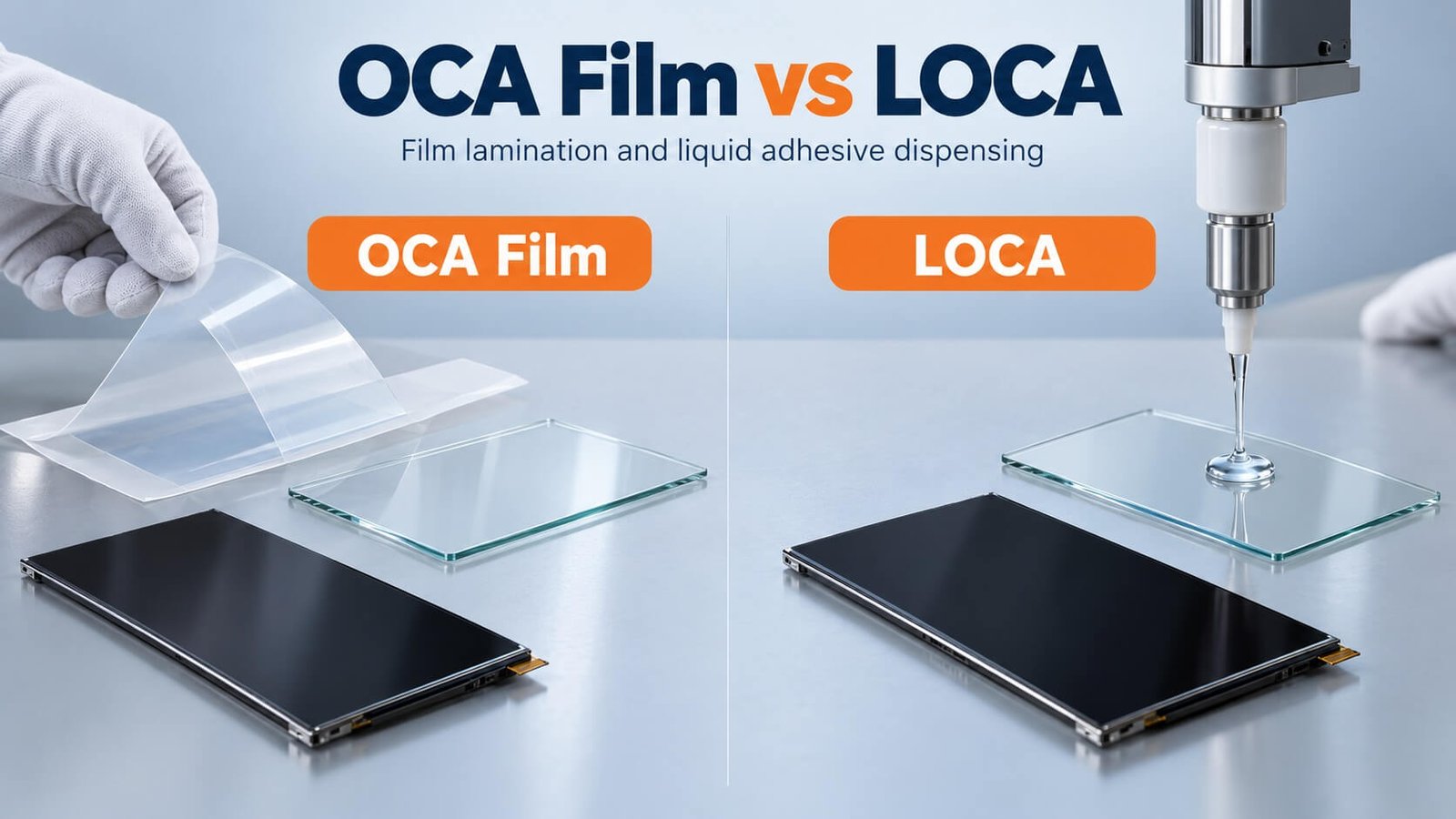
OCA means optically clear adhesive, commonly supplied as a film with release liners. LOCA means liquid optically clear adhesive, dispensed before assembly and cured using the process specified for that material. Neither name alone establishes cure chemistry, yellowing resistance or reworkability.
| Selection factor | OCA film | LOCA |
|---|---|---|
| Material preparation | Cut or convert film to the required outline | Dispense a controlled volume with an appropriate containment strategy |
| Bond-line control | Film thickness provides a defined starting point | Volume, spacers, pressure and geometry control the bond line |
| Ink steps and surface variation | Check conformability and step coverage for the chosen film | Can accommodate suitable uneven geometries when flow and curing are validated |
| Overflow | No liquid dispensing overflow; alignment still matters | Edge dams, dispensing pattern and overflow control may be needed |
| Product changes | May require a new converted outline or fixture | A material may serve several outlines, but dispensing programs and fixtures can change |
| Main process risks | Trapped air, contamination, alignment, insufficient conformity | Bubbles, leakage, incomplete cure, shrinkage and material incompatibility |
| Rework | Depends on adhesive, substrates and equipment | Depends on chemistry, cure state and separation process |
| Size and cost | Available for multiple display sizes; not restricted to small screens | Used for a range of sizes and geometries; not automatically cheaper |
OCA process flow
Inspect substrates → clean → prepare the converted film → align and laminate the first interface → remove the remaining liner → align the display → vacuum laminate or use the validated equipment sequence → de-bubble where required → inspect and test.
The original article discussed 100–200 μm OCA and thicker optical filling layers approaching 1 mm in some large assemblies. Retain these as historical design examples, not selection rules. Large displays do not universally require 1 mm OCA, and a new product does not necessarily require an expensive hard mold rather than another converting method.
LOCA process flow
Inspect and clean → condition and prepare adhesive → de-gas if required → dispense → align and close the stack → control the bond line and bubbles → cure according to the adhesive specification → inspect → perform display and touch tests.
The original LOCA example used a bond line around 1 mm with approximately 0.3 mm variation. A new project needs an approved target and tolerance rather than assuming this example is acceptable. Likewise, the original suggestion to leave transported adhesive standing for 24 hours is not a universal instruction: follow the supplier’s storage, acclimatization, pot-life, de-gassing and dispensing requirements.
Optical transmission figures such as 90% or 98% are meaningful only with defined material thickness, wavelength range and test method. Compare supplier data on an equivalent basis. Yellowing and corrosion risks also depend on the exact material and substrate combination.
4. What Does Zero Bonding Mean?
In the original article, zero bonding described a transparent medium placed between the touch assembly and LCD to reduce the optical effect of an air gap while allowing easier separation than a permanent adhesive bond.
Ask the supplier to define the construction. Is the intermediate layer a non-adhesive sheet, a gel, a low-tack material or another system? Does it make continuous optical contact? How is it retained? The label alone does not answer these questions.
Potential advantages include easier service and an optical result between conventional air-gap and full optical bonding. These are design goals, not guarantees. Test interface reflections, haze, movement, Newton rings, contact uniformity, temperature stability, dust entry and condensation.
Do not assume the medium has exactly the same refractive index as glass, that the process began in a particular year, or that it achieves a fixed yield or viewing angle. Specify the actual medium and finished-module acceptance criteria.
5. Air-Gap Bonding: Simple Assembly and Service Access
Air-gap bonding, also called perimeter or frame bonding, attaches the touch assembly to the display or its support using tape, foam, a gasket or another peripheral structure. The active viewing area retains an air cavity.
Its advantages are simpler assembly, separation of expensive components during repair, and potentially lower process cost. It can be a practical choice for controlled indoor environments where the image quality and mechanical requirements are met.
The air cavity introduces additional optical interfaces. Dust or condensation may become visible if the surrounding design does not control ingress and humidity. A narrow frame also reduces the available adhesive area and demands closer attention to load paths and compression.
If the cover or touch sensor deflects into a nearby surface, contact or a very thin varying gap can produce visible interference patterns, including Newton rings in suitable optical conditions. Prevent unintended contact through stiffness, support and clearance design rather than treating tape thickness as the only solution.
6. Compare the Three Methods for Your Project
| Requirement | Optical bonding | Zero bonding as defined here | Air-gap assembly |
|---|---|---|---|
| Internal interface reflections | Reduced with a suitable optical adhesive | Depends on medium and continuous contact | Additional air interfaces remain |
| Dust and condensation in the viewing cavity | Filled interface removes that particular cavity | Depends on retention and sealing | Requires cavity and edge management |
| Whole-unit waterproofing | Separate enclosure and sealing task | Separate enclosure and sealing task | Separate enclosure and sealing task |
| Service access | Separation can be difficult and risky | May offer easier separation; confirm process | Often easier if the mechanical design permits |
| Manufacturing complexity | Higher process-control demands | Depends on construction | Often simpler |
| Mechanical behavior | Adhesive supports and couples layers | Medium and supports govern behavior | Frame, cover stiffness and spacers govern behavior |
| Typical selection driver | Readability and integrated construction | Optical improvement with a service strategy | Cost, modular assembly and repair access |
The original comparison included pass rates of 85%, 95% and 99%, and viewing angles of 150°, approximately 140° and 105°. Those figures lacked a consistent test basis and are not used as general performance claims. Bonding can improve visibility through reduced reflections, but the LCD mode, polarizers and measurement criteria still determine viewing-angle performance.
Compare the complete cost: materials, converting, equipment, clean handling, inspection, scrap exposure and repair. A cheaper adhesive is not necessarily a cheaper finished module.
7. Optical-Bonding Mechanical Design Checklist
The following numbers preserve the original article’s engineering reference values. They are starting points for a compatible module structure, not a universal drawing specification. Check the selected LCD, touch sensor, adhesive and assembly equipment before adopting them.
| Original design checkpoint | Reference value or approach | What to confirm |
|---|---|---|
| Upper LCD polarizer above surrounding plastic frame | More than 0.05 mm in the original structure | Applicability to the chosen adhesive and frame geometry |
| Cover-glass flatness for a glass/glass touch assembly | Less than 0.15 mm | Measurement area, datum and glass size |
| Polarizer coverage beyond cover-glass viewing opening | At least 0.8 mm | Per-edge interpretation, registration and tolerance stack |
| Polarizer-to-LCD active-area position | Within ±0.2 mm | Drawing datums and inspection method |
| Polarizer-to-LCD outer-edge position | Within ±0.3 mm | Assembly reference edges |
| LCD active-area-to-outer-edge position | Within ±0.2 mm | Panel supplier capability |
| LCD outer-dimension variation | Original target less than 0.15 mm | Define whether this is total variation or a ± tolerance |
| Polarizer outer-dimension variation | Original target less than 0.15 mm | Define nominal dimensions and tolerance convention |
| LCD-module thickness variation | Original target less than 0.1 mm | Include local protrusions and frame variation |
| Module warpage | Original target less than 0.3 mm | Define support condition, measurement span and temperature |
| Whole-unit clearance for module warpage | Original allowance at least 0.3 mm | Add the full enclosure tolerance, thermal expansion and service loads |
Keep the module’s supporting surface as flat as practicable. Place backlight hooks and other protrusions where they do not disrupt the process fixture. Where practical, route the FPC so it can be folded and secured after bonding, while respecting its minimum bend radius and avoiding tension at the bonded terminals.
Provide relief around touch shielding tails, OGS connections, driver ICs and other sensitive regions. A steel support plate must not press unevenly on the LCD rear surface: concentrated stress can cause mura or colored patches.
The front housing needs adequate retention for drop and transport loads, especially with a large screen and narrow bezel. Side dispensing can be considered where front adhesive area is insufficient, but the adhesive must be compatible and must not wick into optical or electrical areas. It is an engineered reinforcement option, not a universal instruction.
8. Touch Controller, LCD Noise and Electrical Validation
Evaluate the LCD and touch panel together early in development. A touch sensor that works separately can behave differently after full lamination, housing installation or connection to a noisy supply.
- Check touch performance across the active area and near the bezel, with different display patterns and brightness settings.
- Review LCD switching noise, backlight PWM, power converters, cable routing and grounding.
- Check controller tuning, shielding and any synchronization functions supported by the actual components.
- Test the intended use cases, including gloves, water or charger connection only where those are project requirements.
The original article recommended a DC-VCOM arrangement over an AC-VCOM arrangement for the LCDs being considered. Treat that as a platform-specific integration observation. Do not modify an LCD’s specified drive scheme or apply DC bias across the liquid crystal. Review common-electrode waveforms and noise with the panel and touch-controller suppliers.
For the underlying display structure, see What Is TFT LCD?. For pressure-related image defects, see LCD backlight bleeding and assembly checks.
9. Air-Gap Assembly Dimensions and OGS Precautions
These reference dimensions come from the original assembly notes. Confirm the drawing interpretation before release.
| Original perimeter-assembly detail | Reference value | Engineering check |
|---|---|---|
| Tape setback from touch-panel edge, cover edge and viewing opening | At least 0.5 mm | Prevent exposed tape without reducing required bond area |
| Tape clearance from LCD active area | At least 1.0 mm | Check viewing opening, alignment and adhesive squeeze-out |
| Side-view inspection | Tilt approximately 15° in the original check | Confirm foam does not become visible under agreed viewing conditions |
| Tape overlap onto the polarizer edge | At least 0.4 mm in the original construction | Confirm pressure limits and compatibility; not a guarantee of zero leakage |
| Relief around the driver-IC area | More than 0.5 mm on the relevant side | Prevent direct compression and allow tolerance |
| Tape outline relative to LCD frame | Original reductions: 0.1 mm left/right and 0.15 mm top/bottom | Clarify whether reductions apply per side or overall before converting tape |
The original notes discouraged perimeter-only assembly for an OGS touch structure using glass up to 0.7 mm thick because of drop-performance concerns. Keep that as a caution for that particular construction, not a rule that every 0.7 mm OGS panel is unsuitable. Glass treatment, size, support and impact requirements all matter.
10. Choose Bonding Around the Display Application
High-brightness and outdoor displays: optical bonding can help reduce internal reflections, but useful sunlight readability also needs enough finished-screen luminance, front-surface reflection control and thermal management. Bonding cannot replace an appropriate backlight or outdoor enclosure.
Interactive flat panels: compare large-area process capability, mechanical support, touch accuracy, viewing parallax and service cost. A large screen needs a validated construction rather than a method chosen only by its marketing name. See LCD Interactive Flat Panels.
Transparent LCD and OLED: do not transfer a conventional backlit LCD stack unchanged to a transparent display. Optical layers, transmission, electrode structures and permitted processing conditions require separate review. For a cabinet, start with transparent LCD vs OLED cabinet engineering.
Industrial and serviceable equipment: compare expected ambient light with field-repair access. A maintainable air-gap assembly can be preferable when its optical performance meets the real operating requirement.
11. What to Send Before Quotation
Provide the display and touch model, drawings or 3D stack, active area, viewing opening, cover-glass dimensions and thickness, ink-step details, quantity and expected production volume. Specify the interface to bond and identify who supplies each component.
Also define the available stack height, bonding area, operating and storage temperatures, humidity exposure, ambient light, touch requirements, impact expectations and repair strategy. Agree the acceptable bubbles, particles, edge appearance, mura and touch behavior before sampling.
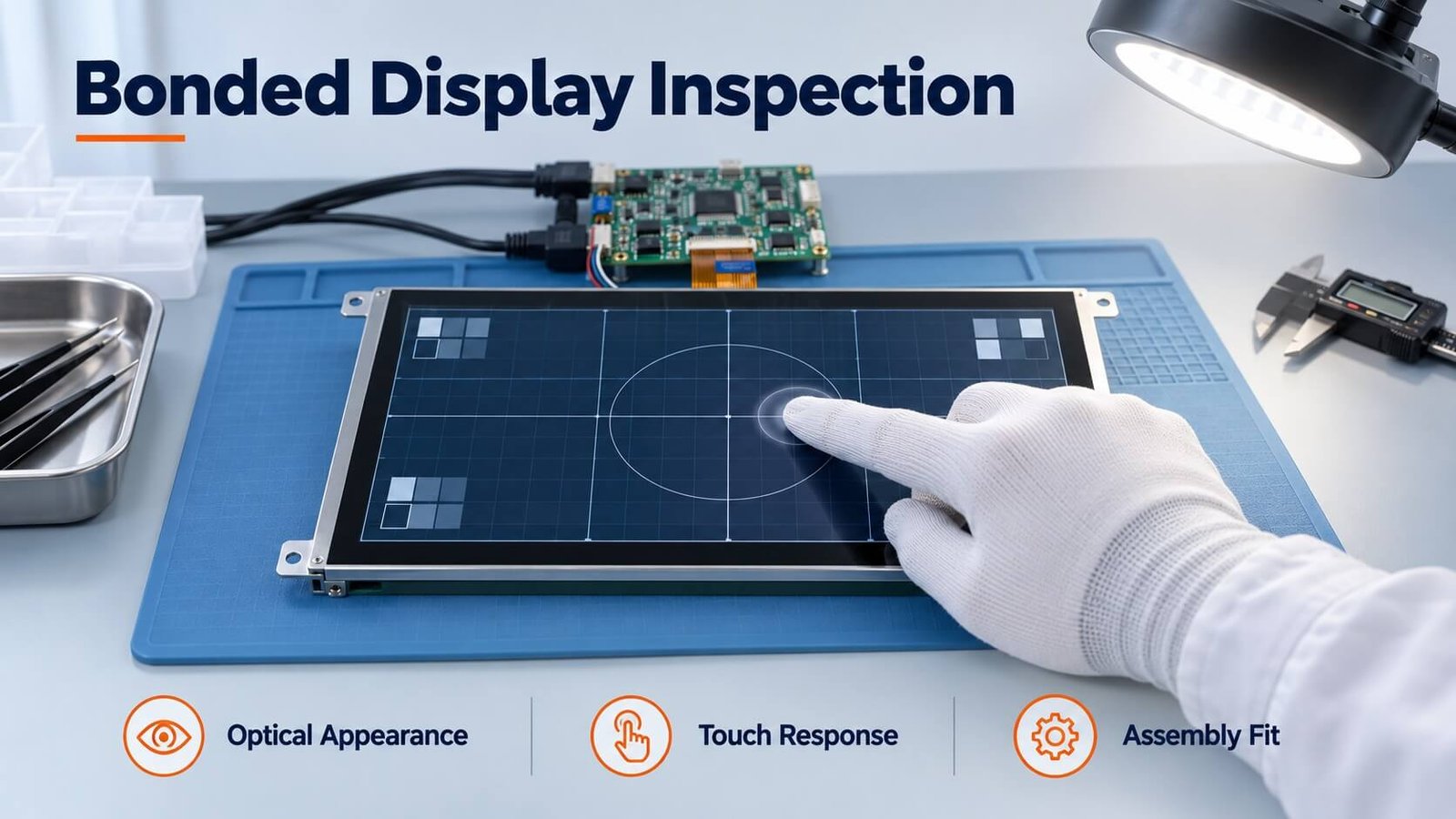
Validate the assembled unit: measure optical appearance and touch function before and after the agreed environmental and mechanical tests. Record the sample quantity, test conditions, recovery period and acceptance criteria. A successful initial lamination does not by itself demonstrate long-term reliability.
12. Frequently Asked Questions
Is optical bonding always better than an air gap?
No. It often improves visibility under ambient light, but adds manufacturing and repair considerations. Choose it when its benefits justify the complete assembly cost and risk.
Does optical bonding make the display waterproof?
No. A filled optical interface is different from a sealed enclosure. Connectors, edges, housing joints and the complete construction need their own protection design and verification.
Is LOCA always cheaper or easier to repair than OCA?
No. Material chemistry, size, equipment, scrap risk and the qualified separation process determine cost and repairability.
Does bonding turn a narrow-view LCD into an IPS display?
No. It can reduce interface reflections but does not change the LCD’s underlying electro-optical mode.
Can I choose a bonding process from the display size alone?
No. Size matters, but substrate compatibility, flatness, ink steps, thermal stress, touch noise and production capability also influence the choice.
Explore Related Display Products
Review bonding alongside the display and enclosure requirements.
High Brightness LCD Displays
Review brightness, reflection control and thermal design as one assembly.
Explore product options →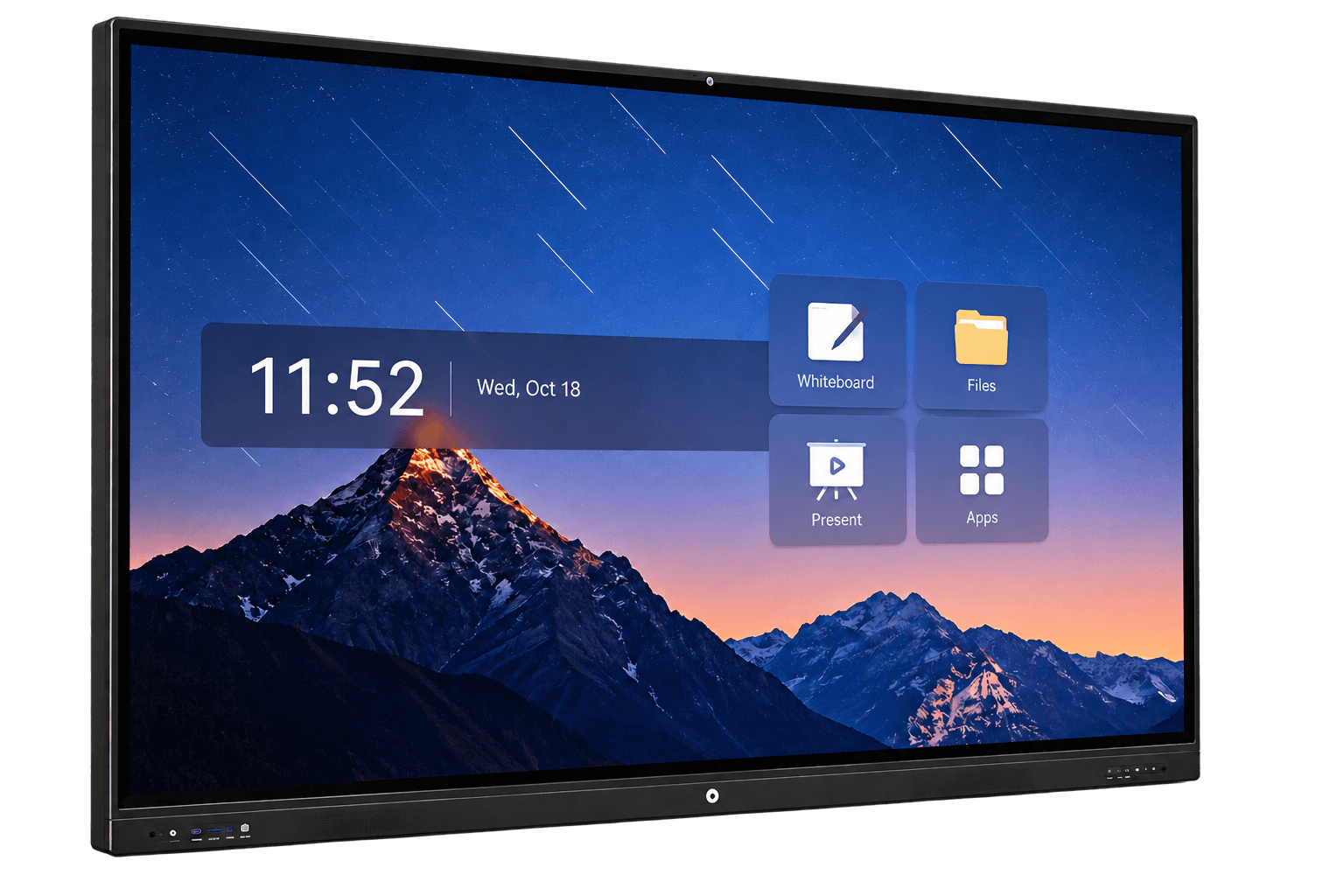
LCD Interactive Flat Panels
Compare large touch-display construction, visibility and maintenance.
Explore product options →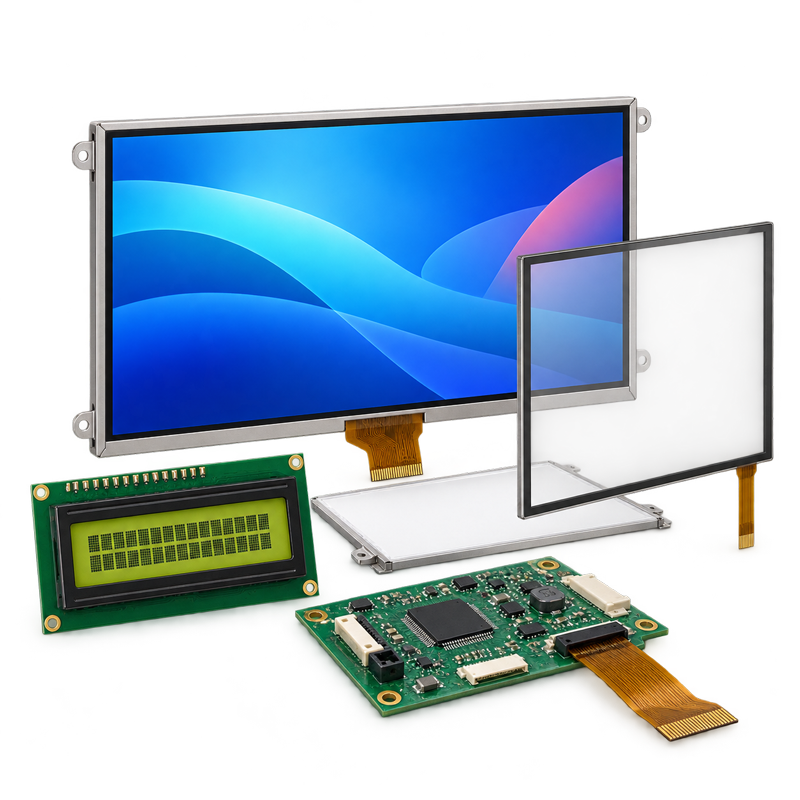
LCD Displays
Start with the display format, module structure and integration requirements.
Explore product options →Project review
Review Your Display Bonding Requirements
Send your display and touch models, stack drawings, cover glass, environment, quantity and service requirements. DisplayMan can review the assembly direction before quotation.
Prefer to open the enquiry form here?
Engineering References
Structure and tolerance examples are preserved from Greg’s original article. Material-specific properties and process windows must follow the selected supplier’s documentation.
3M: optically clear adhesives for displays · Henkel: optical bonding for automotive displays